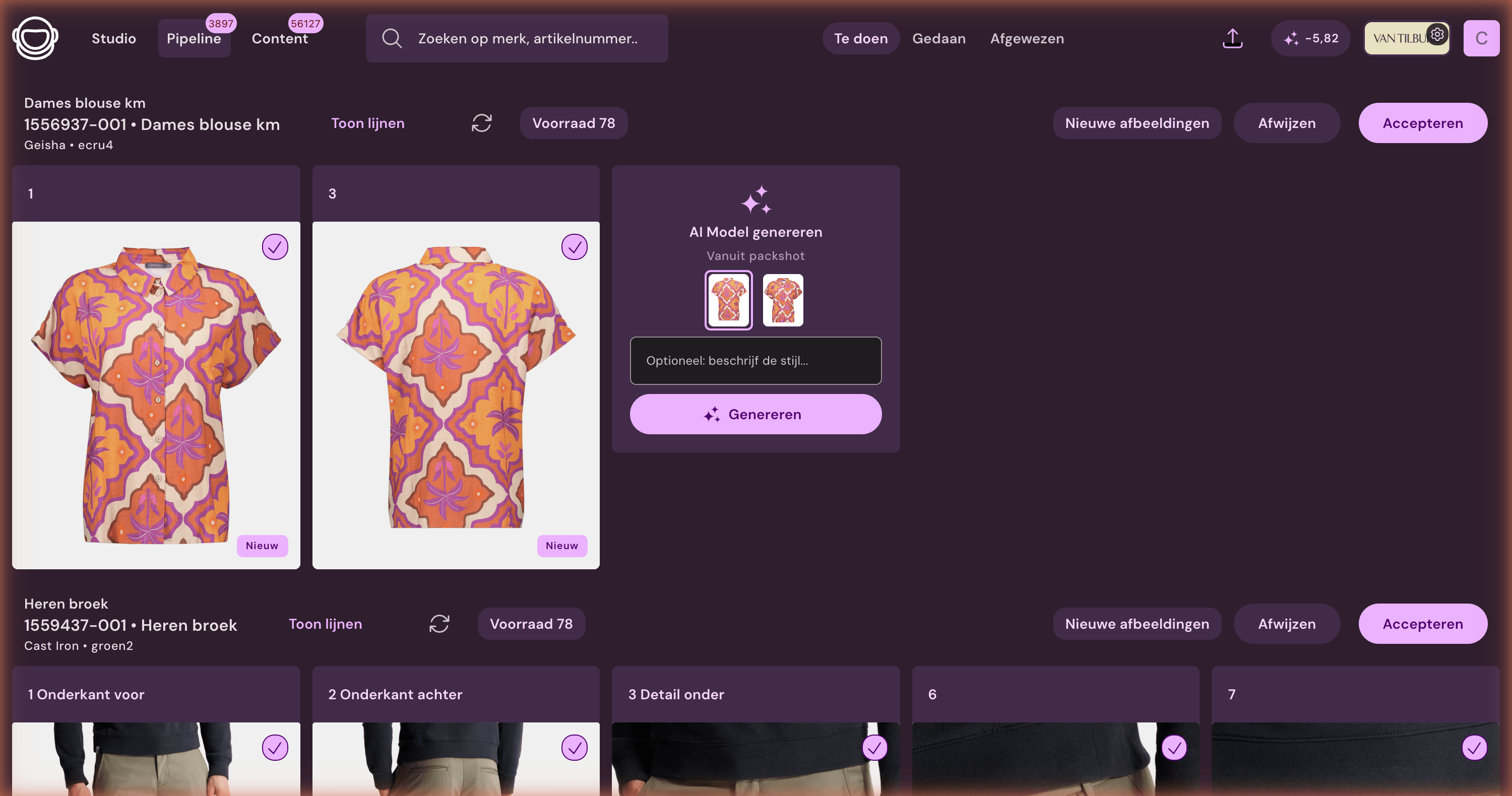
Process real studio photos or create AI model photos from a packshot.
Photopilot works with real studio photos and AI model photography. From a packshot, the platform can create a model photo in your style, with custom settings per item group. Photos from your own studio appear in the same overview.
Choose per AI model image for speed, price, or maximum quality
Photopilot works with a wide range of carefully selected image models. This means you are not tied to one model: for large volumes, choose a fast, cost-effective route, and for campaign or hero images, switch to extra detail and product fidelity.
Most image edits do not cost extra credits Cropping, grid alignment, standard background removal, pipeline shadow, color correction, formats and export are included in the monthly plan.
Generative AI only · via the background queue€0,05 per AI image
Background queue €0.05 per AI image · direct processing from around €0.12
Fast & cost-effective For large volumes via batch processing in the background.Balanced For daily collection images with extra quality space.Maximum precision For hero images, complex fabrics, and important details.
We continue to select the most suitable image models; you only choose the desired balance between speed, price, and quality.
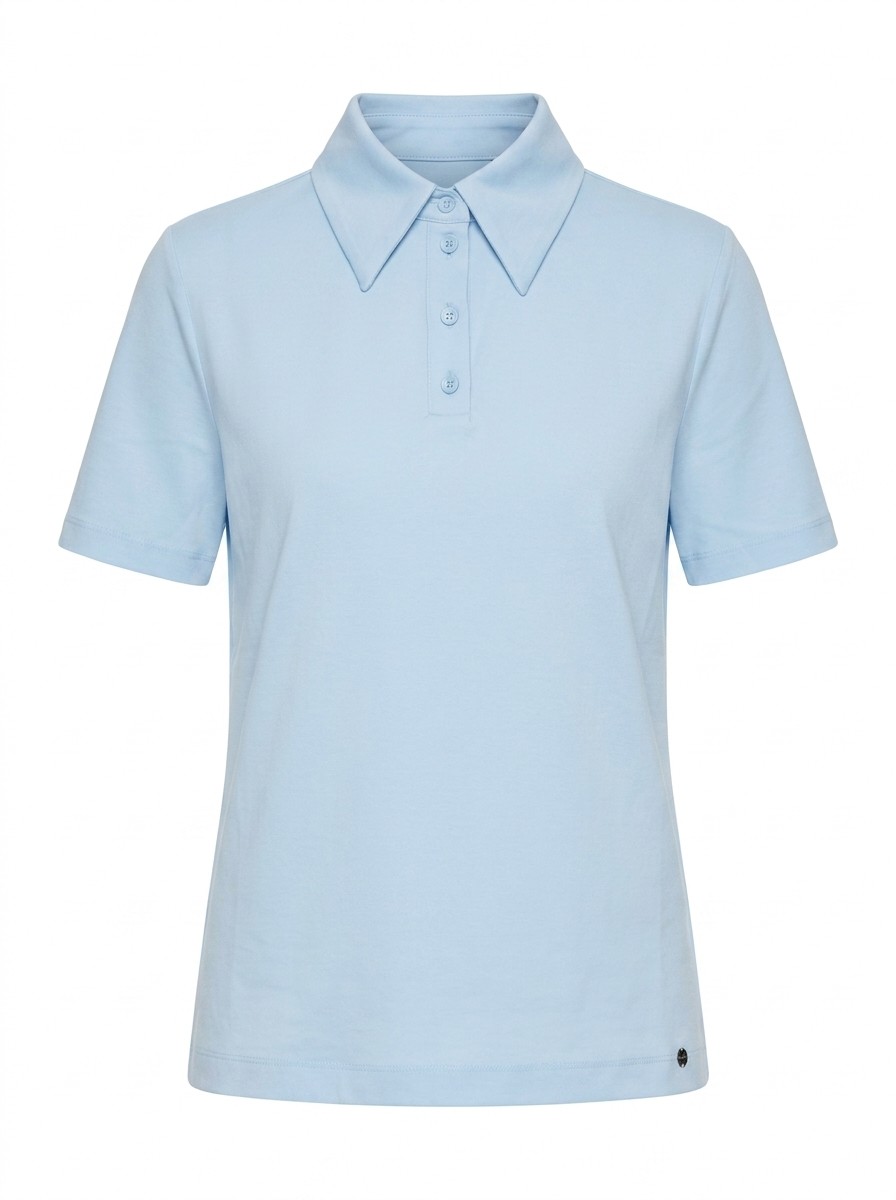
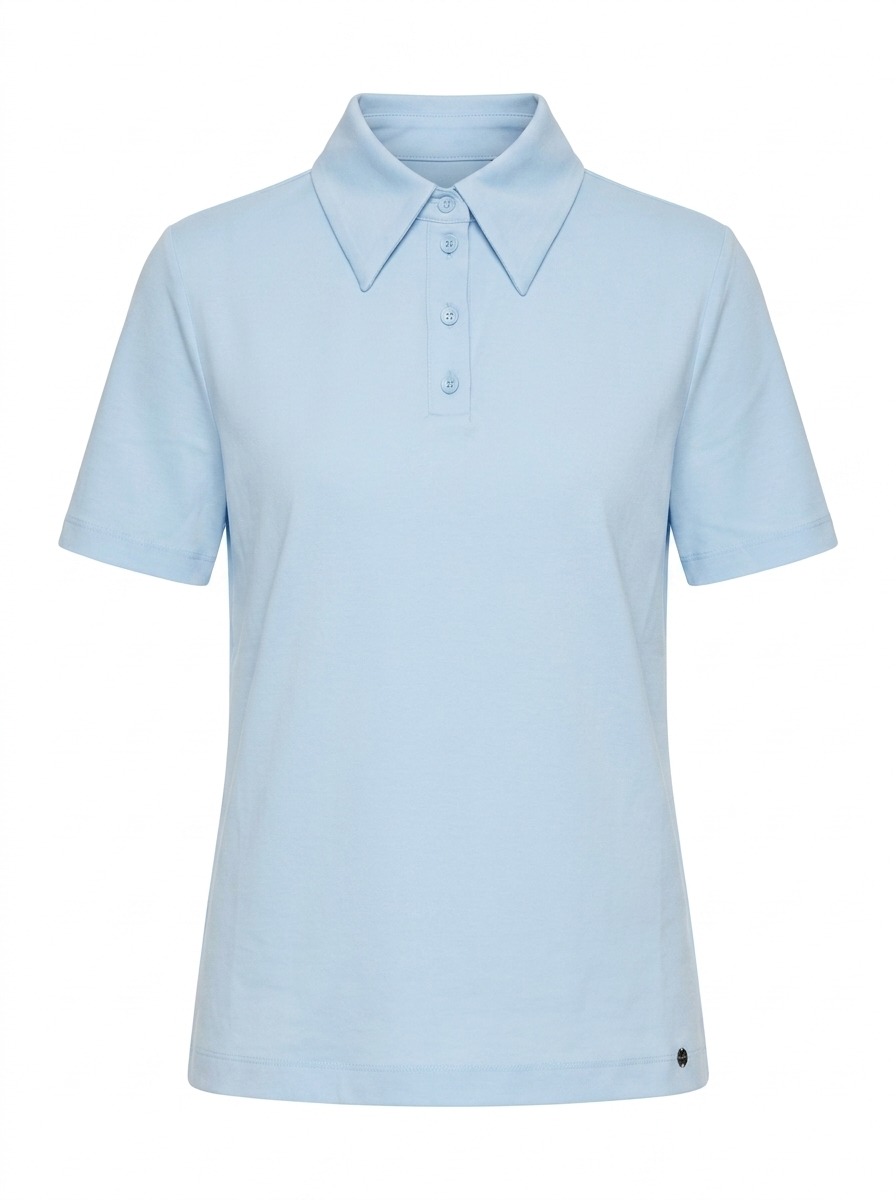
Before · packshot
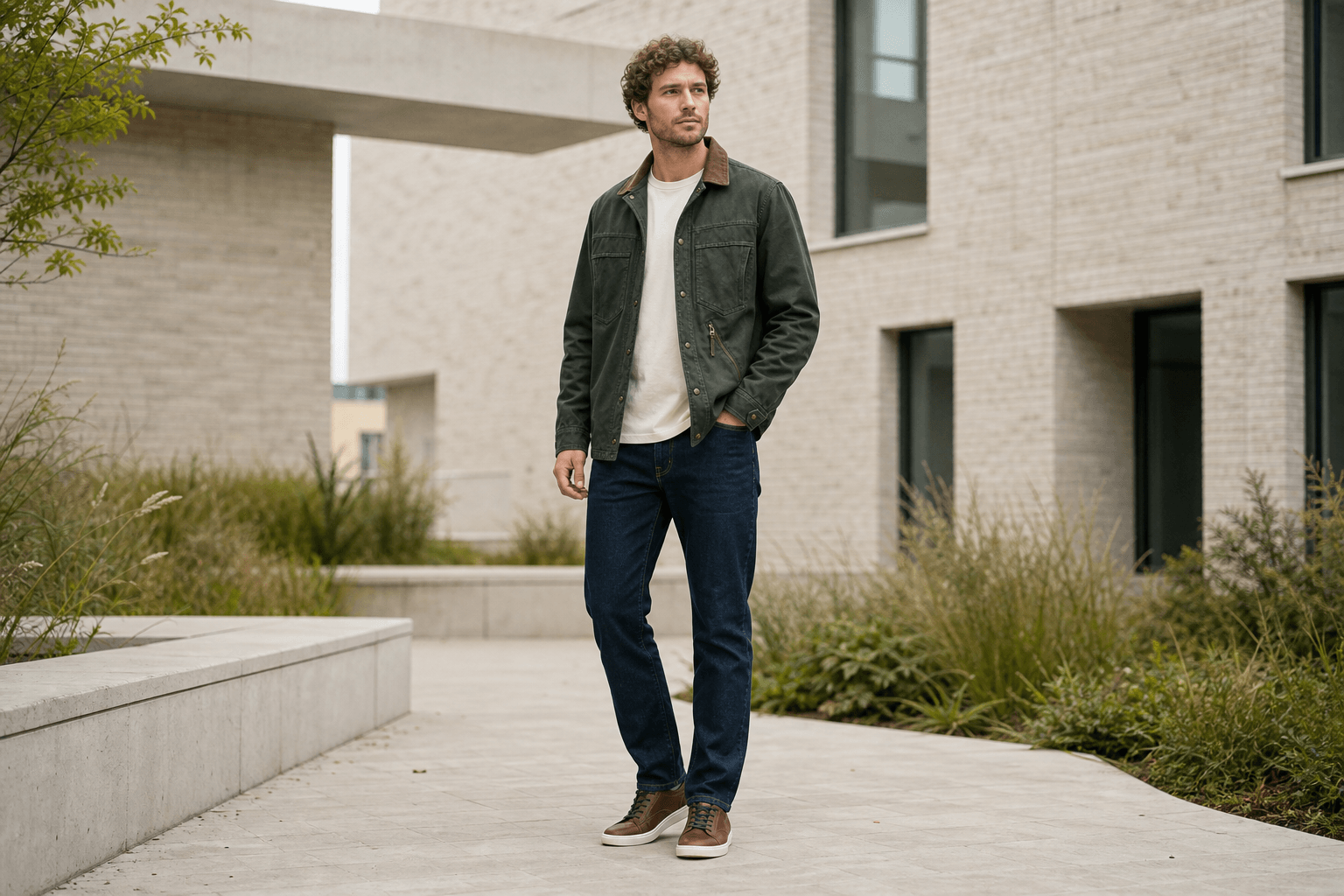
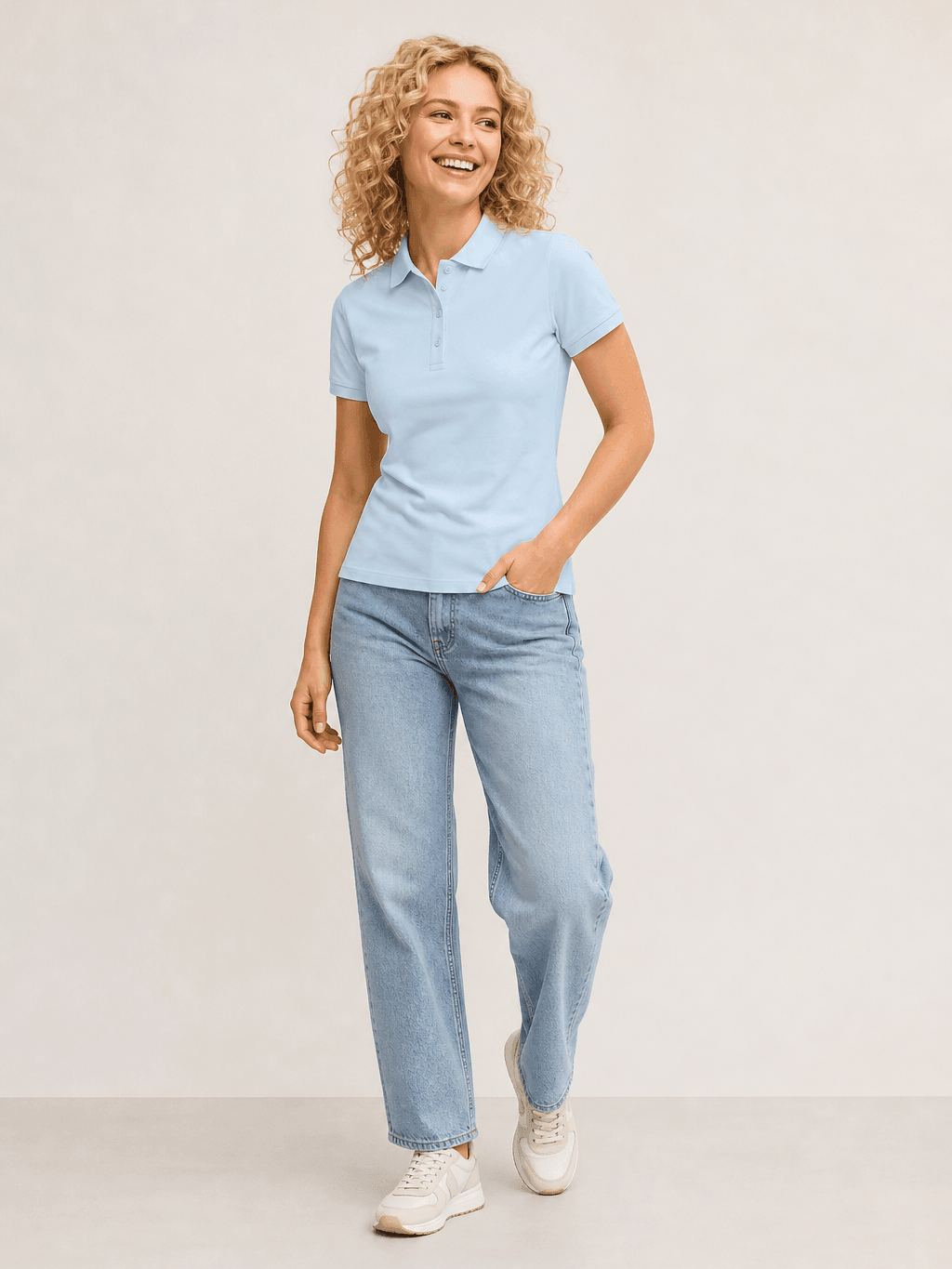
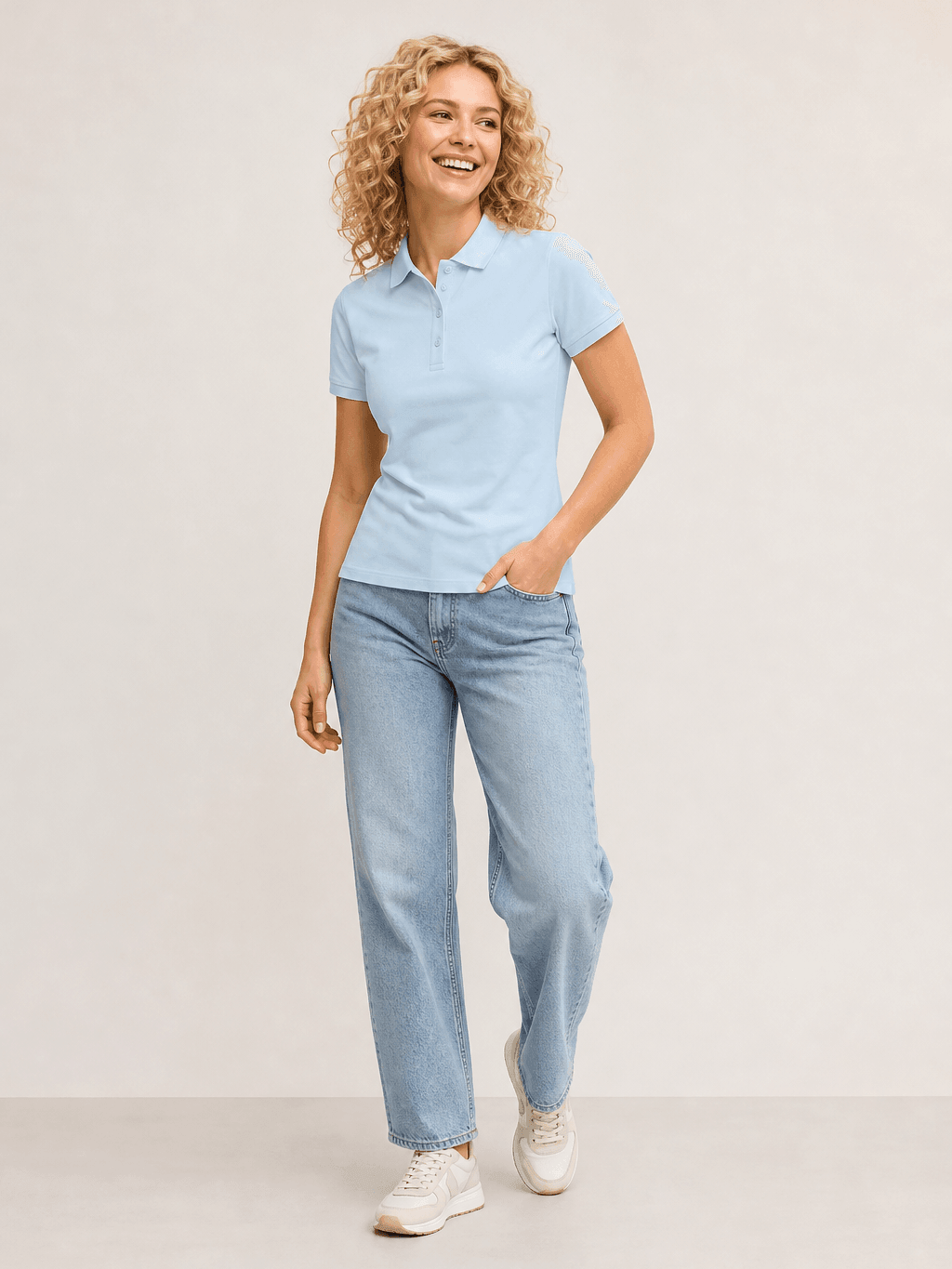
After · AI model image
Real production resultFrom packshot to sales-ready AI model image The final price depends on speed, resolution, and desired precision.
Packshot → AI model
From packshot to model photo
Select a packshot, choose the desired pose, and use AI to create a model photo with the garment worn. Then, the image can automatically proceed or first appear in the optional review.
Tight standing pose, neutral studio background, focus on fit at hip and hem.
Dresses & skirts
Light movement in the fabric, full catwalk pose, shadow showing the fabric's fall.
Jewelry & accessories
Detail shot, tight crop of wrist or neck, plain gray background without distraction.
Tops & shirts
Three-quarter pose, natural shoulder line, front and back in the same set.
A unique style per item group
Each product group has its own logic
Present jeans standing, dresses with movement in the fabric, and jewelry as a detail. Photopilot uses its own settings per item group, so the image fits the garment and your brand.
Category logic
Packshot to model, with rules per article group
Trousers need a different pose than a dress or piece of jewellery. That is why pose, crop and white space follow rules for each product category. The image then follows your publishing rules: automatically when confidence is high, or through an optional review.
PackshotModel output + margins
Article group determines the rules
A polo receives different pose, crop, and margin rules than pants, a dress, or an accessory.
Model style per brand
Per brand, you define which models, backgrounds, poses and light quality fit.
Crop frame with margins
Each photo gets the same margins around the person, so the proportions remain consistent.
Control as a choice
The photo is placed next to the packshot. Per brand or collection, you choose automatic approval or a brief check before publication.
Also for your own studio
Do you have your own studio? Continue working with your existing setup.
Photopilot does not replace your studio. Canon cameras can be directly connected to Photopilot Studio. Photos from Profoto, OrbitVu, and Capture One can also be automatically imported. Everything appears in the same selection overview and follows the same editing, approval, and publication process.
The difference lies in what happens immediately after the shot: each photo is linked to an article, color, set, or look. Photopilot can automatically execute existing Photoshop actions or AI edits and uses the same data to prepare Shop the Look, sets, and cross-sells for the webshop.
Brand rules, model variation, front and back sets, and publication to your webshop.
Swipe for more capabilities
Back and forth
From model to packshot and from packshot to model
Do you only have model photos? We generate packshots for you. Do you only have packshots? We let an AI model wear them. Whatever input you provide, your product page will contain both.
Brand rules
In your own house style
Determine per brand which backgrounds, poses, and light quality fit. The AI follows these rules per product group, ensuring consistency across seasons.
Diversity
Model variation matching your collection
Choose a fixed cast or let the AI vary model type, styling, and visual style. This keeps the presentation recognizable for your brand and aligned with your collection.
Front + back as a set
A complete set per item
Front and back of the same item are generated in the same session. This keeps model photo, packshot, and article information consistent alongside each other.
Real shoots, also welcome
AI does not replace your studio
Do you prefer real photographers and models? Photopilot Studio connects with Canon. Profoto, OrbitVu, and Capture One can be included via your own studio output. Real shoots and AI models then follow the same editing and publication flow.
Directly publish
Publish automatically or after review
Model photos go via automatic approval or a chosen control step directly to Shopware, Shopify, Scayle, or FTP.
Frequently Asked Questions
How does Photopilot create an AI model photo from a packshot?
You select a packshot and choose the desired pose. The AI generates a model photo in your style, with its own settings per article group and brand.
Does AI model photography replace our own studio?
No. Photopilot Studio connects with Canon, and photos from Profoto, OrbitVu, and Capture One come along. Real shoots and AI models follow the same editing and publishing flow.
Do I have to review every AI model photo before publishing?
No. The photo appears next to the packshot, and per brand or collection you choose automatic approval or a quick review. The image then goes to Shopware, Shopify, Scayle, or FTP.