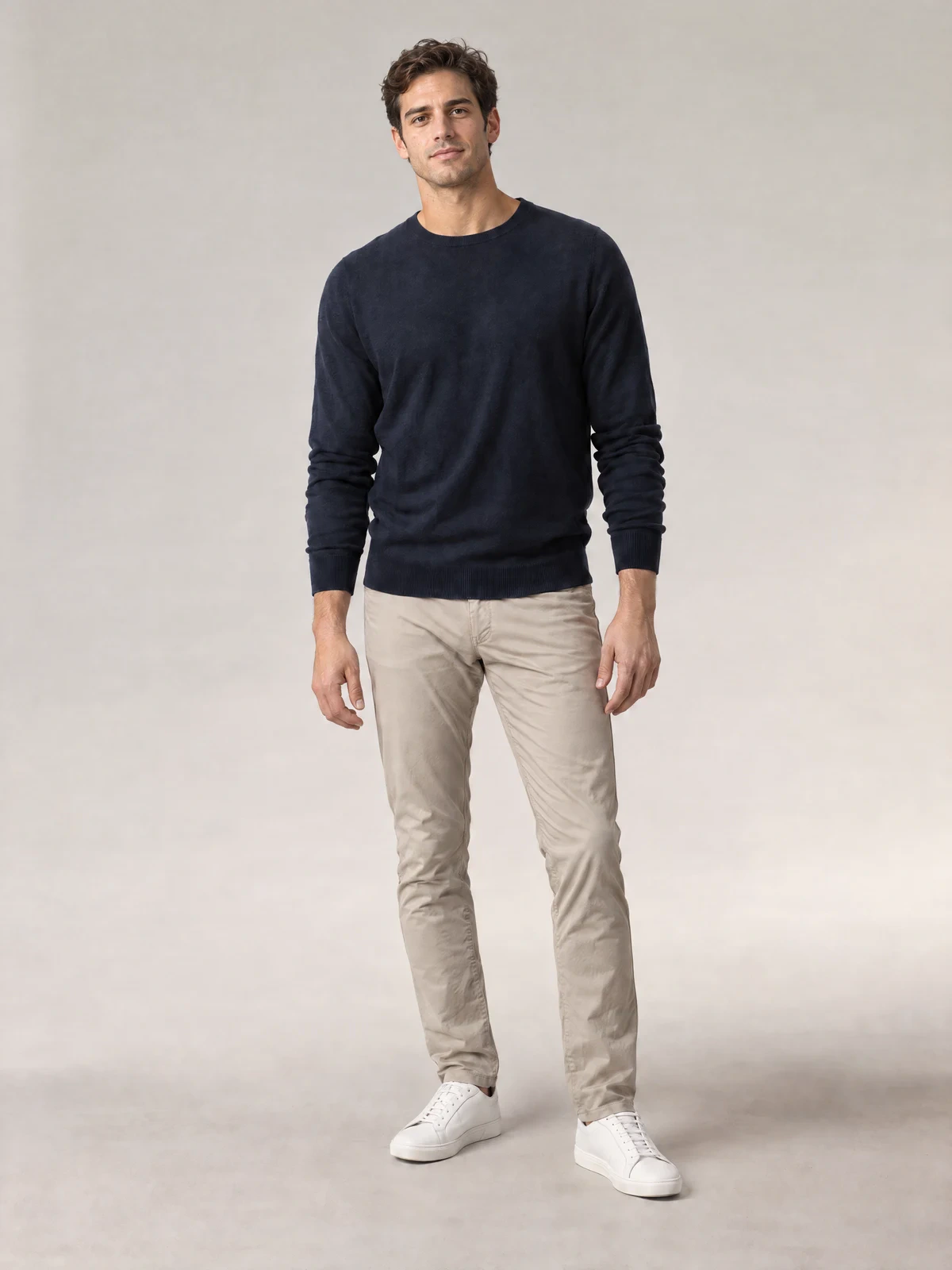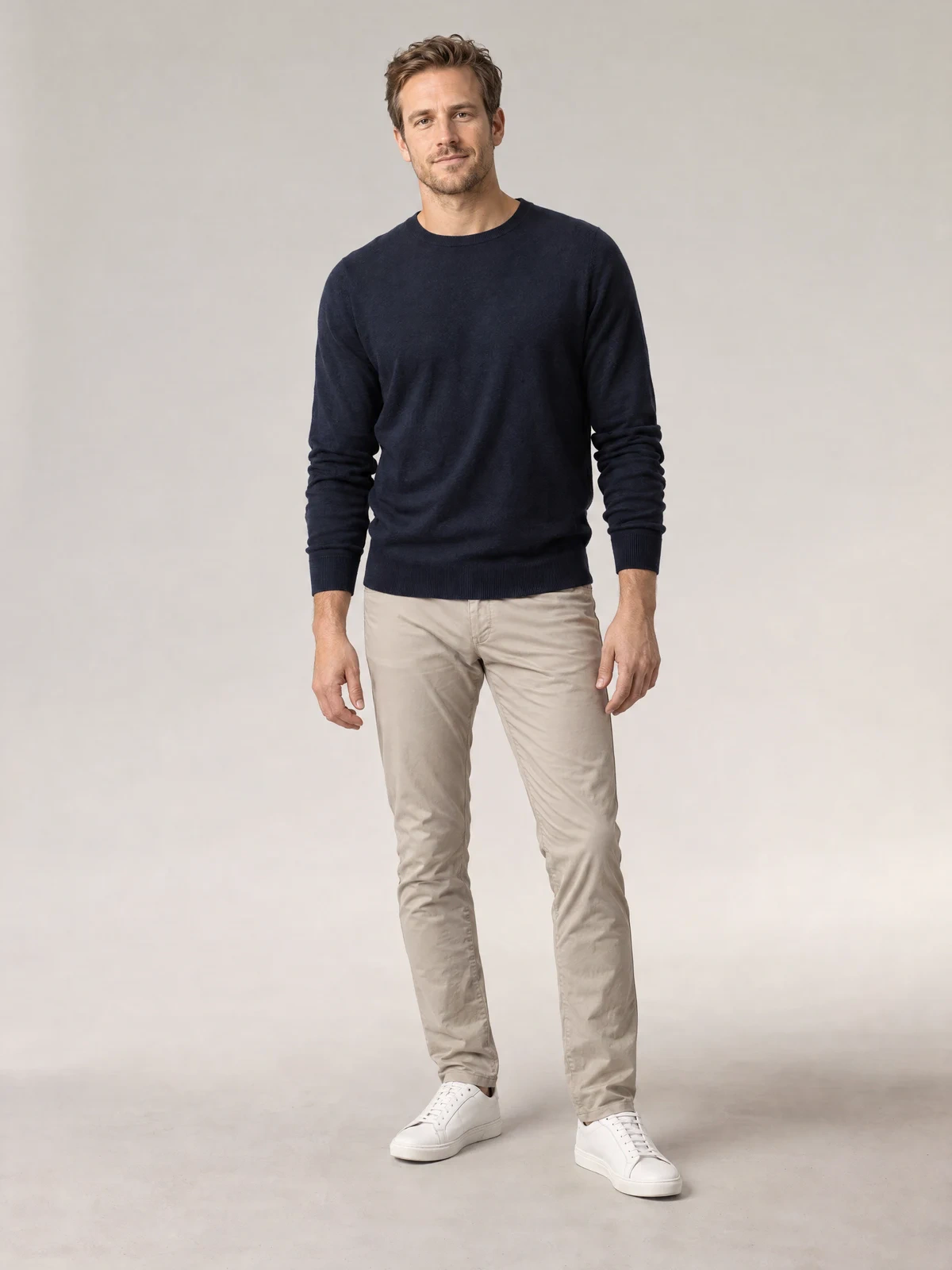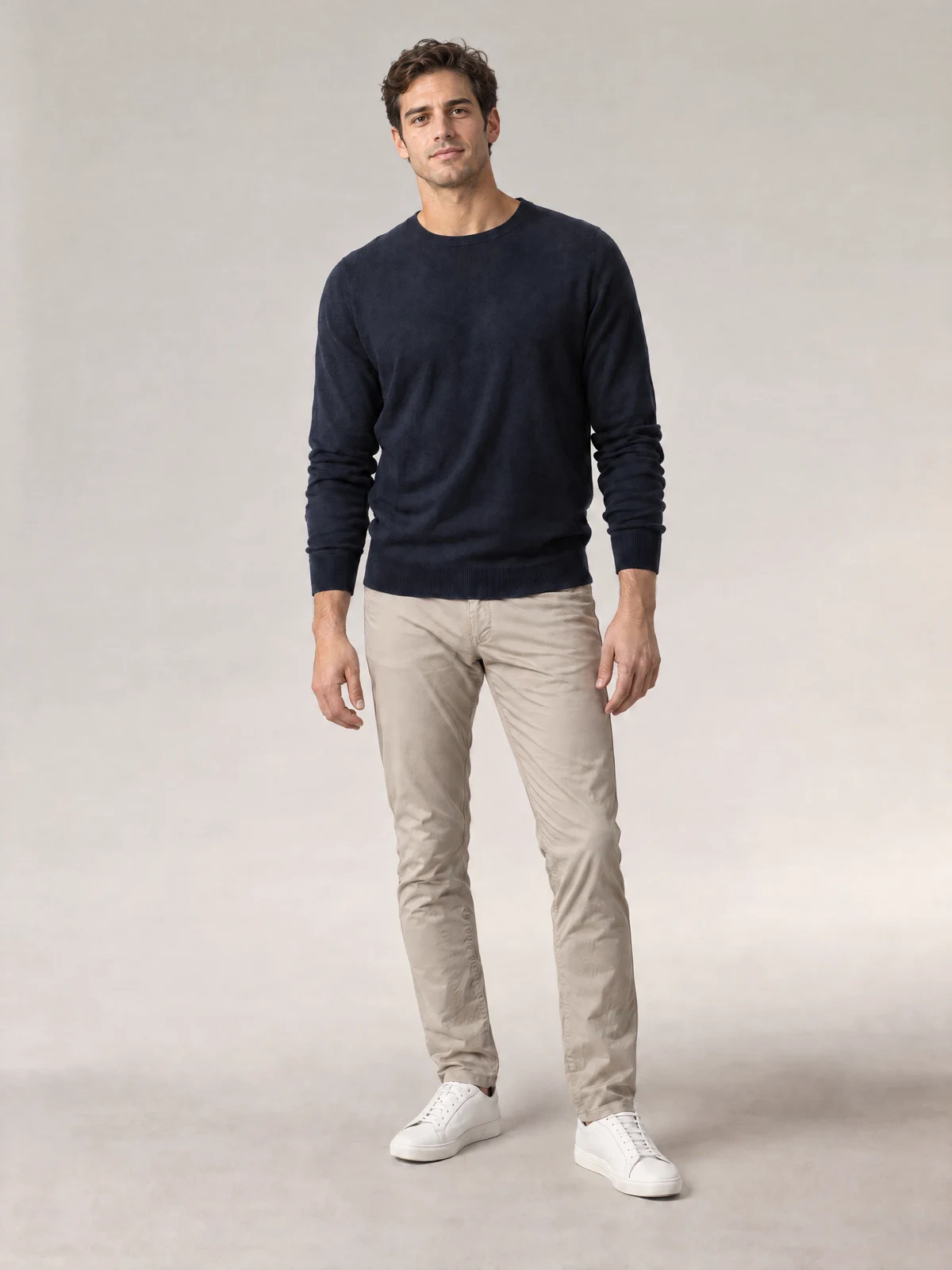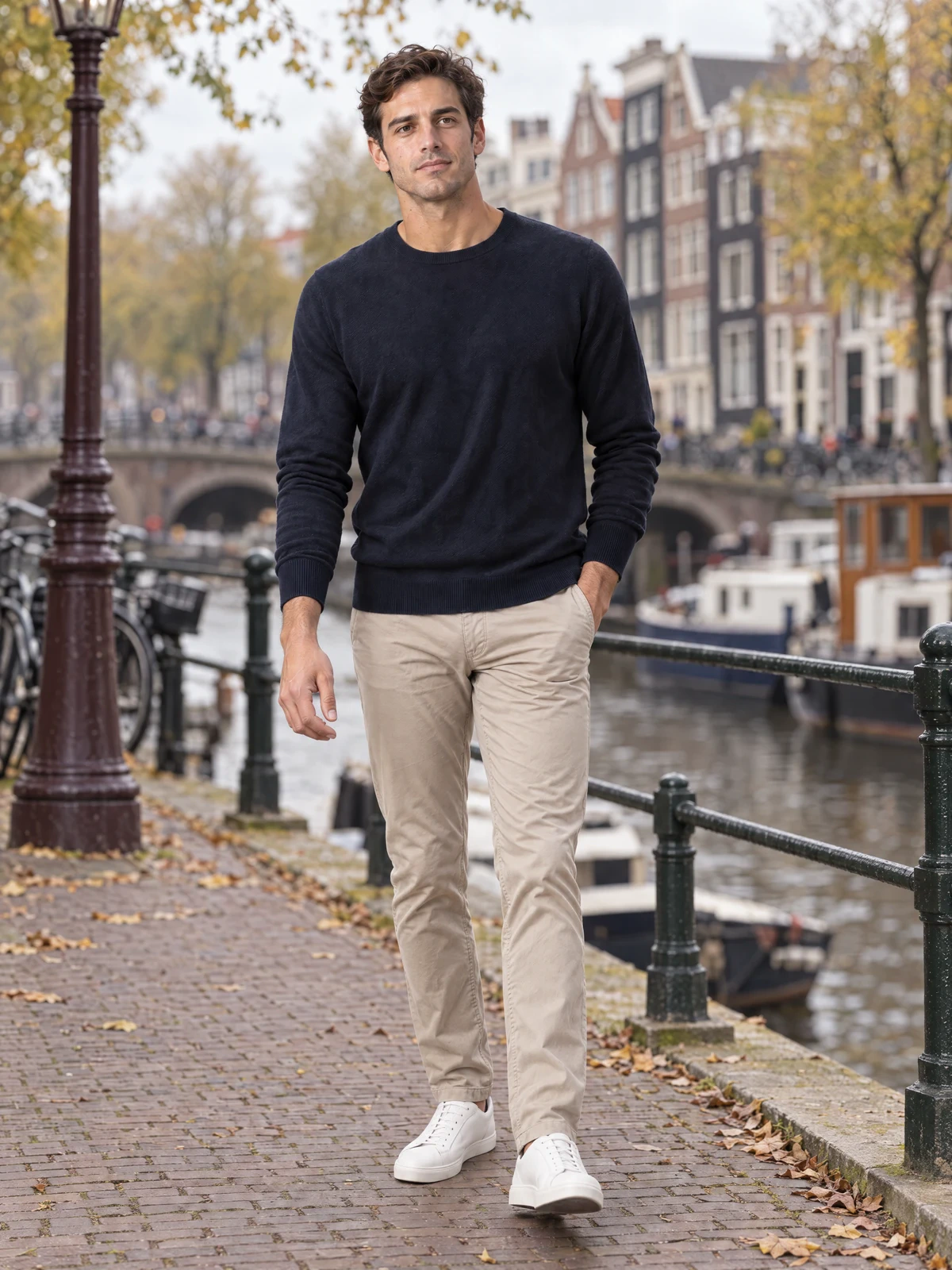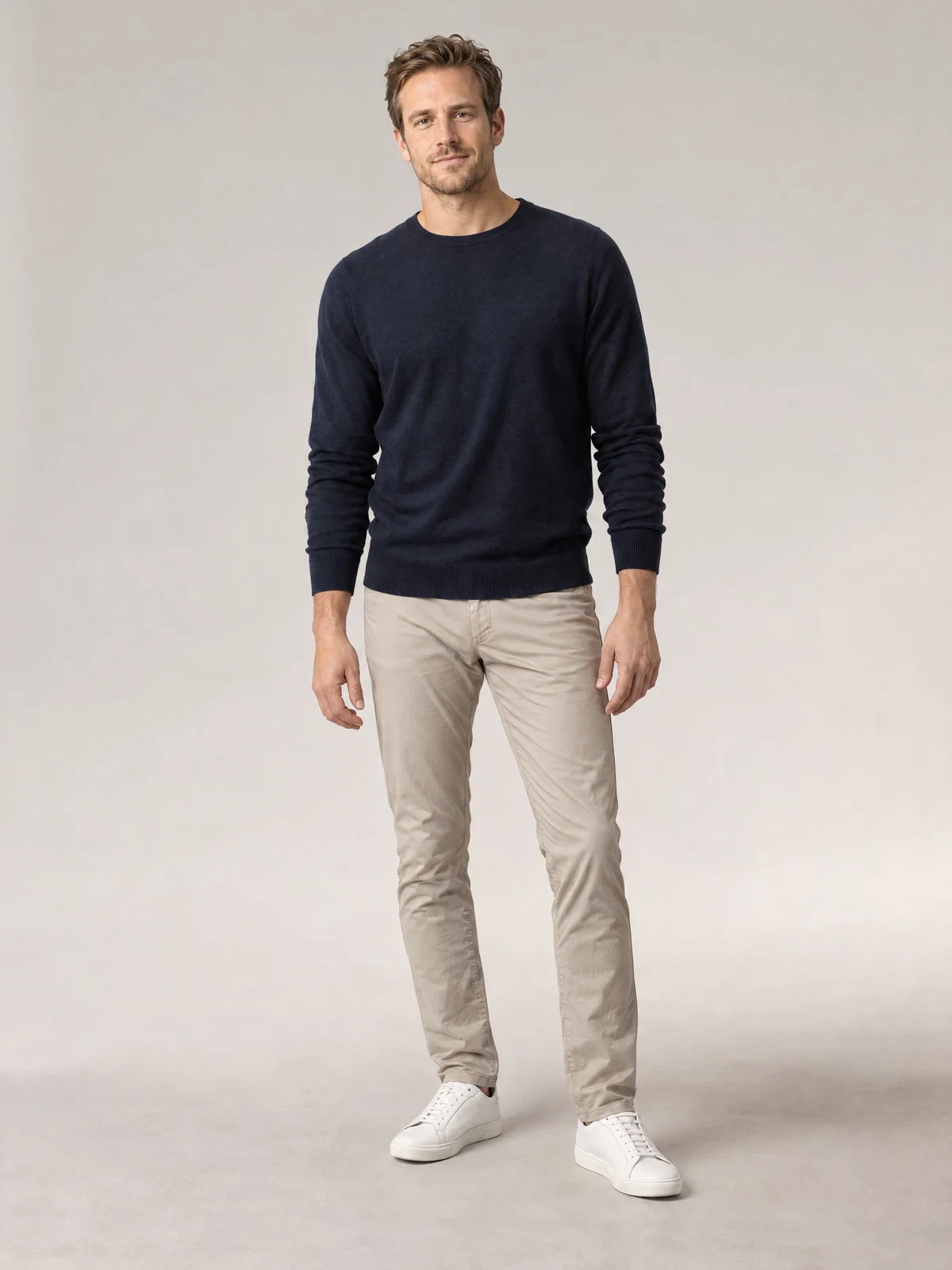
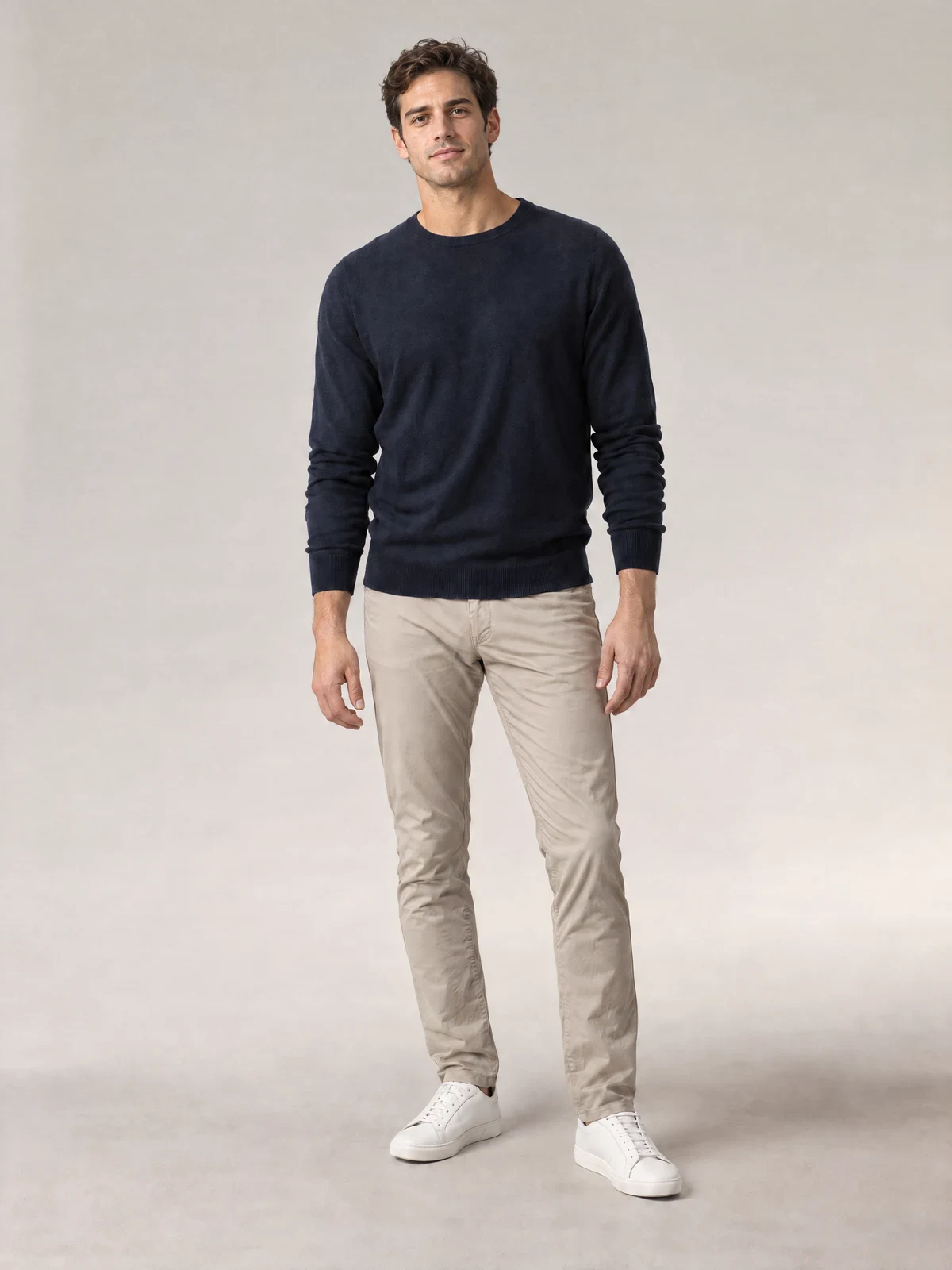
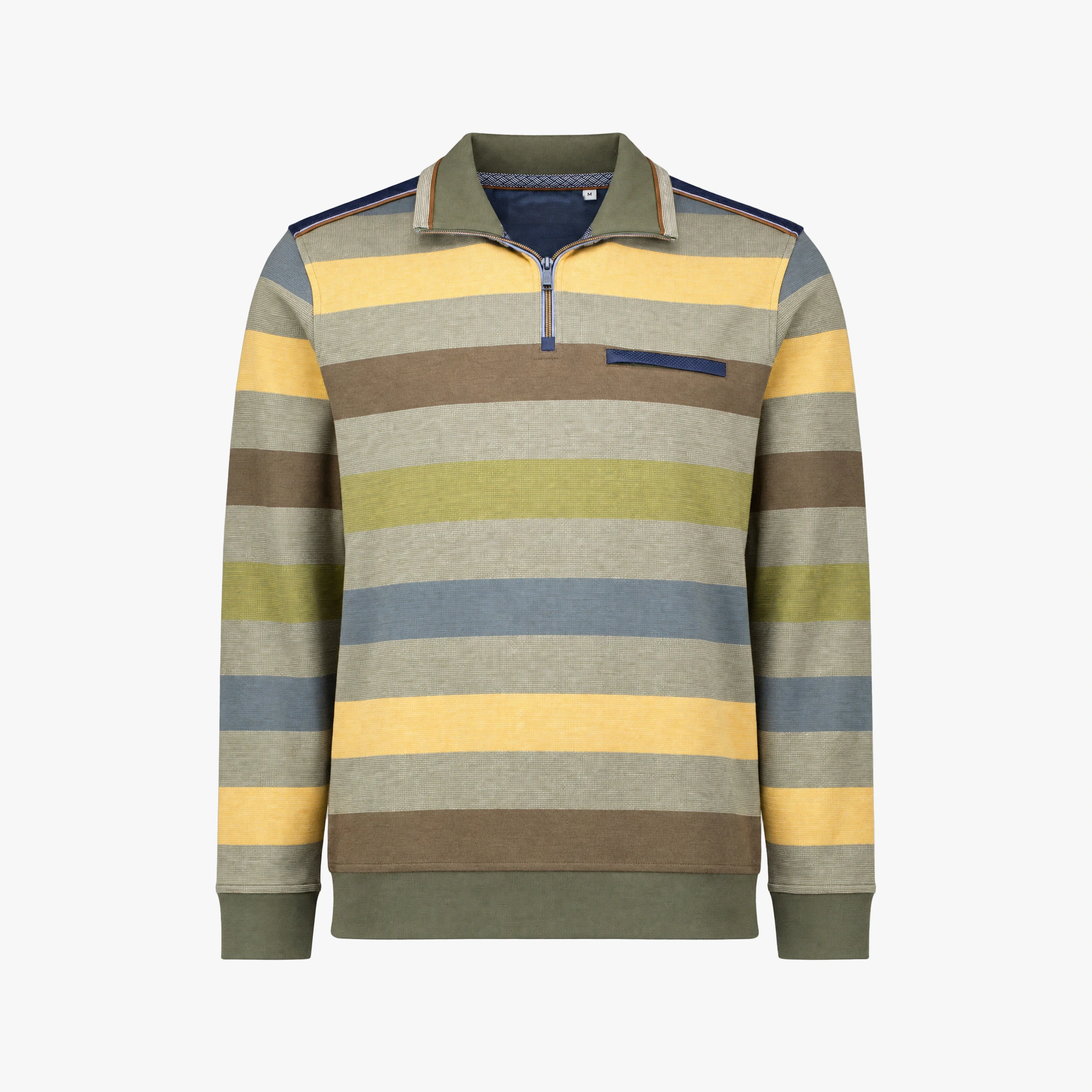
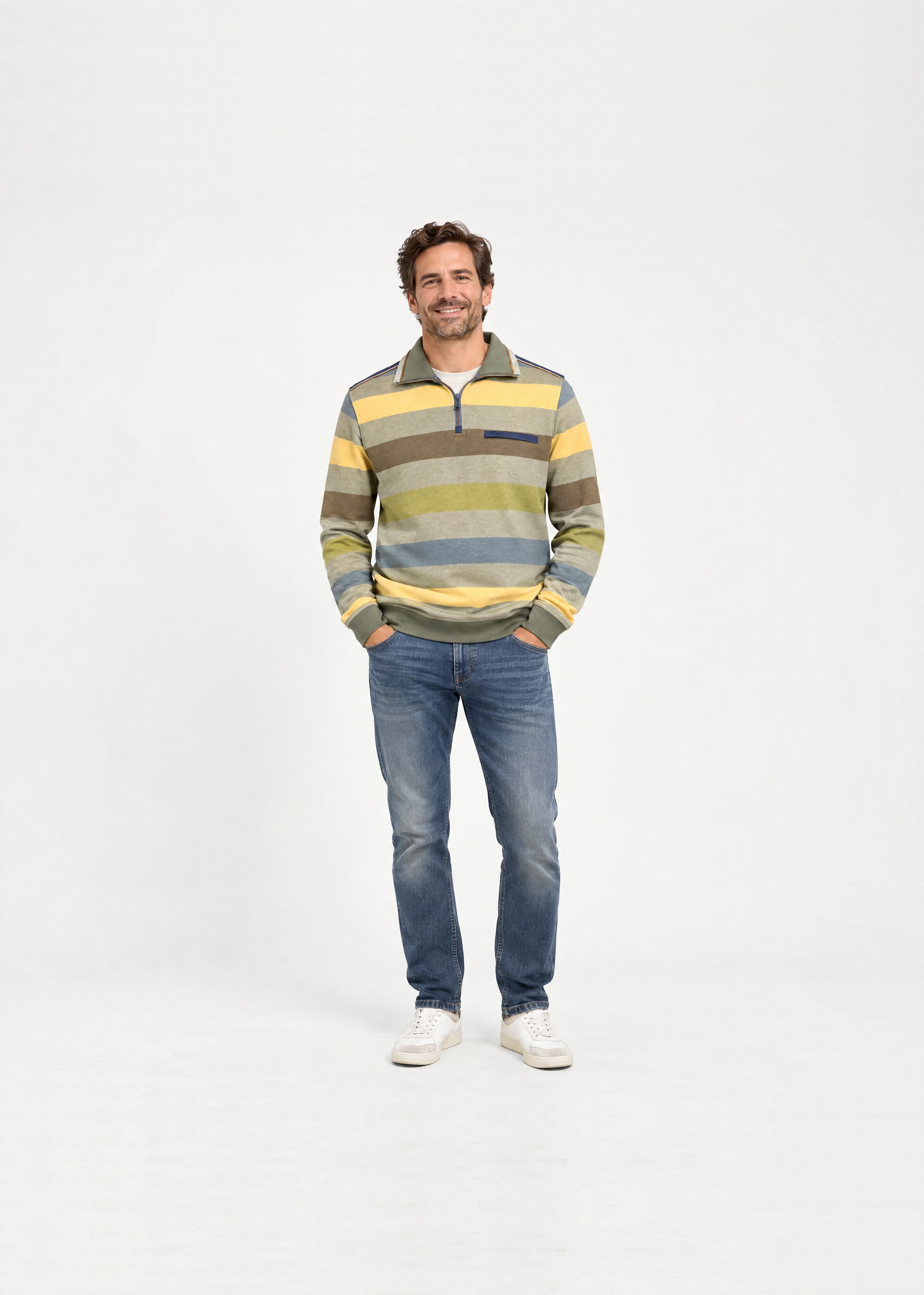
The Real Fit. Your Fixed AI Model.
Photograph a garment once in the correct size. Photopilot retains posture, length, and fabric drape and only replaces the person with your fixed AI house model.
- Fit based on a real photo
- A fixed house model, fully generated with AI
- One staff member can make the capture


Directly from the packshot or preserving the true fit
For many garments, a good packshot is sufficient. If length, proportions, or drape must be exact, use a real fit photo as a basis.
Packshot → AI model image
For many regular garments
Create consistent model images directly from existing packshots. Useful for quickly supplementing missing photos and large collections.
- No extra shoot with a model
- Quickly create many variants
- Always the same AI house model
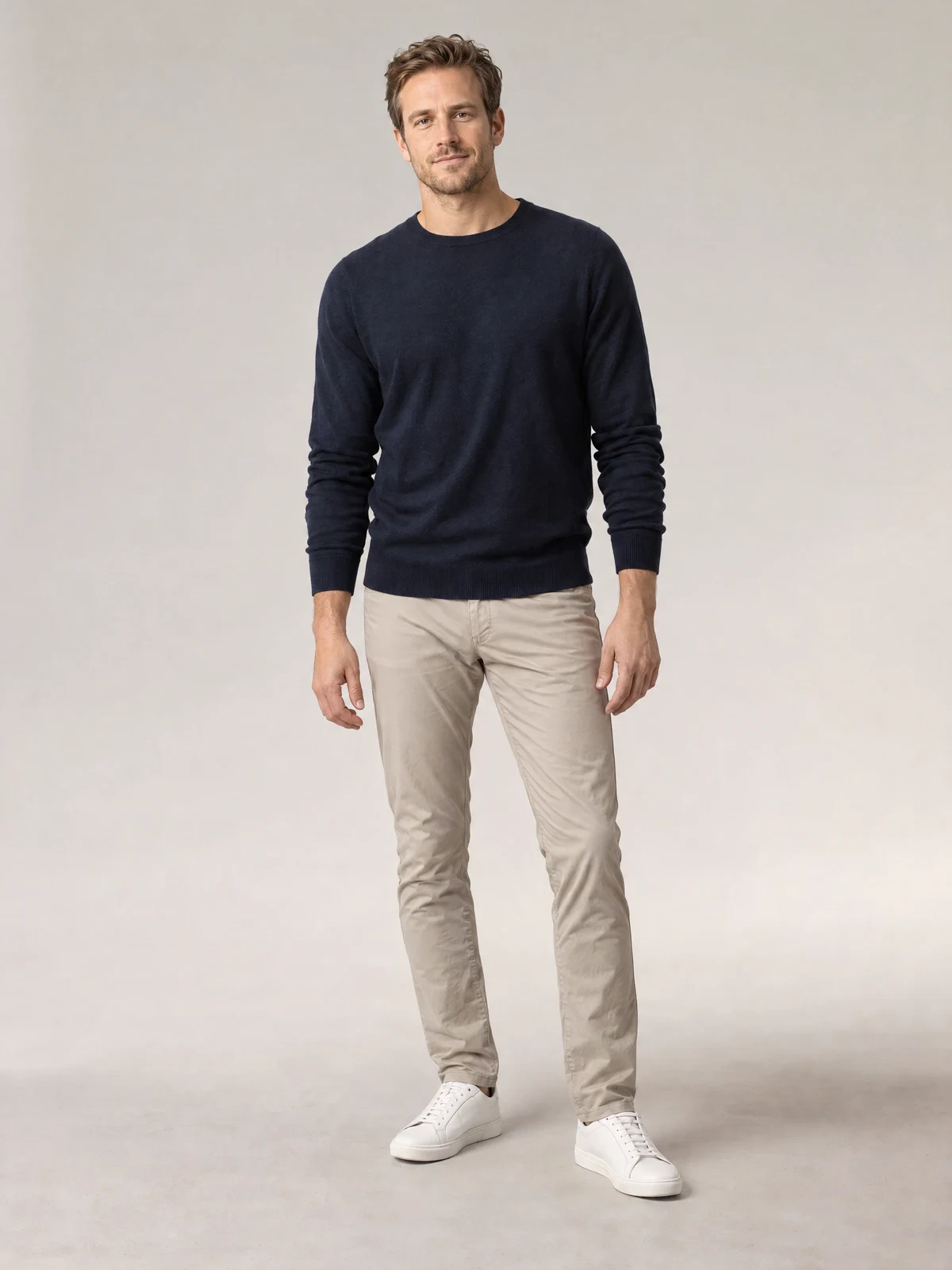
Real capture → AI house model
When length and drape must be correct
Photograph the garment in the correct size. Photopilot takes over pose, proportions, and fabric drape and only swaps the person.
- Photograph with an available colleague
- The Real Fit Remains
- The result uses your fixed AI house model
Which route works best depends on the garment, the source image, and the desired style. Therefore, each result remains verifiable before publication.
Model swapped. Fit unchanged.
The real photo remains the source for posture, product length, proportions, and fabric folds. Photopilot only replaces the person with the fixed AI house model.
- The same seams, buttons, and fabric folds
- Same Posture, Length, and Proportions
- The same AI house model in every image


Capture, swap, and continue
Scan item and size, take one fit photo, and proceed with the next garment. Photopilot automatically changes the model in the background.
Scan item and size
After the scan, item, size, and image settings are immediately ready.
Take the fit photo
One capture records the real length, proportions, posture, and fabric drape.
Photopilot changes the model
Your fixed AI house model appears automatically, retaining the photographed fit.
Size guarantee aligns with your regular studio
The real fit photo remains the starting point. Then, for each garment, choose normal processing, Model Swap, or Size Guarantee, without a separate image process alongside the studio.
Real photography remains the foundation
Work with your own photographer, models, lighting, and studio setup. Connect Canon directly or let images from existing studio software come in automatically.
Keep the photo, swap the model
Use an existing studio or location photo and replace only the person with your fixed AI house model. Clothing, pose, lighting, and environment remain unchanged.
Work from the camera or with the mobile app
Both apps link the shot directly to the correct item. Choose the operation that suits the type of image you are creating.
Photopilot Studio for the connected camera
Scan item and size, photograph with a connected Canon camera, and see each shot appear directly with the correct item.
Flat lays, labels, and details directly with the item
Scan an item on the studio floor and photograph a flat lay, care label, or detail with the mobile app. The image is stored in the same product file.