Choose per AI model image: Standard, Precision, or Precision+
Always the latest image models: Standard for volume, Precision+ for hero images.
€0,05starting price per queued AI image Immediate processing from approximately €0.12. The final price depends on speed, resolution, and desired precision.
Standard Recommended for model photos and large volumes.
Precision More product fidelity and fit.
Precision+ Highest detail, for hero and detail shots.
Cropping, templates, standard background removal, shadow, color, and export are included in the monthly plan.
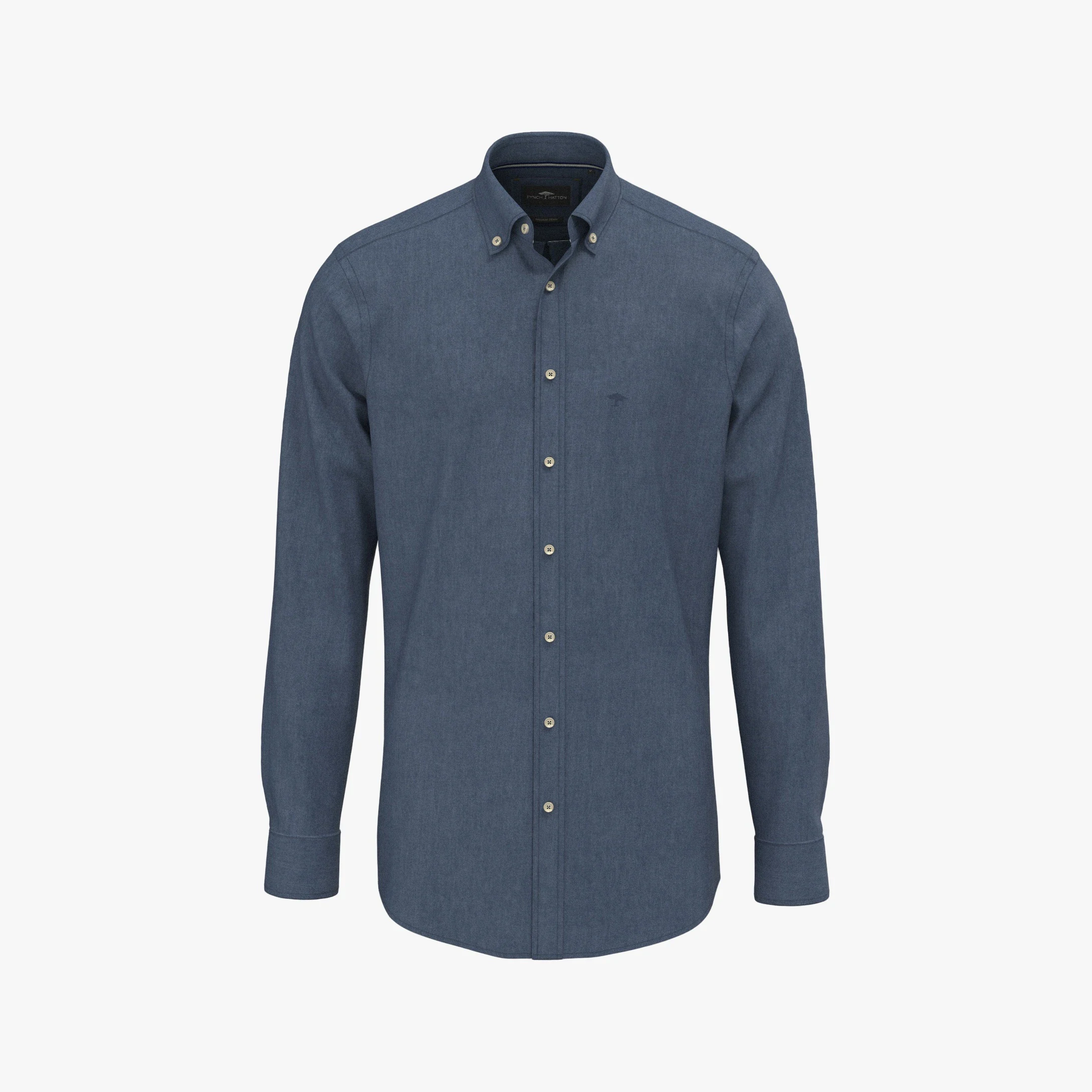
Before · packshot
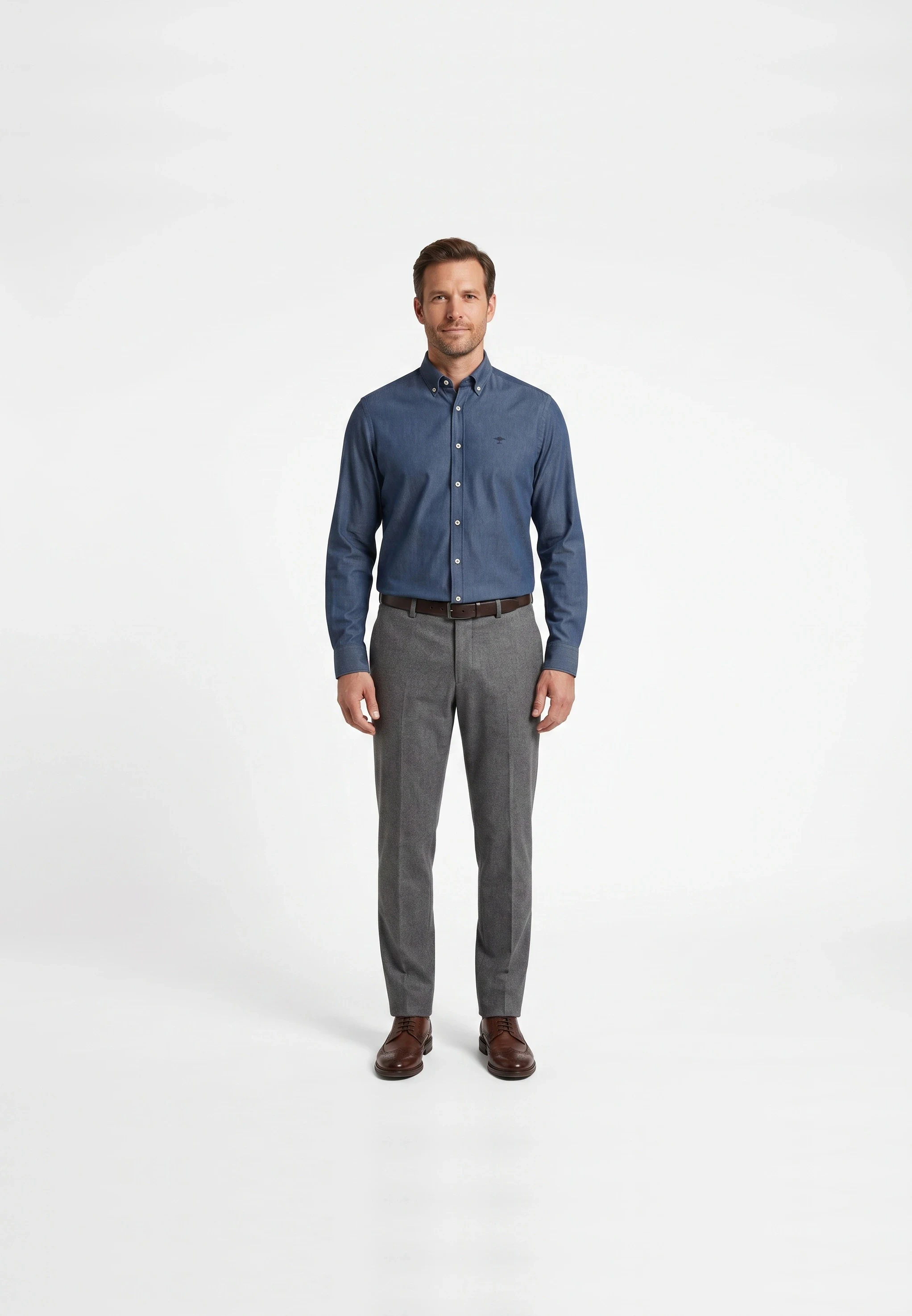
After · AI model image
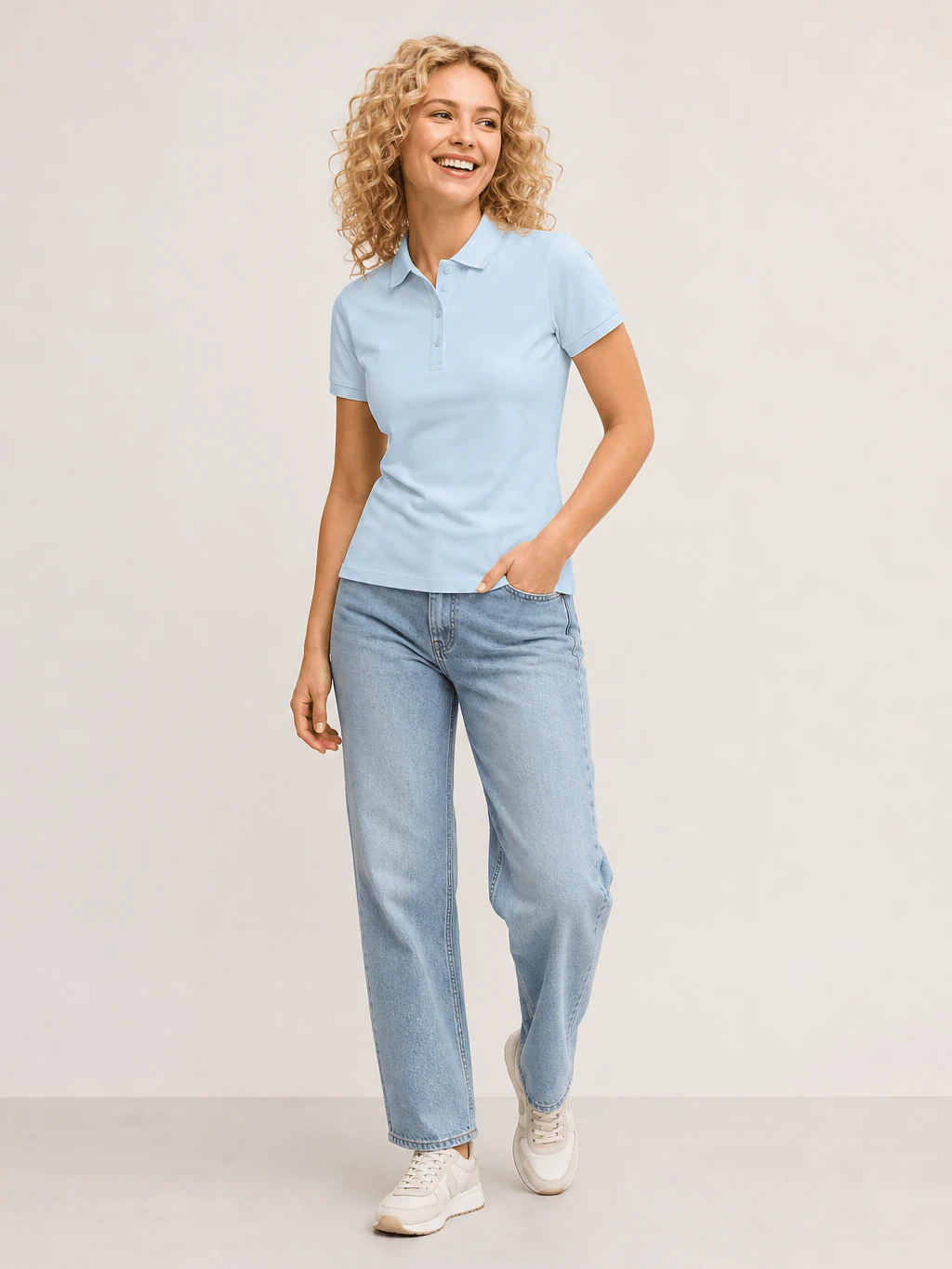
Real production resultFrom packshot to sales-ready AI model image
Truly from production
In actual size, measured per image.
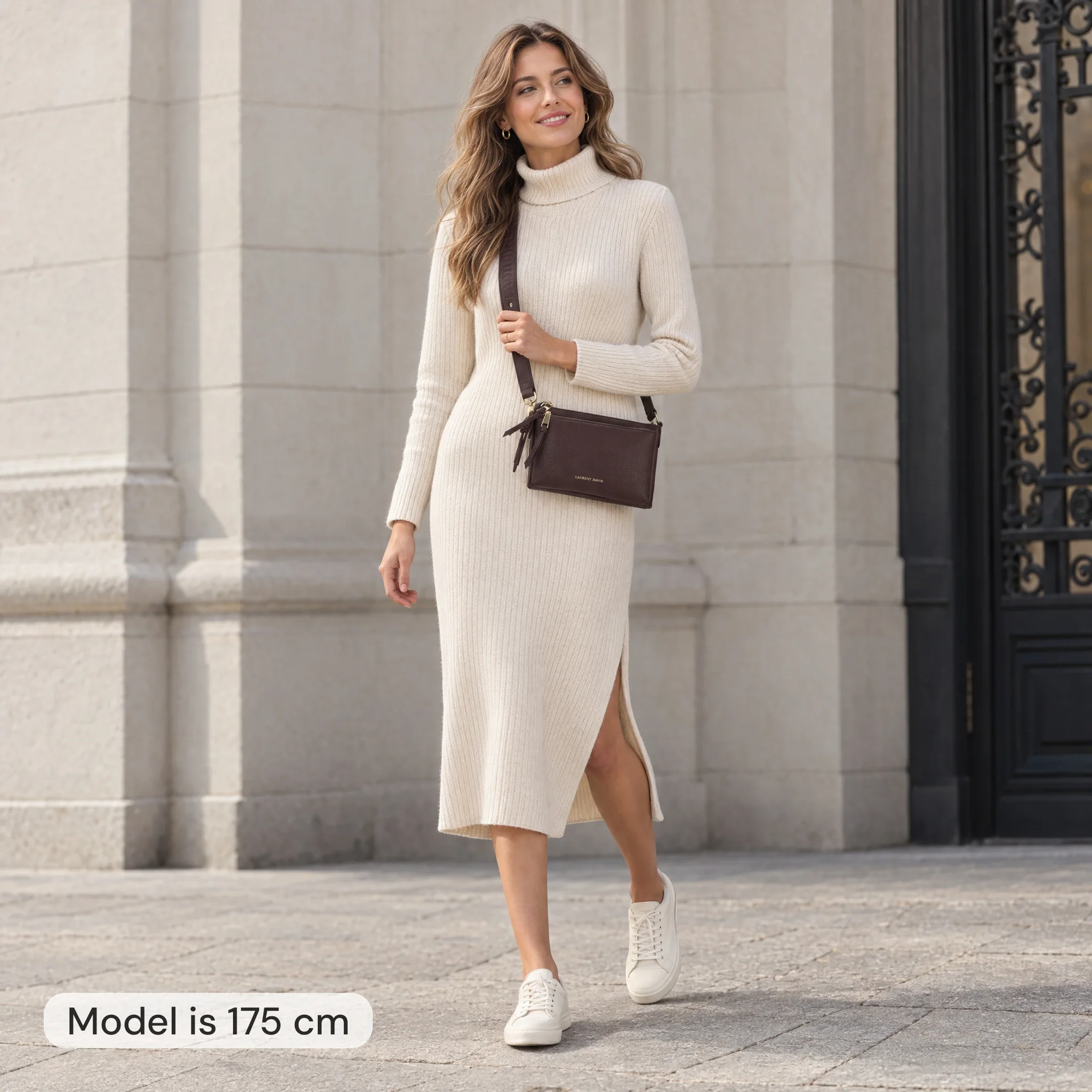
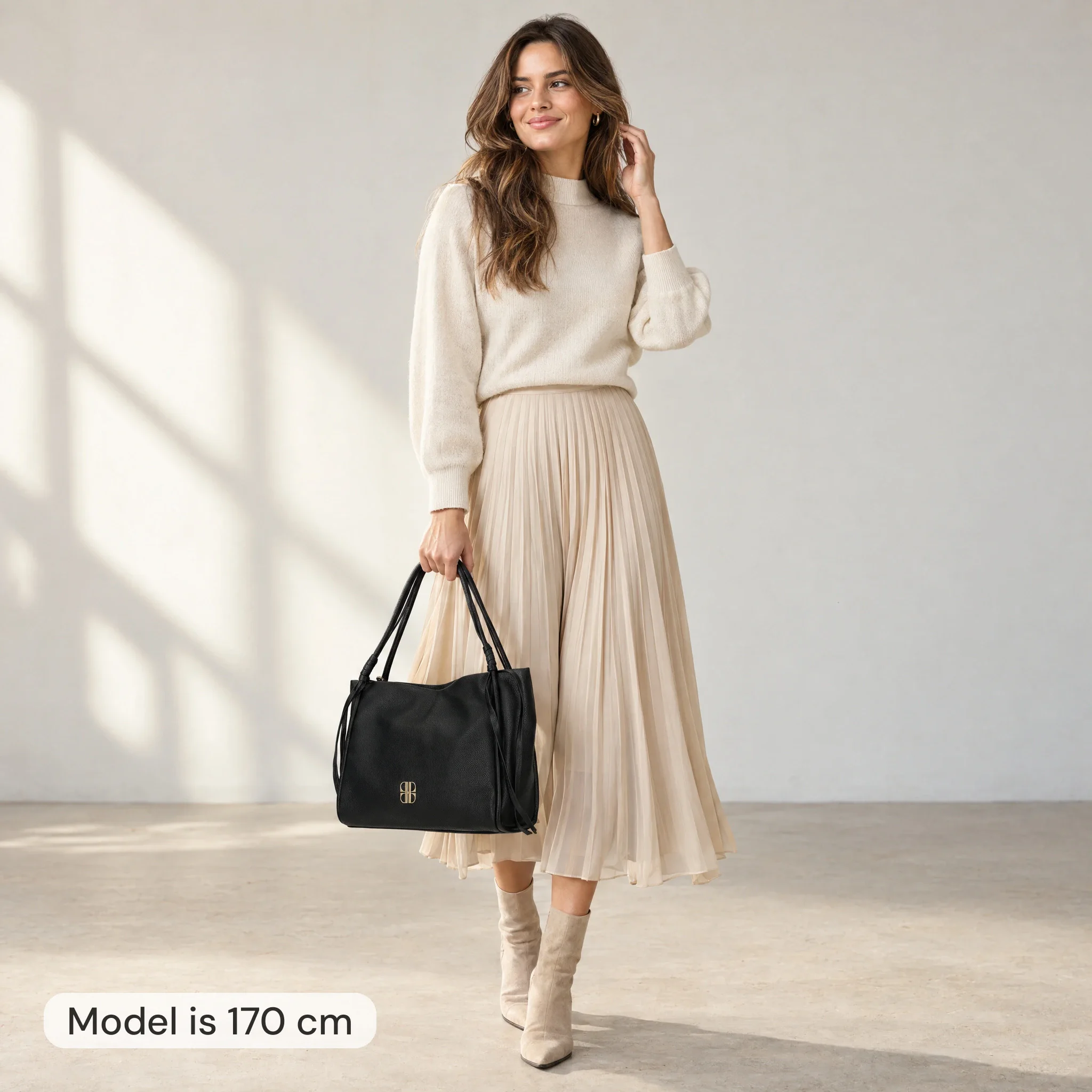
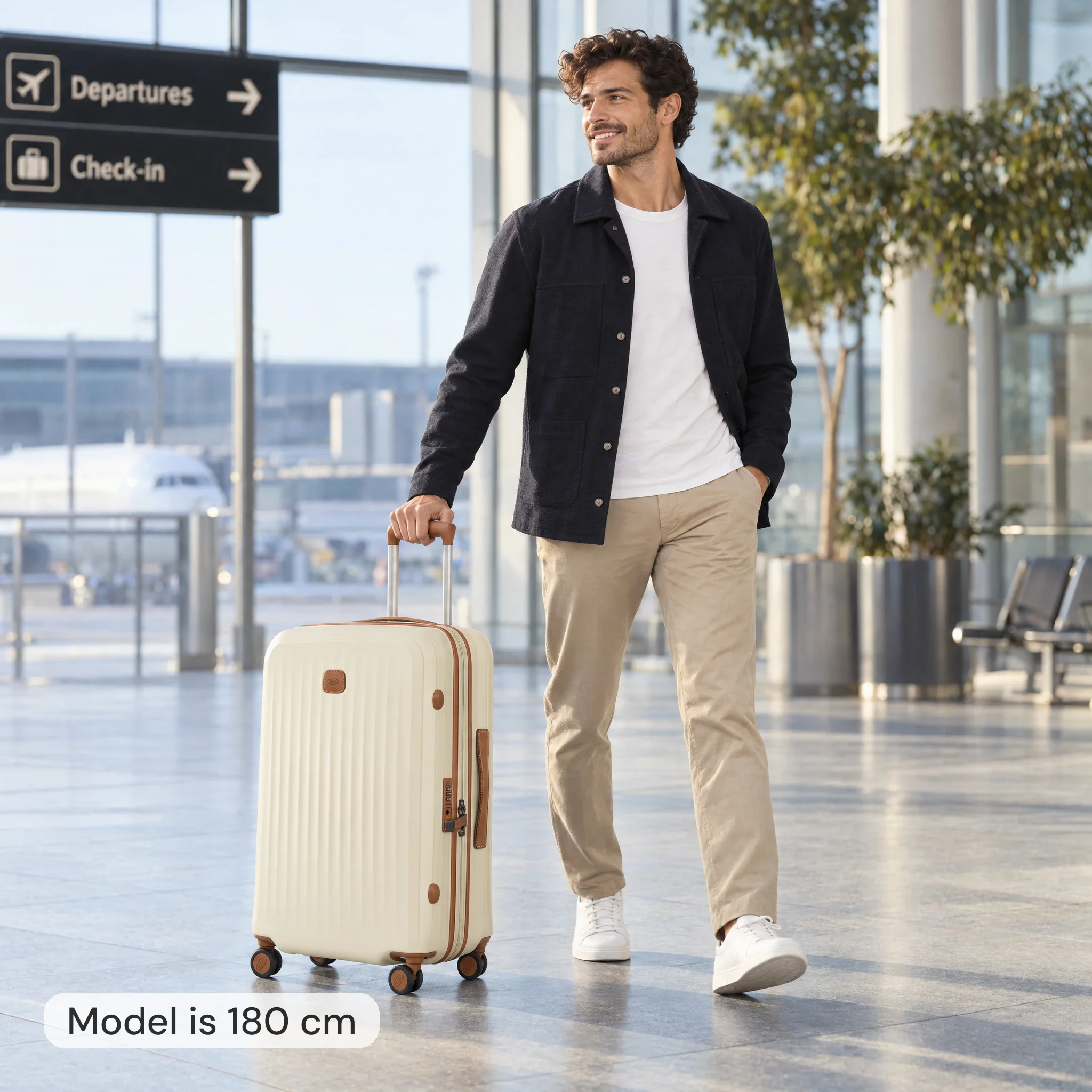
Duifhuizen items, measured against the model's height.
Model 175 cm · crossbody 24 cm · ✓ scale is correct
Model 170 cm · shopper 41 cm · ✓ scale is correct
Model 180 cm · suitcase 69 cm · ✓ scale is correct
A unique style per item group
Each product group has its own logic
Present jeans standing, dresses with movement in the fabric, and jewelry as a detail. Photopilot uses its own settings per item group, so the image fits the garment and your brand.
Pants need a different pose than a dress or a piece of jewelry. That is why we control posture, framing, and white space by product group.
Jeans & pants
Tight standing pose, neutral studio background, focus on fit at hip and hem.
Dresses & skirts
Light movement in the fabric, full catwalk pose, shadow showing the fabric's fall.
Jewelry & accessories
Detail shot, tight crop of wrist or neck, plain gray background without distraction.
Tops & shirts
Three-quarter pose, natural shoulder line, front and back in the same set.
Here's how it works
Each image according to your rules.
01
Choose the AI model
Fixed per target group; unisex optionally with both a woman and a man.
02
Send pose and mood
Via view, style preset, reference image, or custom instruction.
03
Fixed crop per product group
Every photo gets the same margins around the person, so the proportions stay consistent season after season.
04
Live automatically or after review
The photo is placed next to the packshot. Per brand or collection, you choose automatic approval or a brief check before publication.
Turn automatic model photos on, and turn them off for categories where you do not want them. You can always create a model photo yourself.
Unlimited AI models
Choose a fixed cast or let the AI vary the model type, styling, and image style. You can create a face with a short description, or use a real face with permission.
In your house style
Determine per brand which backgrounds, poses, and light quality fit. The AI follows these rules per product group, ensuring consistency across seasons.
Front and back as a set
Front and back of the same item are generated in the same session. This keeps model photo, packshot, and article information consistent alongside each other.
Lower cost via the queue
Automated model photos run in the queue at the lowest rate and are often ready within an hour.
Directly to your webshop
Approved model photos go directly to Shopware, WooCommerce, BigCommerce, or FTP.
Have your own studio? Canon photos and output from Capture One or OrbitVu follow the same workflow as AI model images. How Photopilot Studio works
FAQ
Frequently Asked Questions
How does Photopilot create an AI model photo from a packshot?
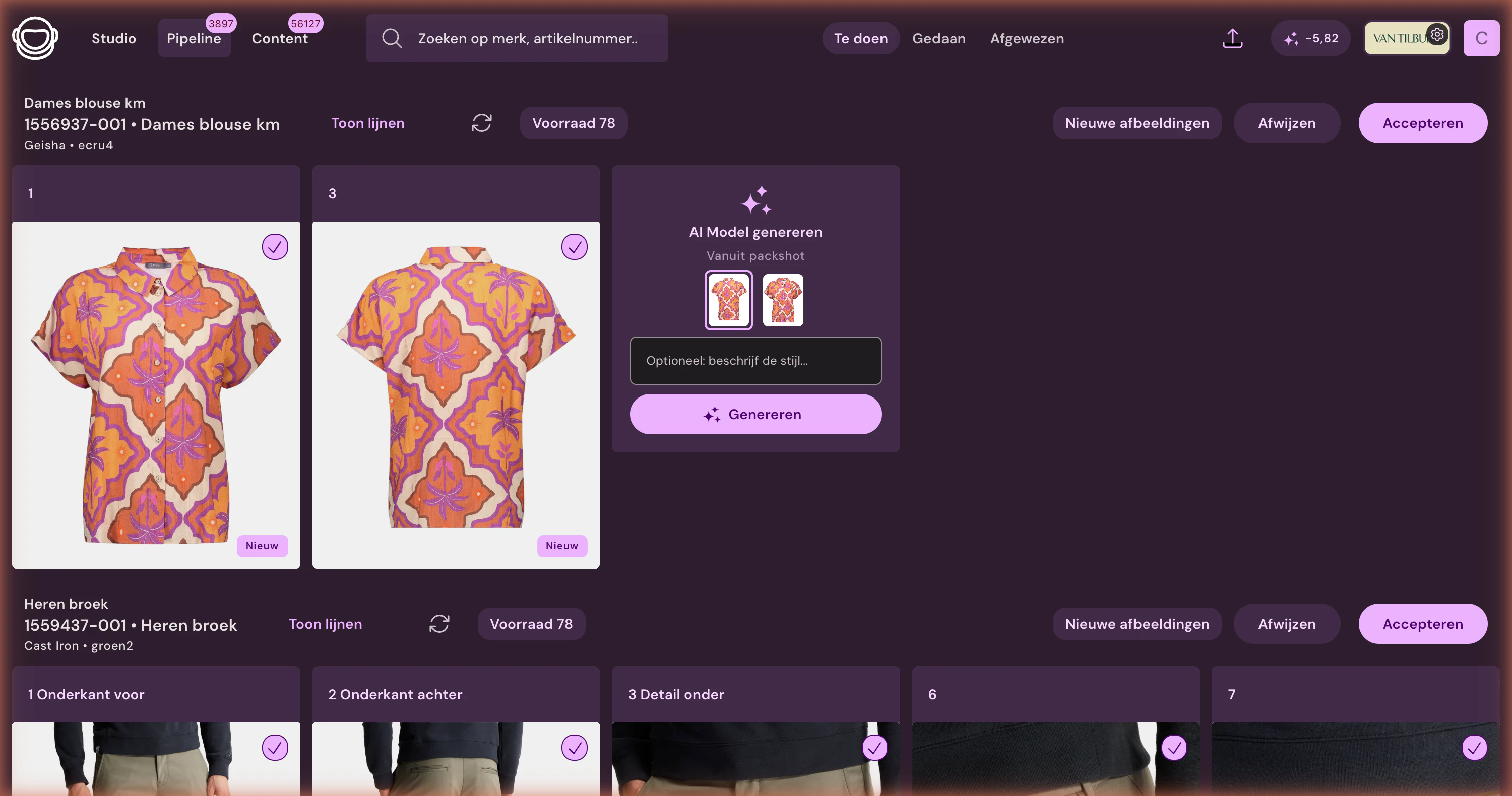
You select a packshot and choose a fixed AI model. The pose follows the product view, a style preset, a reference image, or your own instruction. Cropping and margins are fixed per product group.
No. Real shoots and AI model photos sit side by side on the same item and follow the same editing and publishing process. You choose the best fit per item.
Do I have to review every AI model photo before publishing?
No. Per brand or collection, you choose automatic approval or a brief review, with the photo next to the packshot. Then the image goes to Shopware, WooCommerce, BigCommerce, or FTP.
As much as you want: there's no limit. You describe the face and expression in a short prompt; such a generated face is of no existing person, so there's no model fee or buy-out. You only pay per generated image.
Can I create an AI model based on an existing face, like our own model?
Yes, you upload a face photo when creating the model. Do this only with demonstrable consent from that person; you arrange and keep that consent yourself. The model is only available within your organization.
Can I use multiple face photos as a reference?
For each model, upload one face photo, optionally supplemented with a style or pose photo. Choose a sharp, well-lit photo taken straight on: it determines how recognizable the model will be. Combining multiple face photos is not possible at this time.
Does the AI model remain consistent across all our images?
Yes. Photopilot sends a fixed crop of head and hair with each new image as a reference. Review AI images before publication, just like your own photos.
Can we use the images commercially, and who owns them?
Yes, the images are intended for your webshop, retailers, and campaigns. According to our terms, supplied photos and results remain your organization's, and we do not use photos with people to train AI without a written agreement. We work with image models from providers that offer copyright indemnification.