
PhotopilotPhotopilot
All cases Customer story

Jeroen Beekman

From the first studio photo to a complete look on the product page

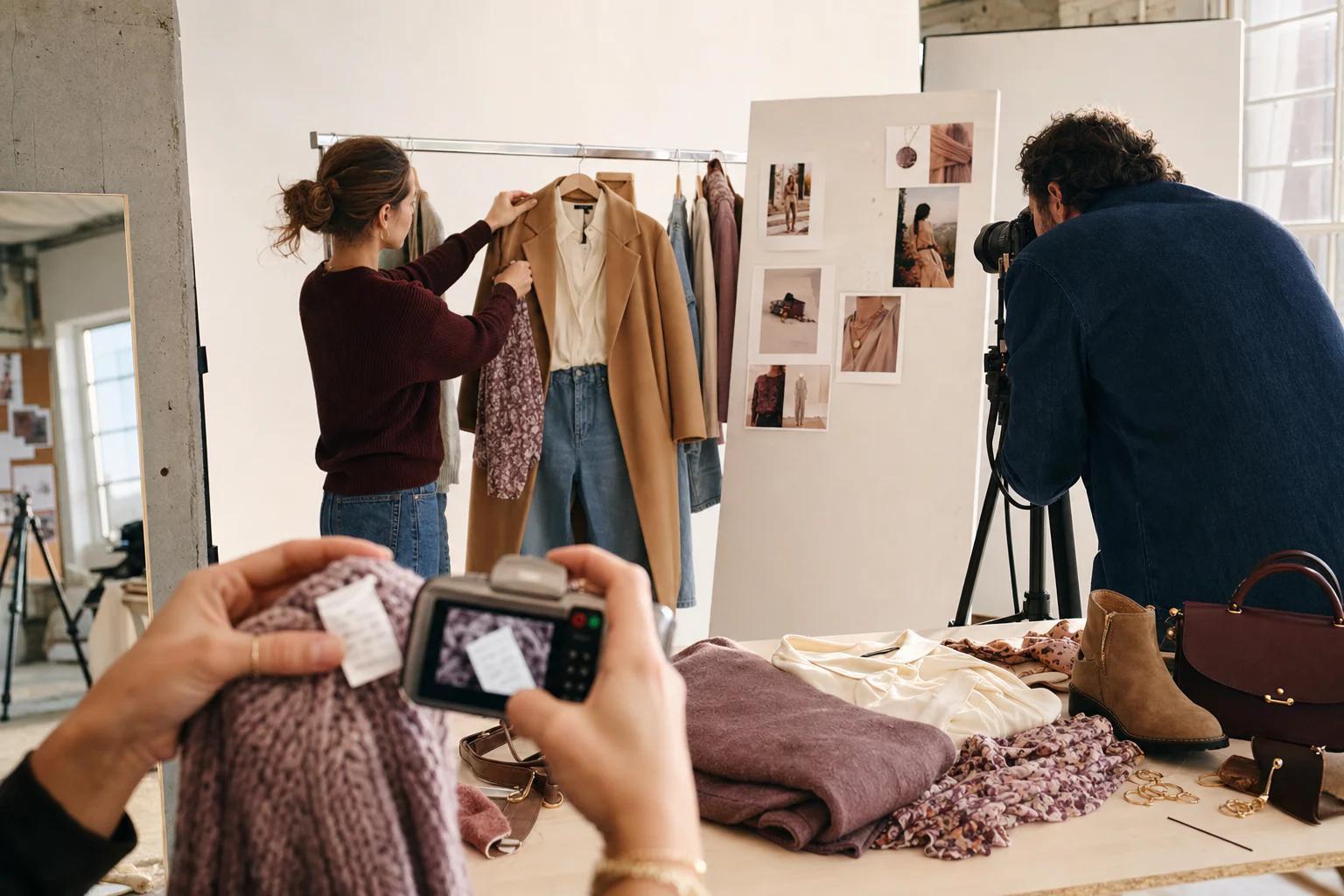
At Jeroen Beekman, a complete look does not emerge behind one screen. Photographer, stylist and webshop team work together on the same collection, from the first studio photo and care label to outfit advice on the product page.

Canon shoots appear directly in Photopilot Studio. Using a USB camera, the team captures the care symbols on the garment label, after which Photopilot reads them. Stylists build Shop the Look sets that reach the webshop with the correct items through the custom integration. Every product page tells the full story: how the item fits, how to care for it and what to combine it with.

www.jeroenbeekman.nl
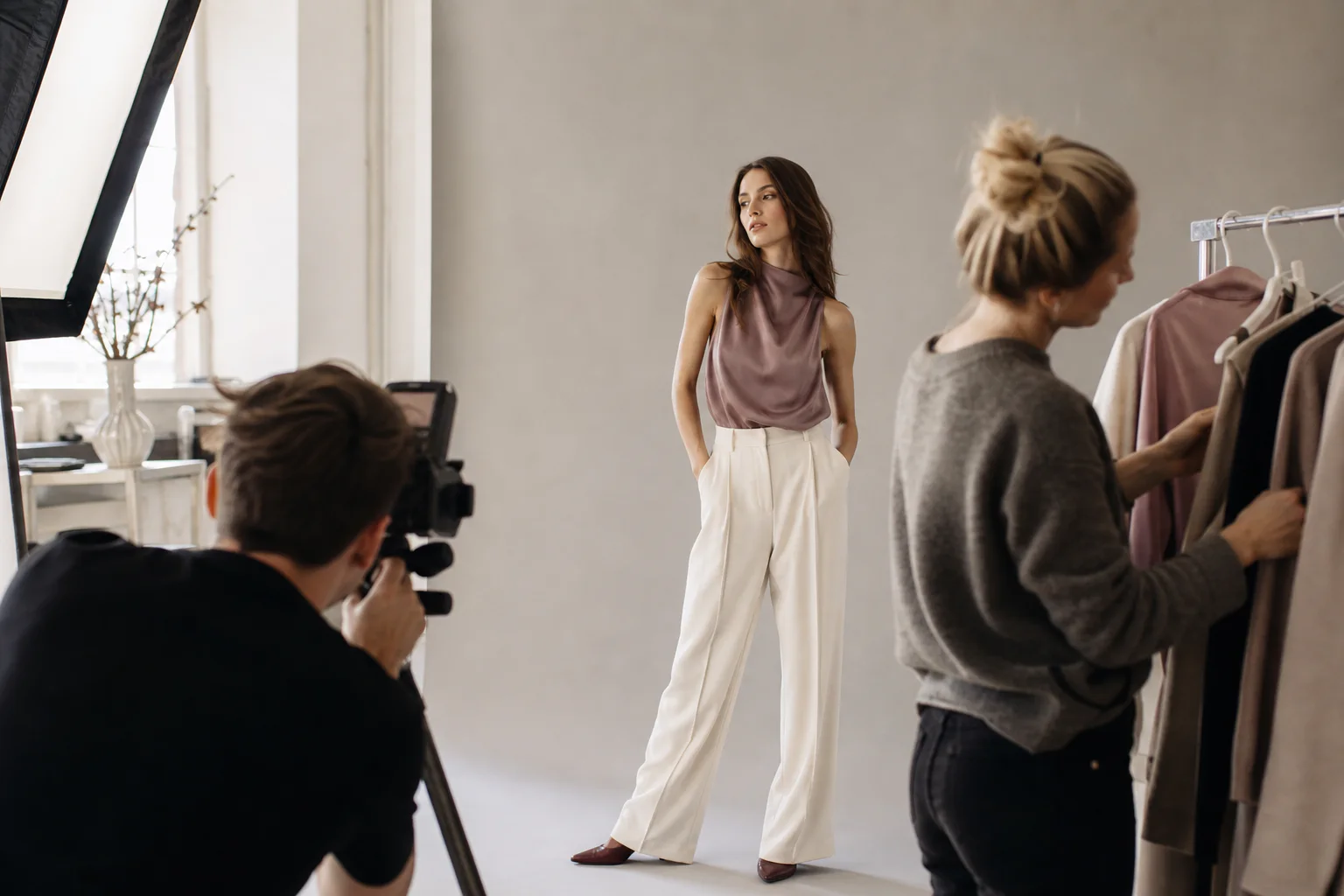
A styling team builds a Shop the Look set and scans a care label
Production figures · all customers combined 300.000+ Articles processed with Photopilot
How it works in practice Jeroen Beekman
Production figures · all customers combined
300.000+ Articles processed with Photopilot
590.000+ Photos automatically cropped and published
9,5M+ Supplier images indexed
How it works in practice

See how Beekman works from studio to webshop

The video and screens below come from Jeroen Beekman's daily environment: from the collection overview and item review to image slots and Shop the Look sets.

23 sec · real workflow · no audio
Practice video

From collection overview to selected images in 23 seconds

See how the Beekman team navigates the collection, opens an item, reviews images per slot, and prepares the selected photo set for publication.

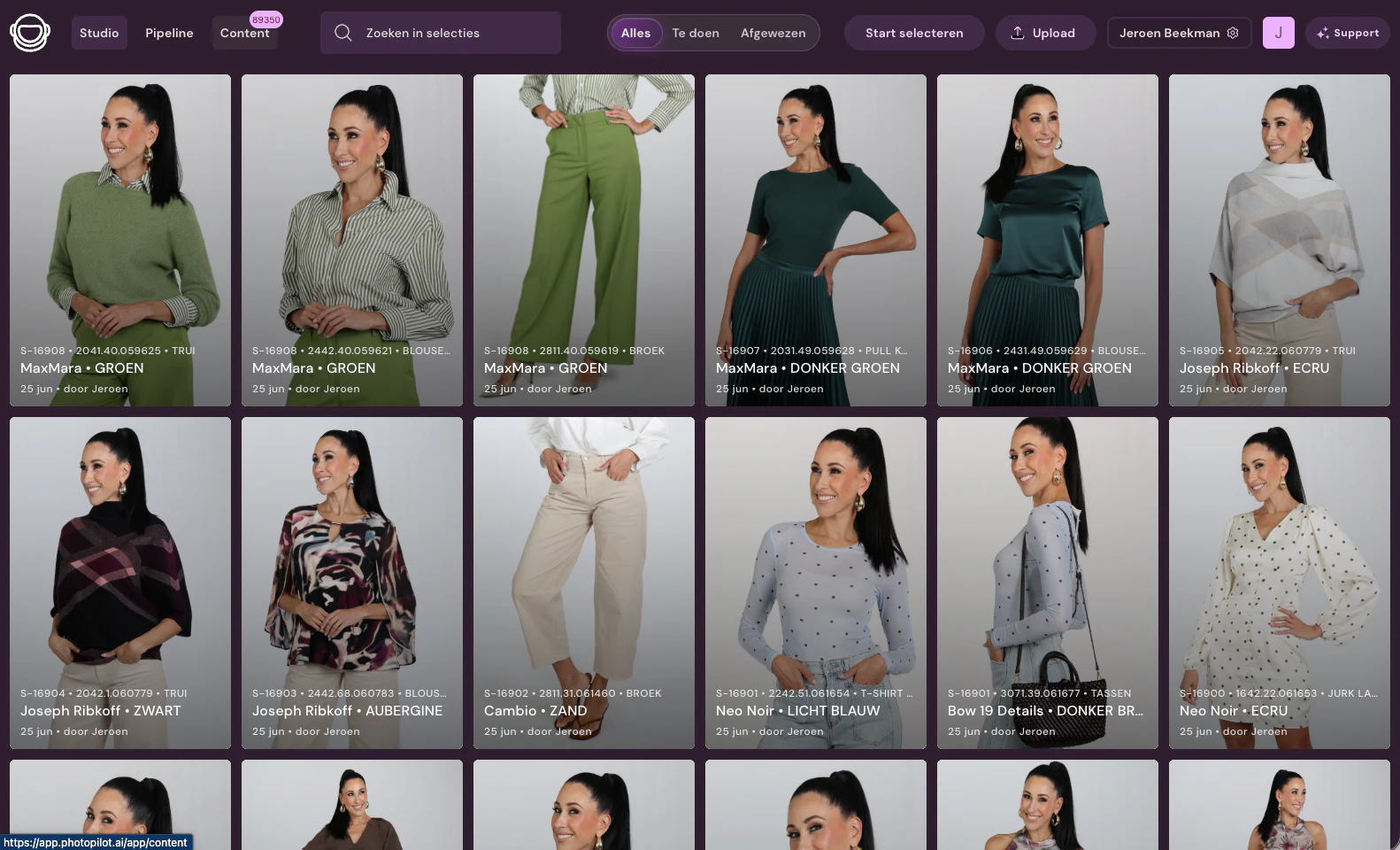
Jeroen Beekman content library in Photopilot
Content Overview

Find Collections and Product Content

Products are visually grouped per collection and remain searchable by selection, status, and article. This way, the team immediately sees where work is needed.

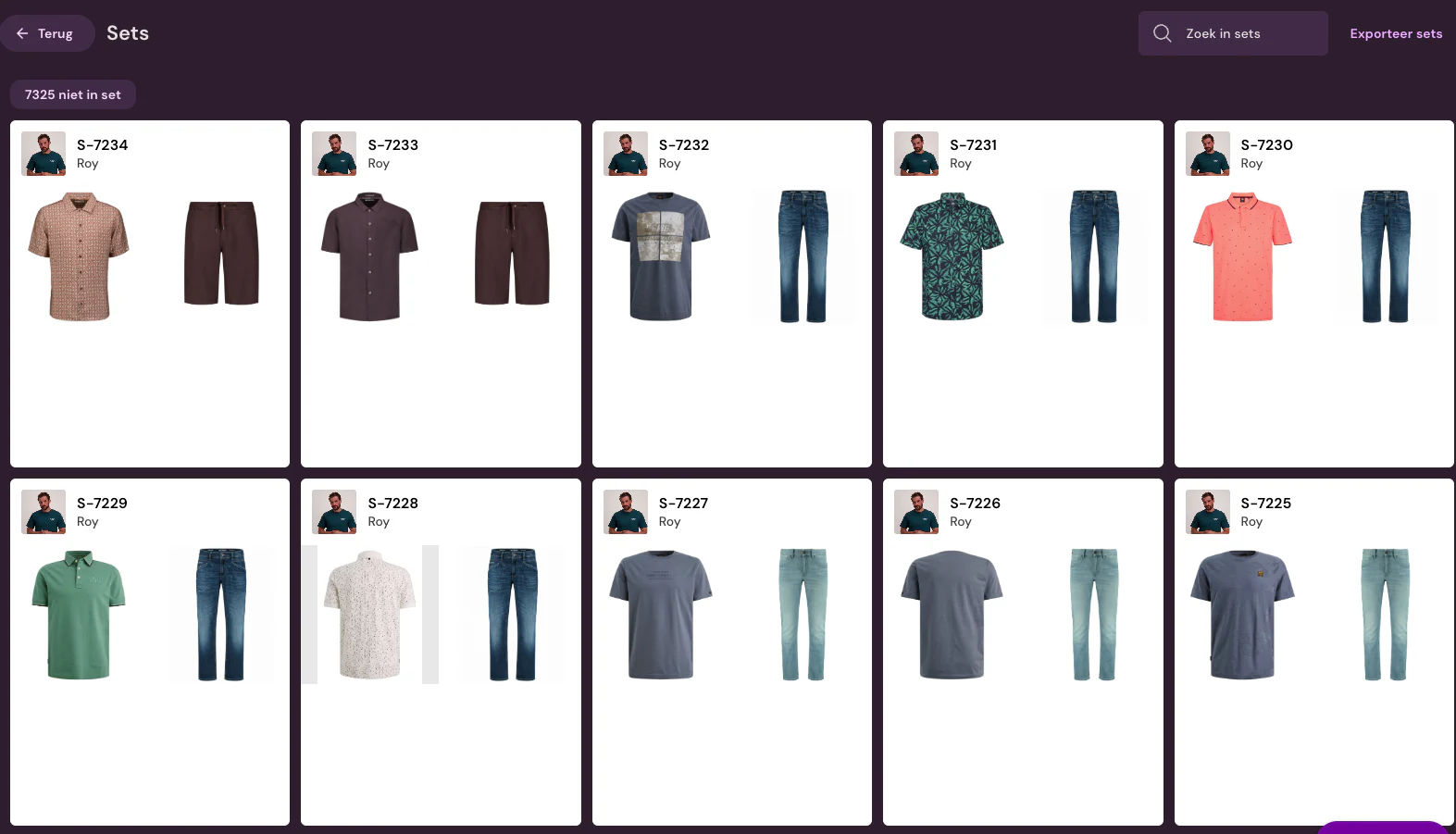
Shop the Look sets in Photopilot
Shop the Look

Looks with the right article relations

Shirts, pants, and other items are stored as a set. The custom link uses these relations to fill complete looks on the webshop.

More customer stories

See how other fashion teams organize their workflow.

FAQ

Frequently Asked Questions

How does Jeroen Beekman use Photopilot in their own studio?

The Canon camera of Jeroen Beekman's studio team is directly connected to Photopilot Studio. Photos appear immediately in the selection overview, without export or manual upload, and remain linked to the correct article.

How does Shop the Look appear on Jeroen Beekman's product page?

Stylists at Jeroen Beekman create looks in Photopilot. Through a custom connection with their webshop, these sets appear on the product page with the correct item relationships, allowing visitors to purchase the complete outfit they see in the photo.

How does Jeroen Beekman incorporate care symbols into product content?

At Jeroen Beekman, the team uses a USB camera to scan the label with wash symbols from the physical garment. Photopilot reads the symbols, links them to the article, and processes them into multilingual content, eliminating the need for manual lookup.

What remains manual work at Jeroen Beekman?

The photographer, stylist, and webshop team of Jeroen Beekman continue to shoot, style looks, and evaluate images themselves. Photopilot keeps photos, care labels, and Shop the Look relationships linked to the same item and prepares the selected photo set for publication.