

Campaign images without a campaign shoot.
Create campaign images yourself: choose a product set, your own AI model and your style, and Photopilot creates the image series.
Create your campaign yourself, today.
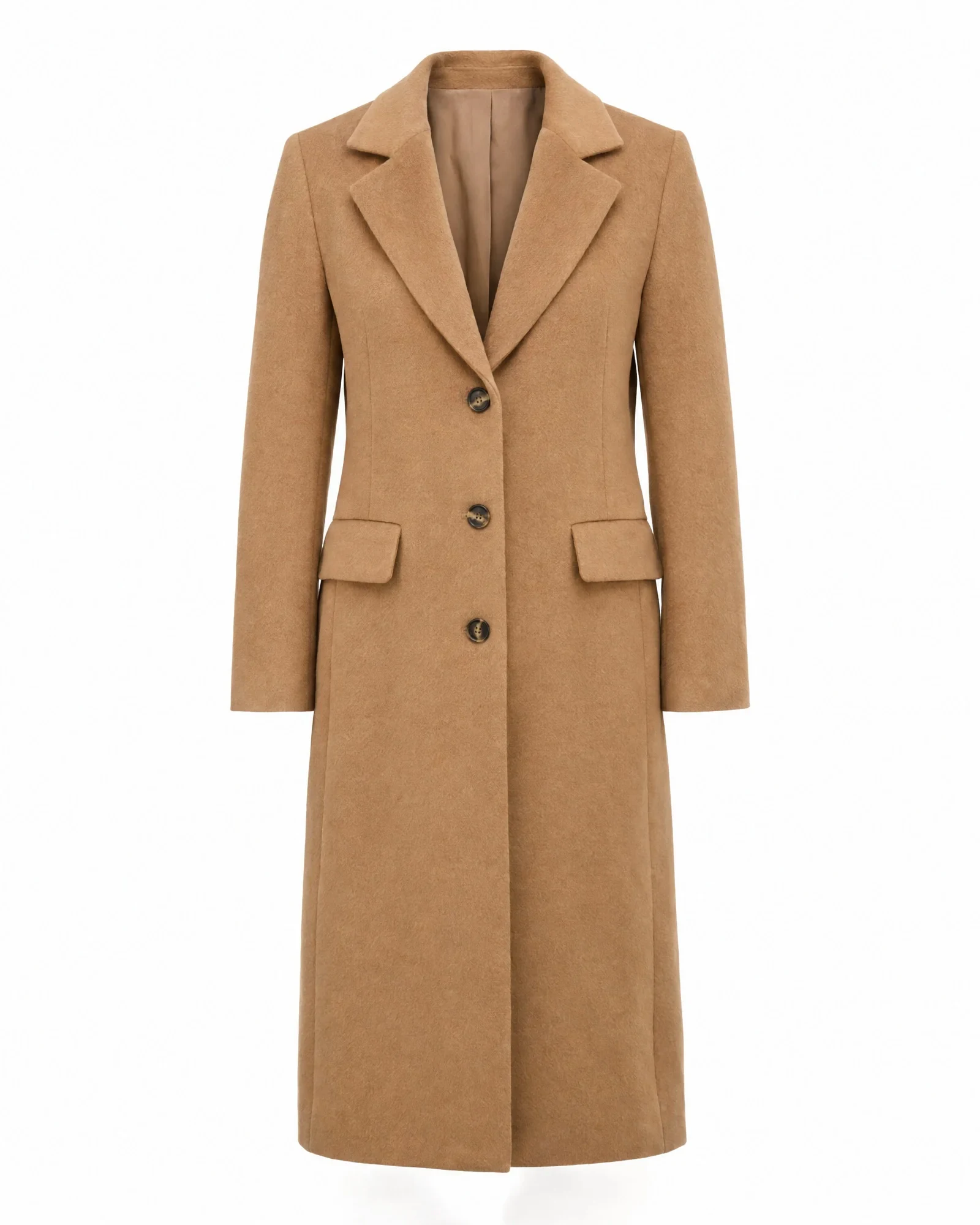
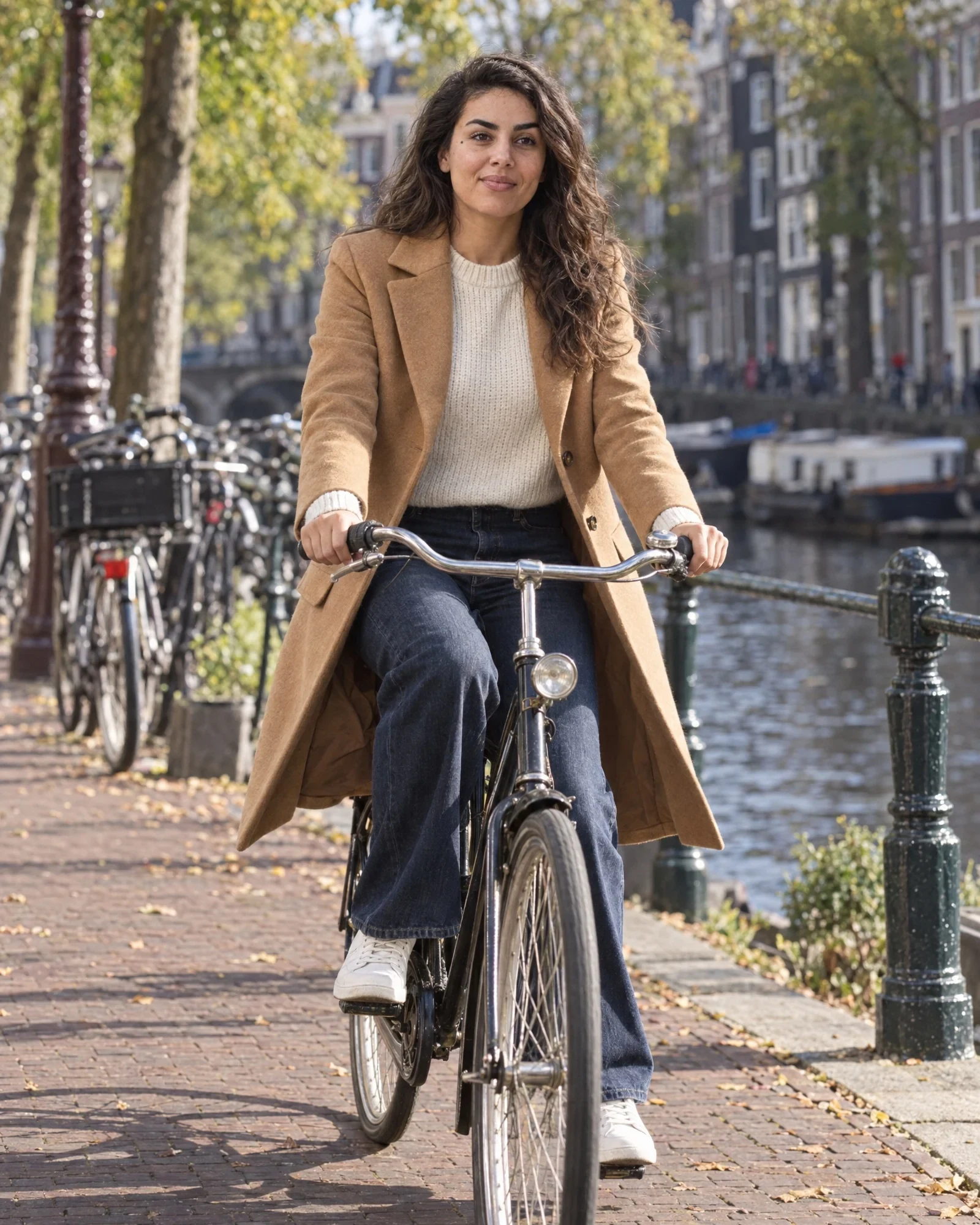
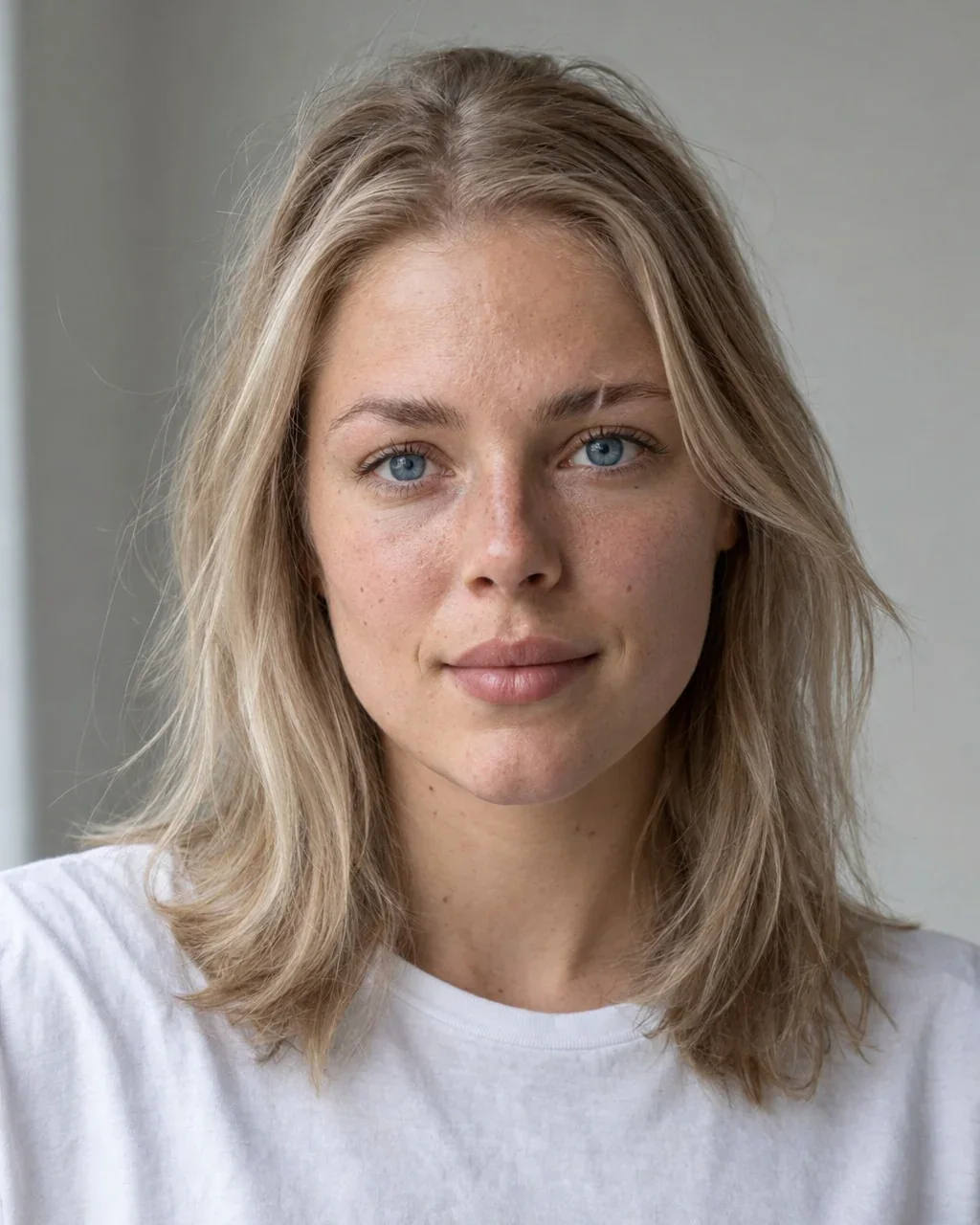
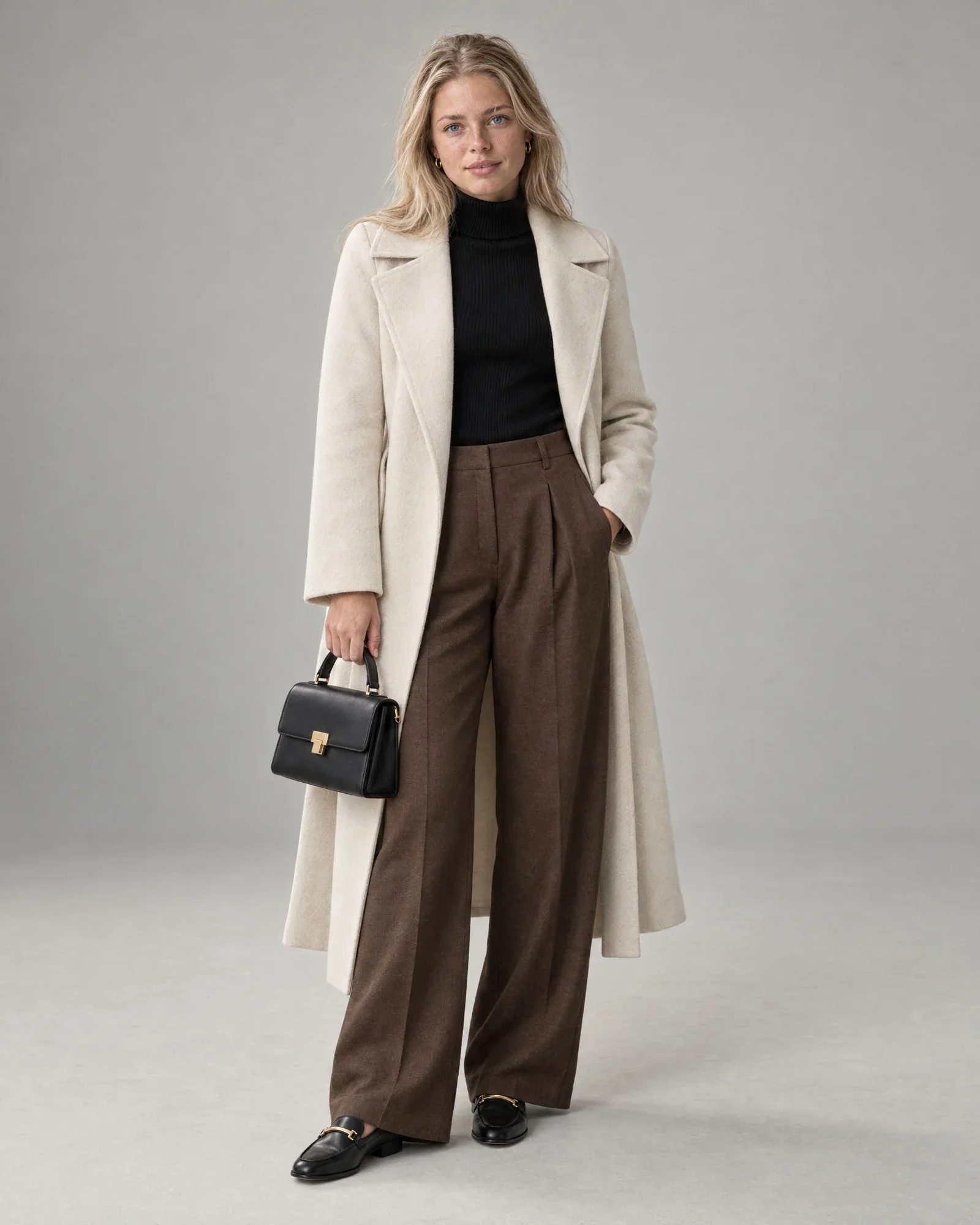
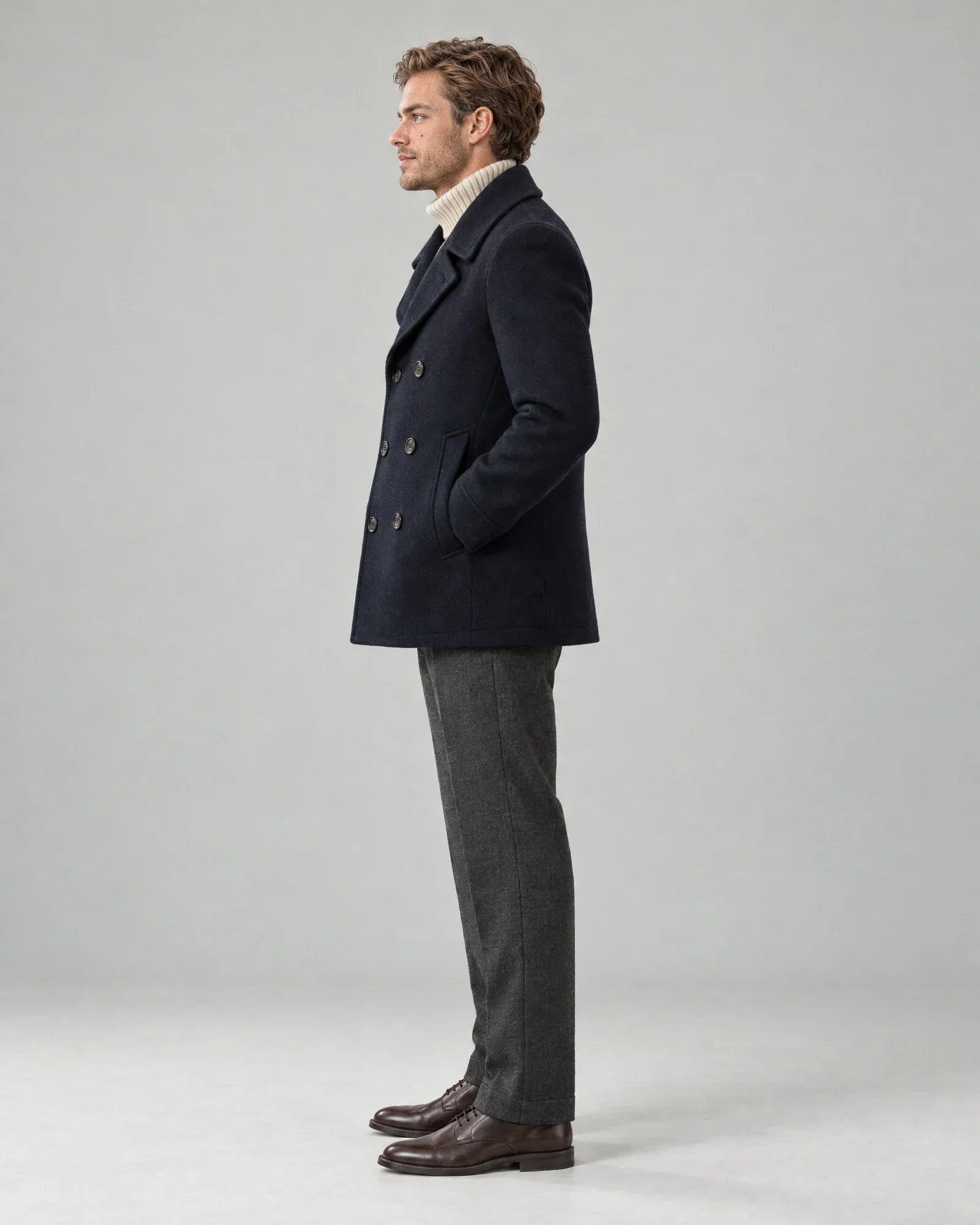
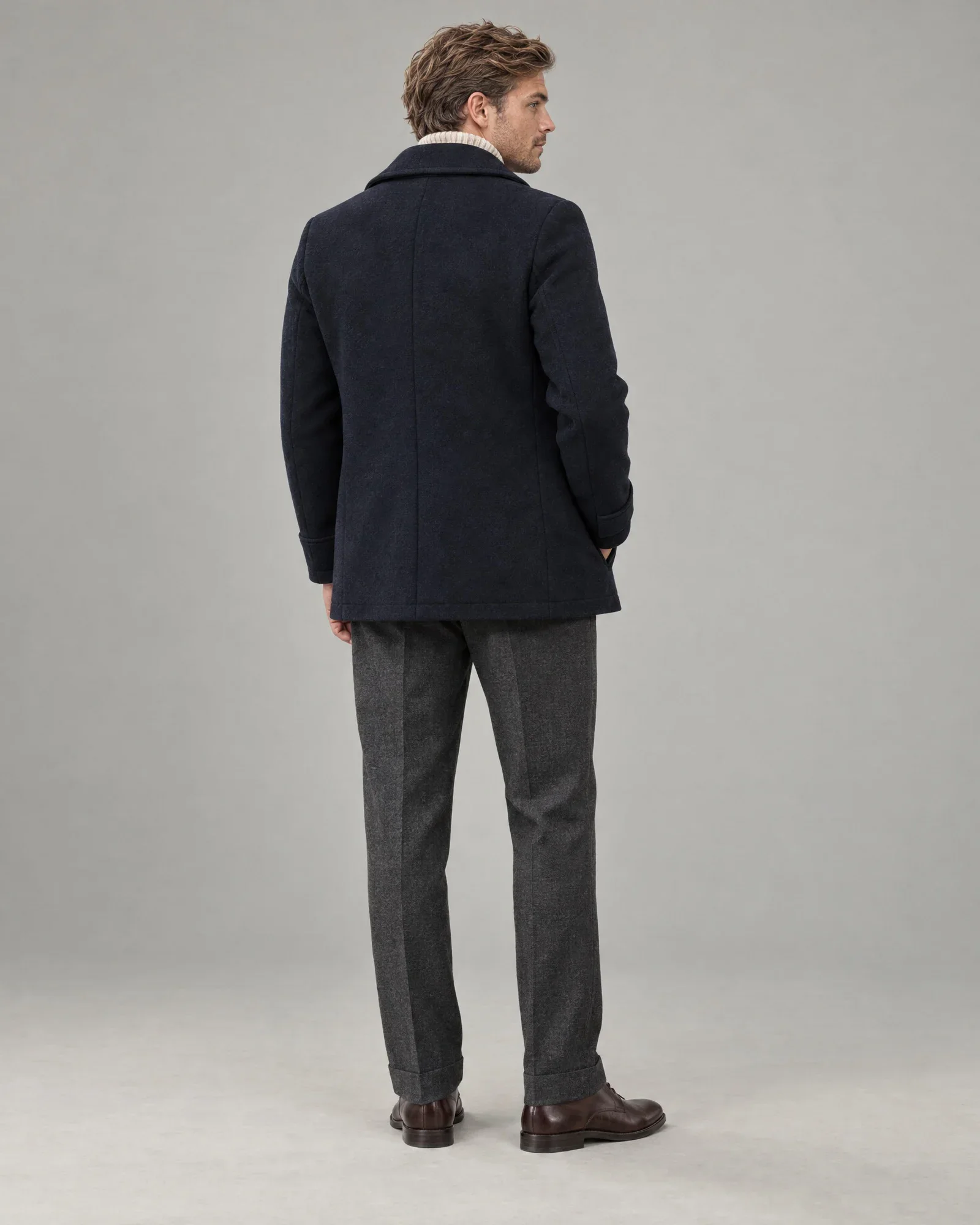
Create your own AI models with faces that do not look AI-generated, and shoot your entire collection with them: women, men, and kids, in the studio and on location. Click a photo to see the complete look, the set with the same face, and the cost per photo.
Step 1: create your own AI models
- Create unlimited AI models exactly the way you want them: age, appearance, and one real feature.
- One face in every view: front, side, and back, directly from your packshots.
- Across an entire look and all your shoots: the same face, and every detail of your product is accurate.
- Automatically linked to your packshots and products. No renaming or uploading needed.
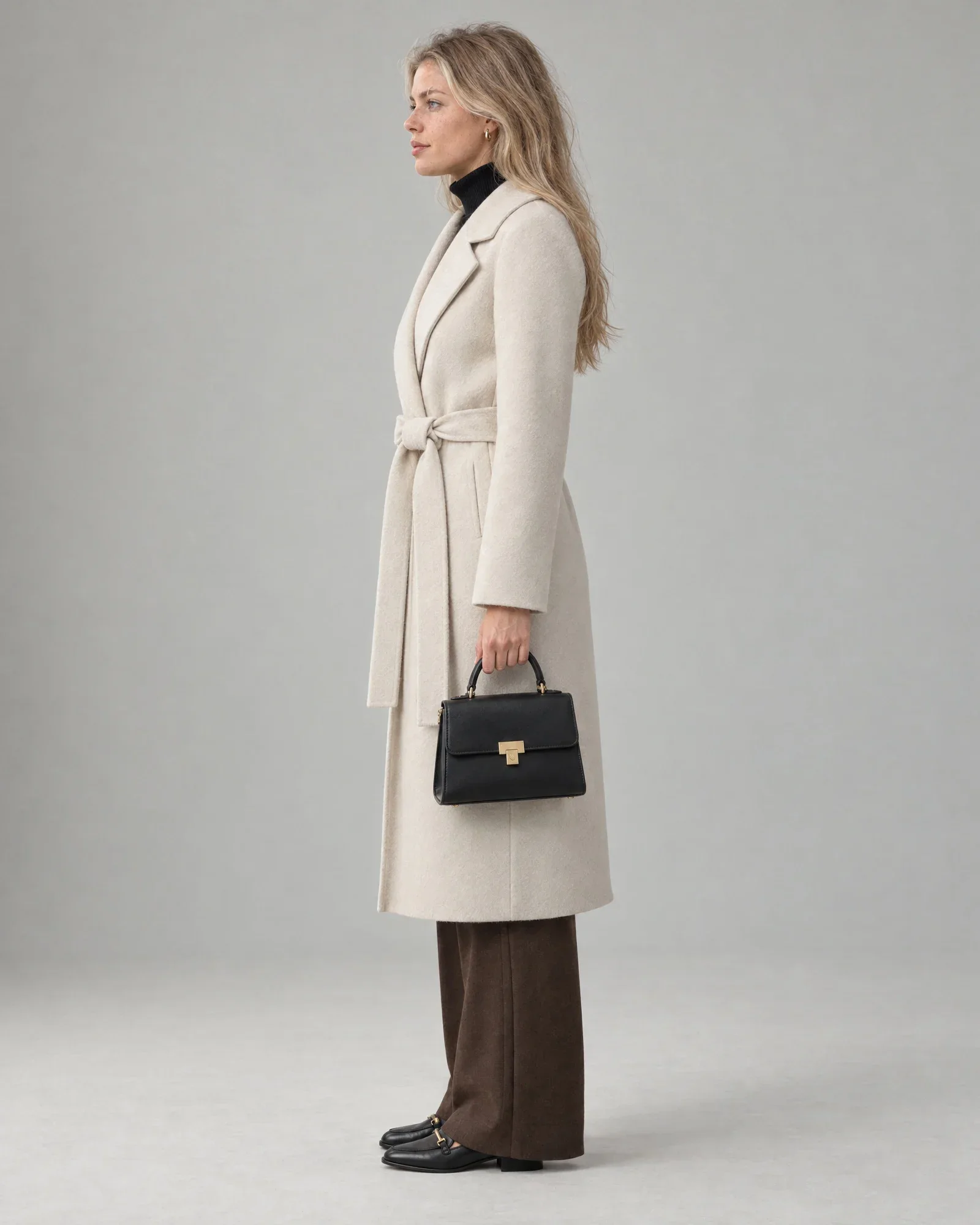
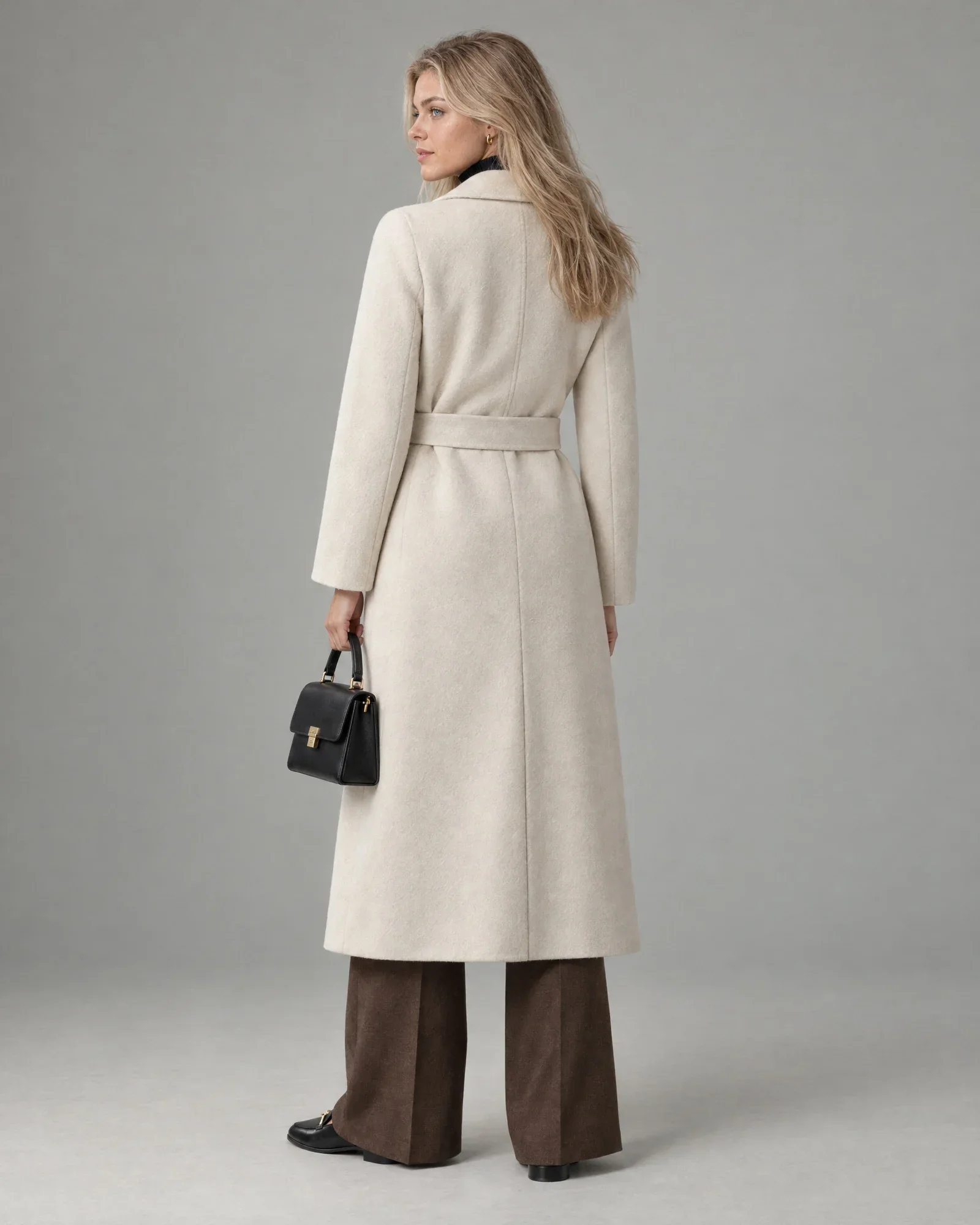
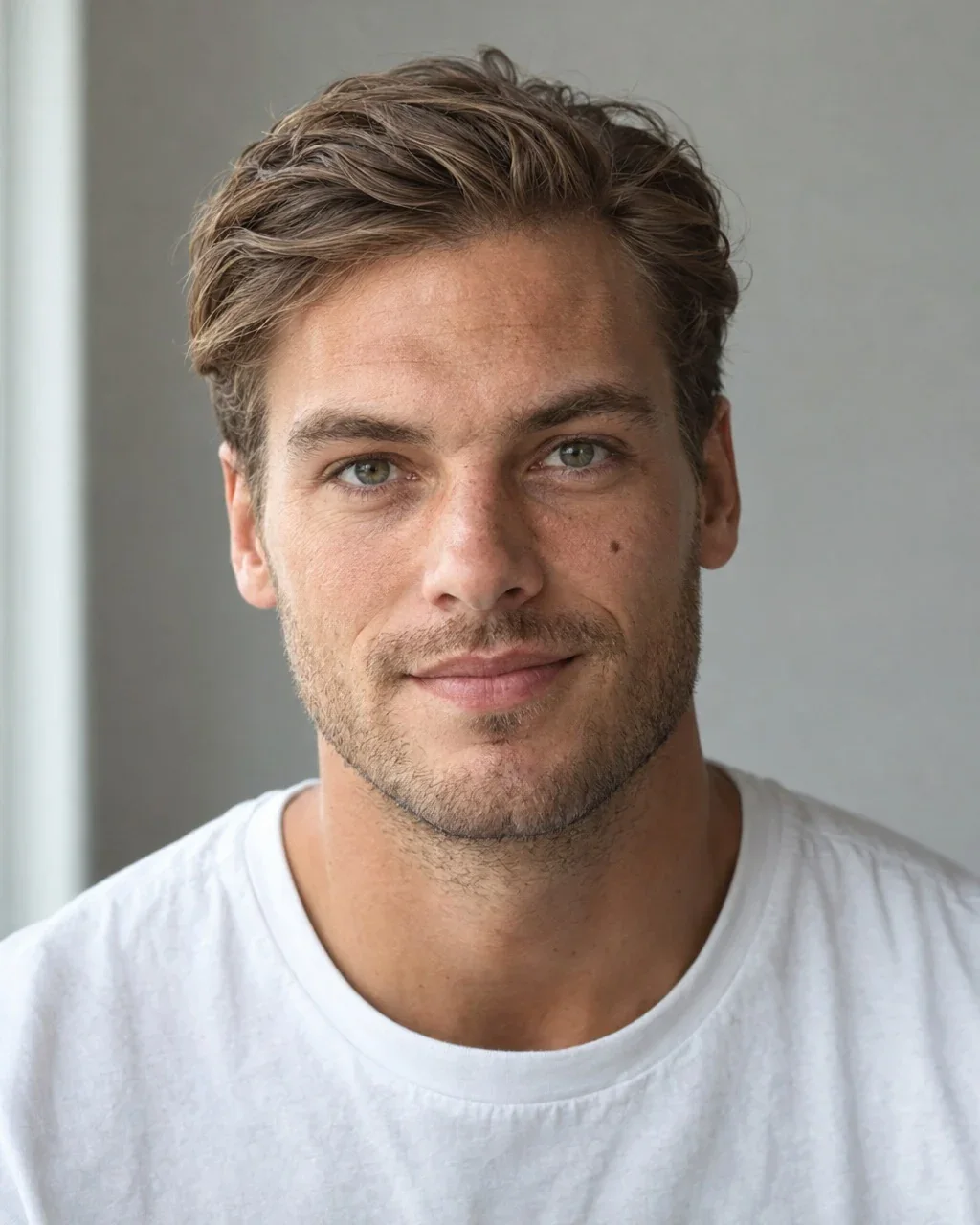
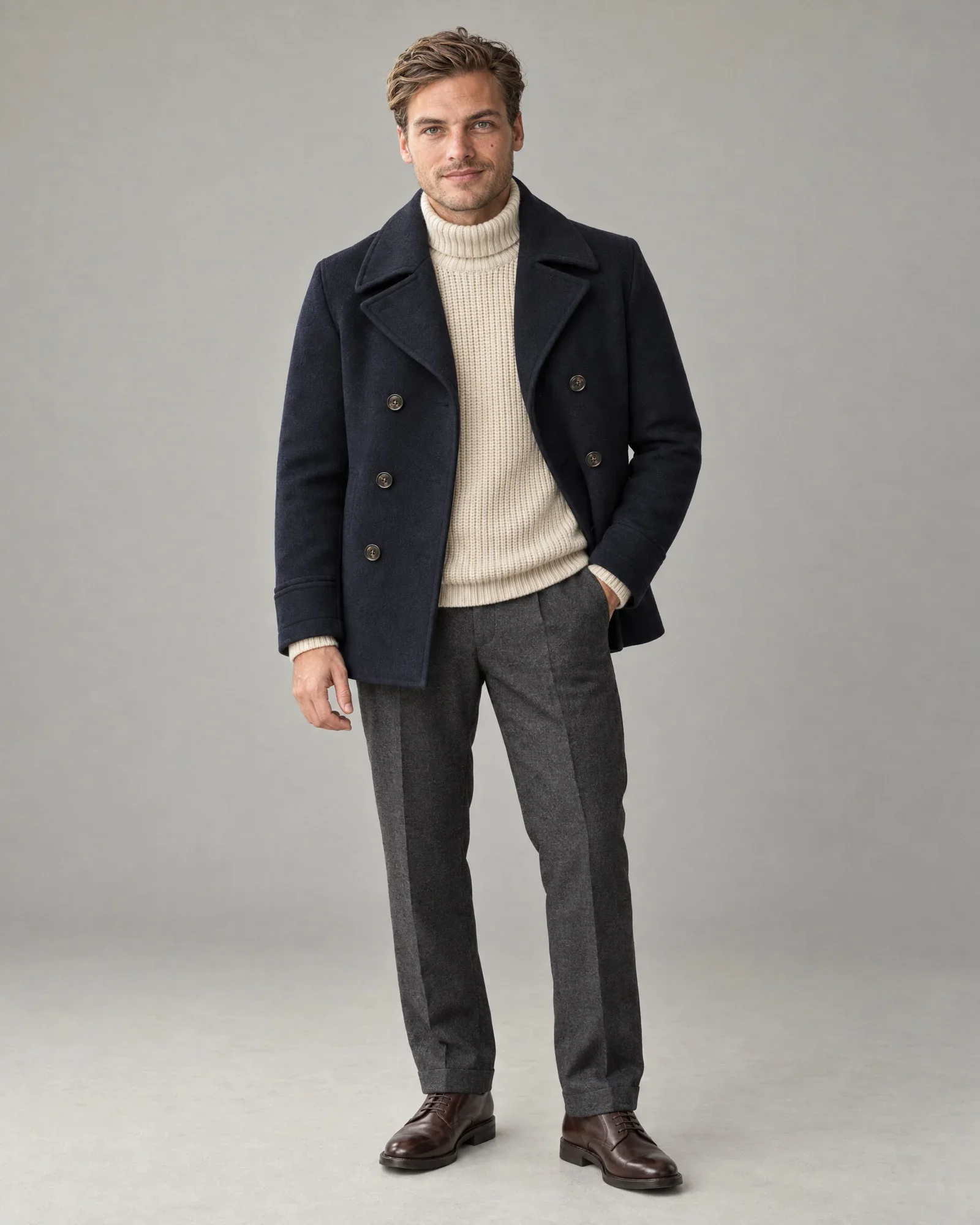
- Unlimited more
Prefer to shoot it yourself? Set an AI model as your fixed house model, then Fit guarantee it adds it to your own studio photos, with the same fit.
One collection, one image style.
Mood images at Duifhuizen, created from supplier images.
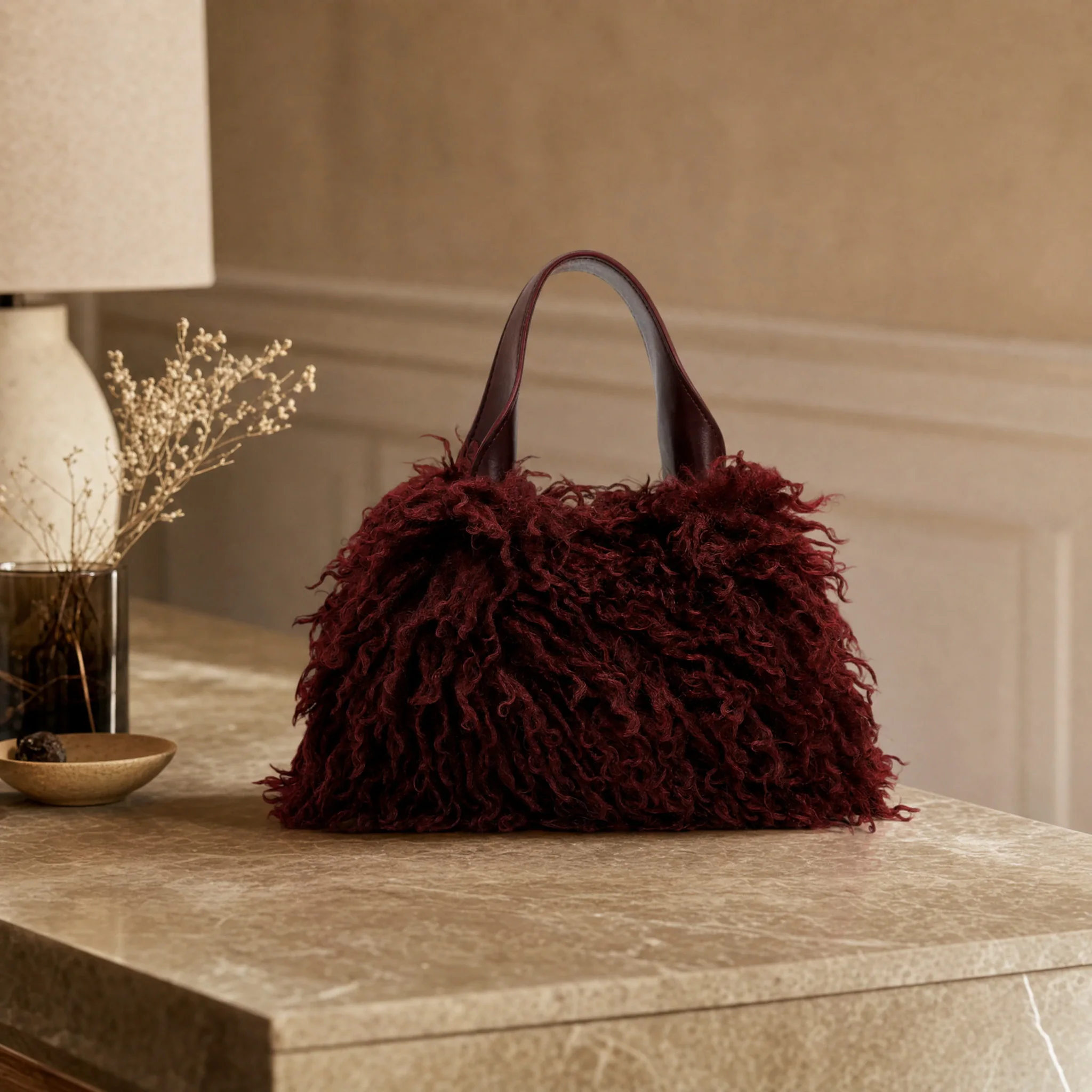
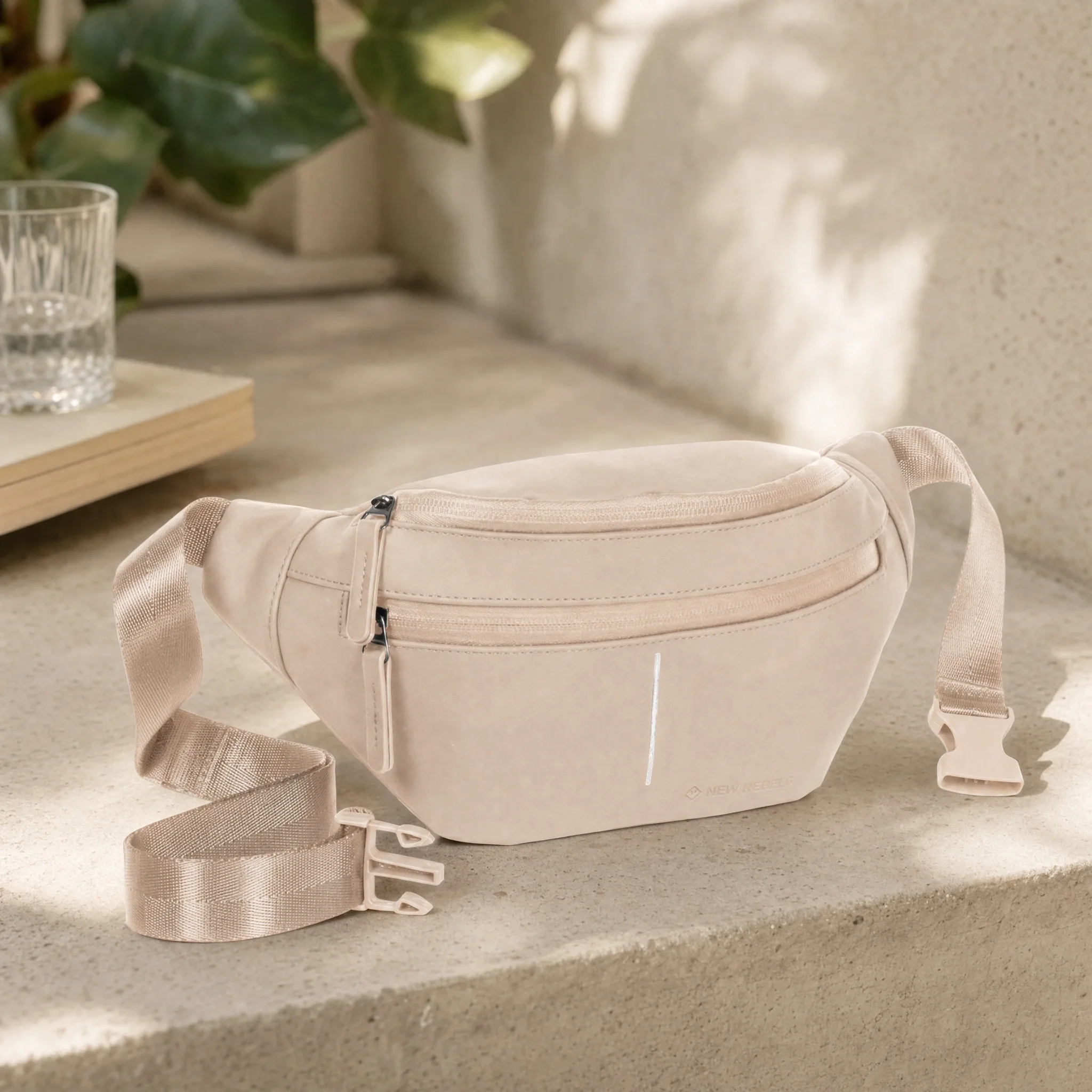
Here's how to create a campaign.
- 01
Choose the products
Packshots or supplier images are enough; if one is missing, you can upload it directly in the AI shoot.
- 02
Select model and style
Work with fixed AI models per brand and direct poses, setting, lighting, and image ratio from reusable style agreements.
- 03
Generate image and video
Create catalog images, campaign images, and social crops from the same products; video with Cinema+ or 360°.
- 04
Choose and publish
You choose the best images; they go to the item and your channels automatically or after review.
The AI shoot runs in the queue at the lowest rate and is often ready within an hour.
A campaign that fits the brand
Choose a product set, a fixed AI model, and your image style. The AI shoot creates new campaign images without a physical shoot and runs them through the same review and publishing flow.
Build a library of recognizable AI models and place the same product in different art directions. This way, one collection extends to campaign, social, and webshop without a new physical shoot.
Frequently Asked Questions
5 questions
What do we need to create an AI campaign?
A product set, a fixed AI model, a style (studio, editorial, campaign, or street), and a background. Packshots or supplier images are enough as source material. Missing a source image? Upload it directly in the AI shoot.
Is a physical shoot still needed for AI campaigns?
No, the AI shoot creates campaign images from packshots or supplier images. This lets one collection expand into campaign, social, and webshop content. If the actual fit needs to be leading, Maatgarantie is a better fit.
How do AI campaign images stay aligned with our brand?
You work with fixed AI models per brand. The style preset determines light, pose, and atmosphere; you choose the background from your studio, the scene library, or your own photo. You adjust with a short instruction.
Are AI campaign images reviewed before publication?
They go through the same review and publication flow as your other images. You decide what can be automated and what needs to be reviewed first. Selected images return to the article.
What types of images does an AI campaign produce?
Catalog image, campaign image, and formats for social, from the same products. A short product video is also possible: more cinematic with Cinema+ or as a 360° loop. Selections remain linked to the article.