
Make every supplier AI-ready for your image workflow
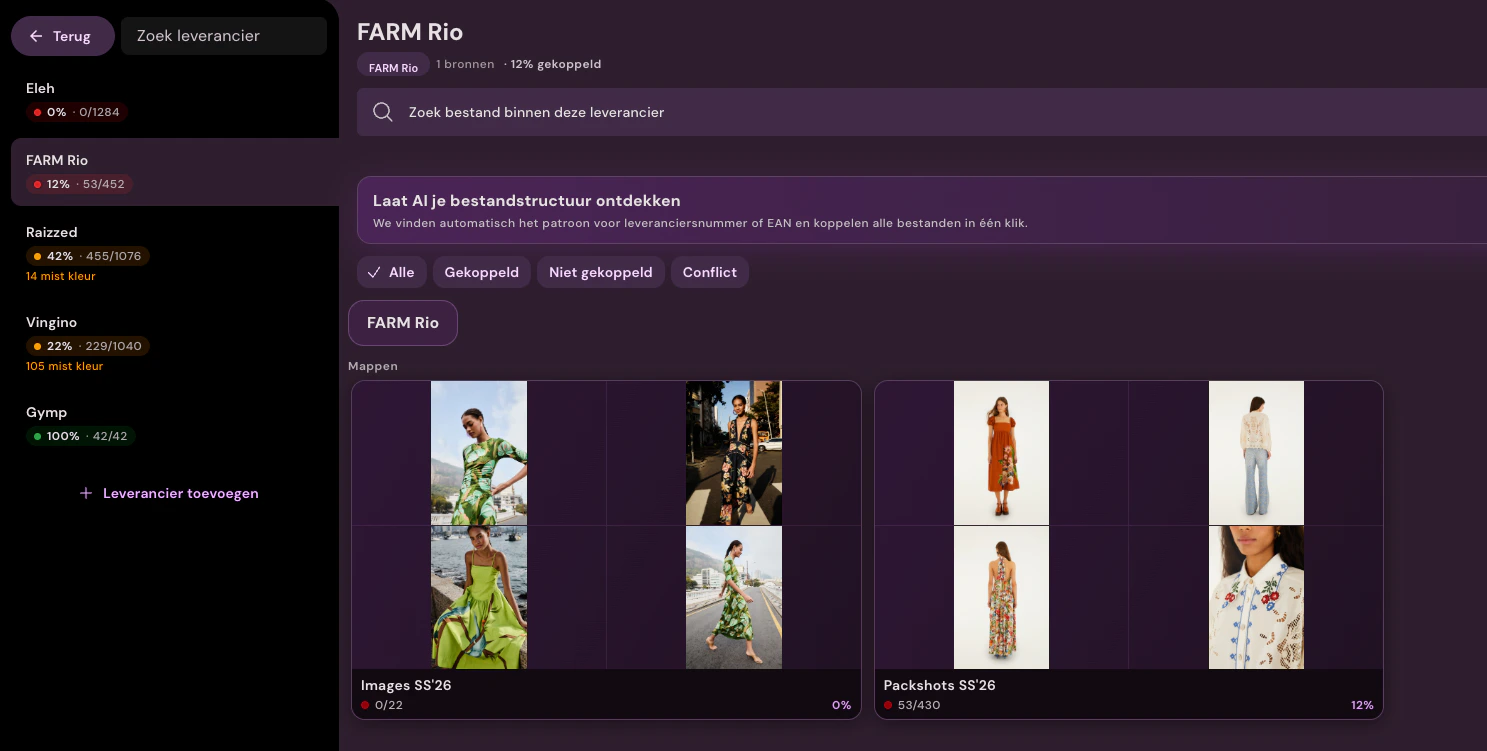
Connect Fashion Cloud, Stockbase, brand portals, FTP, ZIP files or email attachments per supplier. Photopilot shows per source what percentage of images is truly linked to articles.
Not every supplier delivers neatly. Some brands are in Fashion Cloud or Stockbase, others send a portal link, ZIP or messy folder structure. Photopilot turns every source into the same workflow: hard matches first, then agents for structure and meaning, and only the final uncertain cases manually.
Sources
Every channel, one workflow
FTP, SFTP, brand portal, folder structure, ZIP archive, or an email attachment: Photopilot indexes the source and monitors it. You can connect multiple channels per supplier simultaneously, each with its own rules.
Each supplier uses its own naming conventions. With a template per source, Photopilot extracts brand, season, product group, and item number from the path, even when the structure differs per supplier.
Matching engine
Agents before manual work, percentages before assumptions
Photopilot first uses reliable matching rules. Then agents read unusual structures and descriptive filenames. What remains is not hidden: per supplier you see the percentage linked, unlinked and conflicted.
01
Template extraction
Filename and path are read according to a template per supplier. This makes brand, season, article group, and article number recognizable without manual effort.
02
Segment resolution with agent
The agent recognizes segments such as 'Nike', 'S2025' or 'Boxers' and translates them to your internal entities (brand, season, product group). When in doubt, you confirm the suggested mapping once.
03
Fast item matching
After that, Photopilot searches at the item level: first exactly by vendor item, EAN, or public ID, then via normalized variants. This keeps large file sets quick to process.
04
AI matching for unusual names
When filenames mostly contain article name and color, AI compares the filename with article name and ACA color. Clear matches are linked; uncertainty returns as a suggestion.
05
Manual linking only for remaining exceptions
Only when no candidate, a conflict or low certainty remains does a file go to manual linking. This keeps manual work visible, measurable and limited.
What else is included
Version control, audit logs, segment mappings, and automatic approval for suppliers who regularly provide new material.
Segment mappings
Set up once, use for years
The AI does the initial mapping for you: 'S2025' is recognized as season SS25 and collection Summer 2025. After verification, Photopilot remembers this automatically, even for future deliveries from that supplier.
Version control
New delivery does not overwrite anything unintentionally
A second delivery from the same supplier becomes a new version. Live photos remain live until someone explicitly approves the new material.
Audit log
Who, when, which articles are affected
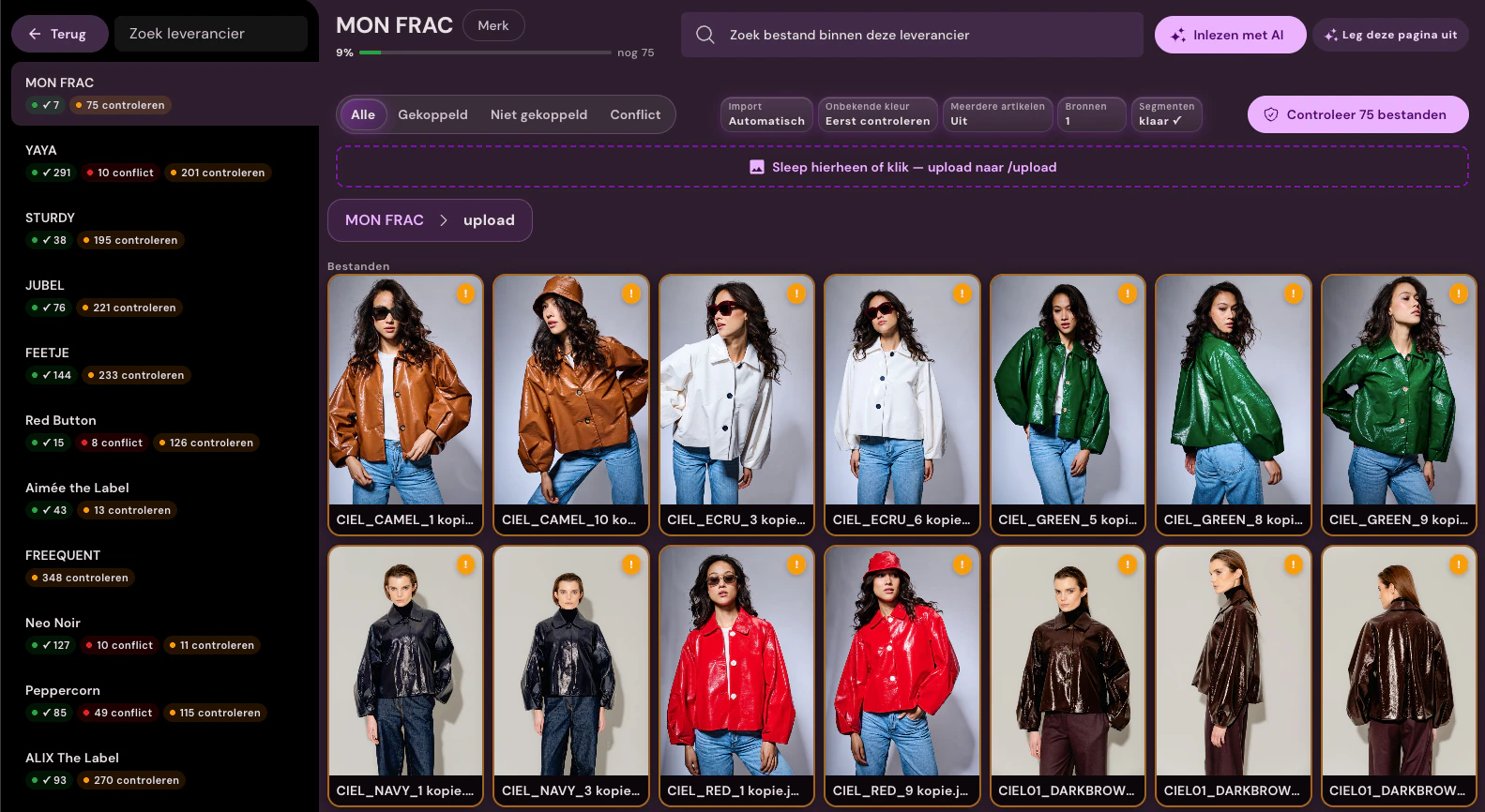
Each upload batch receives a log: source, timestamp, user, matched items, unmatched files. This can be easily traced back later if in doubt.
Multiple sources
One supplier, multiple channels
A brand can simultaneously use an FTP, a brand portal, and a ZIP file. Photopilot treats them as different sources under the same supplier, with separate rules per source.
Automatic approval
Approved immediately with high certainty
If a match exceeds your certainty requirement, the photo goes directly through the workflow. Doubtful cases remain available for human review.
Uniform workflow
Supplier images follow the same standard
Once the material is linked, it goes through the same crop templates, editing, approval flow, and publication as your other product images.
Which supplier is still blocking your publishing?
Give us a brand portal, ZIP or sample folder. In the workflow scan we show what percentage links immediately, where agents help, and how much manual review really remains.