Image and product information for every assortment
From fashion and jewelry to sanitary, electronics, and sports: item data, images, and product texts are processed in one process. The settings match the product type.
- Control is optional
- Automatic per brand or collection
- Exceptions remain visible

One retailer, multiple assortments
Choose the ranges that fit your store. Photopilot then reads the product feed and suggests product types, image rules, and fields. You only need to review and confirm the proposal.
- Bags & luggage Primary
- Travel accessories
- Drink bottles and cups
- Small home items
- Suitcase
- Backpack
- Bottle
- Umbrella
- Tray
- Wallet
- Multiple sectors Combine all assortments that fit your store.
- The product feed does the groundwork Photopilot suggests the product types and settings.
- New items get attention New or uncertain items are set aside so your team can review them first.
For these assortments
View per industry which product types and image edits fit the assortment.
Fashion & shoes
Clothing, shoes, and accessories
- Clothing
- Shoes
- Bags
- Accessories
Bags & luggage
Bags, luggage, and leather goods
- Handbags
- Backpacks
- Suitcases
- Leather goods
Jewelry & watches
Jewelry, watches, and gift sets
- Watches
- Earrings
- Chains
- Jewelry sets
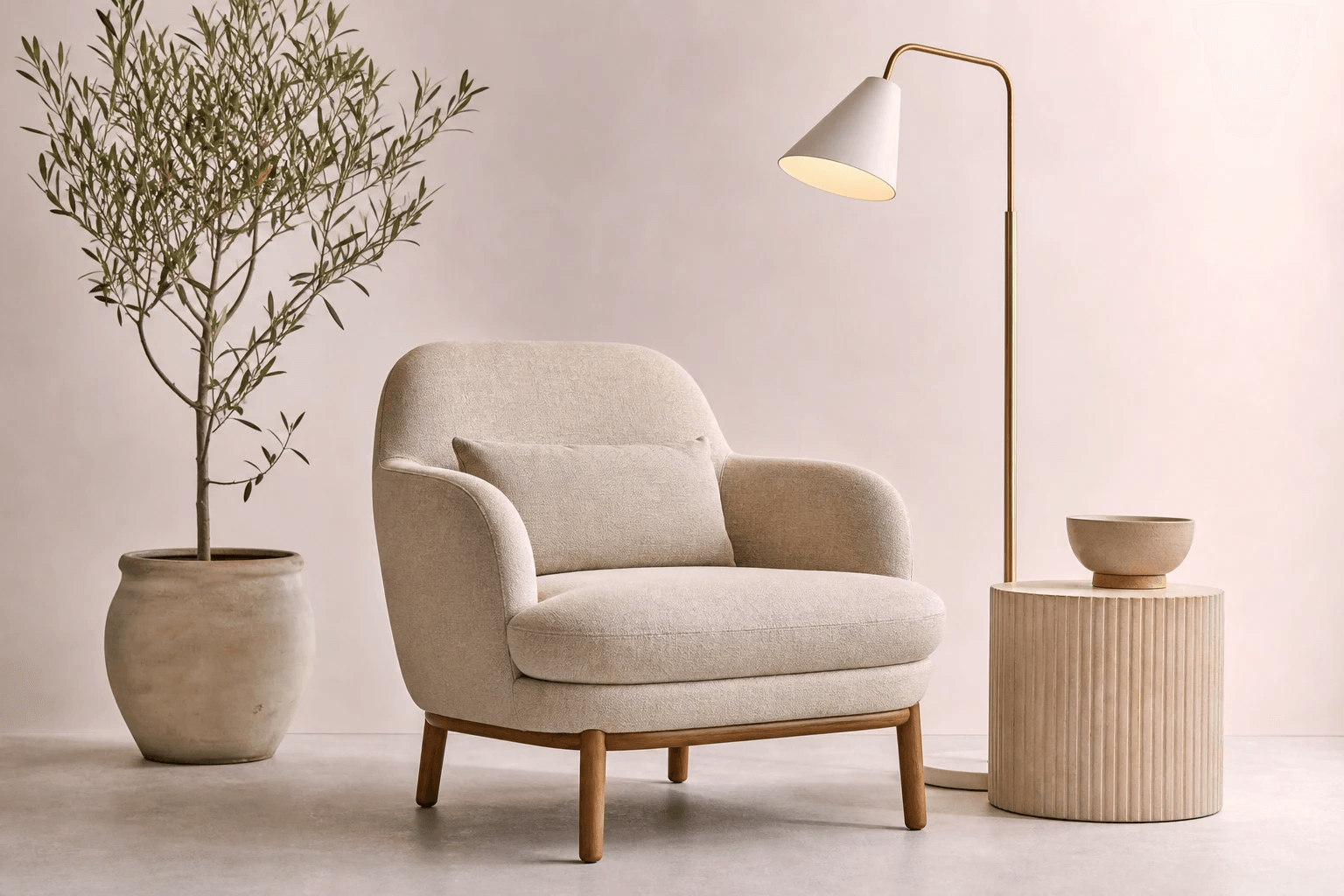
Home & interior
Furniture, lighting, and decoration
- Furniture
- Lamps
- Rugs
- Plant pots
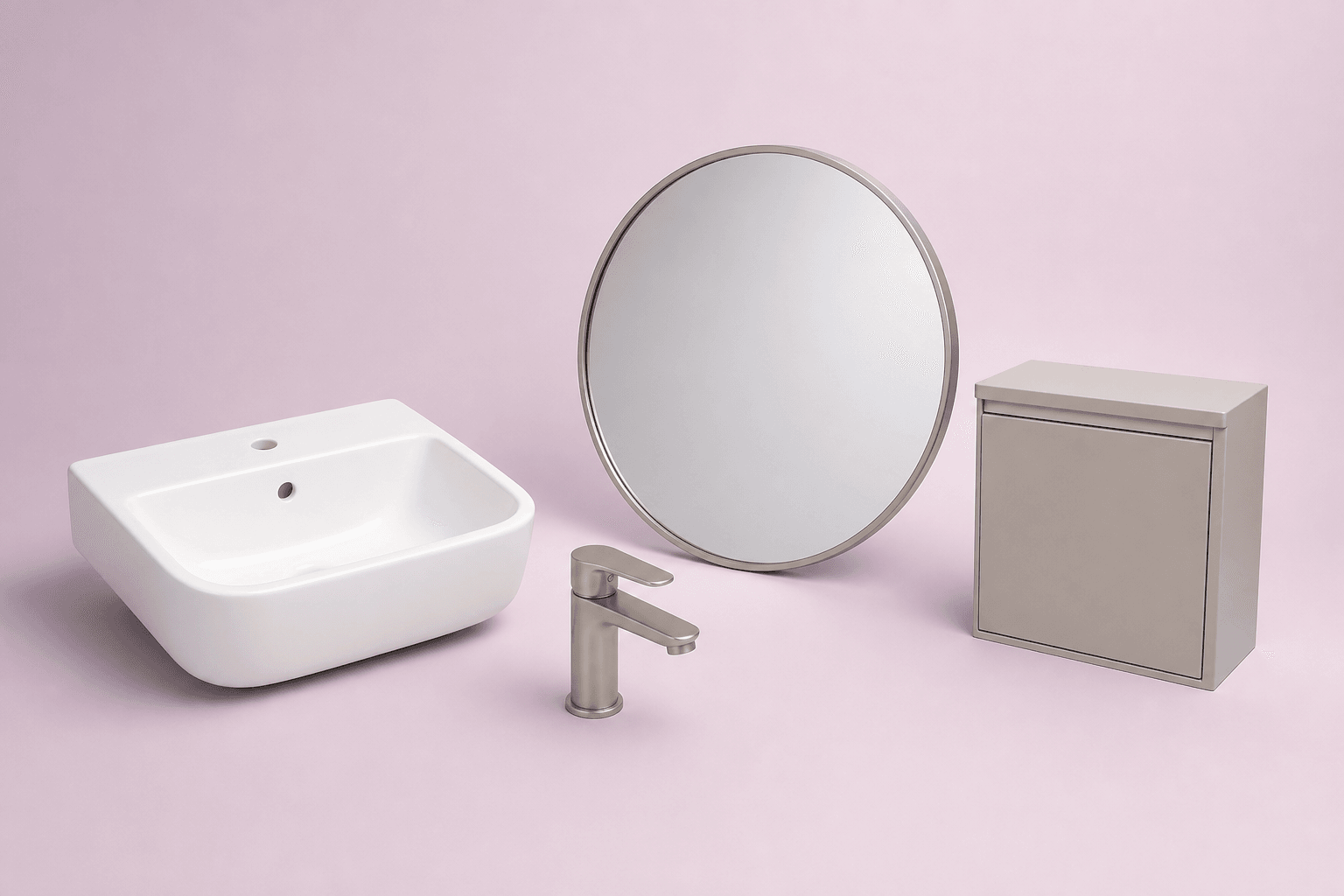
Bathroom & sanitaryware
Sinks, faucets, mirrors, and bathroom furniture
- Sinks
- Faucets
- Mirrors
- Bathroom furniture
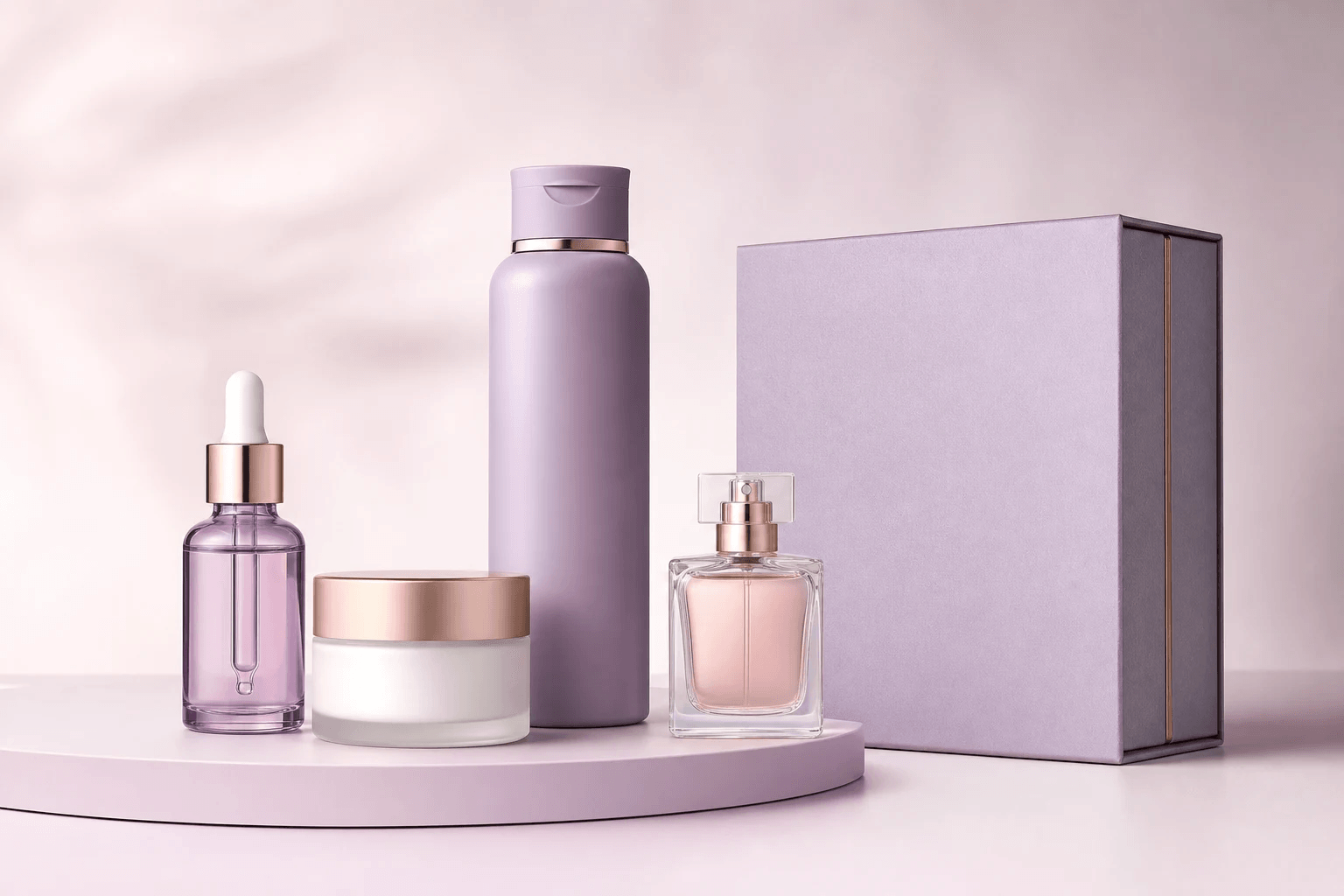
Beauty & care
Skincare, haircare, makeup, and fragrances
- Skincare
- Hair care
- Makeup
- Perfume & gift sets
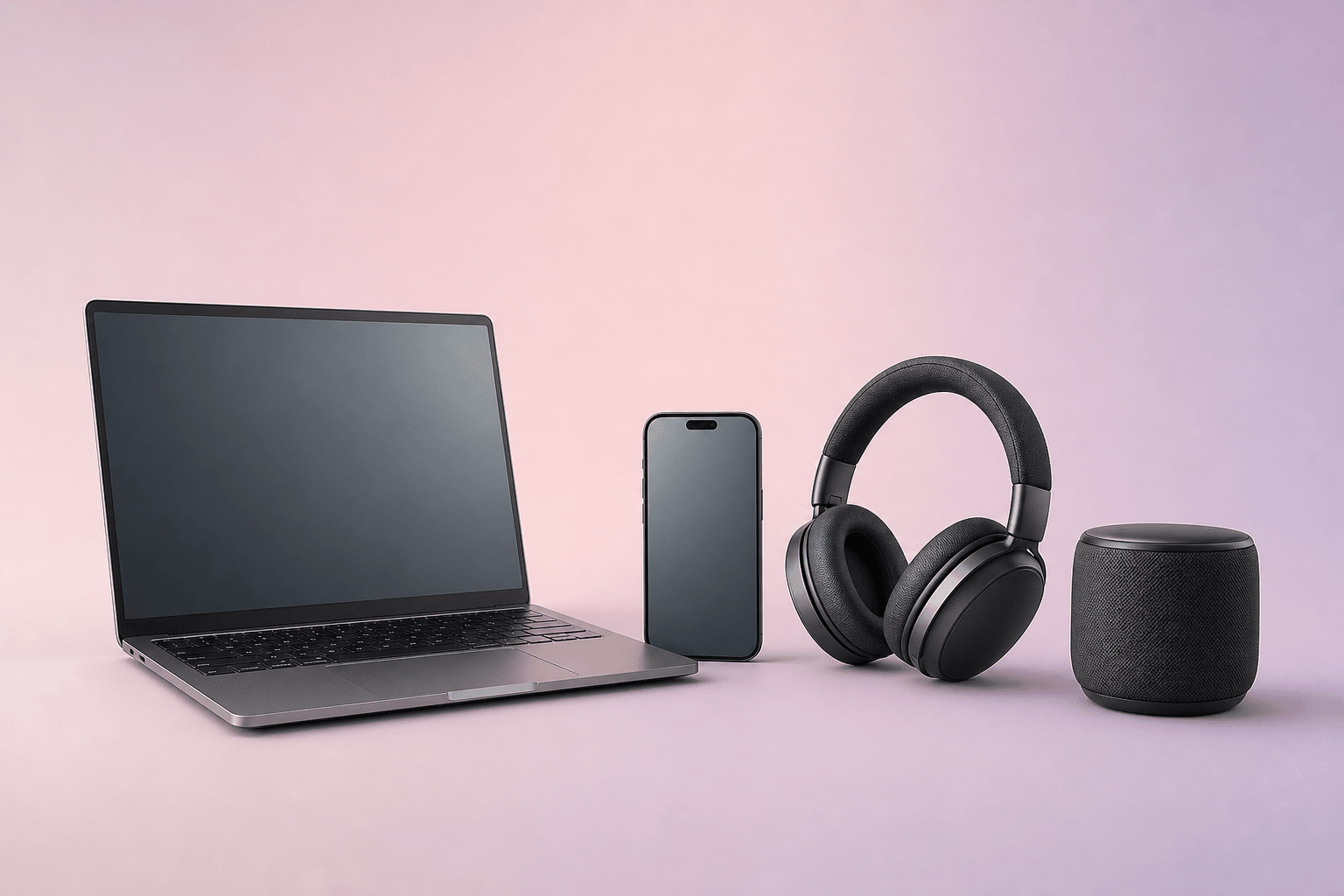
Electronics
Smartphones, laptops, audio, and accessories
- Smartphones
- Laptops
- Audio
- Accessories
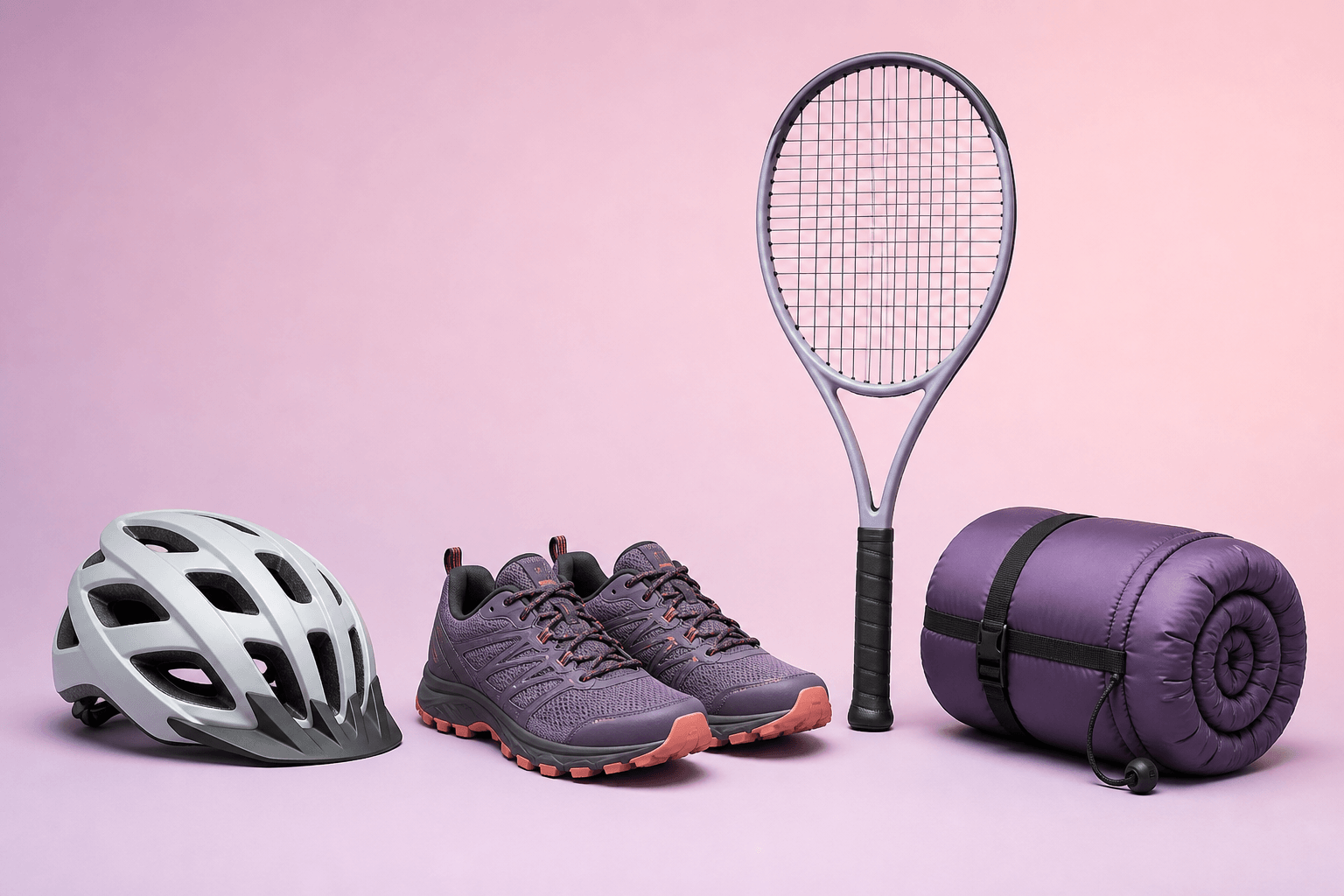
Sport & outdoor
Sports, bicycles, and outdoor equipment
- Helmets
- Sports shoes
- Rackets
- Outdoor equipment
More retail assortments Sport, electronics, DIY, toys, optics, and more
For these assortments, we also set item data, image rules, checks, and webshop files per product type. Open a group to view examples.
- Jewelry & watches Jewelry, watches, gift sets, and accessories
- Sport & outdoor Sports equipment, bicycles, water sports, and camping gear
- Electronics Computers, telecom, audio, video, and household appliances
- Bathroom & sanitaryware Sinks, faucets, showers, bathroom furniture, and accessories
- DIY, construction & garden Tools, paint, tiles, garden materials and outdoor furniture
- Toys, baby & leisure Games, toys, strollers, and baby items
- Food, drink & specialty store Packaging, coffee, tea, cookware, and tableware
- Pets & pet supplies Pet food, baskets, toys, collars and crates
- Office & school Stationery, printers, whiteboards, and office furniture
- Car, bike & mobility Parts, tires, batteries, bike parts and roof boxes
Create one set and publish the matching articles
Combine items that belong together. Photopilot creates one set image and links the other items as matching products to the main item.
The set image and product relationships are automatically sent as cross-sells to your online store.
- Shopware
- Shopify
- WooCommerce
- and more
- 01 Combine items
- 02 Set image with correct proportions
- 03 Publish cross-sells
Proportions are correct even within a set
Photopilot uses item sizes to display products credibly side by side. The set image and individual items remain linked and can be published together.

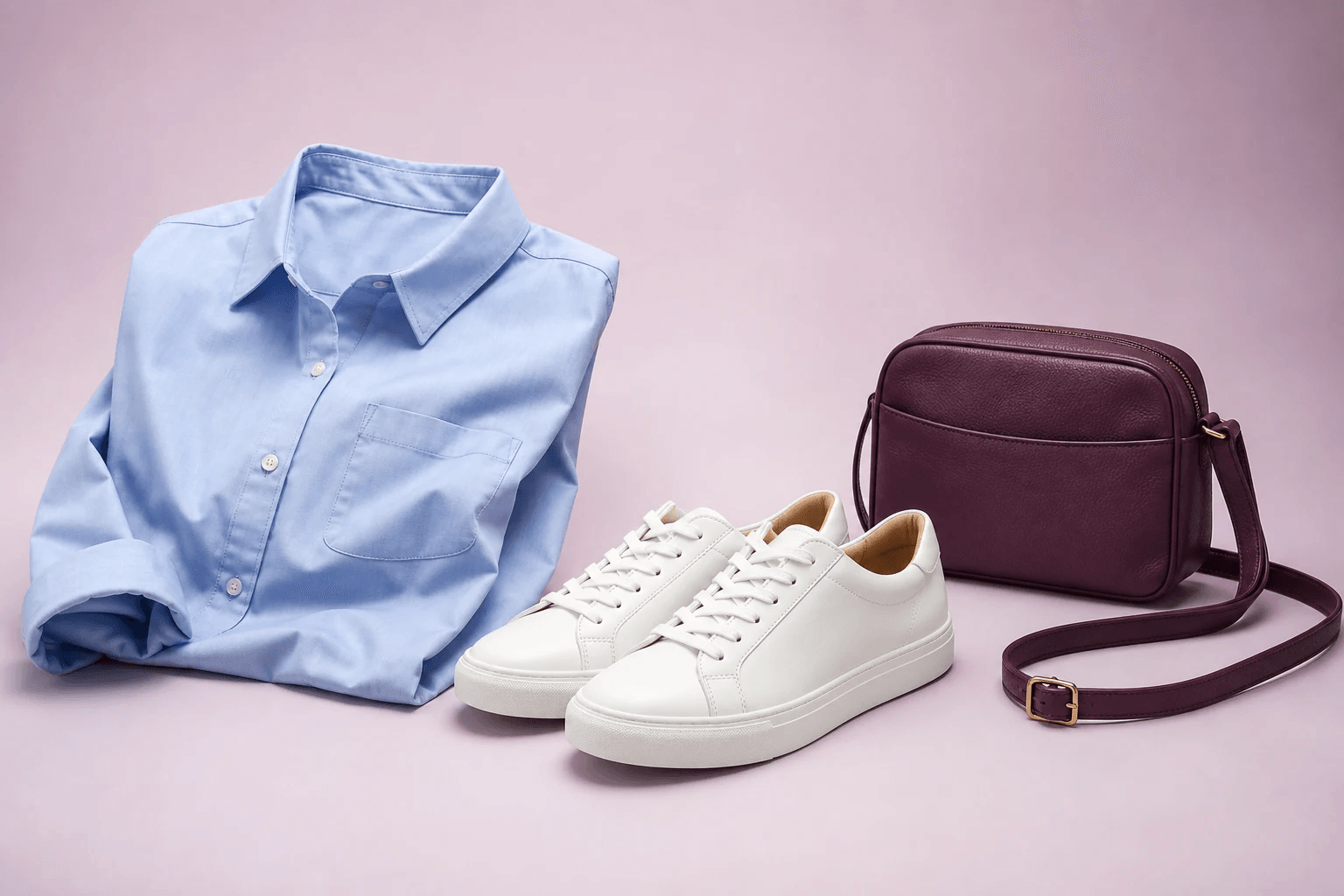
Clothing, shoes, and accessories in one visual language
Give each product type its own crop and keep the entire collection visually cohesive.
- Clothing
- Shoes
- Bags

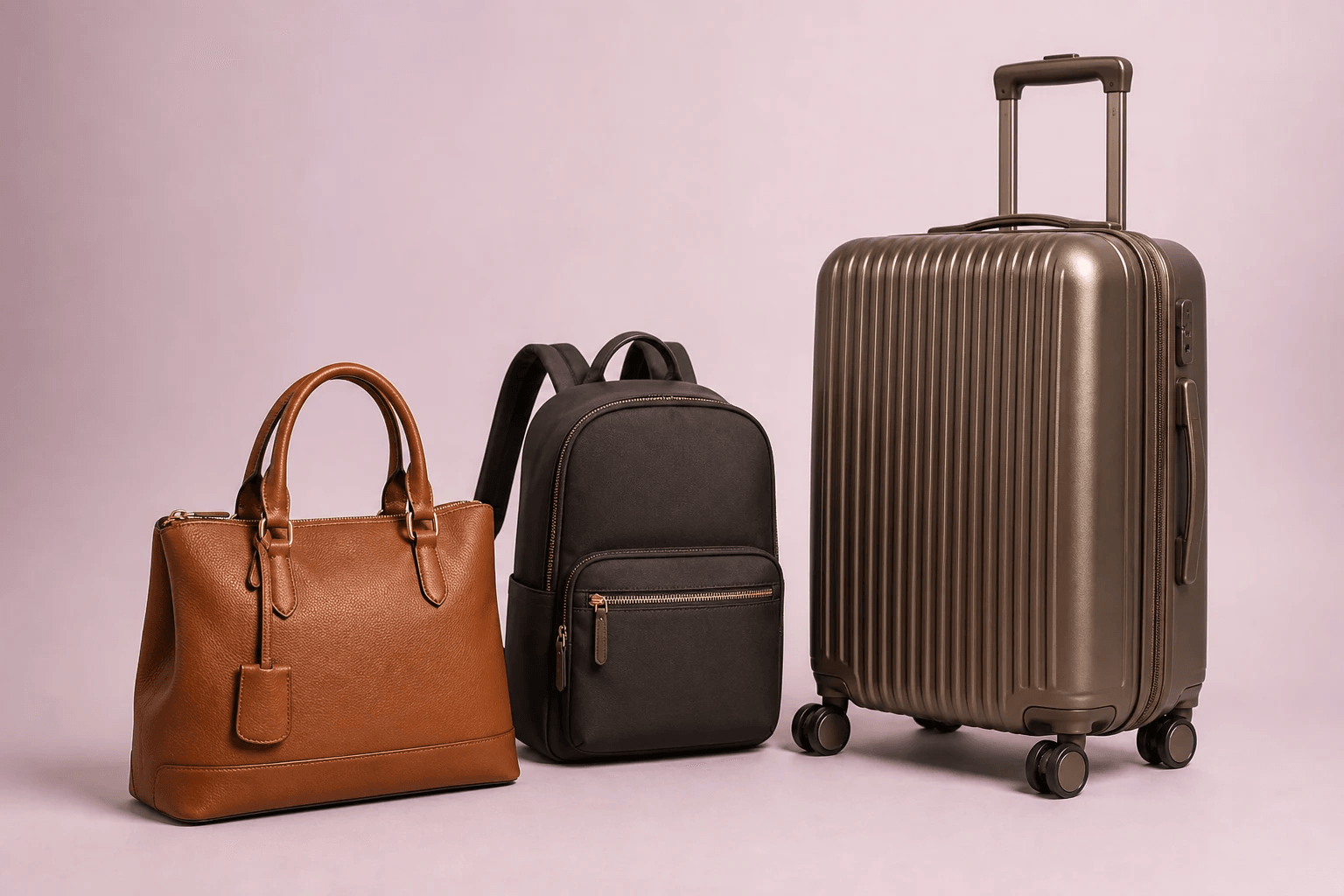
Handbag, backpack, and suitcase in recognizable proportion
The dimensions of the bag determine the scale and image margin. Handles, extendable grips, and wheels are not included.
- Handbags
- Backpacks
- Suitcases

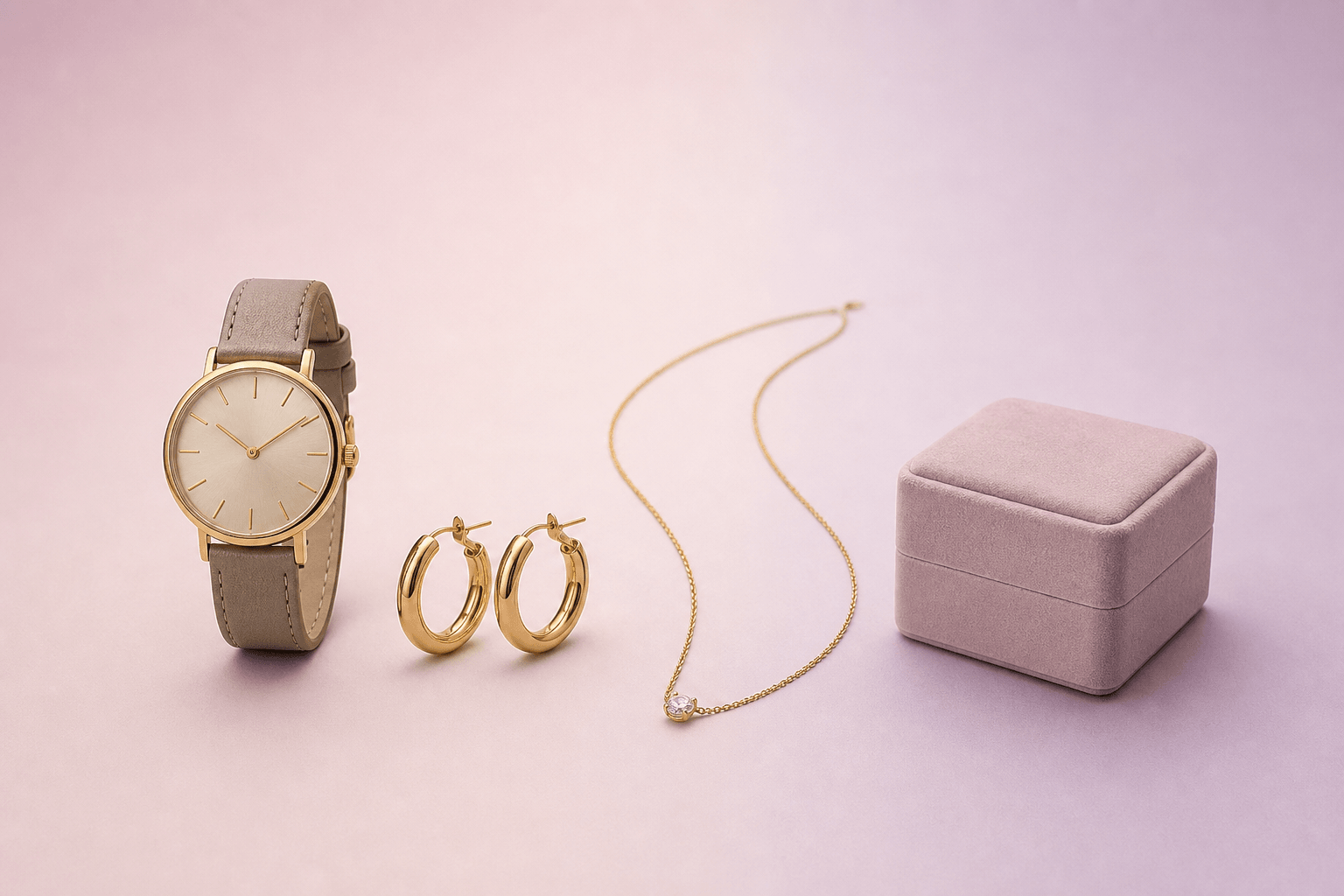
Small details, one luxurious visual language
Gloss, material, size, and variant remain consistent per item and collection.
- Watches
- Earrings
- Chains

Home products credibly together in image
Combine product and mood images with dimensions that remain associated with the item.
- Furniture
- Lamps
- Rugs

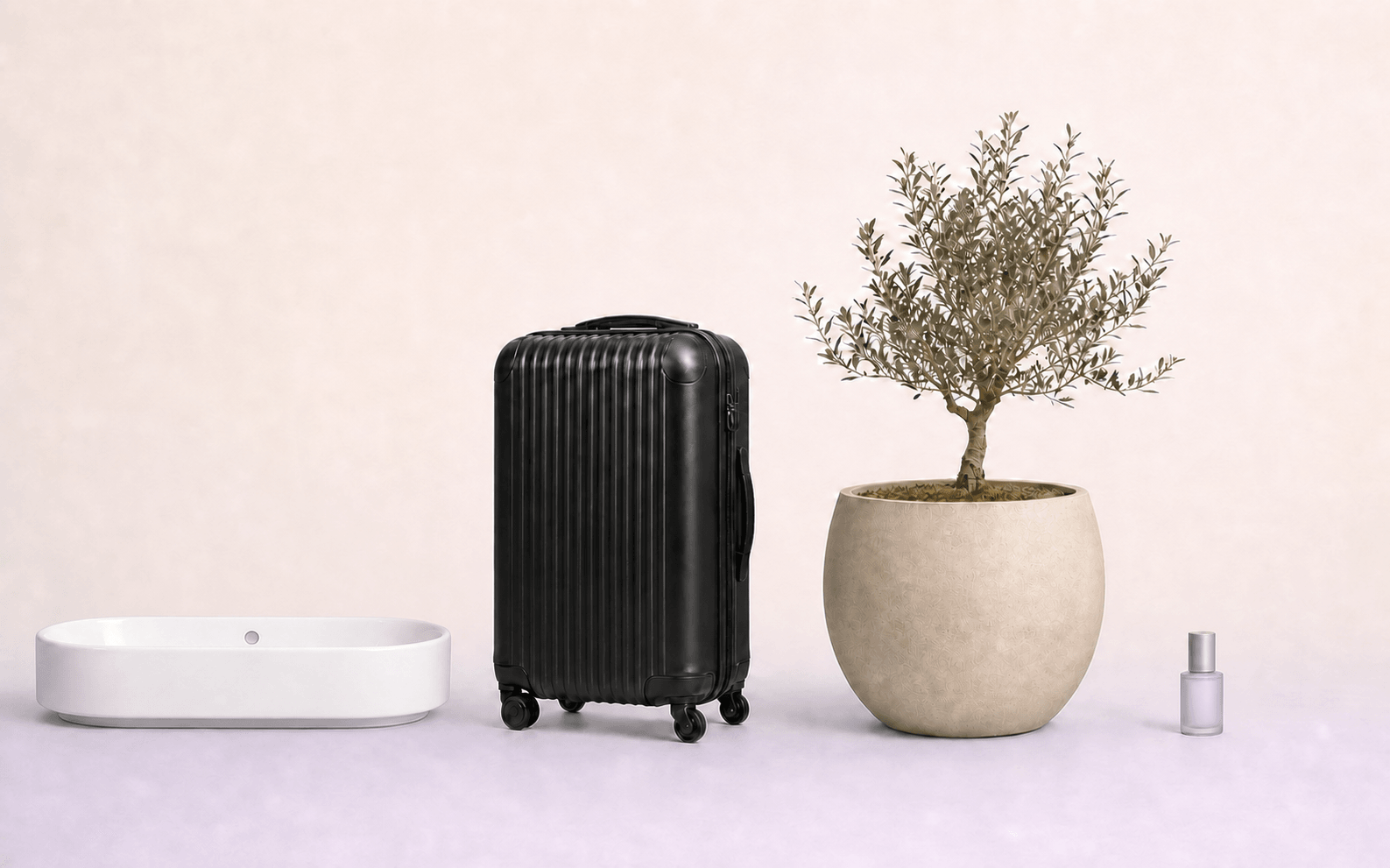
Sanitary as a complete bathroom combination
Freestanding product images and combination sets keep dimensions, versions, and product relationships together.
- Sinks
- Faucets
- Mirrors

One care line, from perfume to gift set
Variants, content sizes, and packaging receive a consistent image series and clear product information.
- Skincare
- Hair care
- Makeup

Devices and accessories in one consistent series
Design, color, connections, and matching accessories remain linked to the correct product.
- Smartphones
- Laptops
- Audio

Technical sports products as a recognizable collection
Material, size, color, detail images, and matching equipment remain with the same article.
- Helmets
- Sports shoes
- Rackets
Frequently Asked Questions
Is Photopilot only for fashion or also for other assortments?
Fashion is the foundation of Photopilot. We apply the same method of working with items, images, and publication to jewelry, luggage, home, sanitary, beauty, electronics, and sports. For each sector, we configure the product types and image edits that fit the assortment.
We sell multiple product ranges. Can that be managed in one environment?
Yes. In Photopilot, you choose the assortments that fit your store and can combine multiple sectors. Photopilot then reads the product feed and suggests product types, image rules, and fields, which you only need to review and confirm.
Our industry isn't listed. Is a conversation still worthwhile?
That can certainly make sense. In addition to the highlighted sectors, Photopilot also sets article data, image rules, checks, and webshop files per product type for assortments like DIY, toys, pet supplies, and office supplies. In a conversation, we will assess together whether your product types and sources fit this approach.
What happens with new product types that Photopilot doesn't recognize yet?
Photopilot sets aside new or uncertain items so your team can review them first. The existing setup of your assortment remains intact. This way, exceptions are visible while known product types continue as usual.