Used modules
This is how this case connects to the rest of Photopilot.
This is how SkiHut's supplier route works
From supplier file to published image: link in the portal, edit automatically, and check where needed.

Link before editing
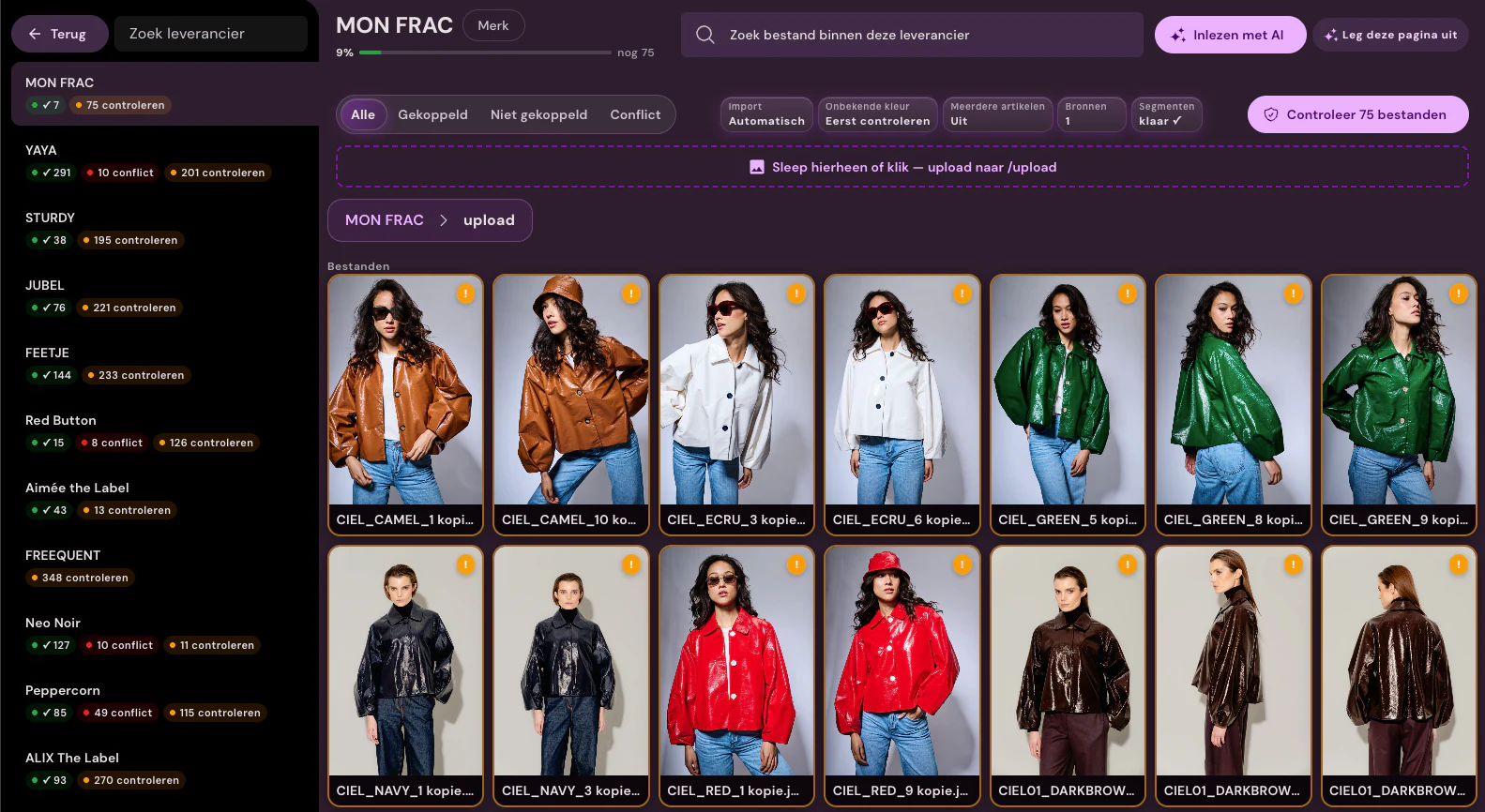
Supplier files are linked to item and color. Unknown or conflicting files remain visible until the team reviews them.
View the supplier portal
The complete photo set for the same item
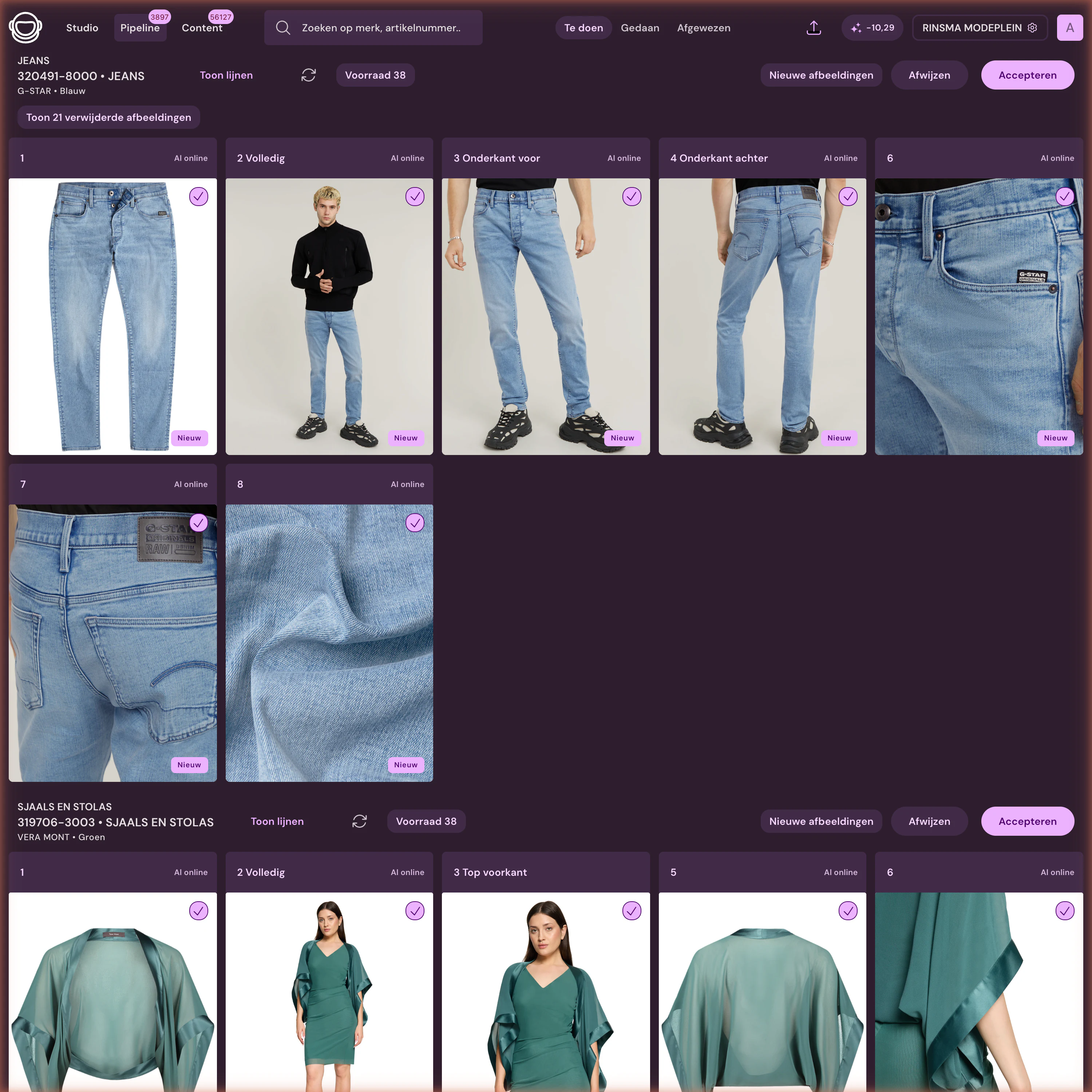
Packshot, model shot, and details are shown side by side with their status. New results are only reviewed when the set route requires it.
Supplier portal with match control
For each supplier, SkiHut sees which files are linked, still unknown, or conflicting. Only a confirmed item match proceeds to processing.
Automatic packshot editing
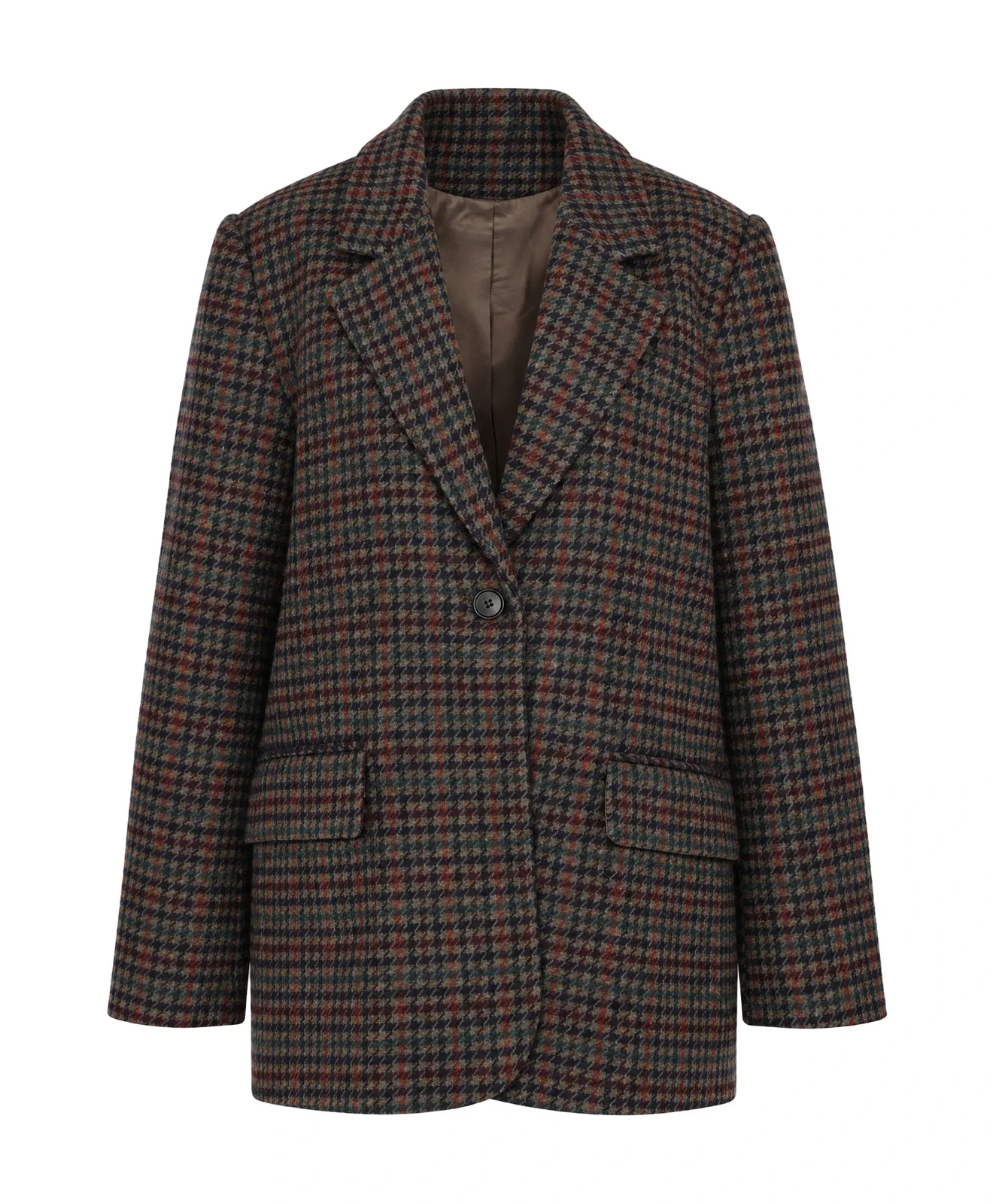
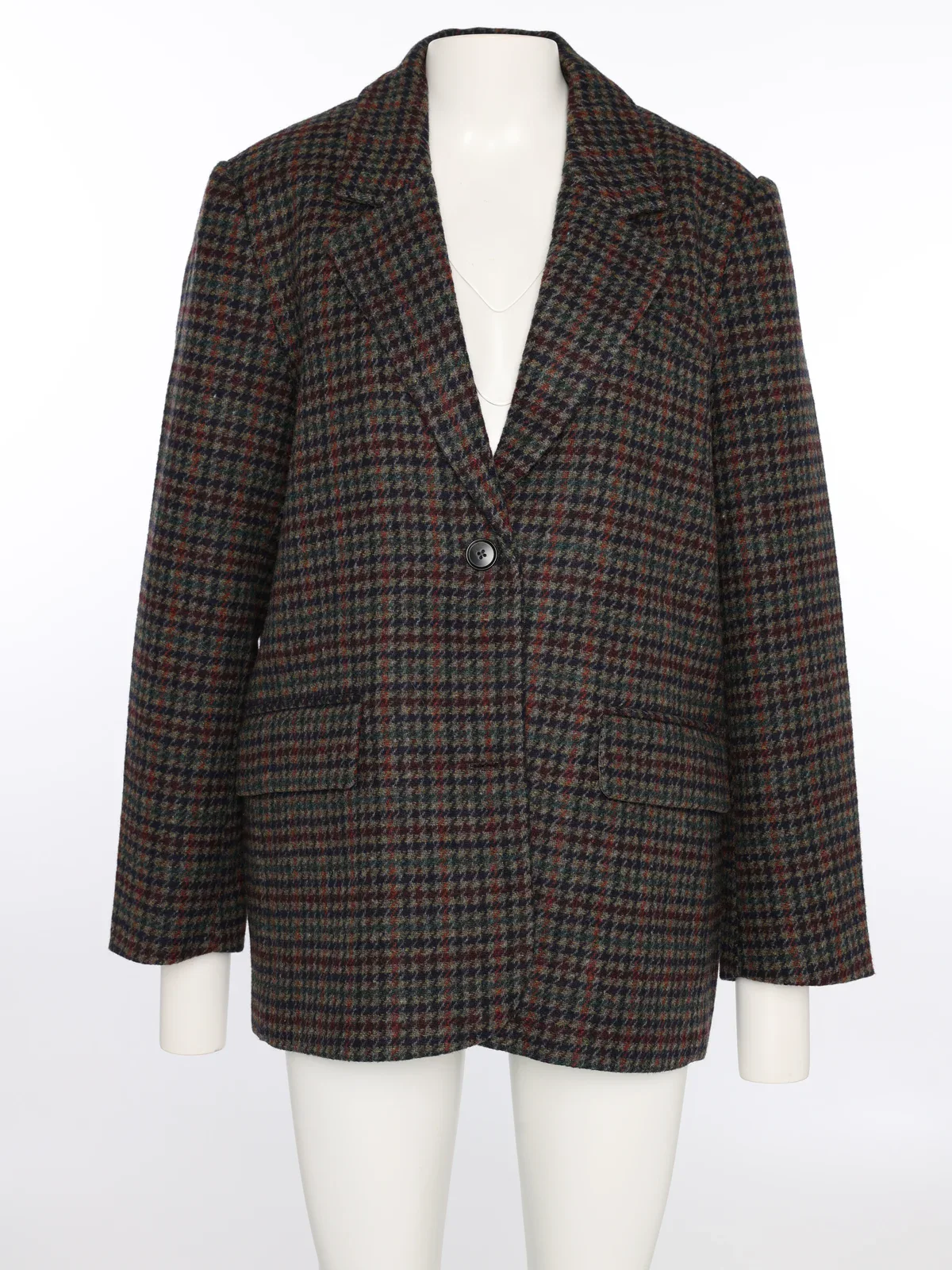
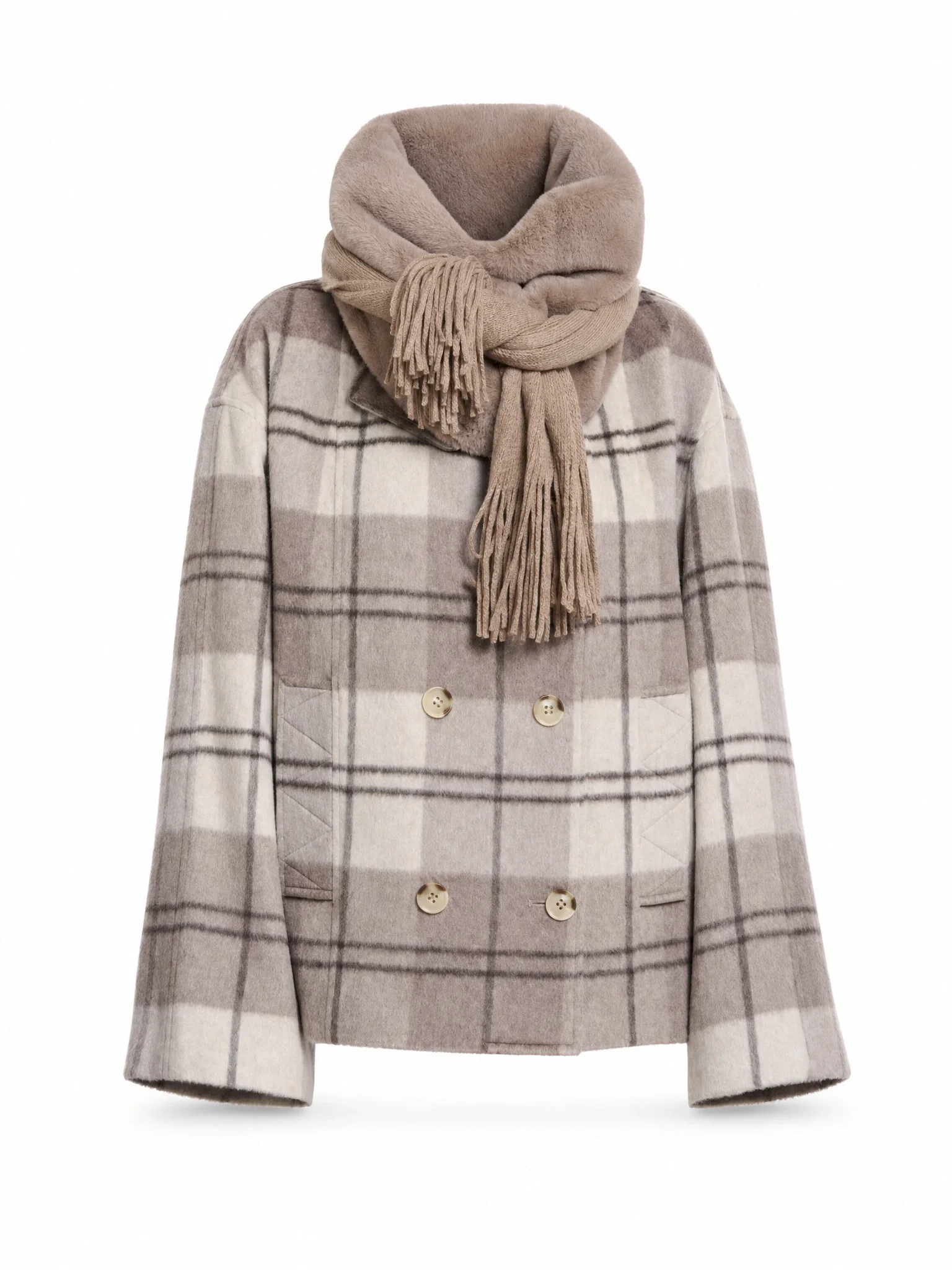
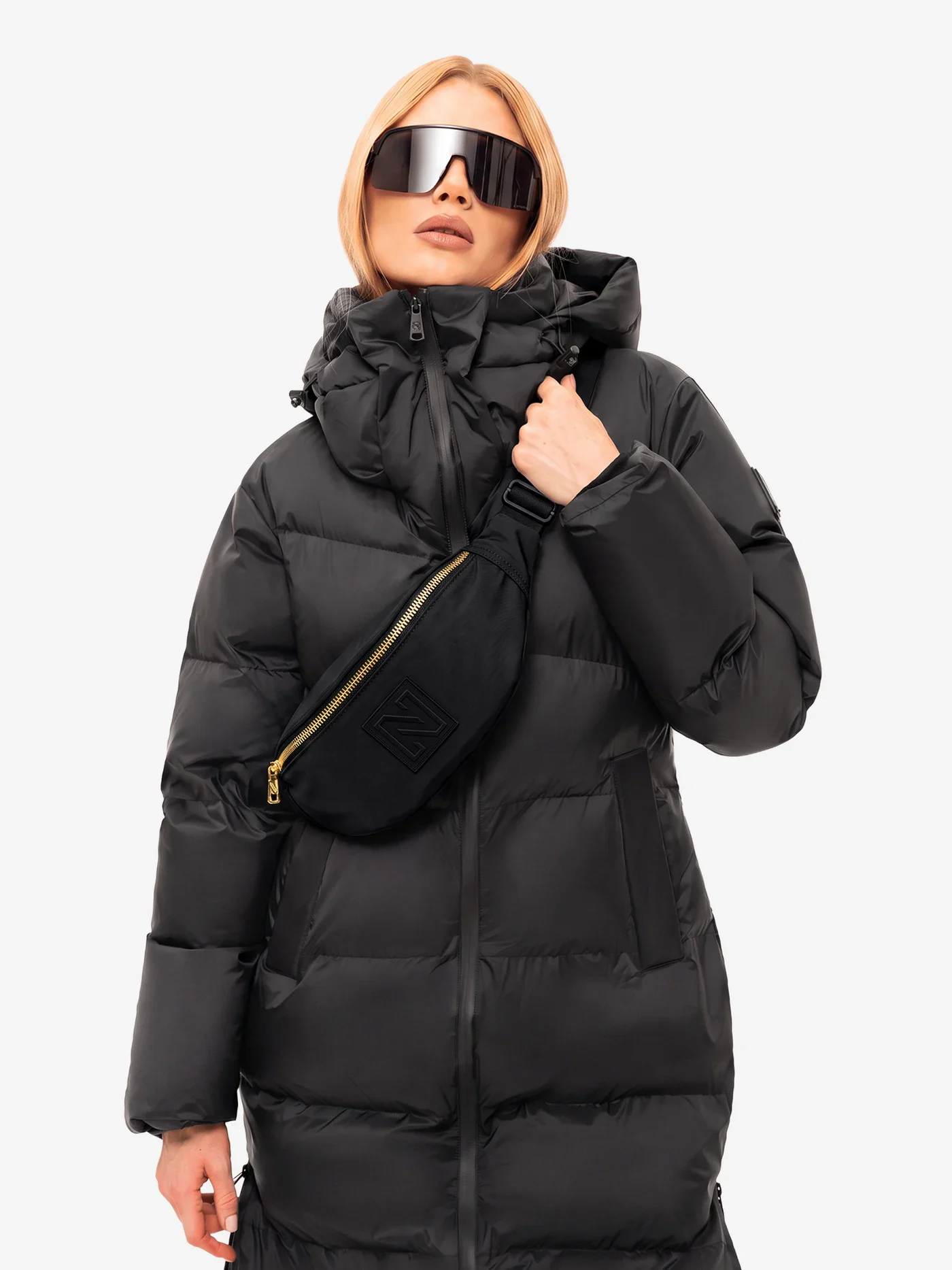
Cropping, background, aspect ratio, and filename follow fixed rules per product type, from down jacket to hat and scarf. The team only looks at exceptions.
Product texts from item data
Product texts are created from item data and published after review, in the same route as the images.
Publication to the webshop
Approved images and texts go to the webshop together, without a separate export or upload round.
See how other fashion teams organize their workflow.

Van Tilburg Mode & Sport
From supplier file and studio recording to sales-ready photo setRead the customer story
Rinsma Modeplein
New Fashion Cloud images sales-ready fasterRead the customer story
Van DijkPublish up to 2–3× faster with the same teamThanks to Photopilot, we publish many brands up to 2-3 times faster online. We no longer need a third party for cropping and backgrounds, while Fashion Cloud, stock control, file names, and product content come together in one process. Absolutely recommended!
Kevin Pilasky E-commerce manager, Van Dijk
Read the customer story