Fashion brands and retailers already using Photopilot
You choose
A real shoot or AI images.
Your collection Items, colors, sizes, and EANs
Route A
Traditional shoot
Your own photographer and models, without generative AI. Photopilot does edit each image: cropping to your template, freestanding background, and color matching. This is done by our own AI, but it creates nothing new: every pixel of your product comes from your own photo.
Scan item or set
Shoot with your Canon
Photo linked instantly
Monthly plan from €500No cost per image · one-time studio setup if you don't have one Price per item decreases with your volume
or bothRoute BAI
Example with a fully AI-generated in-house model
Fully with AI
No studio or shoot day: your iPhone photos become packshots and model images.
Photographing with your iPhone
AI creates the packshot
Model shots and campaigns with your in-house model
Monthly plan from €500 + AI images from €0.05 per imageNo studio, camera, or photographer needed Price per item decreases with your volume
Photopilot Linking, editing, texts, and control
Your online store
Brand portal
Retailers with Photopilot
Fashion Cloud
How brands choose in practice
Route A Seasonal campaign on location
Your own photographer; Photopilot links each image to the items.
Route B A drop between seasons
No shoot day: model images and a small campaign from your packshots.
Both Pants and dresses where sizing matters
One real shot in the correct size, then your house model.
What you create
One item, all images for your brand.
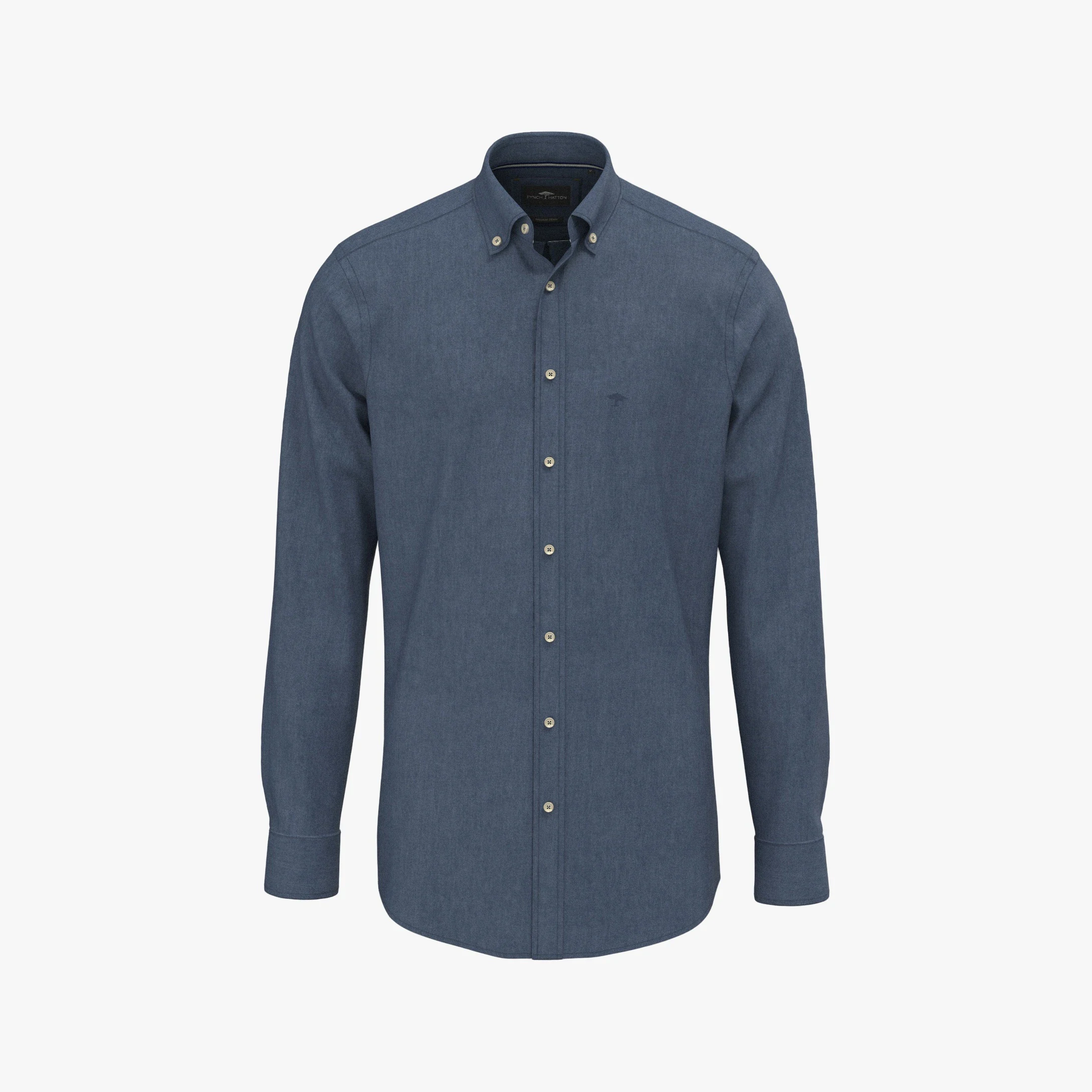
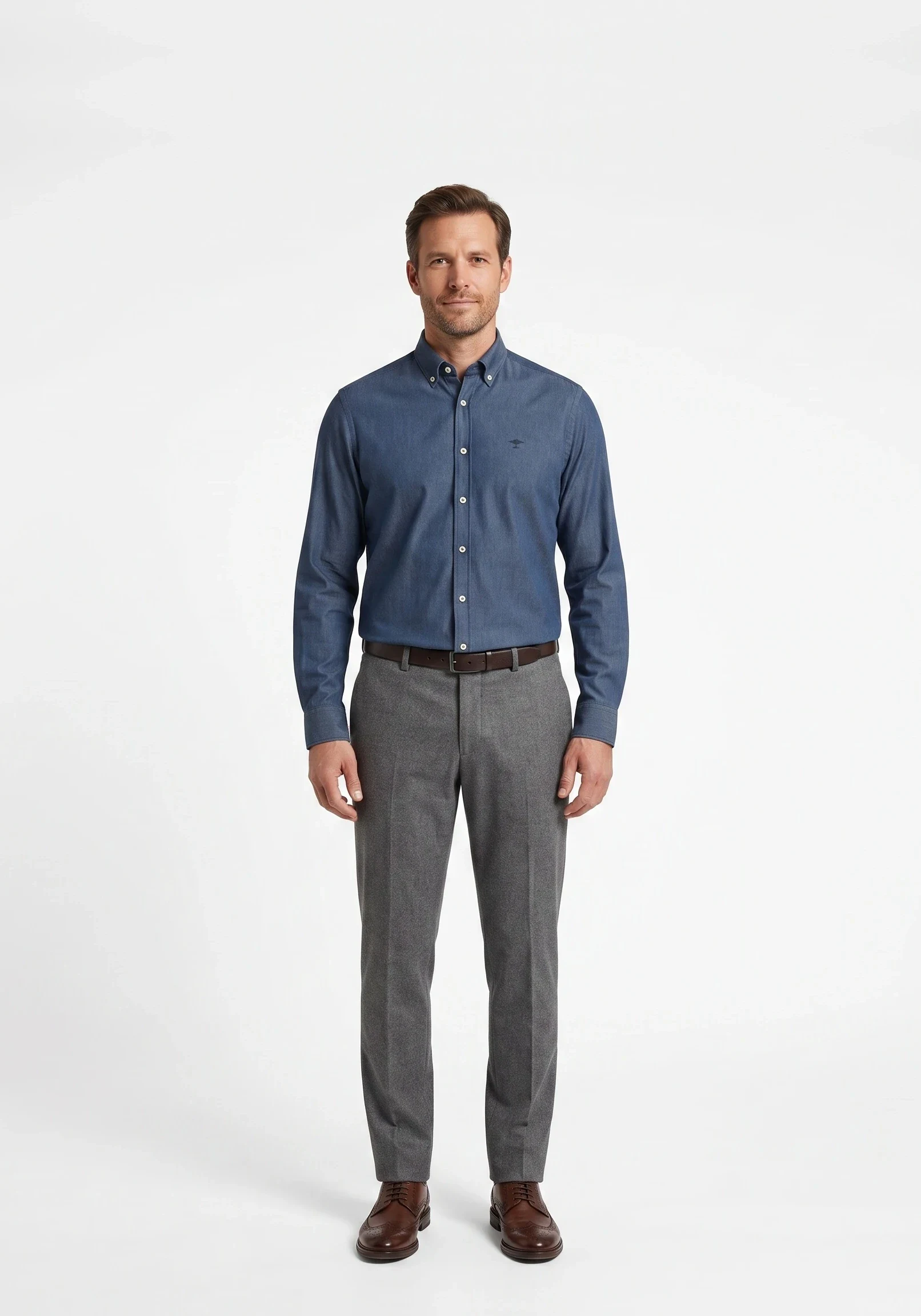
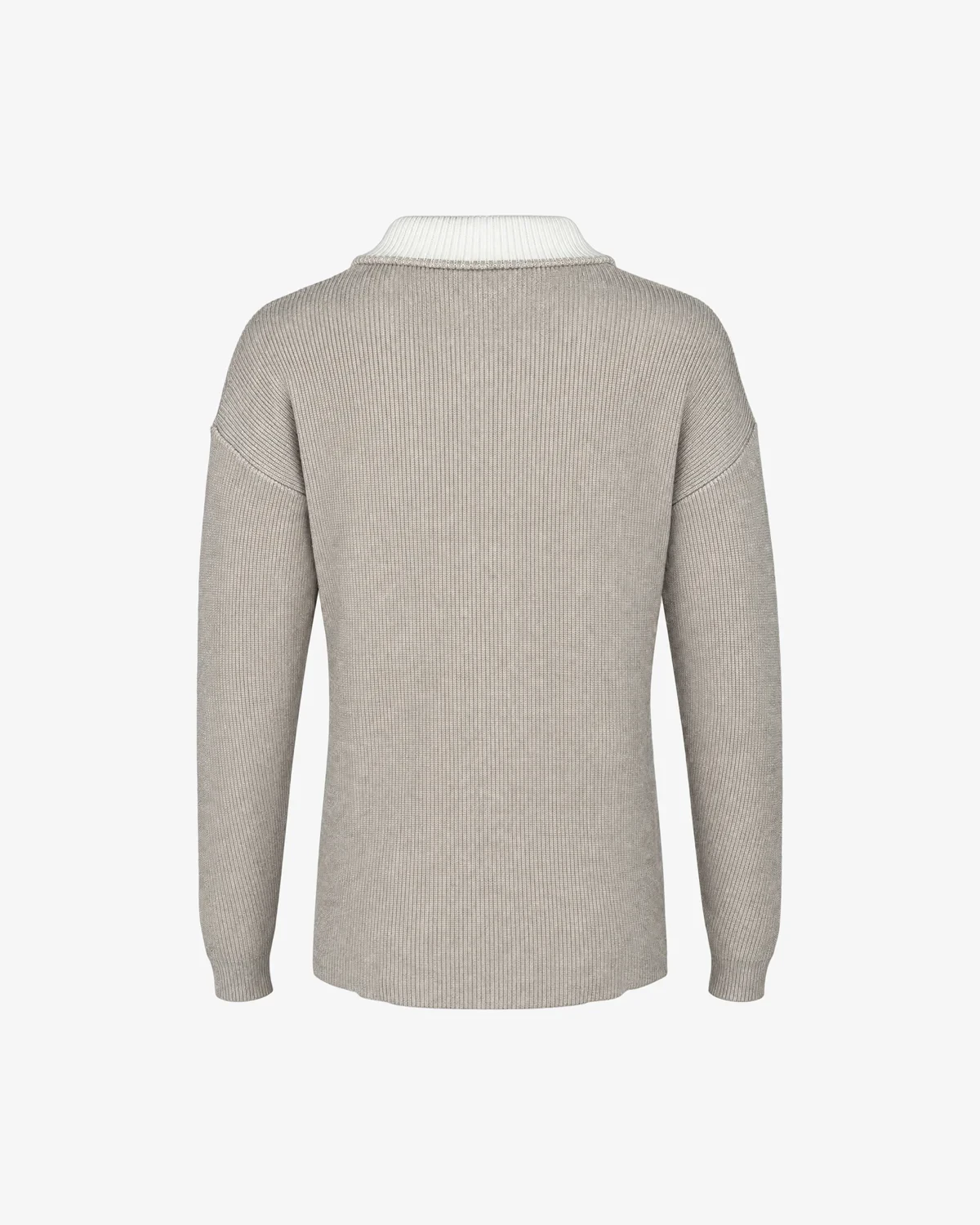
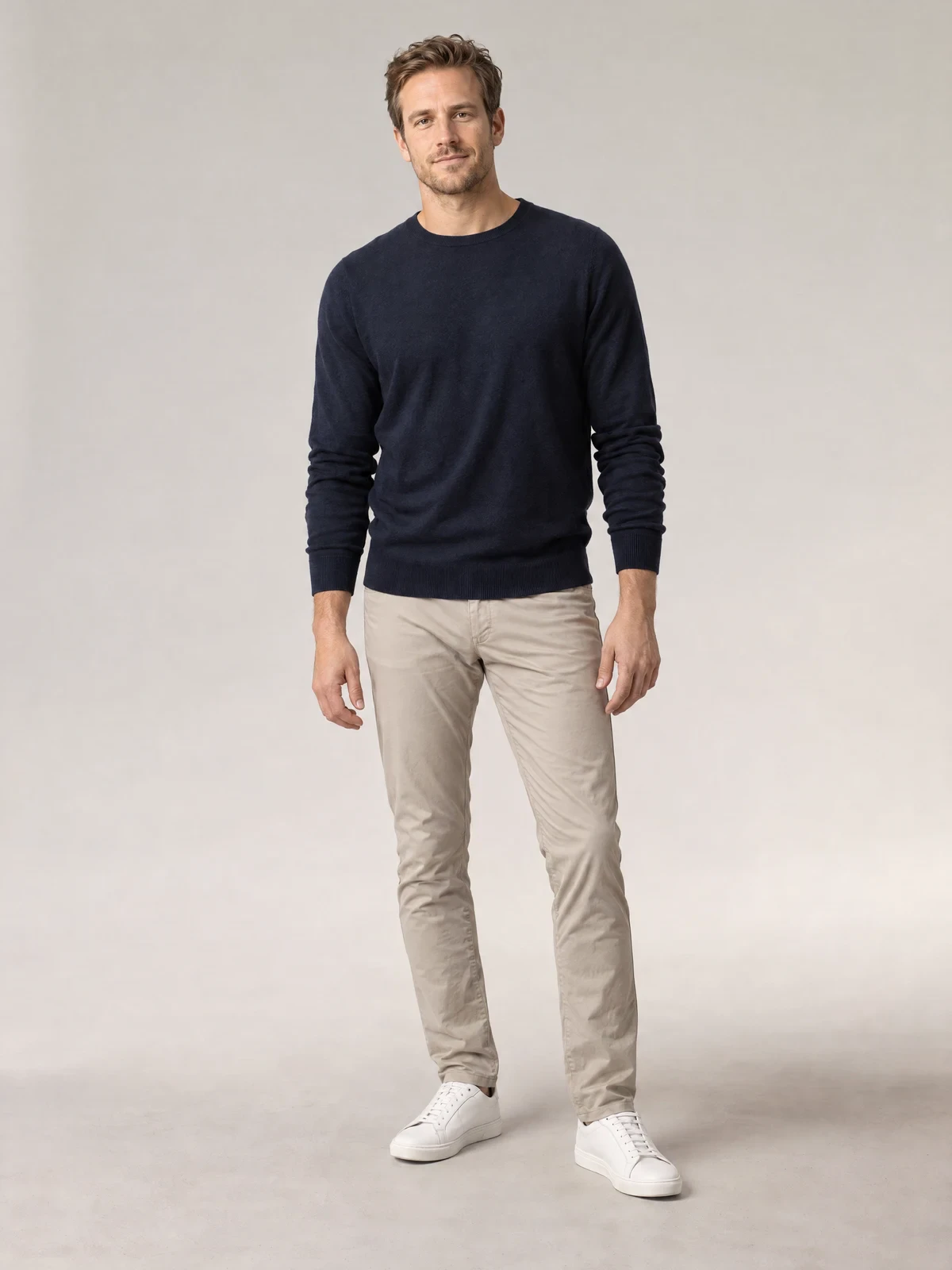
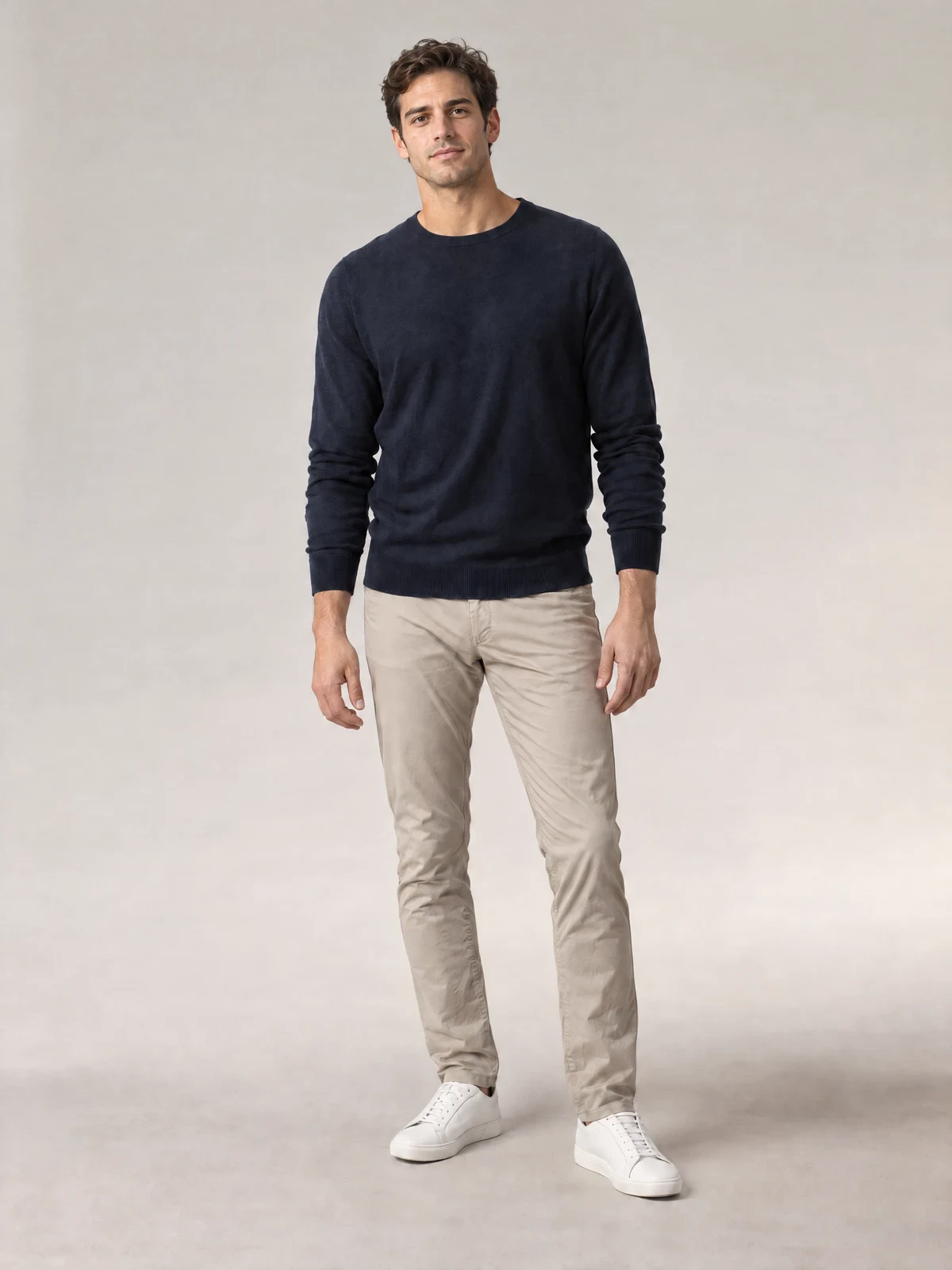
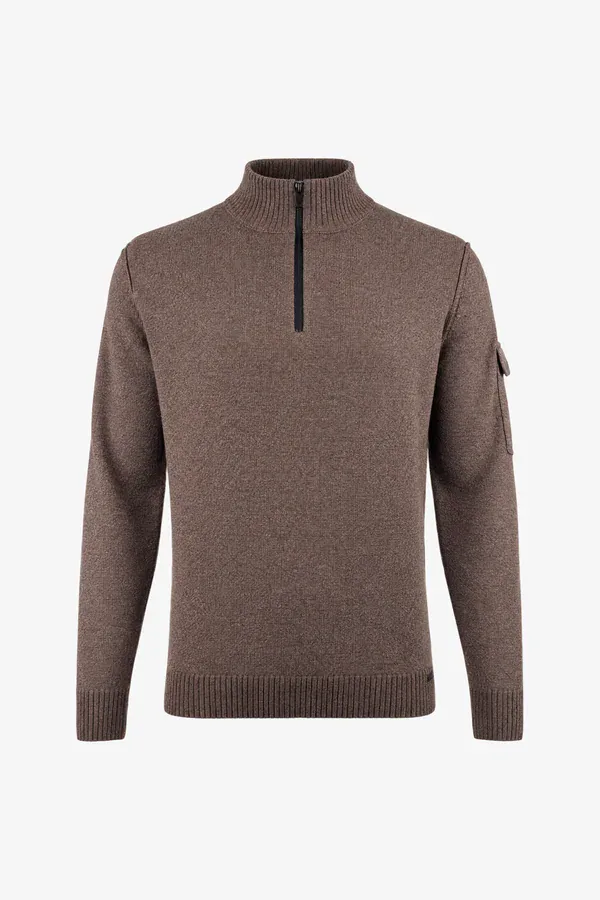
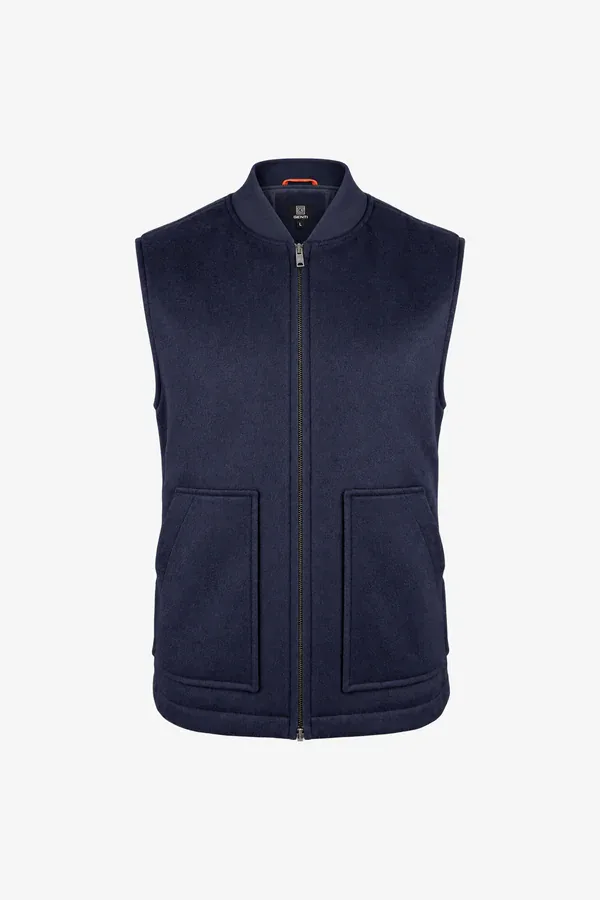
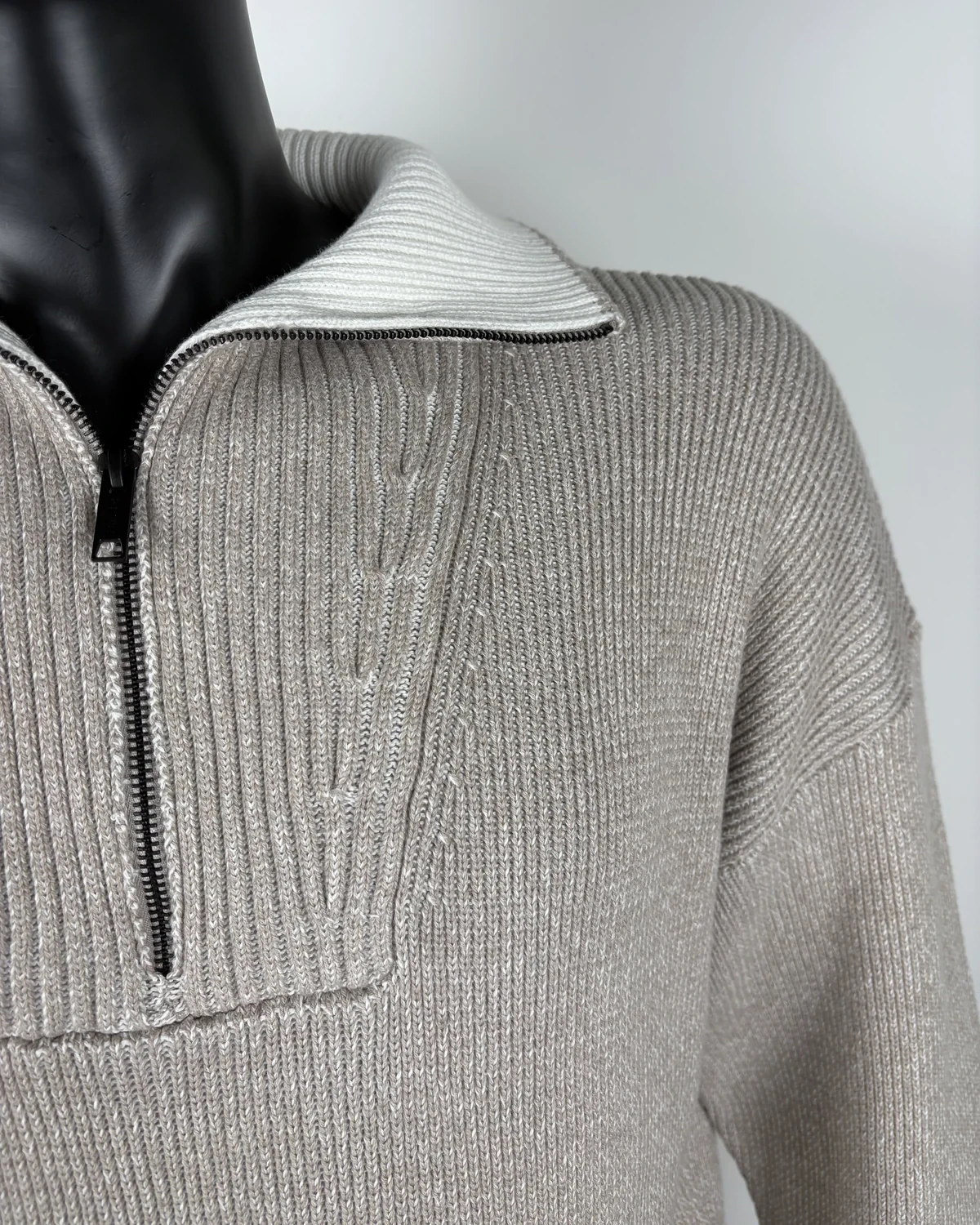
Real production results at Genti: from studio shoots to front and back packshots, with their own detail photo included.
01 Studio shot
02 Front
03 Back
04 Detail
Own campaign shoot, plus a campaign per drop
Your shoot is automatically linked; for drops, Photopilot creates the series from your packshots.
Packshots and product copy in your own brand style
Crop, background, and grid are fixed per brand; texts in your brand voice.
Ghost packshots without a mannequin
Texts in multiple languages
Care instructions and materials for each item
Studio shotPackshot
And then
Your campaign perfectly showcased everywhere
Every retailer receives the same up-to-date images, texts, and product data. Retailers using Photopilot get them instantly in their own format and order.
Brand portal on your own domain Retailers filter and download images, EANs, and article data.
You decide who sees what Per retailer, you choose the brands, and you see the downloads.
Retailers with Photopilot Your images linked to their items by EAN every hour.
Your own online store Directly in Shopware, Magento, Shopify, WooCommerce, Scayle and more.
Fashion Cloud and B2B platforms The same approved version, including for retailers outside your portal.
GGentiCatalogSelection 2AccountSearch by name, number, or EAN
Select all (26) Download all
Brand Item type Color New since NewestNumberNameCompactSpacious
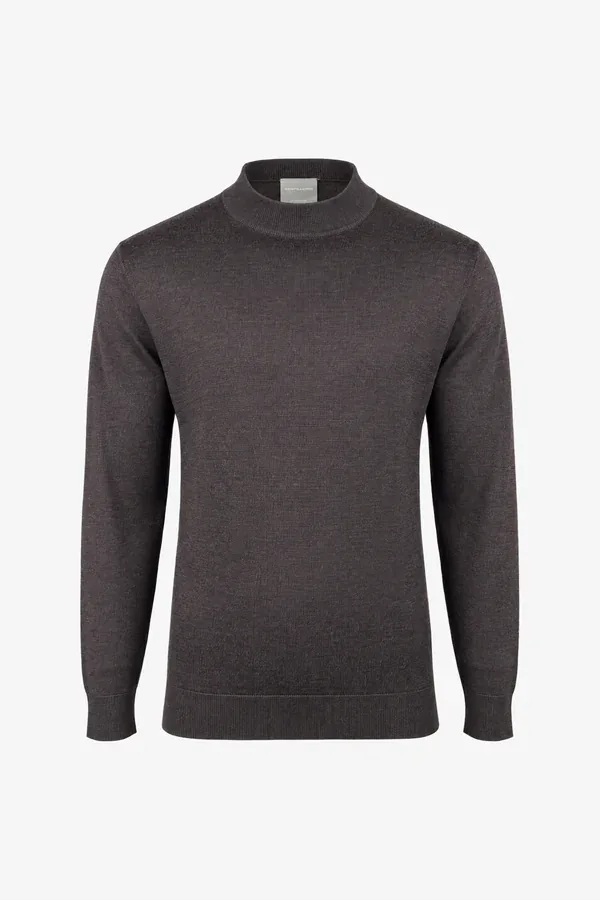
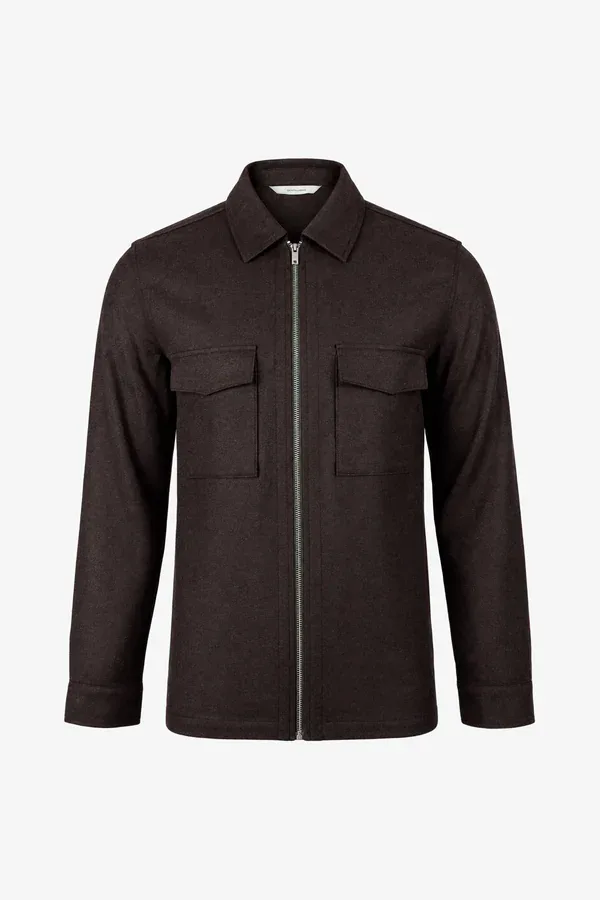
GENTI · K5099-3284-040 TURTLE ZIP LSDARK BROWN · 3 images
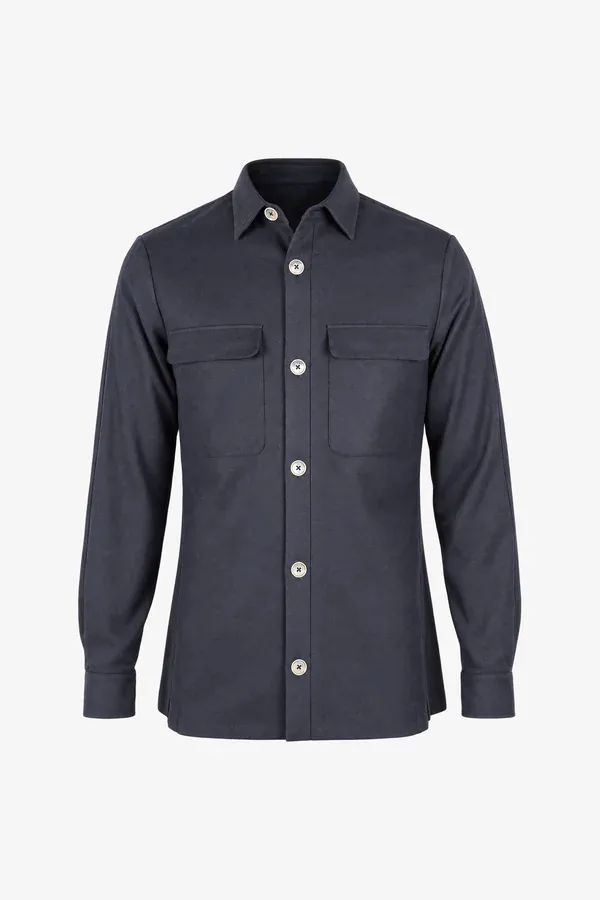
GENTI · N5038-1869-010 ZACHNAVY · 3 images
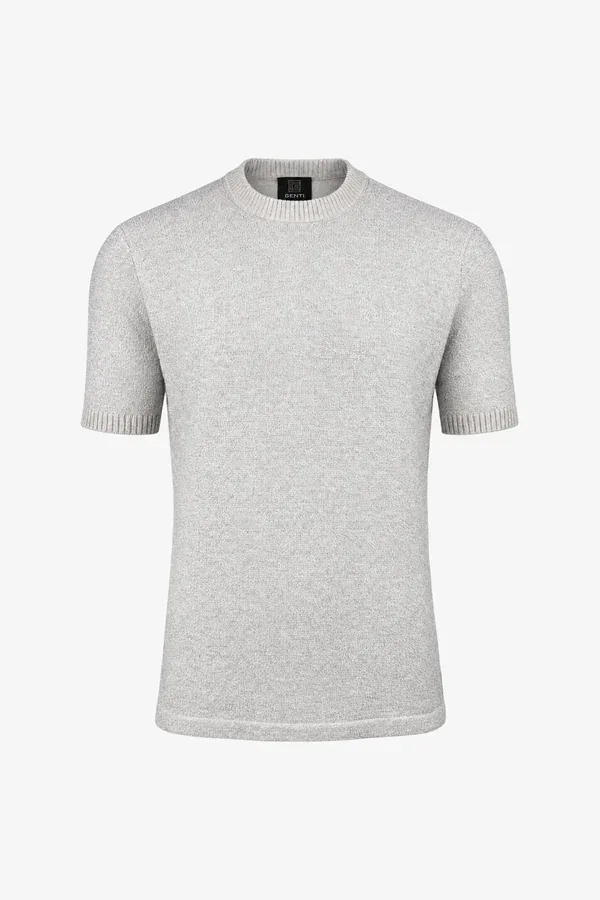
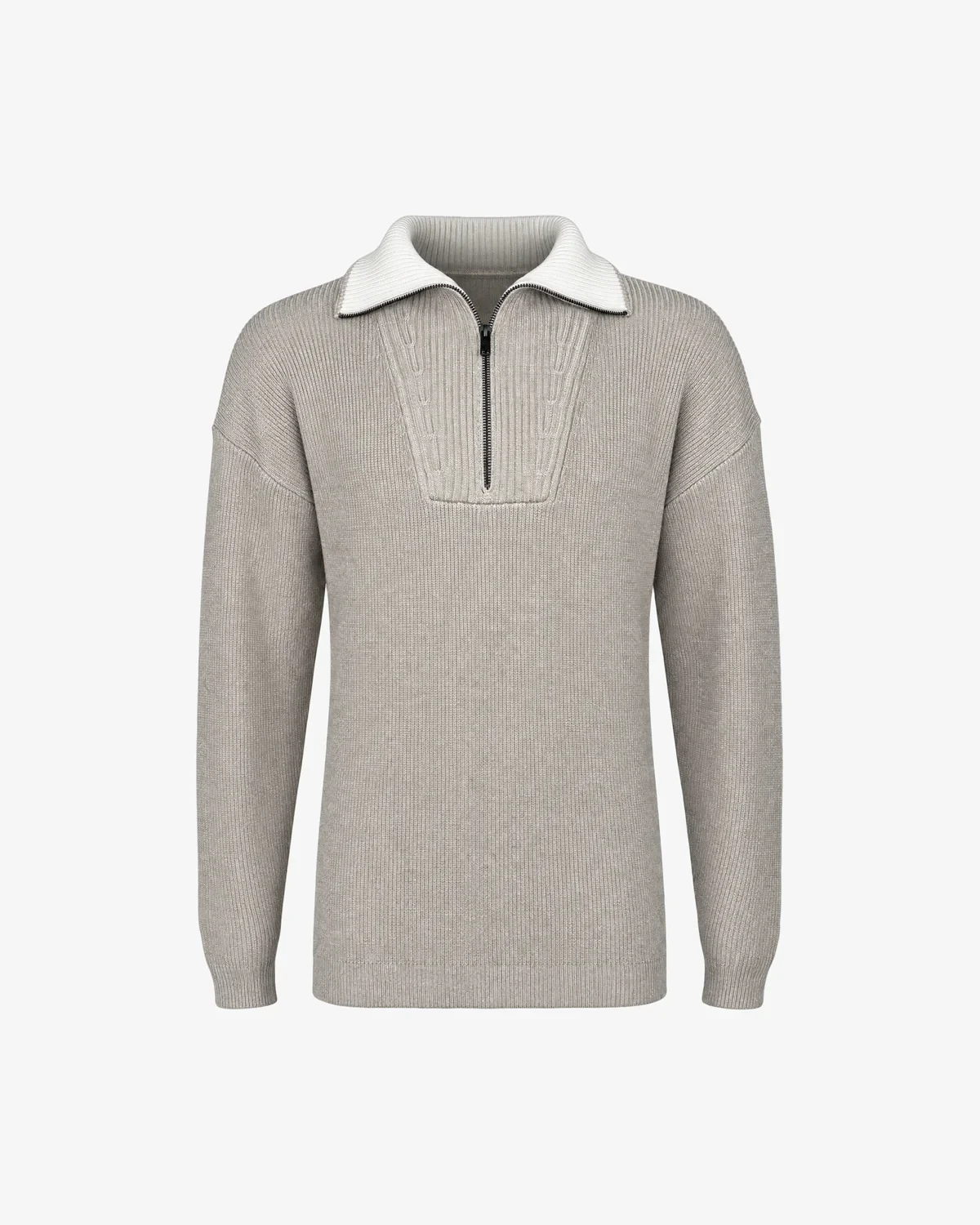
GENTI · K5123-3254-028 ROUND NECK SS EELIGHT GREY · 2 images
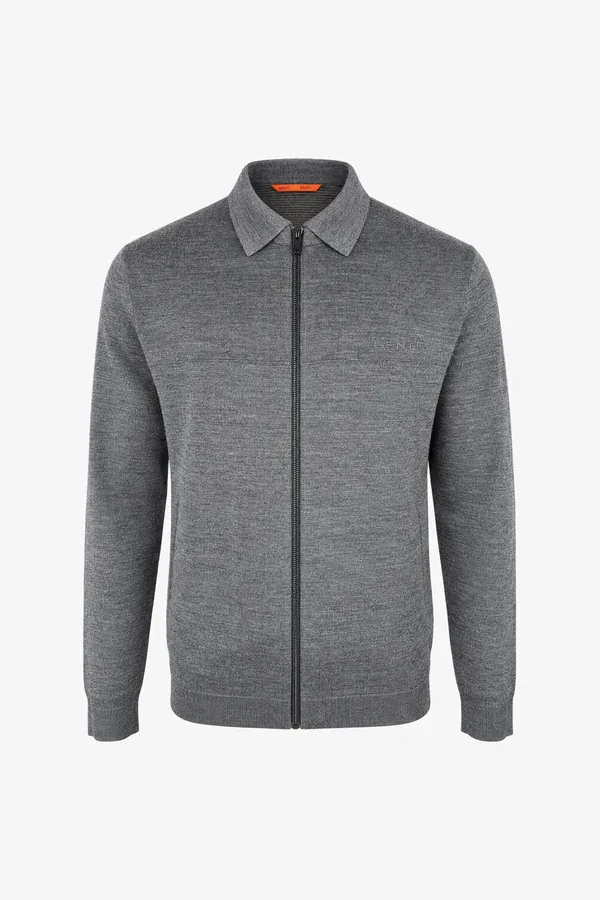
GENTI · K5106-1840-022 PRIZEDARK GREY · 3 images
GENTILUOMO · K5215-262-040 TURTLE LSDARK BROWN · 2 images
I do not want to use AI. What can Photopilot do for me?
Absolutely: you work with your own camera, photographer, and models, and Photopilot links each photo to the right item, edits it, and publishes it to your online store, retailers, Brand Portal, and Fashion Cloud. That editing—cropping to your template, creating cutouts, and matching color—is handled by our own AI, but it does not create anything new: every pixel of your product comes from your own photo. You only enable generative AI, such as Size Guarantee or AI campaigns, if you want to, and you only pay for it when you use it.
What is the difference between editing and generative AI?
Editing AI works with your own photo: recognizing what's in it, making it freestanding, cropping to your template, color matching, and checking. Generative AI creates a new image, like a model photo from your packshot or a campaign image. Without generative AI, every pixel of your product comes from your own photo; even the shadow is the real one from your photo or a soft layer we calculate from your product's shape.
Which cameras and studio software does Photopilot work with?
Photopilot Studio is an app for Windows and macOS with a direct Canon connection: photos appear during the shoot directly with the correct item. If you use Profoto, OrbitVu, StyleShoots, Capture One, or another camera, photos come in via a shared folder or network drive, with fixed filenames.
Does Photopilot replace our photographer or studio?
That's up to you. If you want to keep your photographer, lighting, and models, Photopilot handles the surrounding work: linking photos to items, sorting, editing according to your brand style, and publishing. This allows one person to run a complete studio shoot. Fewer shoot days are also possible, with the iPhone app or AI images: see the AI route.
Our campaign is shot by an agency or external photographer. Is that possible too?
Yes. The selection comes in via upload, FTP, SFTP, or a ZIP file. Using fixed filenames or item numbers, Photopilot matches the images to the right items. Images that cannot be matched automatically remain visible so your team can assign them manually.
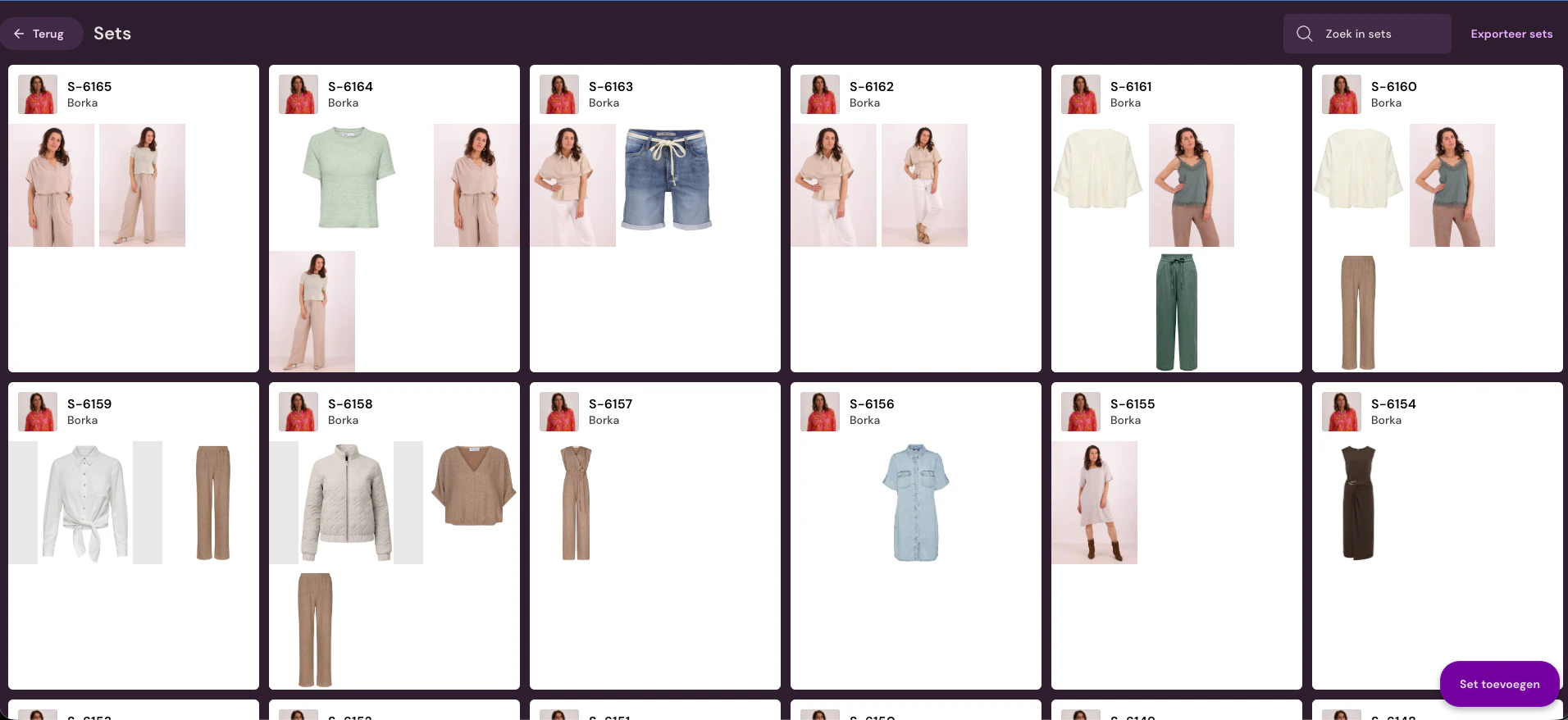
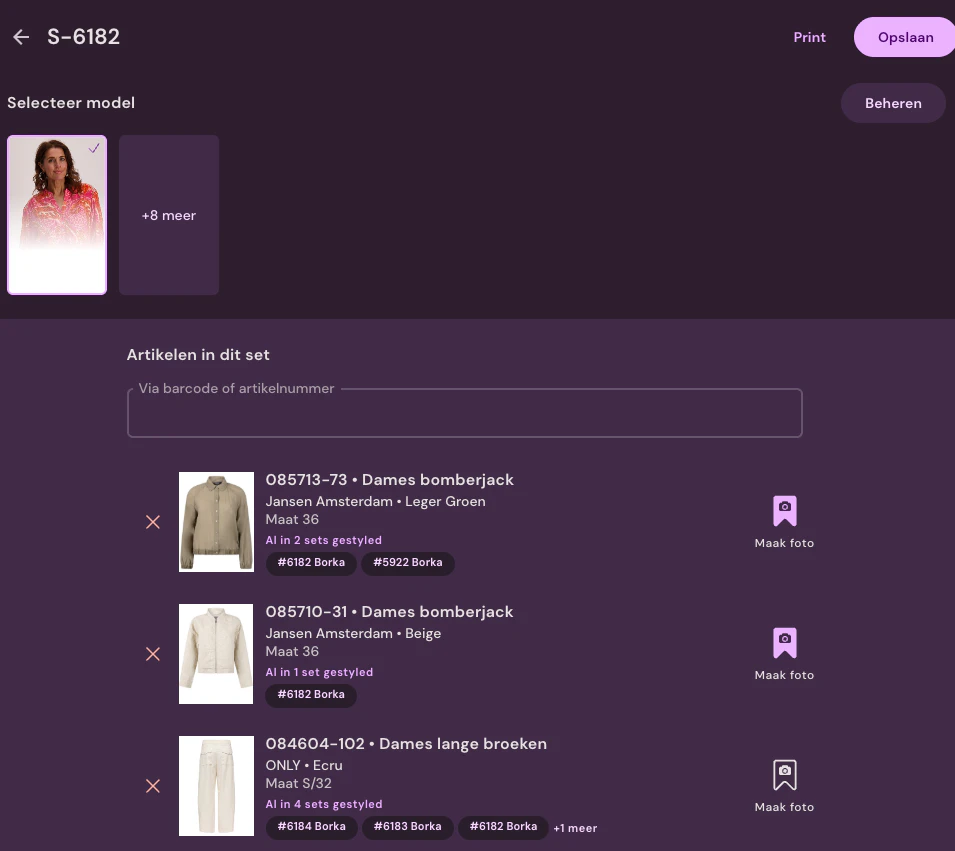
A set is a complete look: all products photographed together, with the model wearing the look. You scan the products by barcode or product number, and every photo is automatically linked to all products in the look. This lets you show complete outfits from your own brand in your online store and at your retailers.
What is the cost of the route without generative AI?
The monthly plan starts at €500 per month for 1,000 enriched items per year, including image editing and publishing; the price per item decreases as your volume grows. You pay nothing per image. If you don't have a studio, a setup with camera and flash is required once; the studio page provides an indicative cost. If you shoot with the iPhone app, that's not necessary.
I do want to use AI. What can I do with Photopilot?
You don't need a studio: photograph with an iPhone on a rack, hanger, or mannequin and Photopilot turns them into packshots in your house style, and then model images and campaigns with a fixed AI house model. You can create AI models unlimitedly with a short description, or based on a real face if that person gives permission. Everything goes through the same review as regular photos.
The same monthly plan, starting at €500 per month for 1,000 enriched items per year, plus the AI images you create: from €0.05 per image. Here too, the price per item decreases as your volume grows. A studio, camera, flashes, or photographer are not needed; an iPhone is enough.
Can your brand create campaign images without a photoshoot?
Yes. You choose a product set, your consistent brand model, and an art direction with set design, lighting, and pose. Photopilot creates the campaign images based on your existing packshots. For items where fit and length need to be exact, you use a real shot as the basis and Photopilot only swaps the model.
How do I prevent an AI image from misrepresenting my product?
By reviewing it before it goes live. Each AI image undergoes the same review as your other images: you compare it with the item you have in hand and only approve it then, and you decide what can be automated per brand or collection. You choose how the image is created: entirely with AI from your packshot, or with Size Guarantee, where you photograph the item once in the correct size and only the model is changed. In both cases, you can use your own house model, ensuring your brand always looks the same.
Yes, if you want: you choose a fixed AI house model per brand and target group. In studio shoots, Photopilot only replaces face and hair, so clothing, pose, and lighting remain real. If you prefer working with real models, you skip this step.
No. Retailers without Photopilot get an account for the brand portal and download what they need in the browser. Retailers using Photopilot request access with one click in Brand integrations and then automatically have your images linked to their own items by EAN.
A portal on your own domain where retailers log in and download images, product data, materials, and care instructions of your brand. You decide which brands are visible to each retailer and see what is downloaded. You activate your own domain with one DNS record.
Can you also publish to Fashion Cloud and your own online store?
Yes. The same released images and article data go per EAN to Fashion Cloud and other B2B platforms, so retailers outside your portal always find the correct version. Contact us to set up Fashion Cloud as a channel. For your own webshop, they go directly to Shopware, WooCommerce, or BigCommerce, and to other systems via FTP/SFTP, the Webshop Excel, or the API.
In the EU. Application and database hosting are in Amsterdam, and file storage and CDN run through Cloudflare in the EU. The agreement includes a data processing agreement with the list of subprocessors.











%20--%3e%3csvg%20version='1.1'%20id='Layer_1'%20xmlns='http://www.w3.org/2000/svg'%20xmlns:xlink='http://www.w3.org/1999/xlink'%20x='0px'%20y='0px'%20viewBox='0%200%20945%20125'%20style='enable-background:new%200%200%20945%20125;'%20xml:space='preserve'%3e%3cpath%20d='M8.73,62.42c0-31.54,24.83-56.21,56.53-56.21c21.08,0,37.79,9.99,47.47,25.3l-14.05,8.59%20c-6.56-10.77-18.58-17.96-33.42-17.96c-22.17,0-39.19,17.65-39.19,40.29s17.02,40.29,39.19,40.29c14.83,0,26.86-7.34,33.42-17.96%20l14.05,8.43c-9.52,15.46-26.86,25.45-47.47,25.45C33.56,118.64,8.73,93.96,8.73,62.42z'/%3e%3cpath%20d='M127.55,95.68c0-12.49,9.99-20.46,23.74-20.46h16.24c4.53,0,7.34-2.65,7.34-6.56c0-4.68-5.15-10.78-15.93-10.78%20c-9.53,0-15.15,5.15-17.96,11.87l-11.09-7.18c4.53-10.15,14.21-18.11,29.05-18.11c19.99,0,30.92,13.43,30.92,27.8v44.82h-13.74%20v-7.81c-2.65,4.06-10.15,9.53-21.24,9.53C138.17,118.79,127.55,108.49,127.55,95.68z%20M175.18,87.72v-0.94h-22.17%20c-5.93,0-9.99,3.9-9.99,9.06c0,5.62,4.68,10.15,13.12,10.15C168,105.99,175.18,98.34,175.18,87.72z'/%3e%3cpath%20d='M235.29,118.17c-15.62,0-24.52-8.59-24.52-25.61V7.77h14.83V92.4c0,7.5,4.22,11.56,12.02,11.56v14.21H235.29z'/%3e%3cpath%20d='M251.22,19.79c0-5.62,4.53-9.99,10.15-9.99c5.93,0,10.31,4.37,10.31,9.99s-4.37,9.84-10.31,9.84%20C255.75,29.63,251.22,25.41,251.22,19.79z%20M254.03,117.08V46.18h14.83v70.89H254.03z'/%3e%3cpath%20d='M286.35,81.63c0-21.08,16.55-37.16,38.1-37.16c14.37,0,26.23,7.03,32.64,18.11l-12.65,8.12%20c-3.59-7.03-11.24-11.87-19.99-12.02c-12.96,0.16-22.49,9.84-22.49,22.95c0,12.96,9.53,22.8,22.49,22.8%20c8.59,0,15.93-4.53,19.83-11.4l12.49,8.12c-6.4,10.77-18.27,17.65-32.32,17.65C302.9,118.79,286.35,102.71,286.35,81.63z'/%3e%3cpath%20d='M369.73,81.63c0-21.08,16.55-37.16,38.1-37.16c21.71,0,38.1,16.08,38.1,37.16c0,21.08-16.4,37.16-38.1,37.16%20C386.28,118.79,369.73,102.71,369.73,81.63z%20M430.31,81.63c0-13.12-9.68-22.8-22.49-22.95c-12.96,0.16-22.49,9.84-22.49,22.95%20s9.53,22.8,22.49,22.8C420.63,104.43,430.31,94.75,430.31,81.63z'/%3e%3cpath%20d='M500.73,62.42c0-31.54,24.83-56.21,56.53-56.21c21.08,0,37.79,9.99,47.47,25.3l-14.05,8.59%20c-6.56-10.77-18.58-17.96-33.42-17.96c-22.17,0-39.19,17.65-39.19,40.29s17.02,40.29,39.19,40.29c14.83,0,26.86-7.34,33.42-17.96%20l14.05,8.43c-9.52,15.46-26.86,25.45-47.47,25.45C525.56,118.64,500.73,93.96,500.73,62.42z'/%3e%3cpath%20d='M646.88,118.17c-15.61,0-24.52-8.59-24.52-25.61V7.77h14.83V92.4c0,7.5,4.22,11.56,12.02,11.56v14.21H646.88z'/%3e%3cpath%20d='M664.05,86.31V46.18h14.83v40.44c0,10.93,6.25,17.96,16.55,17.96c10.15,0,16.55-7.03,16.55-17.96V46.18h14.83v40.13%20c0,17.8-10.31,32.48-31.39,32.48C674.2,118.79,664.05,104.11,664.05,86.31z'/%3e%3cpath%20d='M822.39,81.63c0,20.92-16.55,37.16-37.48,37.16c-8.43,0-16.71-2.97-23.11-8.28v6.56h-14.83V7.77h14.83v44.97%20c6.4-5.31,14.68-8.28,23.11-8.28C805.83,44.46,822.39,60.86,822.39,81.63z%20M806.77,81.63c0-13.12-9.52-22.8-22.49-22.95%20c-12.8,0.16-22.49,9.84-22.49,22.95s9.68,22.8,22.49,22.8C797.24,104.43,806.77,94.75,806.77,81.63z'/%3e%3cpath%20d='M890.2,117.08L922.37,7.77h13.9L904.1,117.08H890.2z'/%3e%3c/svg%3e)
'/%3e%3cpath%20d='M150.336,366.953h15.189v2.531H153.788v3.309h6.846v2.531h-6.846V379h11.88V381.8H150.336V366.953Z'%20transform='translate(-127.628%20-366.953)'/%3e%3cpath%20d='M223.733,366.953h2.36l10.44,8.745a12.625,12.625,0,0,1,1.7,1.611c-.087-1.237-.144-2.1-.144-2.561v-7.795h3.107V381.8h-2.359l-10.9-9.177a12.259,12.259,0,0,1-1.238-1.208c.116,1.15.144,1.927.144,2.358V381.8h-3.107V366.953Z'%20transform='translate(-181.029%20-366.953)'/%3e%3cpath%20d='M312.449,381.8H309V369.6h-6.821v-2.646h17.118V369.6h-6.845v12.2Z'%20transform='translate(-238.101%20-366.953)'/%3e%3cpath%20d='M379.458,366.953h3.453V381.8h-3.453V366.953Z'%20transform='translate(-294.329%20-366.953)'/%3e%3cpath%20d='M409.442,366.953H412.9V379h11.131V381.8H409.442V366.953Z'%20transform='translate(-316.145%20-366.953)'/%3e%3cpath%20d='M480.11,379.005h9.838V366.953H493.4v11.333c0,2.79-.891,3.51-3.681,3.51H480.34c-2.79,0-3.681-.719-3.681-3.51V366.953h3.451v12.052Z'%20transform='translate(-365.05%20-366.953)'/%3e%3cpath%20d='M560.662,379.005V369.6h11.391v9.406Zm-3.452-8.543v7.824c0,2.79.891,3.51,3.682,3.51h10.932c2.79,0,3.681-.719,3.681-3.51v-7.824c0-2.791-.891-3.509-3.681-3.509H560.892c-2.791,0-3.682.718-3.682,3.509Z'%20transform='translate(-423.656%20-366.953)'/%3e%3cpath%20d='M642.423,366.953h2.79l6.99,8.974,6.846-8.974h2.762V381.8h-3.193v-9.177a15.583,15.583,0,0,1,.116-1.582,10.16,10.16,0,0,1-.863,1.554l-5.581,7.421h-.69l-5.58-7.45a6.632,6.632,0,0,1-.893-1.525c.059.6.087,1.093.087,1.582V381.8h-2.79V366.953Z'%20transform='translate(-485.654%20-366.953)'/%3e%3cpath%20d='M735.446,379.005V369.6h11.39v9.406Zm-3.453-8.543v7.824c0,2.79.892,3.51,3.682,3.51h10.932c2.79,0,3.681-.719,3.681-3.51v-7.824c0-2.791-.891-3.509-3.681-3.509H735.675c-2.79,0-3.682.718-3.682,3.509Z'%20transform='translate(-550.823%20-366.953)'/%3e%3c/g%3e%3c/svg%3e)

'/%3e%3cpath%20d='M527.731,277.117v4.942h-13.3v16.728h-6.849V282.059c-7.609-.074,0,0-13.3-.127v-4.816Z'%20transform='translate(-369.199%20-277.117)'/%3e%3cpath%20d='M449.4,277.117v21.671h-4.684c-7.783-5.1-15.978-9.8-23.572-15.081.248,13.016.011.444.248,15.081H415.31V277.117h4.816c7.672,5.127,15.862,9.737,23.445,14.954-.169-11.981,0-4.568-.248-14.954Z'%20transform='translate(-331.928%20-277.117)'/%3e%3cpath%20d='M371.308,294.732v4.055H341.4V277.117h29.655v3.675H348.117v4.689c7.725.074,8.3.069,13.312.132,0,.375-.011,3.564-.011,3.8h-13.3v5.2C356.766,294.753,363.615,294.648,371.308,294.732Z'%20transform='translate(-297.045%20-277.117)'/%3e%3cpath%20d='M291.865,286.241c.032,7.181.354,9.077-.76,10.772-.861,1.3-1.938,1.626-4.182,1.774H262.216c-2.545-.29-4.473-1.188-4.816-3.675v-14.32c.338-2.487,2.265-3.4,4.816-3.675h24.2c2.783.517,5.36,1.23,5.449,4.435H264.117v12.419c6.87.148,14.062.042,20.989.127l.048-4.182h-10.9c-.032-1.964,0-2.17,0-3.8C281.478,286.109,285.291,286.067,291.865,286.241Z'%20transform='translate(-257.4%20-277.117)'/%3e%3c/g%3e%3c/svg%3e)