
PhotopilotPhotopilot

Product texts from article data, label, and brand rules

Prepare size, fit, material, washing advice, and translations without rewriting each product page.

A photo is not enough. Customers want to know how something fits, what it's made of, and how to wash it. Photopilot uses your article data, Fashion Cloud feed, and brand rules to consistently bring that information to product text, filters, and translations.

Care labels

38 wash symbols, recognized and clarified

Photopilot reads care labels from two sources: Fashion Cloud when the brand sends them and a USB camera on the studio floor when you photograph the label yourself. With voice control, start the scan with 'take photo'. Then choose care label or material, and the recognized data is linked to the item.

Sources
Fashion Cloud Care labels and care symbols from brand data.
USB camera Photo of the care label in the studio.
Studio scan
Voice control Command: take photo. Then choose care label or material.
Item linking The barcode or item number links the scan to the right product.
Handwas
Handwas
Wolwas
Wolwas
Geen bleek
Geen bleek
Strijken 150°
Strijken 150°
Drogen kan
Drogen kan
Stomerij
Stomerij
Hangend drogen
Hangend drogen
Niet strijken
Niet strijken
Lage temp
Lage temp
Fijn
Fijn
Korte cyclus
Korte cyclus
Liggend drogen
Liggend drogen
Material sources
Fashion Cloud Material and composition from brand data.
USB camera Photo of the material label in the studio.
Command: take photo Composition linked to item
Main fabric
Katoen 97% 3%
Lining
Polyester 100%
Cotton is breathable, elastane offers stretch: material information is included in consistent product copy.
Materials & composition

Every detail and percentage processed

Composition comes from Fashion Cloud or from a photo of the material label. Start with 'take photo', scan the label with the USB camera and Photopilot groups outer fabric, lining and percentages for the correct product text.

Fashion attributes

Fixed choices per article type, no free text chaos

For a blouse, you want different fields than for jeans, dresses, or shoes. Photopilot uses fixed selection lists per article type, such as neckline, sleeve length, fit, wash, material feel, or closure. This gives you controlled fashion data that you can use in product copy, filters, and exports.

Chosen from approved options Configurable per brand, category, and webshop field
Blouse
Neck shape V-neck Sleeve length Long Closure Buttons Fit Regular fit
Jeans
Waist High waist Fit Straight Wash Dark denim Stretch With stretch
Dress
Length Midi Silhouette A-line Neckline Round Occasion Casual
photopilot.shop/dames/blouses/v-hals Blouse with V-neck, long sleeves, and regular fit

SEO copy uses material, fit, neckline, and washing advice without duplicate or fabricated claims.

Product title Blouse with V-neck and long sleeves
Meta description Unique text with material, fit, and purchase reason.
Filters & attributes Neck shape, fit, sleeve length, and wash to fixed shop fields.
Structured data Consistent fields for webshop, feed, and Google Shopping.
SEO

From attribute to findable product page

The same fixed fashion attributes can carry over to SEO titles, meta descriptions, alt texts, product bullets, filter values, and Google Shopping feeds. This way, you optimize not only the text but also the structure that search engines and webshop filters rely on.

Webshop status

See what is already online

Photopilot connects with Shopware, Shopify, Scayle, PIM/FTP/API, or a custom shop and reads back per item whether content is already live. That way you only generate what is missing or can be improved.

Content hub Care label + material + AI copy
Shopware Online: yes
Shopify Online: no
Scayle Online: yes
Custom shop Online: no
Set data & cross-sell

Use styling sets in your product content too

When Photopilot knows which items are in a look together, Content can use those relationships for product texts, combine-with blocks and automatic cross-sells on the product page.

View Styling & Shop the Look
Set 0427 Blazer as main item Relationships from Styling available for Content and webshop.
Complete look Items from the same styling set as a cross-sell block.
Combine with Accessories and tops or bottoms from approved sets.
Product copy Product text can specify which articles are worn together.
Writing rules per brand

Define how product texts for your brand should sound

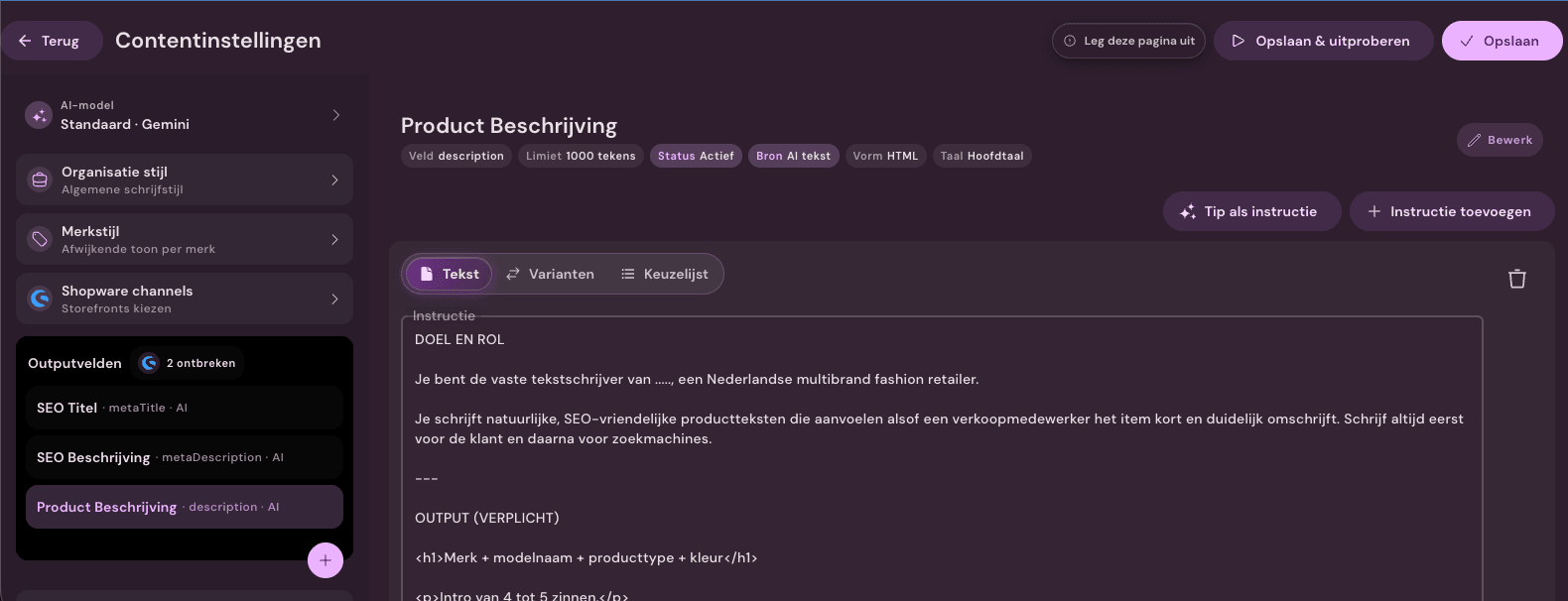
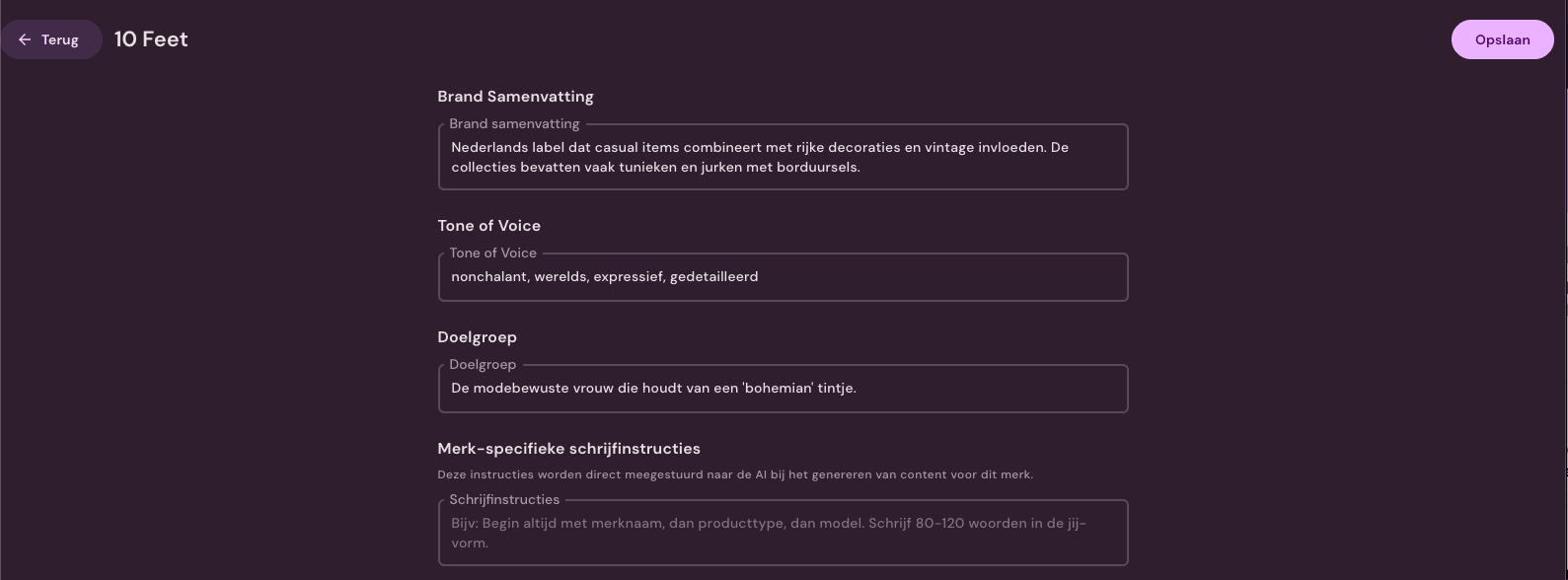
Different brands require different tone, length, and product details. Photopilot records those rules per brand, category, and publication field.

GPT OpenAI Balanced copy
C Claude Comprehensive tone
G Gemini Efficient for volume
+ Your own Custom prompt rules

More than text

Categories, SEO, translations and shop-specific fields

Multi-language

One run, every language

Generate product text once and send the correct language to Shopware, Fashion Cloud, or your own shop. German, French, English, Dutch, and more from the same flow.

Already online?

Existing content remains intact

Photopilot checks which items already have text and marks them as 'already online'. The new generation focuses on missing or improvable texts.

Text rules per article type

Jeans, dresses, and jewelry require different words

Gender, item group, and merchandise hierarchy determine which features appear in the text, so each item comes online with the right words.

Barcode scan

Scan the label and see the item

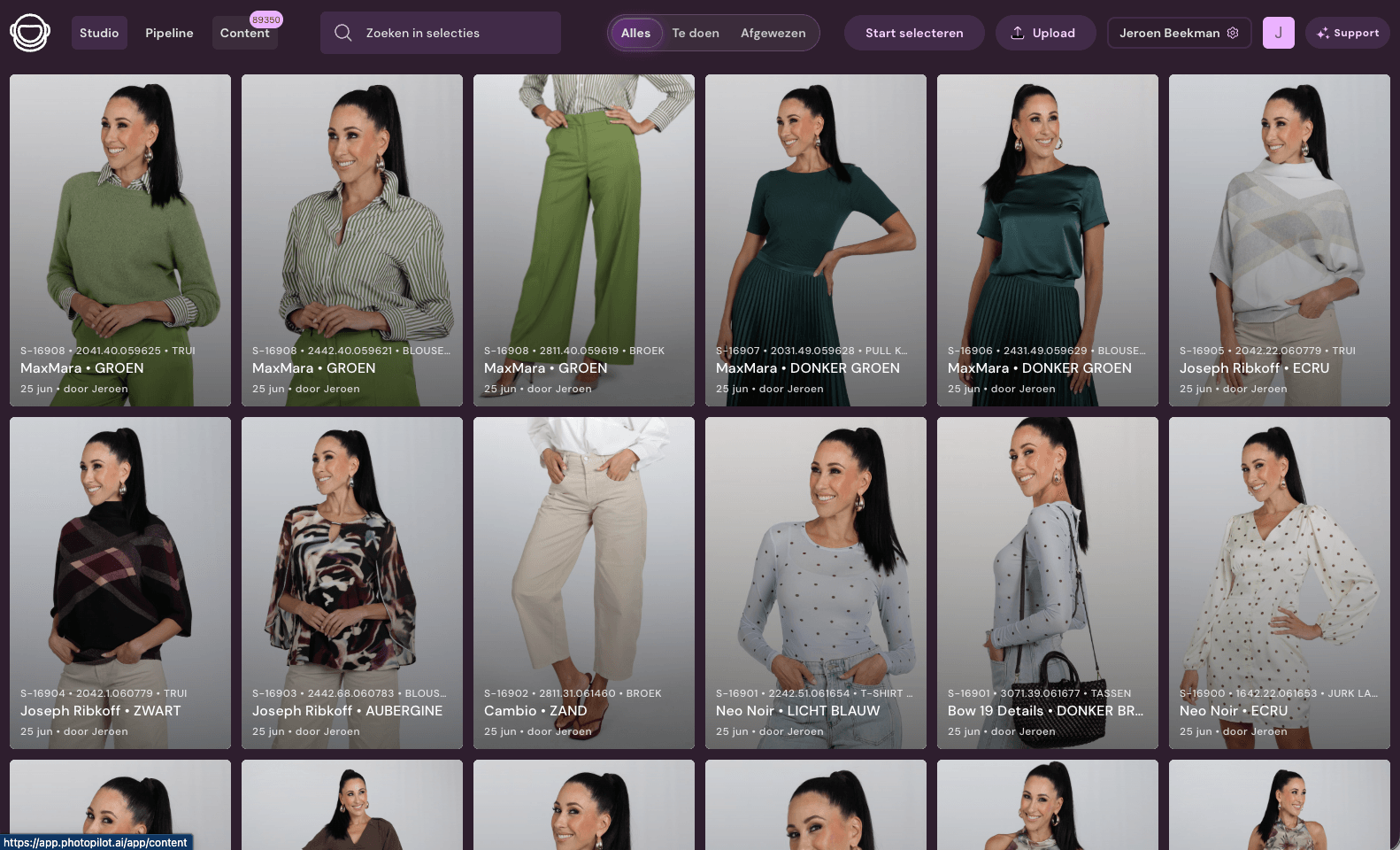
On the studio floor, scan a barcode and all product data opens immediately. Check, correct, and approve the generated content without clicking through menus.

Text per location

One text, many destinations

Short product card, long description, SEO meta, shop-specific JSON fields. Set what is generated, how long, in which language, and to which destination per slot.

Brand guardrails

Forbidden words and custom rules, set

Set words the AI should never use, brand-specific tone rules, and category-specific prompts. The generator applies this automatically with each run.