See where your product content gets stuck in 20 minutes
You don't need to prepare anything. After the conversation, you'll know where the work is stalling and what a logical first trial is for images, data, product texts, and publication.
20 minutes No preparation needed; we ask the right questions during the conversation.Clear overview You see which source or manual step currently requires the most attention.First trial We conclude with a concrete proposal for an initial trial, without vague AI talk.
After the conversationYou know what a logical first pilot looks like
Overview Which source provides article data or images, who is involved, and where should it go.
Bottlenecks Where time is lost or quality varies: in linking, supplementing, editing, checking, or publishing.
Plan for an initial trial With which source we start, how many articles are involved, what needs to go back to the shop, and who gives approval.
Decide before you invest What a logical first step is before investing in new systems, image software, or AI.
Built with Berden, Rinsma, Van Dijk, The Stone, Jeroen Beekman, Van Tilburg, Duifhuizen, SkiHut, and Van Dal
We read your request ourselves. Which sources do you use, how many articles are involved, and where does the work stall? This allows us to respond substantively right away.
Consultation for fashion product content
Where does your team lose time between supplier, studio, and webshop?
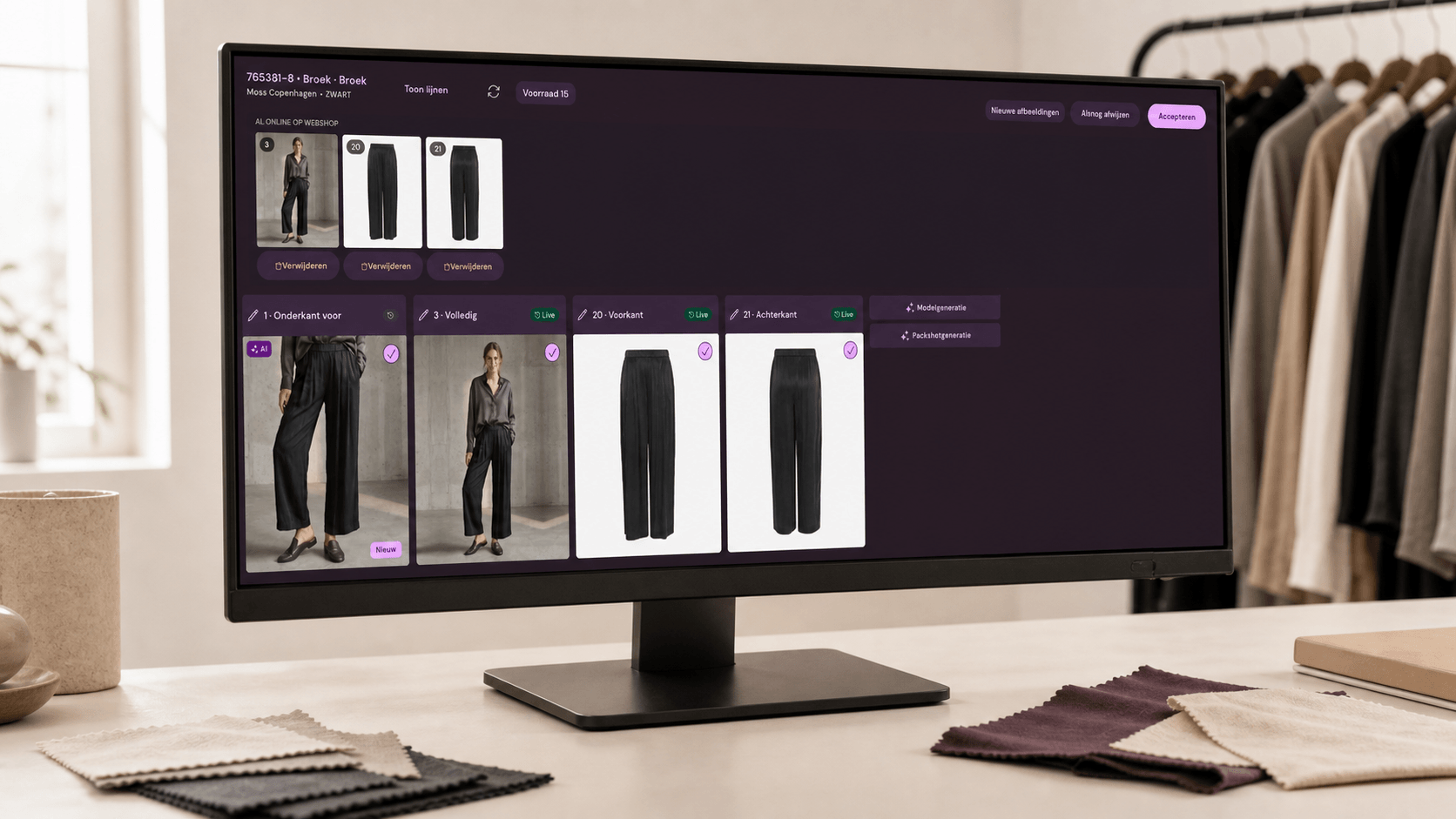
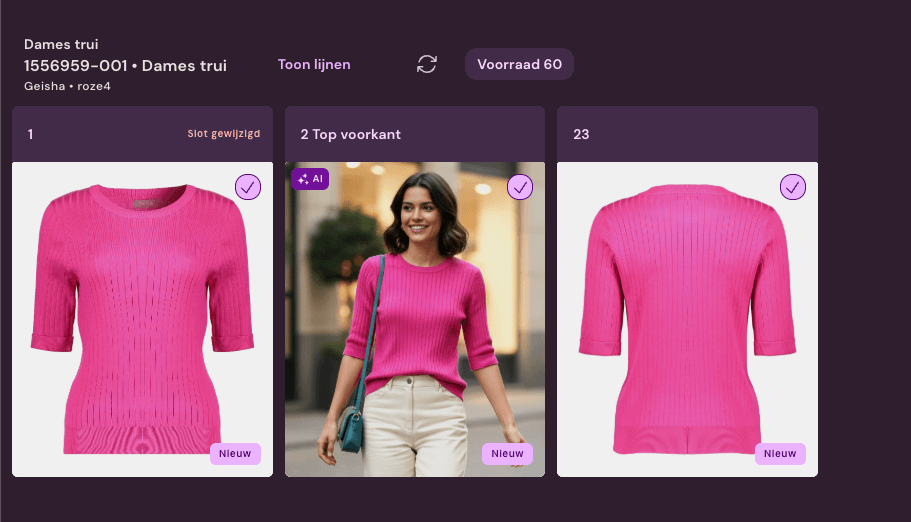
We juxtapose article data, supplier images, studio photos, control, and publication. You see where manual work arises and which initial test directly results in less correction work or faster publication.
Article data
PIM
ERP
Studio photos
Supplier image
Fashion Cloud
Webshop fields
Control
For article data, images, control, and publication Not for 3D, patterns, or product development
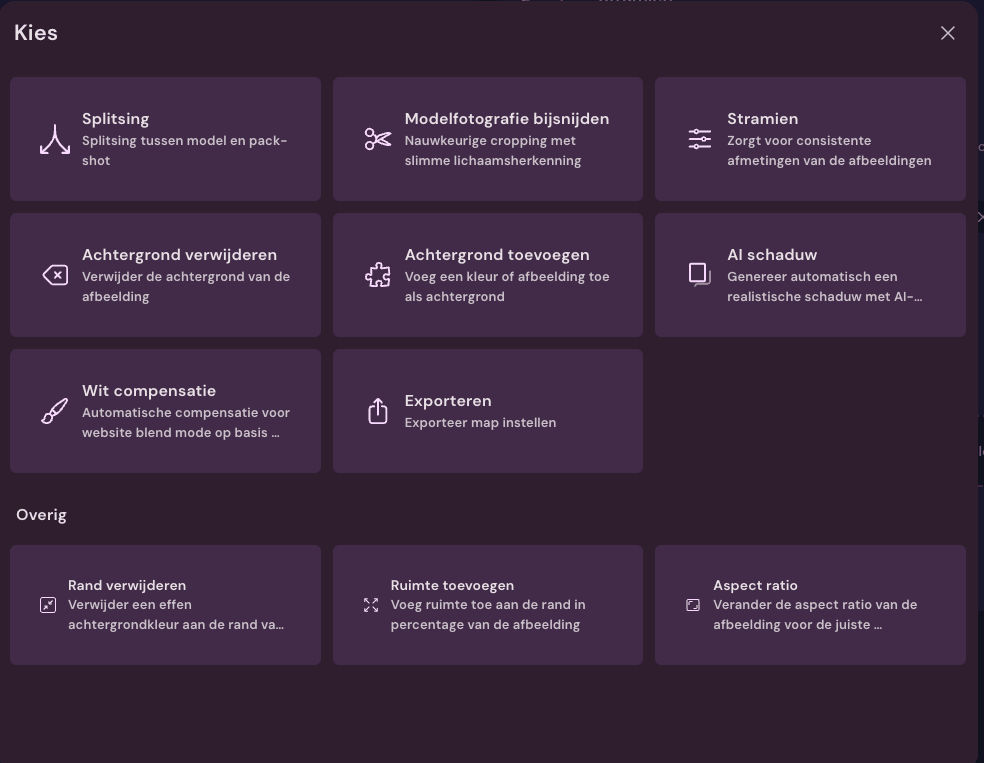
Link images, supplement data, crop photos, rename files, and check exceptions.
Control
Which steps can proceed automatically and where do you want to review first?
Publishing
Which images, texts, and fields need to go back to the webshop, PIM, DAM, or campaign channels?
Why this works
The profit is usually not in one tool, but in everything in between.
Article data, supplier images, studio photos, and product content are often already available. The delay is usually in linking, selecting, cropping, file names, checking, reporting, and publishing. Photopilot takes over precisely those steps.
A compact overview of where your product content gets stuck
An initial estimate of time savings per manual step
A concrete trial with one source, one destination, and clear approval