





PhotopilotPhotopilot
Reliably linked

Make your existing stack feel like one forward-working team

You don't have to discard your workflow to publish faster. Photopilot connects to the source your team knows, provides peace in the transfer, and makes visible what can already be sales-ready today.

Your systems Studio, Canon, Profoto, OrbitVu and Capture One Shopware FTP / SFTP
PhotopilotFrom separate sources to ready for publication.
Retailers already using this rhythm
300.000+ articles processed
9,5M+ supplier images linked
~3.200 photos automatically edited per day

Work together

Sources, studio, e-commerce, and photography see the same item status instead of separate lists.

Integrate

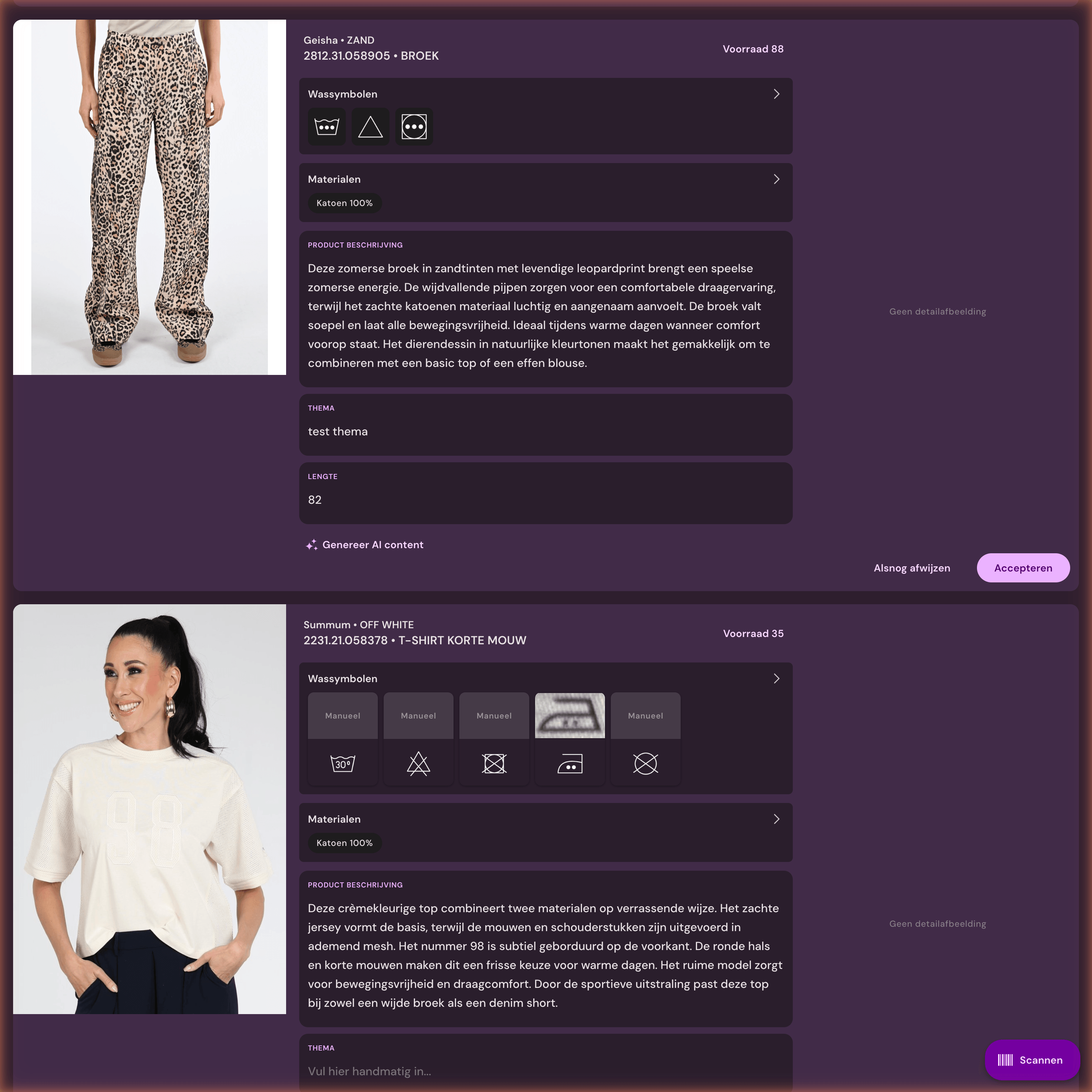
Article data, supplier image, product photos, and webshop rules land in one workable rhythm.

Move forward

New collections go live faster, with less doubt about images, text, or publication status.

Consultation and demo

Trial route first, technology second

The integration is the starting point. After that, Photopilot keeps linking, editing, writing, checking, and publishing together.

  • We map the trial route on your own sources and systems.
  • You immediately see where time can be saved quickly, what risks there are, and what agreements are needed.
  • Only then do we choose whether a demo, pilot, or technical intake makes sense.
01
Source

What is the source of truth?

Define which fields, images, barcodes, and sources are leading for item, color, and variant.

02
Rules

What can be automated?

Choose where Photopilot can link and crop images, create texts, or show an exception.

03
Destination

Where should it go?

Define what needs to go to the webshop, PIM, DAM, feed, FTP, or studio before anything is built.

In practice

Where this integration saves work

An e-commerce manager is usually not asking for technology, but for control: which products are complete, which images are still missing, which studio or supplier images may go live, and what can be published without extra handover.

Discuss this integration
Practical question

Studio, Canon, Profoto, OrbitVu and Capture One in your product process

Studio, Canon, Profoto, OrbitVu and Capture One koppeling wordt pas waardevol wanneer artikeldata, beeldstatus en publicatie op dezelfde productkaart samenkomen.

For teams already familiar with the source system and mainly want to know how images and data are reliably published.

  • Process camera and studio output
  • Import photos from Profoto, OrbitVu, and Capture One via existing folders
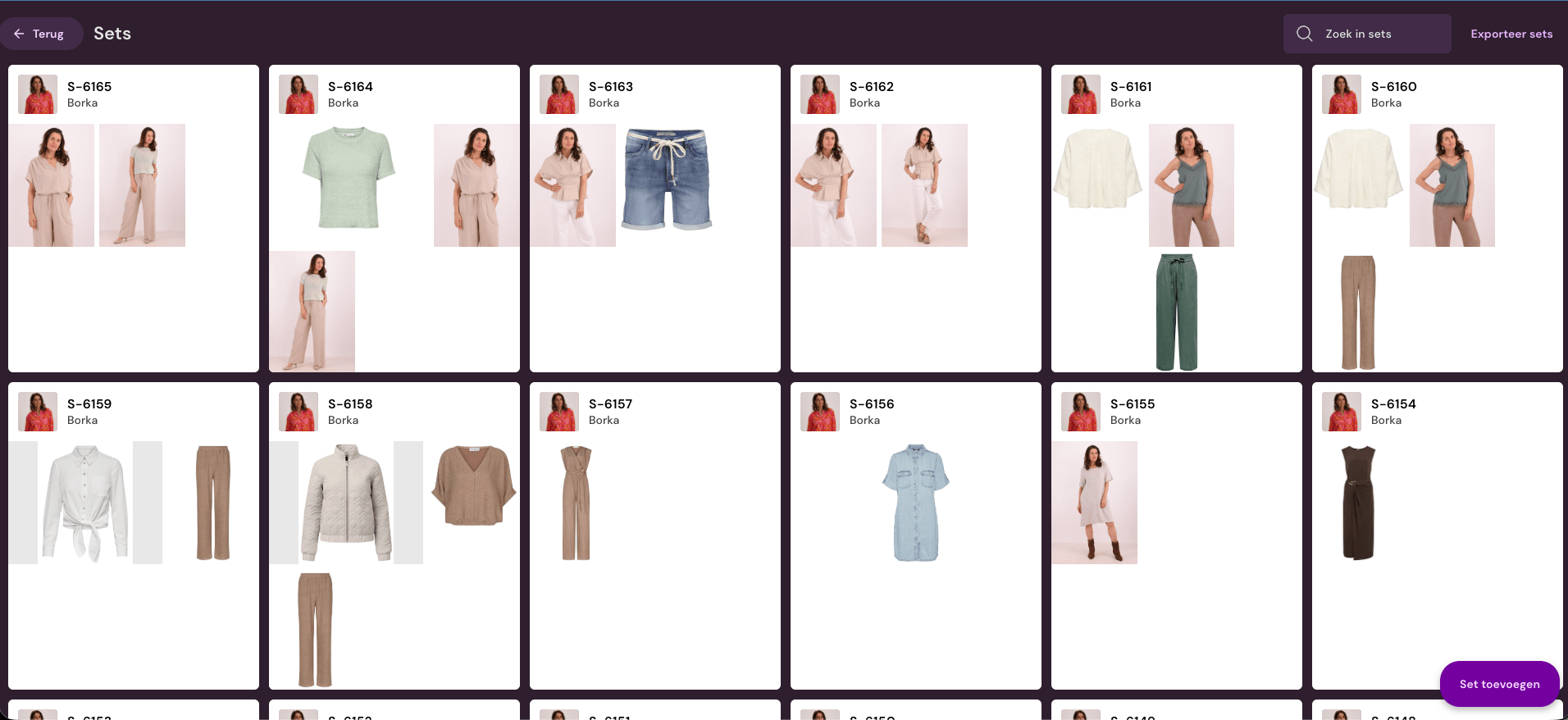
View AI model photos
Work for image teams

Make product photos sales-ready

Studio, Canon, Profoto, OrbitVu and Capture One product photo editing gaat voor beeldteams vooral om vaste afspraken voor uitsnede, marge, volgorde, bestandsnaam en controle.

Relevant when images from different sources still need the same crop, margin, order, and review.

  • Link Canon via Photopilot Studio
  • Manage shoots with barcodes
View AI packshot editing
Studio, Canon, Profoto, OrbitVu and Capture One

What does this mean for your product team?

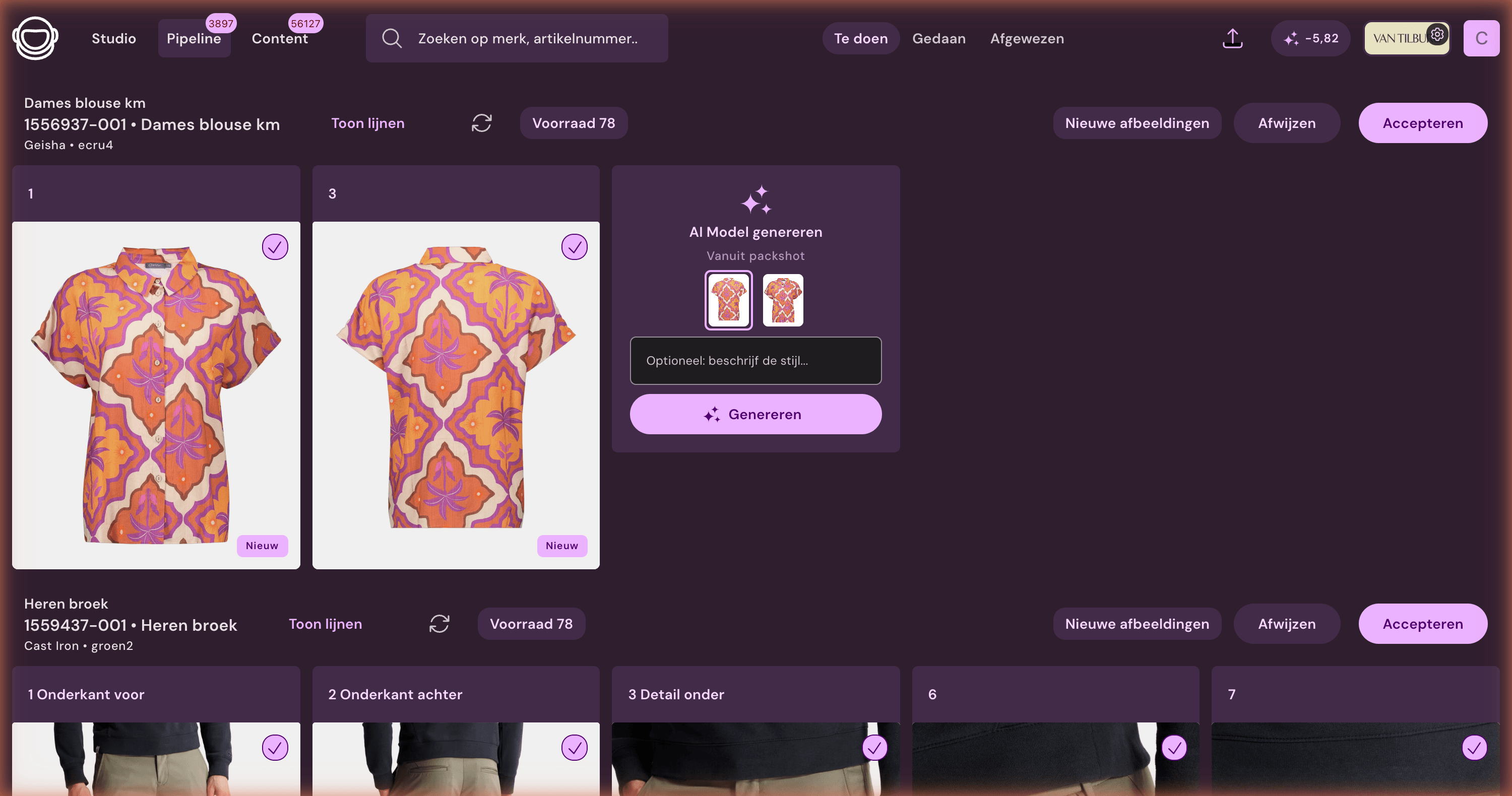
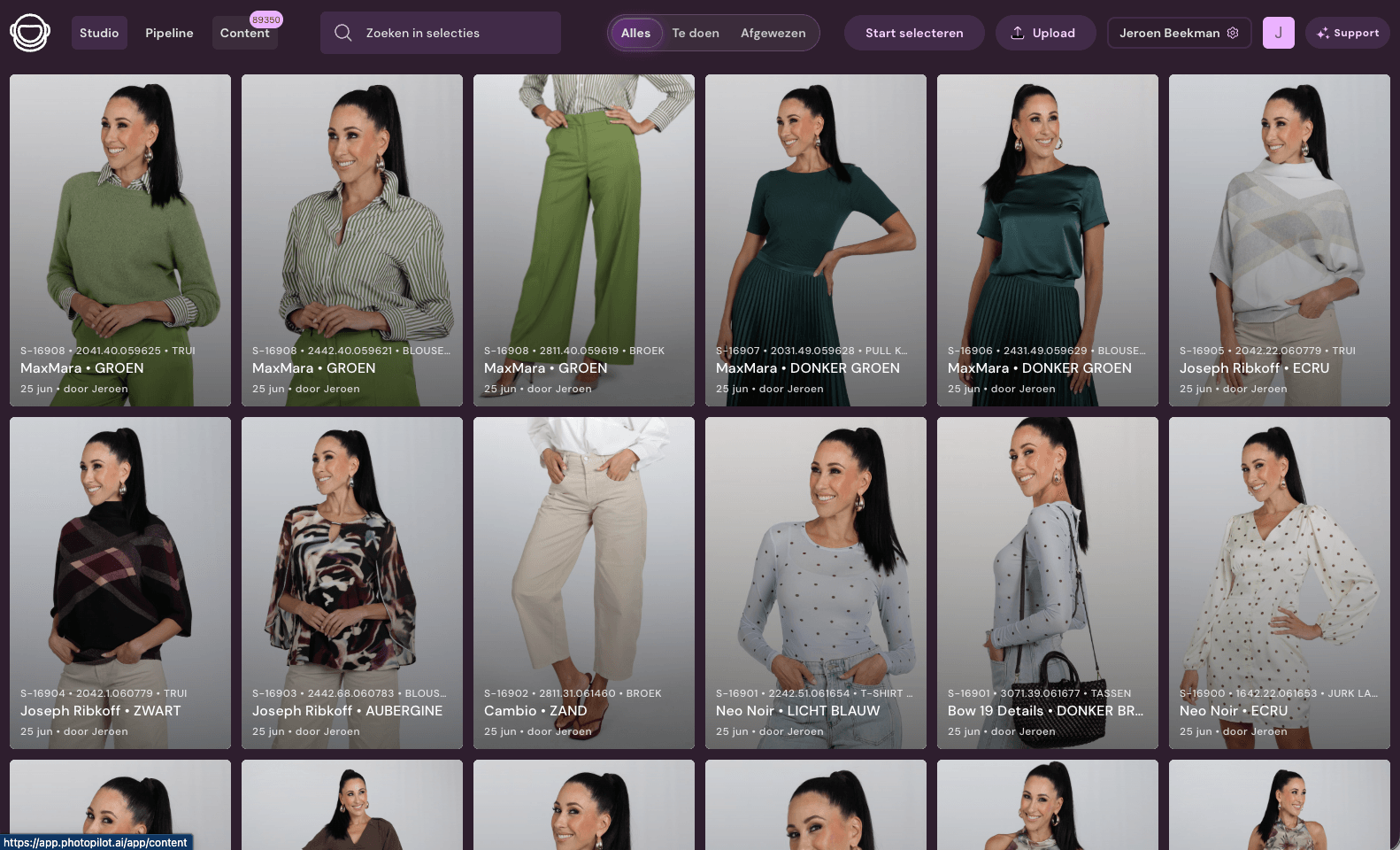
Photopilot Studio reads photos directly from the camera. Photos from existing studio software can come in via folders, exports, or fixed file names.

From source to publication

  1. Studio photos are linked to article, barcode, or shoot list.
  2. Crops, backgrounds, order, and image slots are applied automatically.
  3. Teams only manually approve exceptions or creative choices.
  4. Publication then goes to webshop, DAM, FTP, or export.

What your team does less manually

  • Process camera and studio output
  • Link Canon via Photopilot Studio
  • Import photos from Profoto, OrbitVu, and Capture One via existing folders
  • Manage shoots with barcodes
  • Link images to slot and publication status
Fits well with

When is this relevant?

  • Fashion teams with their own studio
  • Retailers combining supplier images and own photography
  • Teams where shoot floor and webshop content currently work separately
Pre-arrangements

This keeps the connection manageable

  • We determine how shoot lists, barcodes, camera folders, and image slots come together.
  • Photopilot Studio can work directly, but existing studio folders can also flow in.
  • Studio photos are linked to the same image management and publication.

See together how Photopilot fits you

In a consultation, we determine which source is leading, where your team loses time, and how publication can proceed with minimal extra work.

Book a consultation