PhotopilotPhotopilot

OrbitVu or StyleShoots alternative for fashion studios

Canon connection, background removal, and webshop publication in one workflow

Considering an OrbitVu or Profoto StyleShoots setup? Photopilot offers you a software-driven route: work with a flexible Canon setup, scan item or set, let photos land directly with the right product and let background, crop, control, and export follow automatically.

The speed is not just in the camera, but in what no longer needs to be done manually afterward. From full-body images, Photopilot can automatically make the right crops for packshot, model image, detail, and webshop slot.

If OrbitVu, StyleShoots, or Capture One is already in the studio, we won't discard that investment. We read the output via your studio software and process the images through the same Photopilot workflow.

  • Photopilot Studio connection with Canon without sacrificing speed
  • Read OrbitVu, StyleShoots, and Capture One output if that workflow is already in place
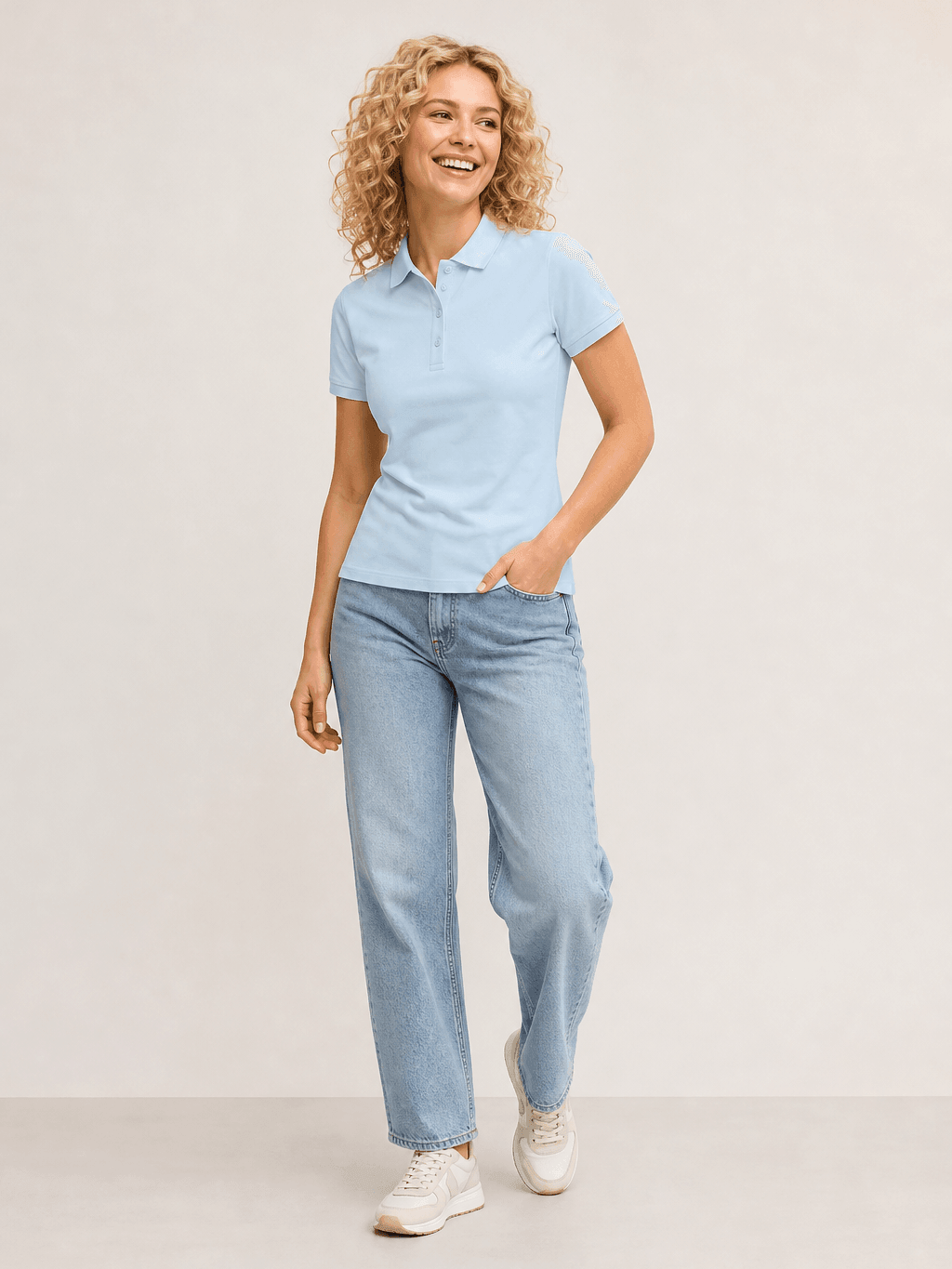
  • Automatically crop full-body images to packshot, model, and detail
Photopilot integrates with photo studios like Profoto (StyleShoots) and OrbitVu.

Turn your studio into a publishing engine

Not just taking photos, but directly building product images, set relations, and webshop output.

Studio to webshop

The camera is only the starting point

Photopilot connects the studio floor to your commercial workflow. While the team shoots, the images already know which article, pose, set and publishing slot they belong to.

After that, packshots, model images and styling photos automatically go through the same rules for selection, editing, review and publishing. That makes the Studio page the entry point to your complete product image process.
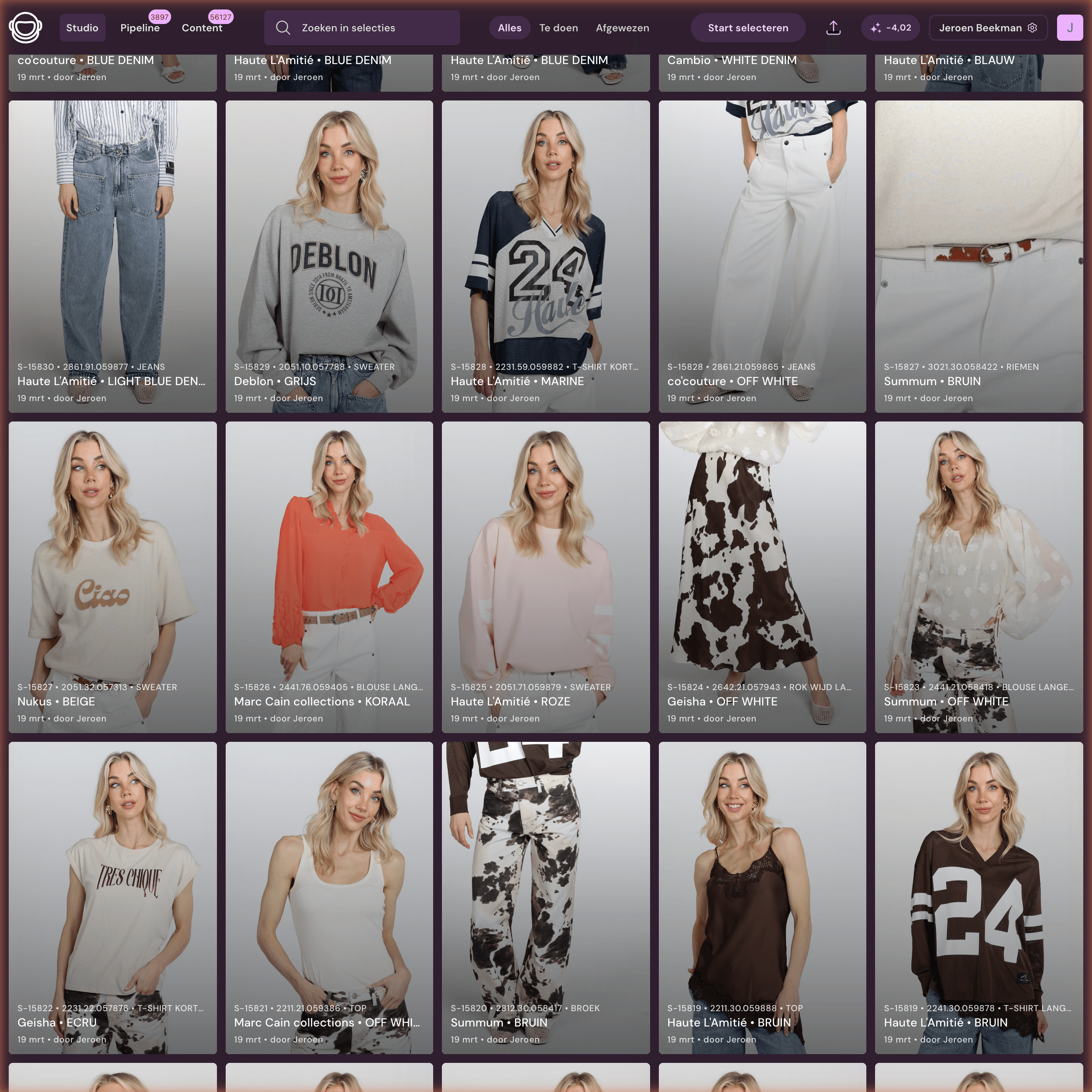
Photopilot Studio
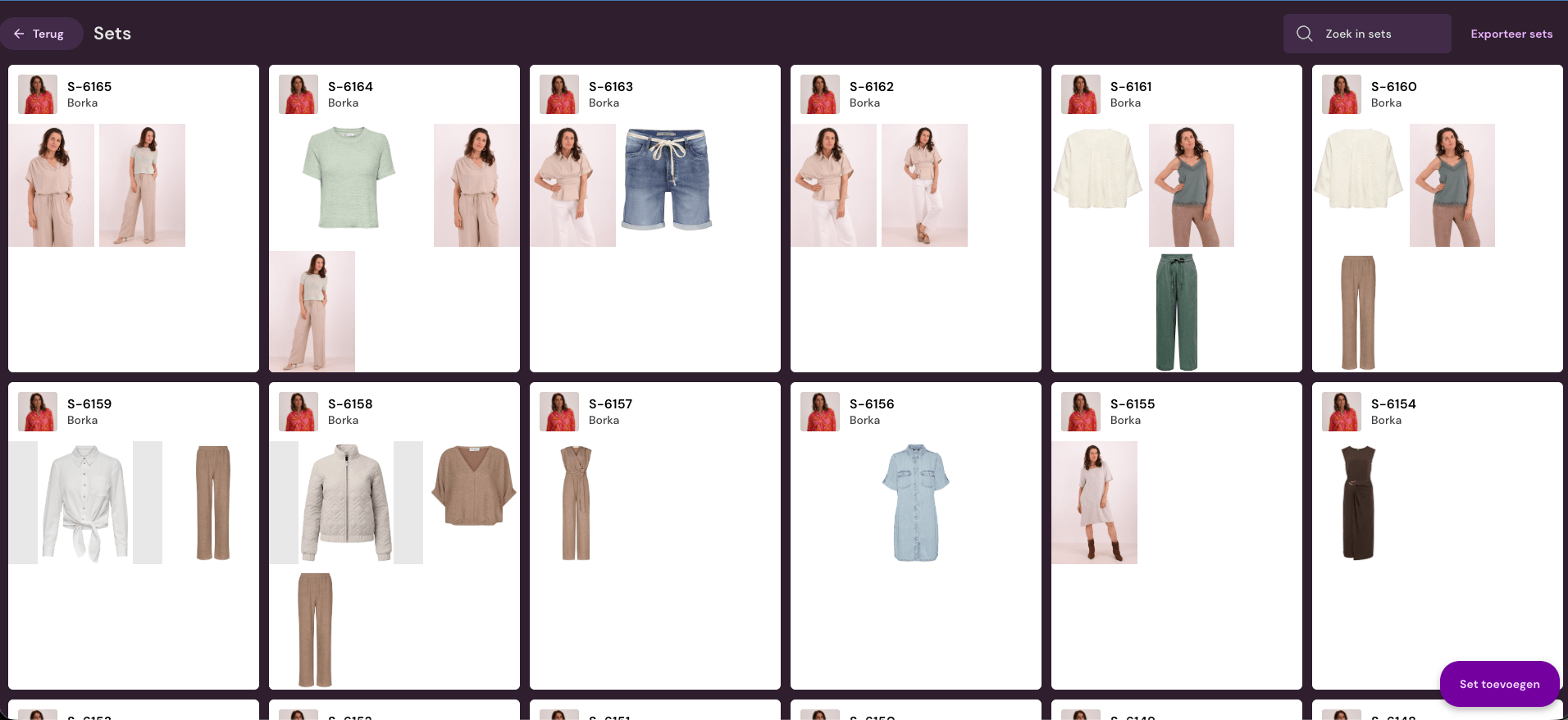
Photopilot Studio selection interface
  1. 01

    Choose article, pose or set

    Scan a barcode, choose a set number, or work from the planned shoot list.

  2. 02

    Photos directly with the item

    Photopilot Studio connects with Canon; StyleShoots, OrbitVu, and Capture One follow via export folders.

  3. 03

    Select and approve

    Images are immediately linked to the right article, slot or Shop the Look set.

  4. 04

    Automatically through the pipeline

    Crop, layout grid, color, AI editing, filename and publishing follow fixed rules.

OrbitVu / StyleShoots alternative

Why a software-driven studio often scales smarter

An automated hardware line can be strong for one streamlined shooting process. Fashion e-commerce often demands more: packshots, sets, models, AI models, supplier images, and custom exports side by side.

More flexible than a fixed booth

Use one studio for ghost, flat-lay, model, detail, and styling instead of locking your process to one shooting form.

Background removal in software

Photopilot can remove backgrounds, crop full-body images, apply margins, and use image rules without every photo needing to come perfectly from a hardware line.

Article data drives the shoot

Scan item, color, size, or set and immediately record which images belong to which product, channel, and publication slot.

OrbitVu, StyleShoots, and Capture One remain usable

Do you already have OrbitVu, Profoto StyleShoots, or Capture One? Then Photopilot can read that output and still link it to control, AI editing, and webshop export.

What are you shooting today?

One studio, multiple commercial output variants

A studio team does not work in isolated modules. That is why this page shows where Studio continues: packshot editing, sets and styling, real models and AI models.

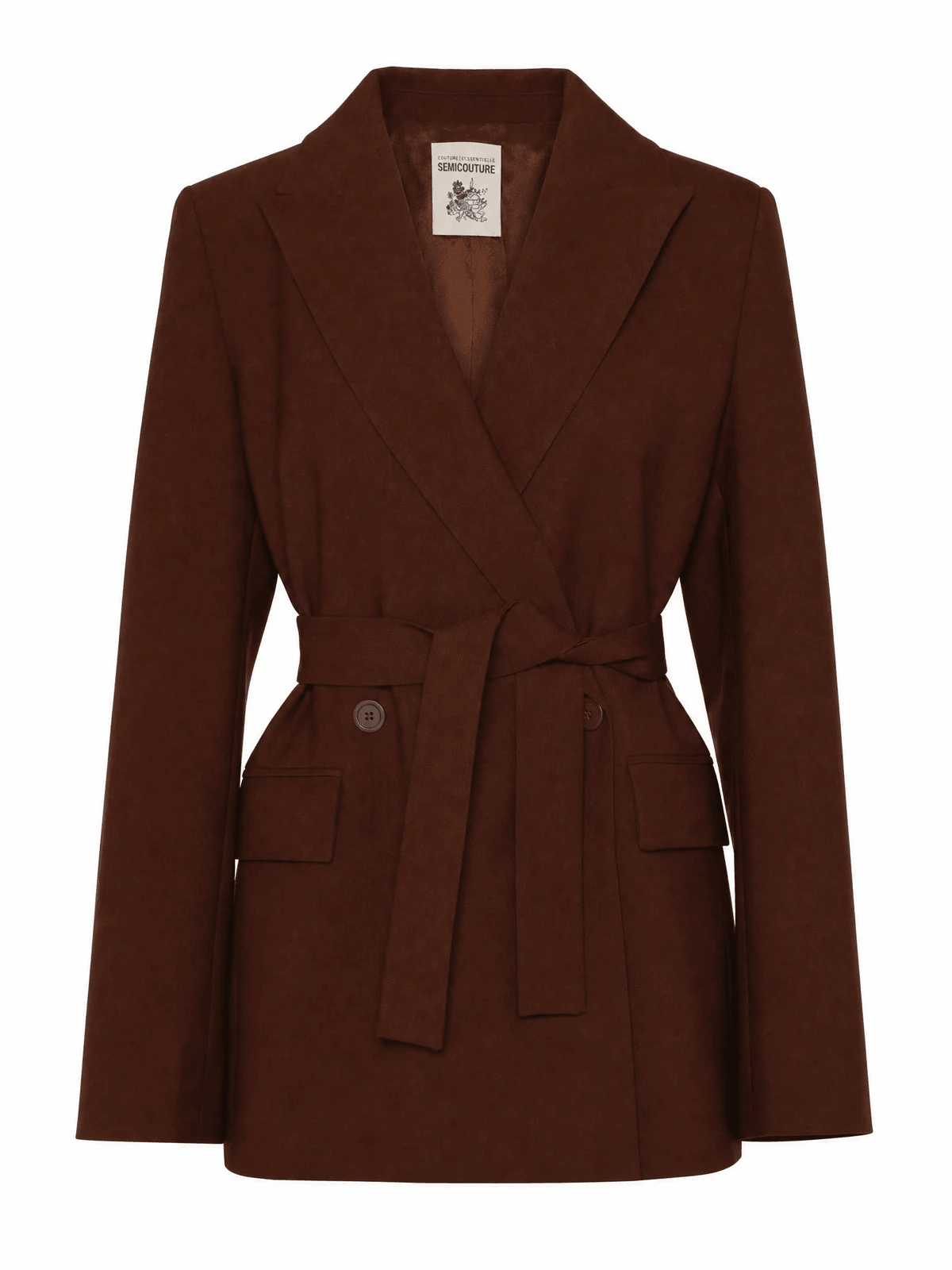
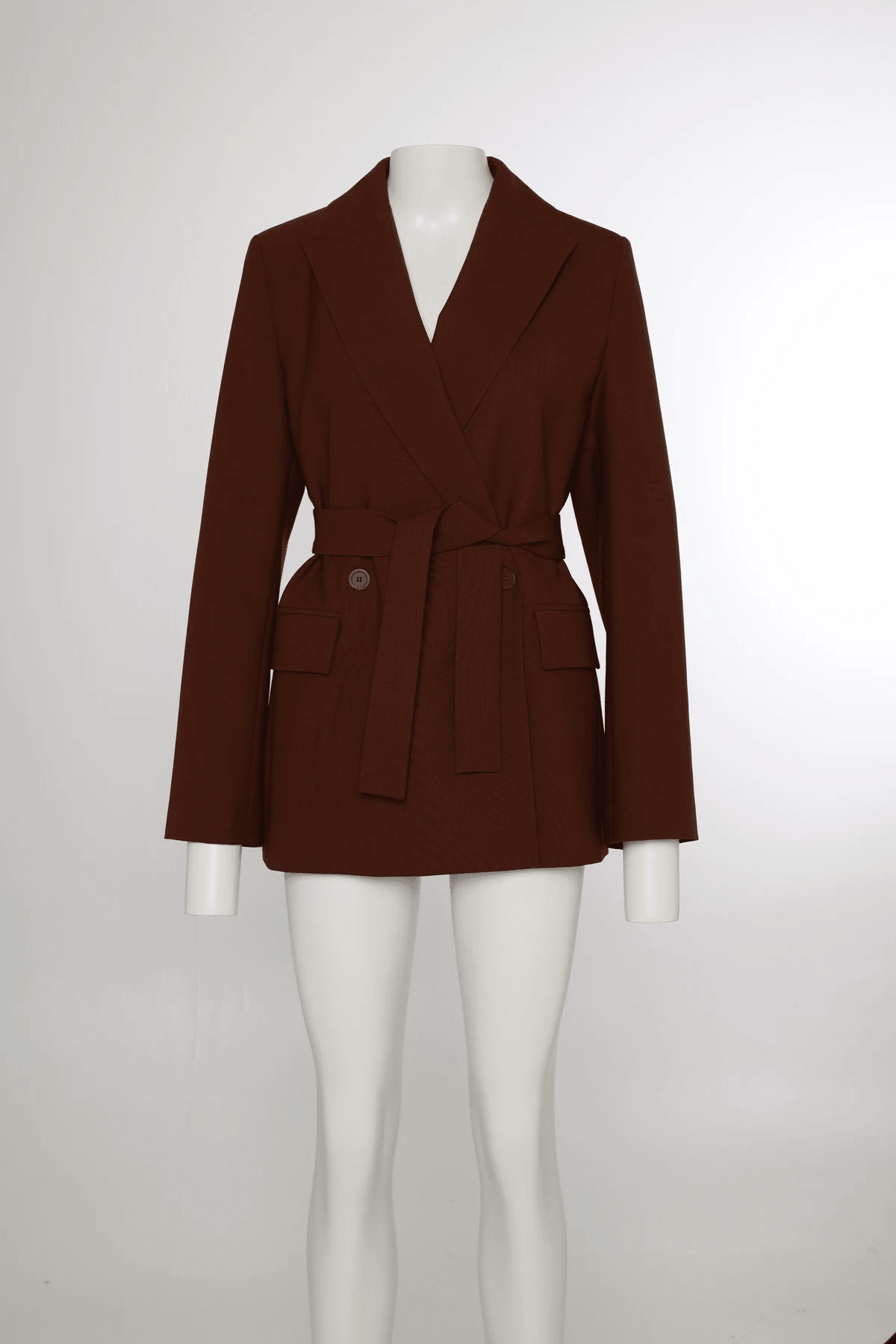
Blazer on mannequin before processing
Studio shot
Blazer as ghost packshot after processing
Publishable output
Capture without transfer

Keep the hardware, remove manual work from the chain

Set up your studio as you like. Wall, light, tripod, camera, and existing software remain yours. Photopilot ensures each shot goes directly into the right product workflow.

Canon

Photopilot Studio connection for Canon on Windows and macOS. Photos appear immediately with the right item, with automatic crops from full-body images.

Profoto StyleShoots

We read the output from StyleShoots Drive or export folders and process it automatically.

OrbitVu

Local OrbitVu folders are read as soon as a shoot is finished.

Capture One

Does your studio work via Capture One? Then we read the chosen export folder and link the images to article, slot, and workflow.

Studio investment

Not every volume requires a €90,000 hardware setup

Photopilot is interesting when you want to keep the shooting flexible and do the automation mainly in software. With a Canon setup and good studio lighting, you get much better image quality from the source; Photopilot then takes over background removal, cropping, control, and export.

Amounts are indicative and depend on existing equipment, setup, and volume. In the consultation, we make this concrete for your studio.

Photopilot setup from approx. €12,500-€25,000

Canon EOS R6, 2-4 flashes or lights and Photopilot Studio

For many fashion teams, this is the most flexible start: scan the item, photograph with Photopilot Studio, and then software-remove the background, crop, color correct, and publish.

  • EOS R6/R6 Mark II, tripod, barcode scanner, and recording station
  • 2-4 flash or continuous lights with softboxes, suitable for ghost, model or set photography
  • Automatically crop full-body images to packshot, model, detail, and channel-specific crops
  • Background removal, crop templates, and webshop export are in the same workflow
OrbitVu / Profoto StyleShoots can reach €90,000+

Heavy hardware line for highly standardized recording processes

An automated booth or StyleShoots system can be logical for very fixed volumes, but usually requires a much higher upfront investment.

  • Strong when almost every item follows the exact same recording process
  • Less flexible when packshots, sets, models, AI models, and custom work are mixed
  • Photopilot can still process OrbitVu and StyleShoots output if that hardware is already in place

From shoot to every product image slot

After the shoot it is immediately clear which photo goes to which article, which place on the product page, and which channel.

Each shot immediately gets a destination

Each shot carries article, pose, set, order, and publishing status. That lets packshot rules, Shop the Look relations, and exports follow without extra folder work.

  • Front, back, detail, model, and set images per item group
  • Automatic cropping, margins, background, and color rules
  • Approval and publishing to webshop, FTP or export file
Photopilot pipeline with product imagesPhotopilot pipeline actions for automatic editing