

PhotopilotPhotopilot
Shop the Look with AI

One look. A complete photo shoot.

Choose the items in a look and your AI model. Photopilot creates product photos for each item, front and back shots, and look photos of the full outfit. From €0.05 per photo.

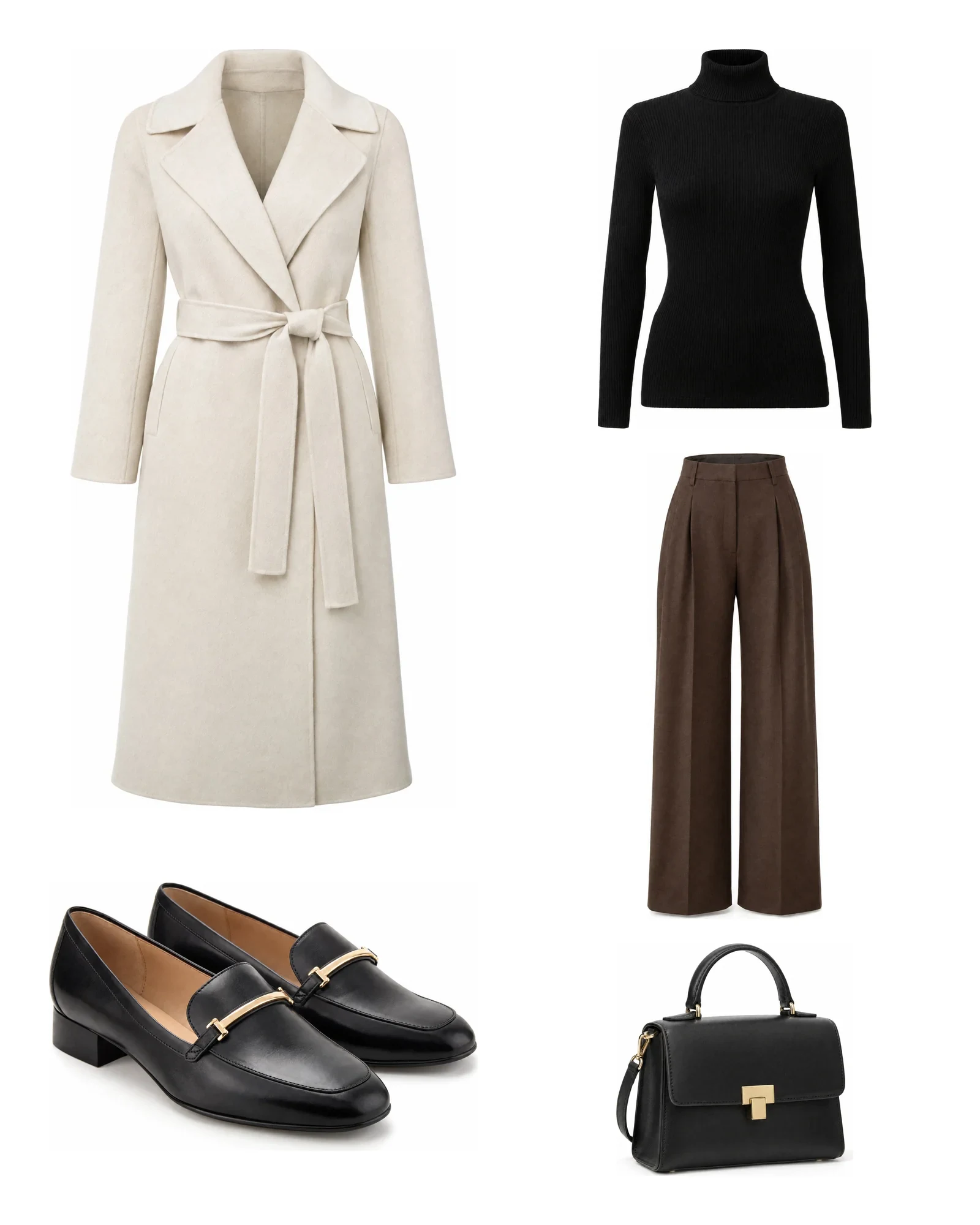
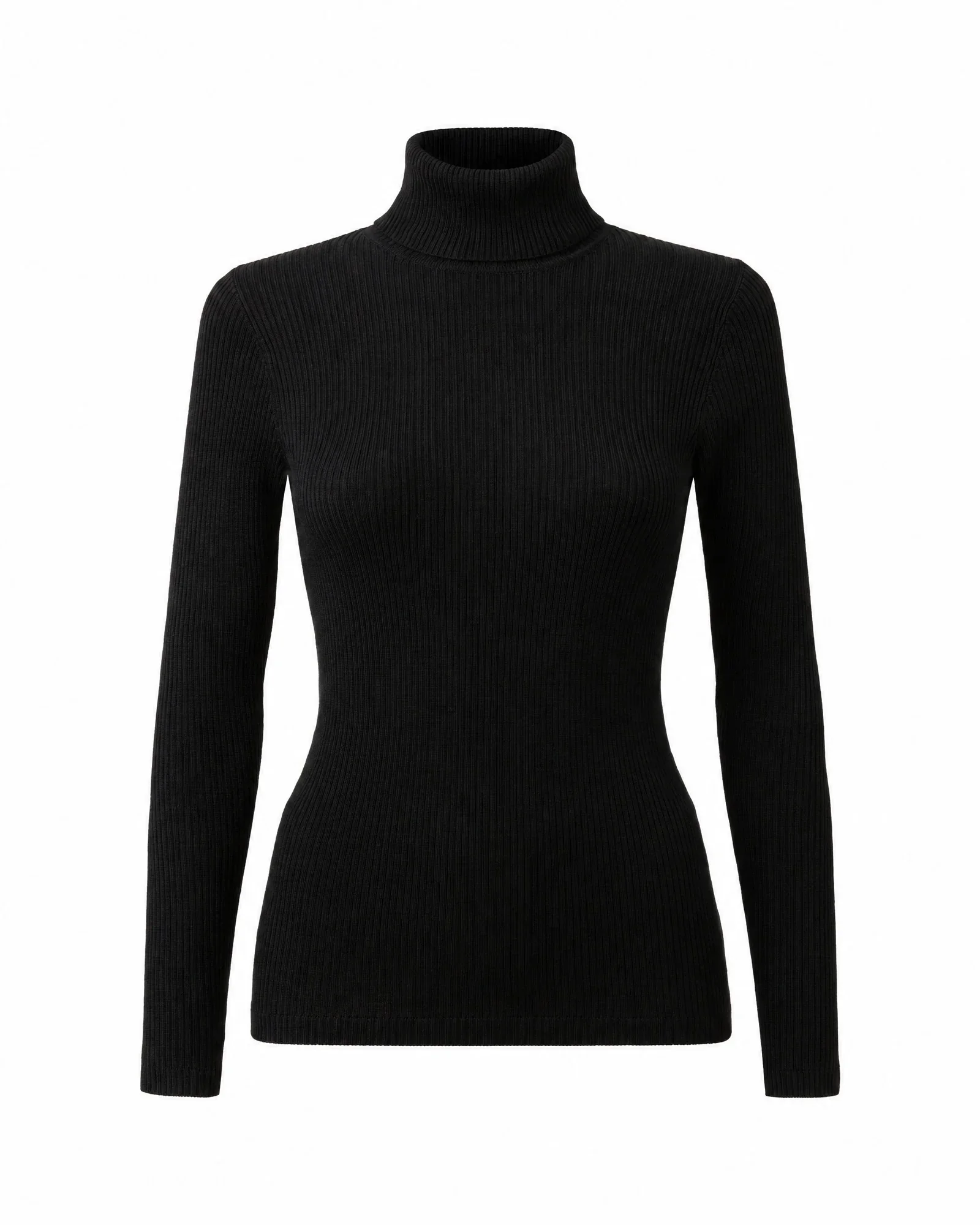
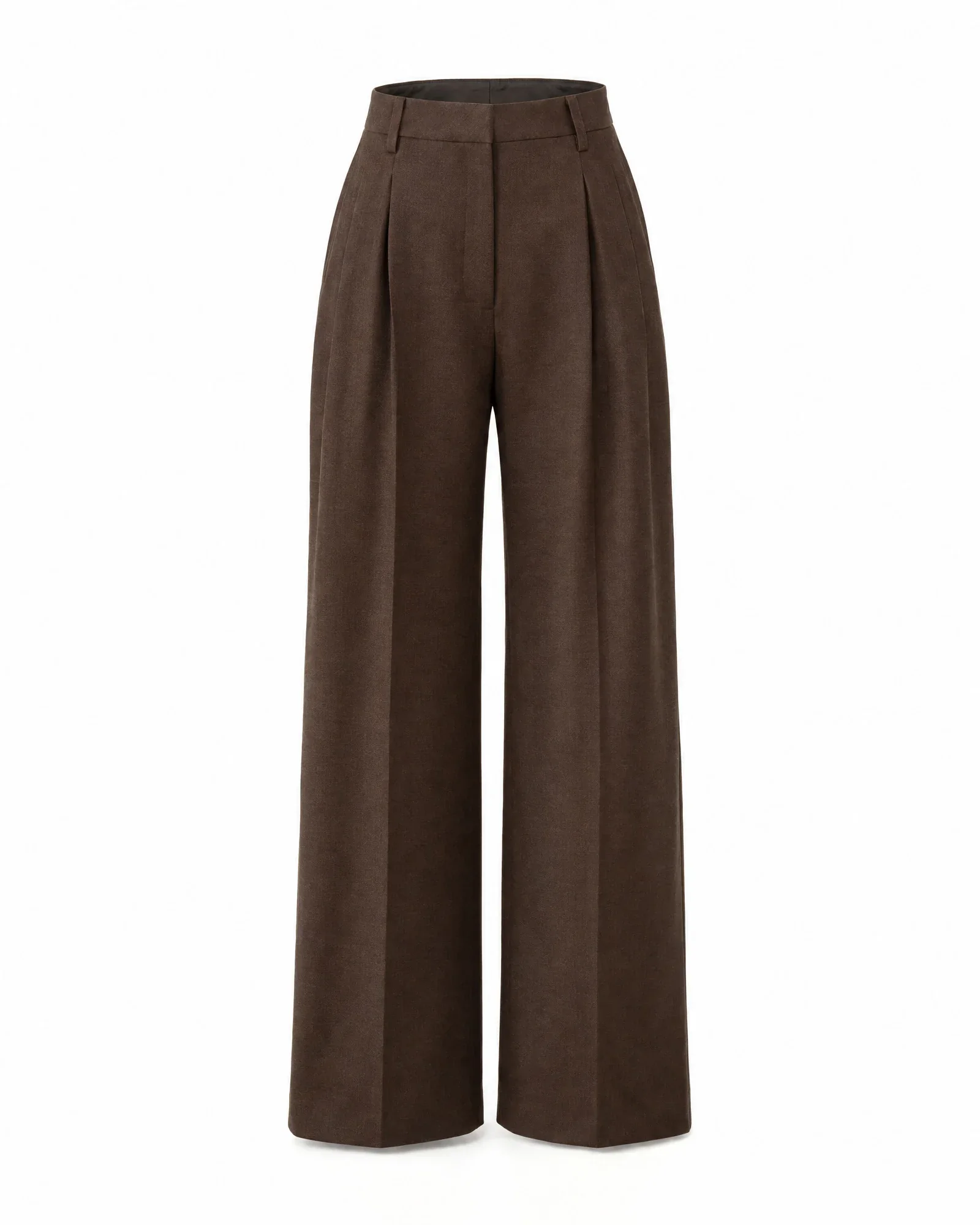
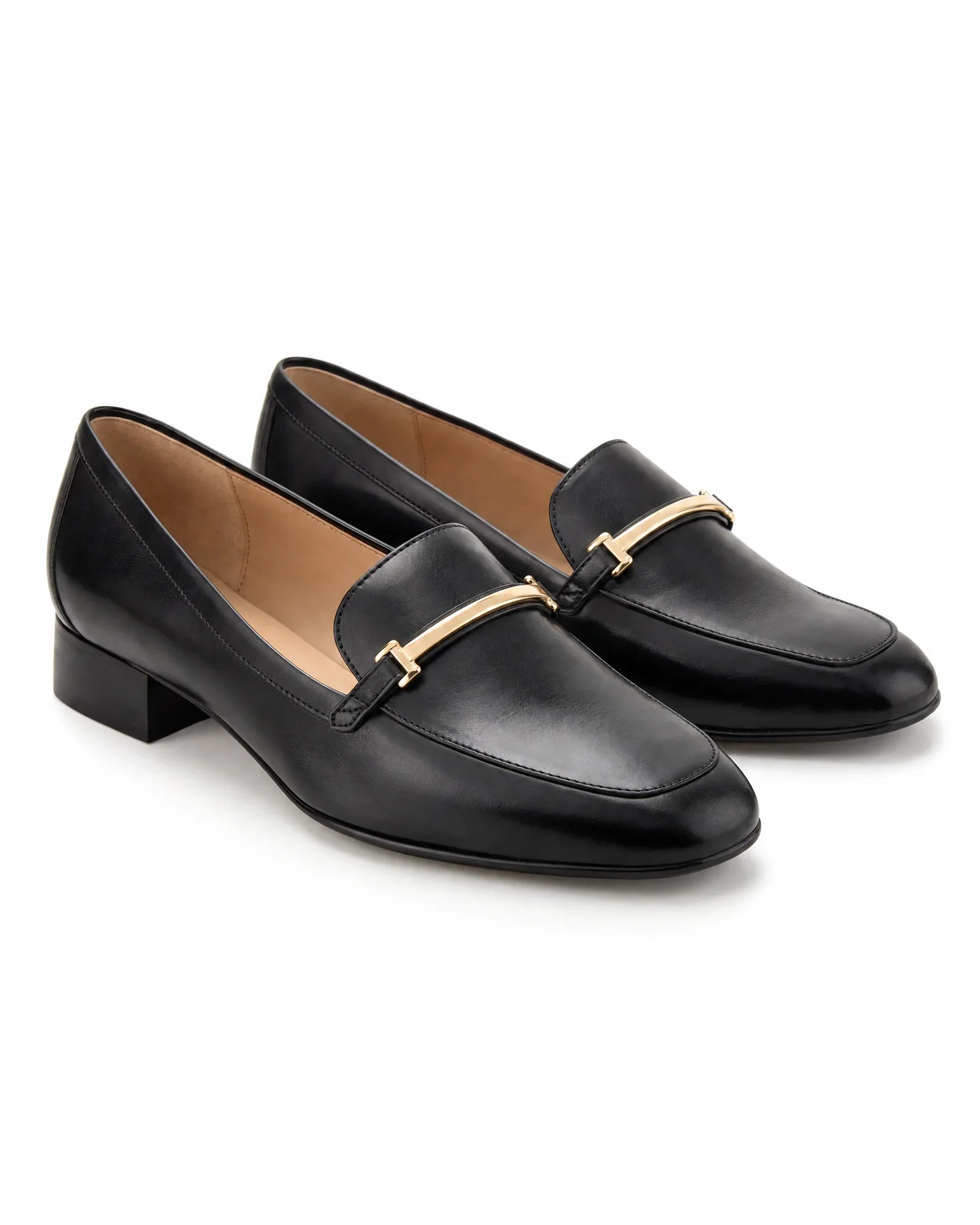
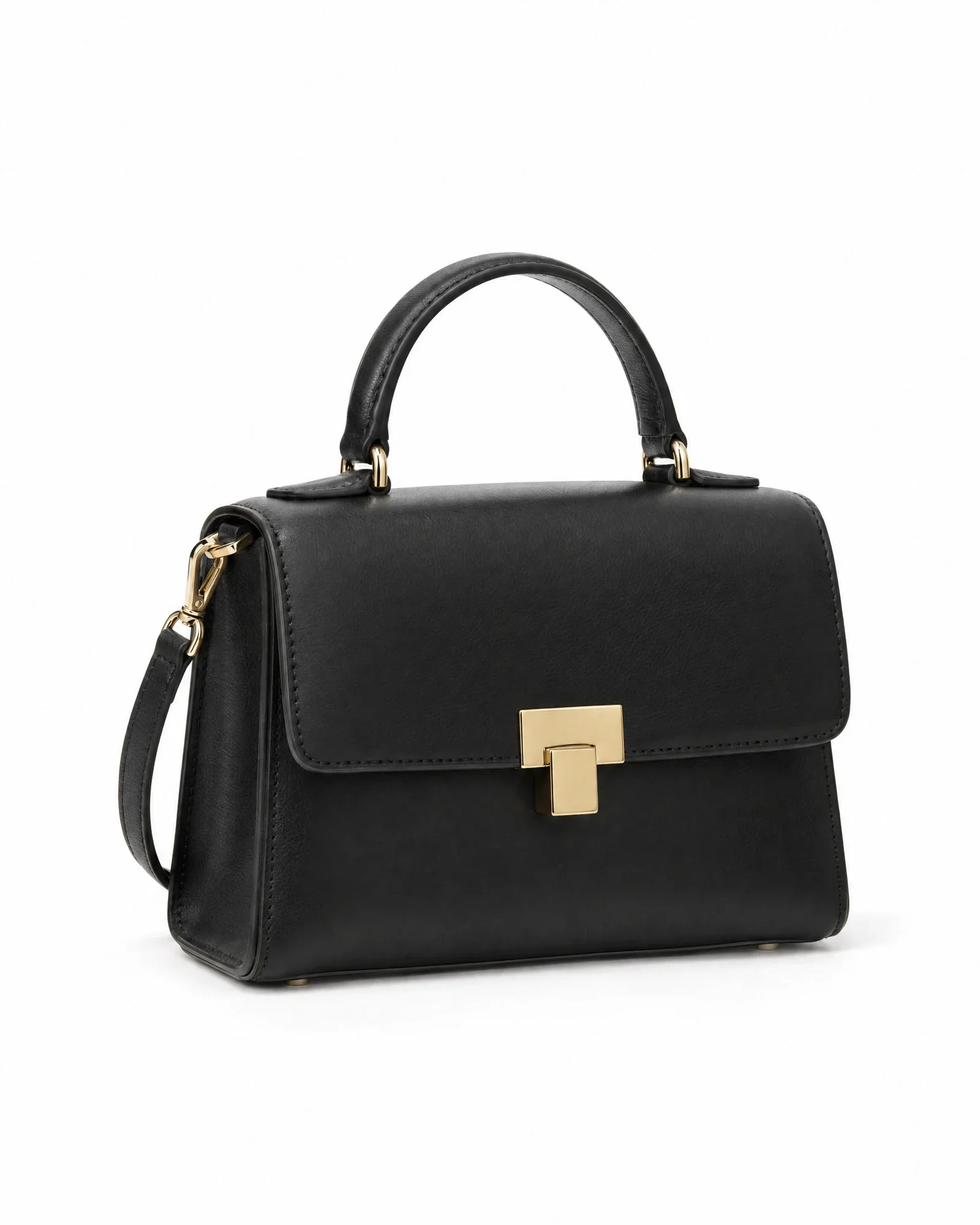
Five packshots: ivory wrap coat, black turtleneck, brown trousers, loafers, and handbagInput The look
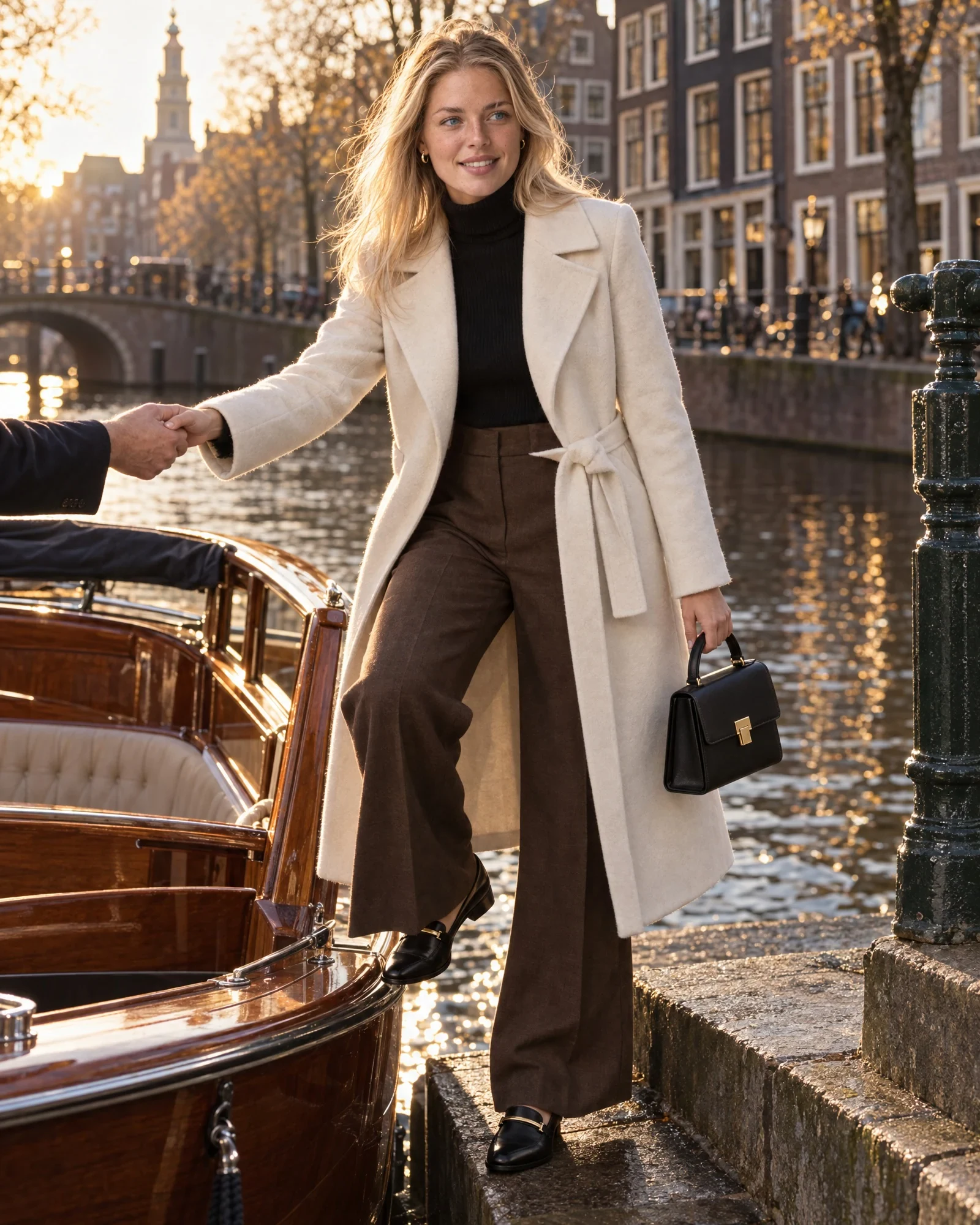
AI model Isa in the same look by an Amsterdam canalOutput The shoot
100% AI, made in Photopilot

These items, this shoot.

Each look below started as a few packshots. Photopilot turned them into a complete shoot with one AI model: campaign images, close-ups, and online store photos, with every product detail.

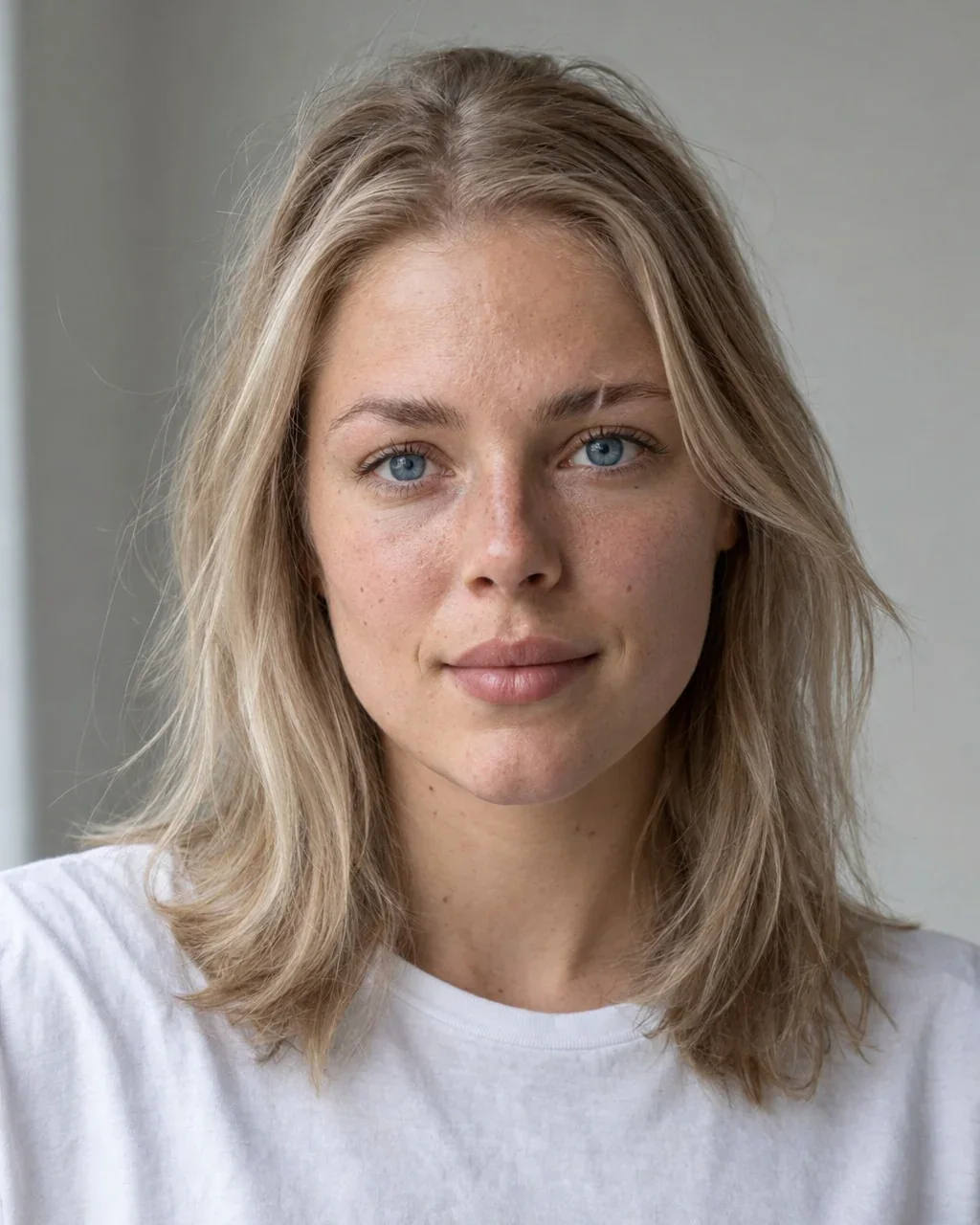
  1. AI model Isa

    The look

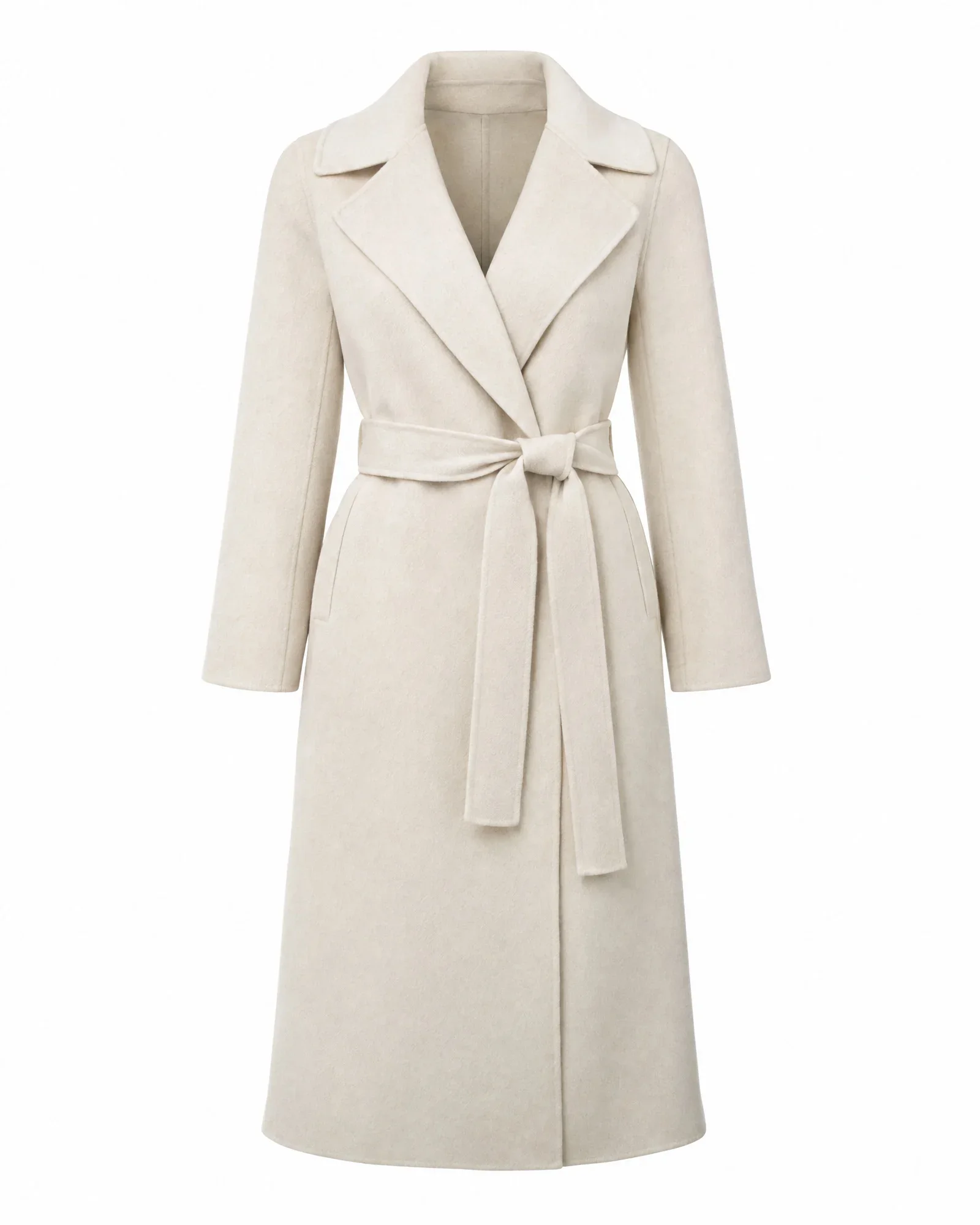
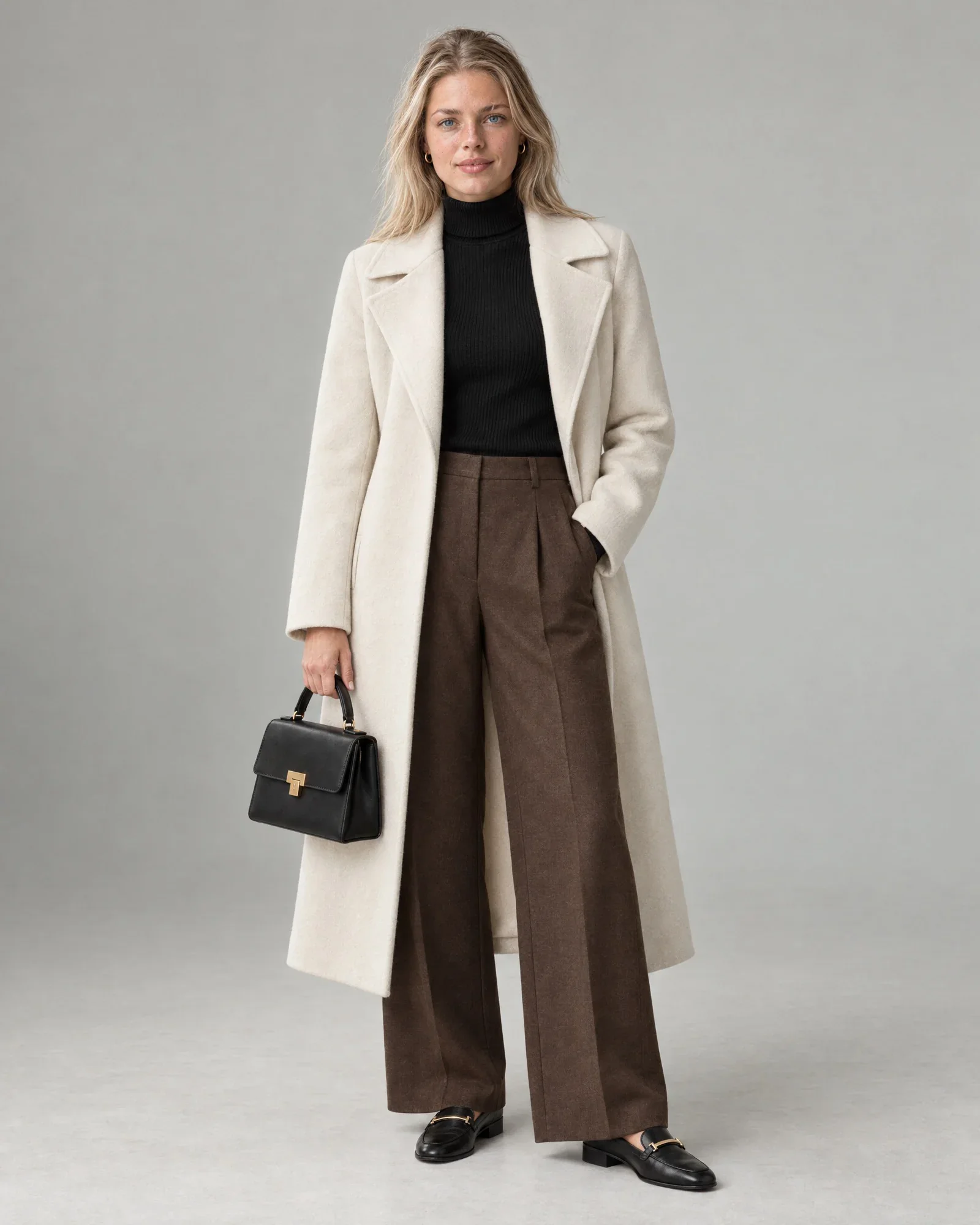
    • Ivory cashmere wrap coat
    • Black fine-knit turtleneck
    • Wide-leg wool trousers, chocolate brown
    • Black leather loafers
    • Black leather handbag

    €1,68 for 8 photos, €0,21 per photo

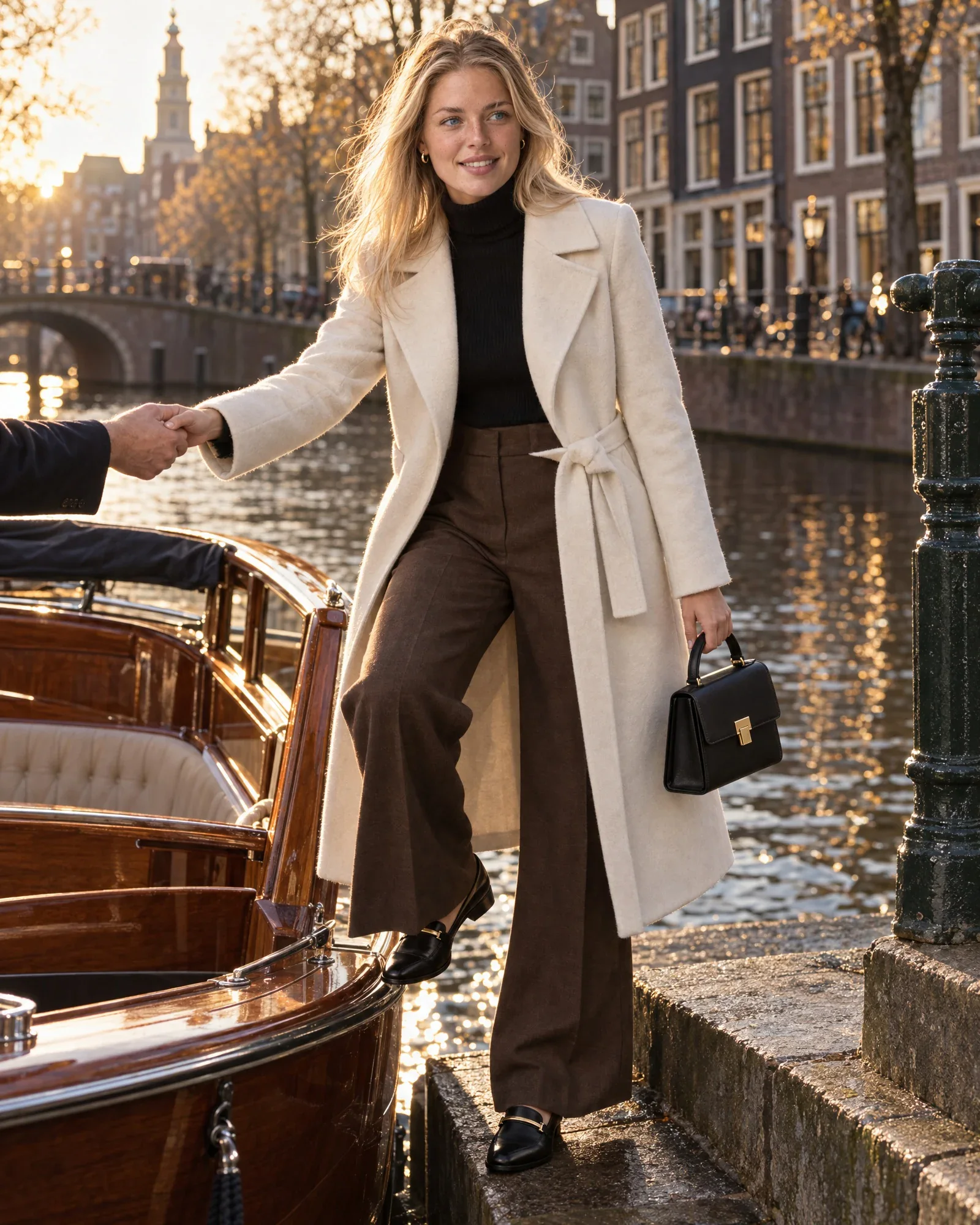
    • Isa steps off a canal boat by the canalCampaign
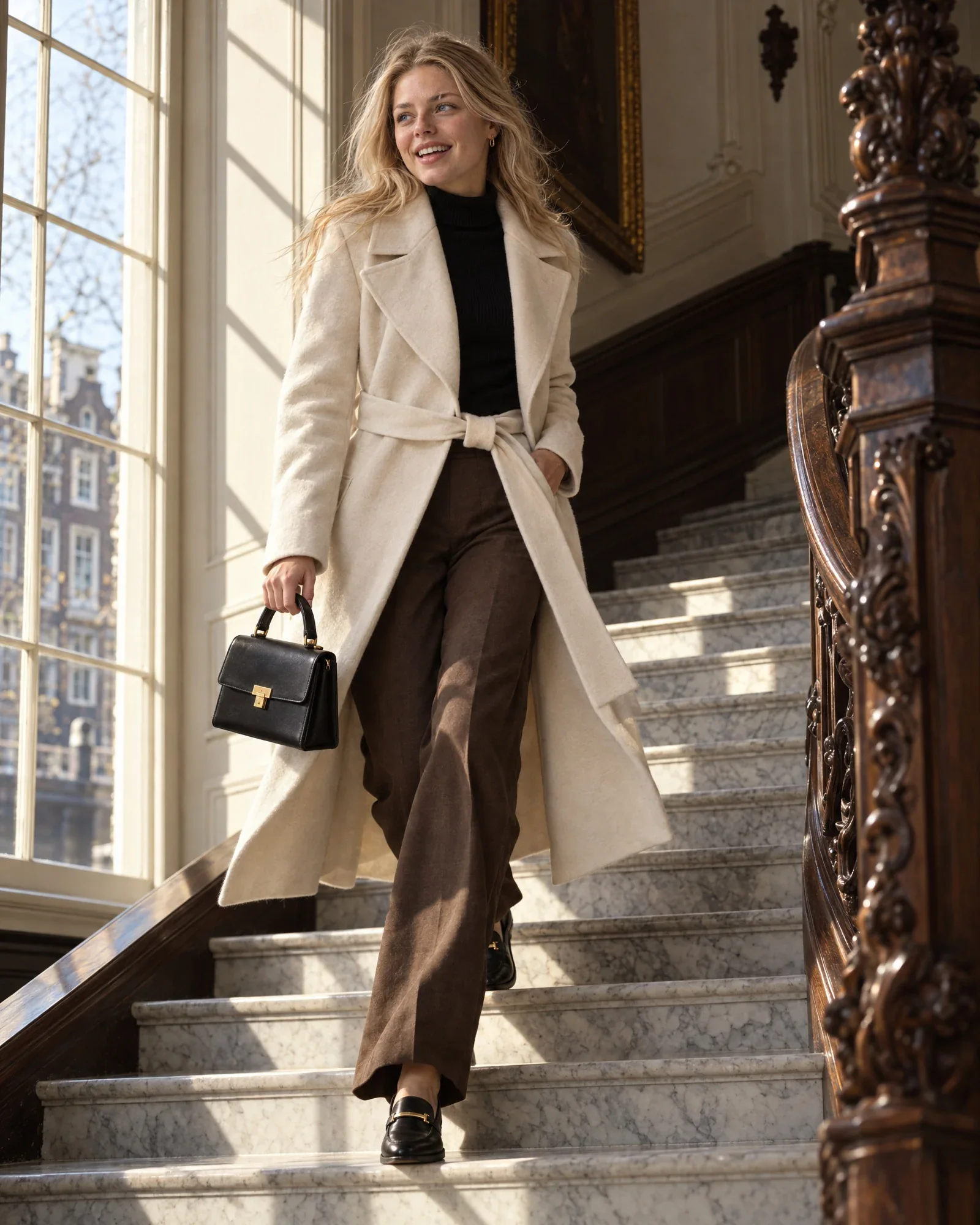
    • Isa laughing as she runs down the marble steps of a canal houseCampaign
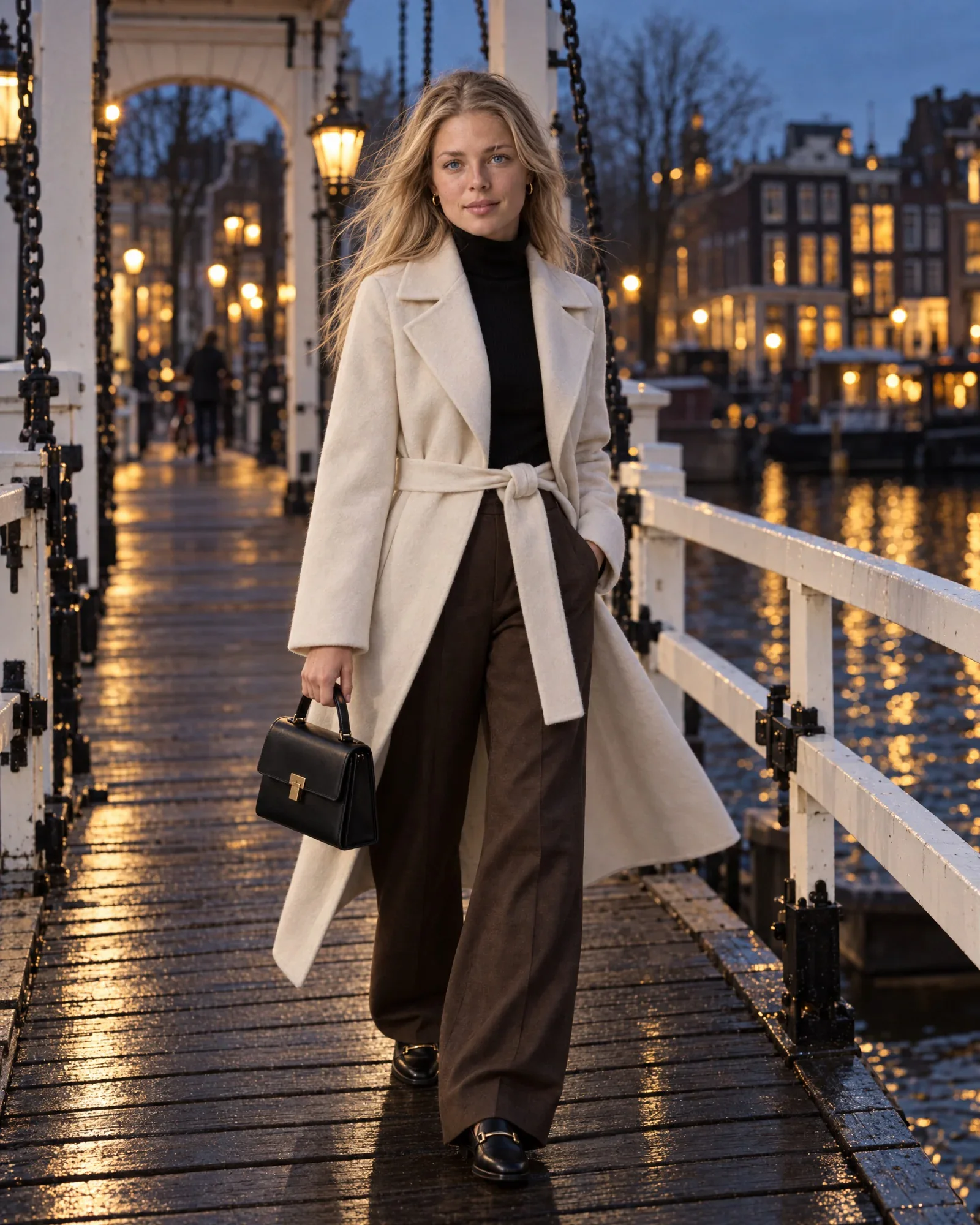
    • Isa on a white drawbridge over the Amstel at blue hourCampaign
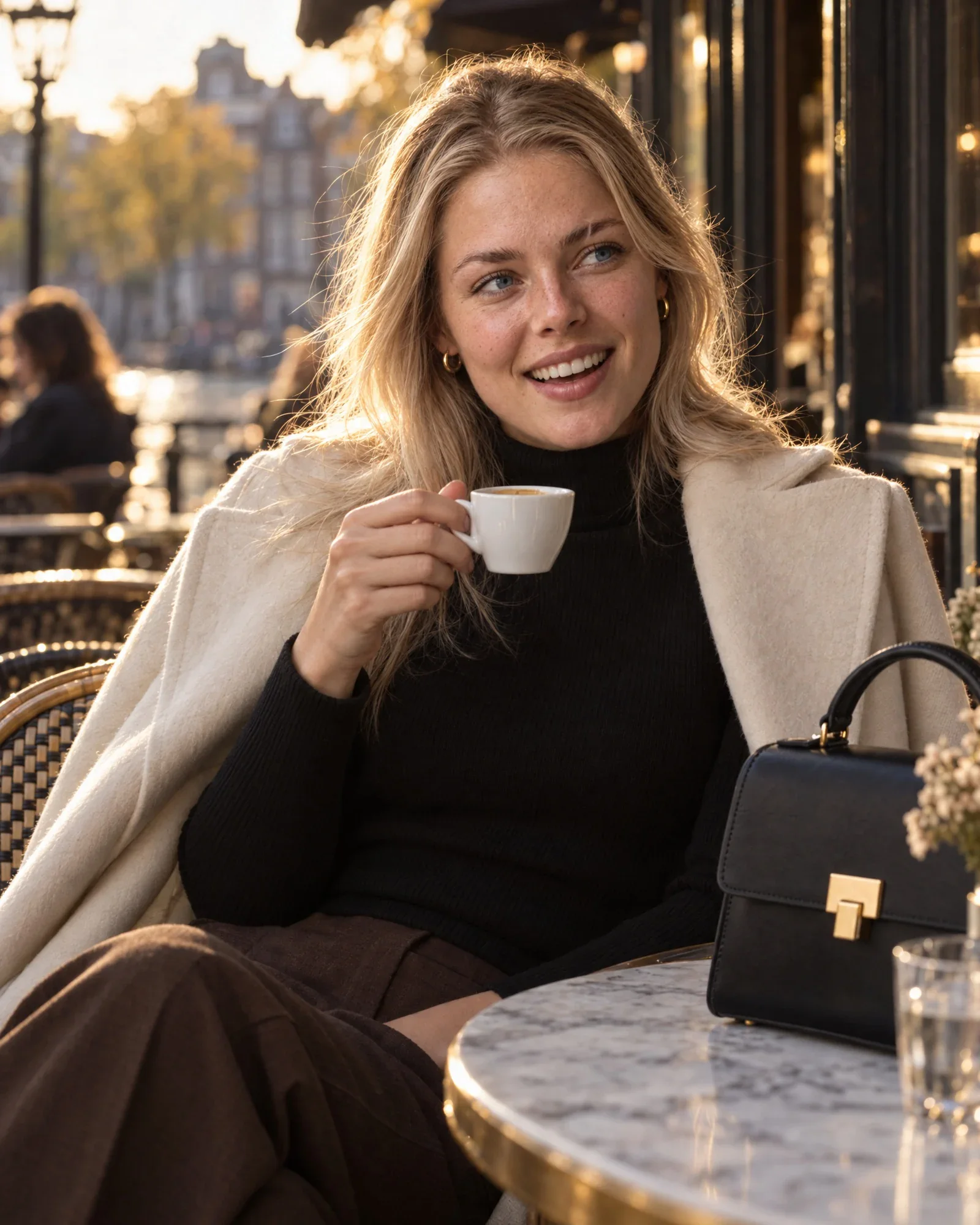
    • Isa with an espresso on the terrace of a grand caféClose-up
    • Isa in the same look in the studio, frontStudio
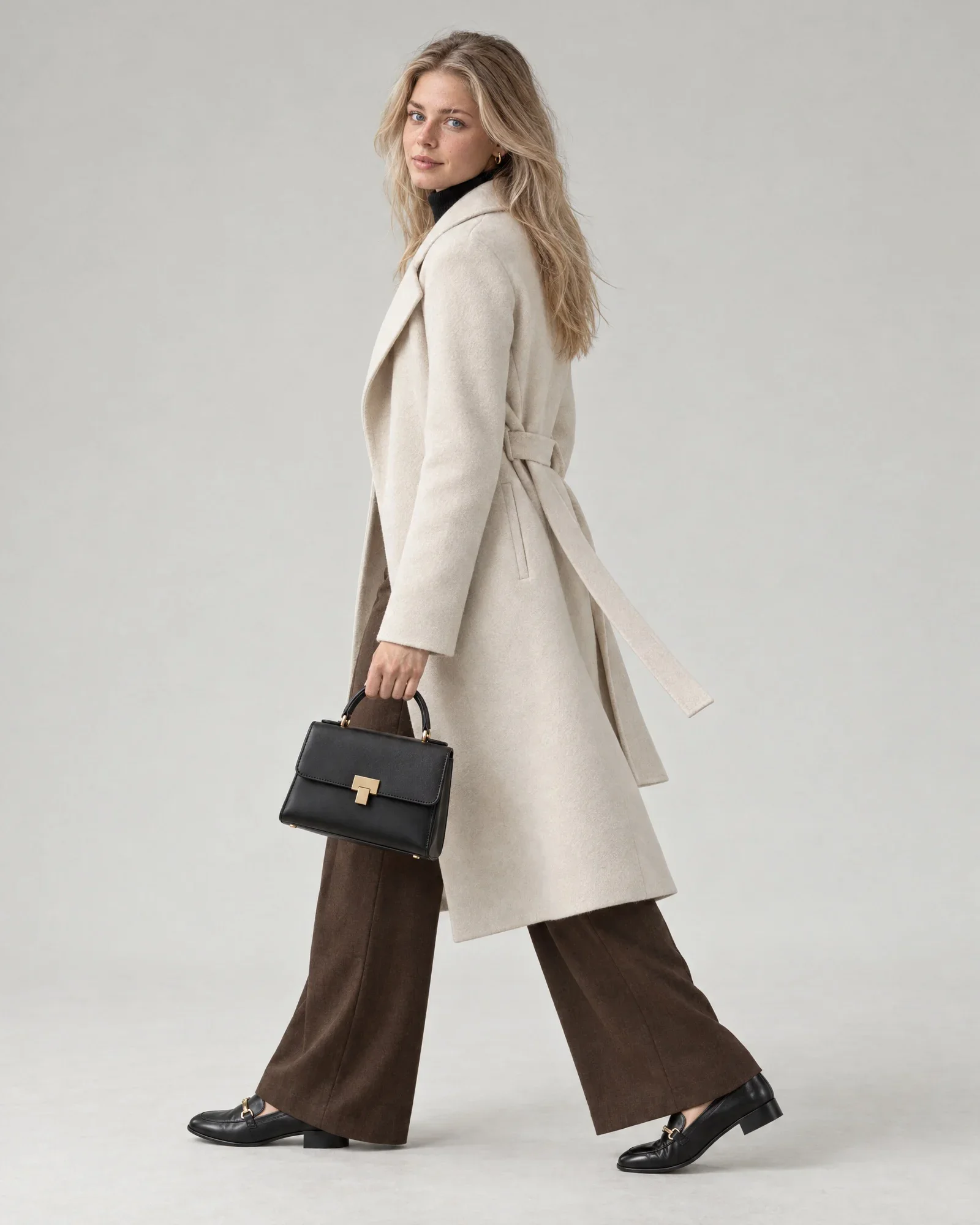
    • Isa in the same look in the studio, walkingStudio, walking
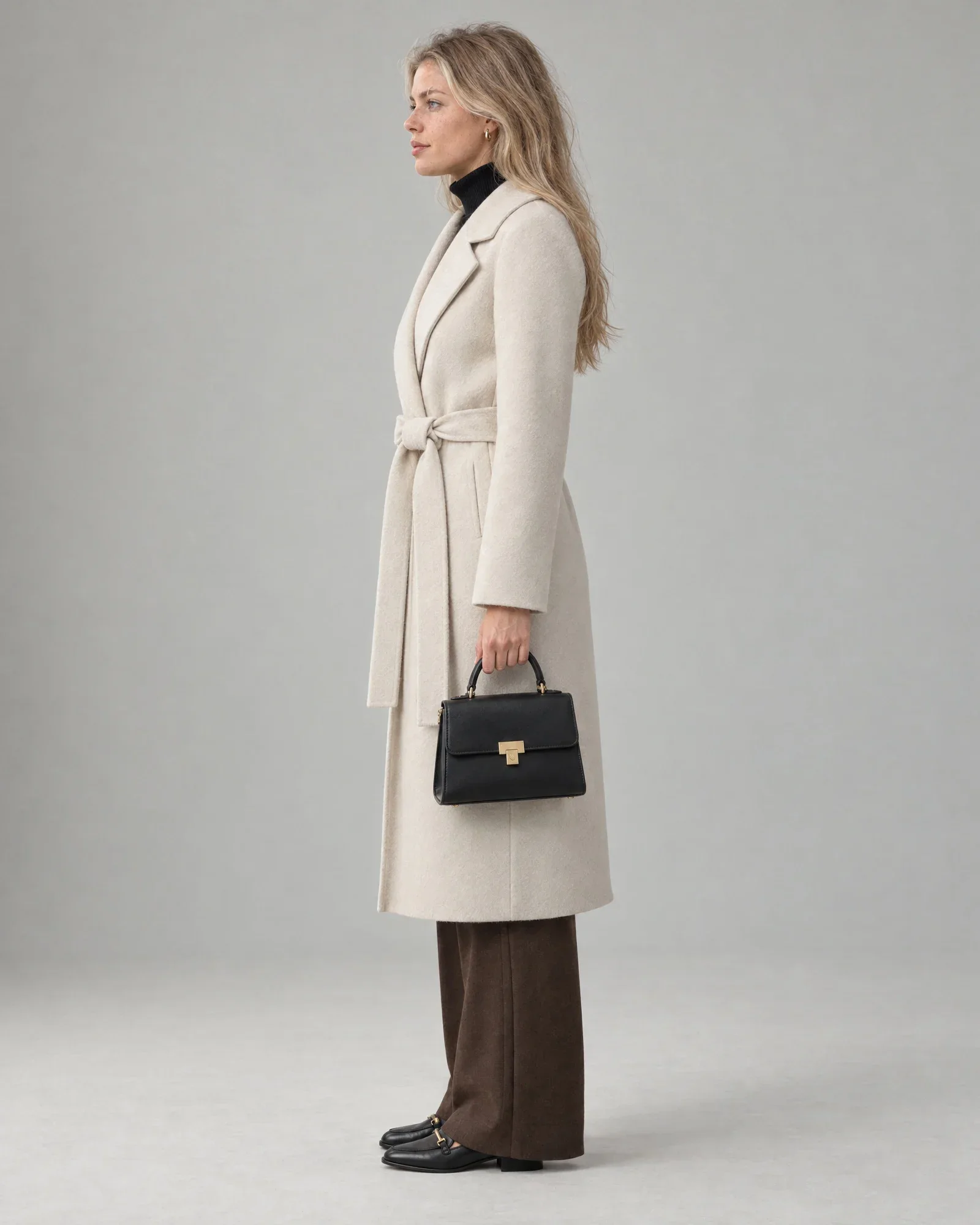
    • Isa in the same look in the studio, from the sideSide
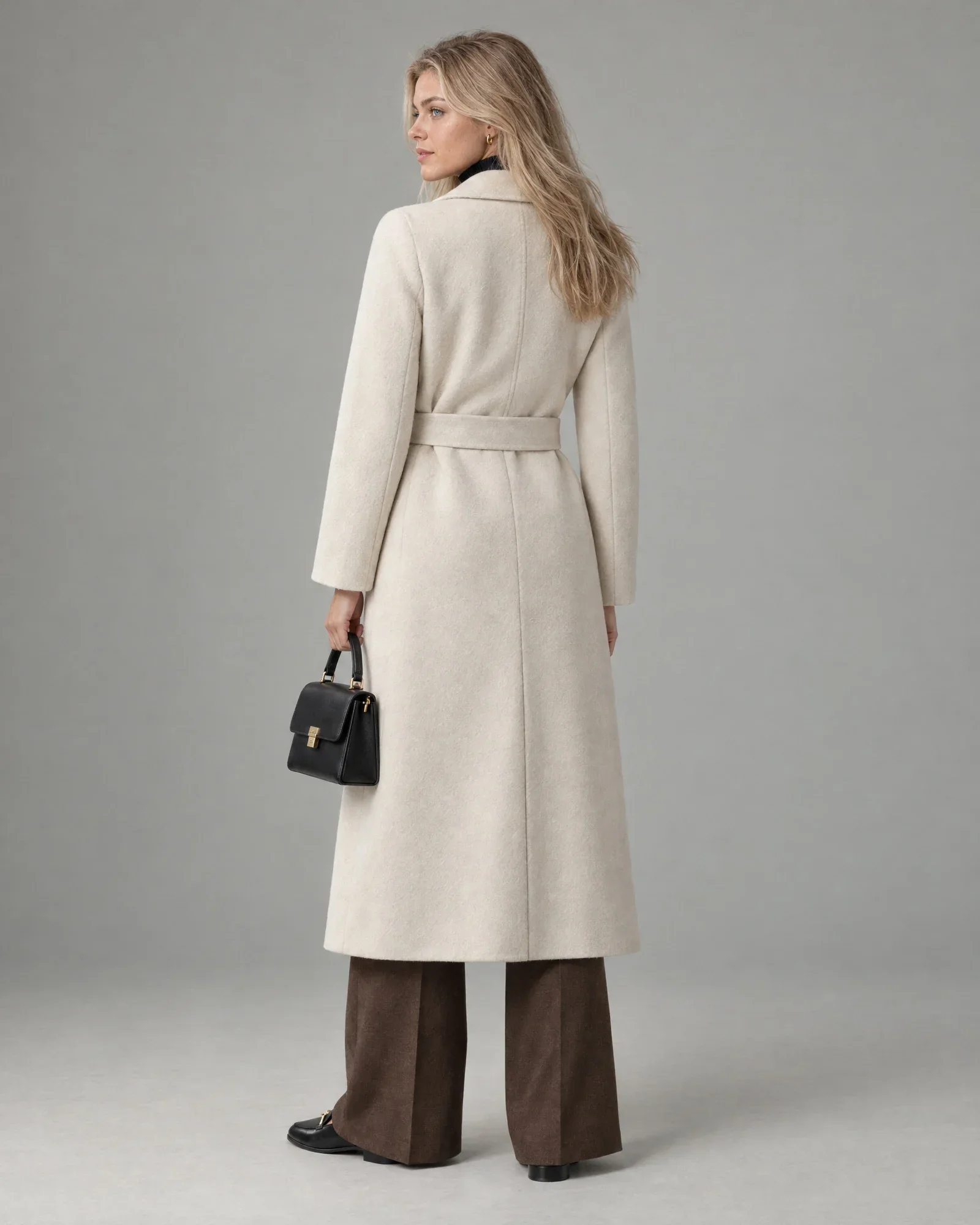
    • Isa in the same look in the studio, from the backBack
  2. AI model Thijs

    The look

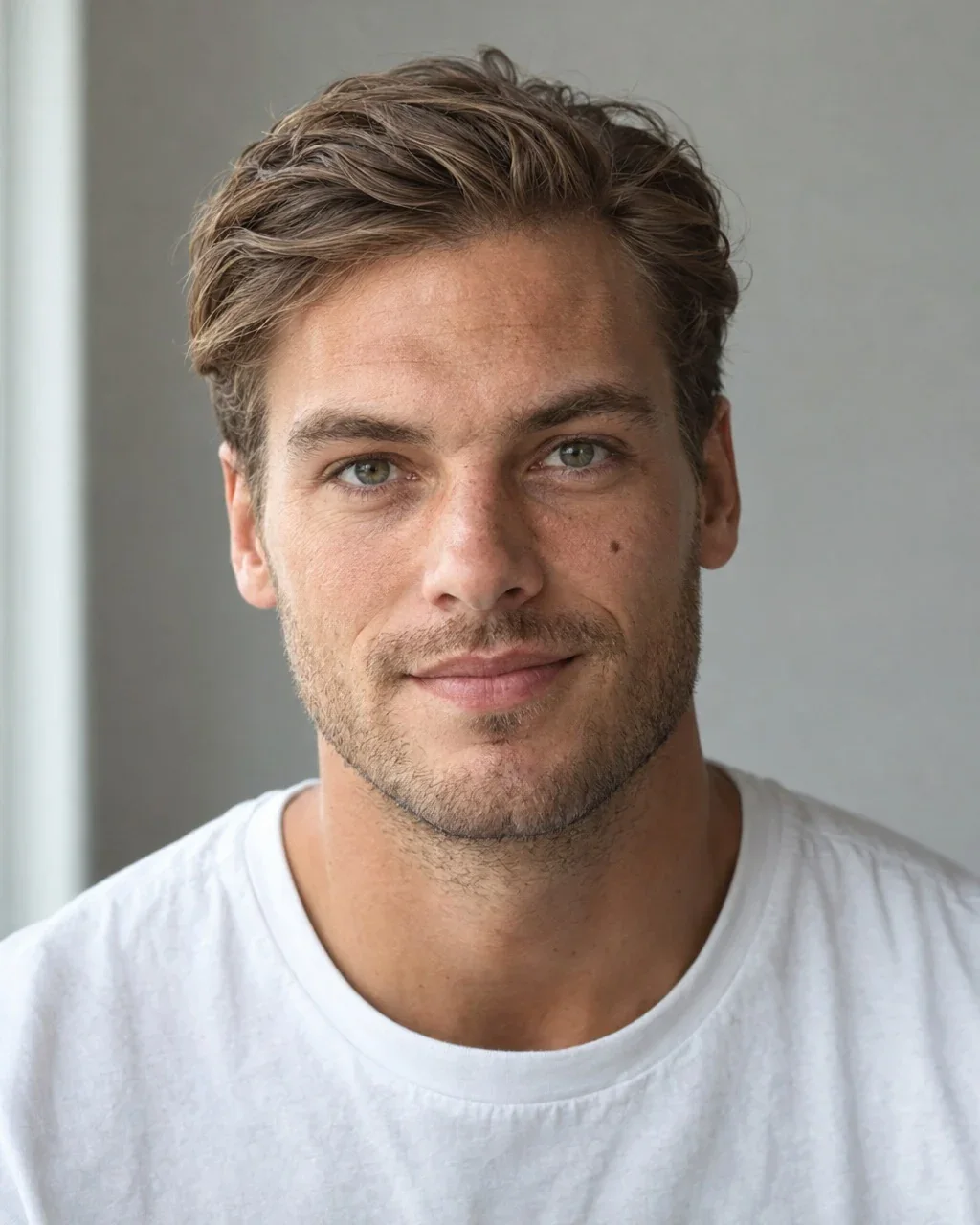
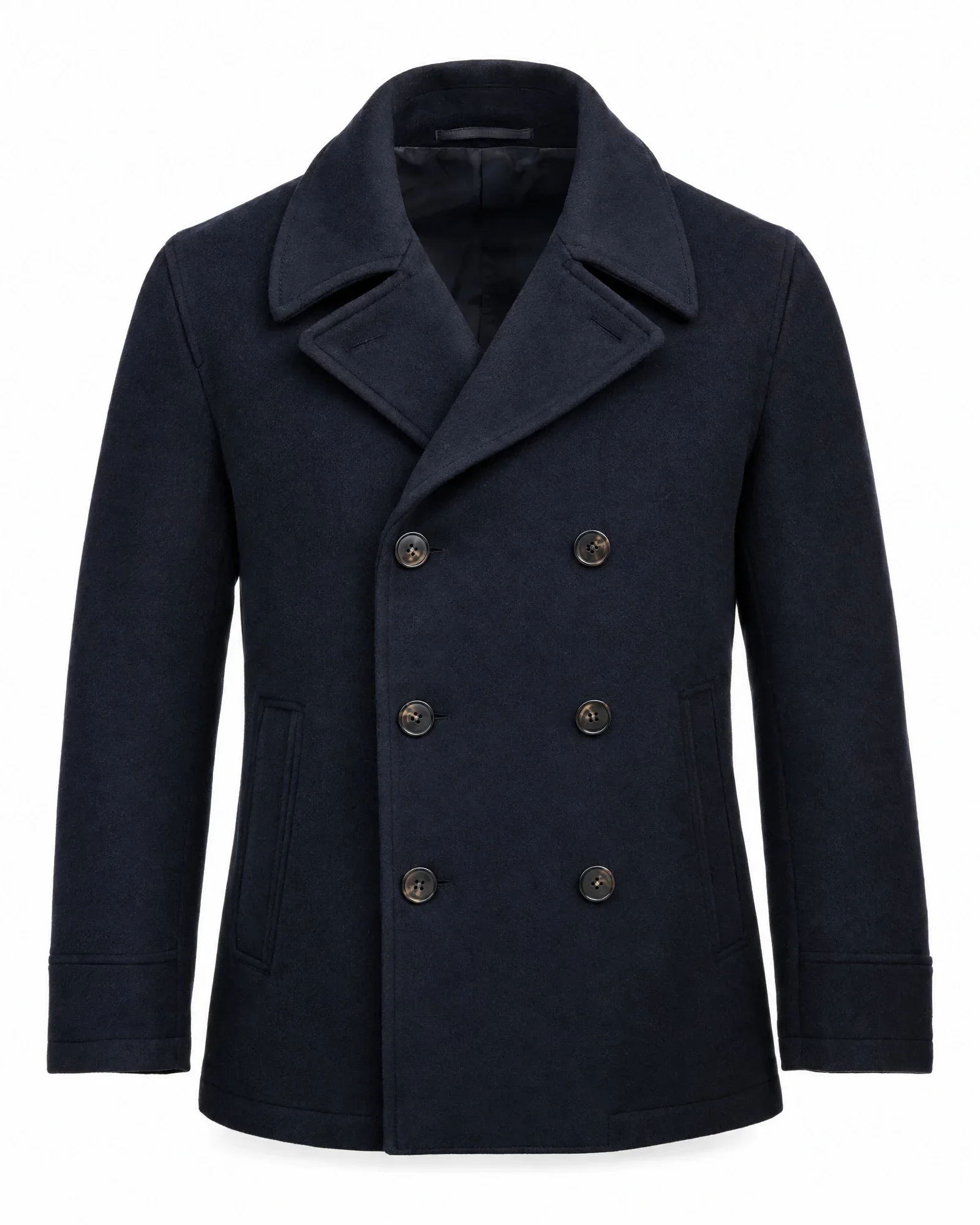
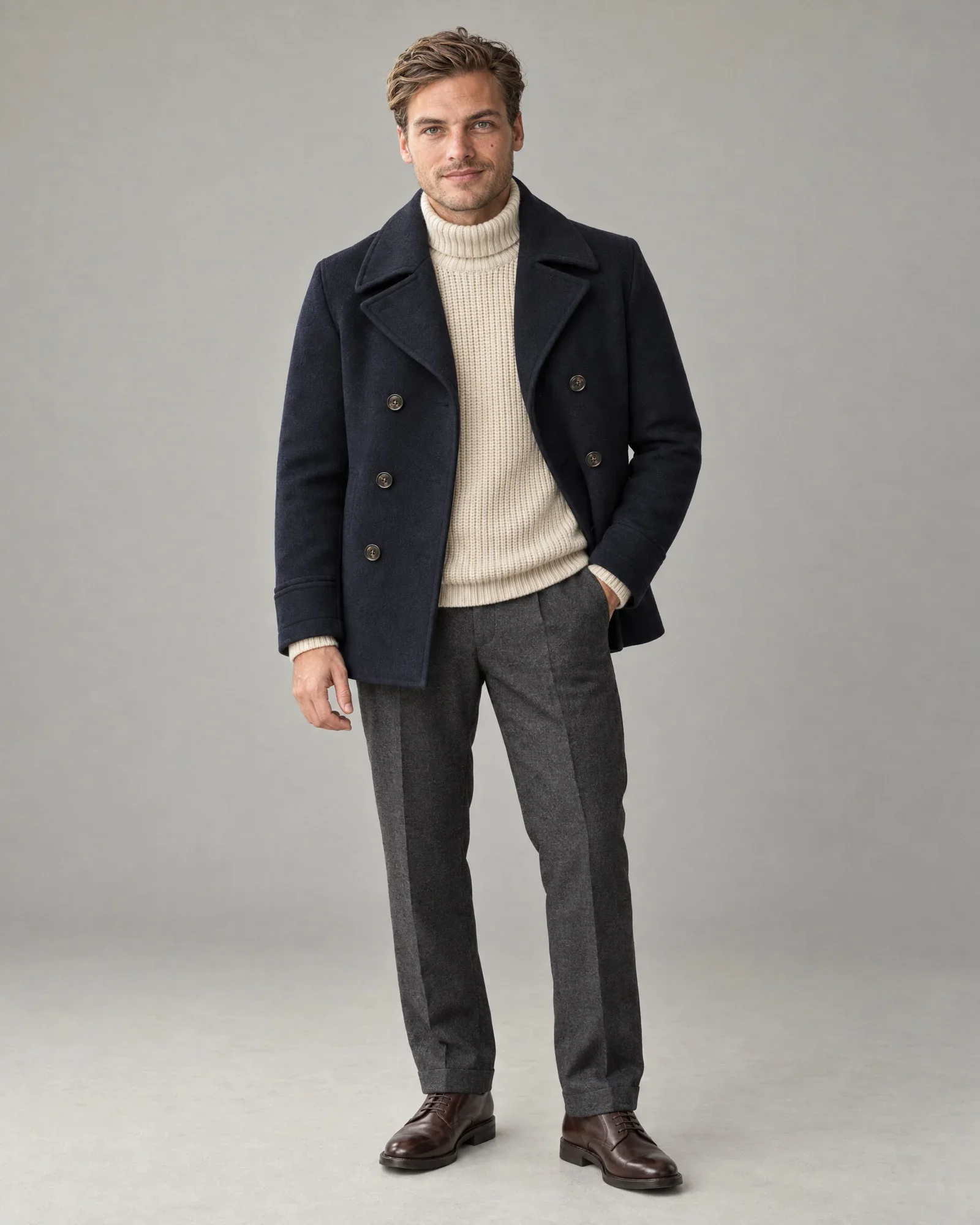
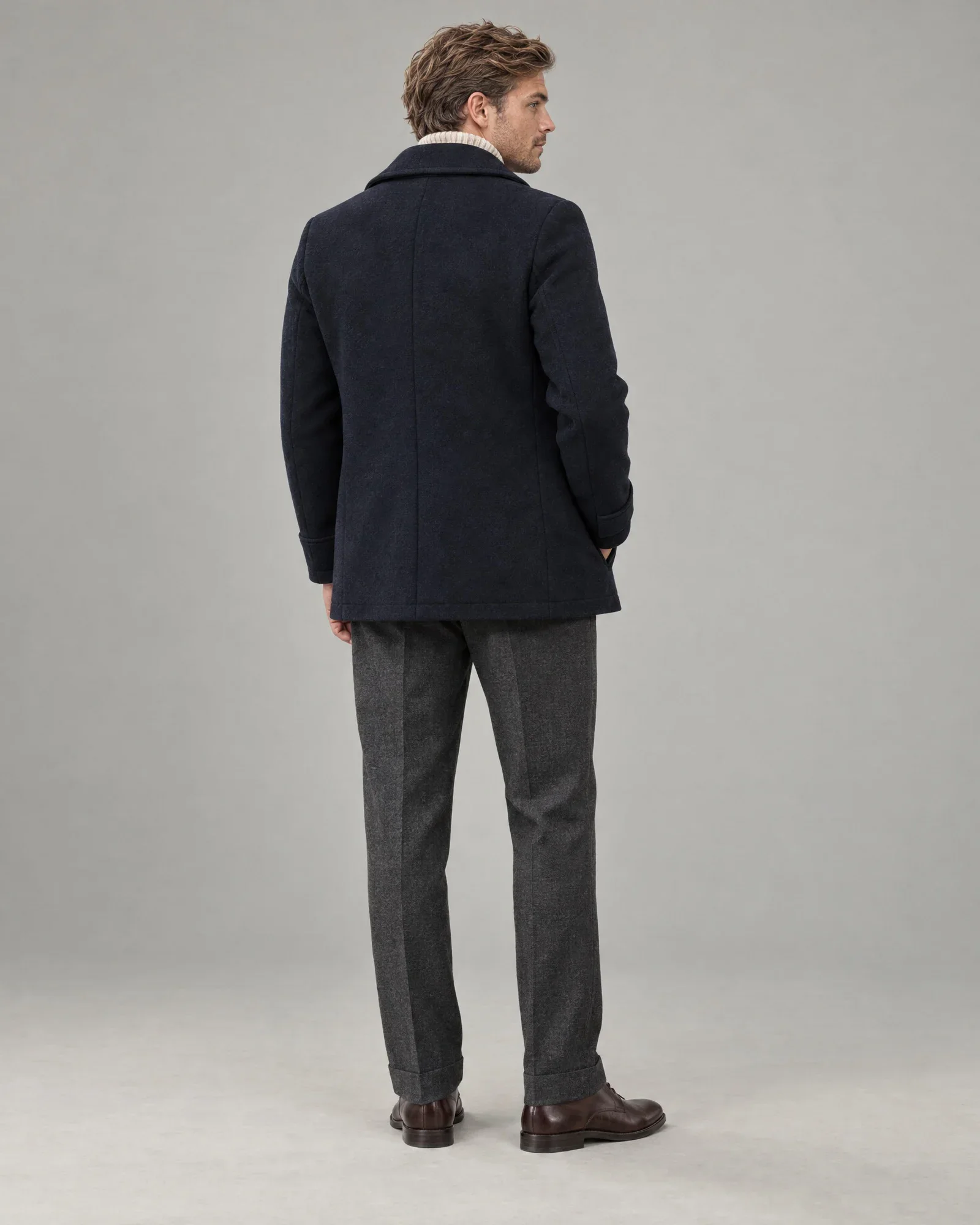
    • Navy wool coat
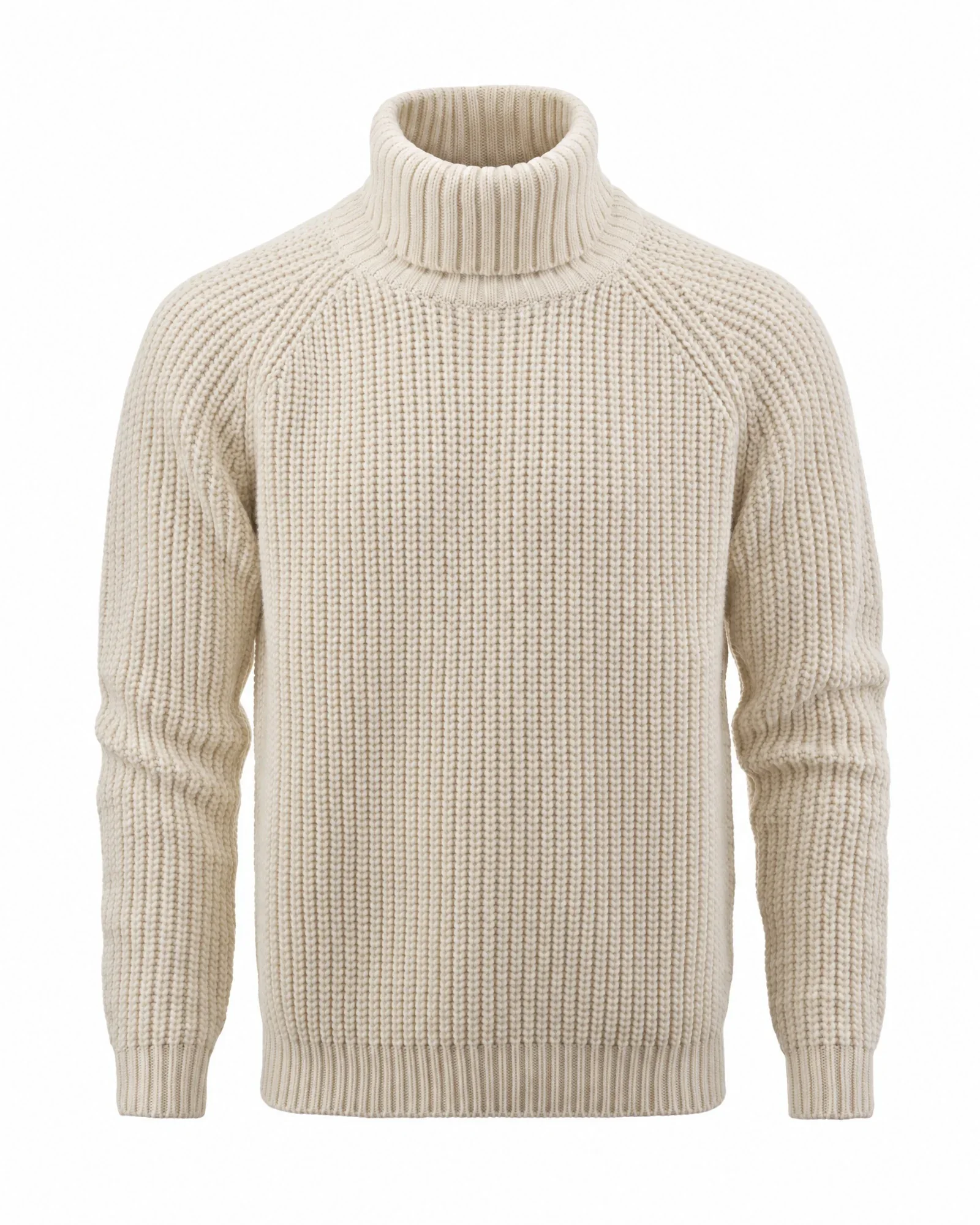
    • Ecru knit turtleneck
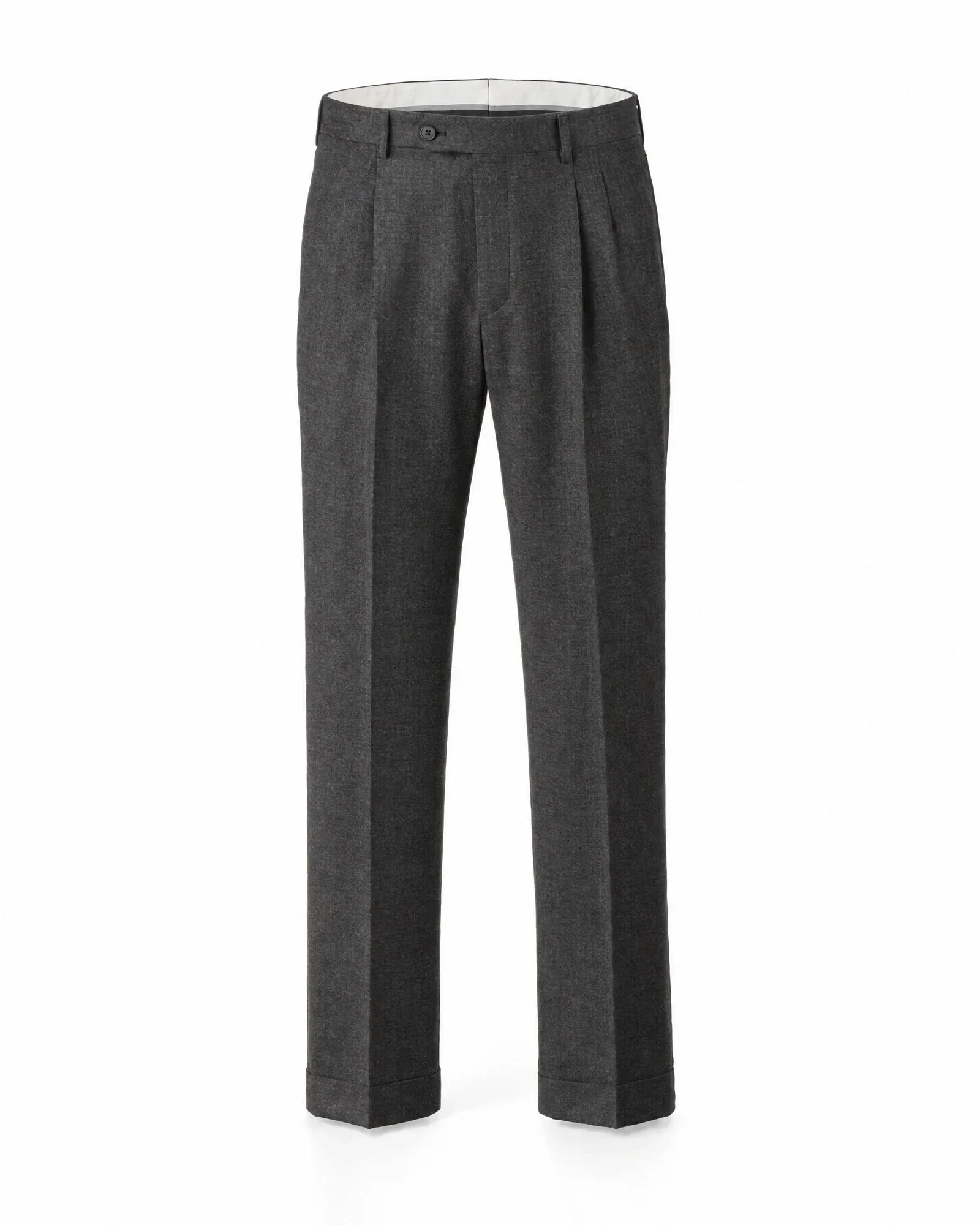
    • Anthracite wool trousers
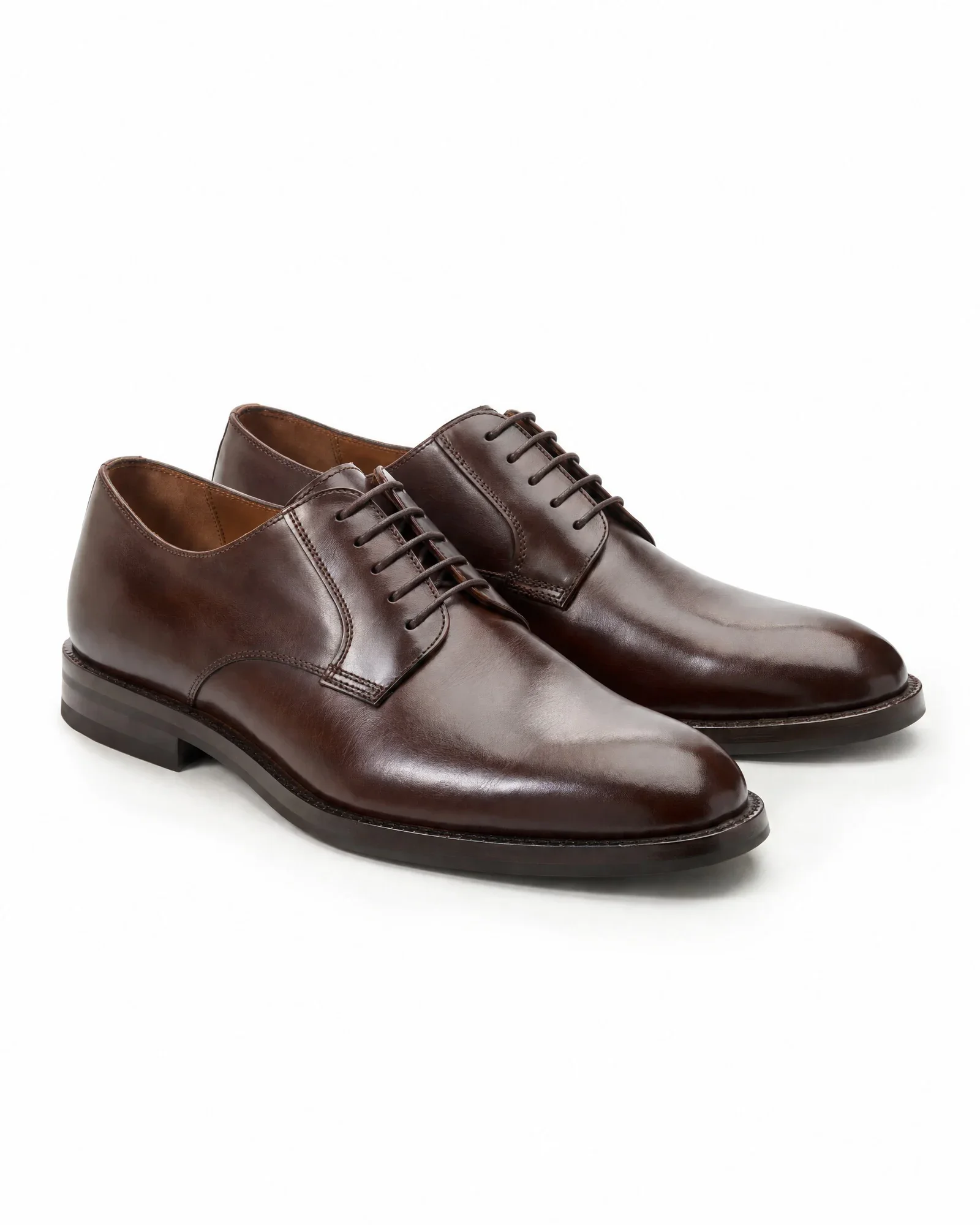
    • Dark brown leather derbies

    €0,84 for 4 photos, €0,21 per photo

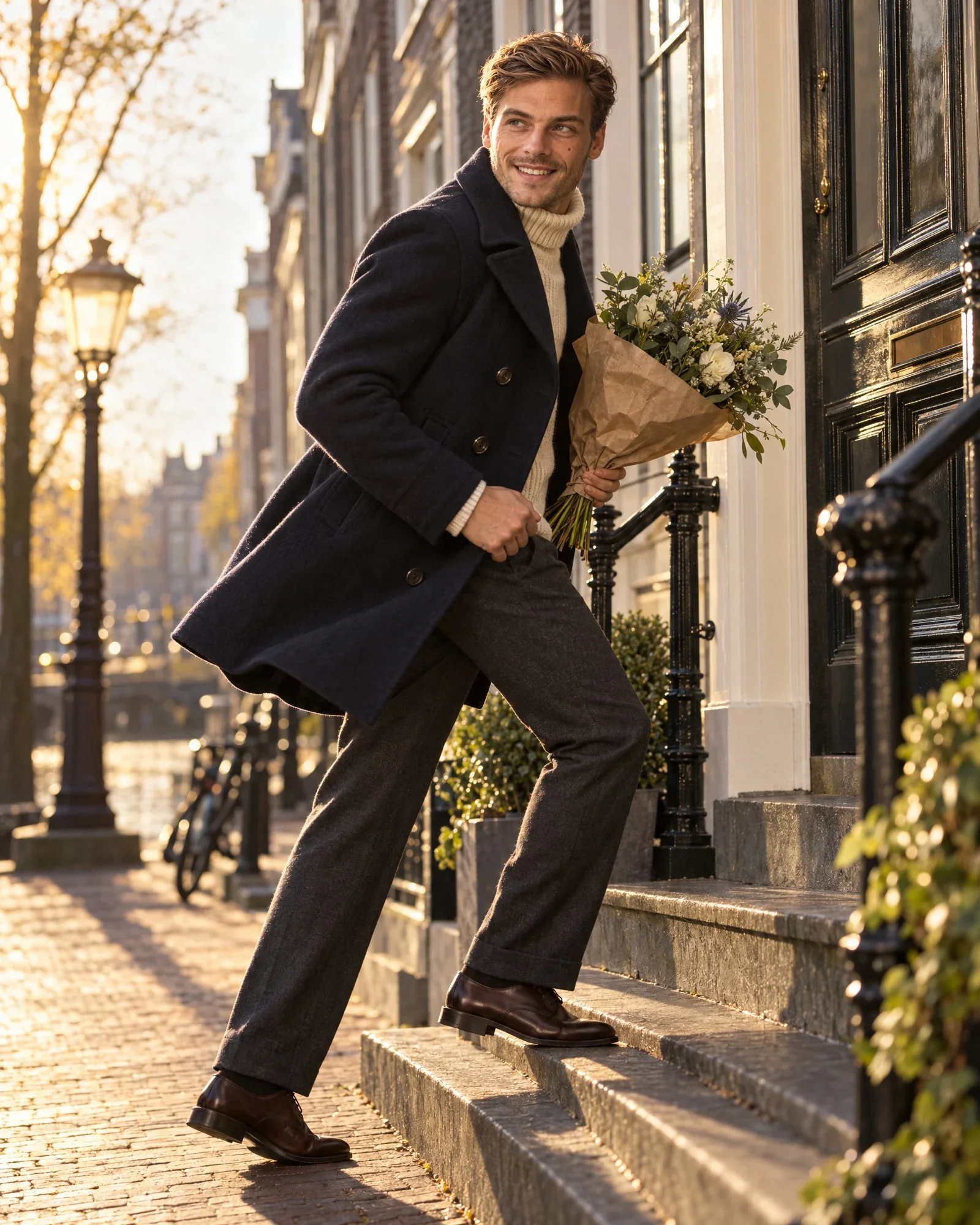
    • Thijs with flowers outside a canal houseCampaign
    • Thijs in the same look in the studio, frontStudio
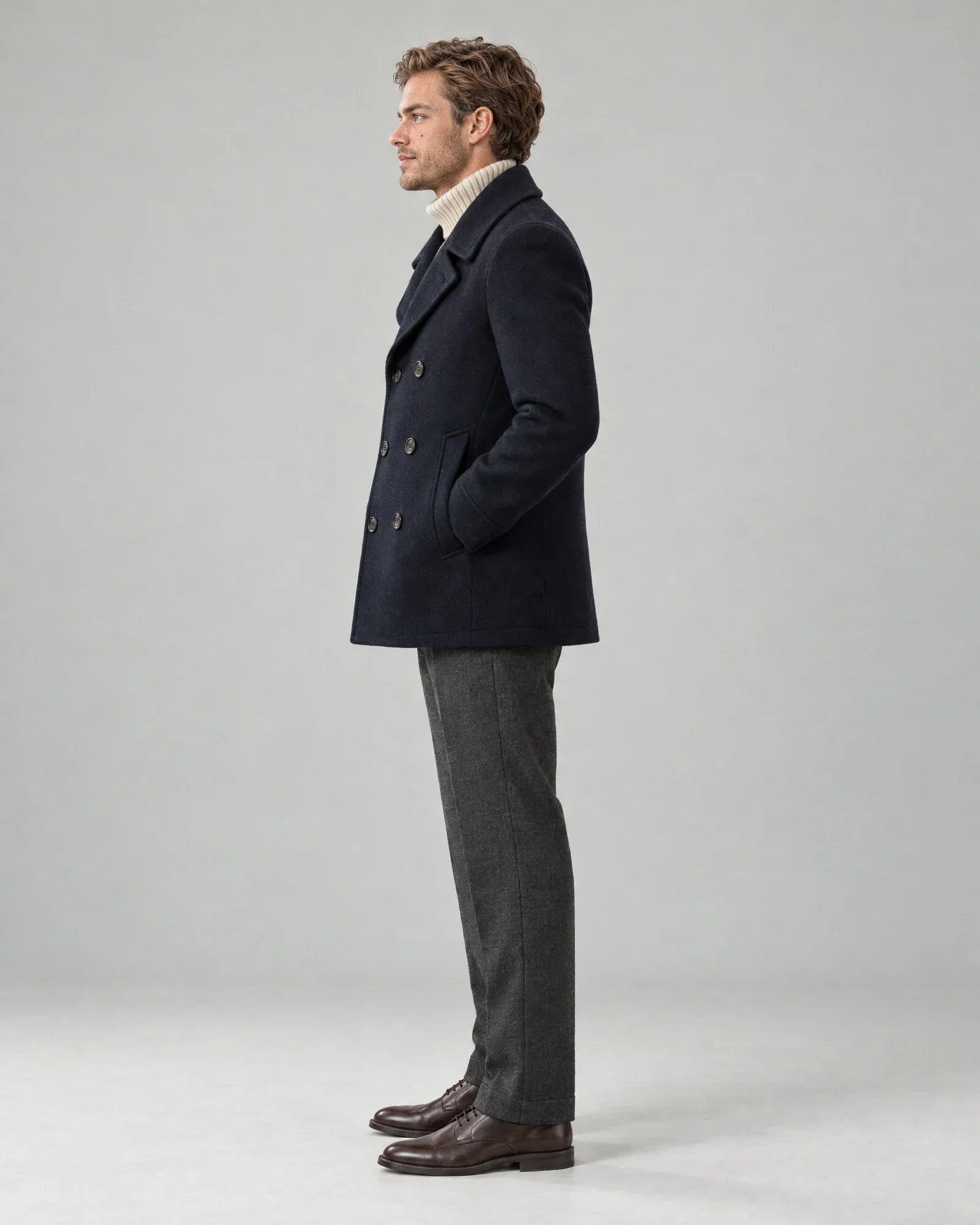
    • Thijs in the same look in the studio, sideSide
    • Thijs in the same look in the studio, backBack
  3. AI model Noor

    The look

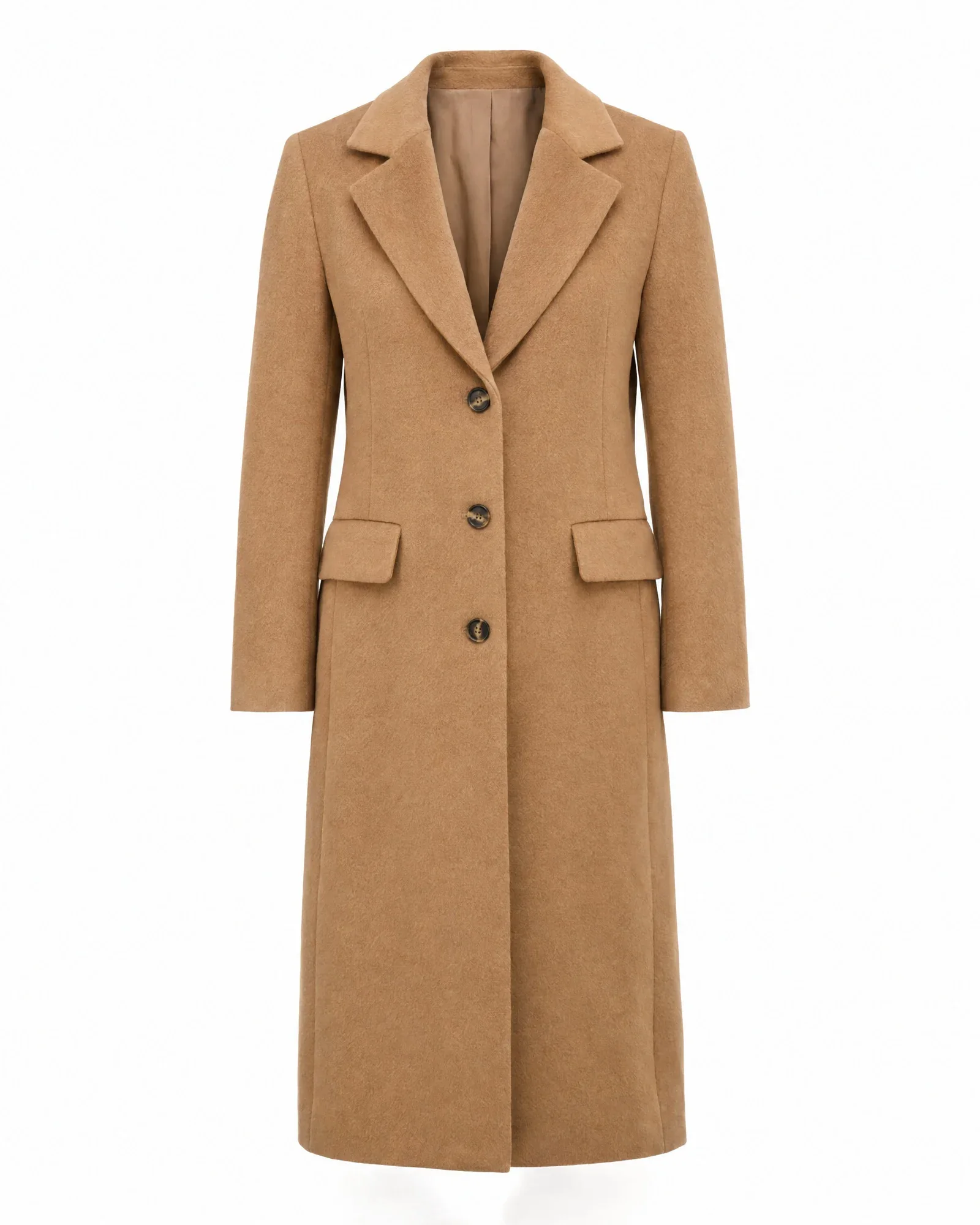
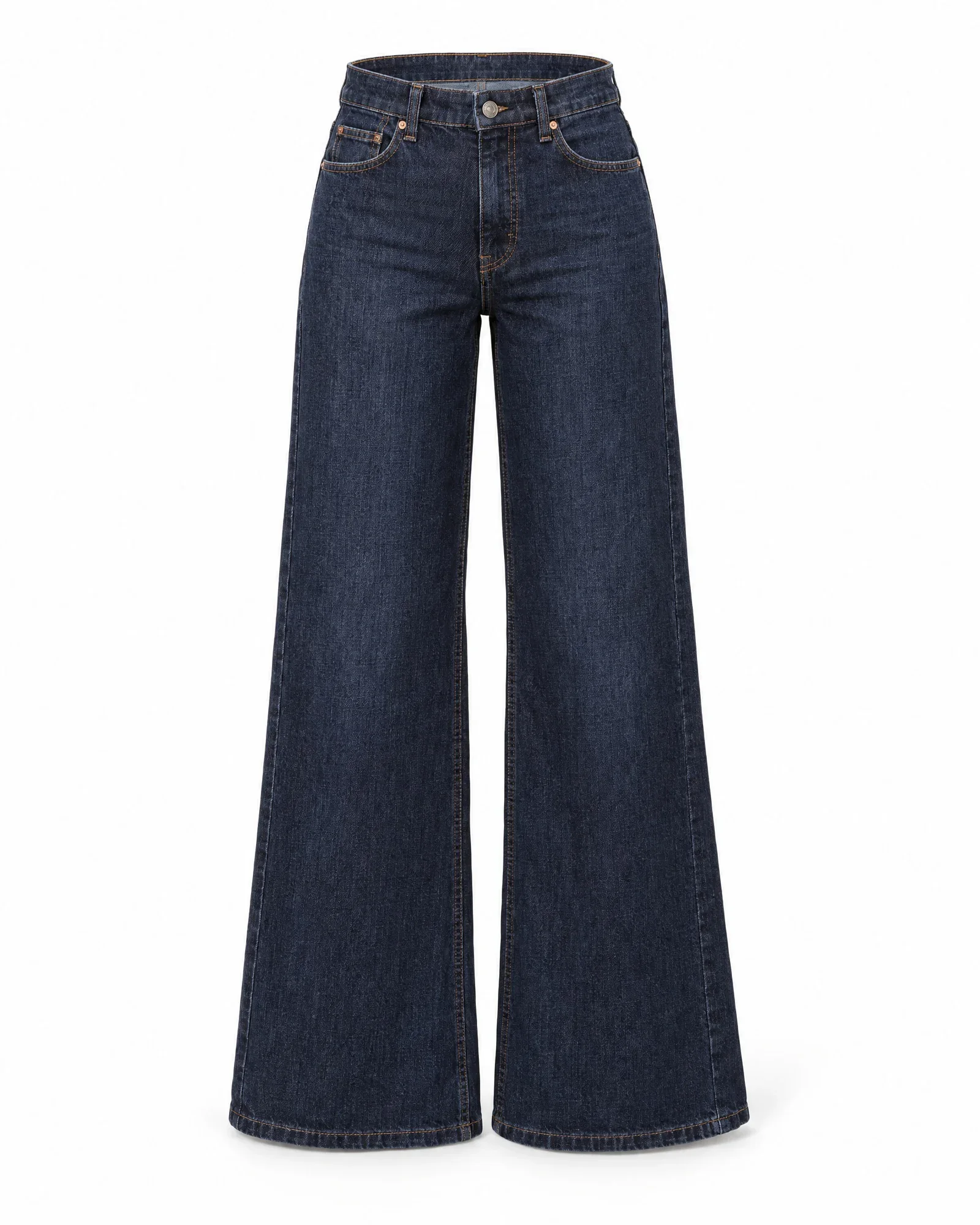
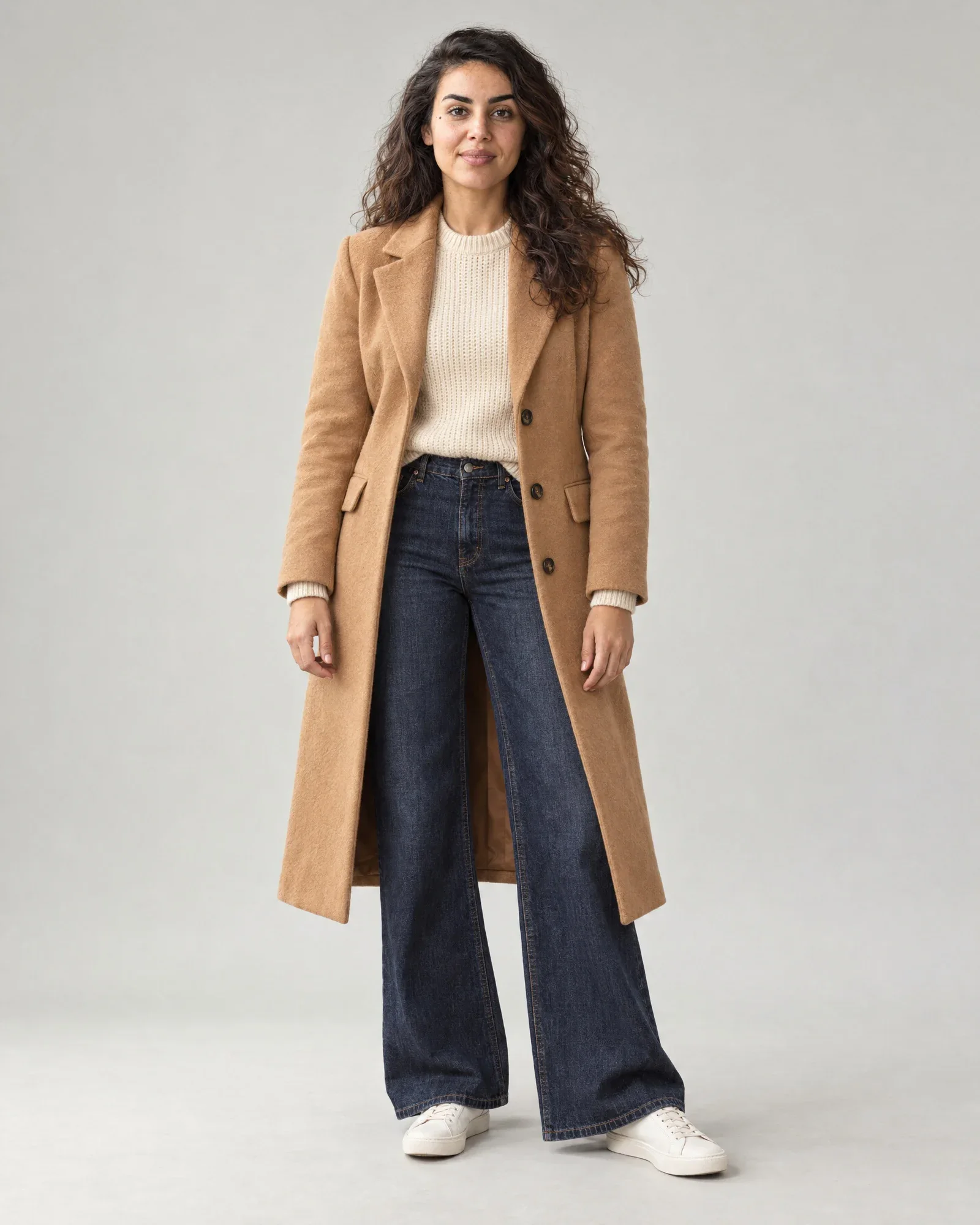
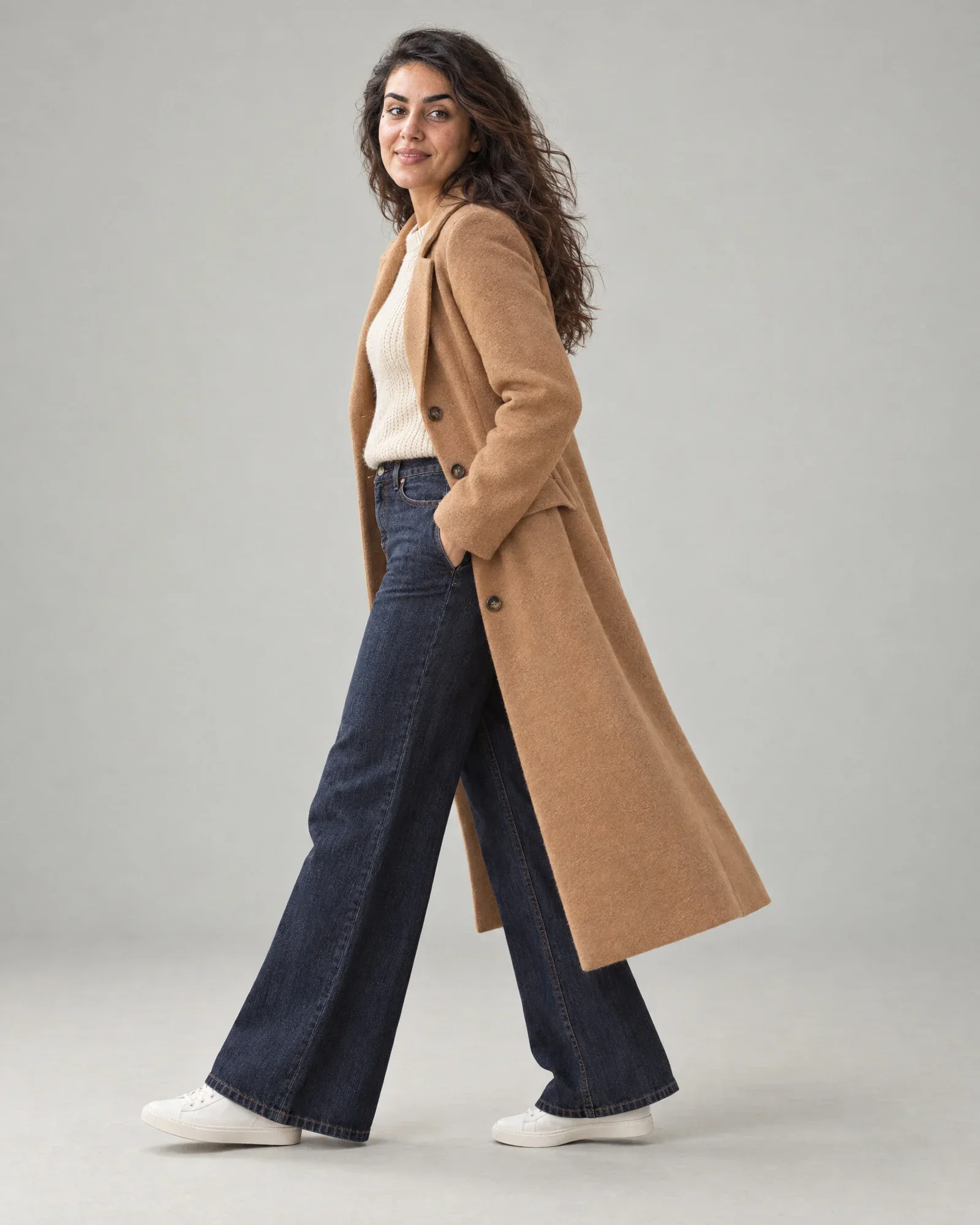
    • Camel wool coat
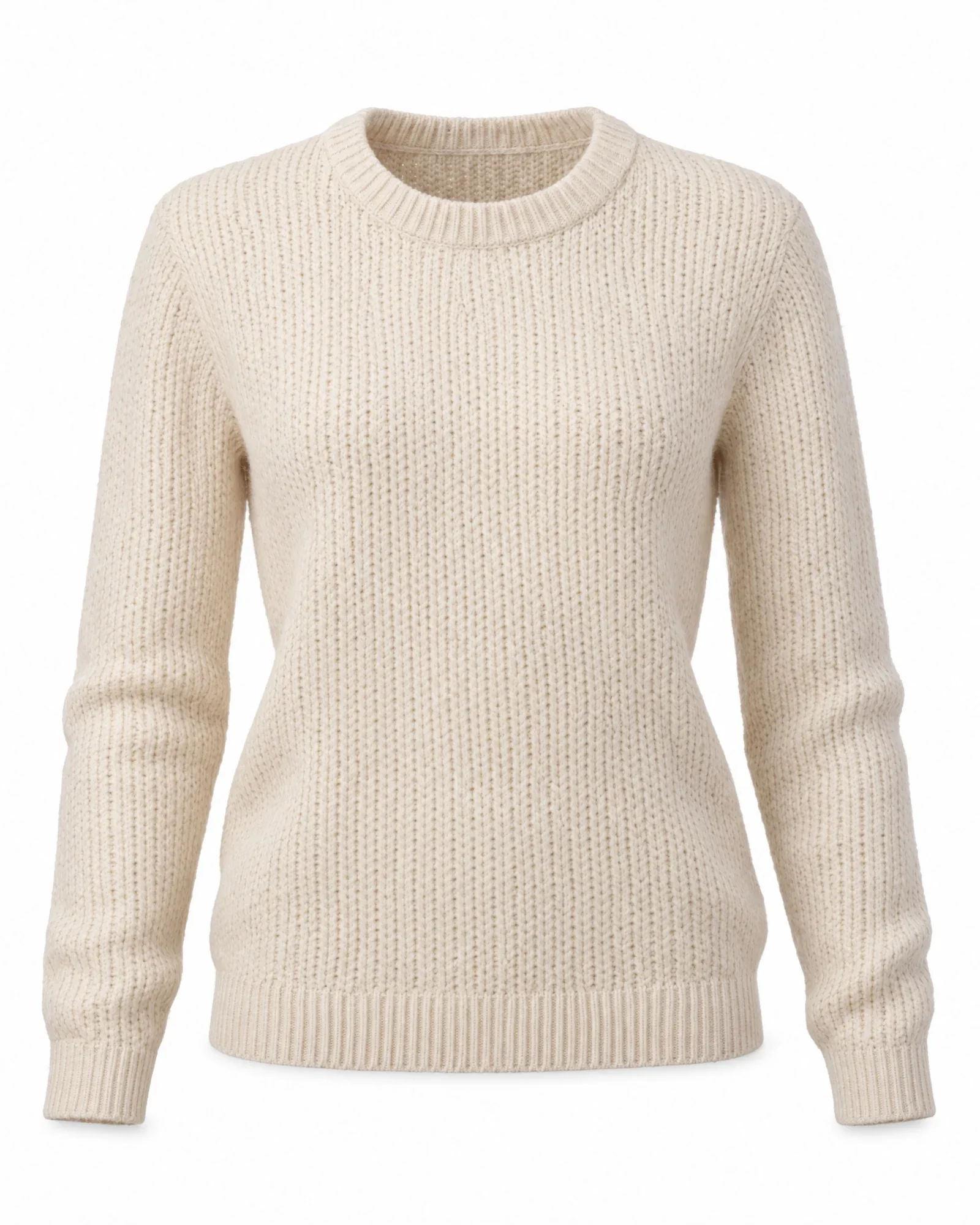
    • Cream fine-knit sweater
    • Wide-leg dark blue jeans
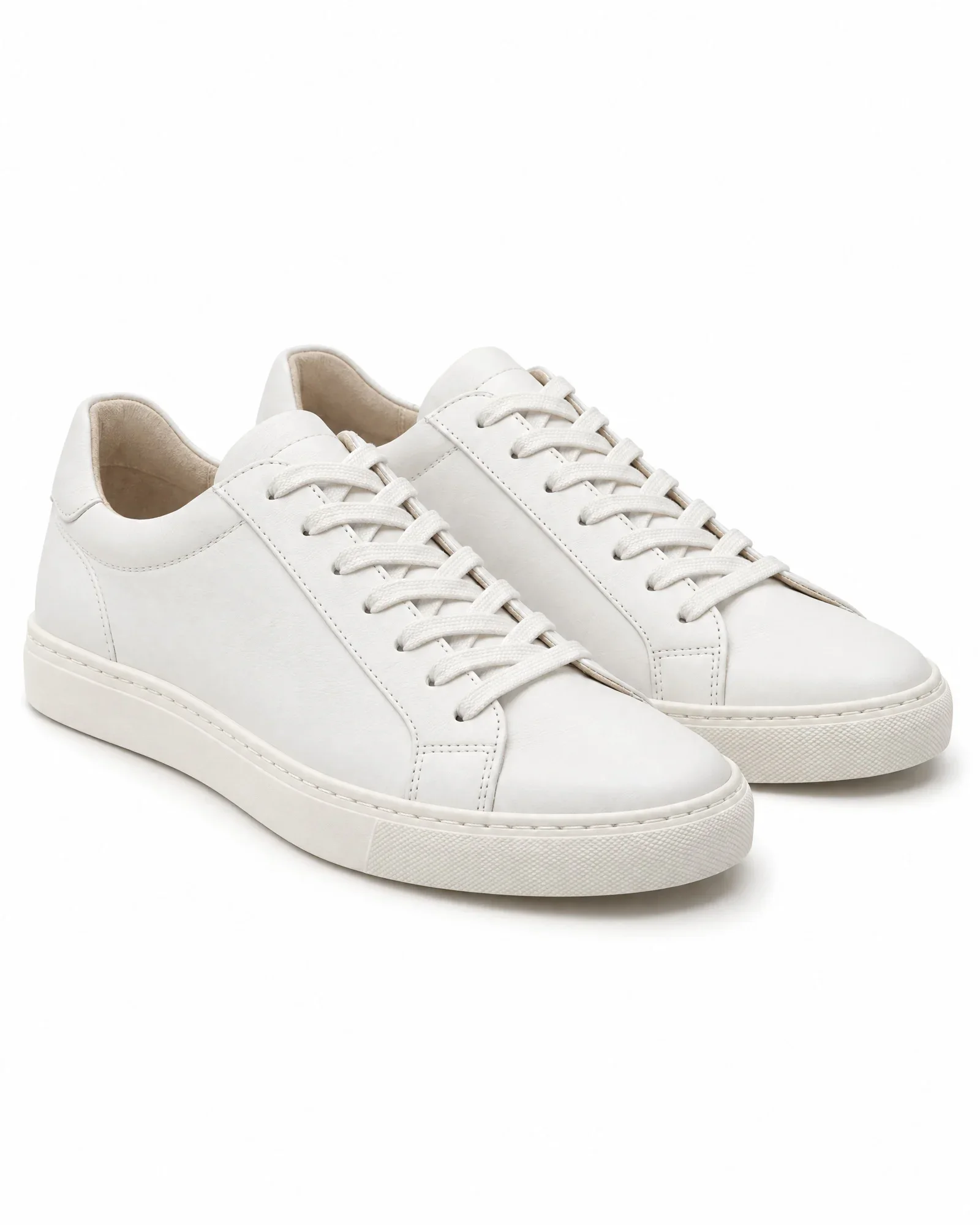
    • White sneakers

    €0,84 for 4 photos, €0,21 per photo

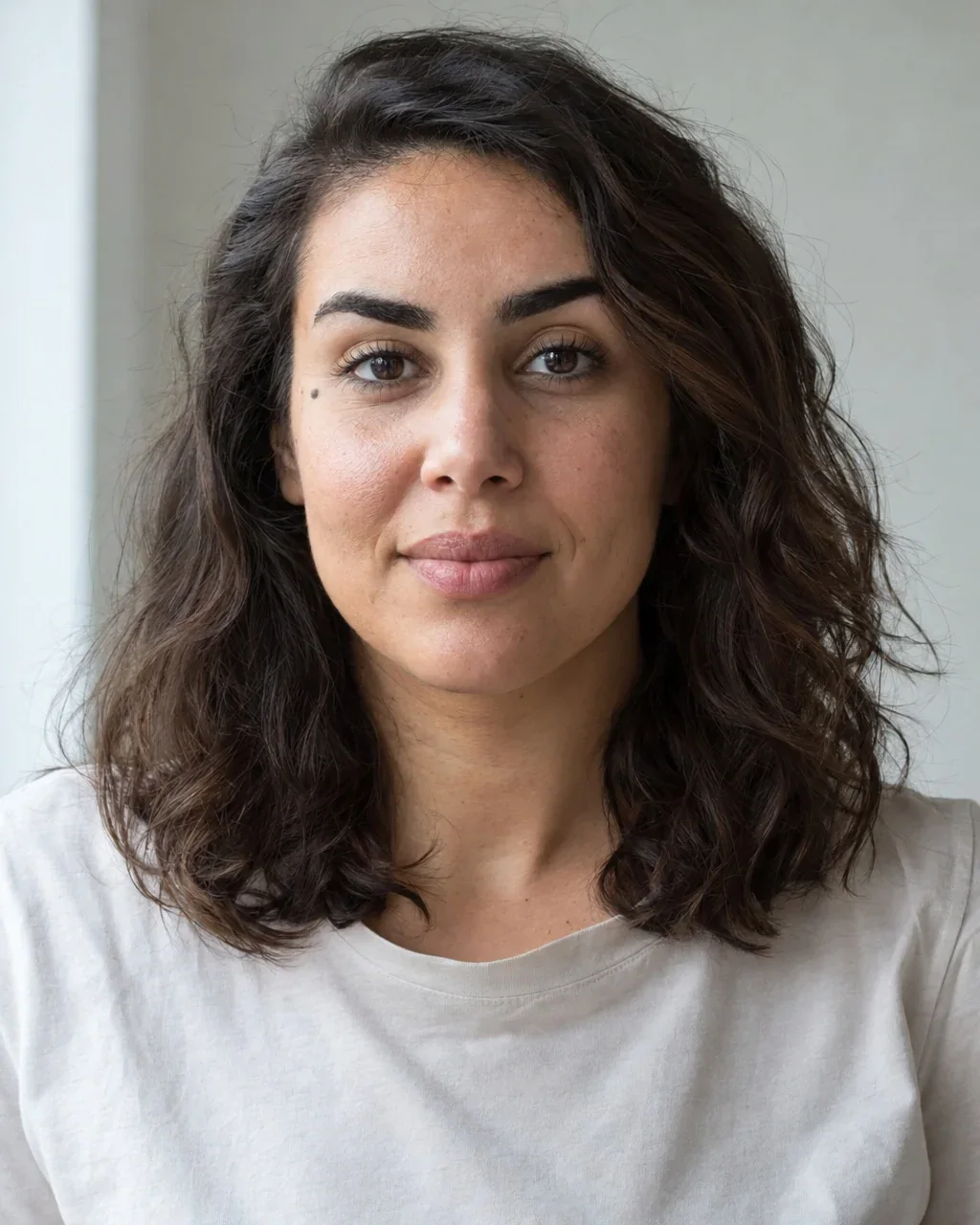
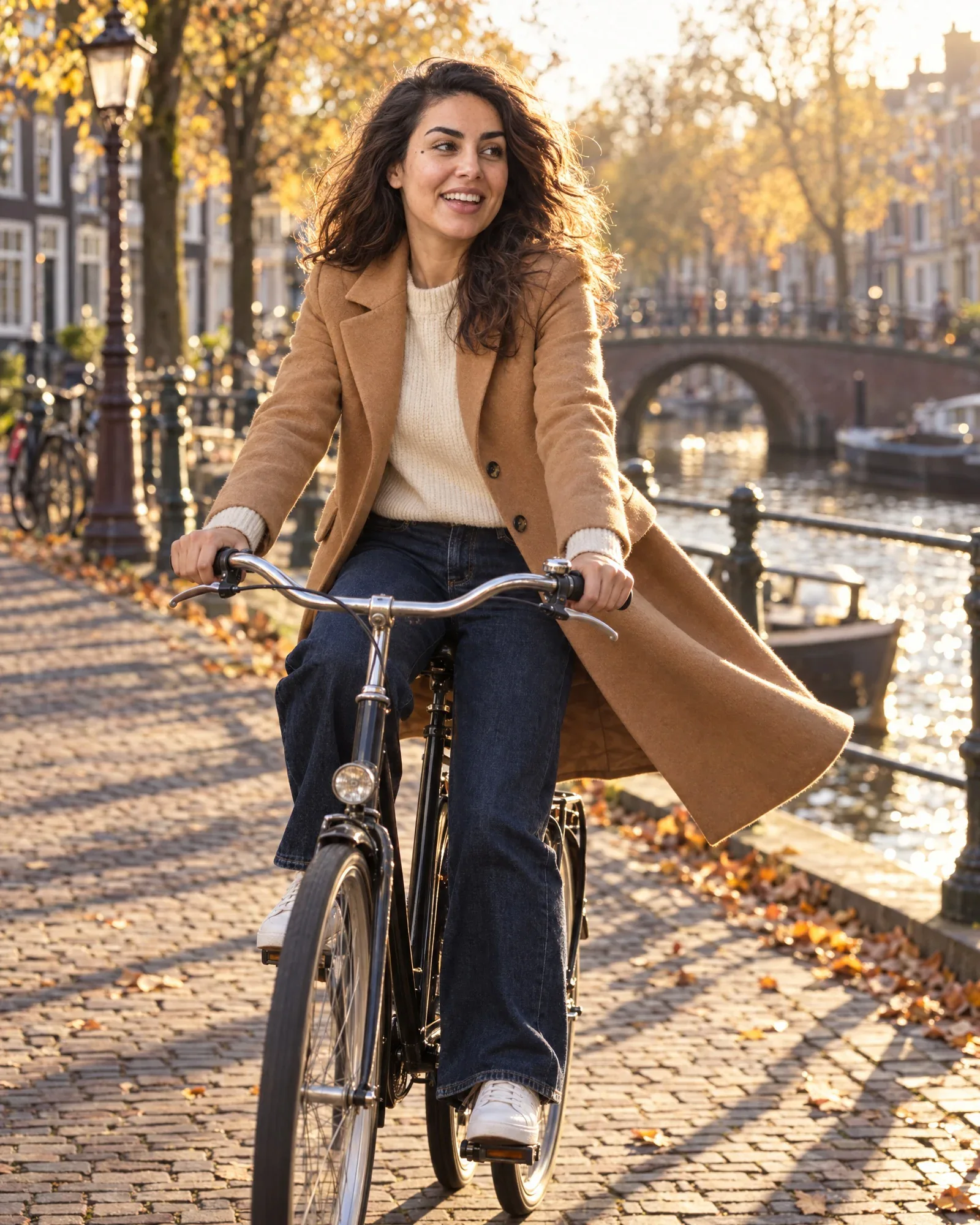
    • Noor cycles along a canal, smilingCampaign
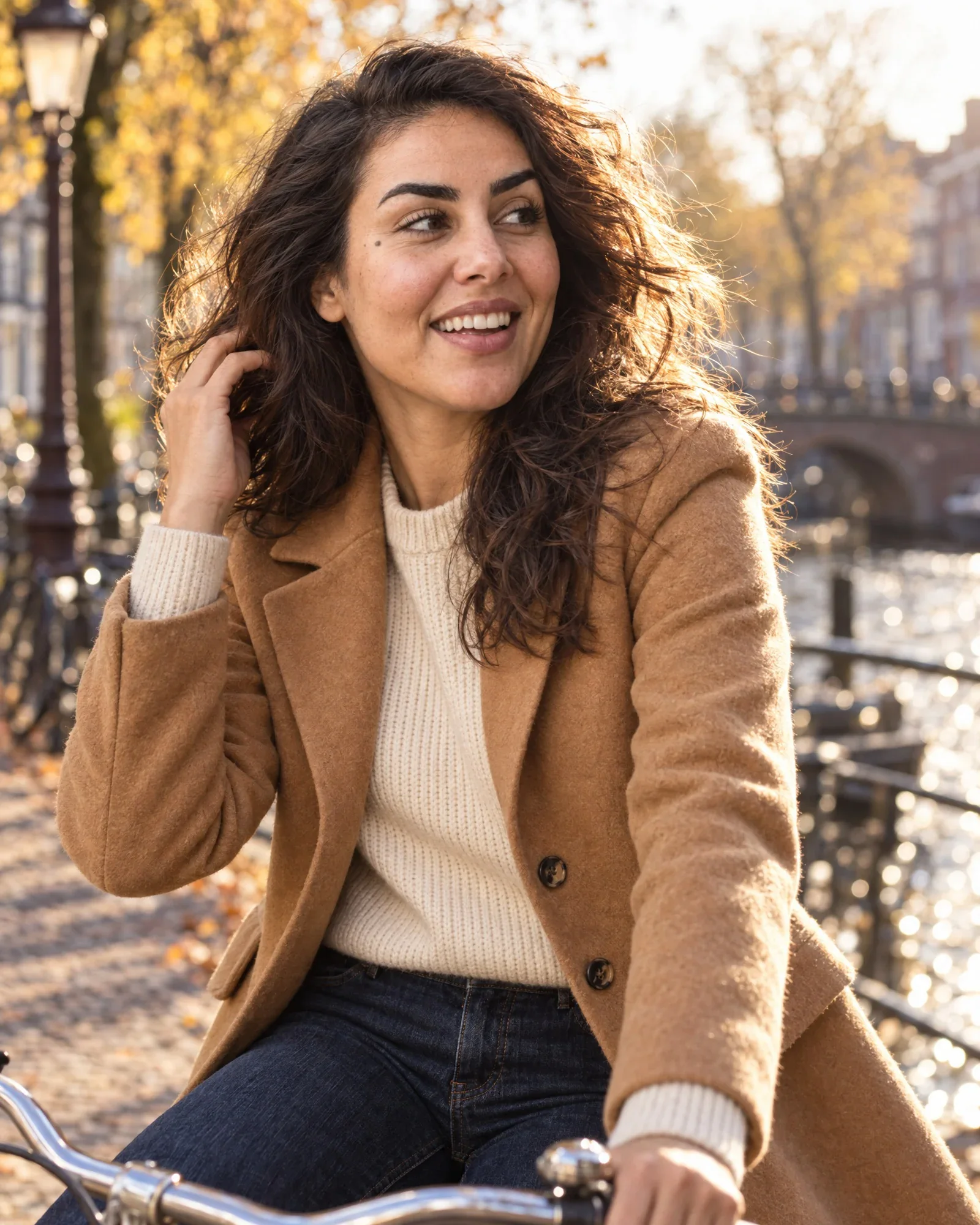
    • Noor smiling, close up, in the same camel coatClose-up
    • Noor in the same look in the studio, frontStudio
    • Noor in the same look in the studio, walkingStudio, walking
  4. AI model Lieke

    The look

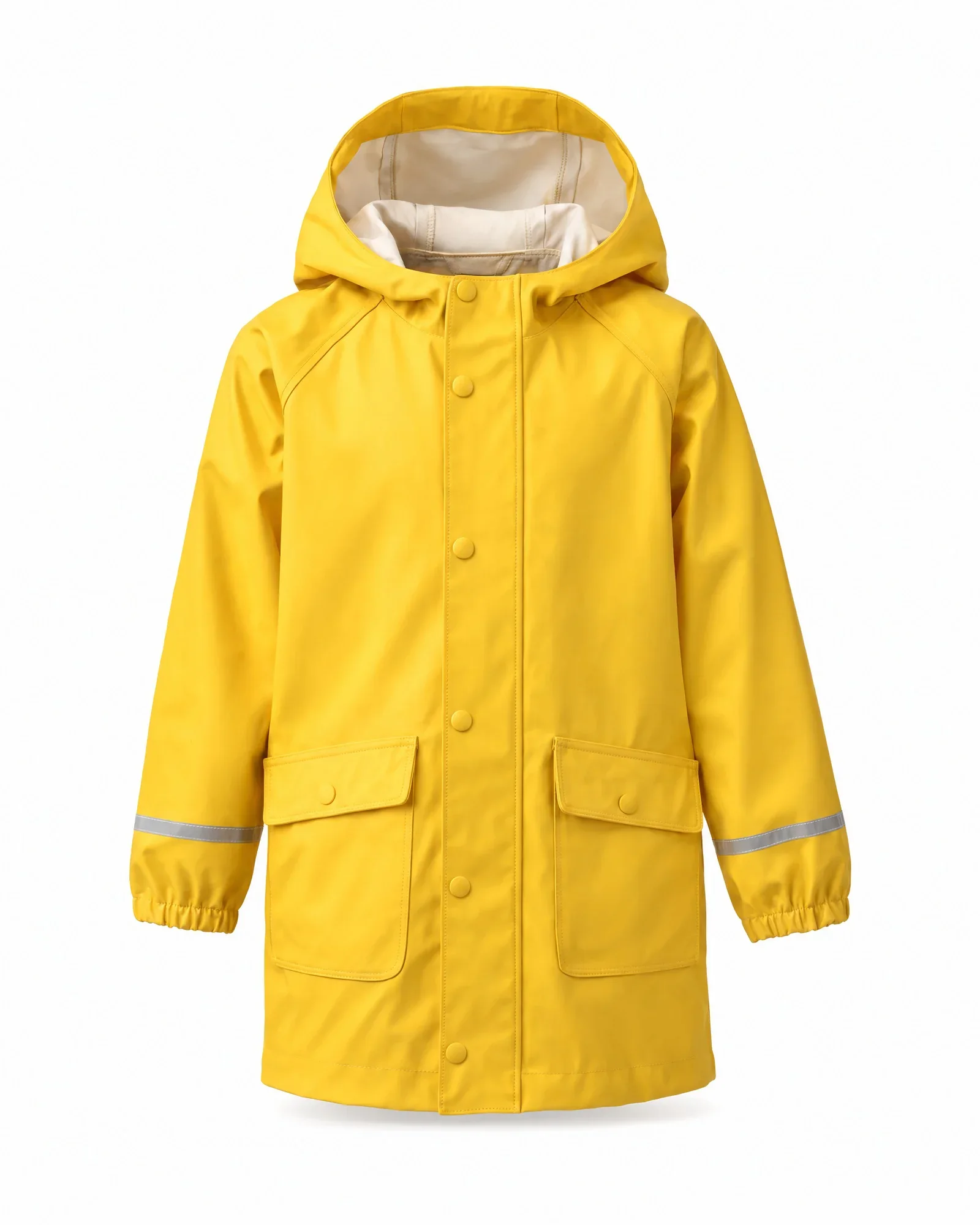
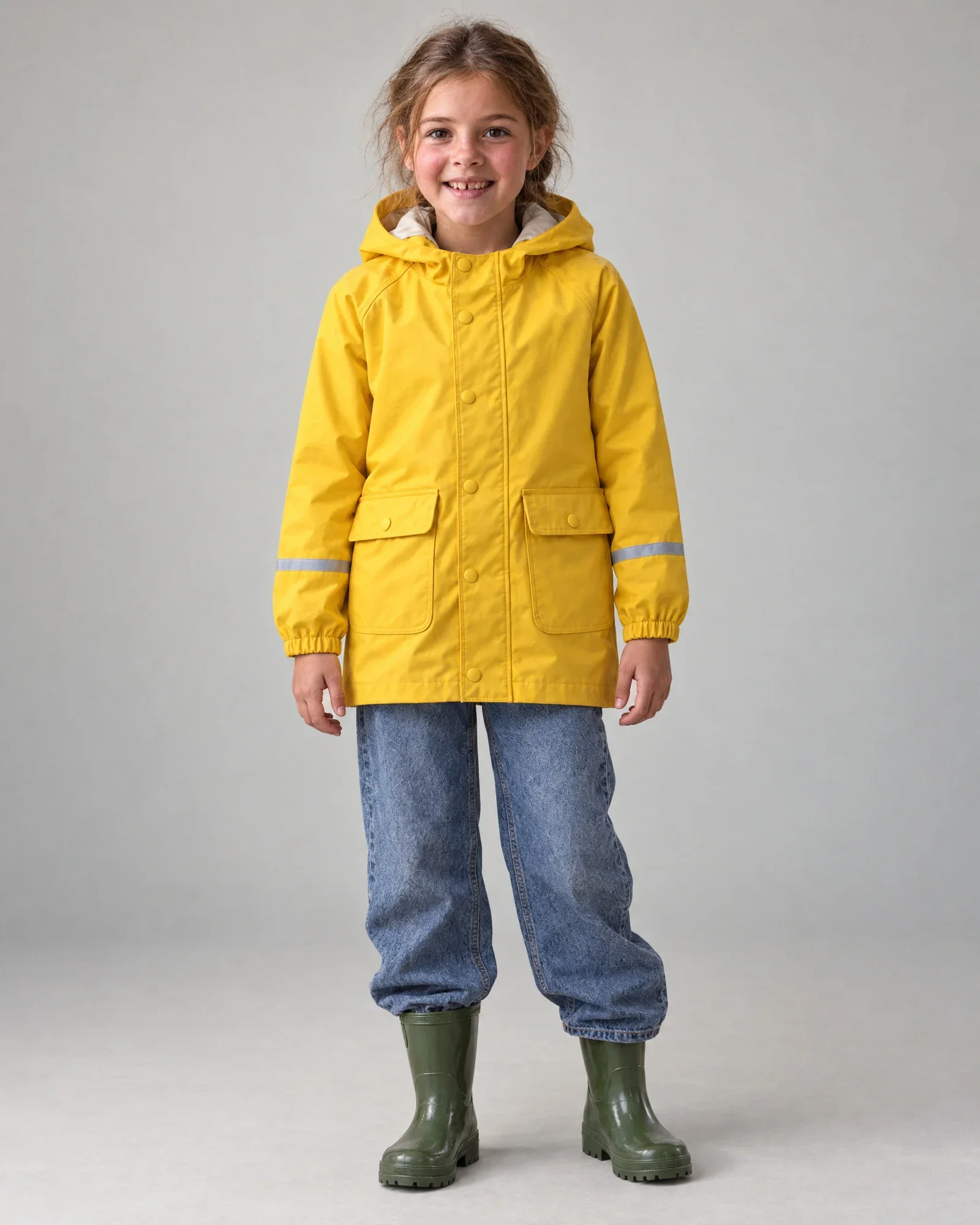
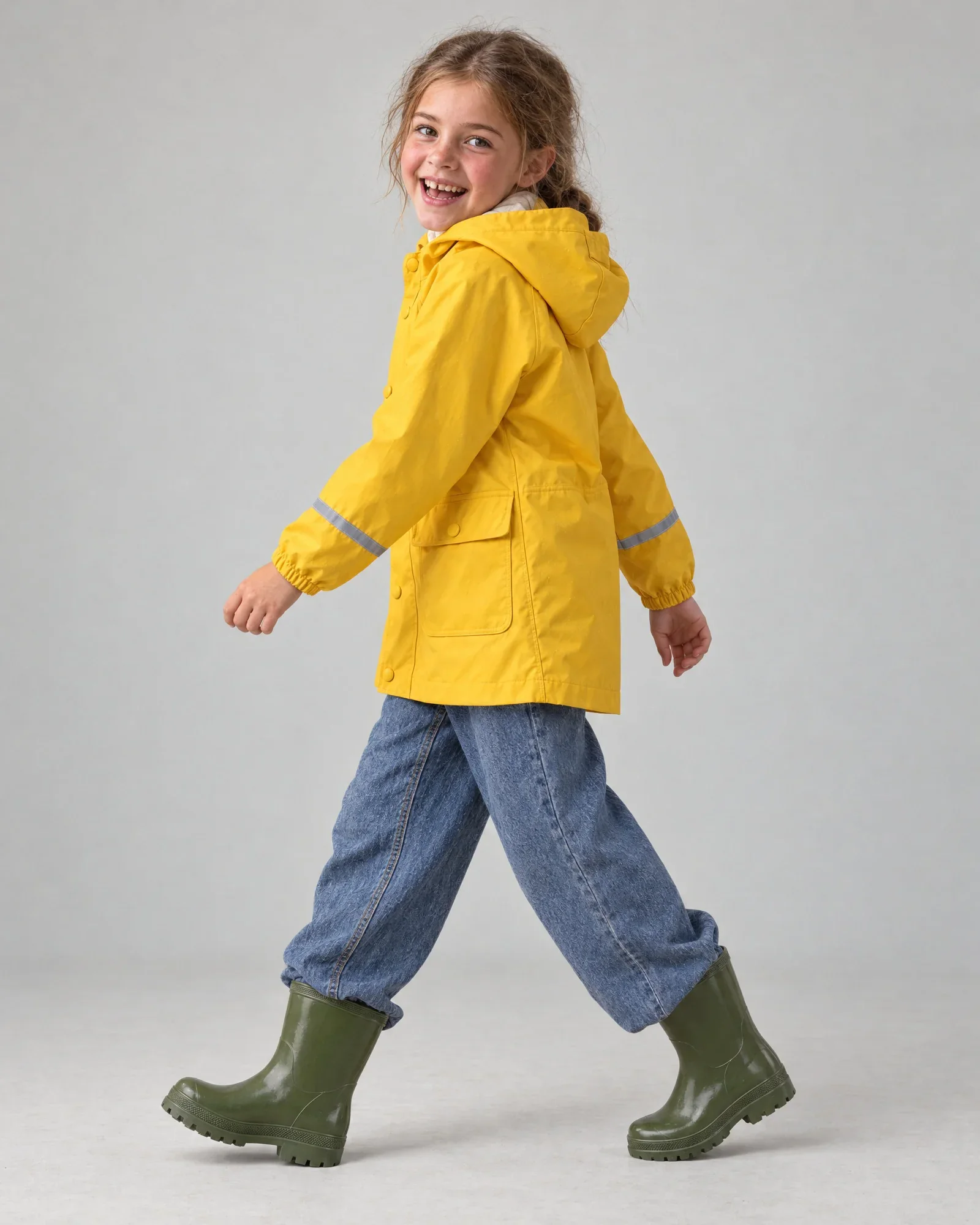
    • Yellow kids’ raincoat
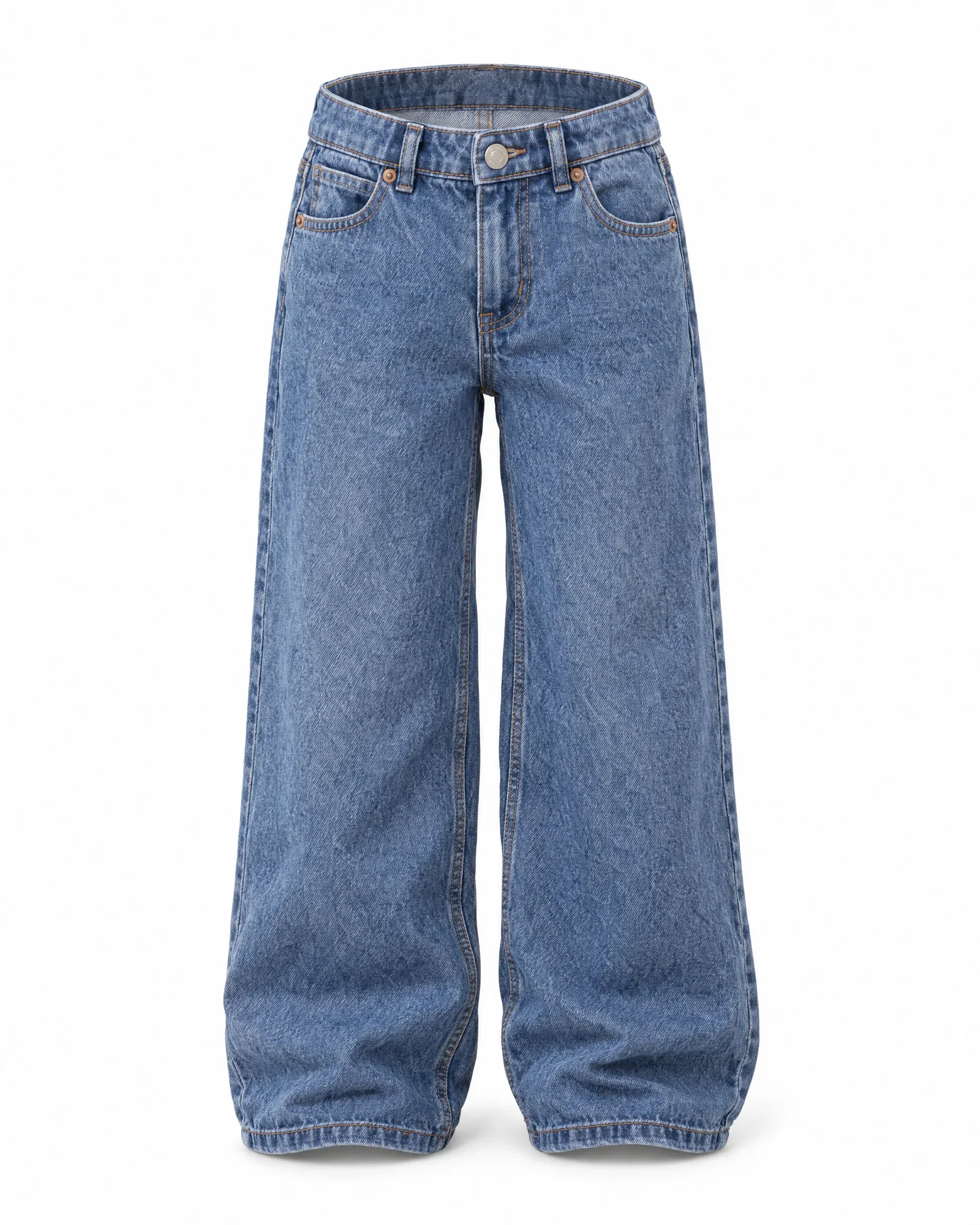
    • Wide-leg kids' jeans
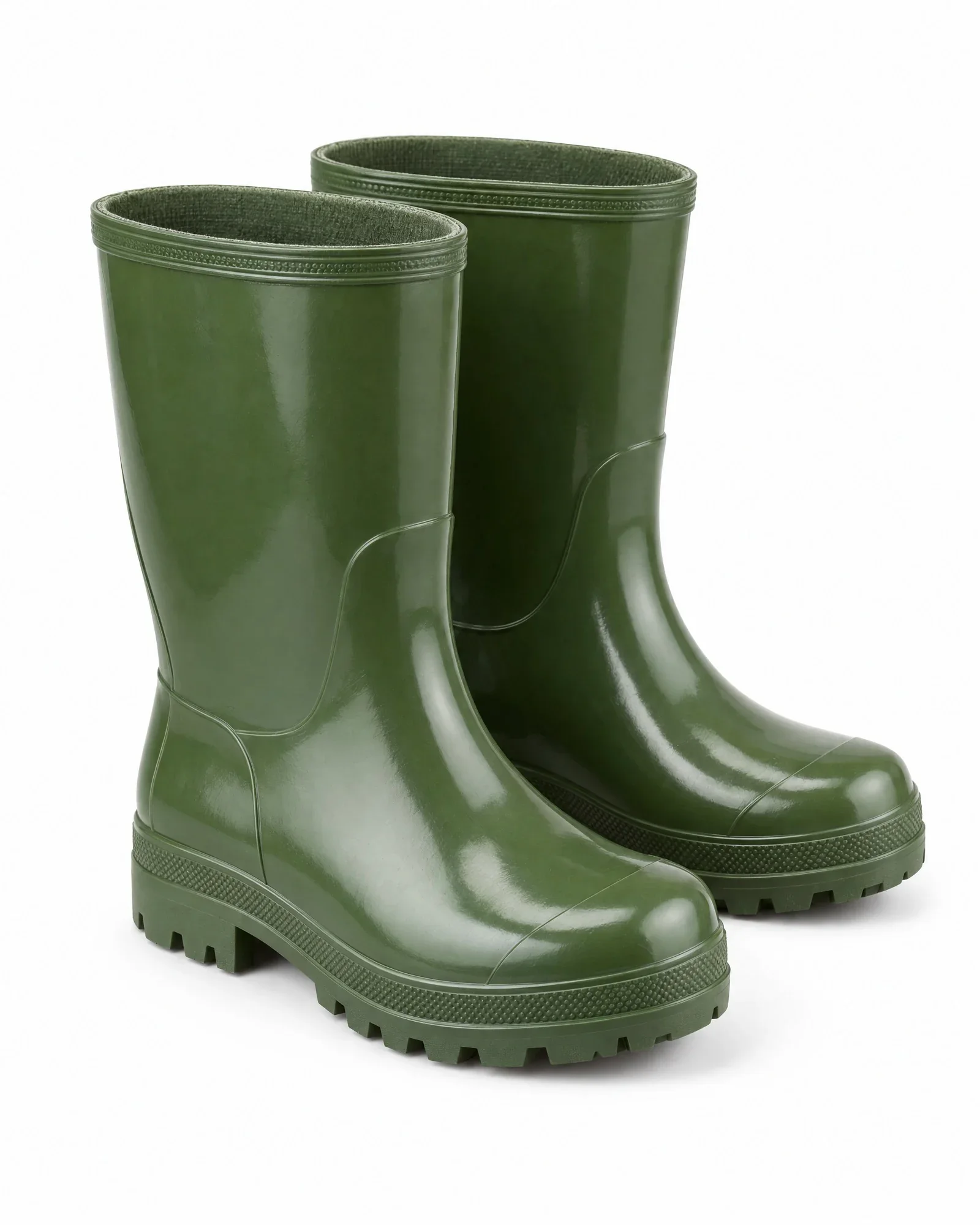
    • Green rain boots

    €0,84 for 4 photos, €0,21 per photo

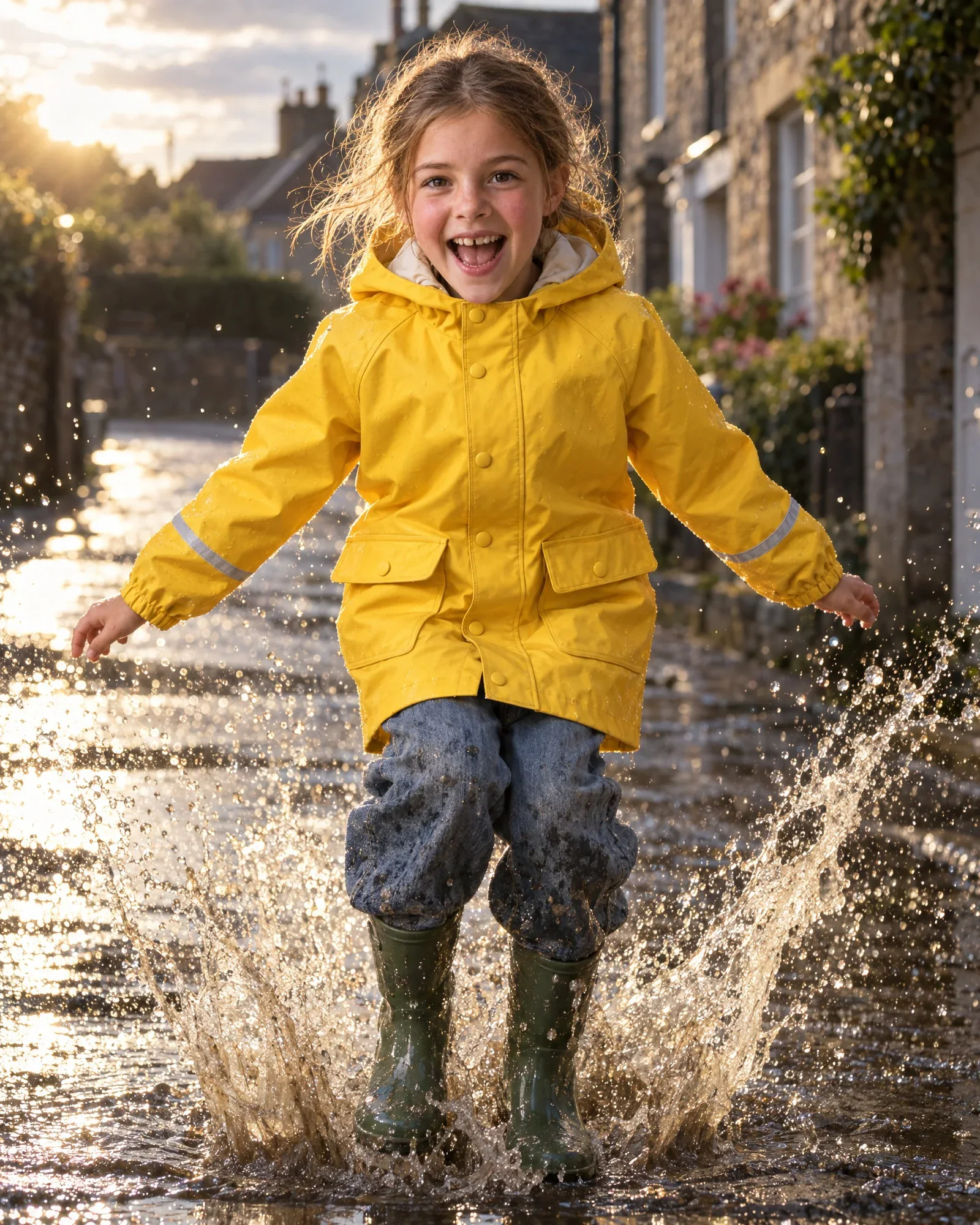
    • Lieke jumps in a puddleCampaign
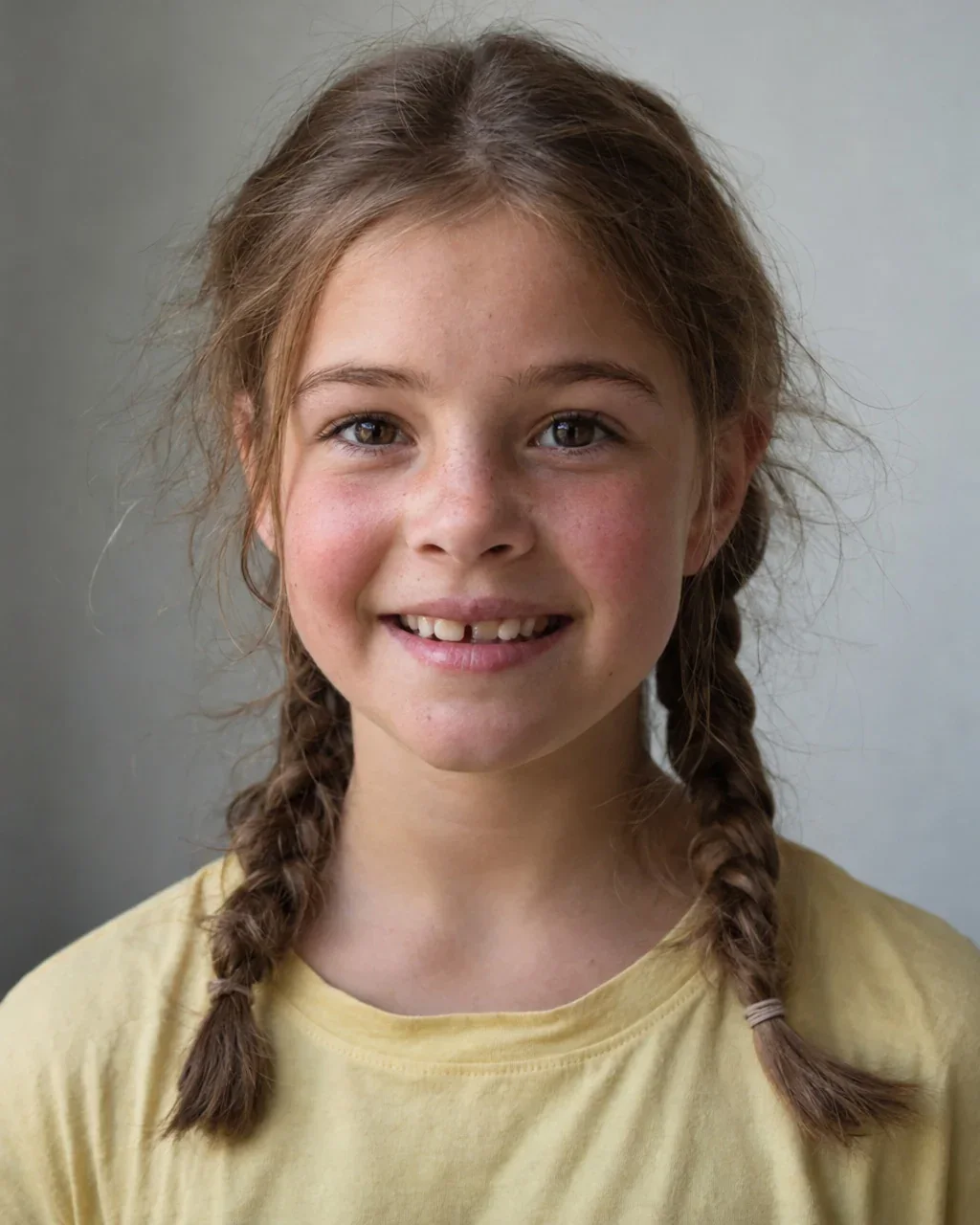
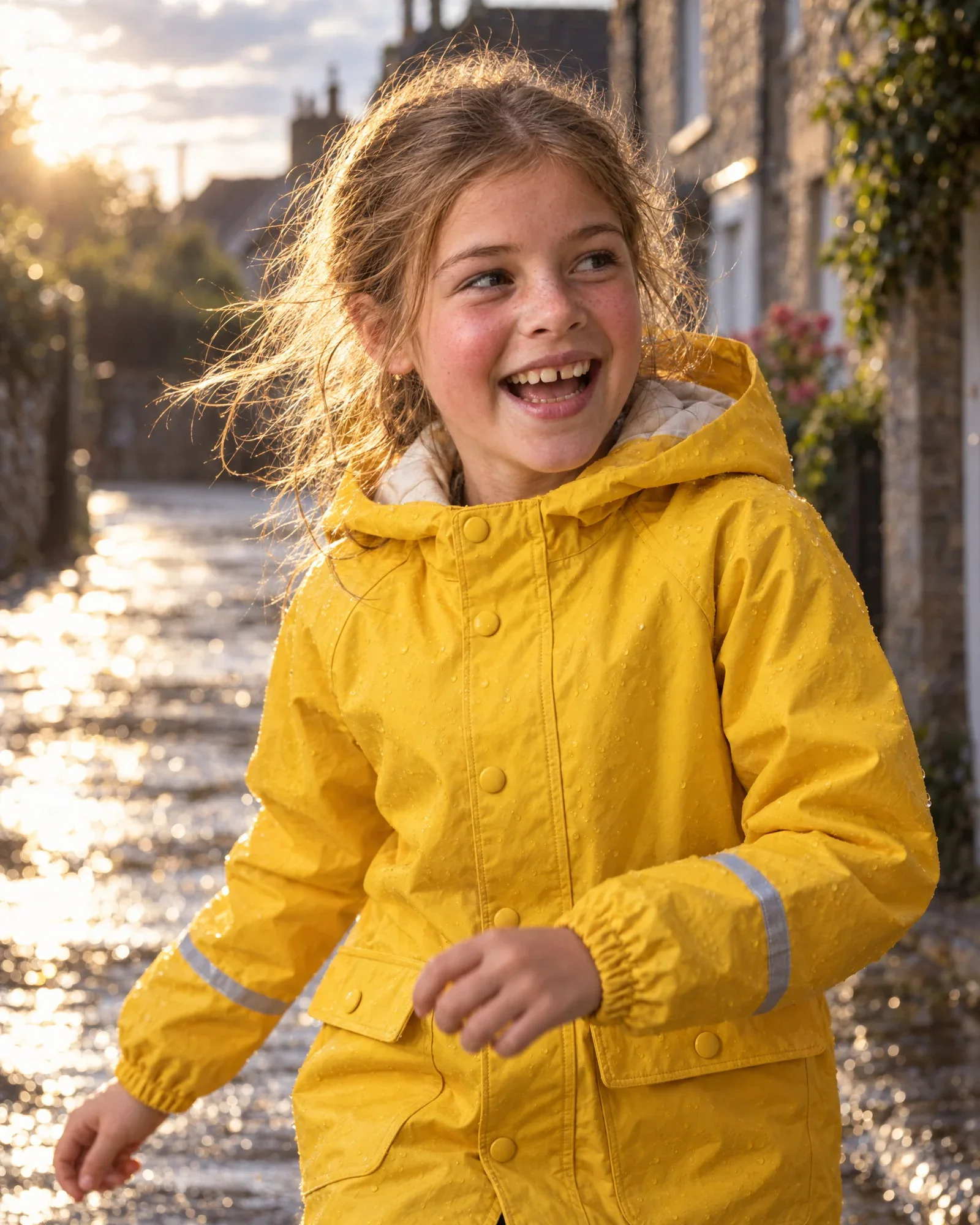
    • Lieke smiling, close up, in the same yellow raincoatClose-up
    • Lieke in the same look in the studio, frontStudio
    • Lieke in the same look in the studio, walkingStudio, walking
  5. AI model Daan

    The look

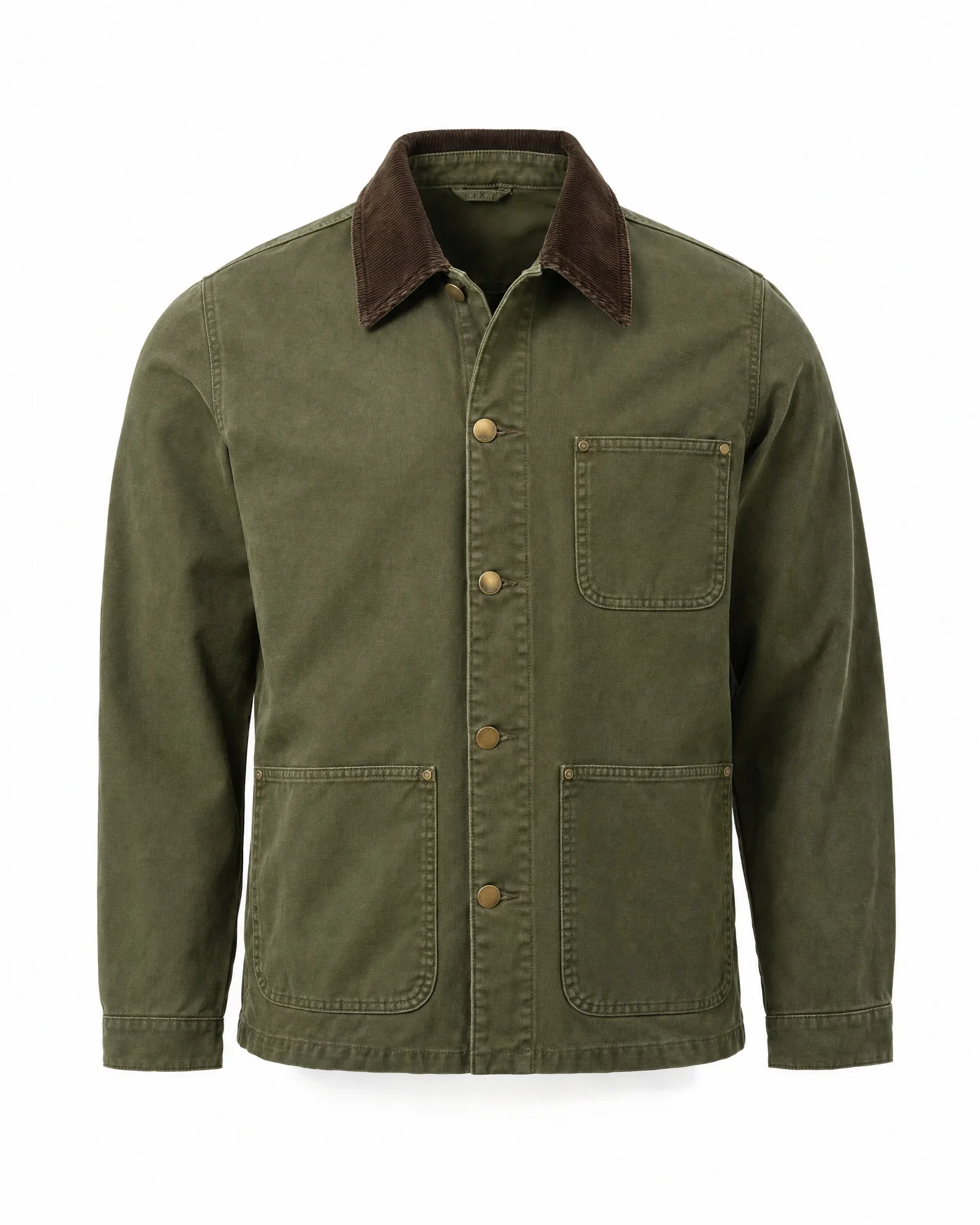
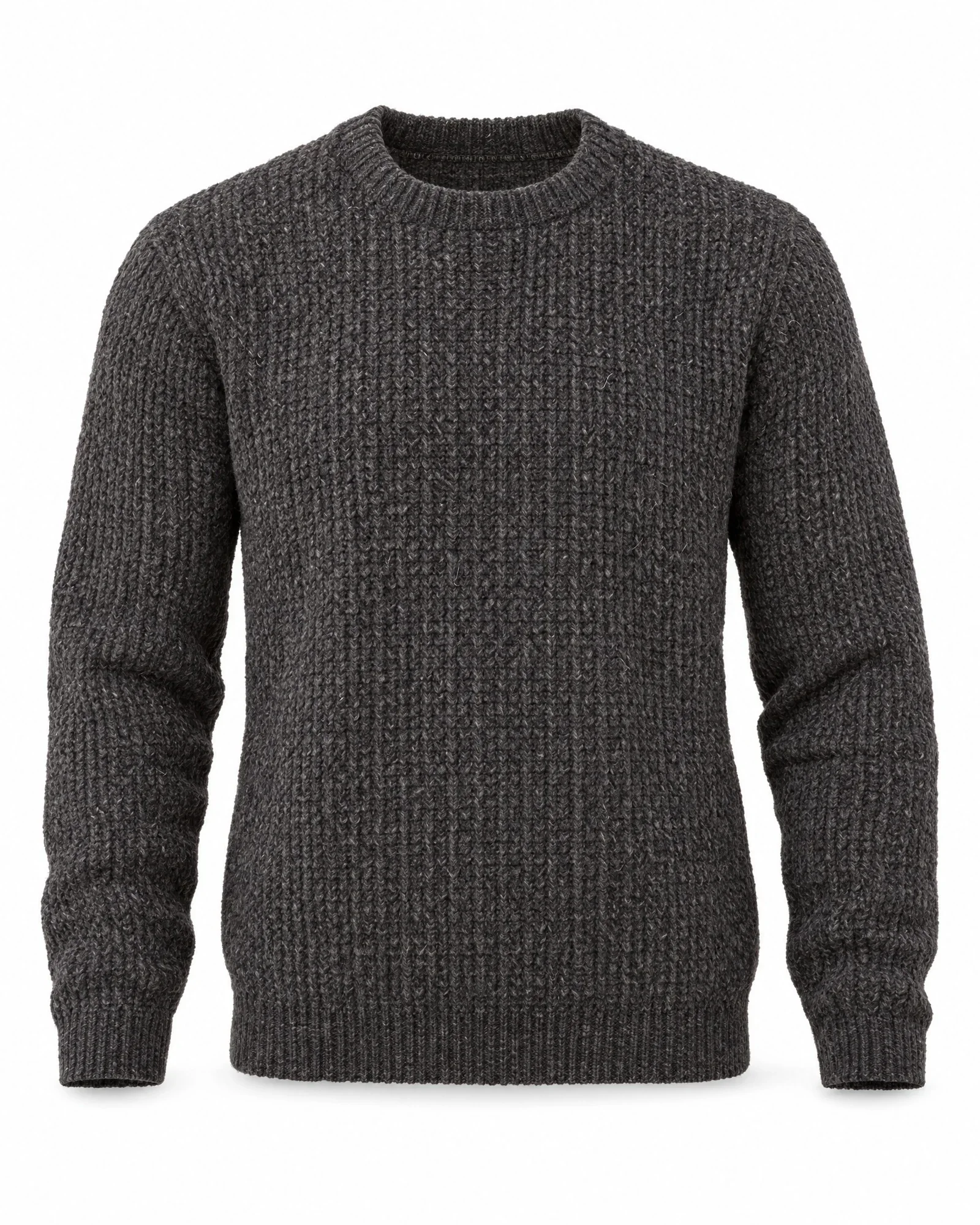
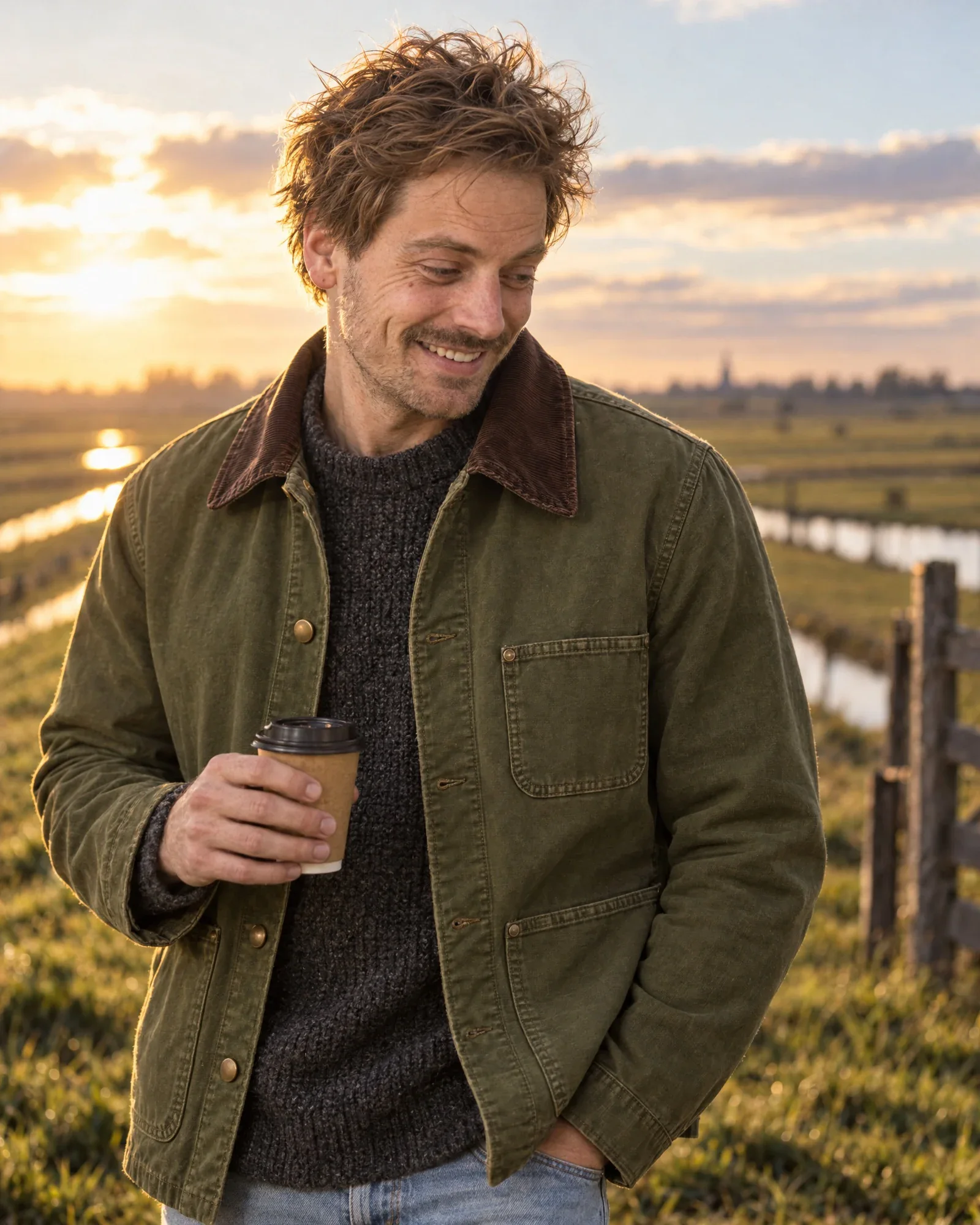
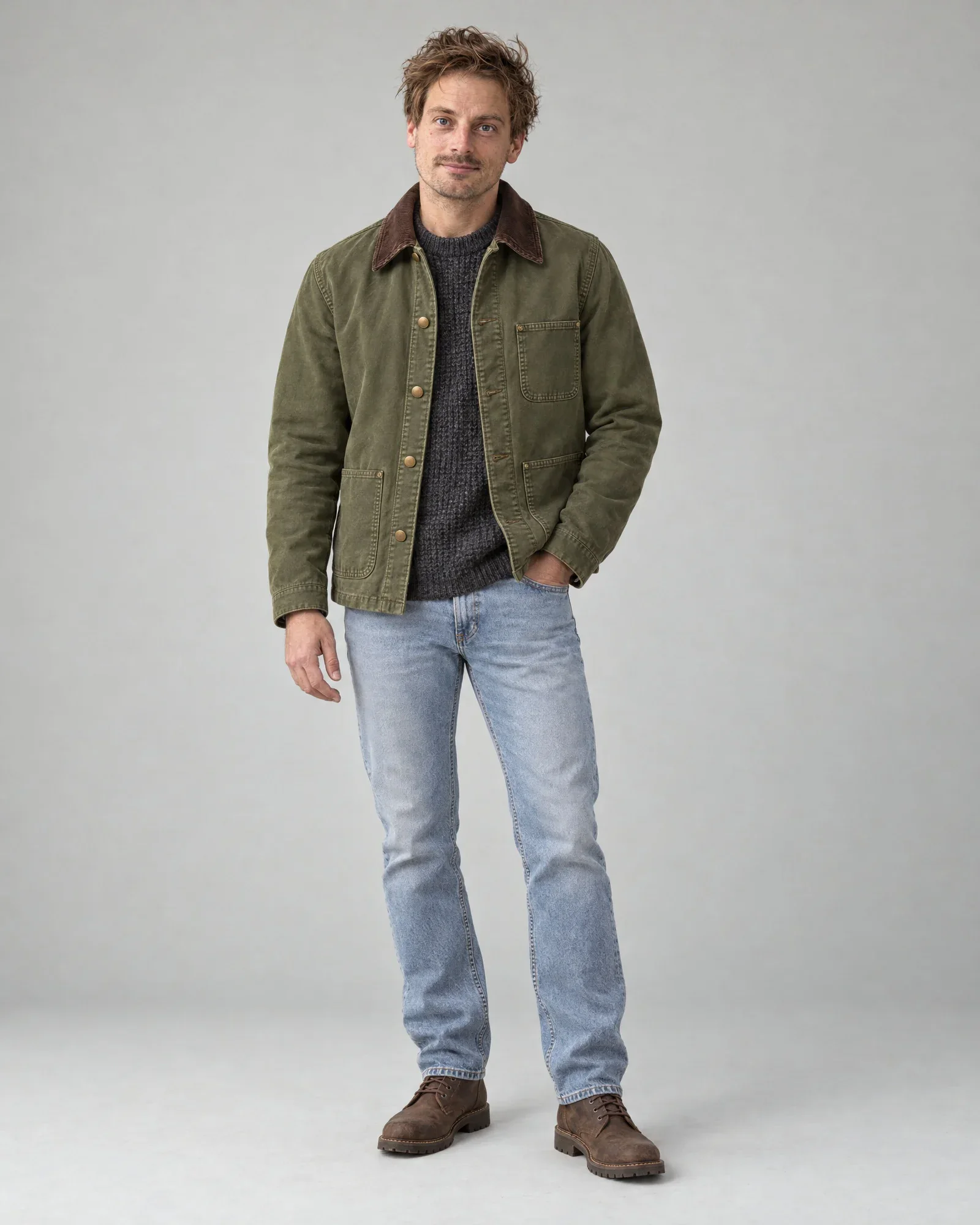
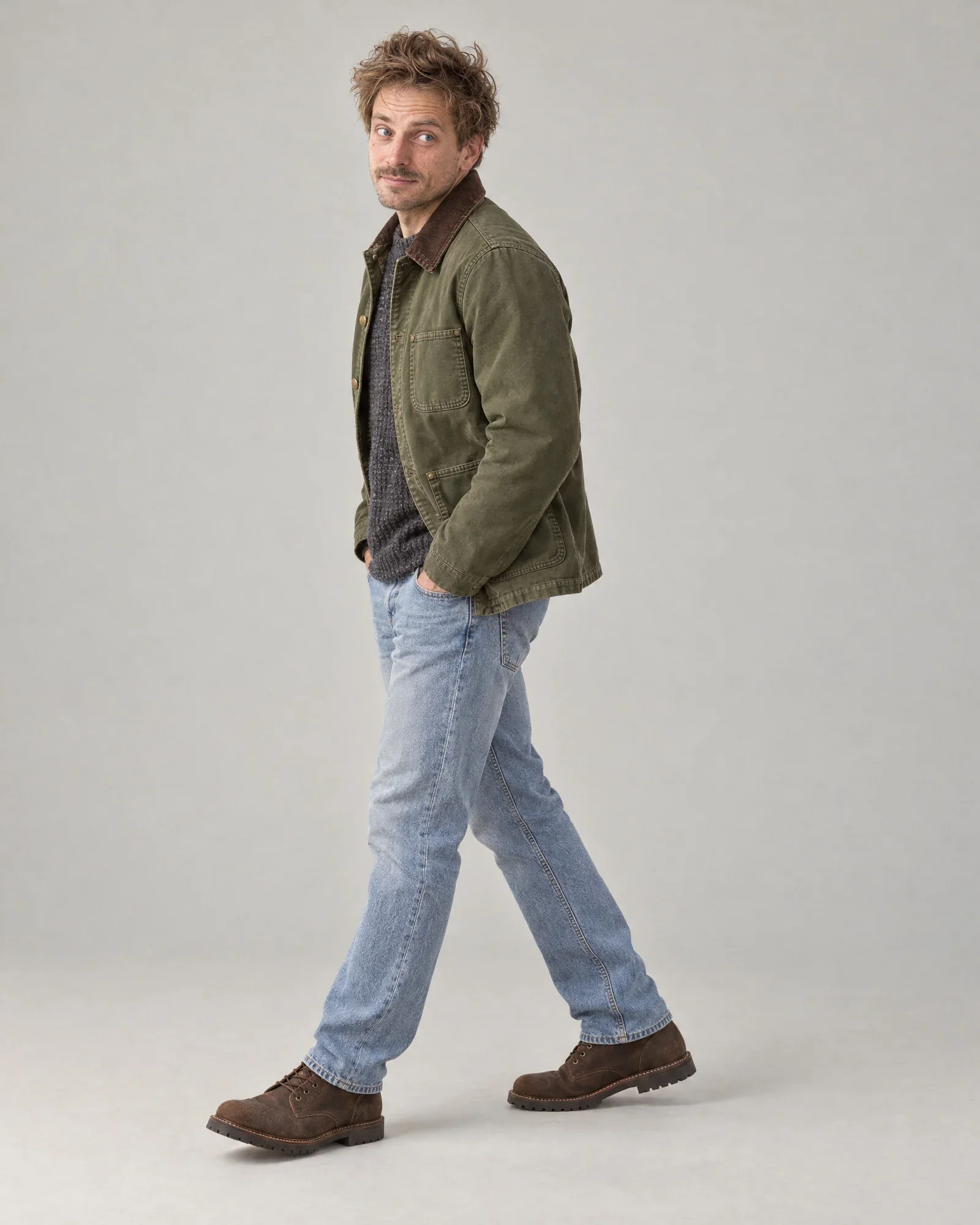
    • Olive green work jacket
    • Anthracite knitted sweater
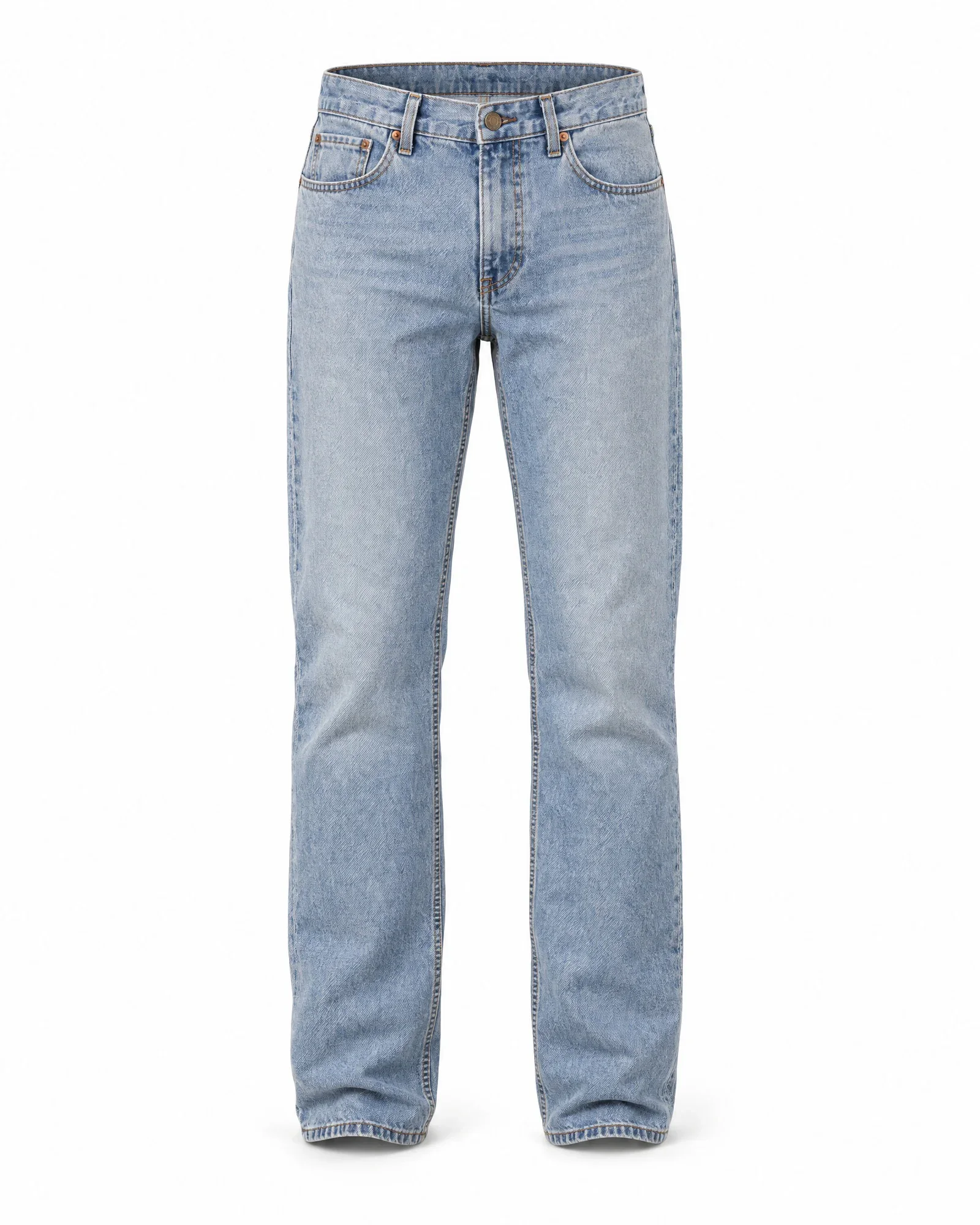
    • Light straight-leg jeans
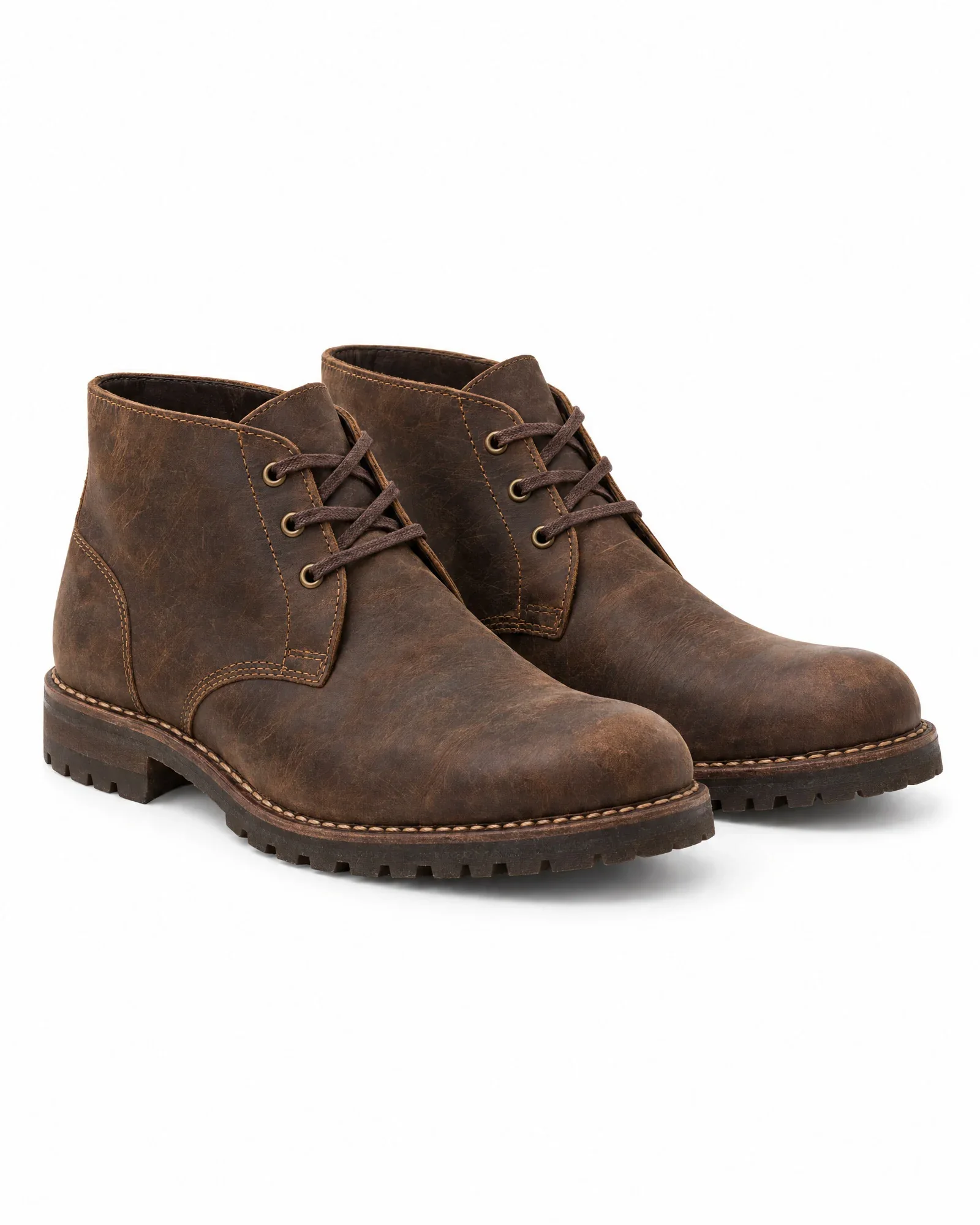
    • Brown leather boots

    €0,84 for 4 photos, €0,21 per photo

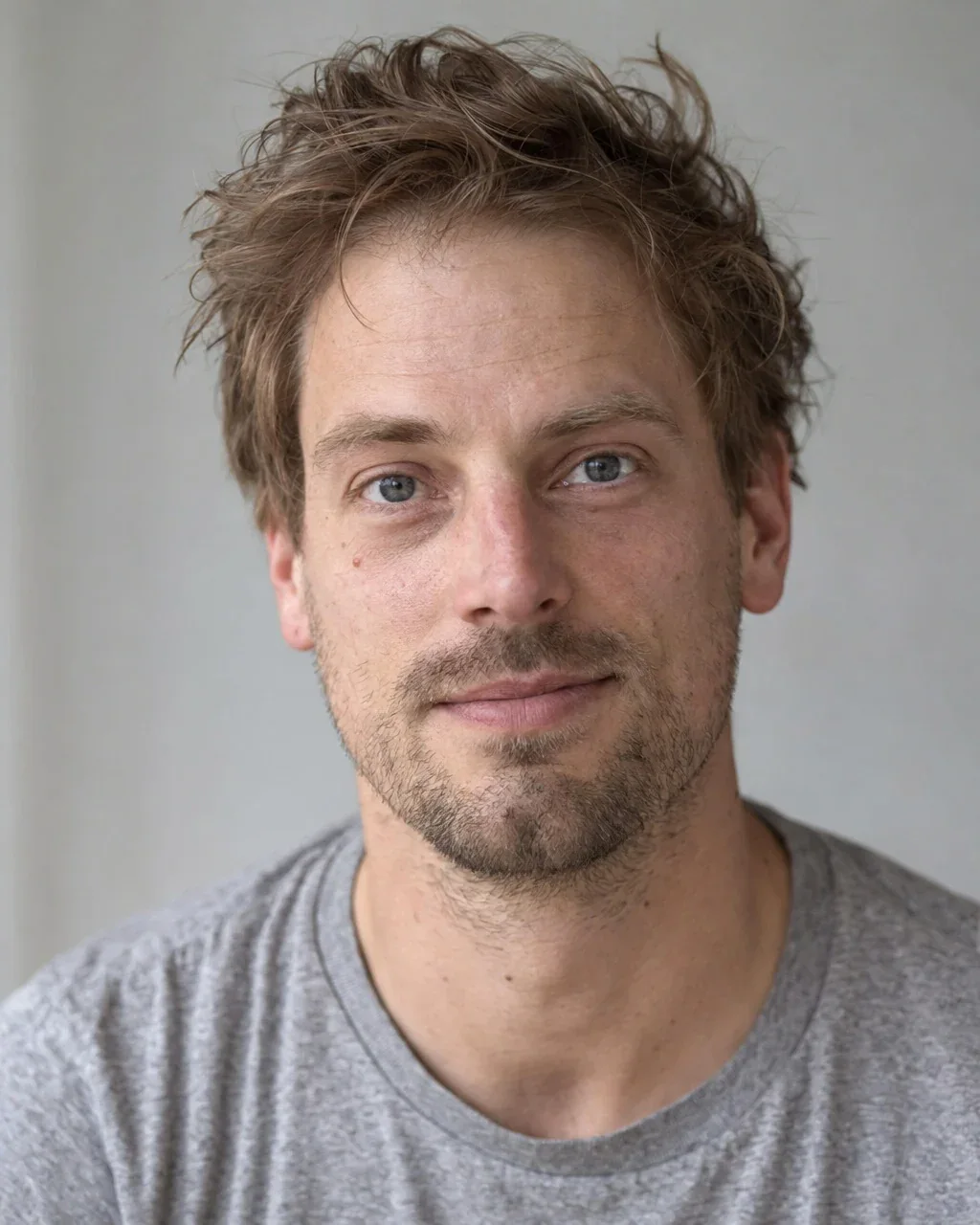
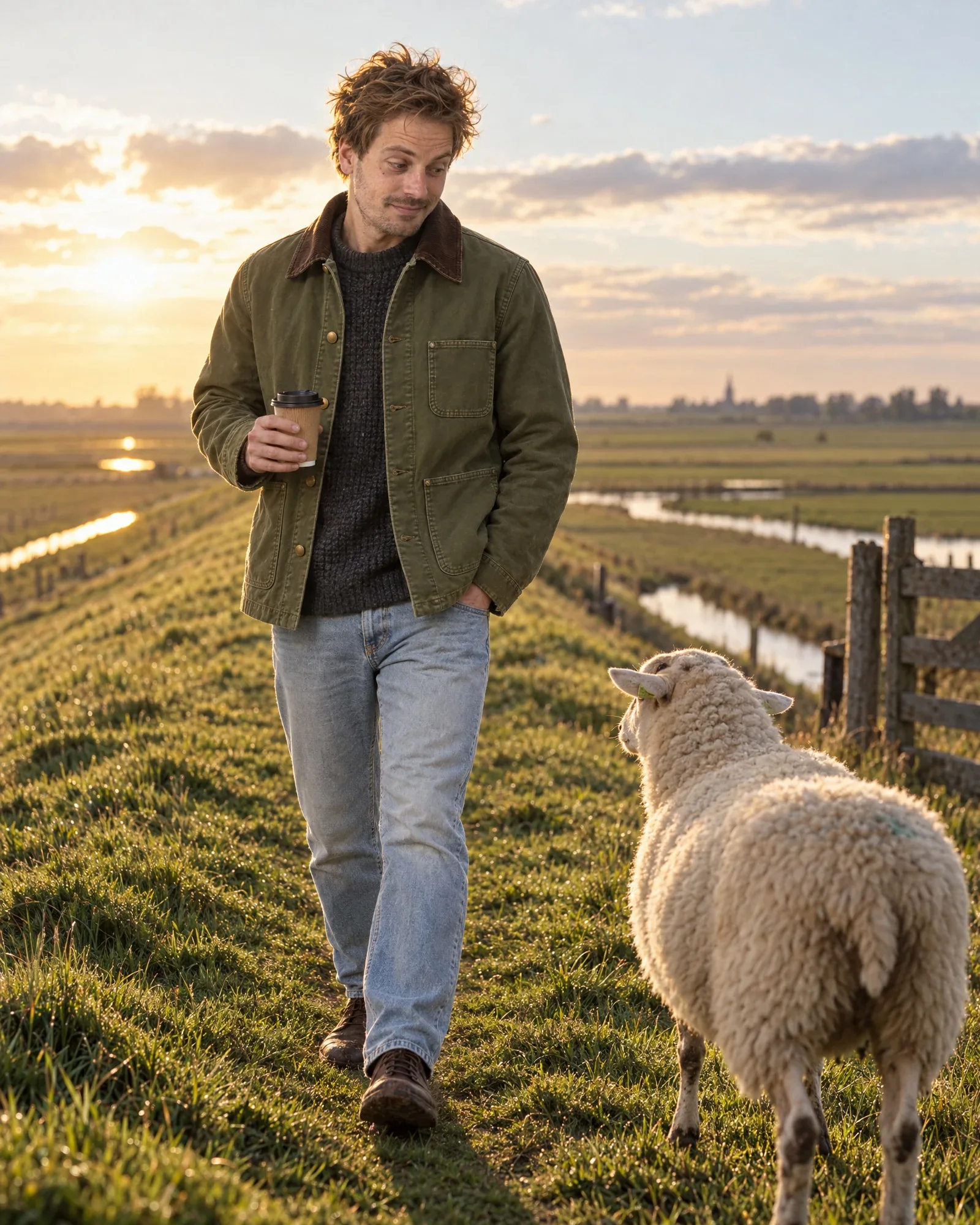
    • Daan on a dike with a sheep on the pathCampaign
    • Daan smiling, close up, in the same work jacketClose-up
    • Daan in the same look in the studio, frontStudio
    • Daan in the same look in the studio, walkingStudio, walking
  6. AI model Femke

    The look

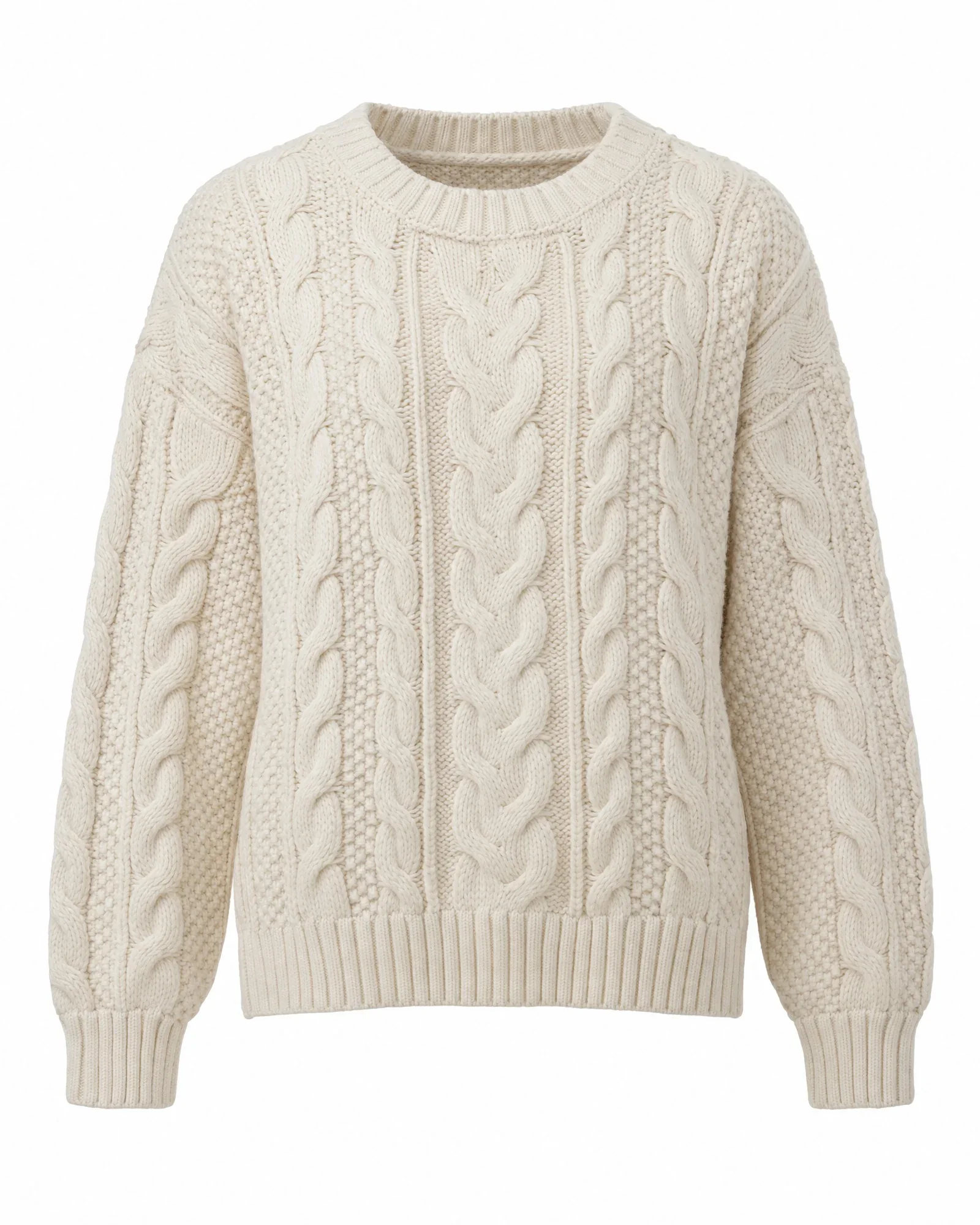
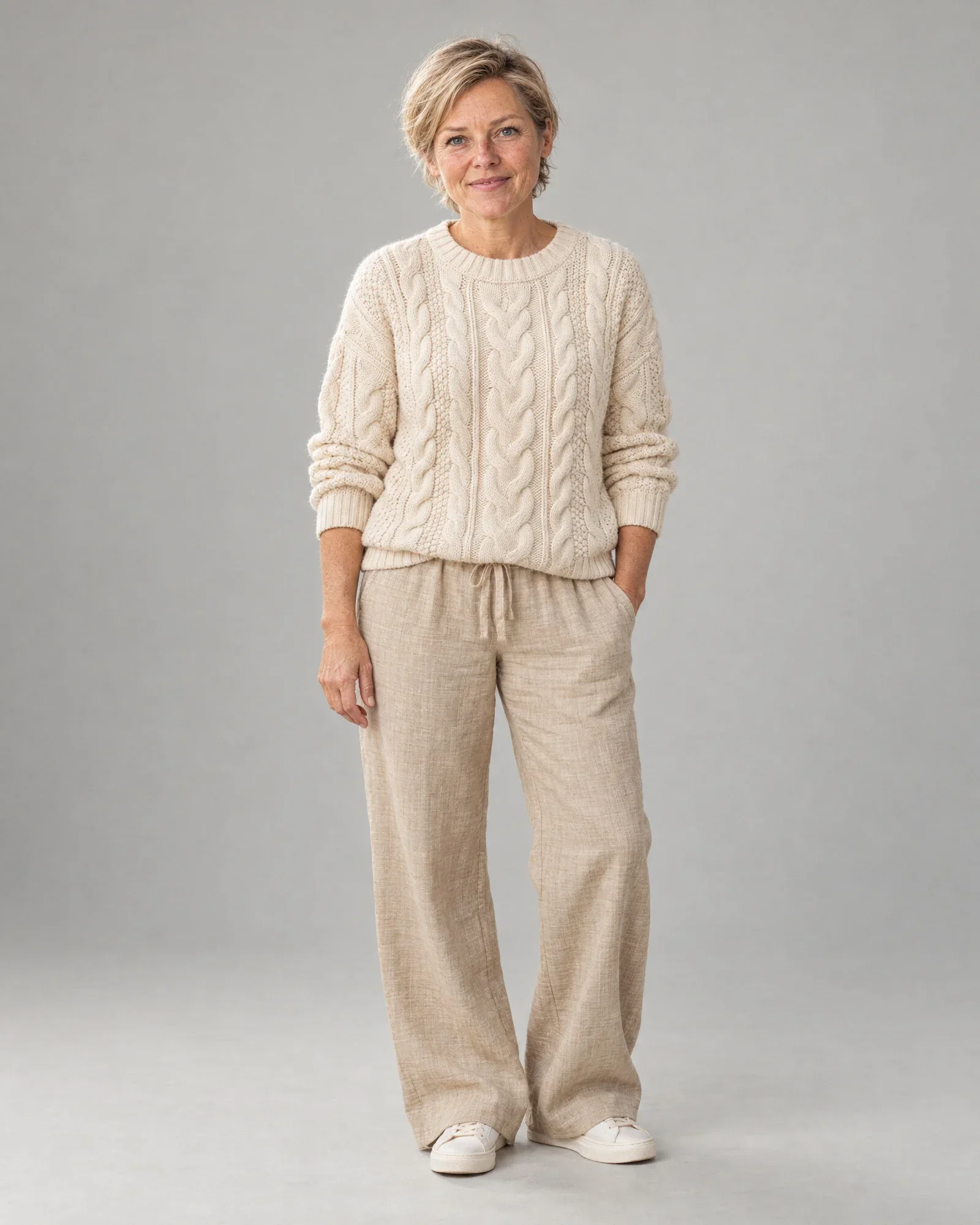
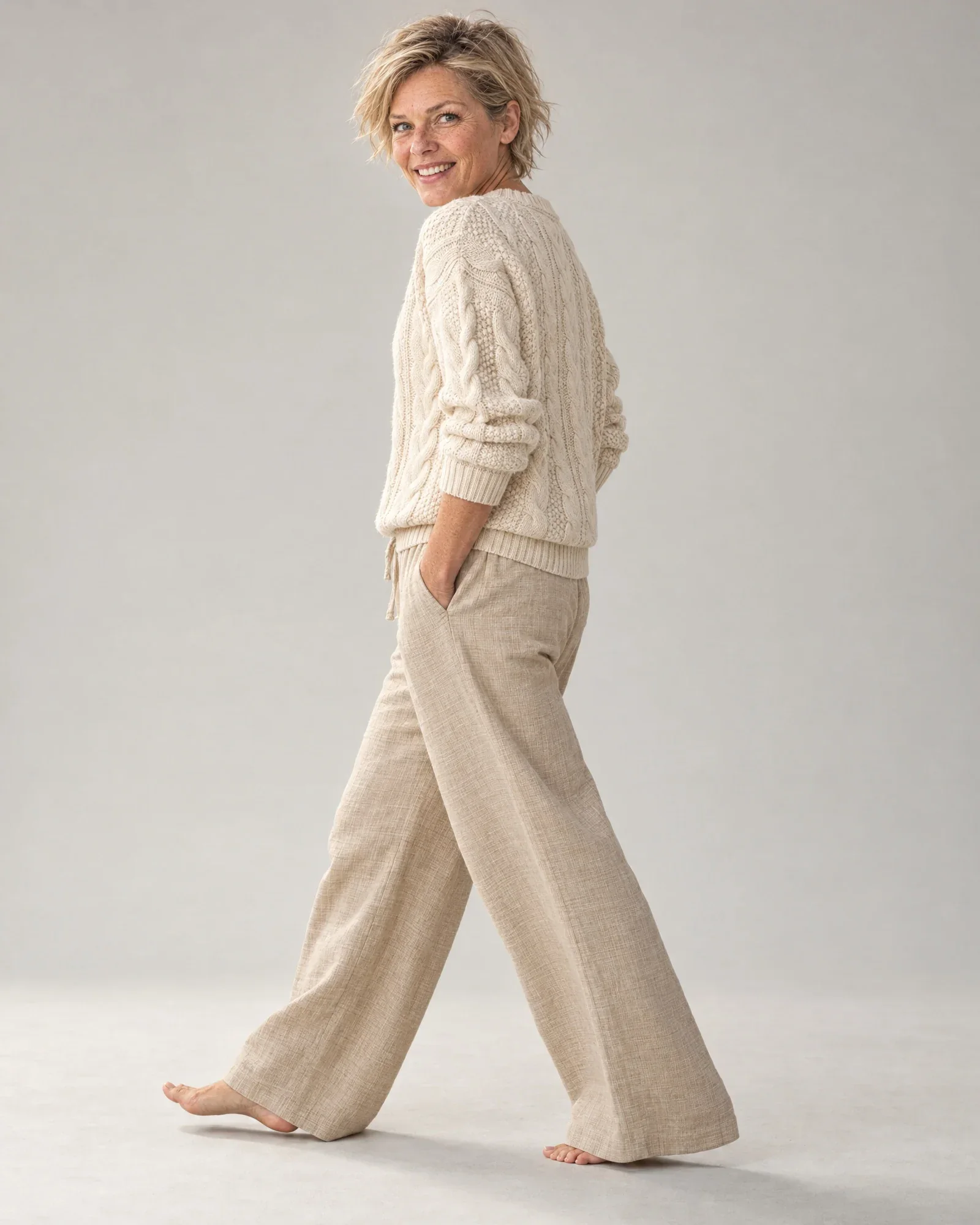
    • Cream cable-knit sweater
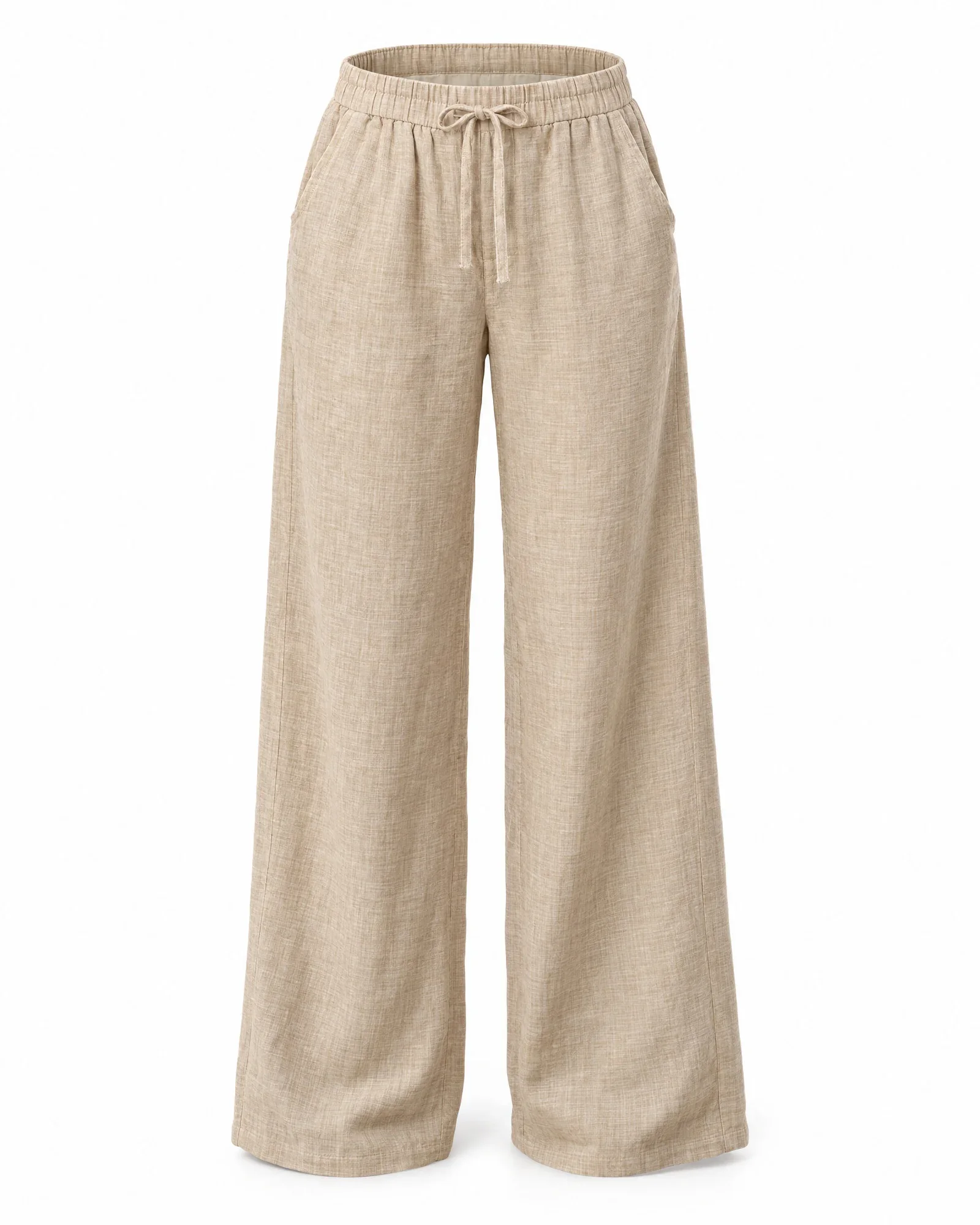
    • Wide-leg linen pants, sand

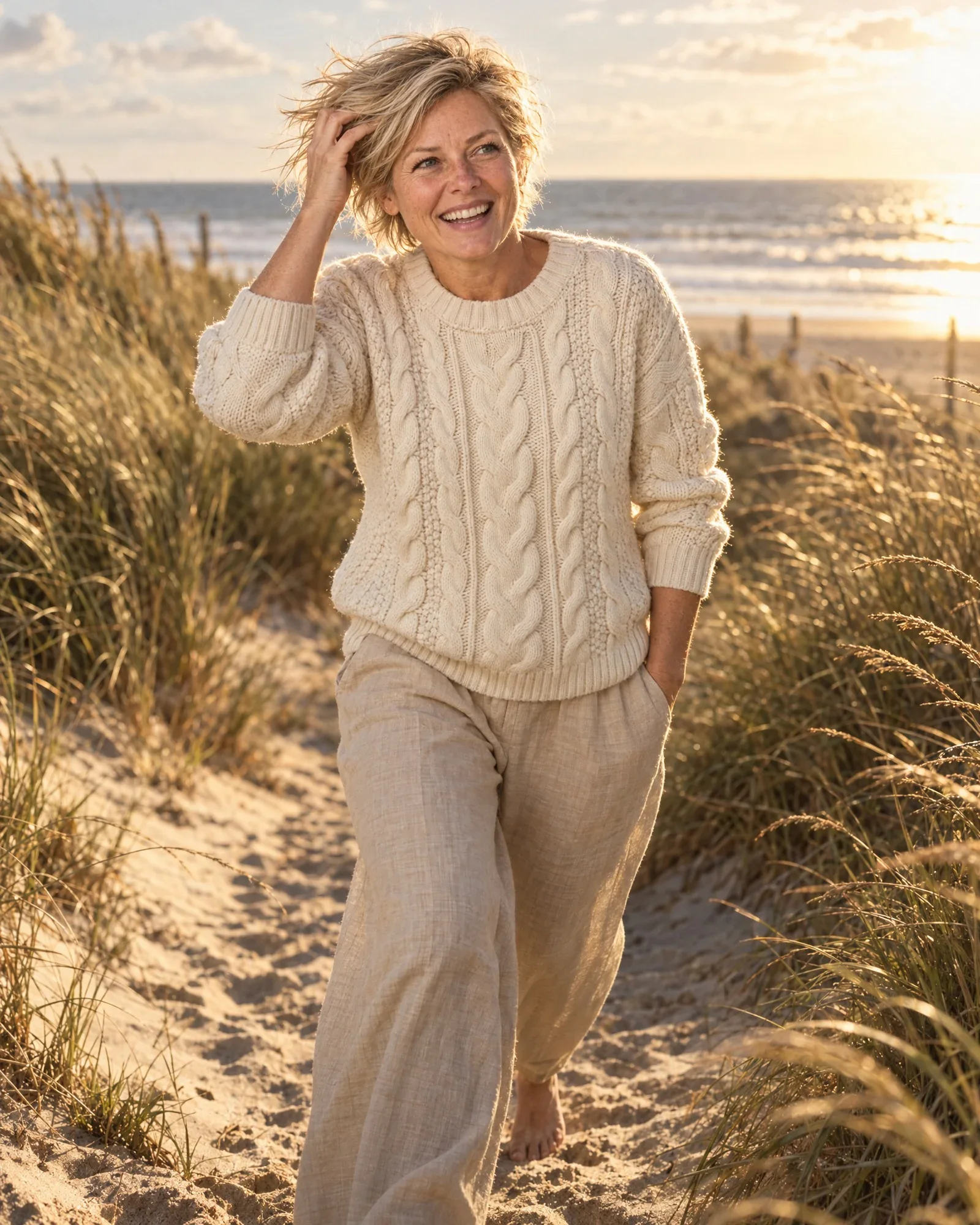
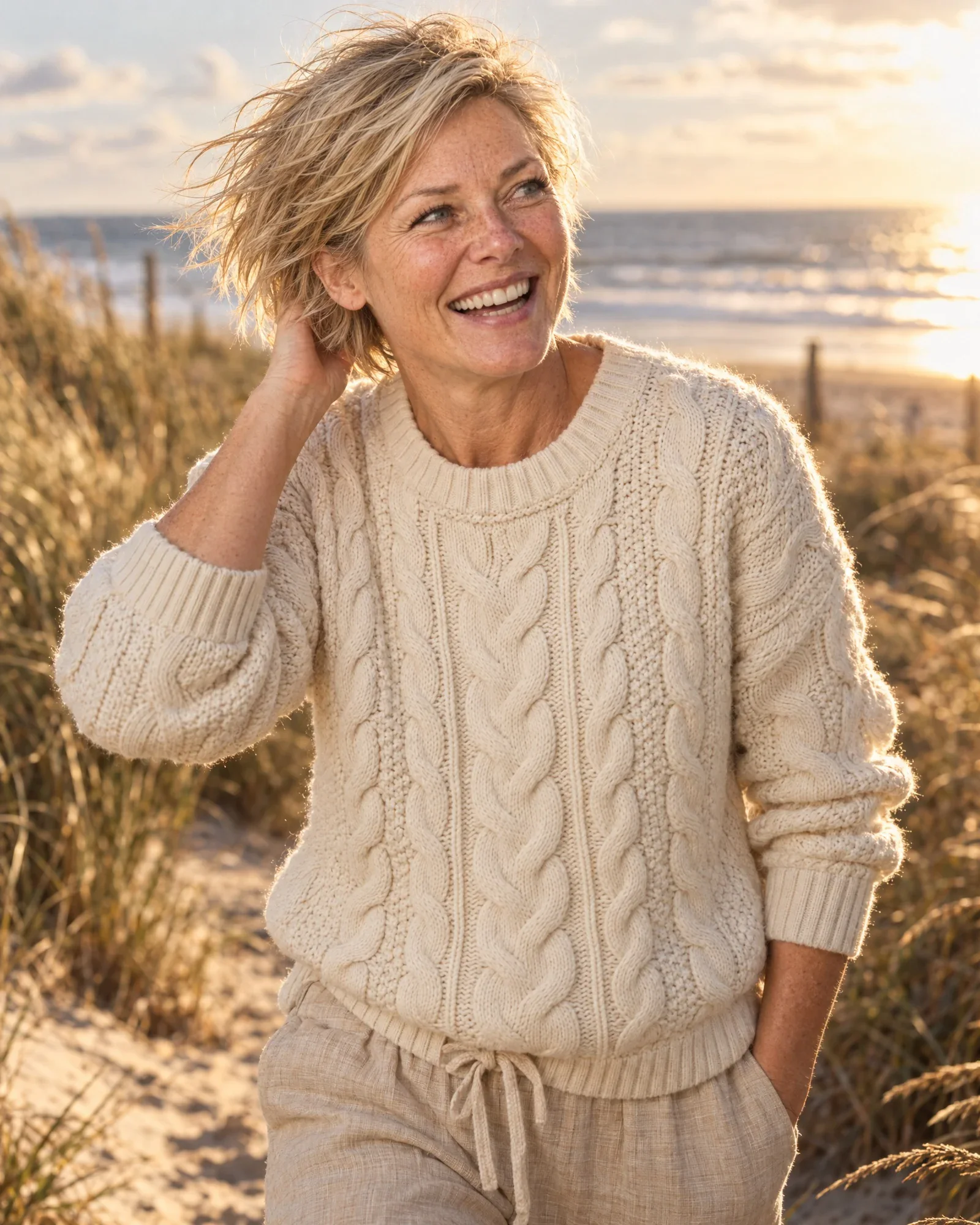
    €0,84 for 4 photos, €0,21 per photo

    • Femke on a windy dune pathCampaign
    • Femke smiling, close up, in the same cable-knit sweaterClose-up
    • Femke in the same look in the studio, frontStudio
    • Femke in the same look in the studio, walkingStudio, walking
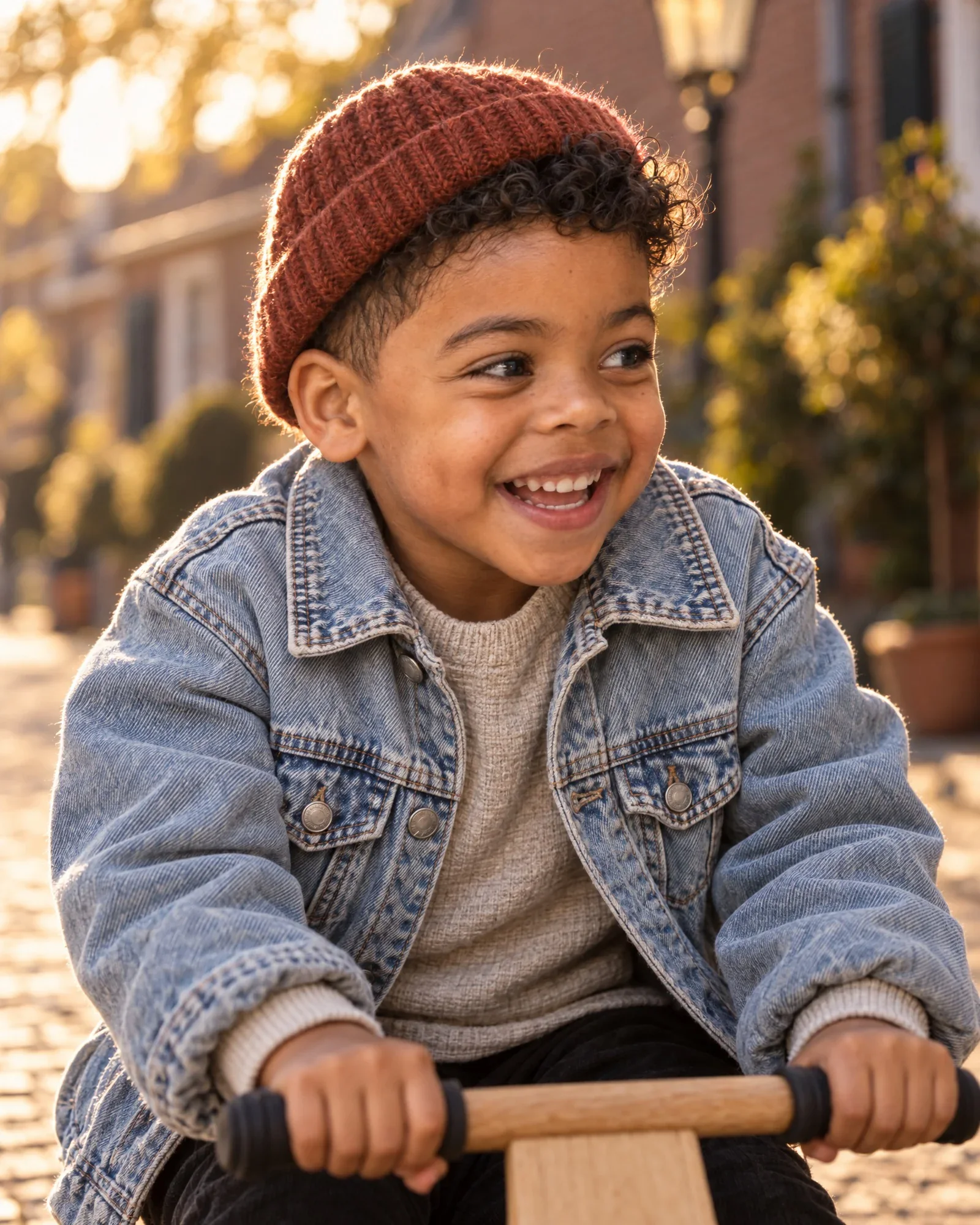
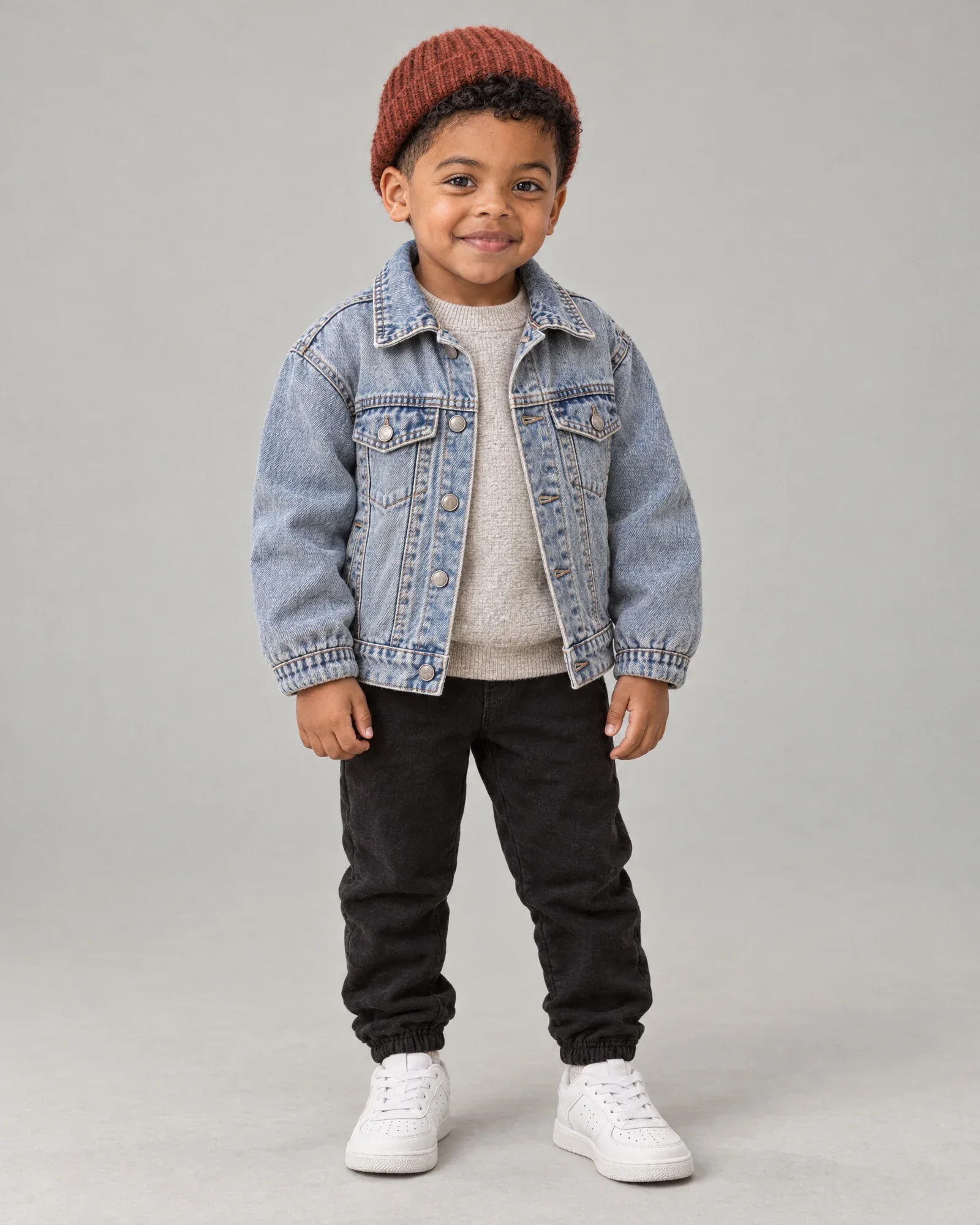
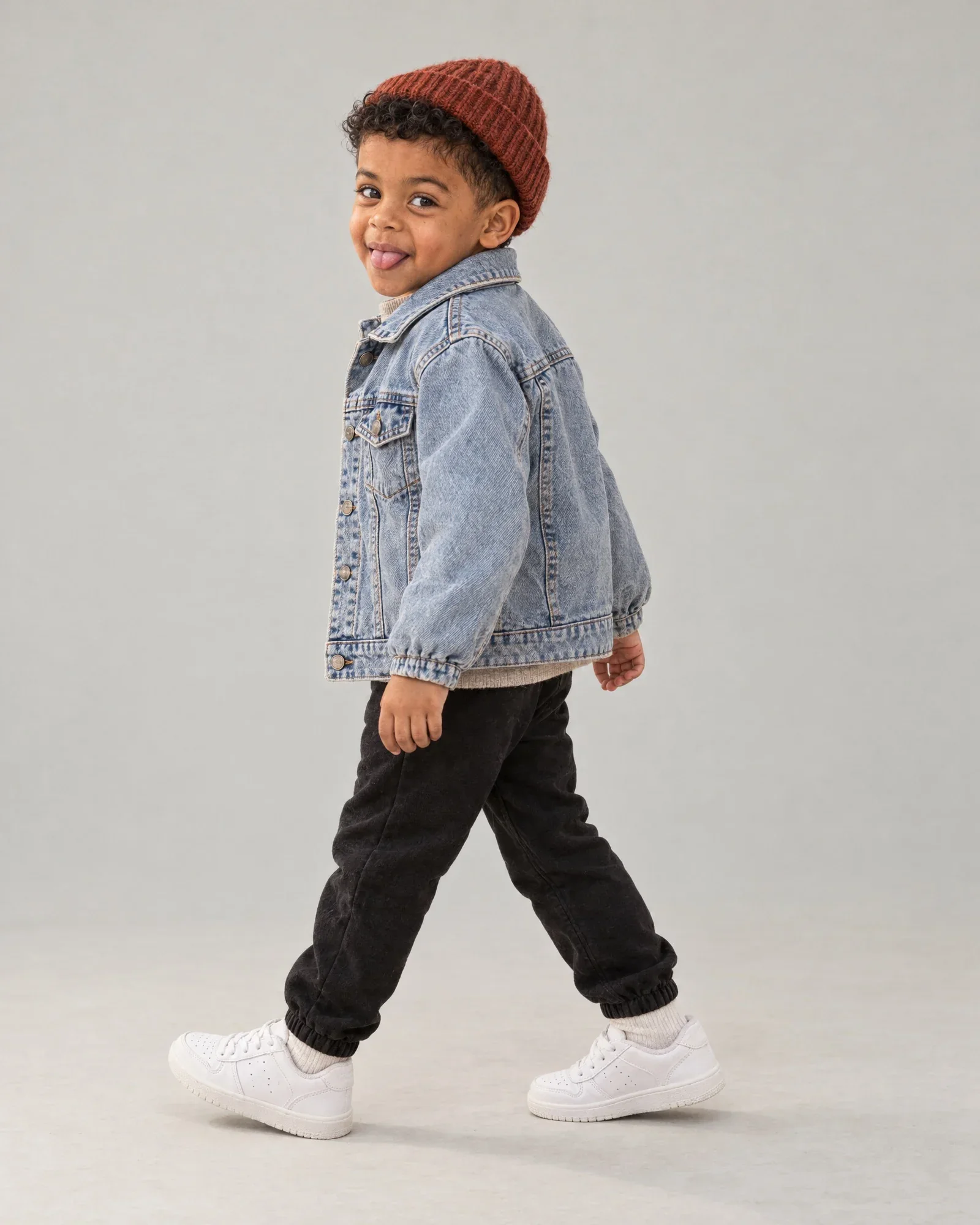
  7. AI model Sem

    The look

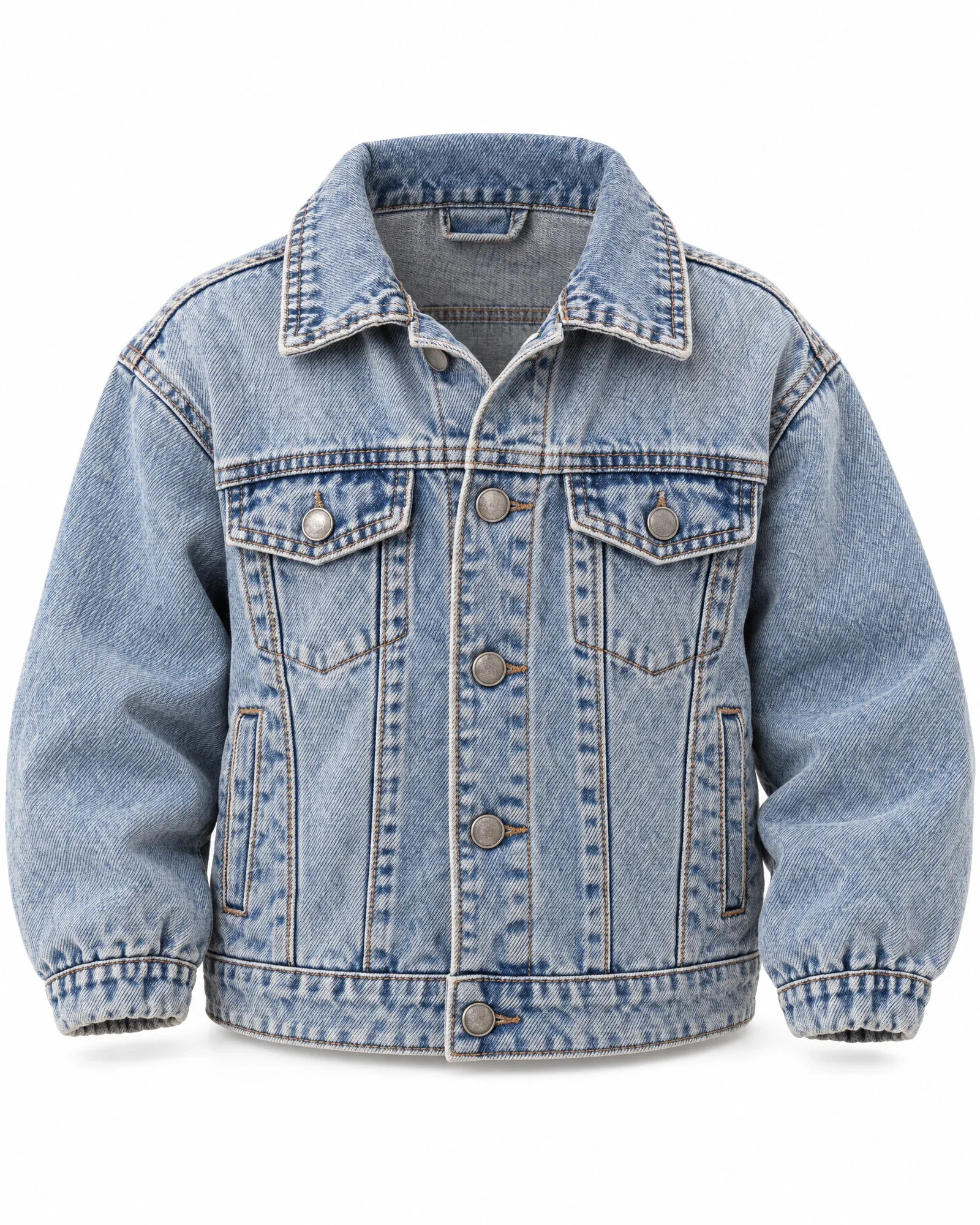
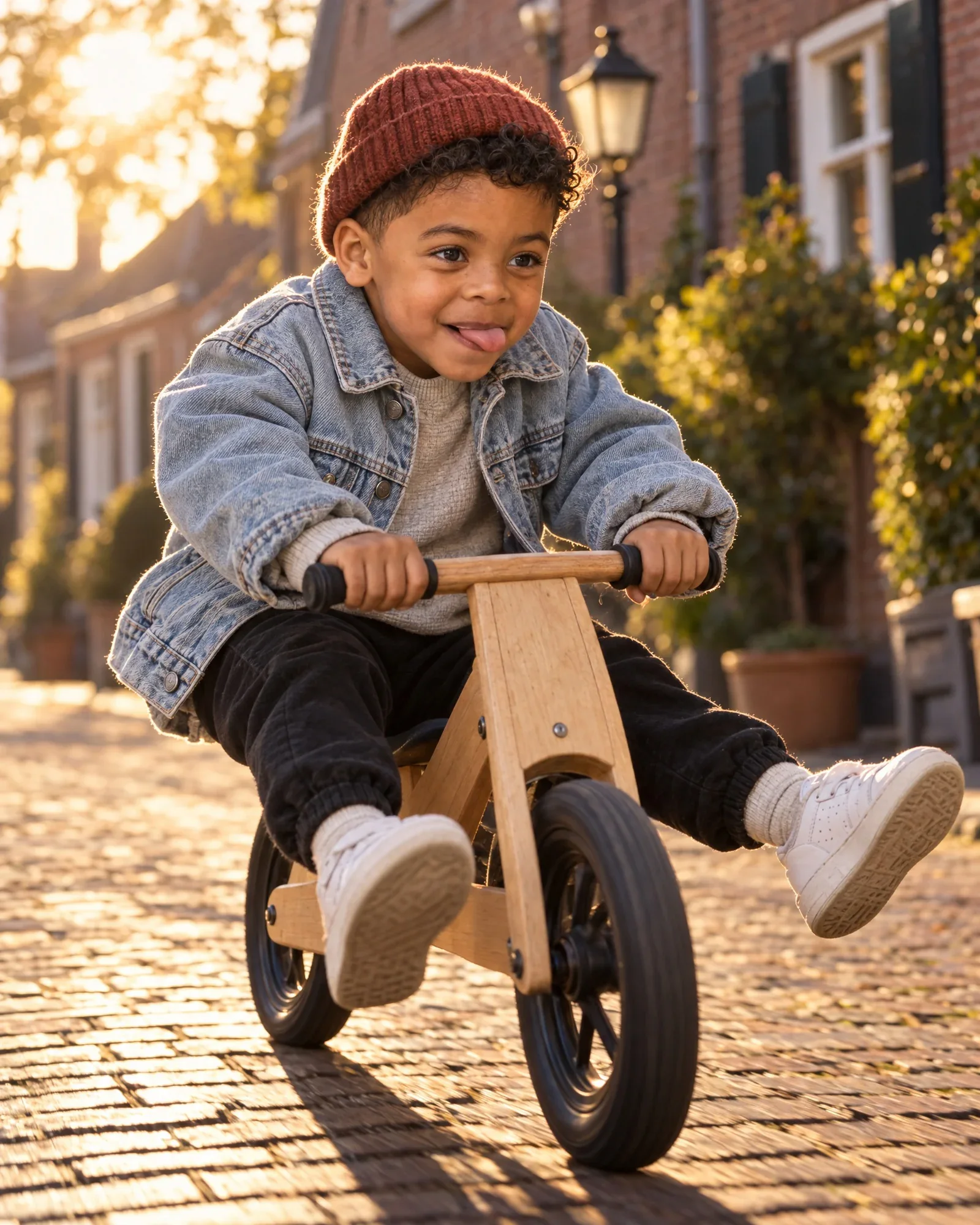
    • Oversized denim jacket
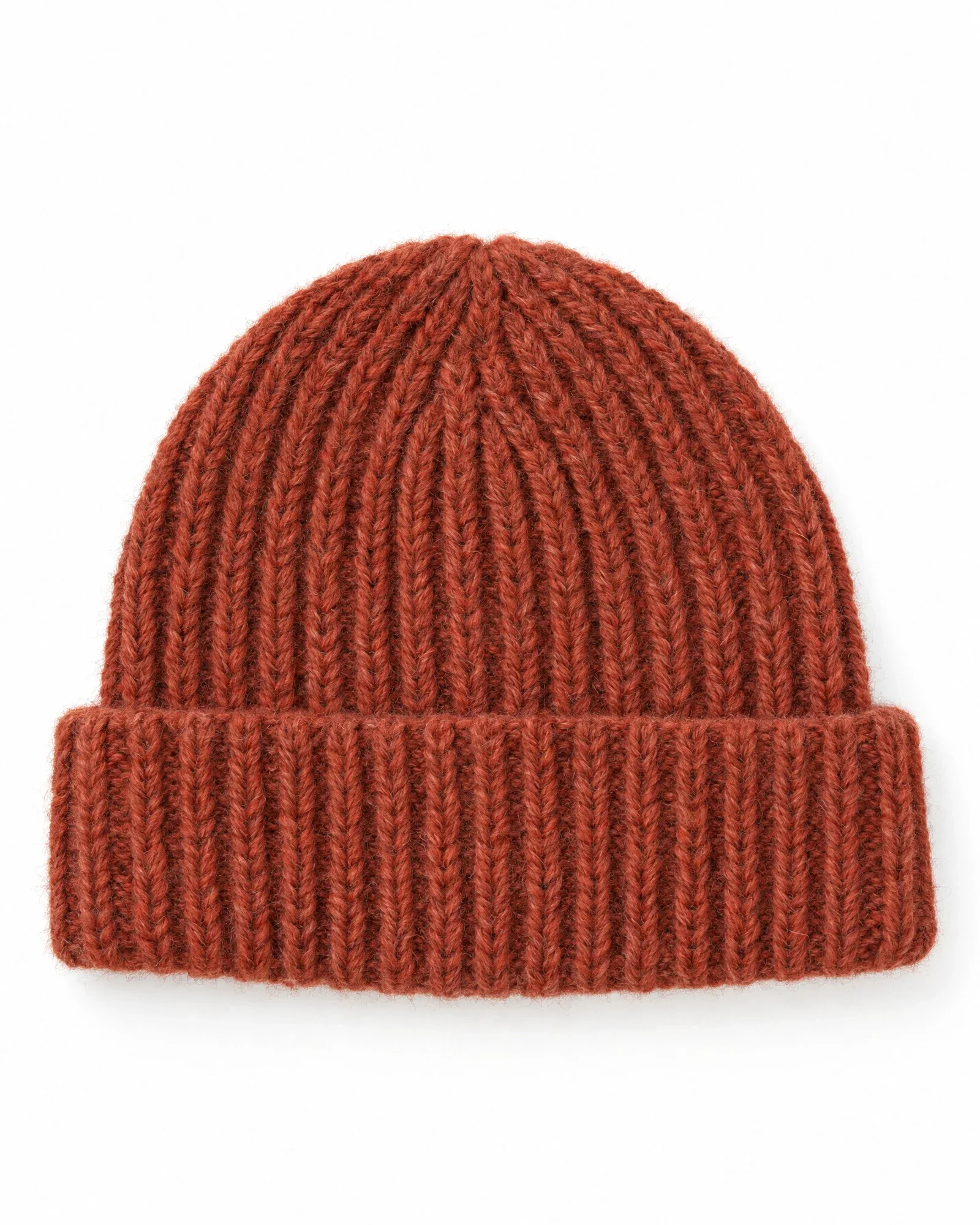
    • Rust red beanie
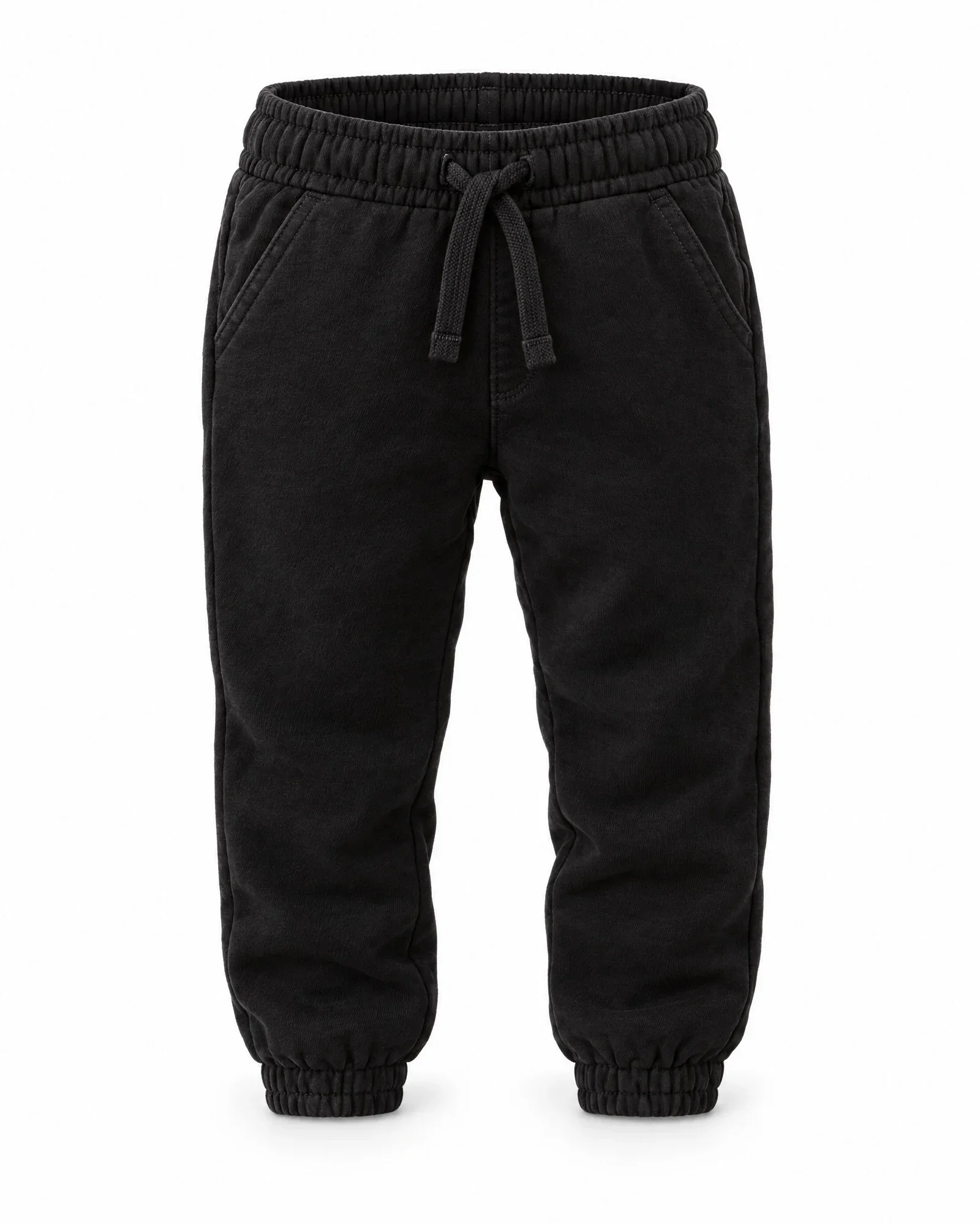
    • Black sweatpants
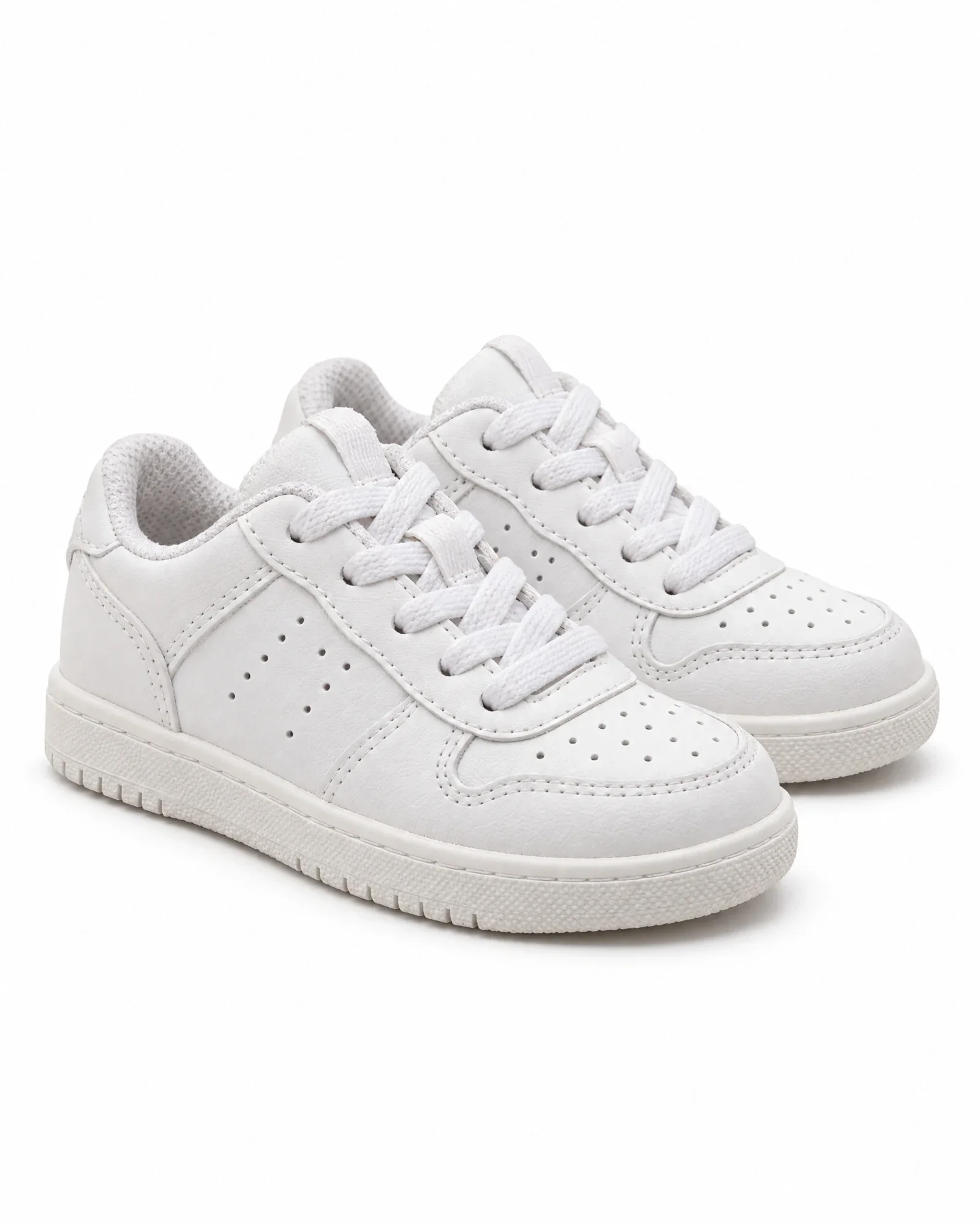
    • White kids' sneakers

    €0,84 for 4 photos, €0,21 per photo

    • Sem races on a balance bikeCampaign
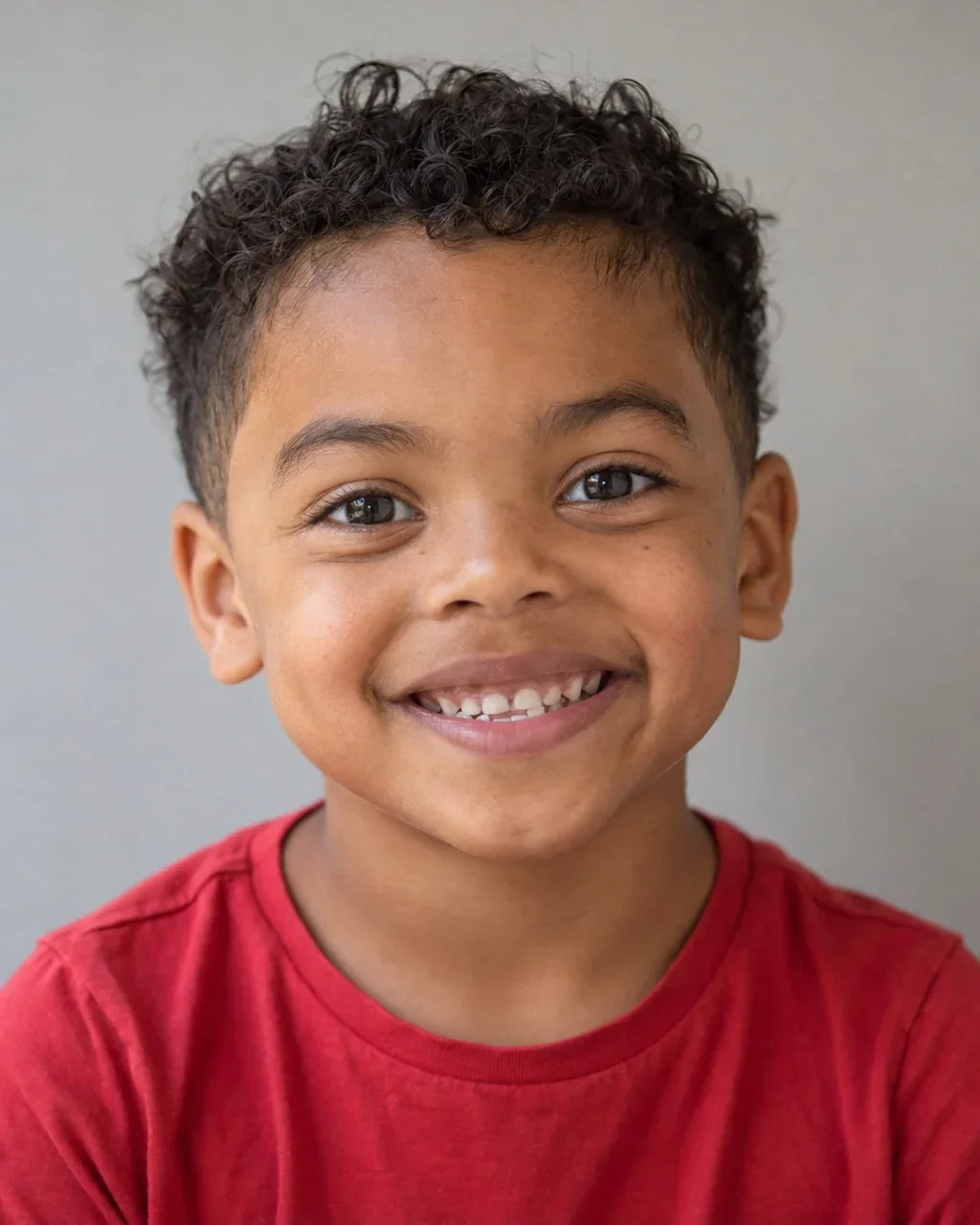
    • Sem smiling, close up, in the same denim jacketClose-up
    • Sem in the same look in the studio, frontStudio
    • Sem in the same look in the studio, walkingStudio, walking
Here's how it works

From look to shoot.

  1. 01

    Choose the look

    Your items are already there, with their packshots or supplier images. If your webshop layout calls for a back view, add the back too.

  2. 02

    Choose model and background

    Your own AI model or a stock AI model, in the studio or on location.

  3. 03

    View the shot list

    For each photo, specify the item, view, and pose. Adjust or request a new suggestion; it's free.

  4. 04

    Choose and publish

    Product photos go to the item, and the look photo goes to the set and your webshop.

AI creator or Photopilot

Someone prompting for you is not automation.

With an AI creator, you first have to explain everything: which products, which color, which location. Then there is back-and-forth, and you still have to rename the images yourself, upload them, and link them to the right product. In Photopilot, everything is already set up.

With an AI creator

  1. Mon 09:12 · You Here are the packshots, product numbers, and mood board. Location: an Amsterdam canal at golden hour. Model around 30, cheerful, not too posed.
  2. Mon 15:30 · Creator What color is the coat exactly? And do the trousers belong to the same look?
  3. Wed 10:05 · Creator The first versions are ready in WeTransfer.
  4. Wed 11:20 · You Nice! Can she smile a little more? And move the shoe a little to the right.
  5. Thu 14:22 · Creator Updated, see the attachment.
  6. Thu 14:30 · You Great. Can I download this now?
  7. Fri · Invoice Campaign shoot: ± €2,000

One workweek and ± €2,000. Then you still have to download, rename, and upload.

Do it yourself in Photopilot

  1. 0:00 Your items, source images, and packshots are already there and linked. Nothing to explain.
  2. 0:01 Choose your AI model and a location
  3. 0:02 Ten options side by side on your screen
  4. 0:03 A slightly bigger smile? Adjust it yourself and see it instantly
  5. 0:05 Approved: automatically linked to the item, sent to your online store and your retailers

Five minutes and less than €2.50. Ten options for €0.05 to €0.21 per photo. No brief, no revision round, no handoff.

Try it yourself