

Photograph with your phone, directly with the correct article.
The Photopilot app for iPhone. No more AirDrop, shared folders, or separate uploads.
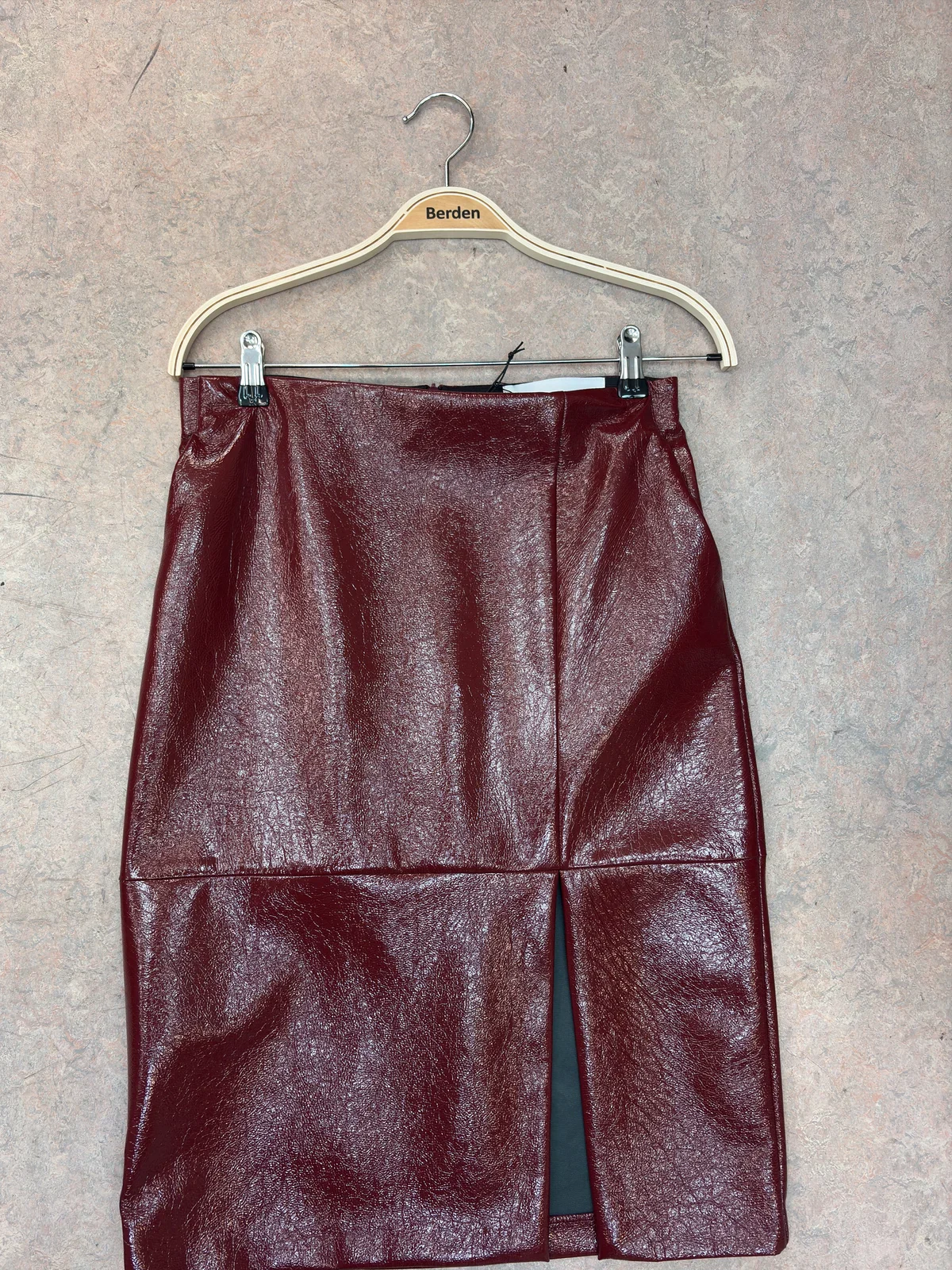
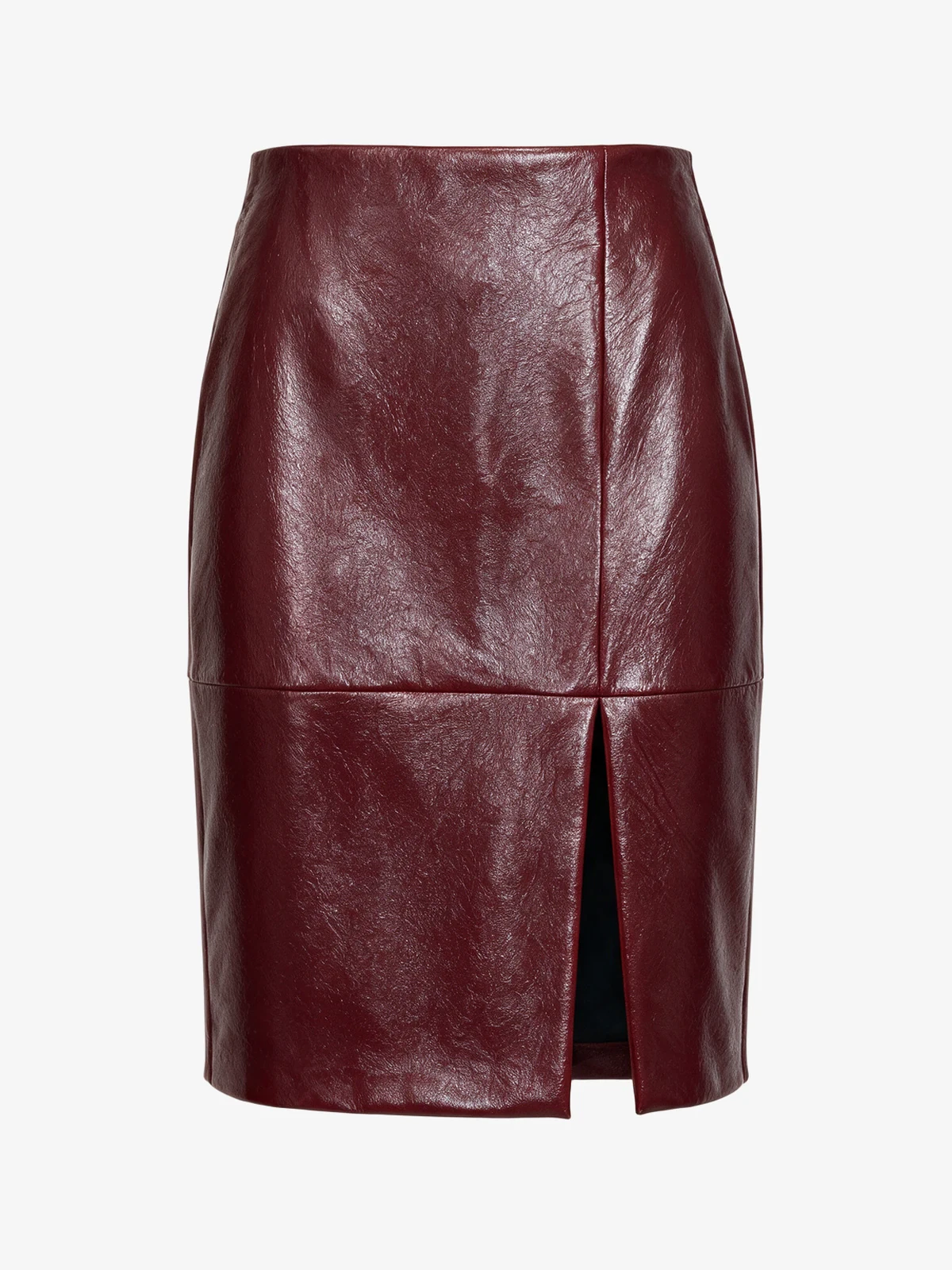
What you do with the app.
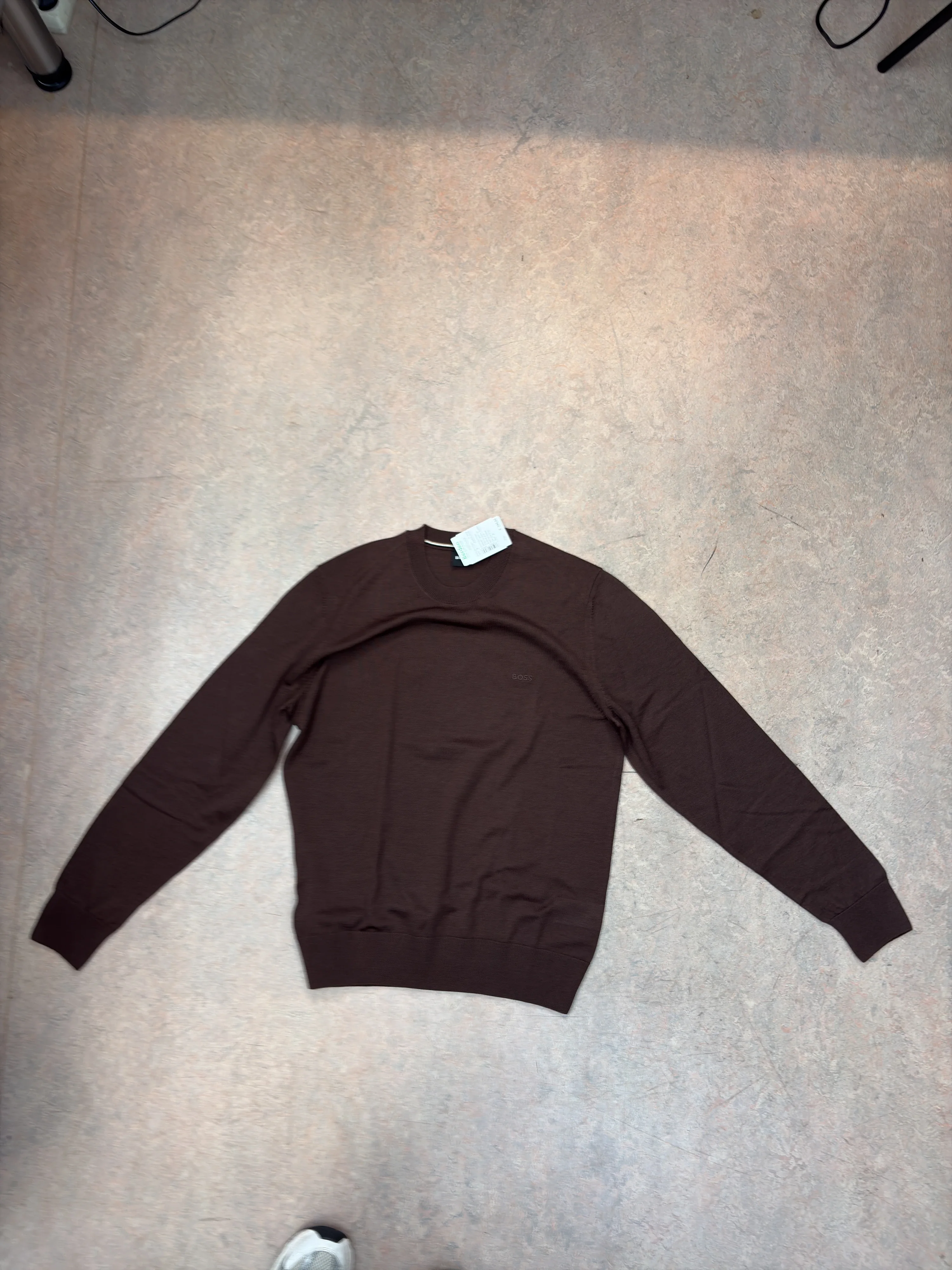
Flat lay 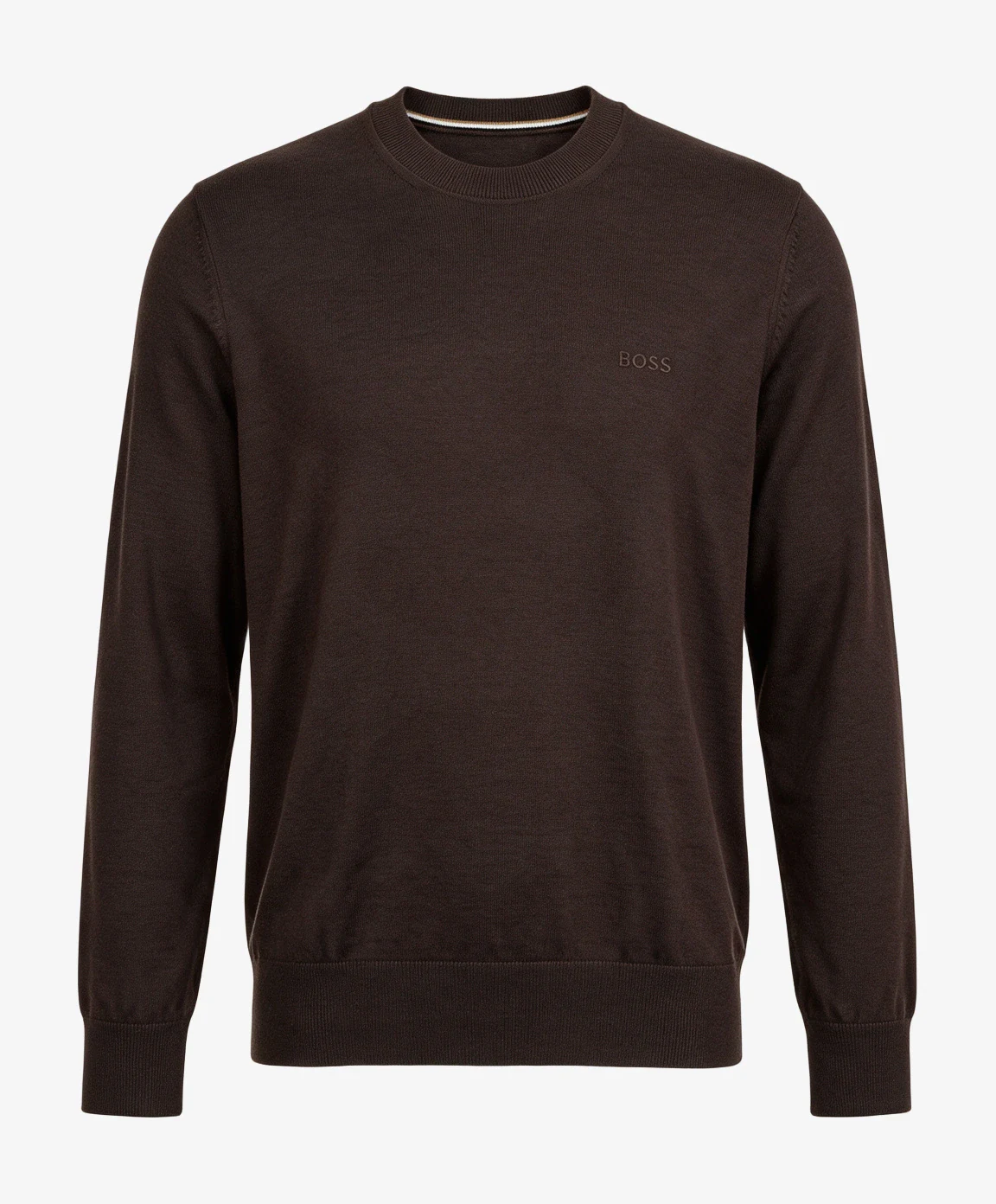
Packshot Mobile Packshot StudioFrom flat lay to packshot.
Flat lay, on a hanger, or on a mannequin.
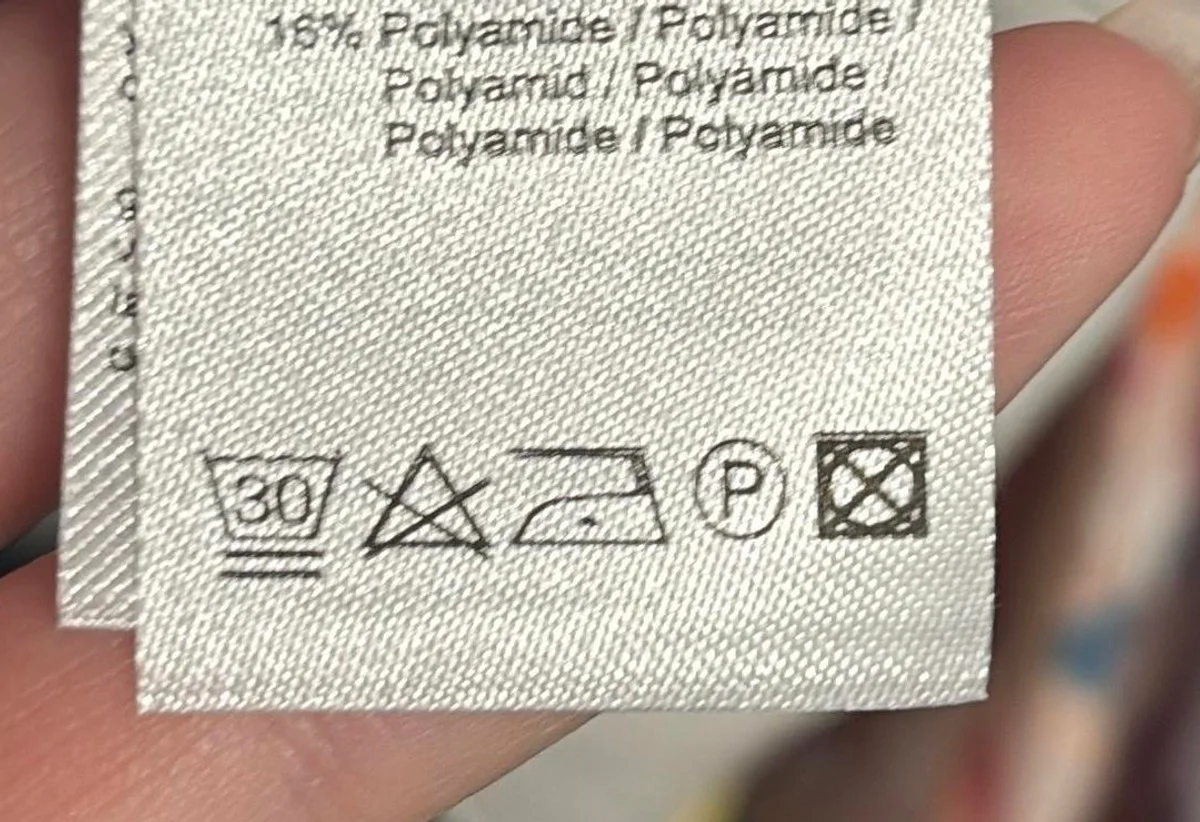
- Wash at 30°C
- do not bleach
- iron at low temperature
Article info scannerScan barcode, care label, and material.
Care symbols are recognized live in the viewfinder.
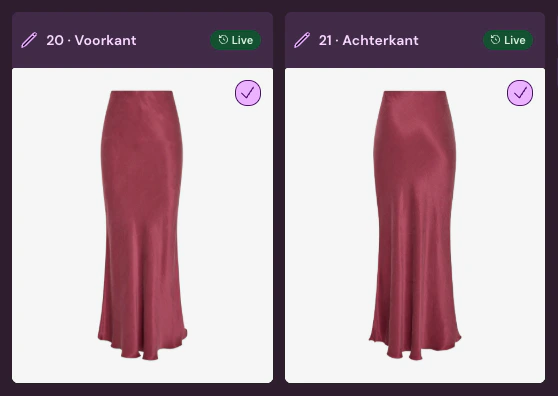 Mobile shoot
Scan the article, the photo is immediately linked.
For one article or a complete set.
See how it works?
Frequently Asked Questions
For which phone is the app?
For iPhone. Download the Photopilot app from the App Store and log in with your Photopilot account.
Where do the photos go?
Directly with the article you scan. They then follow the same image rules, checks, and publication as your other images.
What does the Article Info scanner read?
First the barcode, then the material and care label. Care symbols are recognized live in the app, and the data is directly linked to the article.
Can I try it first?
Yes. After a brief conversation, we'll connect Photopilot to your POS or ERP system for free, and you can try it out with your own products without any obligation. Want to see how a photo becomes a packshot right now? Try the online demo.