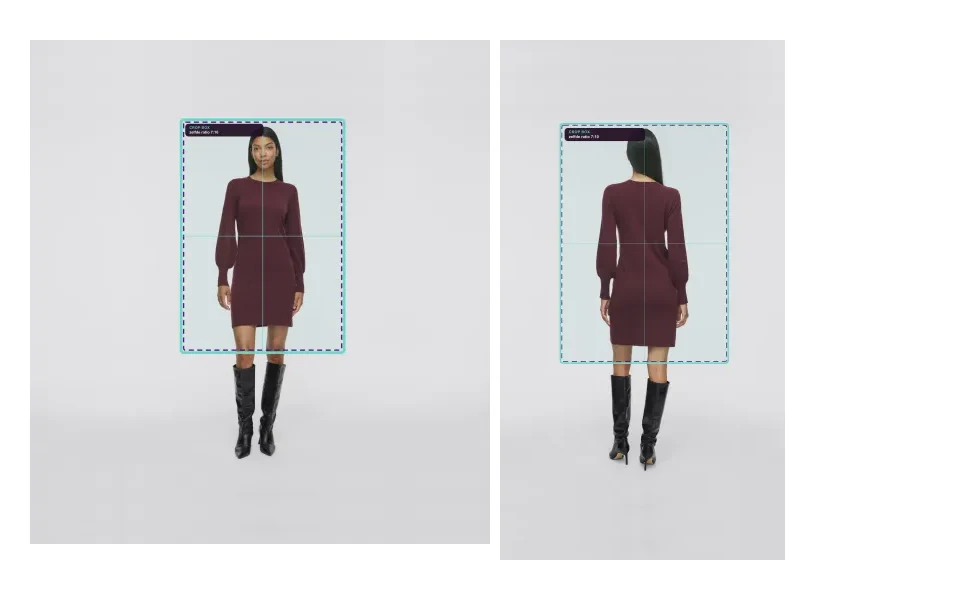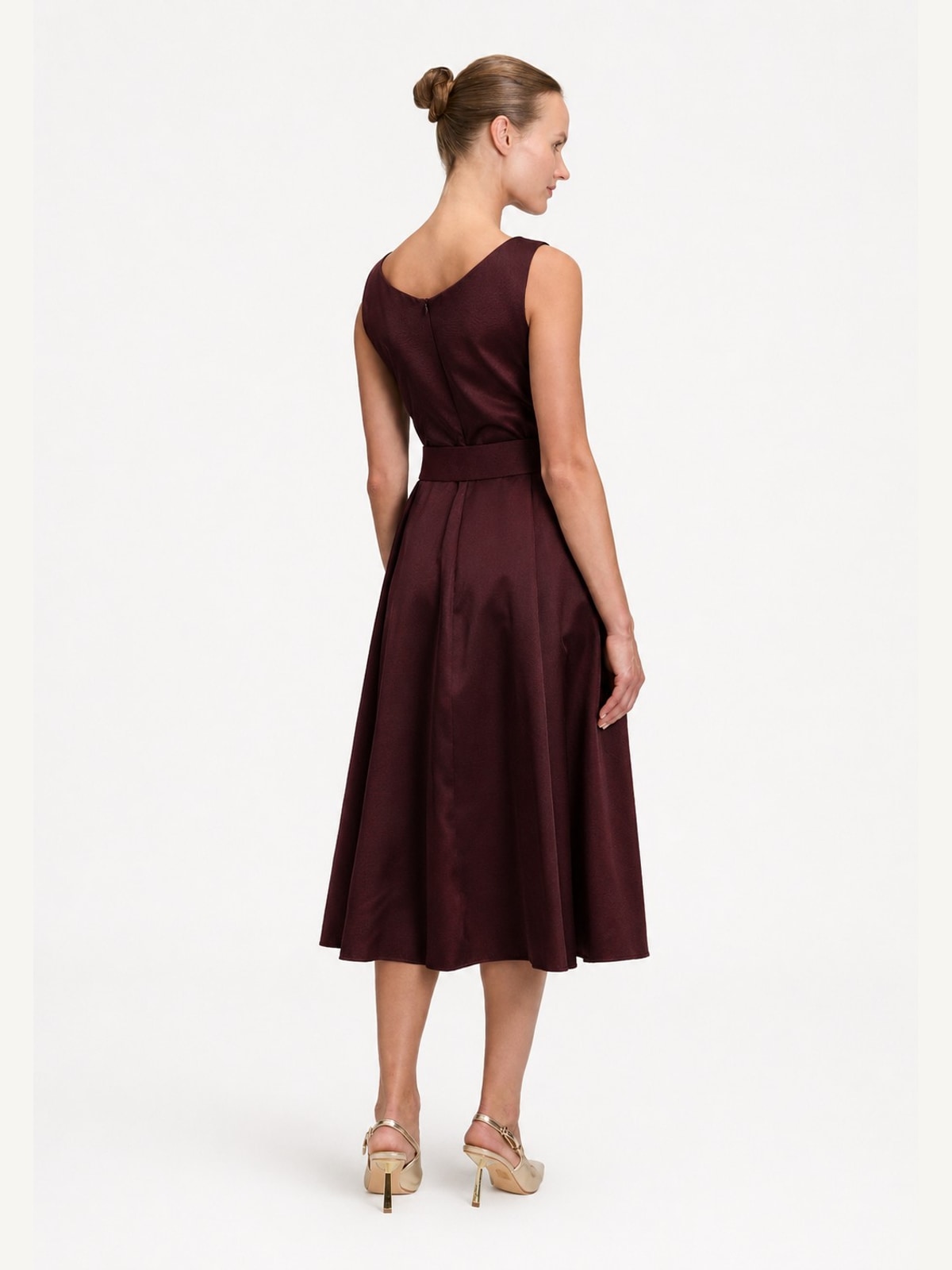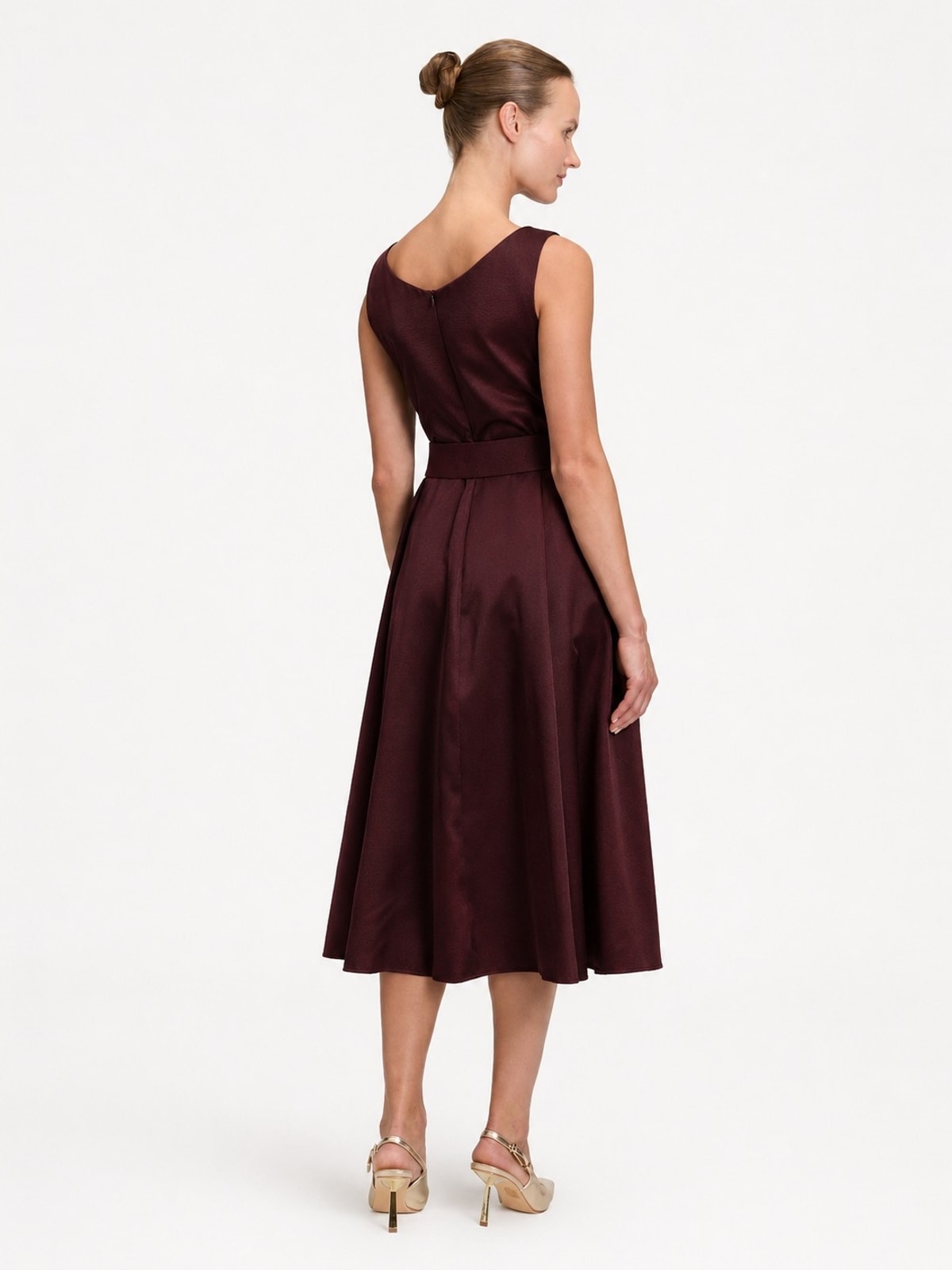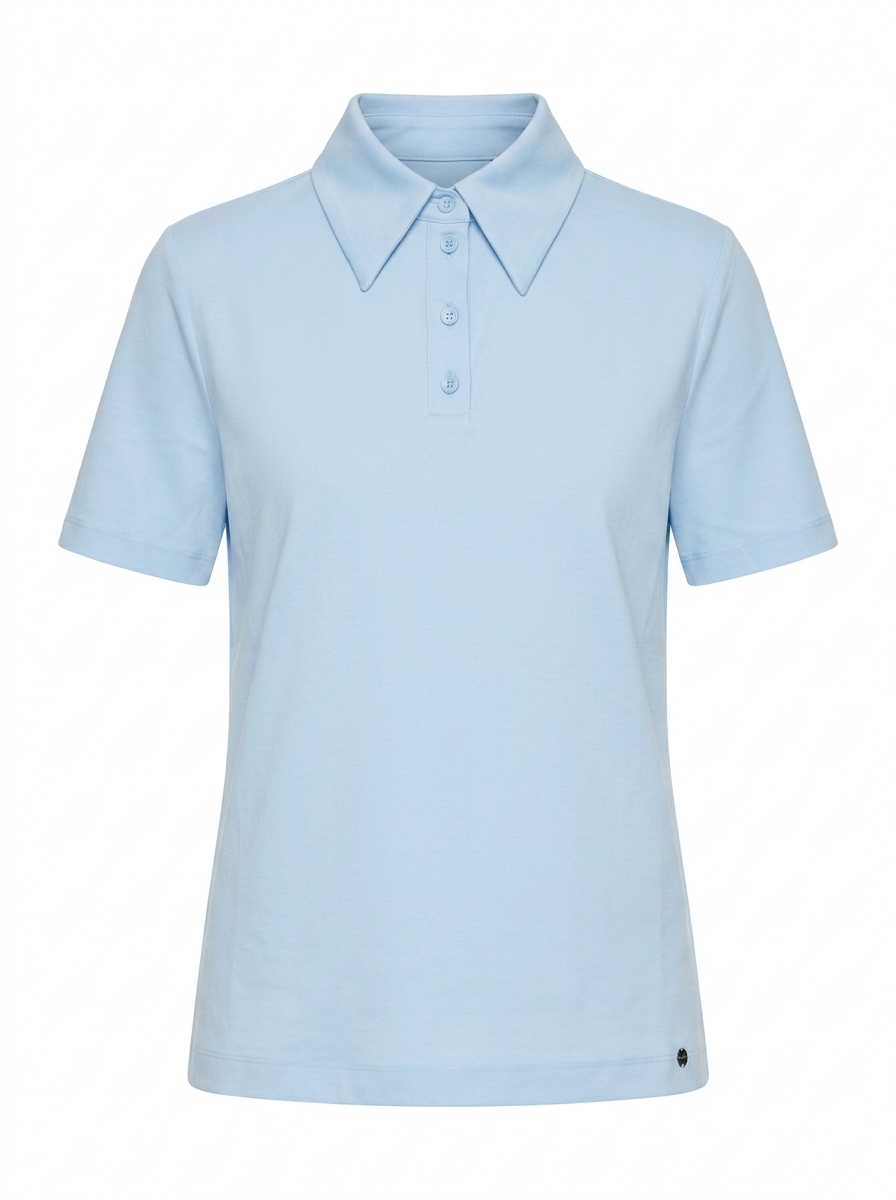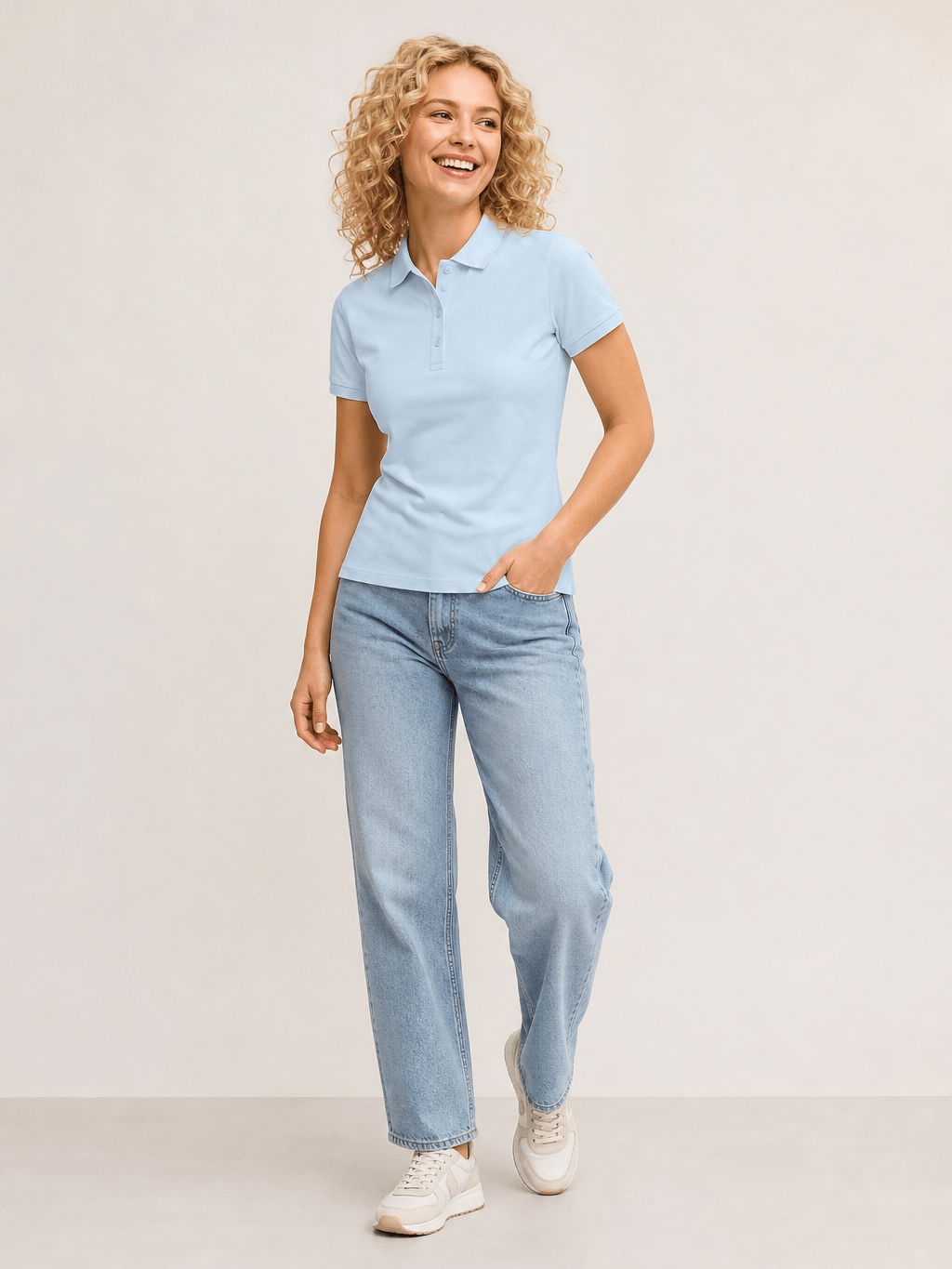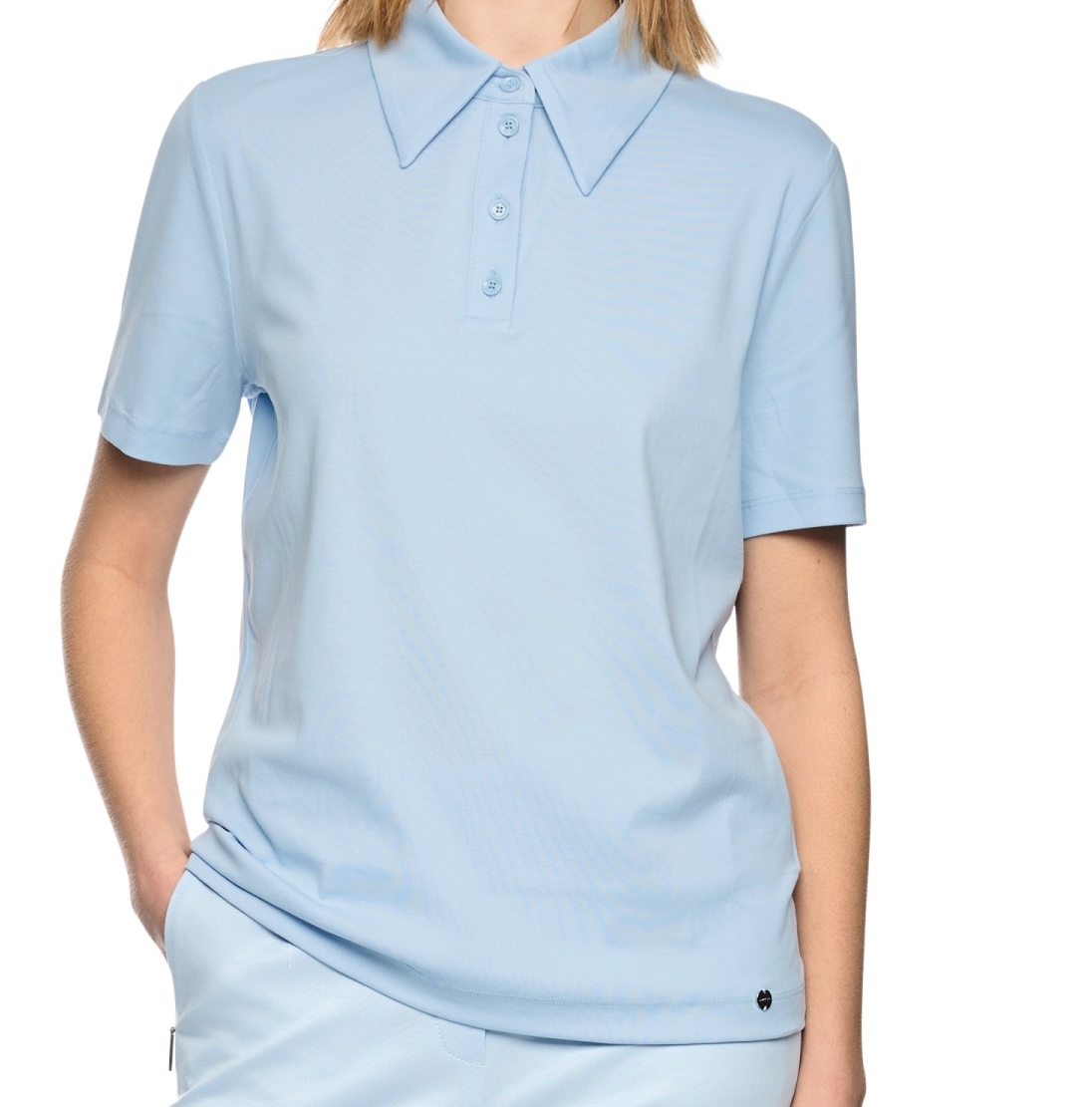







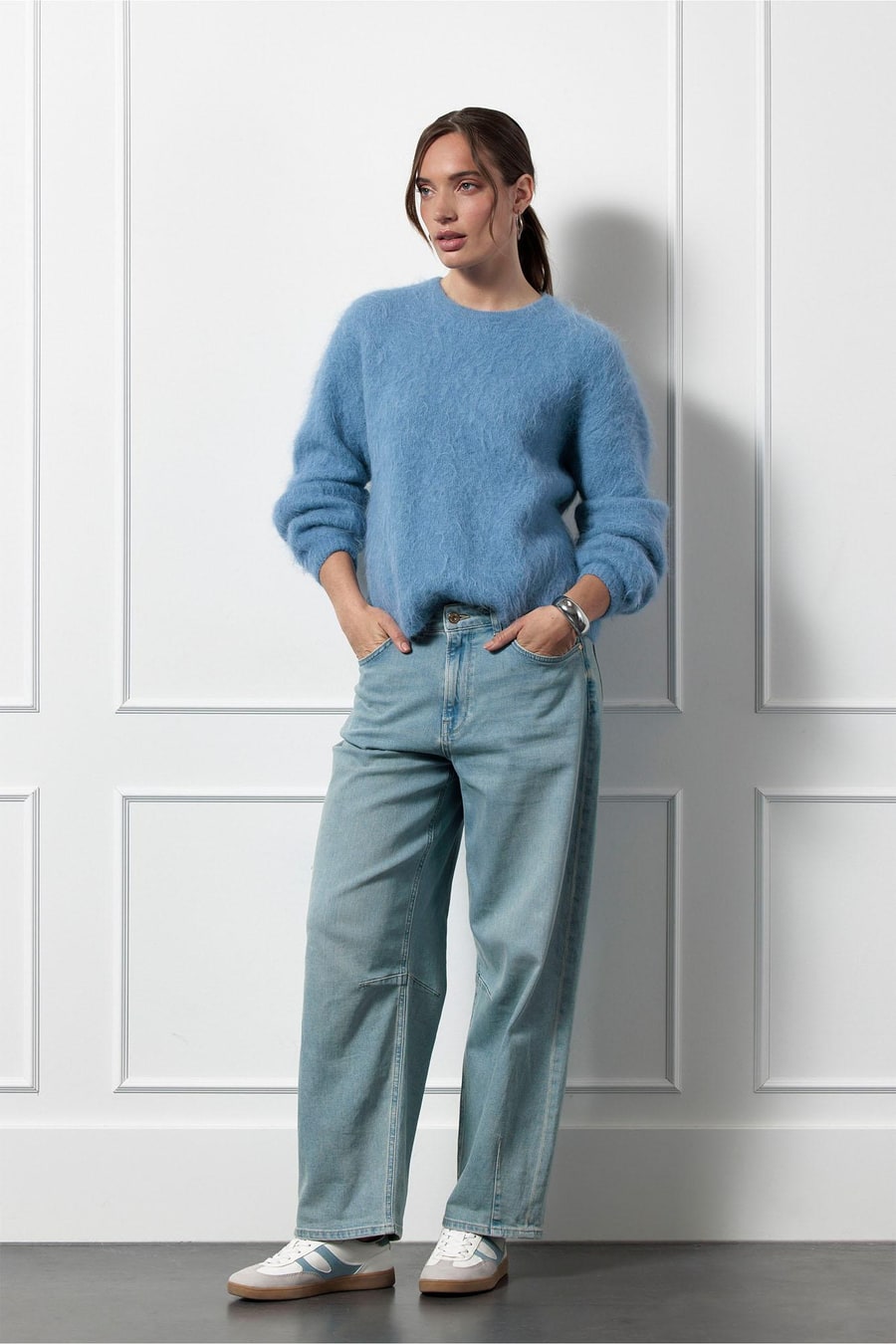
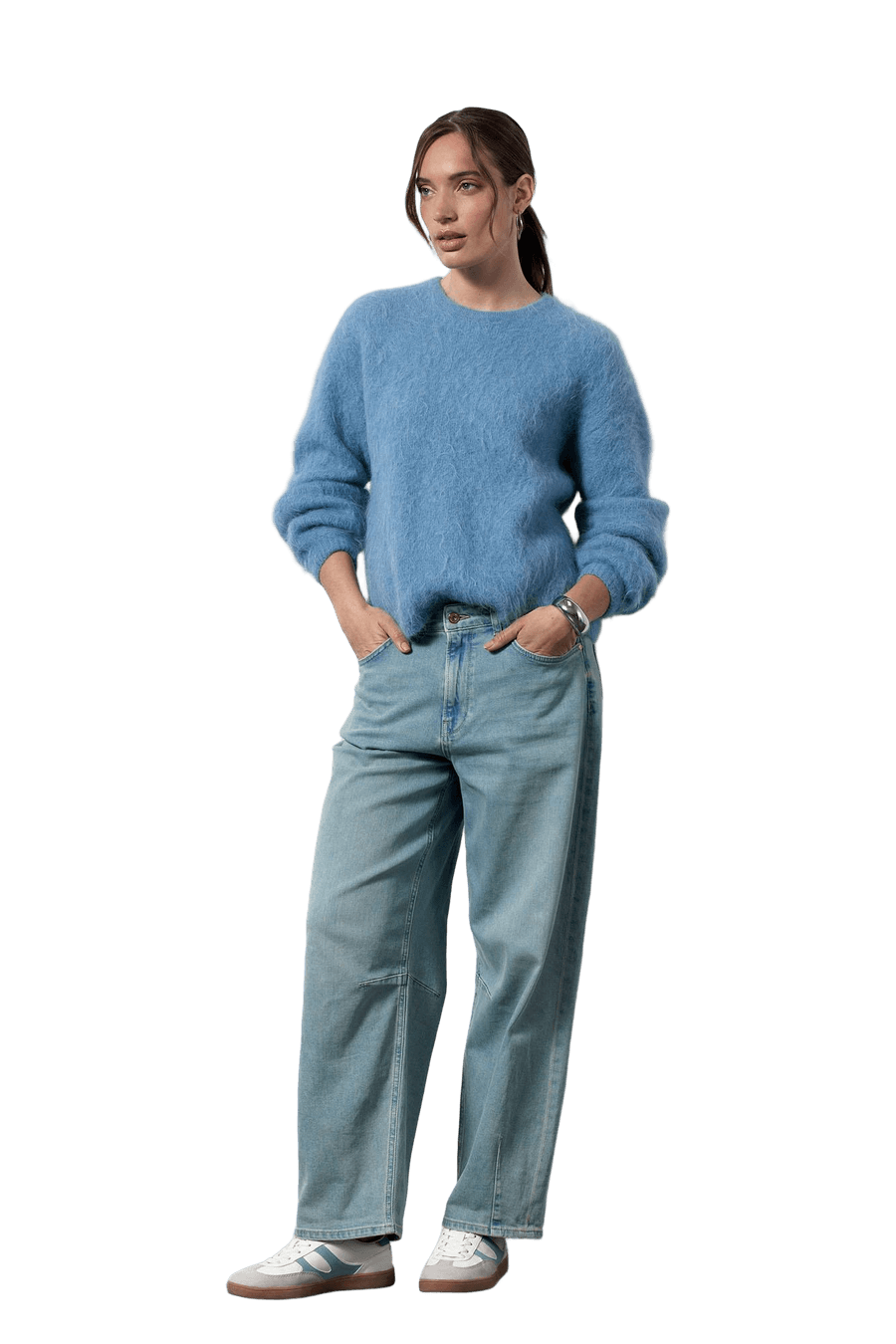
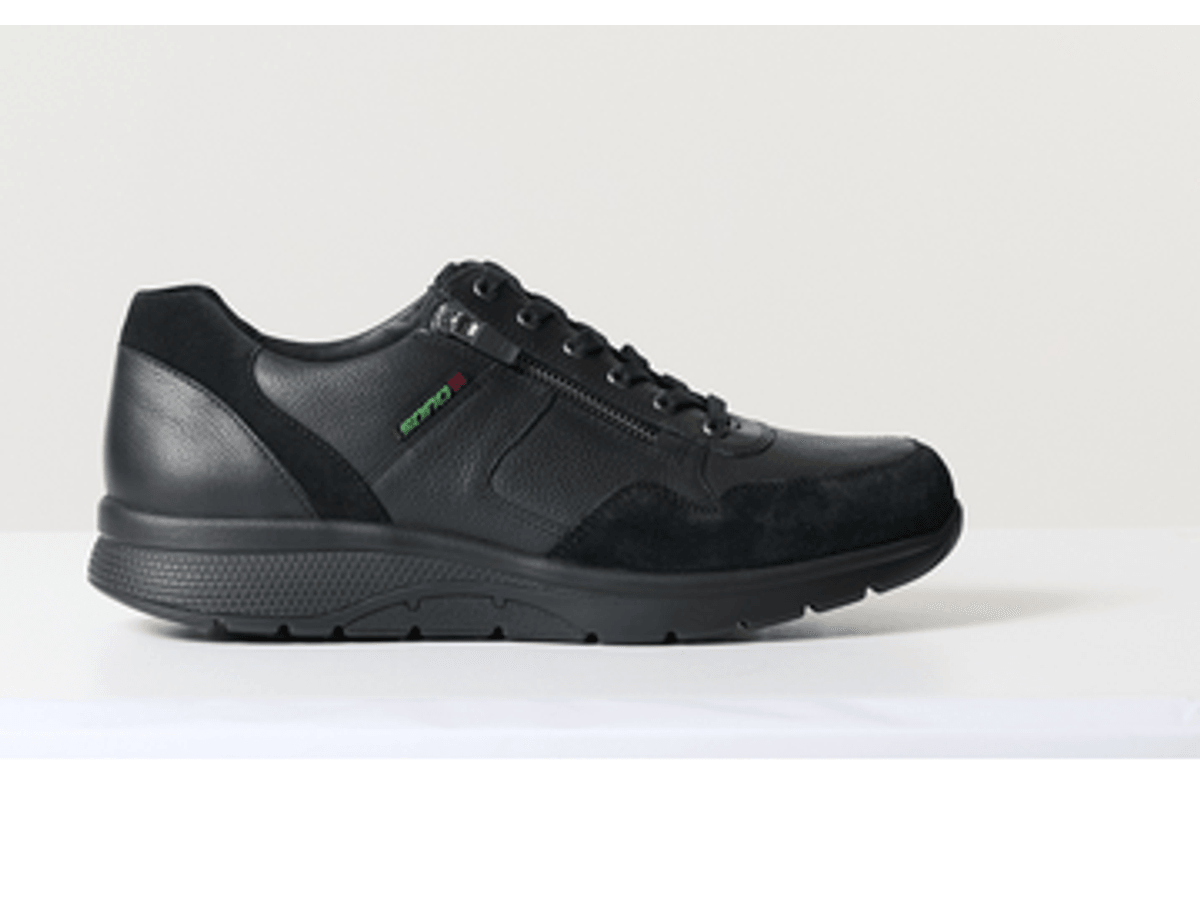
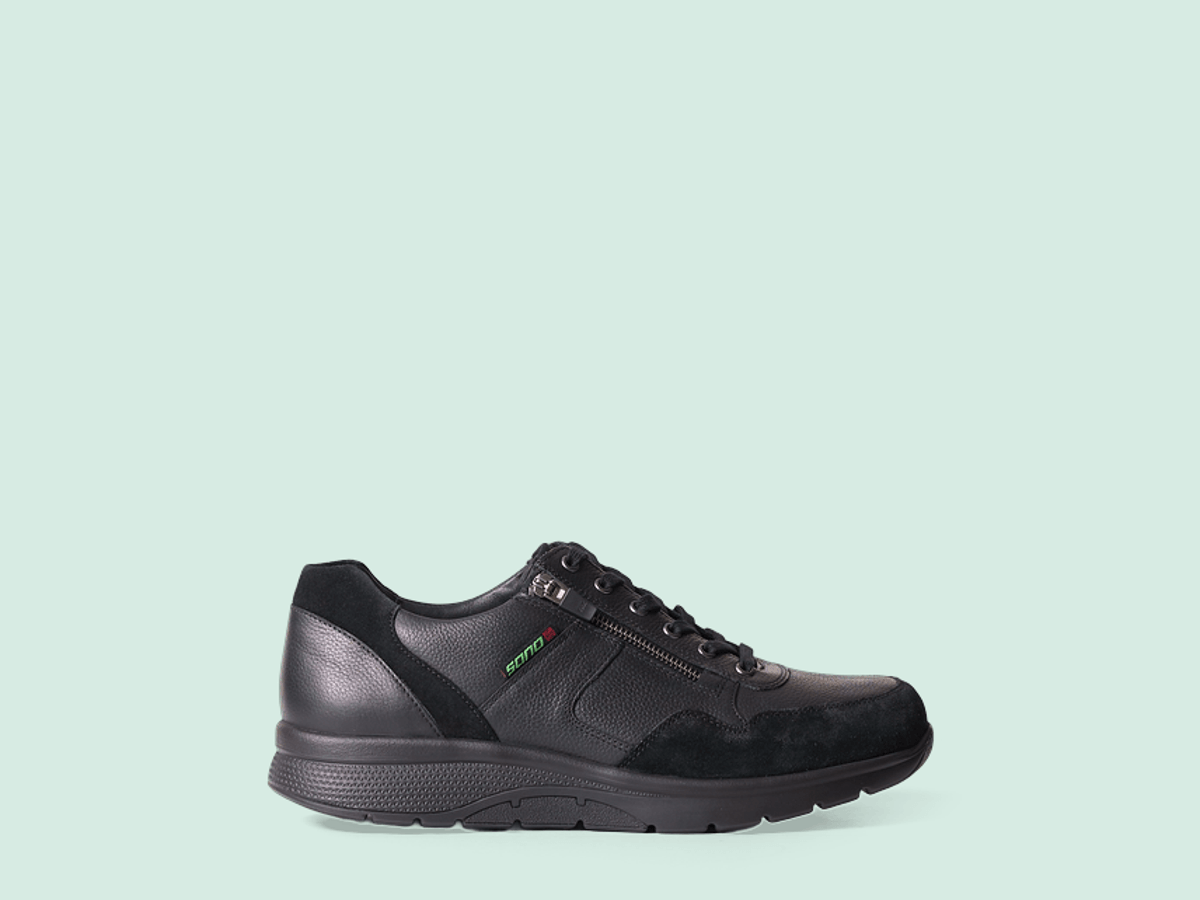
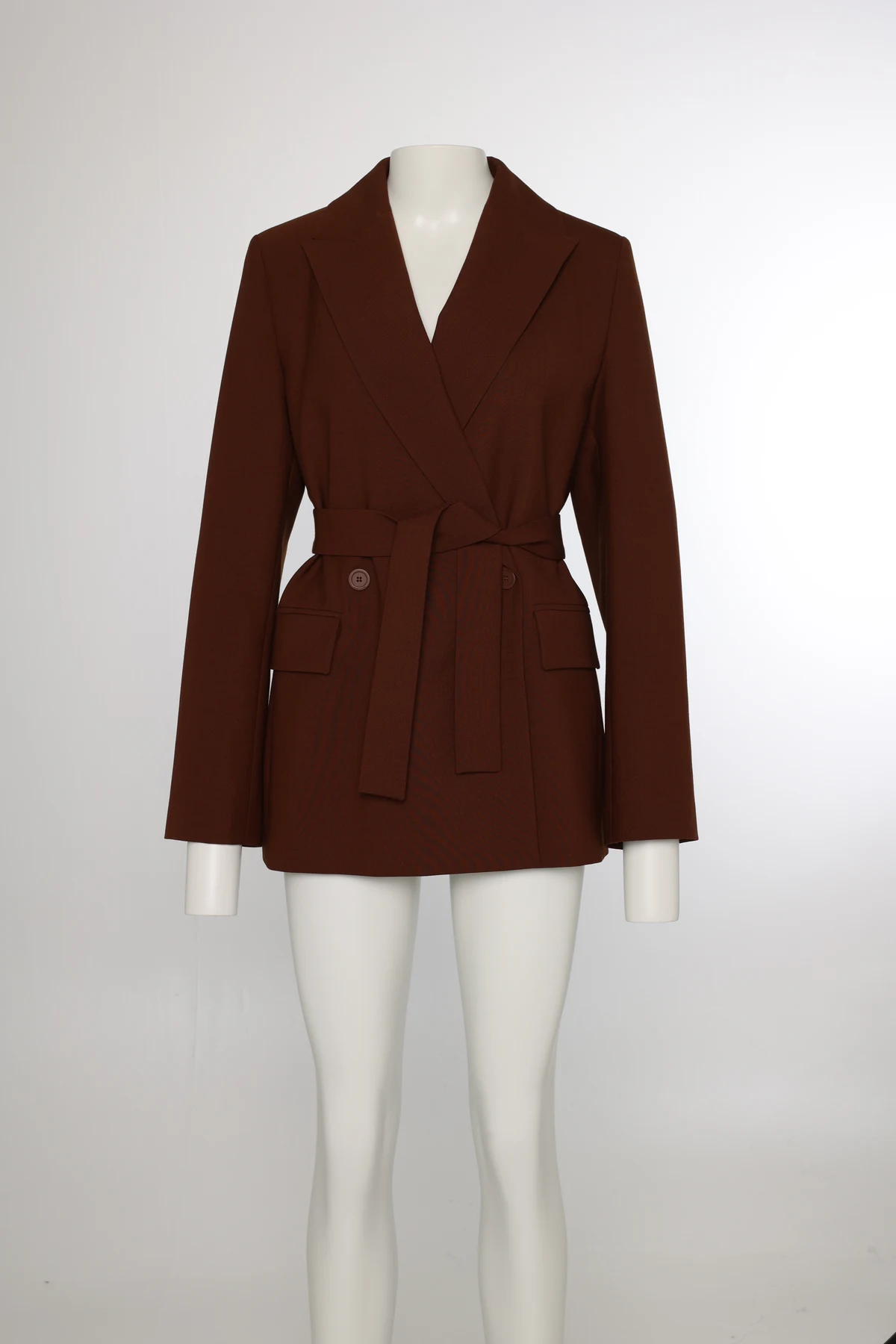
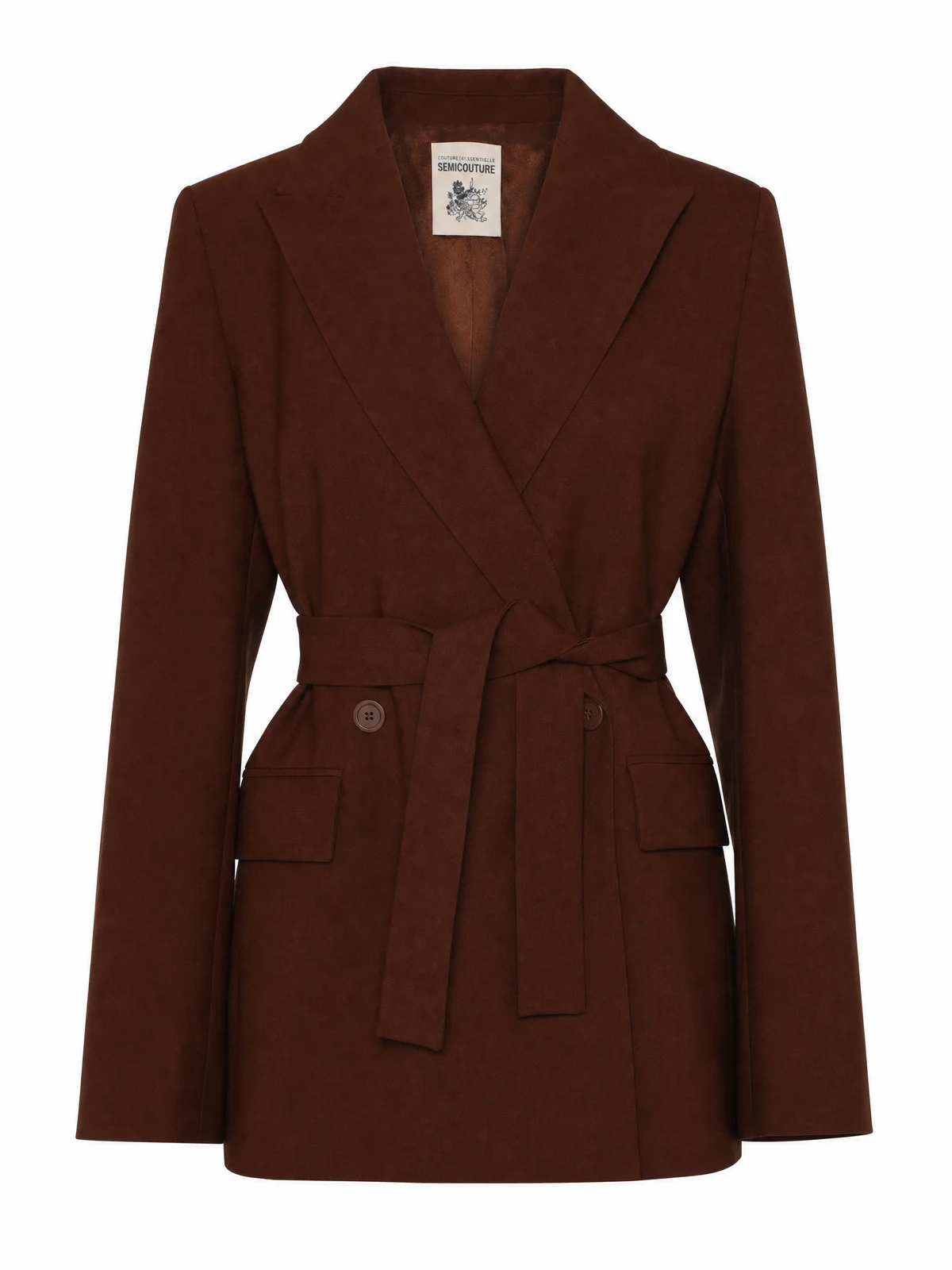
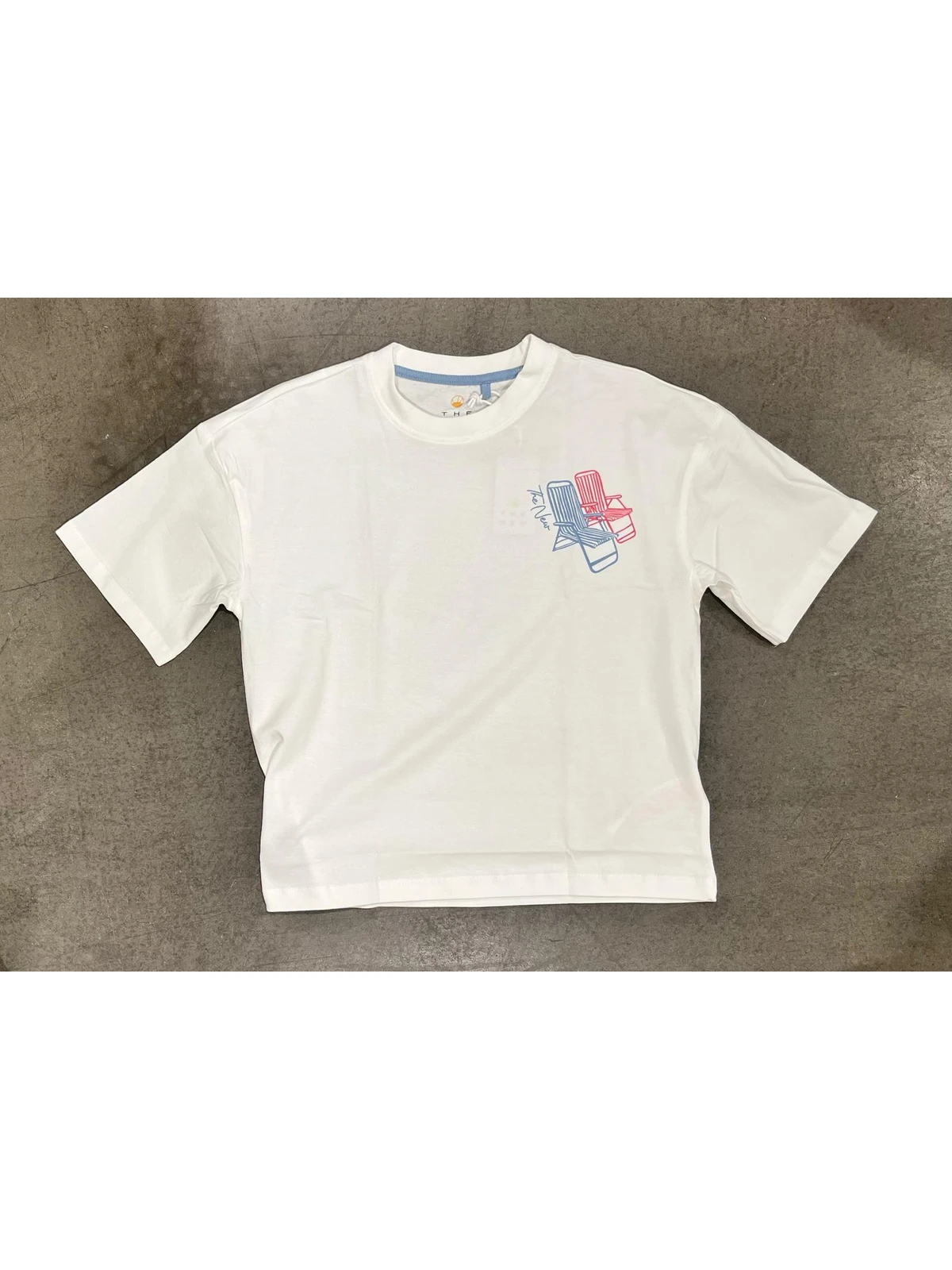
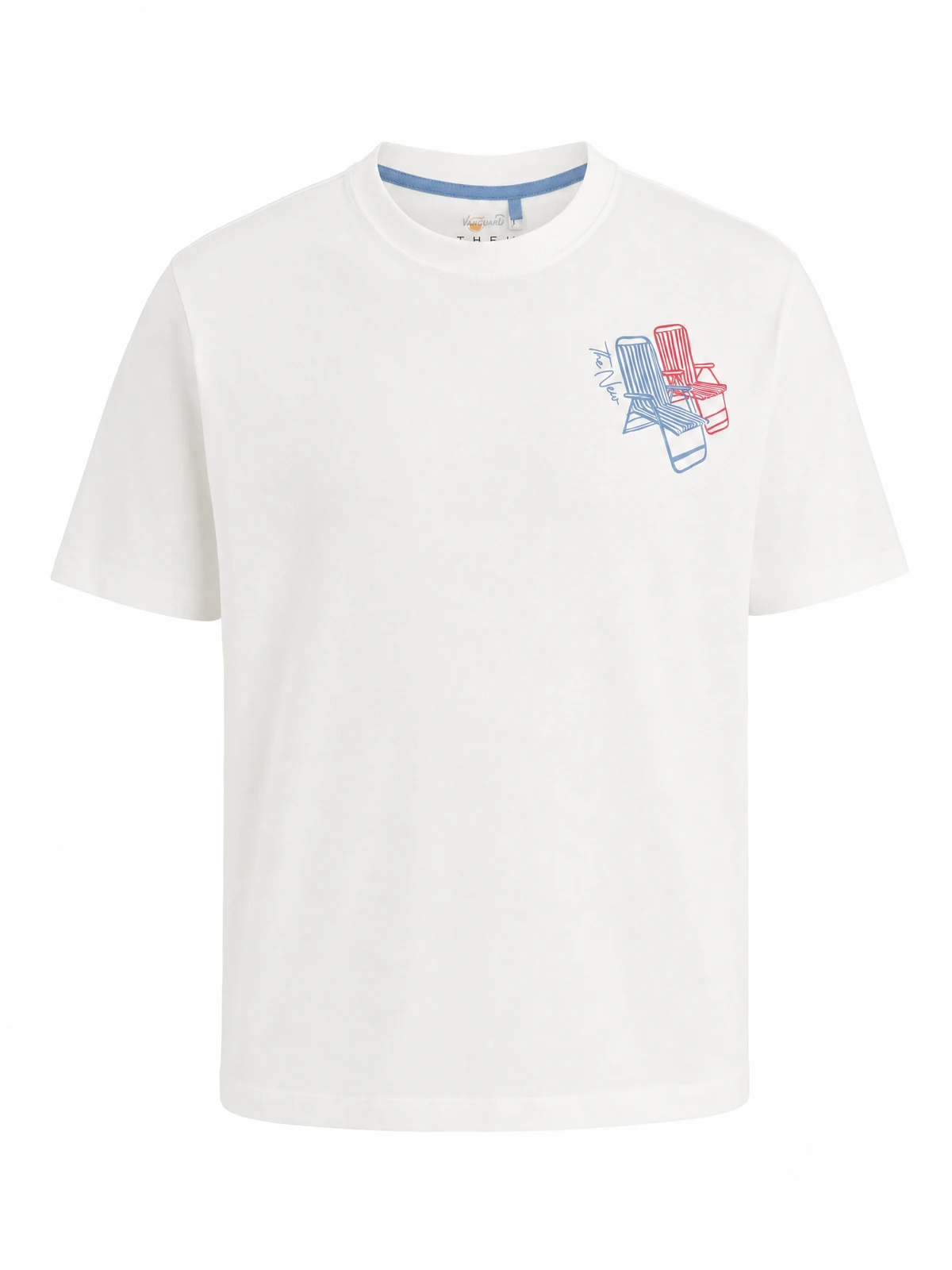
From source photo to visible crop frame and result
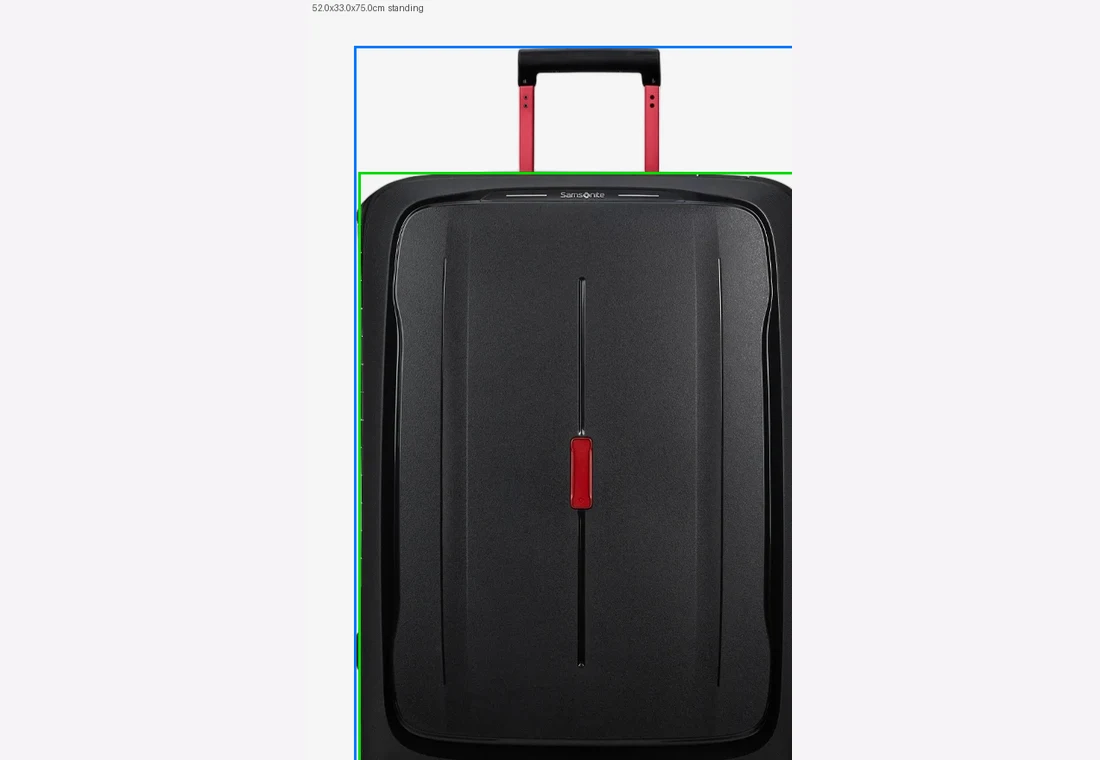
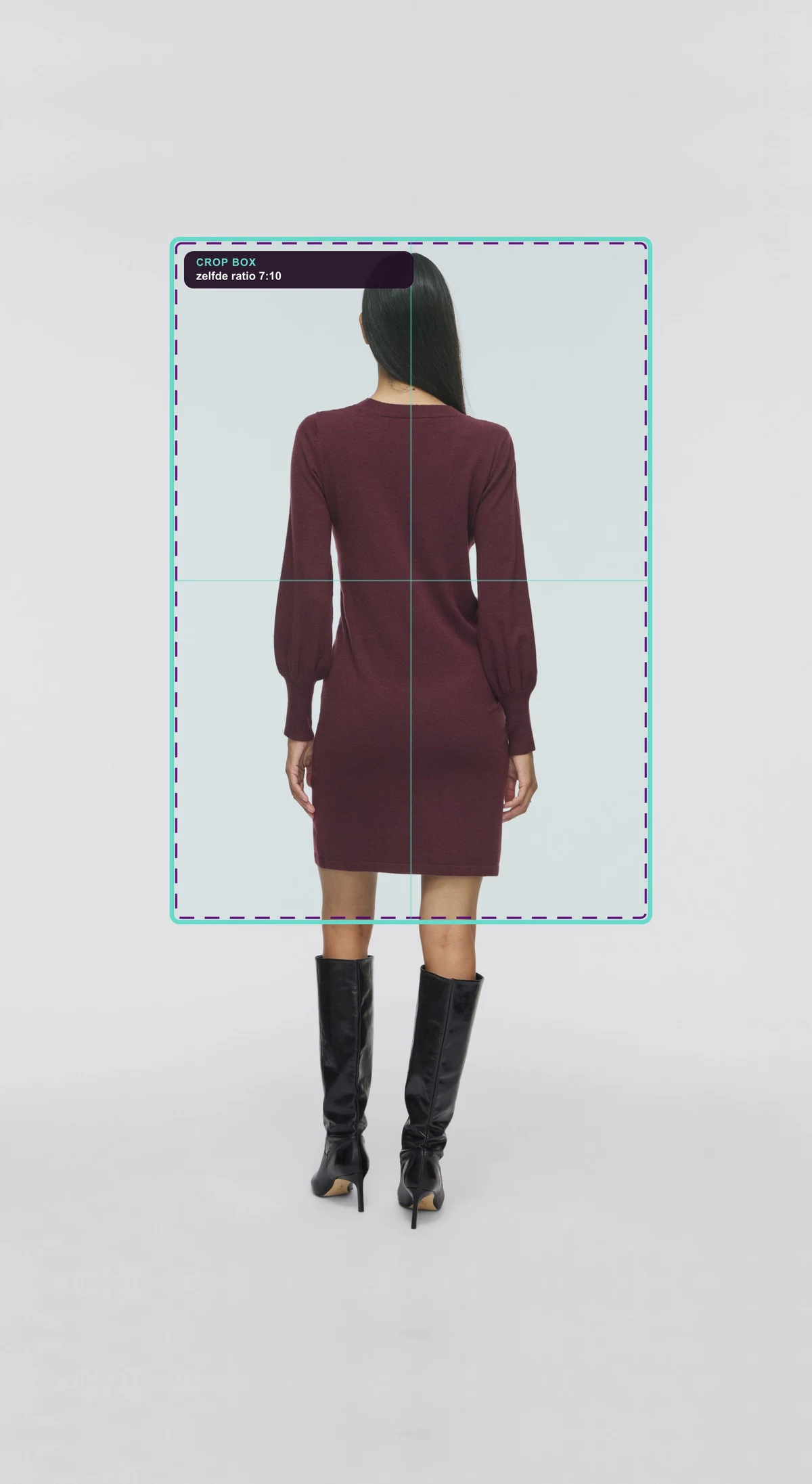
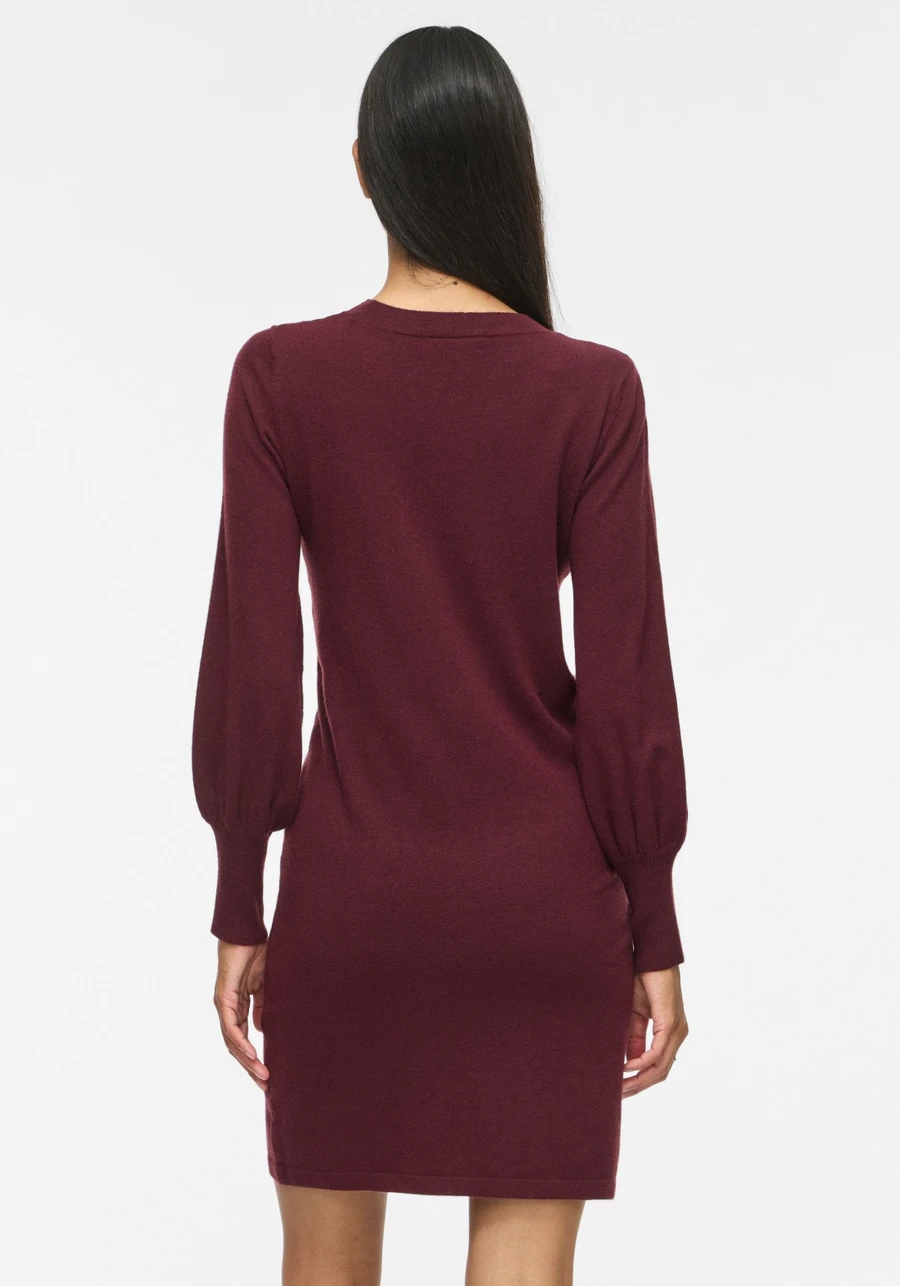
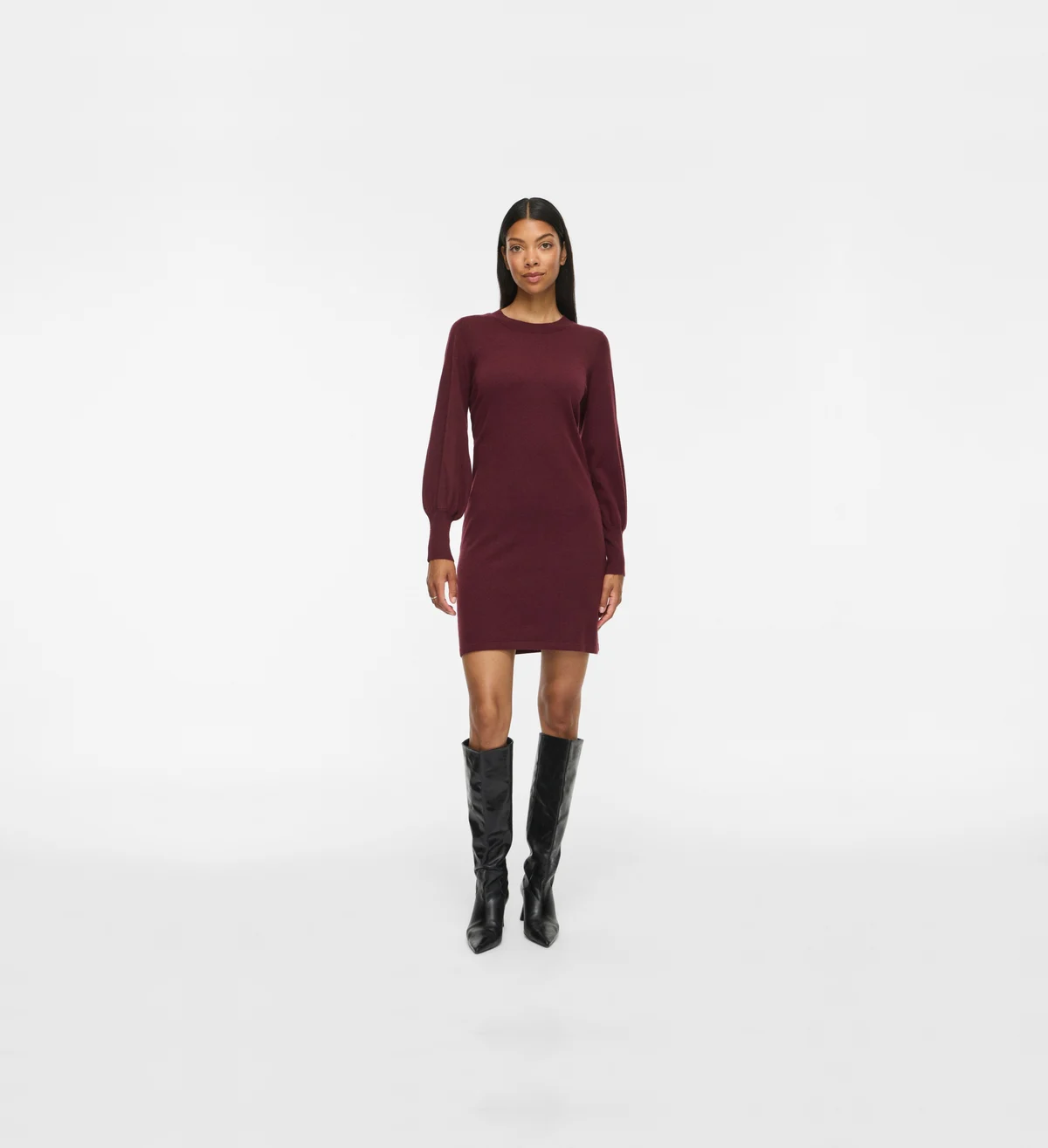
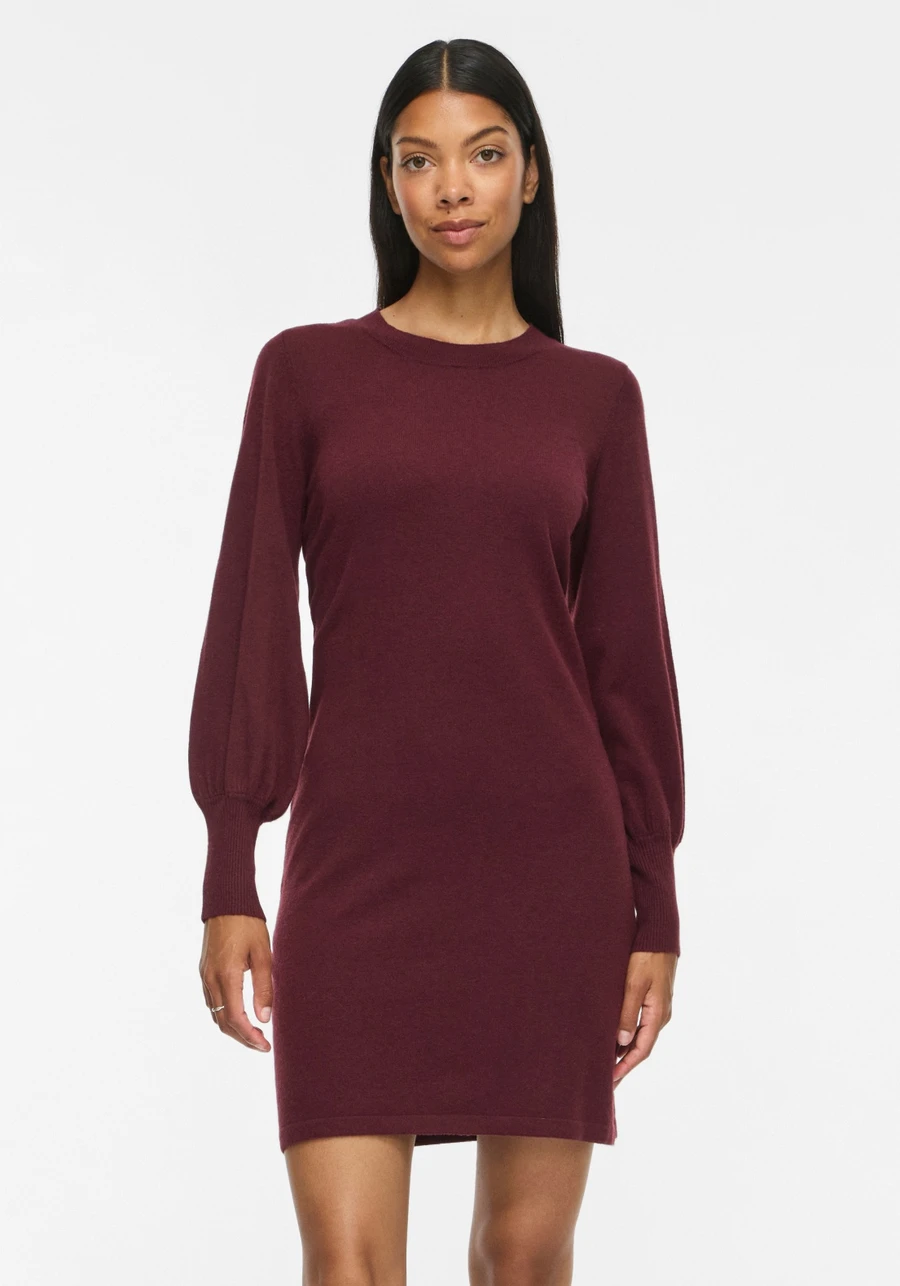
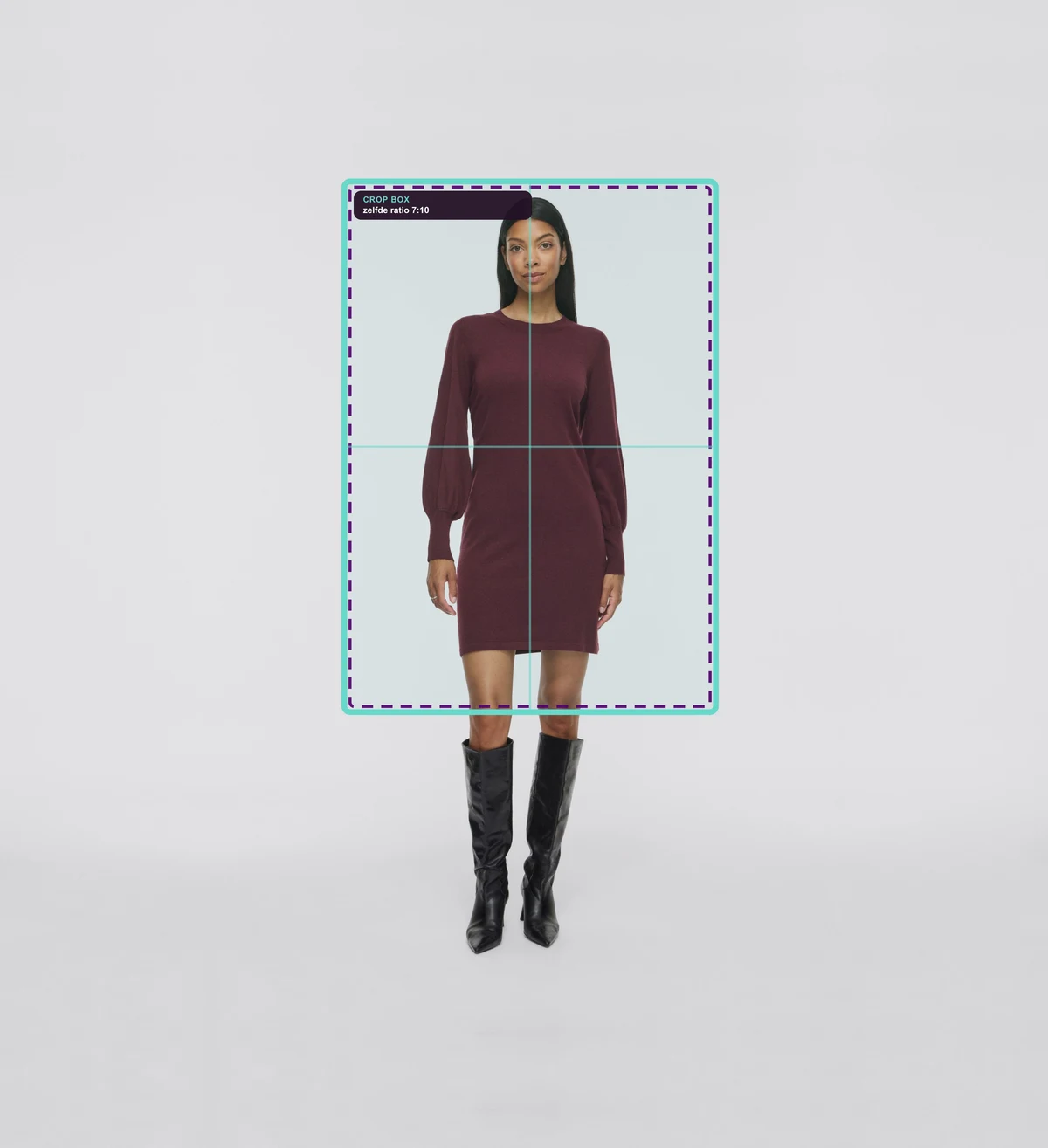
You first see the supplied photo, then the selected crop frame and finally the exact crop used by the webshop.


Choose a real-world example or upload your own image. You immediately see what Photopilot does with crop, background, colour, content and item rules.
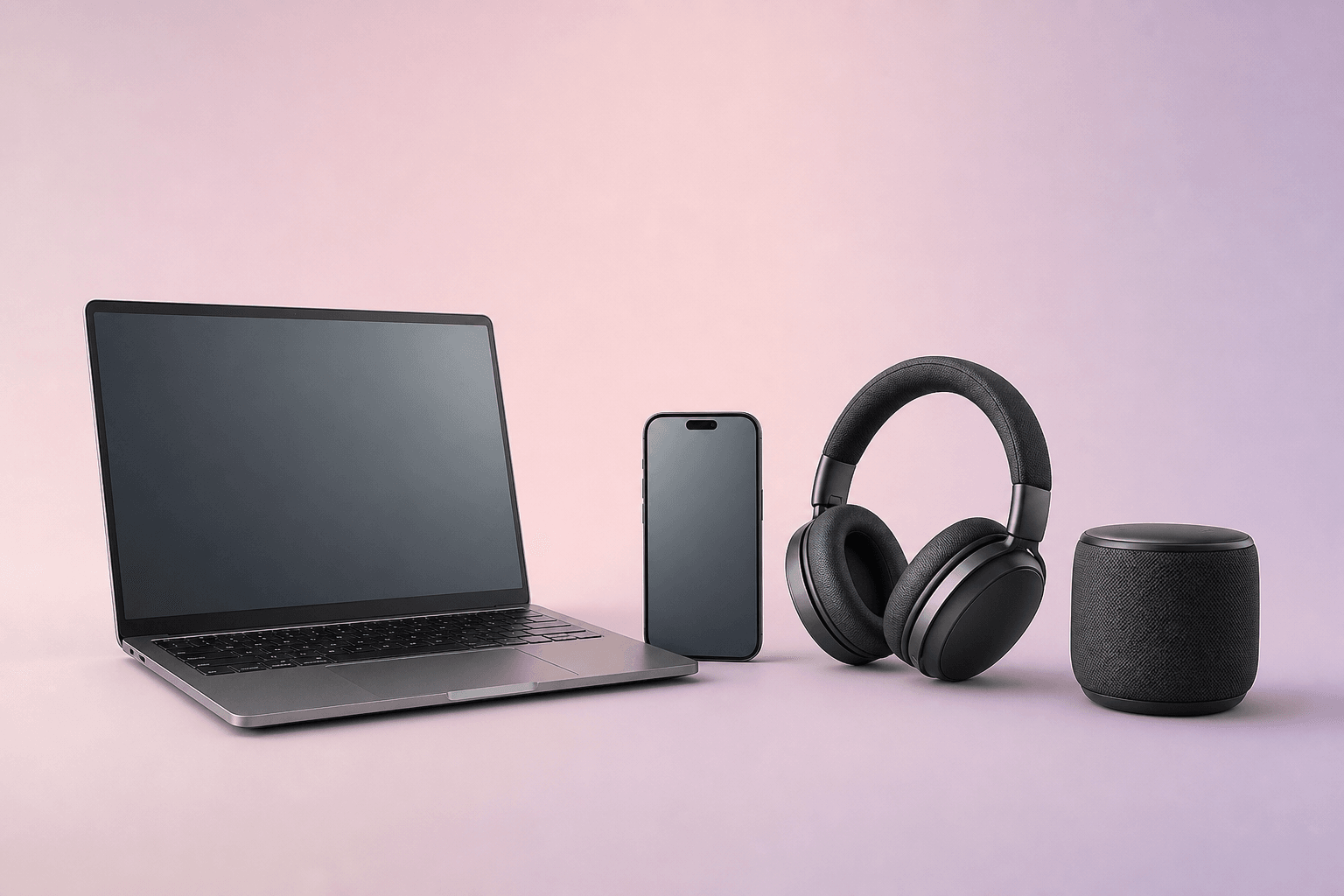
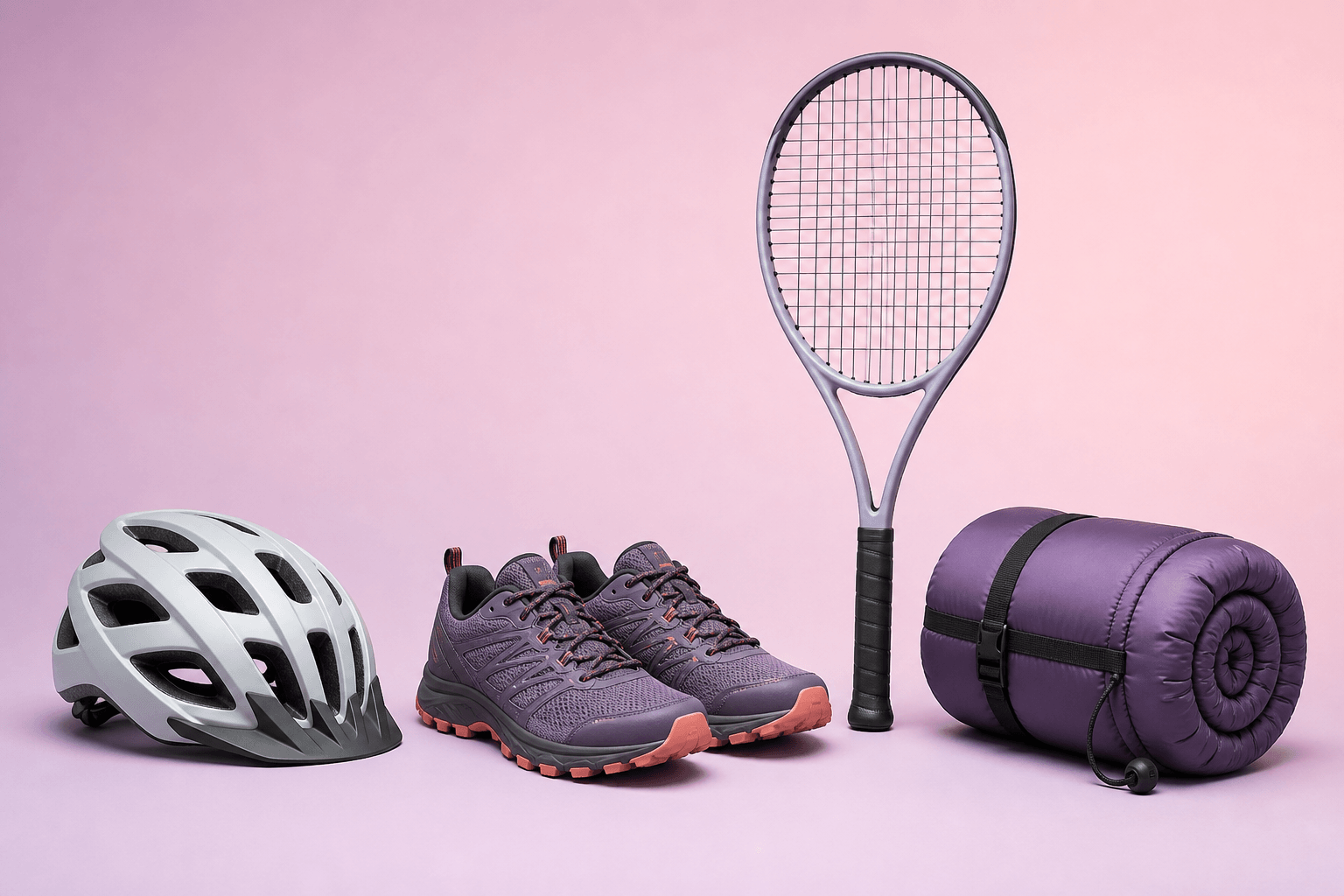
Fashion remains where Photopilot is deepest. We also set up the same article, image, and publication layer for jewelry, luggage, home, sanitary, beauty, electronics, and sports.
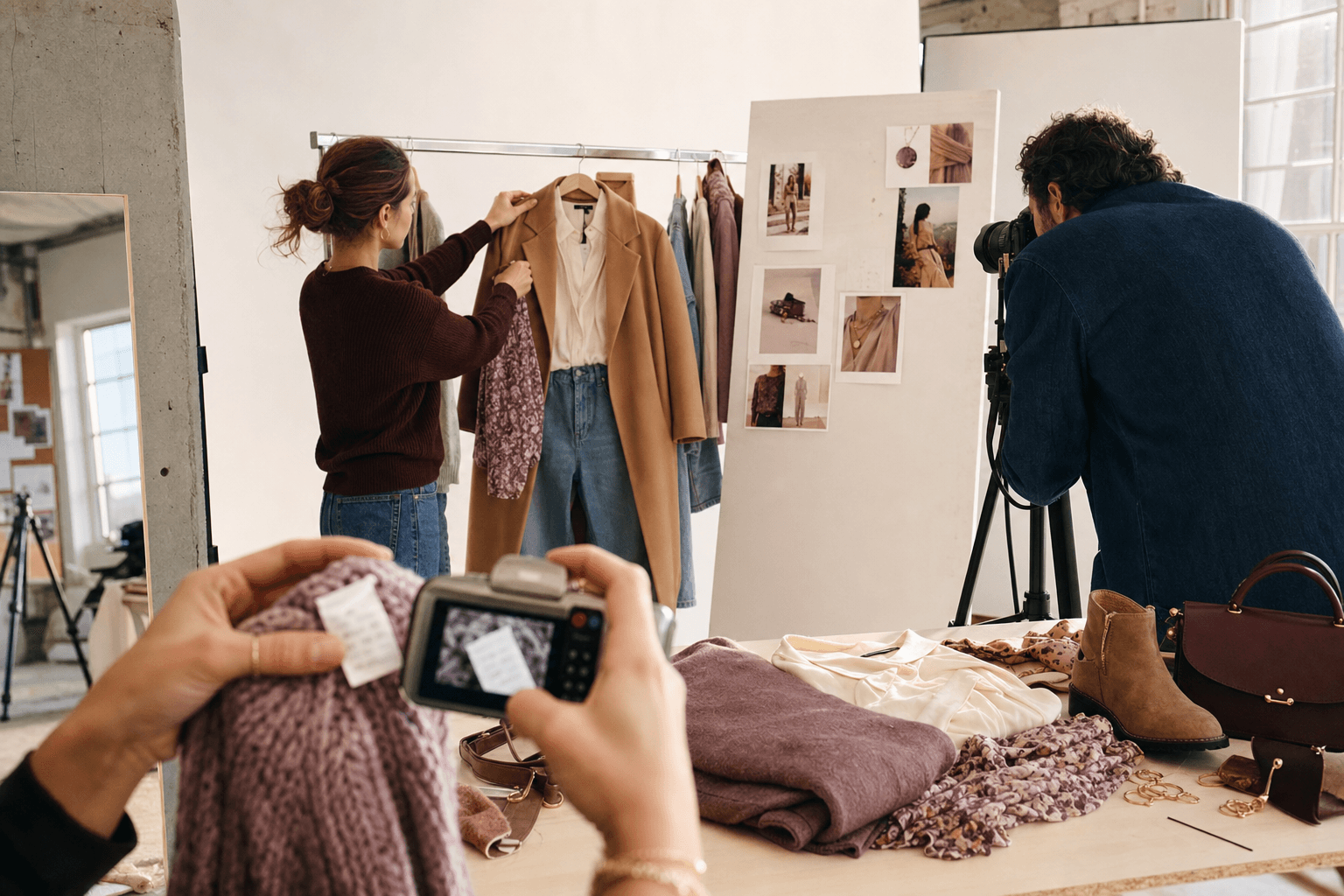
Collections, supplier images, studio, content, Shop the Look, and publication remain in one flow.
We integrate the systems you already use for each industry. For fashion, these include Fashion Cloud, Stockbase, ACA, LS Central, and SRS. For other assortments, we connect ERP, PIM, supplier feeds, or custom solutions via API, feed, or export.
View all integrationsYou first see the supplied photo, then the selected crop frame and finally the exact crop used by the webshop.


Photopilot uses the chosen series or model reference to restore a supplied product image with color accuracy.


A long dress, top, pants, or suitcase is not cropped in the same way. Photopilot puts each image in your fixed webshop format, with a margin that suits the item.


Use this when model images are on a studio wall or floor, but the webshop needs a calm uniform background.


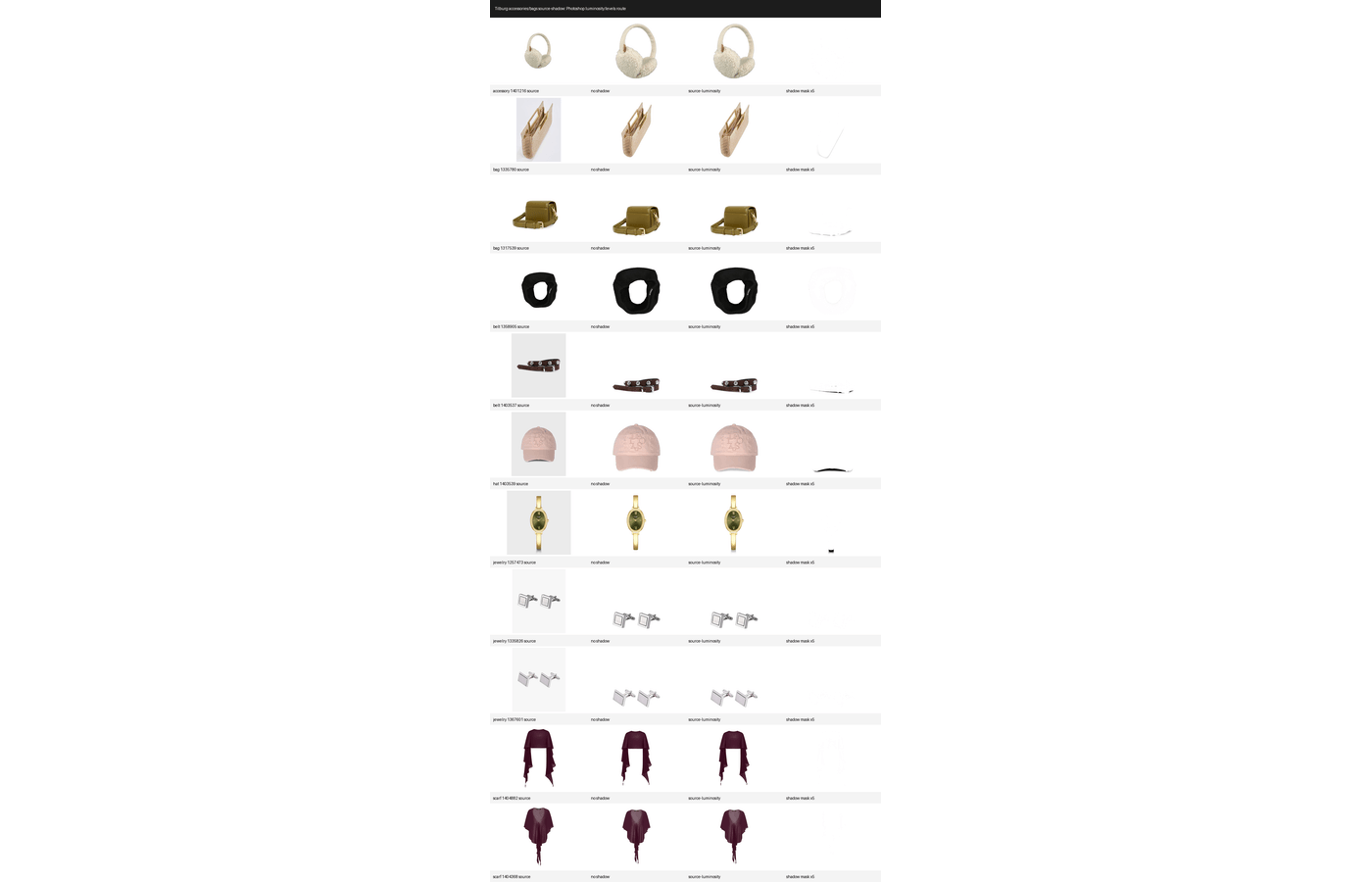
For shoes and accessories, you don't want a floating product. Photopilot removes the shadow from the source photo and places it as a calm layer under the same item.


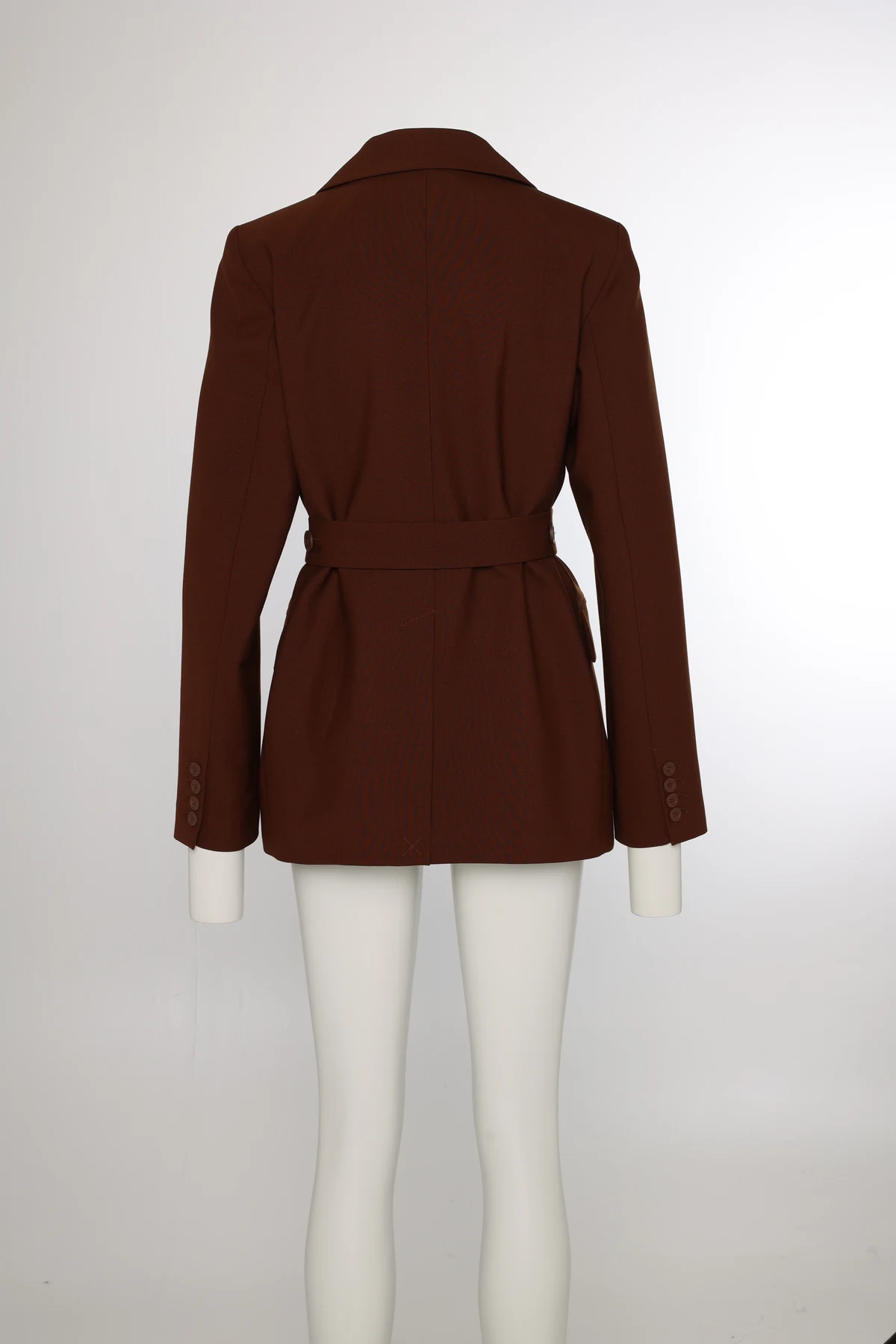
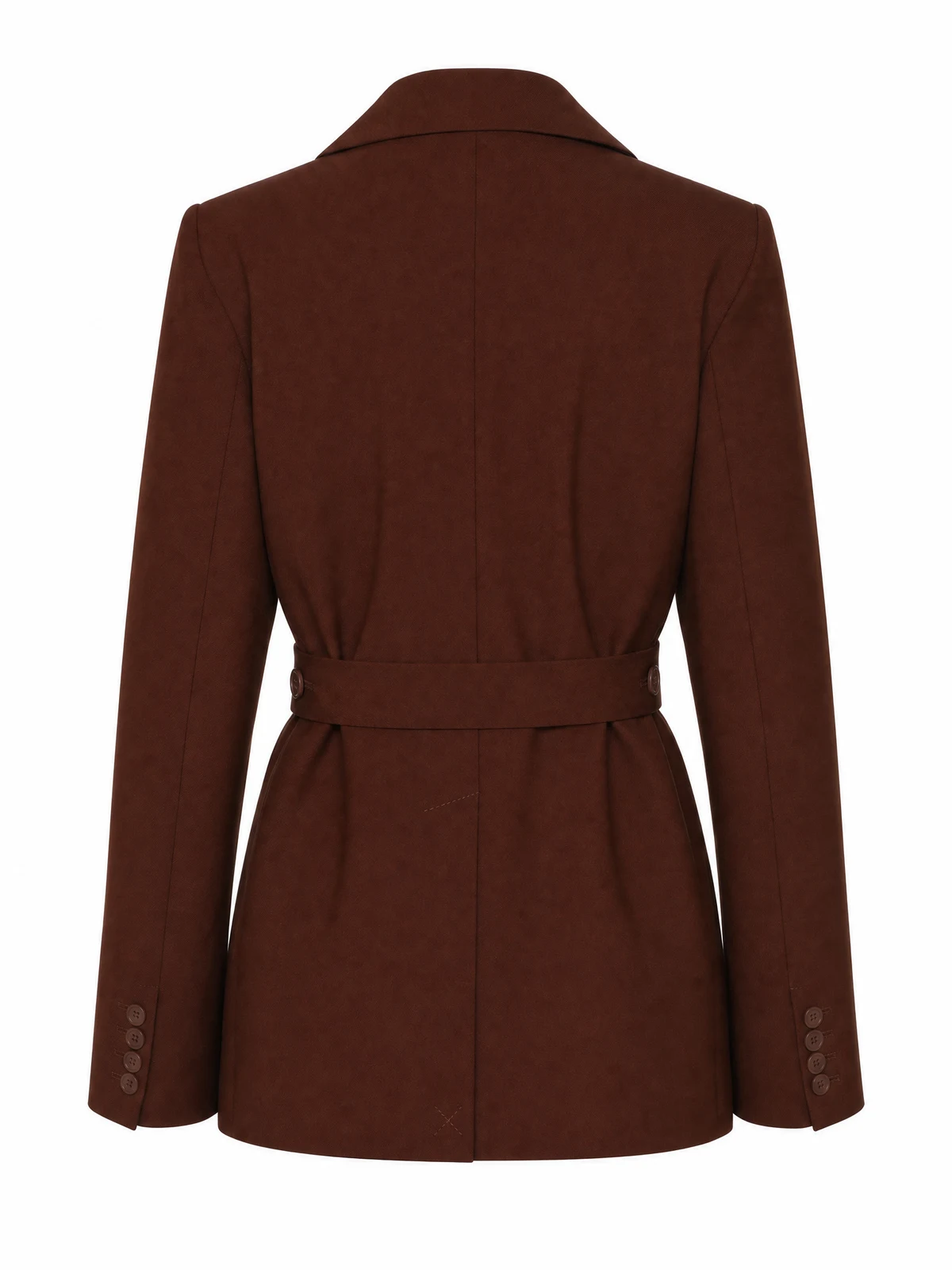
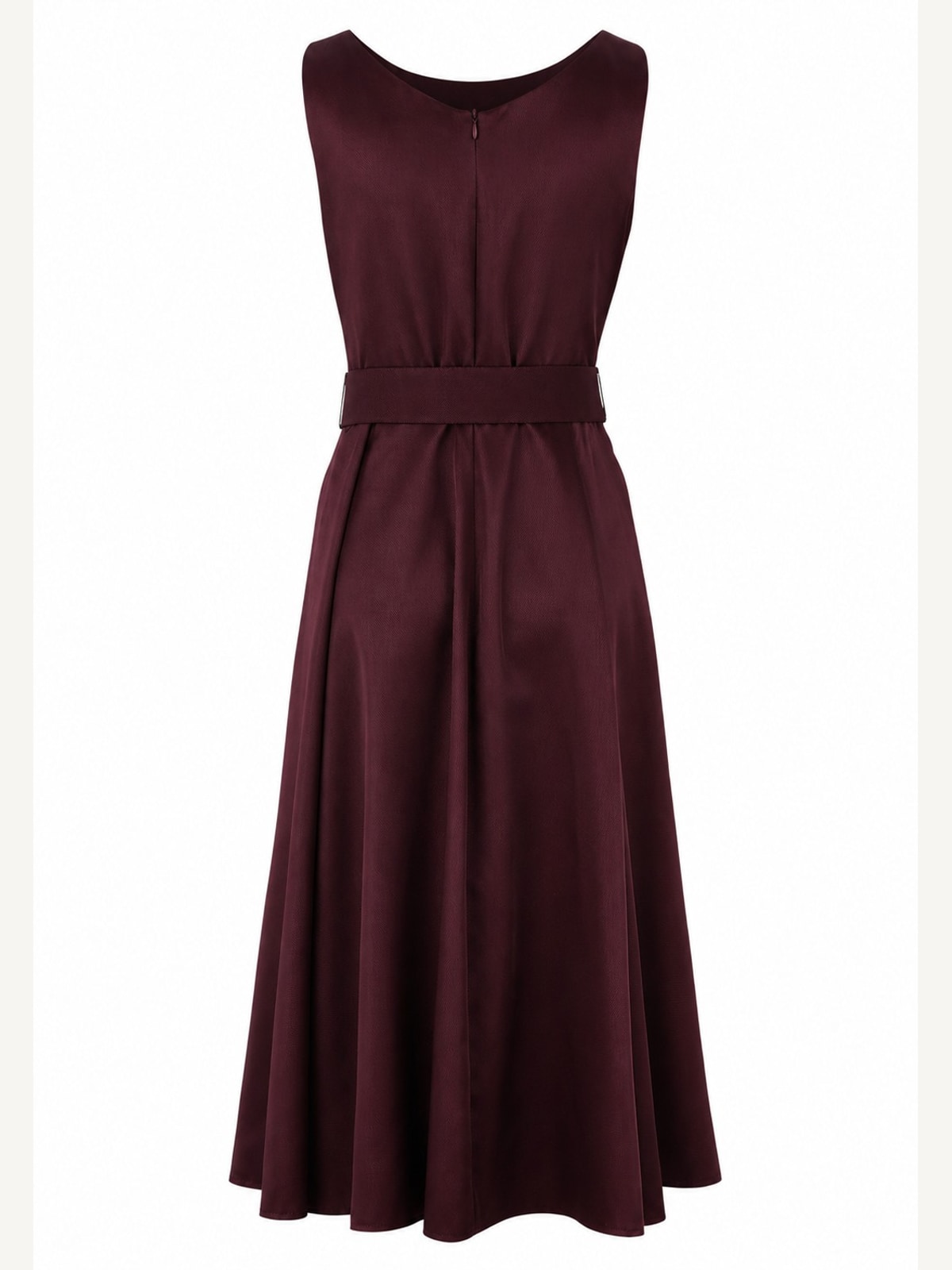
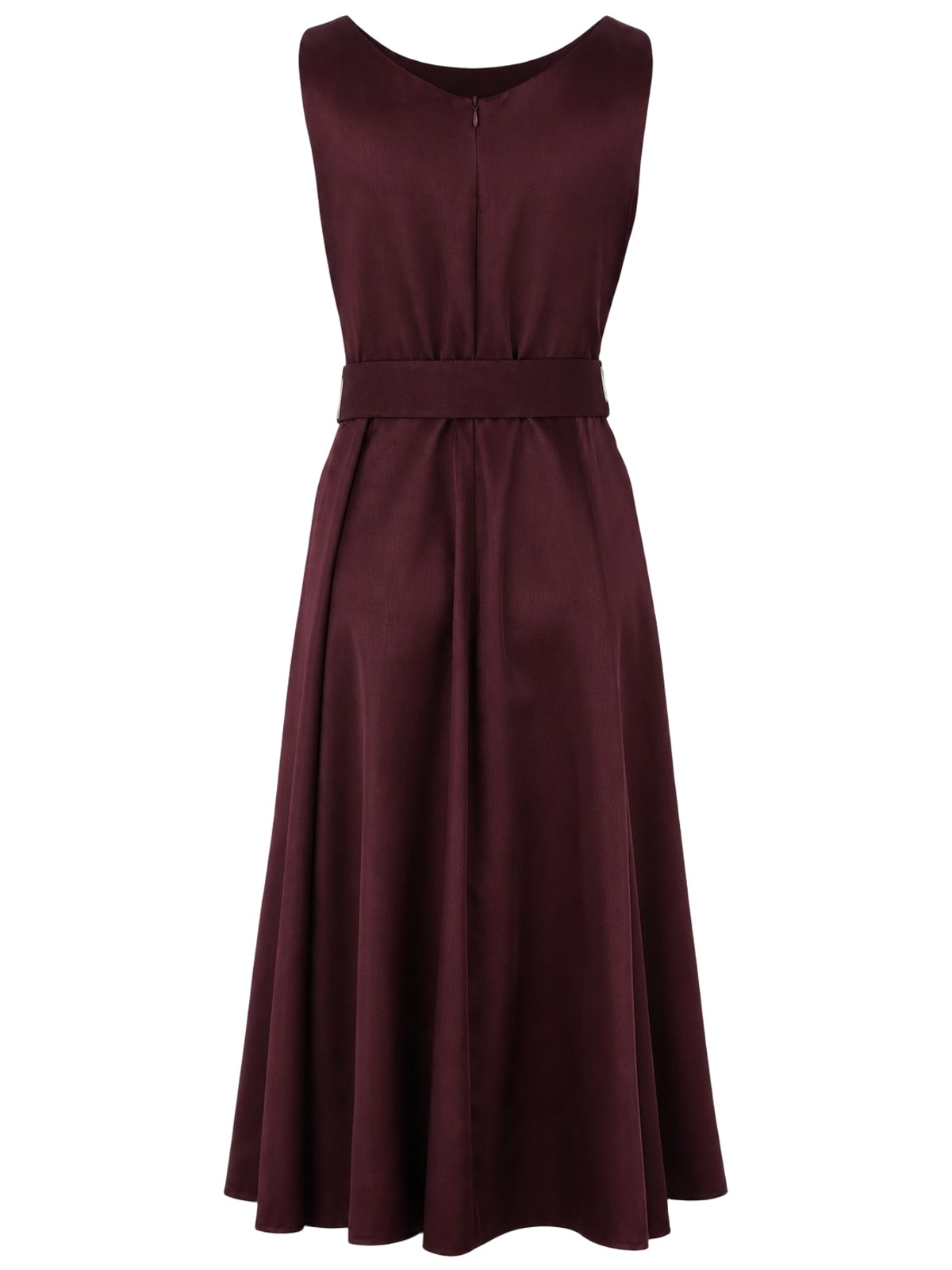
This is a different operation than just removing the background: Photopilot removes mannequin and legs and reconstructs the item as a product card.


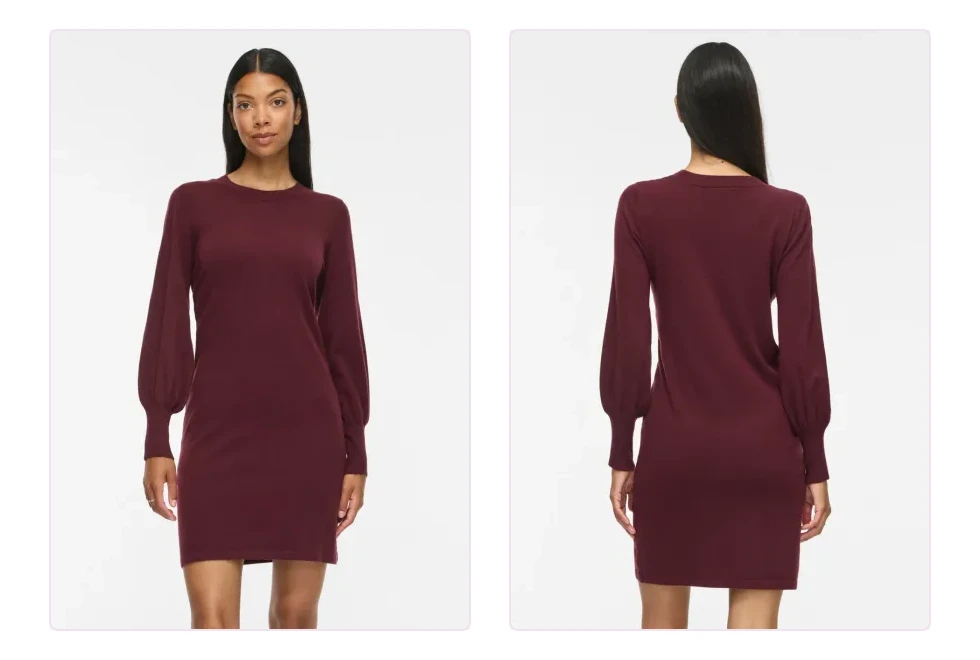
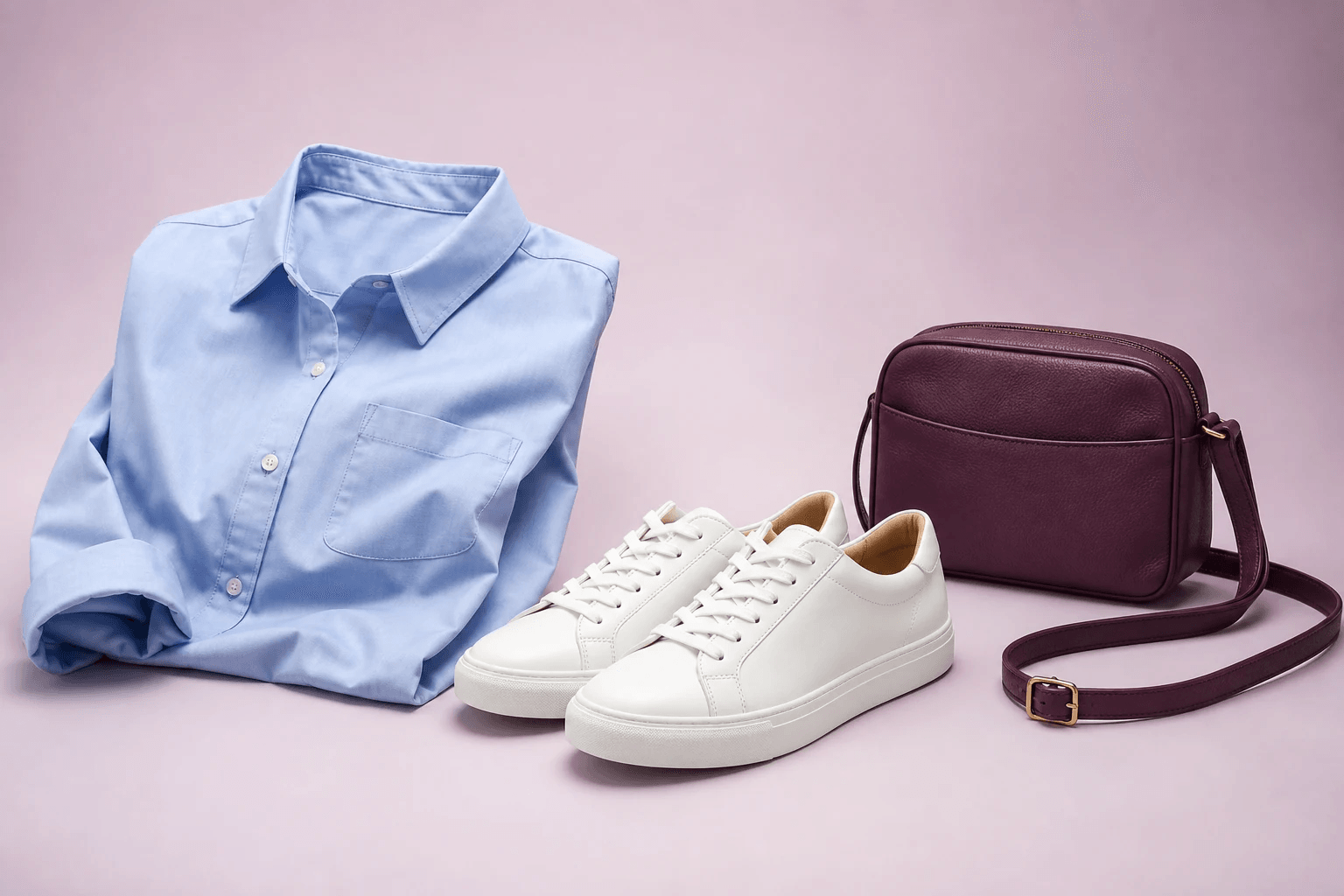
For items that have already been photographed flat, Photopilot creates a calm product card that fits alongside mannequin and packshot images.


Example from a real Packshot Studio run: on the left the supplied photo on mannequin, on the right the publication-ready product image.


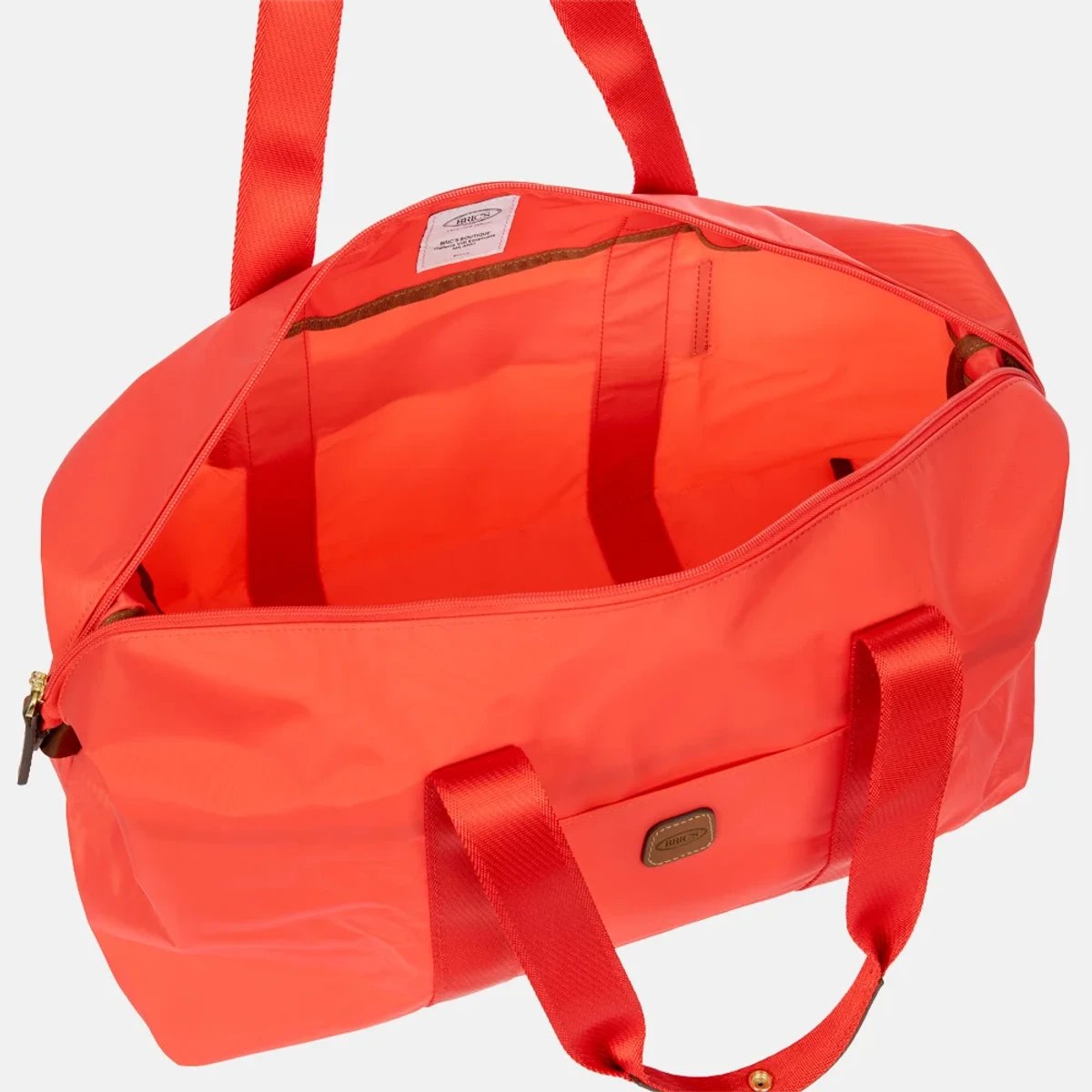
On the left, you see the production image and item fields from Duifhuizen; on the right, a complete webshop text with title, description, and SEO based on the same item information.

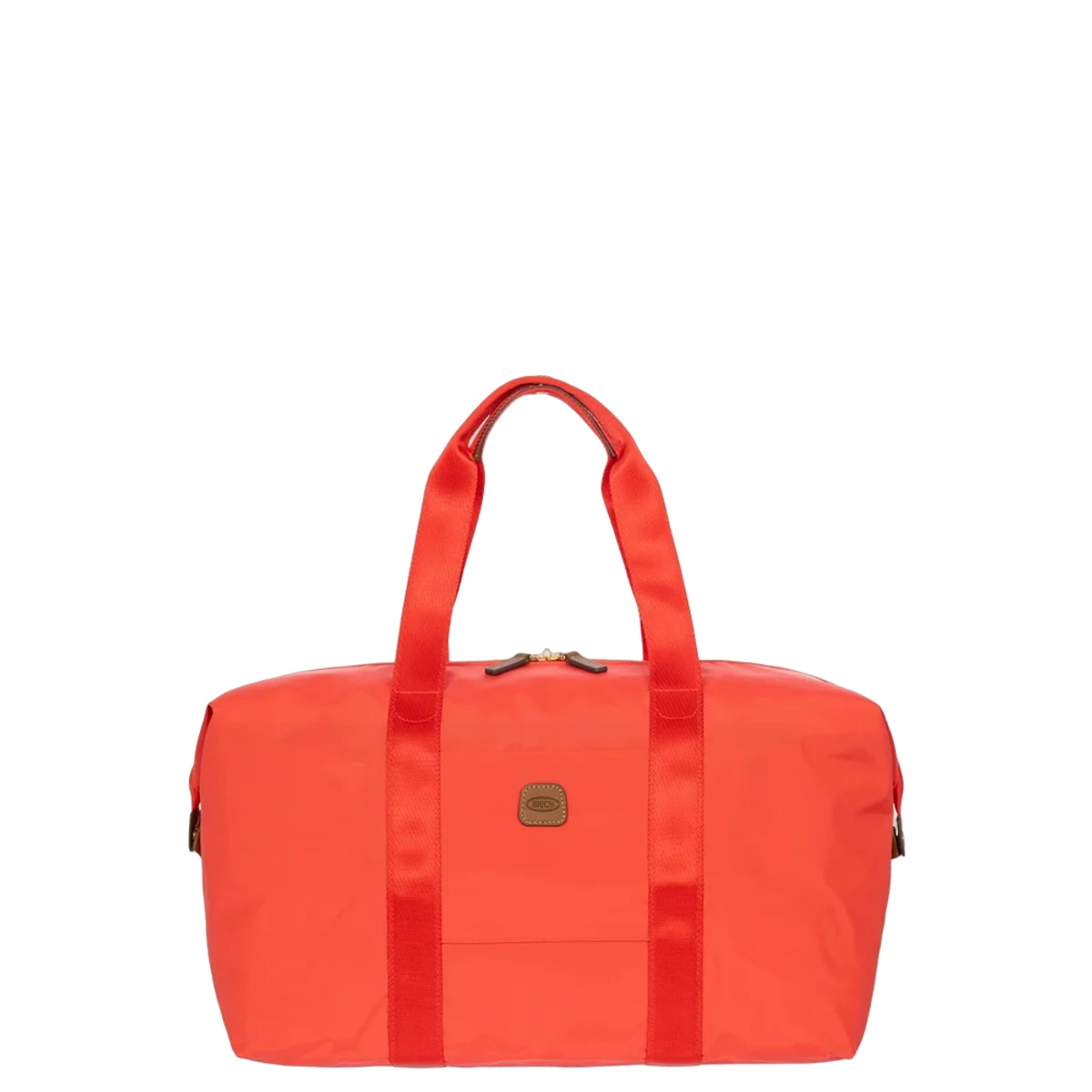
This handy weekend bag from Bric's X-Bag series offers plenty of space for a short trip or a sporty outing. The lightweight nylon material is resistant to scratches and stains, while the leather details of vegetable-tanned leather give a classic Italian look. The bright orange color makes the bag recognizable on the luggage belt and gives every departure an optimistic appearance.
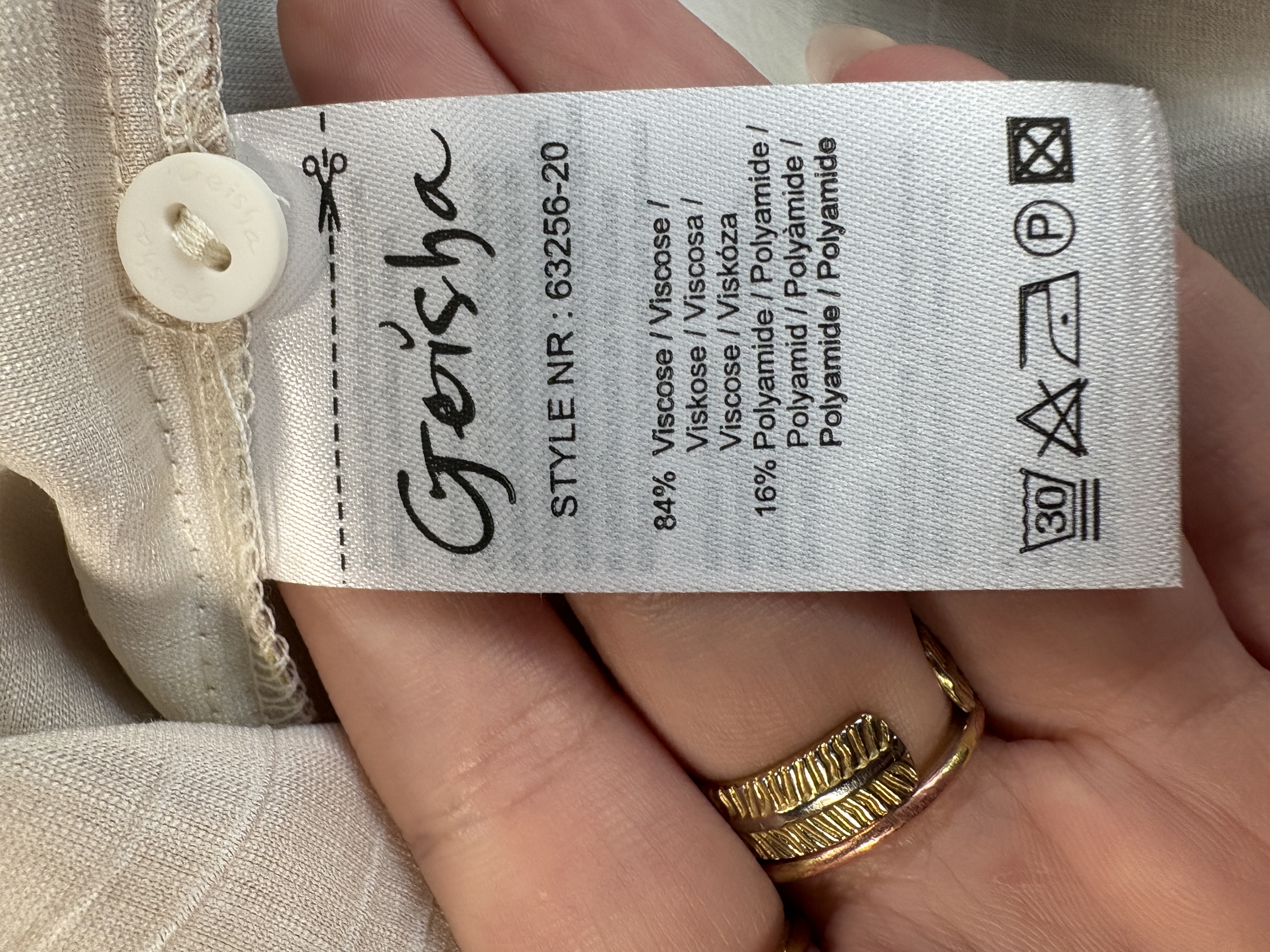
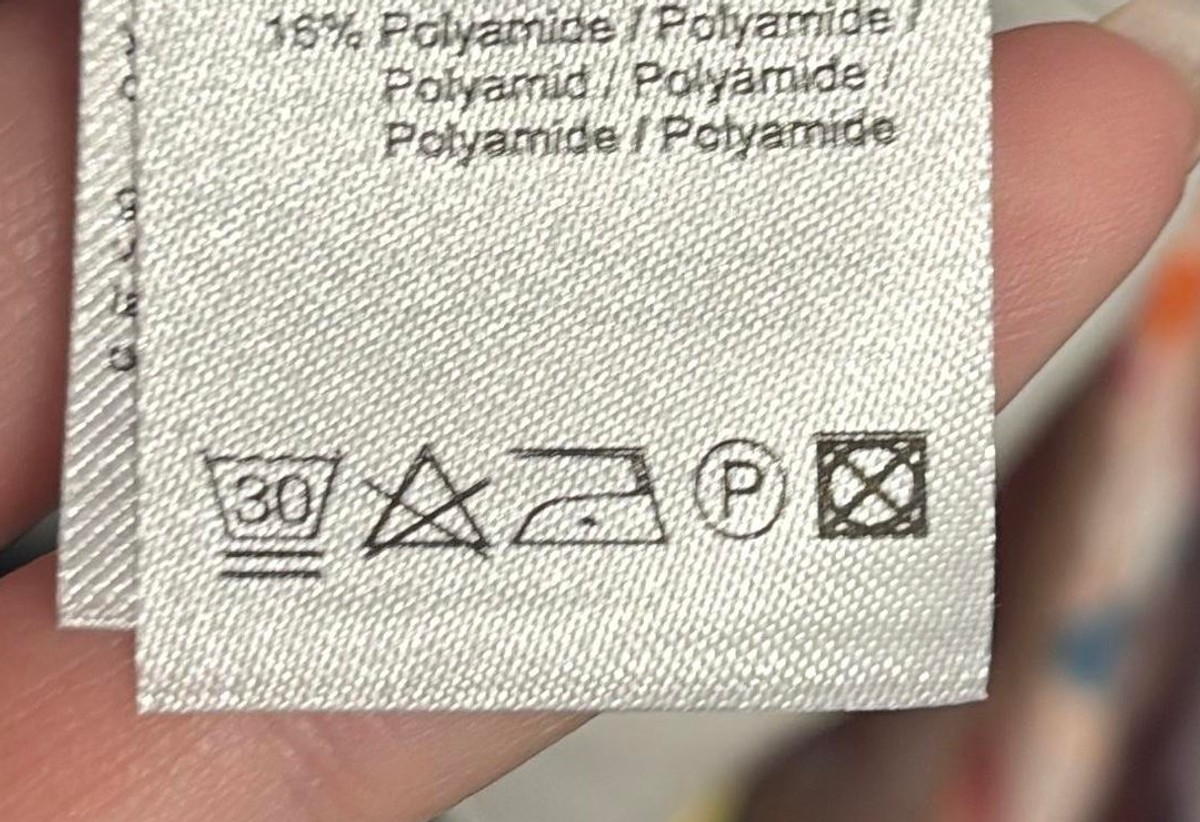
You immediately see which symbols and material fields come from the label, without having to go through a form first.

This blouse captures the summer lightness with its softly flowing quality and watercolor-like floral pattern in yellow, blue, and pink tones. The fine bows at the neckline add a feminine touch, while the elastic cuffs on the sleeves ensure a comfortable fit. The airy viscose material with stretch makes this blouse pleasantly wearable on warm days.
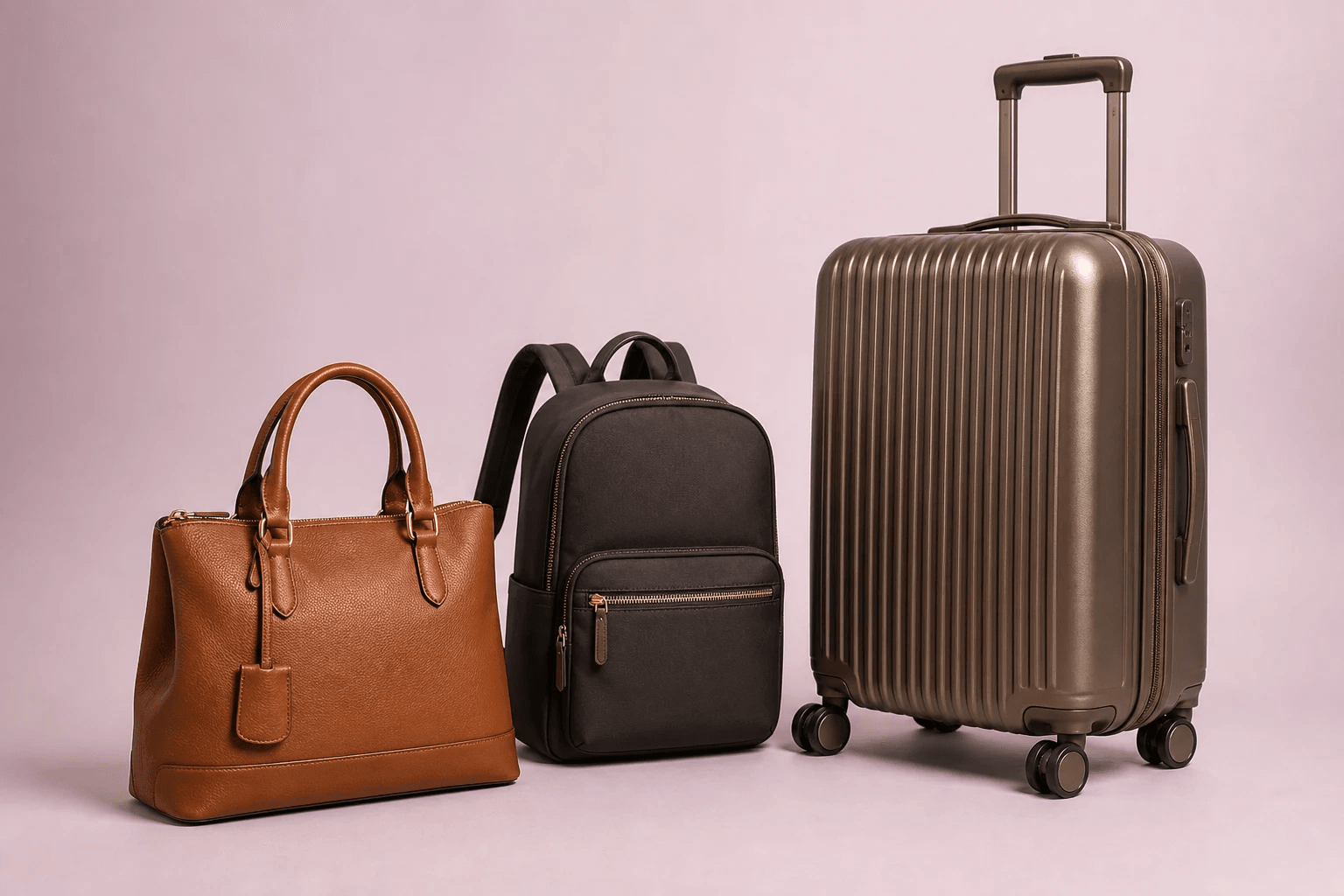
A long dress, short top, pants, and suitcase do not require the same margin. Photopilot puts them all in the same webshop format.
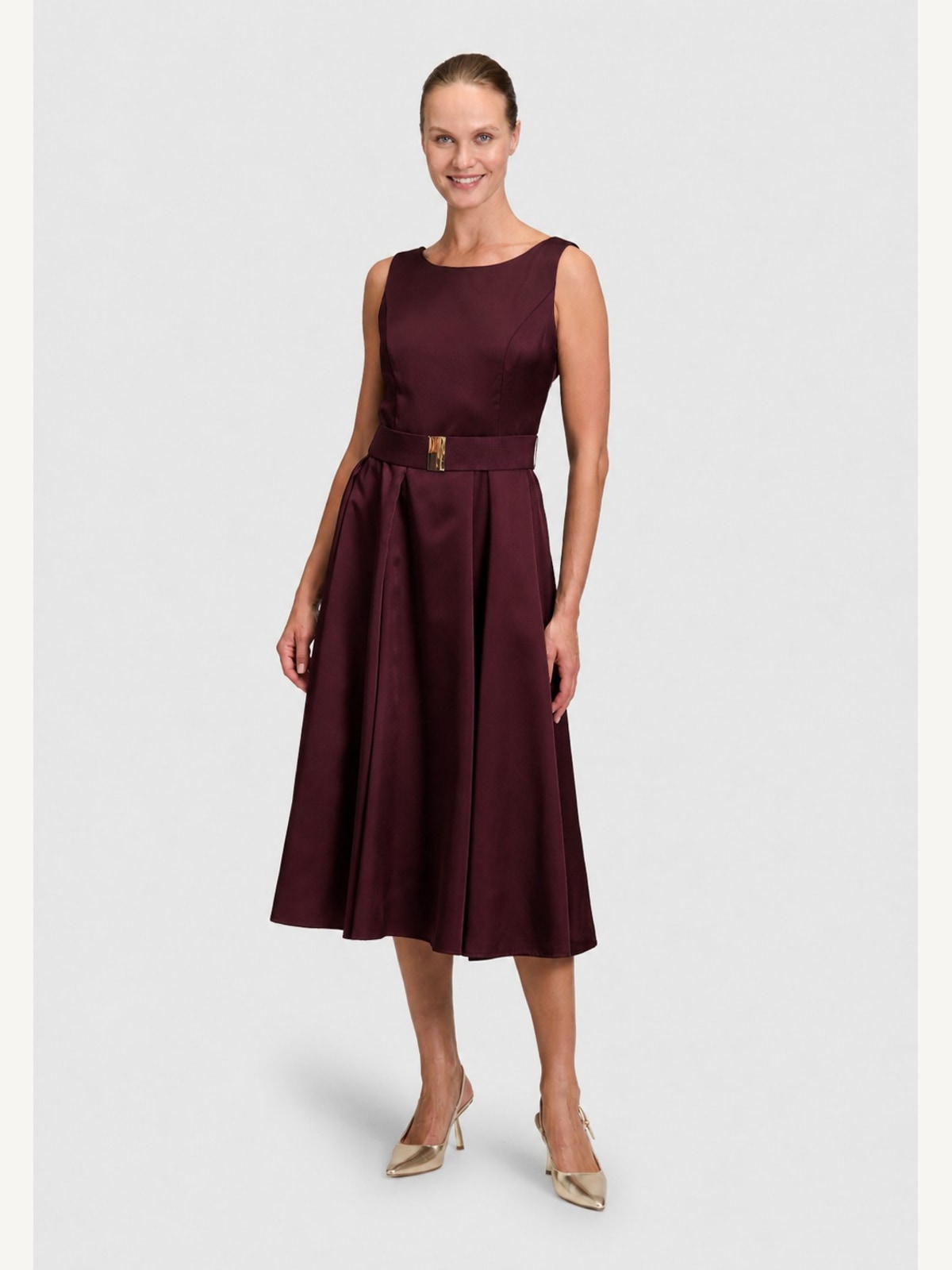
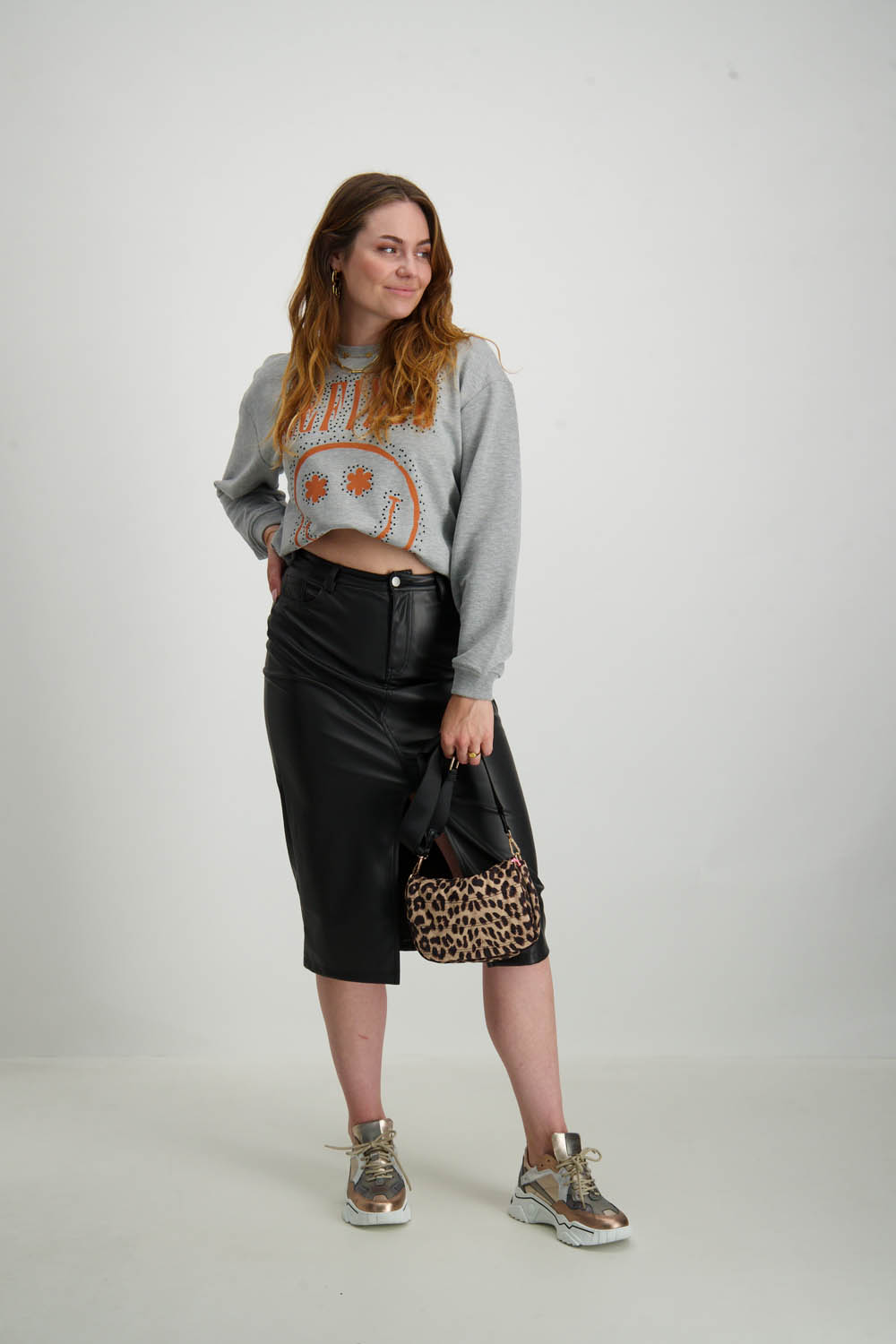
crop frameFor a long dress or full look, the crop gets extra space below so feet and hem remain visible.
crop frameClothing and hands remain in view, without too much space around the item.
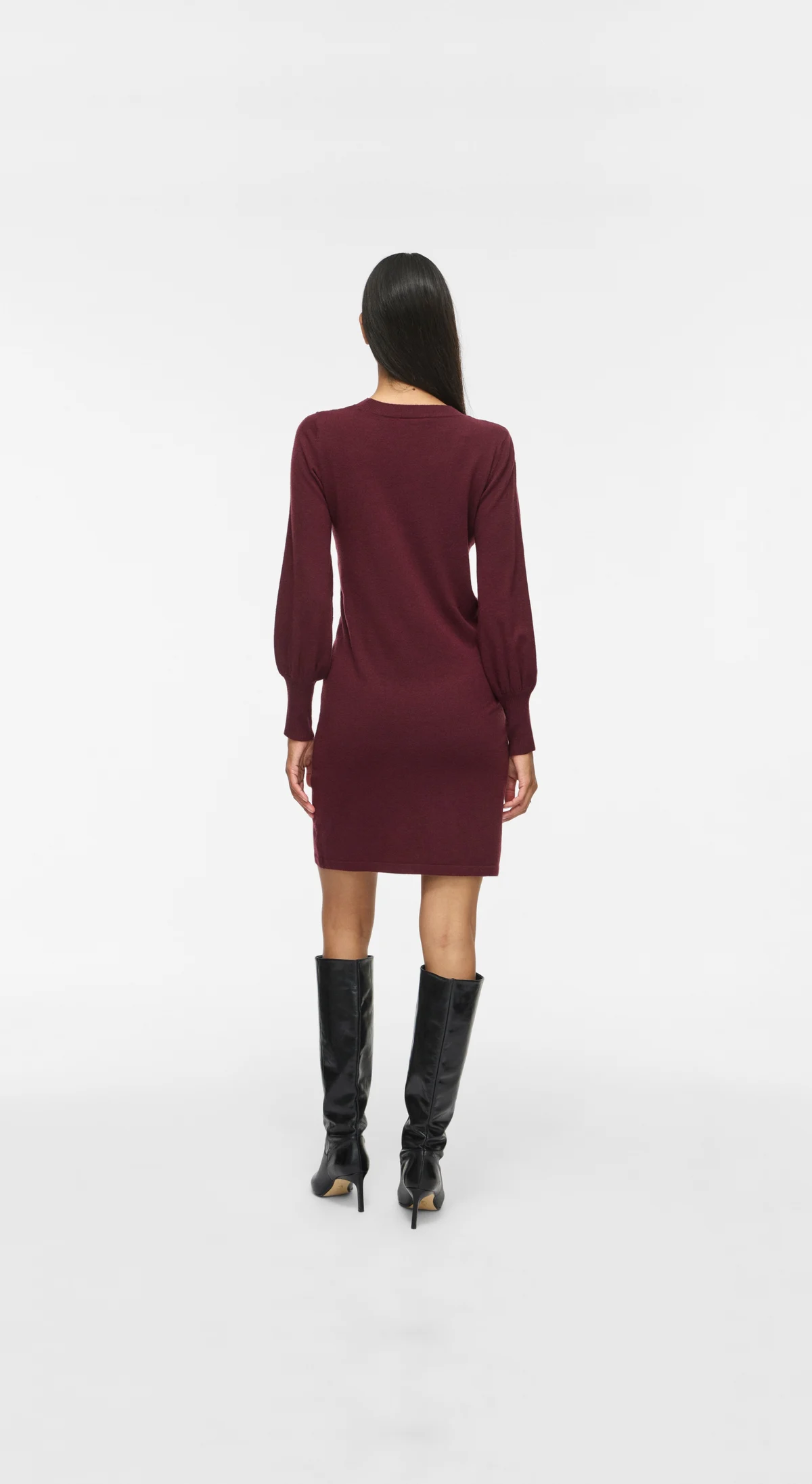
crop frameLess space at the top, while legs, hem, and shoes remain visible.
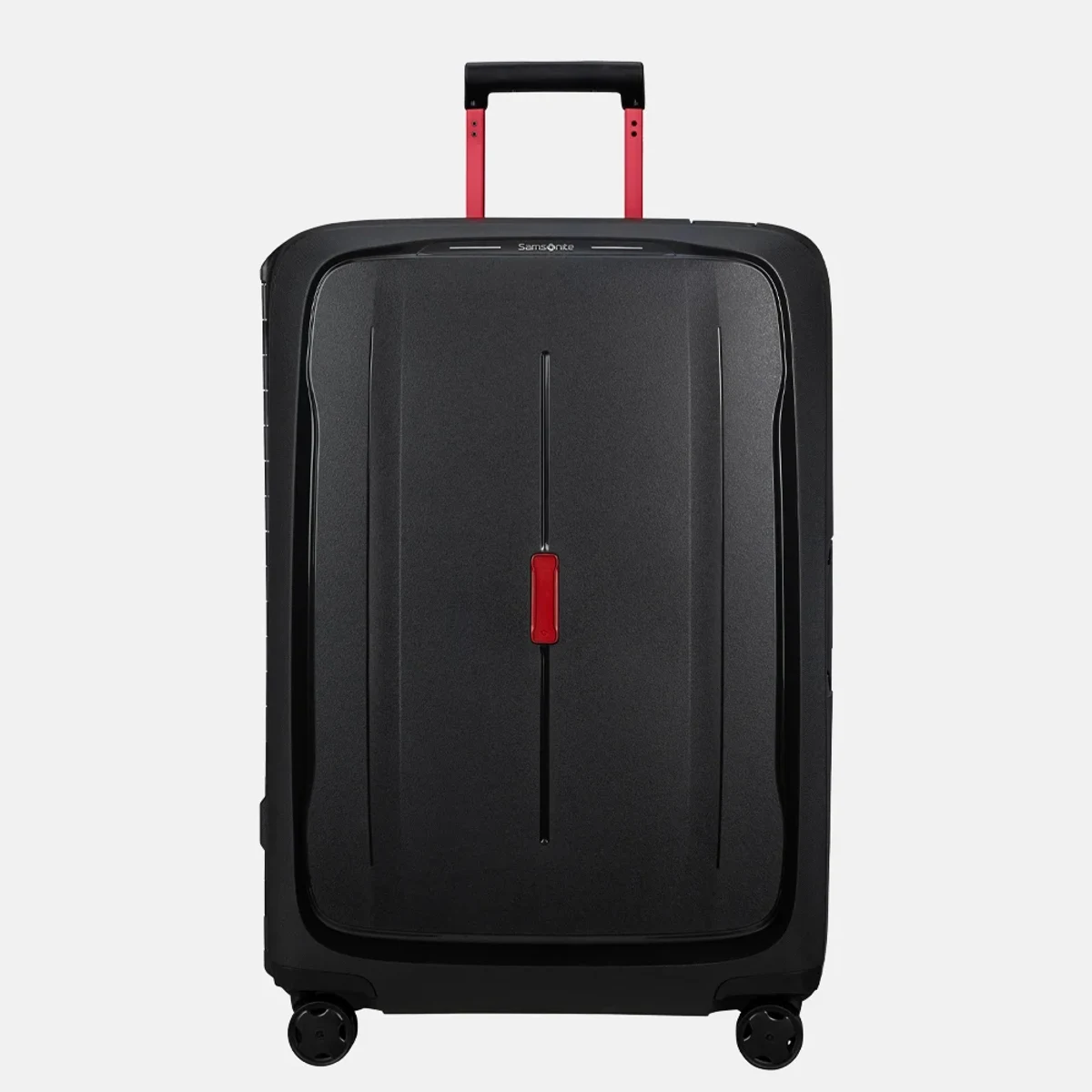
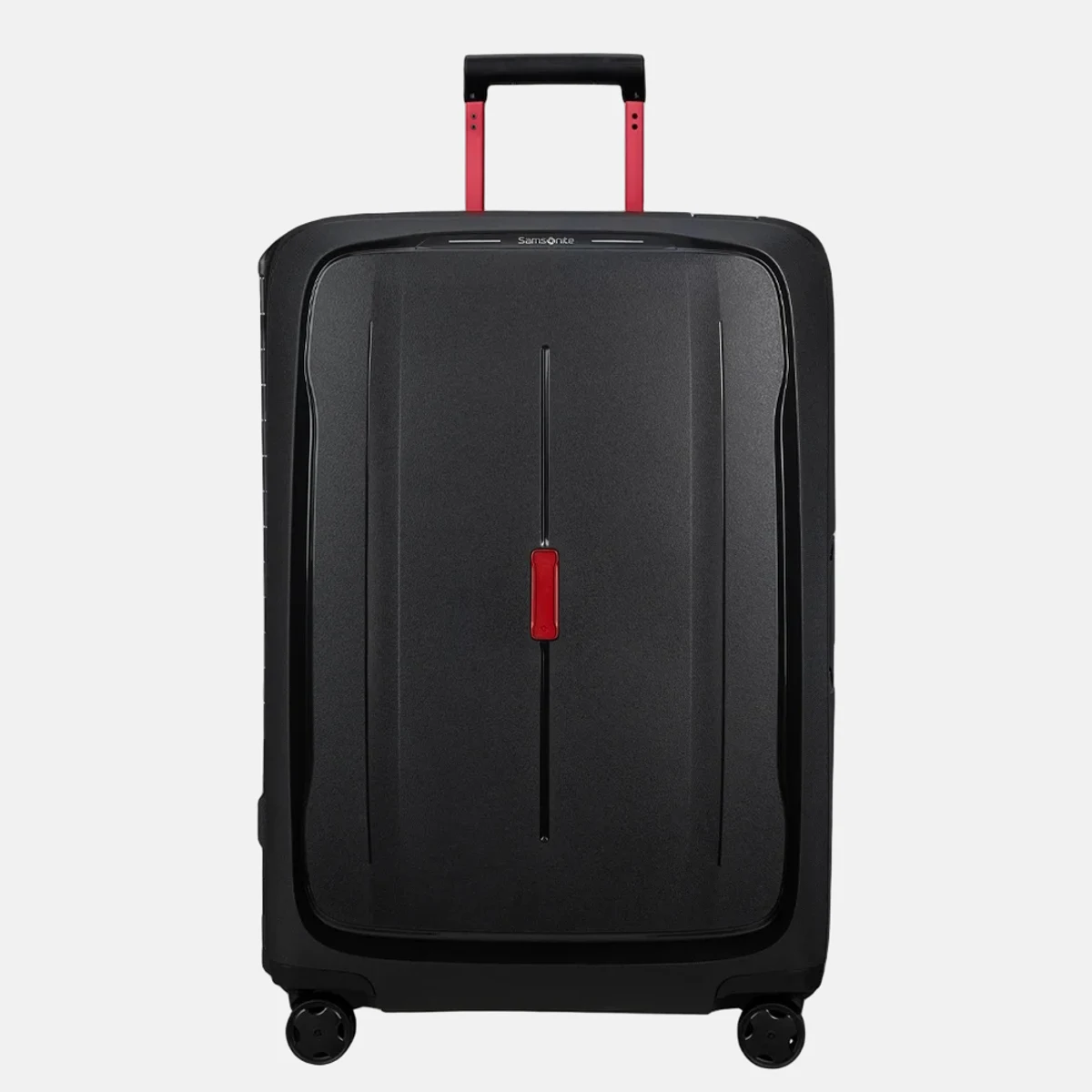
delivered suitcase recognized
webshop plane scale + margin
recognitionPhotopilot recognises that this is not a model crop. The suitcase gets its own object frame and is then positioned dynamically in the fixed webshop canvas.
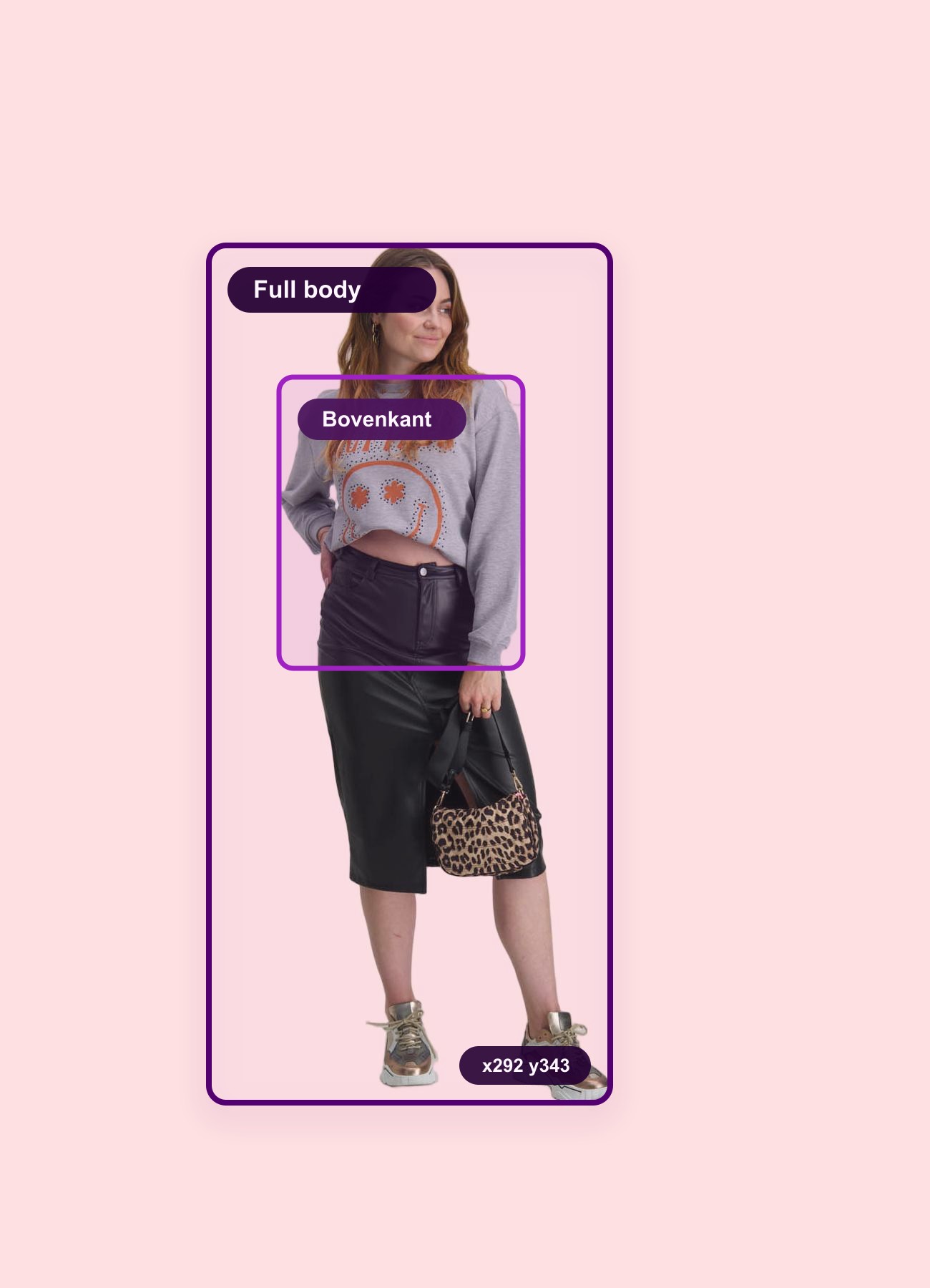
No black box and no technical list. Photopilot first shows where the model, clothing, and safe crop are. Then you see the webshop image.
Expand background
Magic CropPhotopilot sees pose, clothing parts, and space for Expand Background before the fixed webshop crop is made.
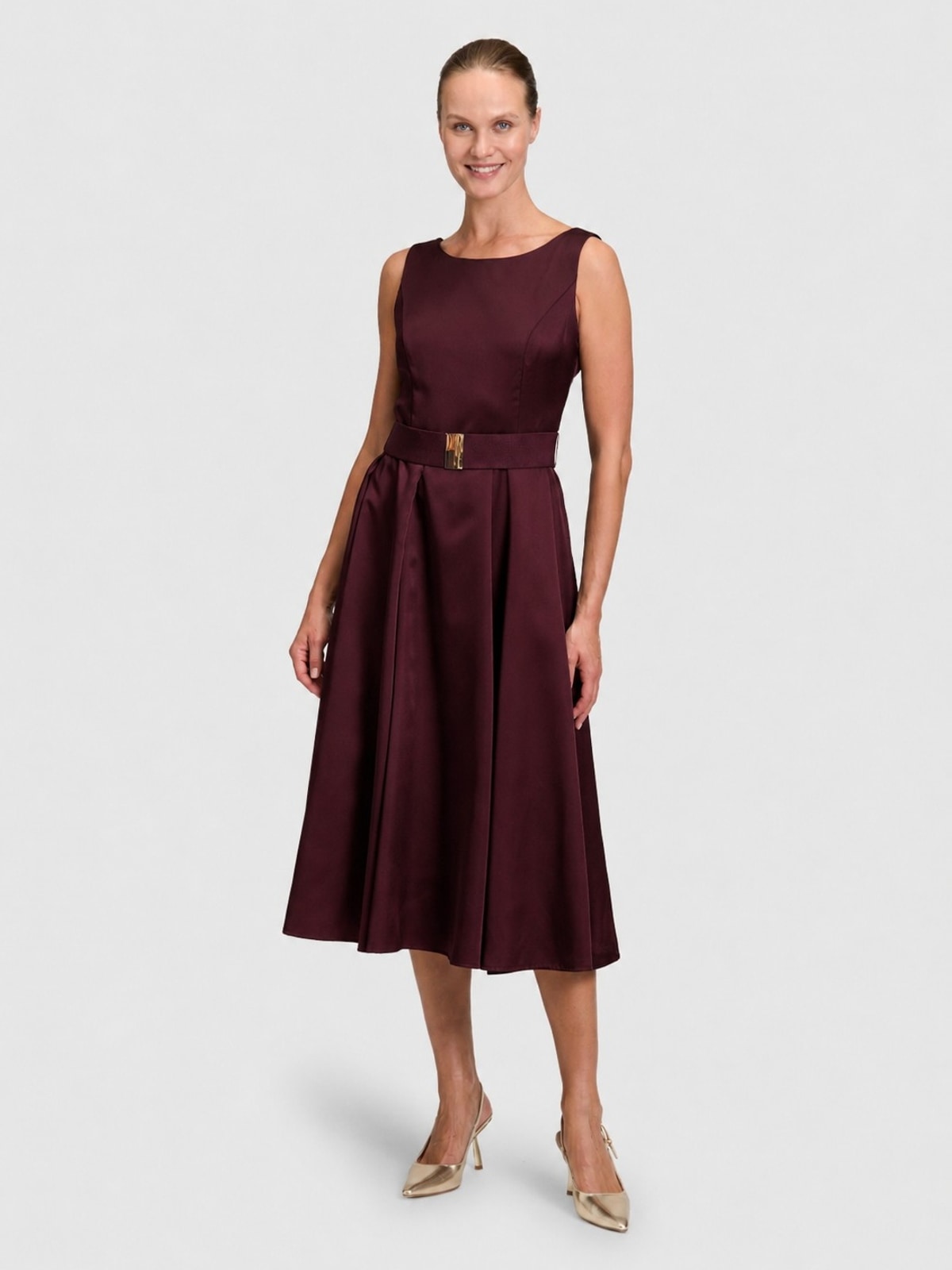
PackshotMannequin and background disappear, while model shape, belt, and fabric remain visible.
Image setThe crop frame differs per image, but the output follows the same 7:10 template.


You first see the supplied photo, then the selected crop frame and finally the exact crop used by the webshop.


Photopilot uses the chosen series or model reference to restore a supplied product image with color accuracy.


A long dress, top, pants, or suitcase is not cropped in the same way. Photopilot puts each image in your fixed webshop format, with a margin that suits the item.


Use this when model images are on a studio wall or floor, but the webshop needs a calm uniform background.


For shoes and accessories, you don't want a floating product. Photopilot removes the shadow from the source photo and places it as a calm layer under the same item.


This is a different operation than just removing the background: Photopilot removes mannequin and legs and reconstructs the item as a product card.


For items that have already been photographed flat, Photopilot creates a calm product card that fits alongside mannequin and packshot images.


Use the chosen demo or directly upload your own image. We only ask for your email address once the example is running.
Use a standalone product image as a base and create a suitable model image for campaign, product page, or social.


Extract a calm product crop from a model image that fits alongside the rest of the item set.


Choose your own image and receive a demo result that shows which direction is logical for your item set.

This handy weekend bag from Bric's X-Bag series offers plenty of space for a short trip or a sporty outing. The lightweight nylon material is resistant to scratches and stains, while the leather details of vegetable-tanned leather give a classic Italian look. The bright orange color makes the bag recognizable on the luggage belt and gives every departure an optimistic appearance.
The shape-retaining construction keeps clothing neatly in place, ideal for those who like to travel organized. Thanks to the separate toiletry bag, everything remains organized and the complete travel set can go directly.
Upload sample material and receive a compact example with text, fields, and image recognition.


Send a label image and receive an example of the recognized material and wash fields.
First choose an image. Only then do we briefly ask where the result should go.
Choose a file first. Then we only ask for your email address.
The examples above show individual edits. In production, Photopilot is particularly strong because article data, image, label information, control, and publication run through one connected process: from ERP or PIM to webshop.
We connect to your existing ERP, PIM, DAM, studio, and webshop. In a short consultation, we outline the first test route for free: which sources come in, which rules apply, and where the output should go.