For many fashion retailers, Shopware is where everything comes together: sales channels, languages, properties, and the product gallery. Photopilot reads that setup from your Shopware 6 environment, prepares images and text, and writes them back per language and sales channel via the Admin API. This means no one has to manually upload media or copy descriptions anymore.
01
What Photopilot reads from Shopware
Through an integration in your Shopware admin, Photopilot reads your languages, sales channels, product numbers, and the media already attached to a product. Items are recognized by product number; for variant products where the images are attached to the parent product, Photopilot falls back to the EAN, so each color still ends up with the right photos. Photopilot also reads, for each product, whether a description is already live in a language and what the canonical product page is in your main channel. This shows your team exactly what still needs work.
02
From supplier image to Shopware-ready content
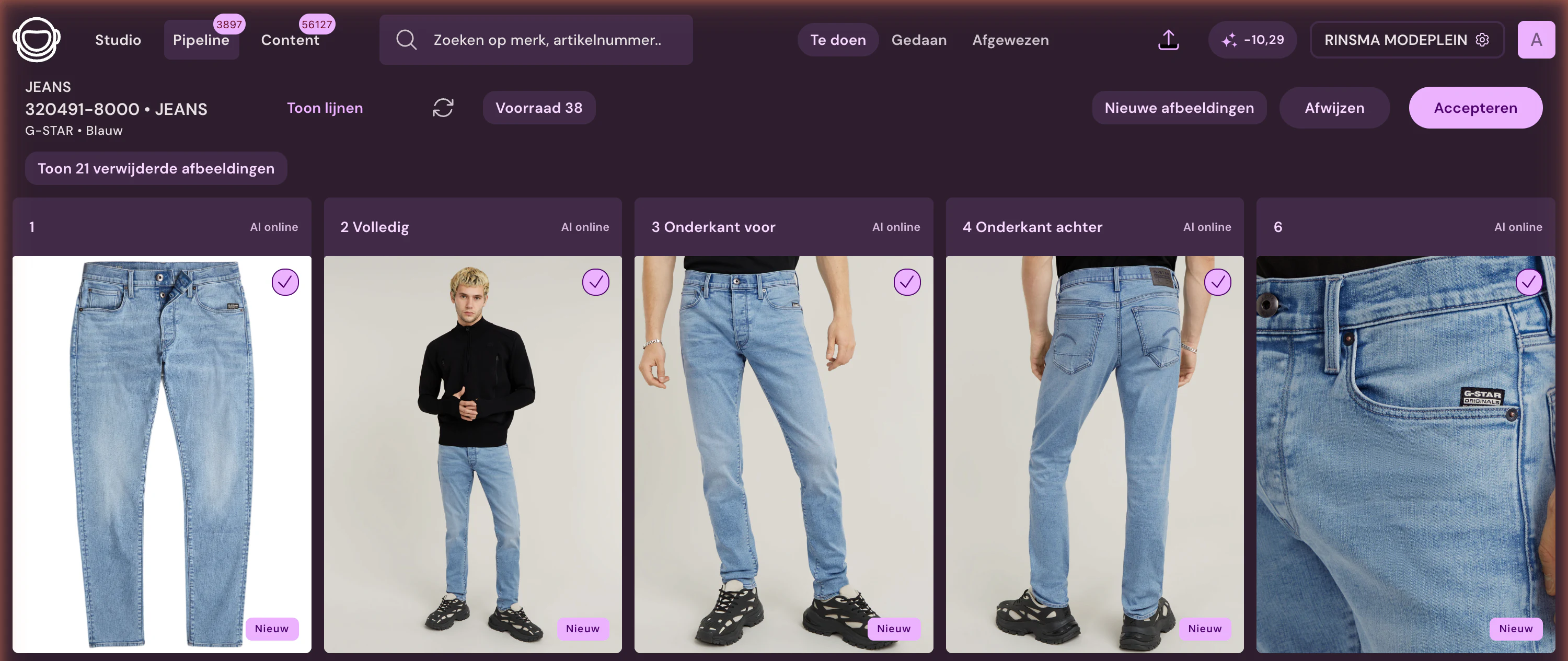
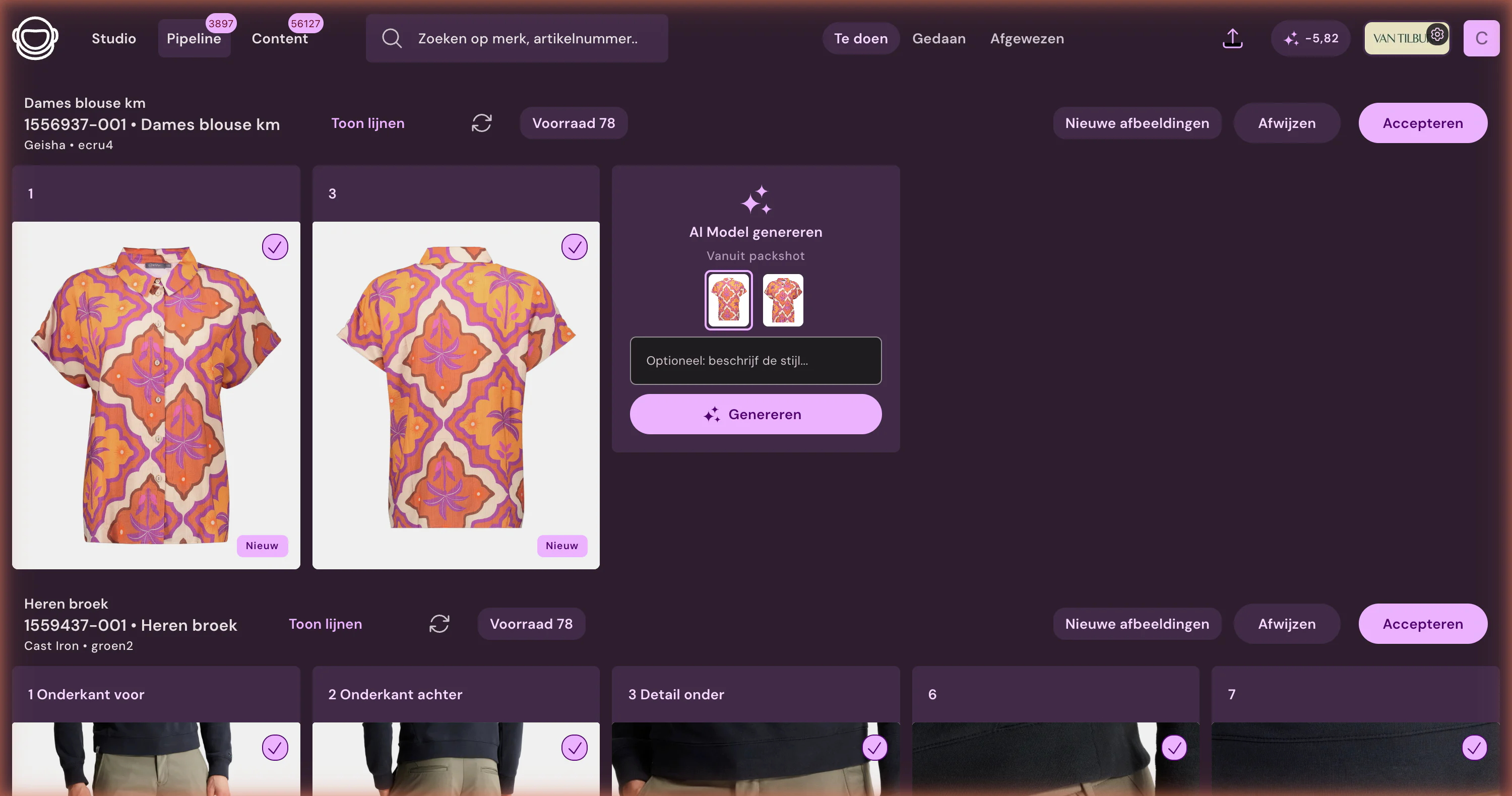
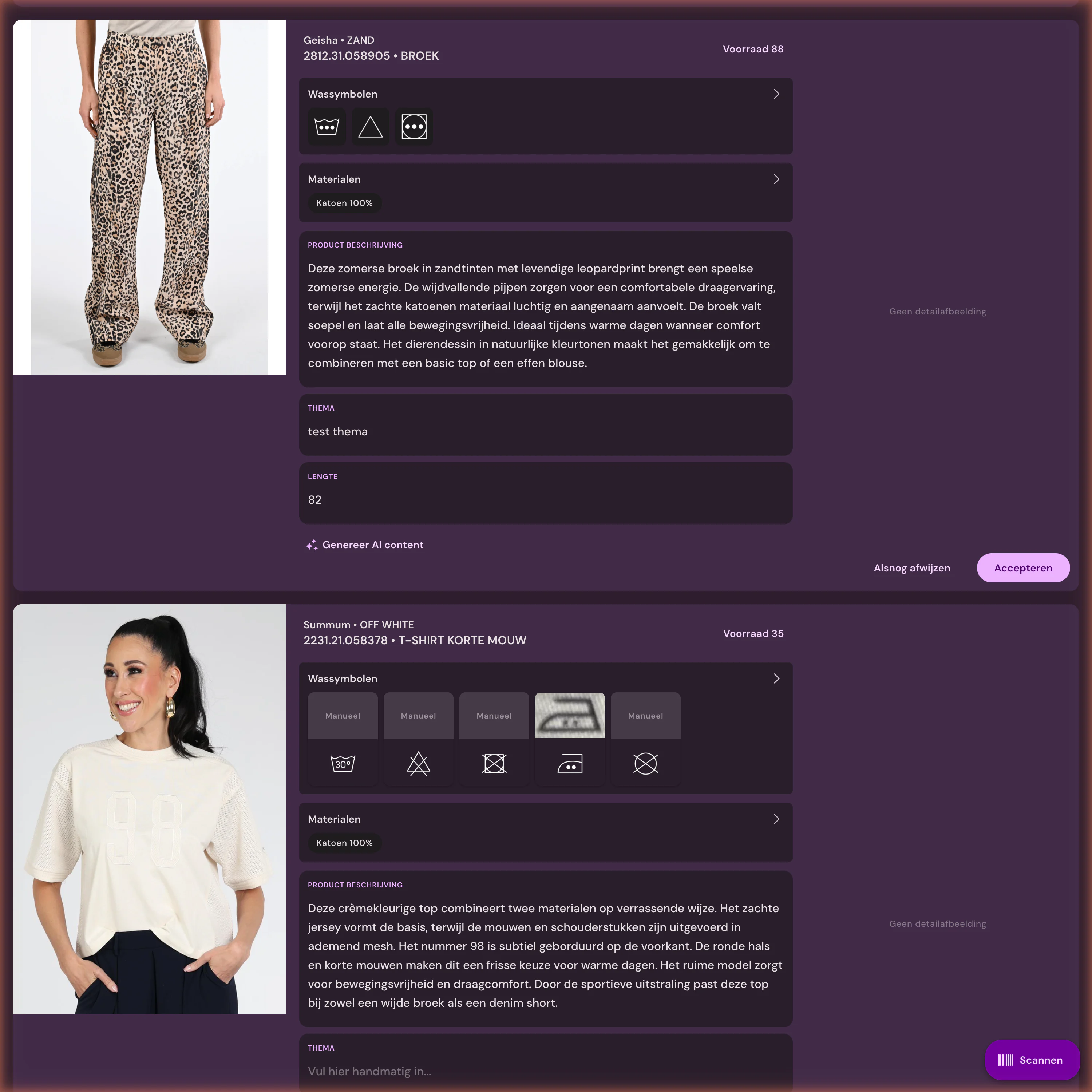
Photopilot collects images from suppliers and from your own photo studio, removes the backgrounds, adjusts the background and crop to your shop’s rules, and places them in the right gallery position. No model photo? Photopilot creates one with an AI model, and Iris, the AI creative director, creates campaign images based on your packshots. Photopilot extracts the material and care instructions from the care label and item data, and writes the product title, description, SEO title, and meta description for each language. Nothing goes live until someone on your team has approved it.
03
How everything is sent back to Shopware
Approved copy is sent within minutes via the Admin API to the product translations, per language and for the sales channels you choose. Photopilot places images directly in the product media at their fixed position and only replaces media it previously placed itself; if you prefer to use your own image import, Photopilot delivers via FTP or Azure. Material and care instructions become Shopware properties, optionally as filters, and Shop the Look and cross-sell sets are included as product relationships. Every two hours, Photopilot checks what is actually live.
04
What your team sees in Photopilot every day
An overview of items without images, without a cut-out packshot, or without text in a specific language, filtered by brand, season, or sales channel. Push logs show per item what was sent to Shopware and why something may be blocked, with a button to try again. With autopilot, standard steps such as creating cut-outs and choosing the right slot continue automatically. Your team spends its time reviewing instead of uploading.
05
Connecting Shopware in practice
In Shopware, under Settings, System, Integrations, you create an integration with write access to products and give Photopilot the access key and secret key. Photopilot then imports your languages, sales channels, and media, and together we define which gallery positions, fields, and channels Photopilot fills. You enable publishing to your live shop yourself in the content settings once you are happy with the first results. No developer or plugin is needed to get started.
06
Multiple languages, channels, and a custom product block
Many Shopware shops run multiple storefronts or countries in a single environment. Photopilot tracks what is already online for each language and sales channel, so a German description is not silently missing while the Dutch one is live. For the product page, there is a Photopilot plugin for Shopware 6.5 through 6.7 that shows composition as a ratio bar and care instructions as washing symbols, in your theme colors. You choose how that block looks for each sales channel.
Shopware at a glance
What is exchanged
For each language, the product title, description, SEO title, and meta description are sent to Shopware, along with material and care instructions as a property or filter, and Shop the Look and cross-sell sets. Photopilot adds images to the product via the API or delivers them via FTP to your image import. From Shopware, Photopilot imports languages, sales channels, existing media, and what is live.
How often
Approved copy is available in Shopware within a few minutes. Properties are updated every 15 minutes, existing media is read every 30 minutes, and languages and sales channels are read every six hours. Every two hours, Photopilot checks what is live.
What you provide
A Shopware integration (Settings, System, Integrations) with an access key, secret key, and write permissions for products. An admin login works as a fallback, but stops working if the password changes or 2FA is enabled.
Good to know
Seven customers publish to Shopware this way. We always enable the content push to a live shop together, never automatically.
Let sales-ready content land in your webshop automatically
300.000+articles processed
9,5M+supplier images indexed
~3.200photos automatically edited per day
FAQ
Frequently Asked Questions
Can Photopilot automatically add product photos to Shopware?
Yes. After approval, Photopilot places the image in the correct position in the product media via the Admin API, replacing only images it previously added itself. If you prefer to use your own image import, Photopilot delivers the files with fixed filenames via FTP or Azure.
How do I connect Photopilot to Shopware 6?
In your Shopware admin, create an integration with write access to products and give Photopilot the access key and secret key. Photopilot then automatically imports your languages, sales channels, and existing media. An admin login can be used as a fallback, but it stops working after a password change or 2FA.
Does Photopilot write product text per language in Shopware?
Yes, for each language, the product title, description, SEO title, and meta description are sent to the product translation. You choose which languages and sales channels Photopilot writes for, and Photopilot tracks per language whether copy is already live.
How does Photopilot recognize which Shopware product belongs to which item?
Primarily by product number. If the images for a variant product are linked to the parent product with a different number, Photopilot uses the EAN as a fallback so each color stays linked to the correct photos.
Can material and care symbols be shown on my Shopware product page?
Yes. Photopilot adds the material and care instructions as product properties, and as filters if needed. The Photopilot plugin displays them clearly as a composition bar and care symbols. Color and Size remain untouched.
Can I review content before it goes live in Shopware?
Always. Images and copy are only sent to Shopware after someone has approved them, and you enable publishing per organization in the content settings. Until then, Photopilot only reads.
Does Photopilot work with multiple sales channels in one Shopware environment?
Yes. Photopilot reads your sales channels and languages every six hours and checks by channel whether content is live. This lets you see which items are still missing where, even with multiple storefronts in one environment.
Can Photopilot add Shop the Look sets to Shopware?
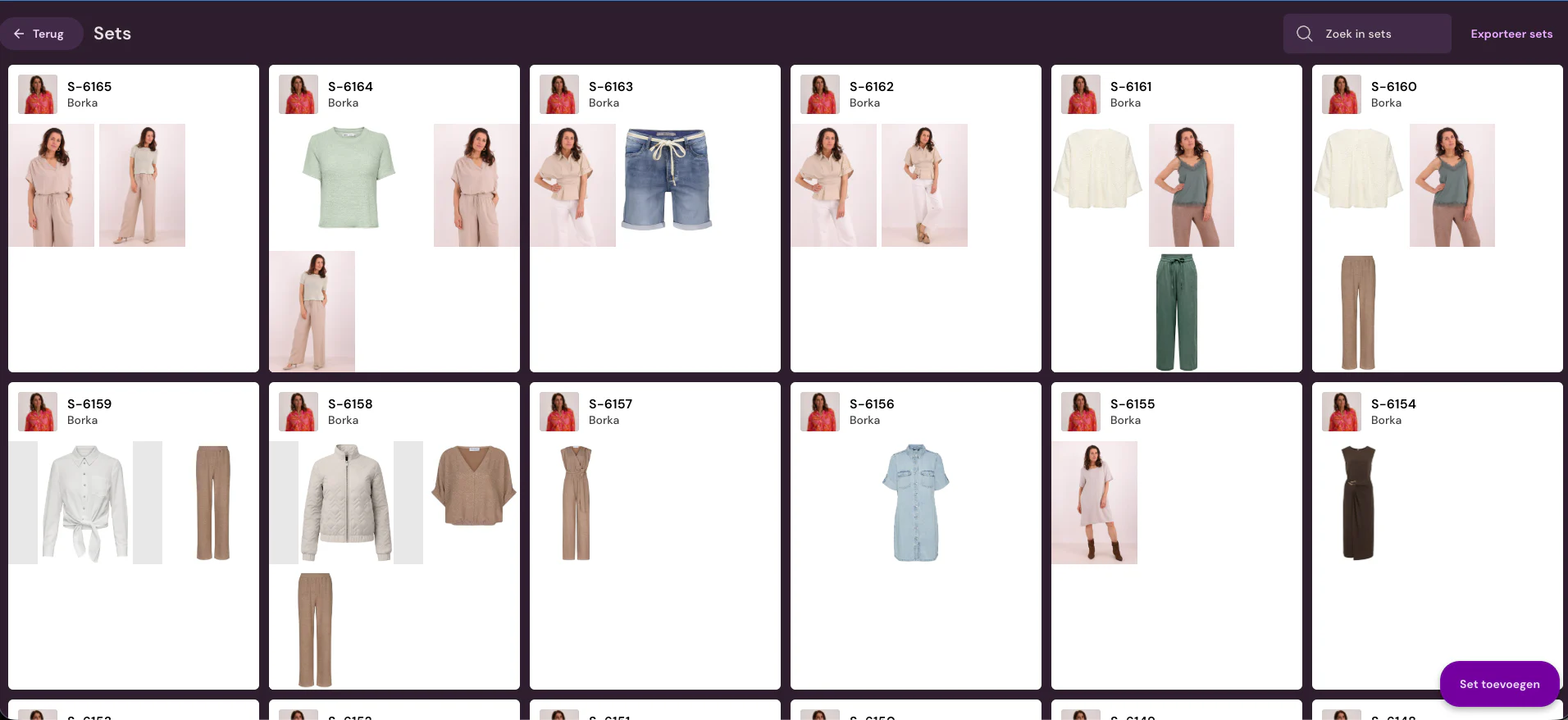
Yes. Sets you create in Photopilot are sent to Shopware as Shop the Look or cross-sell relationships. They then appear in the blocks your theme already has for this.
How much do AI model photos cost for a Shopware online store?
AI photos cost between €0.05 and €0.21 per photo at queue pricing and are often ready within an hour. For the highest quality, choose Precision+. The Shopware integration itself does not change that price.
How quickly does approved content appear in Shopware?
Copy within a few minutes, properties within 15 minutes. Every two hours, Photopilot checks what is actually live.
What does Photopilot need to write to Shopware?
A Shopware integration with an access key, secret key, and write access to products. An admin login can be used as a fallback, but it stops working after a password change or 2FA.
Can Shopware be both source and destination?
Yes. We decide together whether Shopware is source, destination, or both. Existing Shopware media can also be used as a source.
Can material and care instructions be used as a filter in Shopware?
Yes. In the Shopware integration, Photopilot sets material and care instructions as a property on your product page and, if you want, as a filter in your webshop. Material is included without percentage, so the Cotton filter finds all items with cotton. Updated per language of your shop; Color and Size remain unchanged. Each organization chooses per component: off, product page, or also as a filter.
How do I see what has already been published in Shopware?
Push logs and reports show what is live and which articles are still blocked. Publishing runs instantly or in batches, with manual retry.












%20--%3e%3csvg%20version='1.1'%20id='Layer_1'%20xmlns='http://www.w3.org/2000/svg'%20xmlns:xlink='http://www.w3.org/1999/xlink'%20x='0px'%20y='0px'%20viewBox='0%200%20945%20125'%20style='enable-background:new%200%200%20945%20125;'%20xml:space='preserve'%3e%3cpath%20d='M8.73,62.42c0-31.54,24.83-56.21,56.53-56.21c21.08,0,37.79,9.99,47.47,25.3l-14.05,8.59%20c-6.56-10.77-18.58-17.96-33.42-17.96c-22.17,0-39.19,17.65-39.19,40.29s17.02,40.29,39.19,40.29c14.83,0,26.86-7.34,33.42-17.96%20l14.05,8.43c-9.52,15.46-26.86,25.45-47.47,25.45C33.56,118.64,8.73,93.96,8.73,62.42z'/%3e%3cpath%20d='M127.55,95.68c0-12.49,9.99-20.46,23.74-20.46h16.24c4.53,0,7.34-2.65,7.34-6.56c0-4.68-5.15-10.78-15.93-10.78%20c-9.53,0-15.15,5.15-17.96,11.87l-11.09-7.18c4.53-10.15,14.21-18.11,29.05-18.11c19.99,0,30.92,13.43,30.92,27.8v44.82h-13.74%20v-7.81c-2.65,4.06-10.15,9.53-21.24,9.53C138.17,118.79,127.55,108.49,127.55,95.68z%20M175.18,87.72v-0.94h-22.17%20c-5.93,0-9.99,3.9-9.99,9.06c0,5.62,4.68,10.15,13.12,10.15C168,105.99,175.18,98.34,175.18,87.72z'/%3e%3cpath%20d='M235.29,118.17c-15.62,0-24.52-8.59-24.52-25.61V7.77h14.83V92.4c0,7.5,4.22,11.56,12.02,11.56v14.21H235.29z'/%3e%3cpath%20d='M251.22,19.79c0-5.62,4.53-9.99,10.15-9.99c5.93,0,10.31,4.37,10.31,9.99s-4.37,9.84-10.31,9.84%20C255.75,29.63,251.22,25.41,251.22,19.79z%20M254.03,117.08V46.18h14.83v70.89H254.03z'/%3e%3cpath%20d='M286.35,81.63c0-21.08,16.55-37.16,38.1-37.16c14.37,0,26.23,7.03,32.64,18.11l-12.65,8.12%20c-3.59-7.03-11.24-11.87-19.99-12.02c-12.96,0.16-22.49,9.84-22.49,22.95c0,12.96,9.53,22.8,22.49,22.8%20c8.59,0,15.93-4.53,19.83-11.4l12.49,8.12c-6.4,10.77-18.27,17.65-32.32,17.65C302.9,118.79,286.35,102.71,286.35,81.63z'/%3e%3cpath%20d='M369.73,81.63c0-21.08,16.55-37.16,38.1-37.16c21.71,0,38.1,16.08,38.1,37.16c0,21.08-16.4,37.16-38.1,37.16%20C386.28,118.79,369.73,102.71,369.73,81.63z%20M430.31,81.63c0-13.12-9.68-22.8-22.49-22.95c-12.96,0.16-22.49,9.84-22.49,22.95%20s9.53,22.8,22.49,22.8C420.63,104.43,430.31,94.75,430.31,81.63z'/%3e%3cpath%20d='M500.73,62.42c0-31.54,24.83-56.21,56.53-56.21c21.08,0,37.79,9.99,47.47,25.3l-14.05,8.59%20c-6.56-10.77-18.58-17.96-33.42-17.96c-22.17,0-39.19,17.65-39.19,40.29s17.02,40.29,39.19,40.29c14.83,0,26.86-7.34,33.42-17.96%20l14.05,8.43c-9.52,15.46-26.86,25.45-47.47,25.45C525.56,118.64,500.73,93.96,500.73,62.42z'/%3e%3cpath%20d='M646.88,118.17c-15.61,0-24.52-8.59-24.52-25.61V7.77h14.83V92.4c0,7.5,4.22,11.56,12.02,11.56v14.21H646.88z'/%3e%3cpath%20d='M664.05,86.31V46.18h14.83v40.44c0,10.93,6.25,17.96,16.55,17.96c10.15,0,16.55-7.03,16.55-17.96V46.18h14.83v40.13%20c0,17.8-10.31,32.48-31.39,32.48C674.2,118.79,664.05,104.11,664.05,86.31z'/%3e%3cpath%20d='M822.39,81.63c0,20.92-16.55,37.16-37.48,37.16c-8.43,0-16.71-2.97-23.11-8.28v6.56h-14.83V7.77h14.83v44.97%20c6.4-5.31,14.68-8.28,23.11-8.28C805.83,44.46,822.39,60.86,822.39,81.63z%20M806.77,81.63c0-13.12-9.52-22.8-22.49-22.95%20c-12.8,0.16-22.49,9.84-22.49,22.95s9.68,22.8,22.49,22.8C797.24,104.43,806.77,94.75,806.77,81.63z'/%3e%3cpath%20d='M890.2,117.08L922.37,7.77h13.9L904.1,117.08H890.2z'/%3e%3c/svg%3e)
'/%3e%3cpath%20d='M150.336,366.953h15.189v2.531H153.788v3.309h6.846v2.531h-6.846V379h11.88V381.8H150.336V366.953Z'%20transform='translate(-127.628%20-366.953)'/%3e%3cpath%20d='M223.733,366.953h2.36l10.44,8.745a12.625,12.625,0,0,1,1.7,1.611c-.087-1.237-.144-2.1-.144-2.561v-7.795h3.107V381.8h-2.359l-10.9-9.177a12.259,12.259,0,0,1-1.238-1.208c.116,1.15.144,1.927.144,2.358V381.8h-3.107V366.953Z'%20transform='translate(-181.029%20-366.953)'/%3e%3cpath%20d='M312.449,381.8H309V369.6h-6.821v-2.646h17.118V369.6h-6.845v12.2Z'%20transform='translate(-238.101%20-366.953)'/%3e%3cpath%20d='M379.458,366.953h3.453V381.8h-3.453V366.953Z'%20transform='translate(-294.329%20-366.953)'/%3e%3cpath%20d='M409.442,366.953H412.9V379h11.131V381.8H409.442V366.953Z'%20transform='translate(-316.145%20-366.953)'/%3e%3cpath%20d='M480.11,379.005h9.838V366.953H493.4v11.333c0,2.79-.891,3.51-3.681,3.51H480.34c-2.79,0-3.681-.719-3.681-3.51V366.953h3.451v12.052Z'%20transform='translate(-365.05%20-366.953)'/%3e%3cpath%20d='M560.662,379.005V369.6h11.391v9.406Zm-3.452-8.543v7.824c0,2.79.891,3.51,3.682,3.51h10.932c2.79,0,3.681-.719,3.681-3.51v-7.824c0-2.791-.891-3.509-3.681-3.509H560.892c-2.791,0-3.682.718-3.682,3.509Z'%20transform='translate(-423.656%20-366.953)'/%3e%3cpath%20d='M642.423,366.953h2.79l6.99,8.974,6.846-8.974h2.762V381.8h-3.193v-9.177a15.583,15.583,0,0,1,.116-1.582,10.16,10.16,0,0,1-.863,1.554l-5.581,7.421h-.69l-5.58-7.45a6.632,6.632,0,0,1-.893-1.525c.059.6.087,1.093.087,1.582V381.8h-2.79V366.953Z'%20transform='translate(-485.654%20-366.953)'/%3e%3cpath%20d='M735.446,379.005V369.6h11.39v9.406Zm-3.453-8.543v7.824c0,2.79.892,3.51,3.682,3.51h10.932c2.79,0,3.681-.719,3.681-3.51v-7.824c0-2.791-.891-3.509-3.681-3.509H735.675c-2.79,0-3.682.718-3.682,3.509Z'%20transform='translate(-550.823%20-366.953)'/%3e%3c/g%3e%3c/svg%3e)

'/%3e%3cpath%20d='M527.731,277.117v4.942h-13.3v16.728h-6.849V282.059c-7.609-.074,0,0-13.3-.127v-4.816Z'%20transform='translate(-369.199%20-277.117)'/%3e%3cpath%20d='M449.4,277.117v21.671h-4.684c-7.783-5.1-15.978-9.8-23.572-15.081.248,13.016.011.444.248,15.081H415.31V277.117h4.816c7.672,5.127,15.862,9.737,23.445,14.954-.169-11.981,0-4.568-.248-14.954Z'%20transform='translate(-331.928%20-277.117)'/%3e%3cpath%20d='M371.308,294.732v4.055H341.4V277.117h29.655v3.675H348.117v4.689c7.725.074,8.3.069,13.312.132,0,.375-.011,3.564-.011,3.8h-13.3v5.2C356.766,294.753,363.615,294.648,371.308,294.732Z'%20transform='translate(-297.045%20-277.117)'/%3e%3cpath%20d='M291.865,286.241c.032,7.181.354,9.077-.76,10.772-.861,1.3-1.938,1.626-4.182,1.774H262.216c-2.545-.29-4.473-1.188-4.816-3.675v-14.32c.338-2.487,2.265-3.4,4.816-3.675h24.2c2.783.517,5.36,1.23,5.449,4.435H264.117v12.419c6.87.148,14.062.042,20.989.127l.048-4.182h-10.9c-.032-1.964,0-2.17,0-3.8C281.478,286.109,285.291,286.067,291.865,286.241Z'%20transform='translate(-257.4%20-277.117)'/%3e%3c/g%3e%3c/svg%3e)