From the ERP 3/8
- Item type
- Skirt
- Color
- BORD-209
- Model
- empty
- Length
- empty
- Material
- PU
- Fit
- empty
- Details
- empty
- Target audience
- empty
Photopilot enriches target audience, color, material, fit, hood, and more for each item, using the filters your store already has. With your own values, an explanation for every choice, and no guesswork. Directly to Magento, Shopware, Scayle, and any other shop or ERP system, ready for Google Shopping and AI assistants.
Most of the time, all you have is an item number, a color code, and a size. Anything that is not filled in will not appear in any filter. Photopilot looks at the photo and fills in the rest.
Who is this product for, and what color is it? Photopilot decides this for each item in a fixed order: first your own data, then rules, then the photo. Only anything still unresolved after that is sent out as one short AI question.
A filter only works if every item uses the same values. That’s why Photopilot always chooses from the same list, even if the ERP says “Black pattern” or “Miscellaneous.”
Zwart dessin Color name from the ERP BlackMulti 2 Color name from the ERP MulticolorDiversen Supplier color: Olive Khaki / oliveDiversen Nothing to read; AI checks the photo BlueFor each attribute, you choose what takes priority: your own data, or what Photopilot sees in the photo and data. In both modes, Photopilot fills empty fields. If the ERP contradicts the item, you see a warning, with a filter in the item list so you can review them all at once.
A brand Excel file, a quick photo on the rack, the care label, and the brand’s website, which is searched again every day. Photopilot extracts what is available and puts it into your filters.
Every Excel file No matter how messy
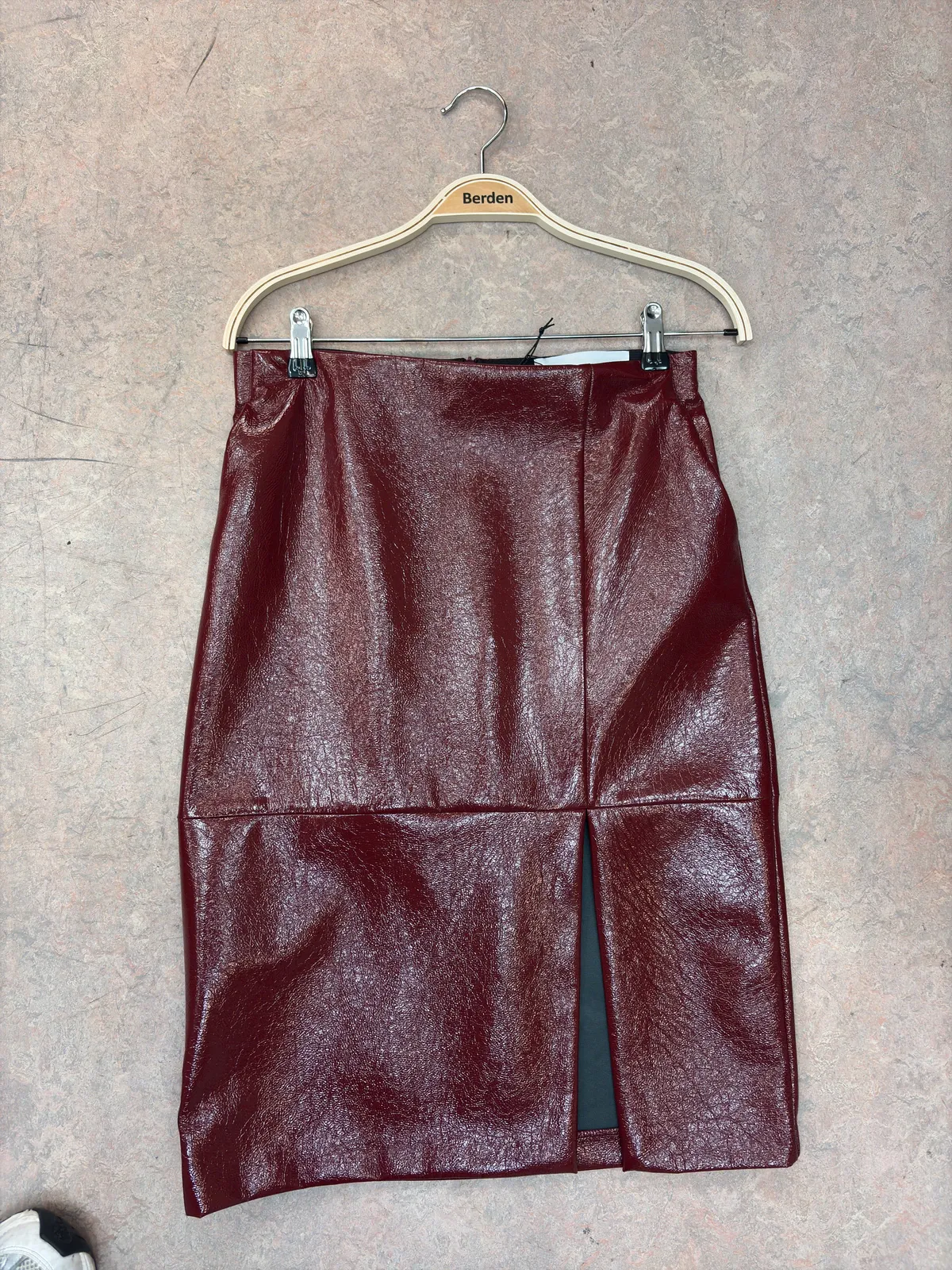
A quick photo At the rack, with your phone
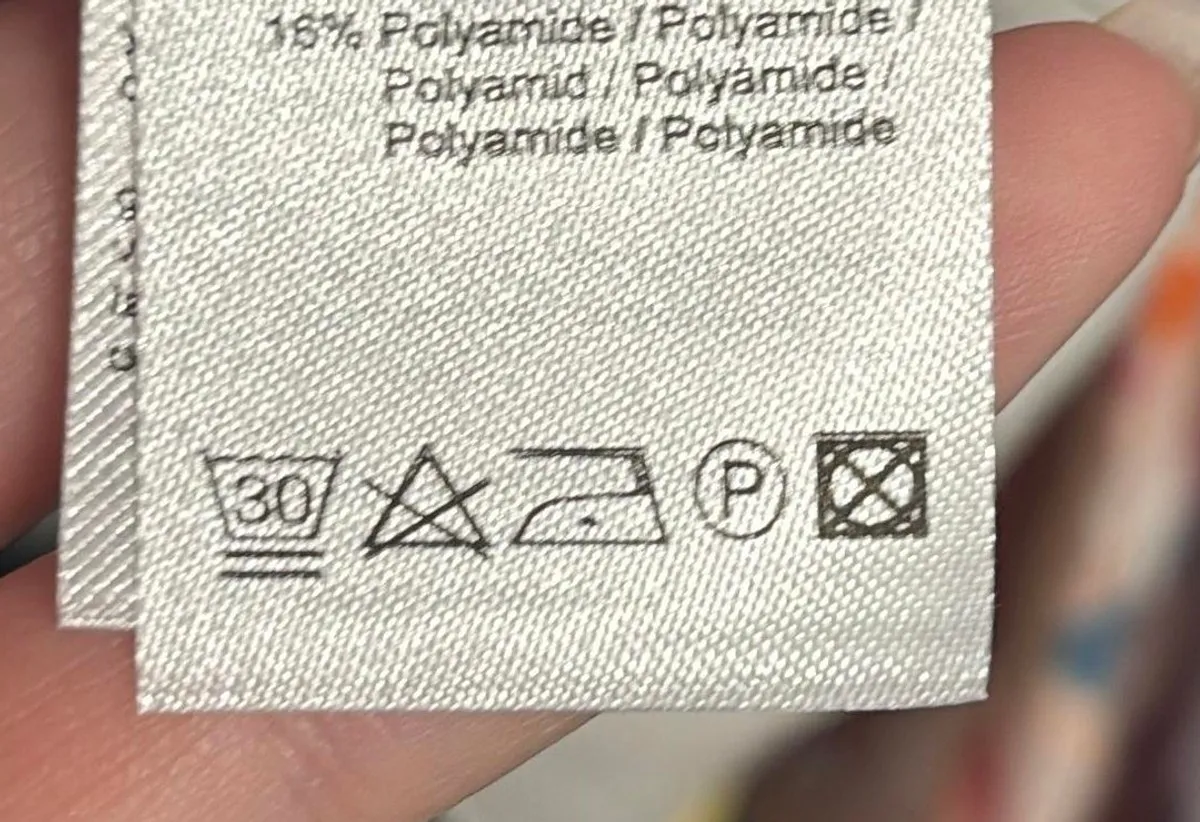
The care label Symbols become text
Brand website New information comes in automatically
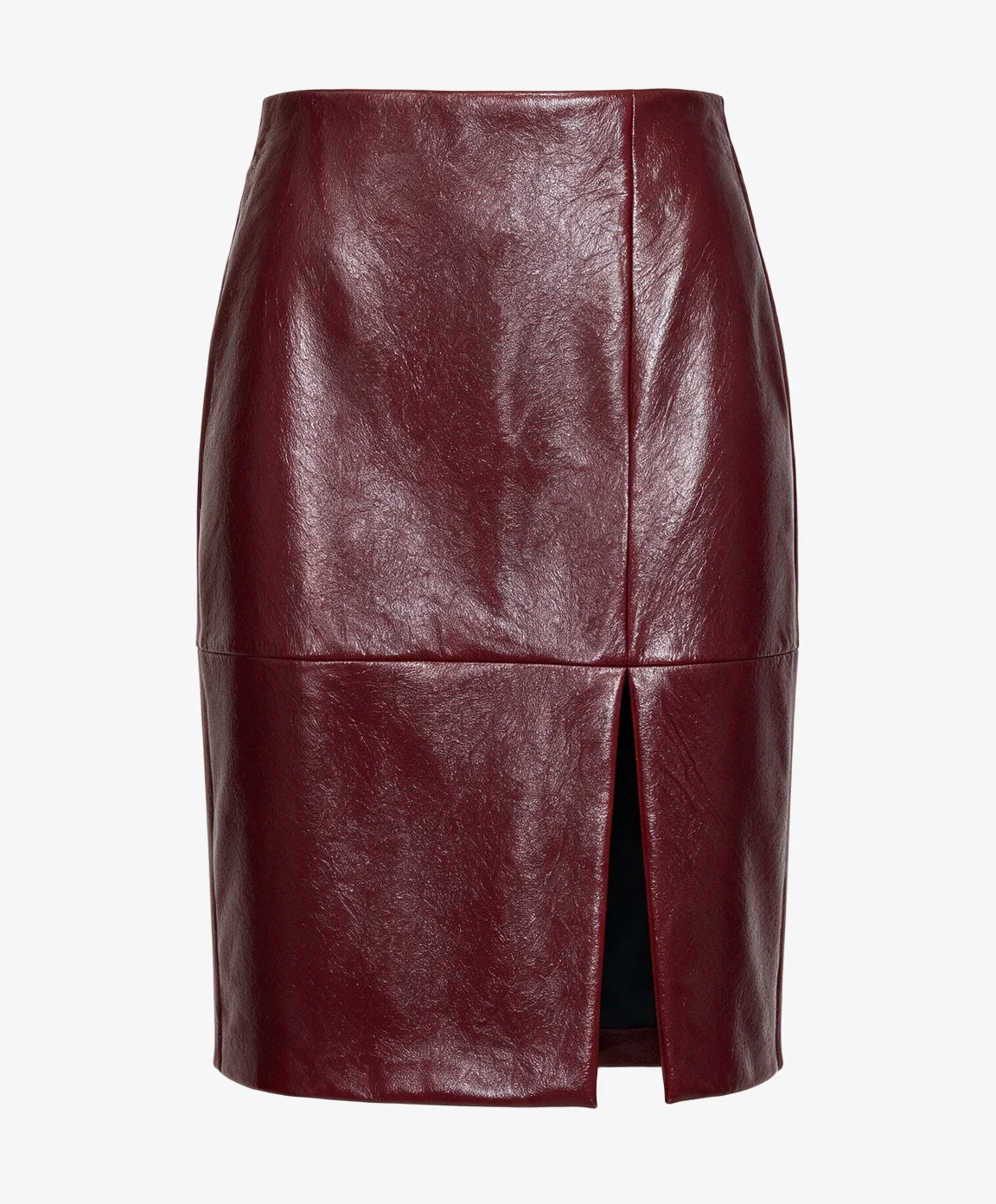
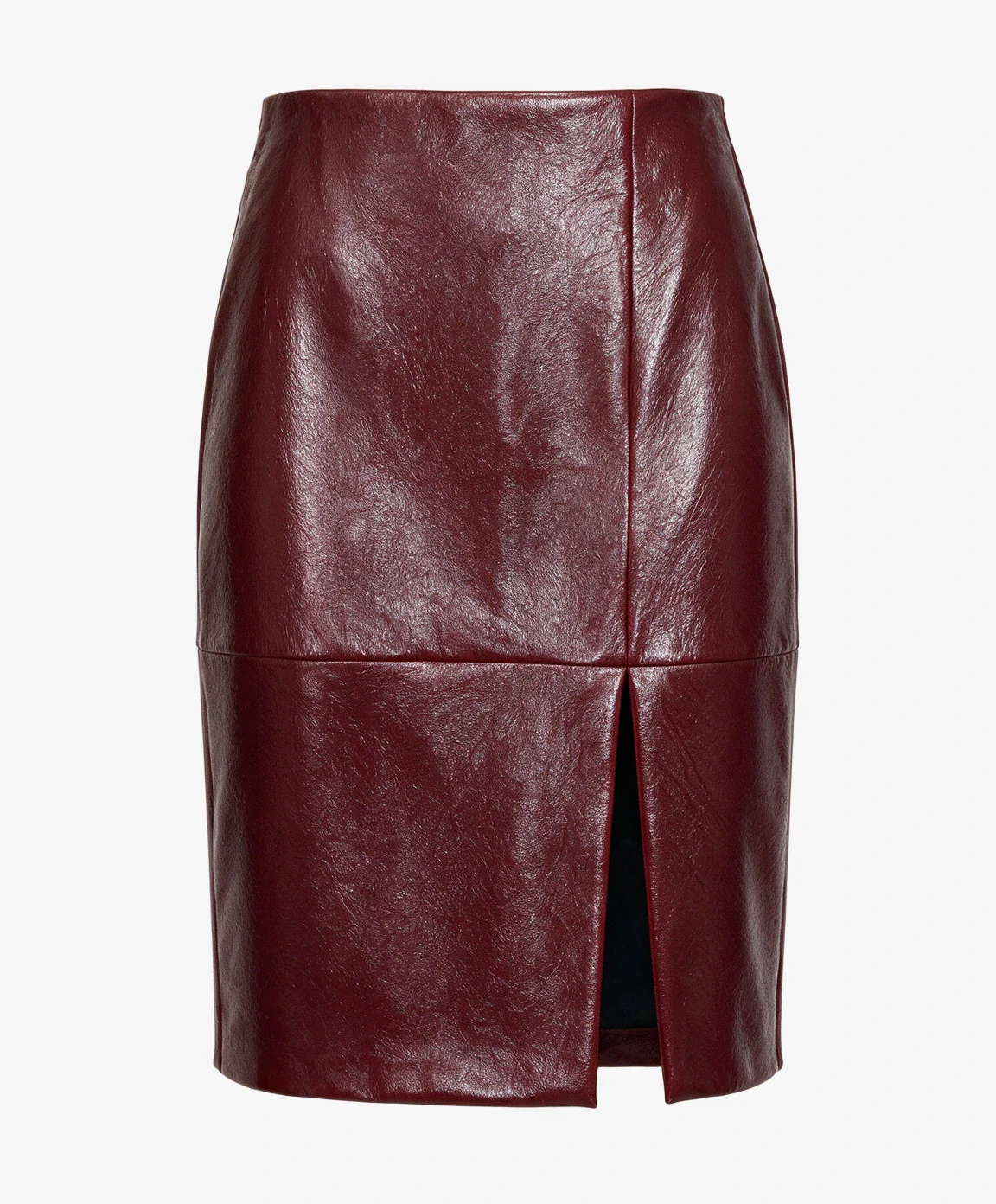
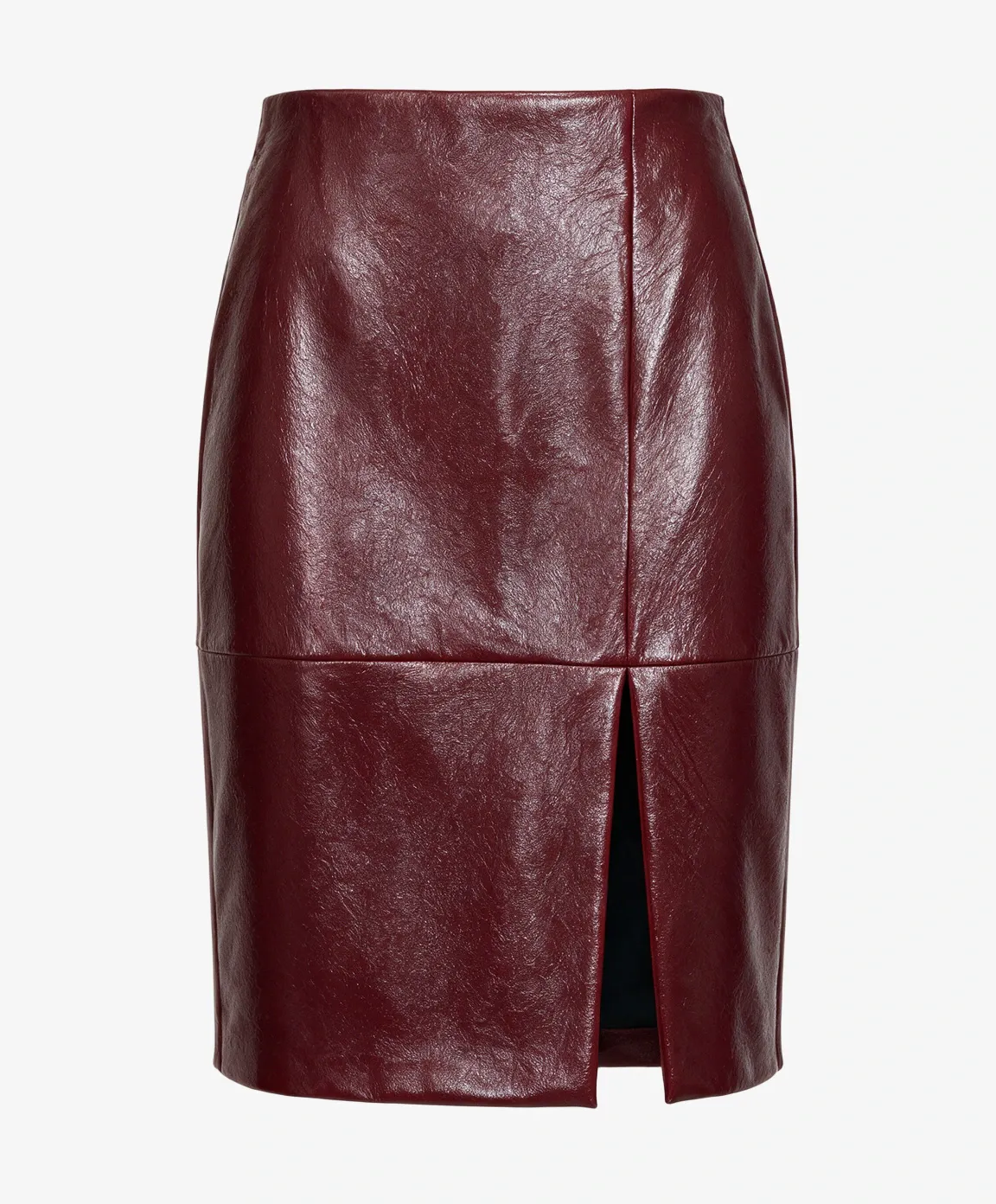
Glossy knee-length pencil skirt with a front slit that keeps the style playful.
A filter only works if every cotton sweater is actually called “Cotton.” Photopilot turns every spelling variant into the same clean value.
Does this jacket have a hood? Is it waterproof? Photopilot checks, decides and tells you why in one sentence. If it is not sure, it says so honestly.
Every store names colors differently: one says ‘Blauw/Navy’, another says ‘Marine’. Photopilot learns your colors and looks at every photo. That way, every product gets the color your customers expect.
Photopilot fills the filters your store already has. Want more, such as fit, sleeve length, or waterproof? Turn on one switch, and only the products it applies to get it.
For each channel and attribute, you choose where the value goes: into a Photopilot field, or into an attribute or property your store already has. For an existing field, Photopilot suggests a mapping for each value. Nothing is written until you confirm it.
target · existing, from the ERPHEDAMESJONMEIKIDS new optionTested against real installations of Magento 2.4.7 and 2.4.8 and Shopware 6.7.
Target audience and color are also included as product facts in your product texts. More about Productteksten
If something is only available online, you want to show it that way too. You configure once when something is Web only: an item status from the ERP, stock that exists only at your webshop location, or both. Photopilot maintains the label and adds it to your webshop, no matter which system you use.
STKB StockbaseVRIJ FreeBLOK BlockedPhotopilot automatically enriches new items in your assortment every day. For the rest of your catalog, you first see how many items are still open, how many have a photo, and what it will cost. Photopilot only starts when you press start, and you can track progress in the same place.
Create a filter, click Create, and it appears in your store. For each filter, you choose whether customers can filter by it, whether it appears on the product page, or both.
Tested live in our demo store: the Rainy weather filter set to Yes shows exactly the parka with a hood.
Customers filter by fit, length, or material and actually find the item. An empty field means the item is invisible in that filter.
Filter path Skirts › Pencil skirt › Knee-lengthFilled filters make landing pages possible for higher-intent searches, such as a color, fit and material together.
Search query burgundy leather-look pencil skirtColor, material, pattern, and target audience are fields in the product feed. The more complete your product data is, the better an item matches specific searches.
Feed fields color · material · patternChatGPT, Perplexity, and Google AI Mode answer shopping questions using product data. They don’t guess; they choose the item whose attributes match.
Shopping question “A knee-length leather-look skirt for the office?”An AI assistant reads product data and selects the items where the fit, material, and length clearly match the request. Empty or vague attributes mean: not recommended. Complete attributes make your assortment readable for search engines and language models.
Also fill in product copy and SEOI'm looking for a knee-length faux leather skirt I can wear to the office, preferably in a warm color.
Photopilot already knows the filters in your store and shows what is still missing.
One click, and every empty filter is filled. Everything else stays as it is.
No guesswork. You see the reason behind every choice.
Directly in Magento, Shopware, Scayle, Shopify, and any other system.
New items are enriched automatically. You can enrich an existing collection in one go.
28 questions
Filter enrichment automatically fills in the attributes customers filter by in a webshop, such as color, material, fit, length, hood, or waterproof. Photopilot looks at the photo and the product data, fills the filters your store already has with your own values, and explains every choice. When in doubt, it leaves the field empty.
An attribute is a characteristic of an item, such as “sleeve length: long.” A filter is where customers select that characteristic in the webshop. A filter only works if the attribute is completed with the same value for every item. Photopilot makes sure those values are complete and consistent.
The ERP usually provides little more than an item number, a color code, and a size, with abbreviations and internal color names such as “Niagara,” “dk.blauw,” or “100% CO.” Manual correction takes minutes per item and falls behind with every new collection. At one sports retailer, the color filter was filled for only 33% of products; Photopilot can fill 4,082 of the 4,094 gaps.
All the filters already in your store. You can also turn on ready-made filters with a single switch, such as fit, length, sleeve length, neckline, closure, hood, and waterproof.
Product data enrichment means filling in attributes that are missing or incorrect in your ERP or feed, such as target group, color, material, and fit, until every item is complete. Photopilot does this for each item in a fixed order: first your own data, then rules, then the photo, and only where it is still unresolved one short AI question. The result is always a value from a fixed list, ready for online store filters and product feeds.
Photopilot first checks what your ERP or feed says. Then rules are applied: the category path (‘Womenswear’), codes in the category and name that Photopilot learns from your own data for each store and brand (such as D, H, JR, or a standalone W), and sizes, but only where they mean something: children’s sizes for clothing, shoe sizes for shoes. If it is still unresolved, Photopilot asks one short AI question, using the photo if one is available. The result is always one of seven target groups: Women, Men, Unisex, Girls, Boys, Children, or Baby.
Photopilot first reads the color name from your ERP: ‘Black pattern’ becomes Black and ‘Multi 2’ becomes Multicolor. If the name is not meaningful, such as ‘Various’, the supplier’s color name is used. Only if that is also missing or the names contradict each other does the AI look at the product photo. Without a photo, Photopilot never asks the AI for a color. The result is one of fourteen color families or Multicolor.
You’ll see a warning on the item, and it will appear under the “Differs from Photopilot” filter in the item list, so you can review all discrepancies at once. A discrepancy never stops anything: items continue as usual. For each attribute, you decide which value wins: your own data (default) or Photopilot. In both modes, Photopilot fills empty fields.
No. Photopilot only selects from the values your filters already have. That prevents duplicate or unusual filter options and keeps your store looking clean.
Then the field stays empty. For yes/no filters, Photopilot answers Yes, No, or Unknown, and only chooses Yes or No when it is clear from the photos, the product data, or a source. Unknown is never the same as no and is not sent to the online store. For each choice, the AI writes one sentence explaining why, for example: “The product data says polyester, but waterproofing is not explicitly mentioned.”
No. A filter only appears for products where it makes sense. A hood belongs on a jacket, so a top or pair of pants will not get that field, and you can see why.
The AI reads style, length, neckline, fastening, and details from the product photos, combined with item data and sources such as an Excel file or the brand’s website. If an attribute is not clear from those sources, the field stays empty instead of being guessed. Photopilot measures the color in the photo, while material and care instructions come from a scan of the label or the brand’s website.
Yes, in the colors your store uses. Photopilot learns what you call your colors and looks at every product photo, so each product gets the color your customers expect. If Photopilot is unsure, the field stays empty.
They stay as they are. Photopilot only fills in what is missing. If it spots something that may not be right, you receive a suggestion and your team decides.
With one click. A filter you create in Photopilot appears in Shopware right away. For each filter, you choose whether customers can filter by it, whether it appears on the product page, or both.
Yes. Photopilot writes composition, material, and care instructions to the product’s metafields. In filter mode, Photopilot turns them into list fields, so you can use them as filters in the Shopify Search & Discovery app.
An item without a completed attribute does not appear when a customer filters on that attribute, and it matches less well for specific searches in Google. A color filter that is only one-third filled leaves out two-thirds of the assortment as soon as a customer filters by color. Complete filters make your assortment discoverable for the searches with the highest purchase intent.
Yes. Google Shopping uses gender, age group, and color to match products, and your feed usually gets those values from your webshop attributes. If target audience and color are correctly set for every item in Magento, Shopware, Scayle, or your own shop, your feed can include them instead of leaving them blank.
Yes. AI assistants such as ChatGPT, Perplexity, and Google AI Mode answer shopping questions using product data from webshops and feeds. They choose items whose attributes, such as color, material, and “waterproof,” clearly match the question. Empty or vague attributes make a product invisible in those answers.
Yes. Once attributes such as color, fit, and material are filled in consistently, your webshop can turn them into filter pages that rank for combinations, such as “waterproof jacket with hood.” Photopilot provides the completed values; your webshop decides which combinations are indexed as pages.
Yes. In the content list, you can filter each field by empty or unknown, filled in, or a specific value. This shows you right away which jackets still do not have a value for “waterproof,” so you can fill them all in at once.
To Magento and Adobe Commerce, Shopware, and Scayle as an attribute, property, or filter; to Shopify as a metafield; and to any other shop or ERP system via the API, a feed, the Webshop Excel, or an export. The same data is also available in the Brand Portal.
Yes. Photopilot adds target audience and color in Magento and Adobe Commerce, in its own attribute or in an attribute you already have, such as the target audience field from the ERP. For an existing attribute, Photopilot suggests a mapping for each value and only writes after you confirm it. Only changed values are sent, a field is never cleared, and if the ERP changes a value back, Photopilot does not write it again. For each attribute, you choose: off, on the product page, or also as a filter.
Yes. Photopilot automatically enriches new items in your assortment every day. For everything else, choose ‘Enrich all open items’: you will see in advance how many items are open, how many have photos, and what it will cost, and Photopilot only starts when you start it. The run stays within that estimate, and you can track progress in the same place. That way, you never incur AI costs you did not ask for.
Yes. You configure once when something is Web only: an item status from the ERP, stock that exists only at your webshop location, or both. Photopilot tracks it and adds the label to your webshop, whether that is Magento, Shopware, Scayle, or another system, on the product page or as a filter. When real stock arrives in stores, by default at three locations or ten units, the label is removed automatically.
Yes. Photopilot reads items from any ERP, such as ACA, SRS, LS Central, Business Central, and easyPOS, and sends the enriched target audience, color, and filters to any webshop: Magento, Shopware, Scayle, Shopify, WooCommerce, Lightspeed, and more. Directly, or via the API, a feed, or an export.
No. Photopilot fills in what is missing from your ERP, PIM, or feed and sends it to your online store. Your own system remains the source. Photopilot works alongside a PIM, or directly with your online store without a PIM.
Filling filters is billed like product enrichment: based on actual AI usage, from €0.01 per fully enriched product. Filling from a brand’s website has a monthly budget that you set yourself.