What is a packshot, and why does the price vary so much?
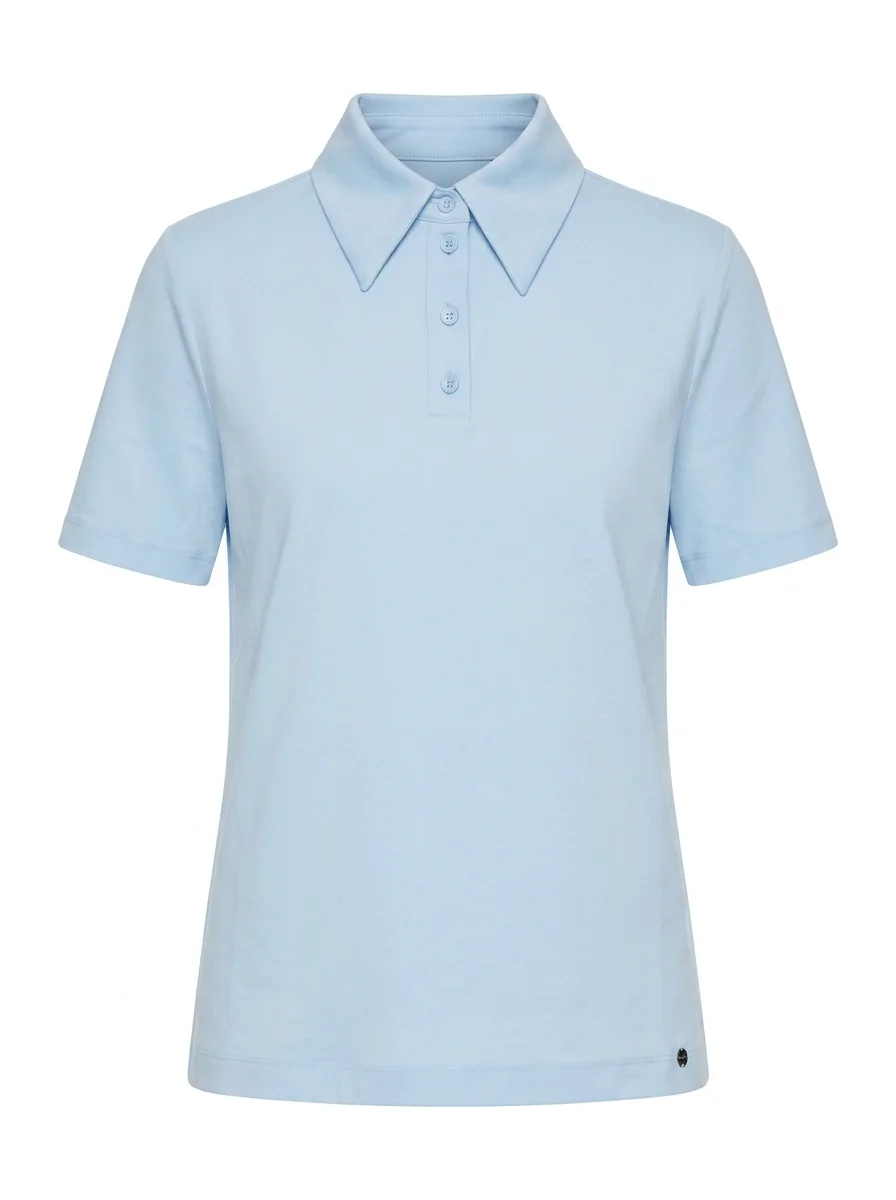
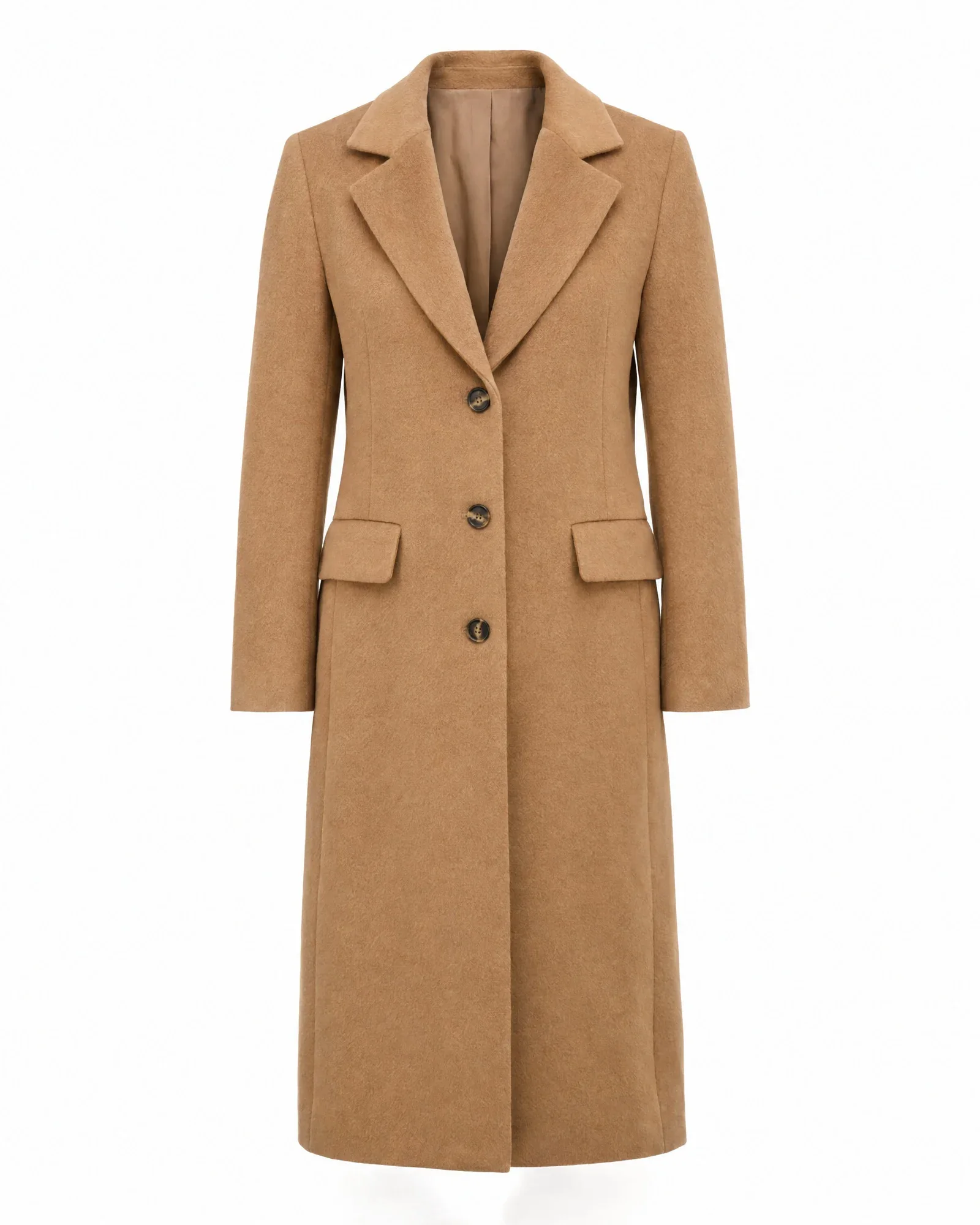
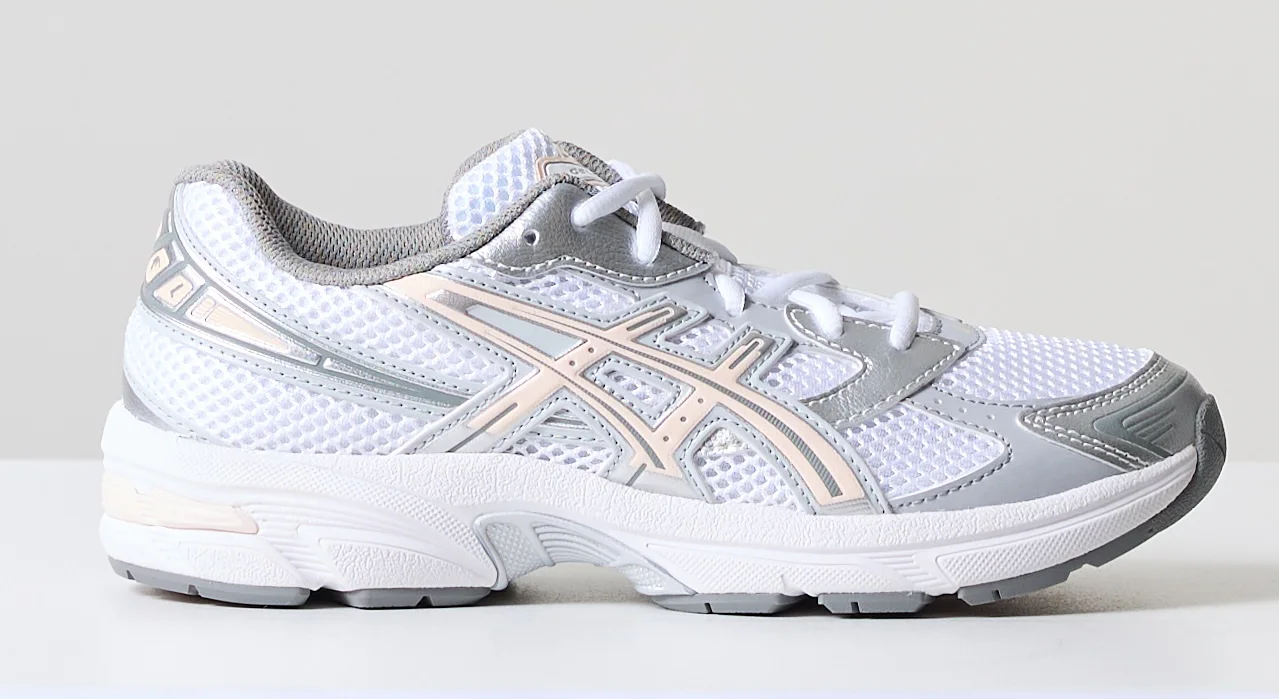
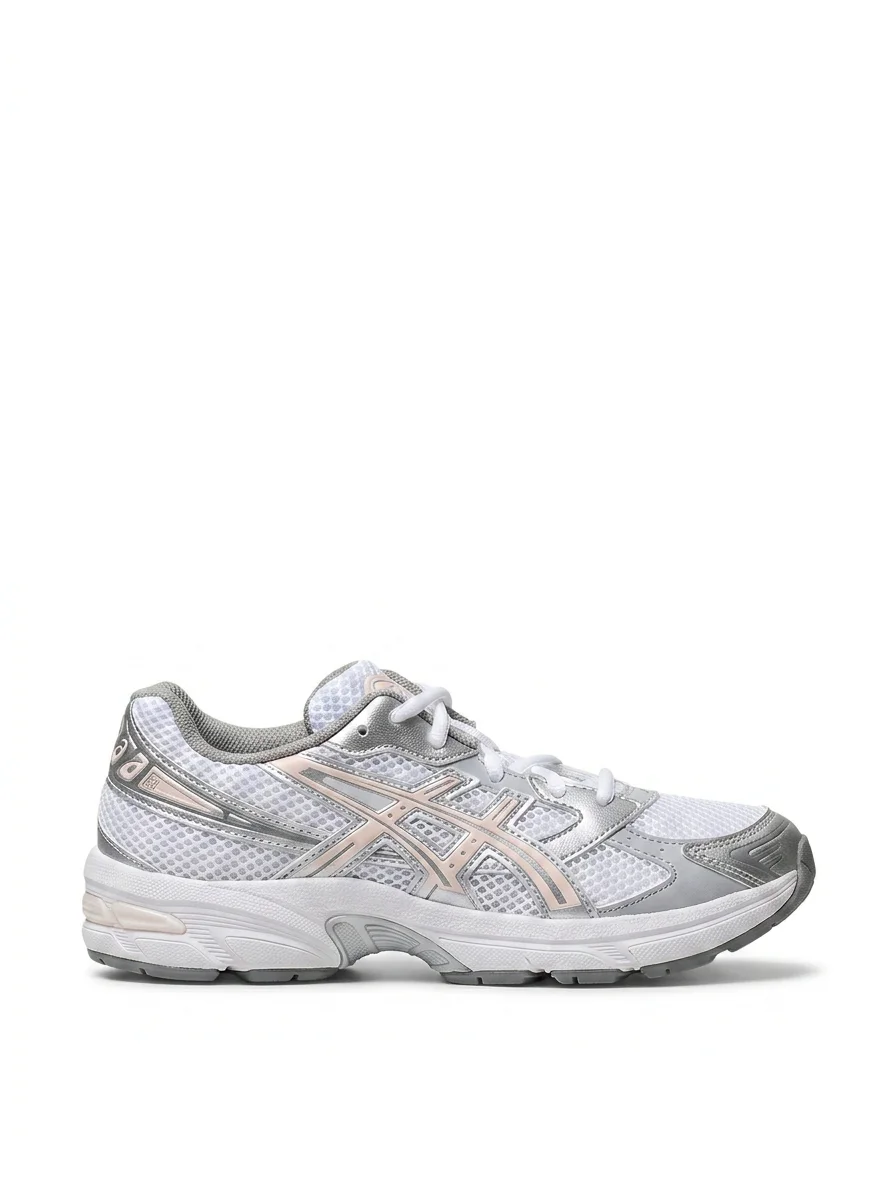
A packshot is a product photo on a solid, usually white or light gray background, without a model or props. It is the first photo a customer sees on your product page, the PDP, and it is also the photo often required by marketplaces and Google Shopping.
Because you need packshots for every item, and often for every color, the per-image cost adds up quickly. An online store with 2,000 new items per year and three images per item needs 6,000 packshots. A difference of a few dollars per image can quickly add up to tens of thousands of dollars per year.
There are four common routes: outsource to a packshot studio, shoot in your own studio, use supplier images and edit them automatically, or have AI create a packshot from a simple phone photo.
Outsourcing packshots: price per item
At a packshot studio, you pay per image. For simple products such as shoes, bags, or personal care products, that is typically between €5 and €15 per image. Apparel on a mannequin or as a ghost mannequin takes more work and often costs €12 to €30 per image, because the mannequin has to be removed in post-processing.
Watch for additional costs: shipping or delivering the items, minimum order quantities, rush fees, and extra retouching. You also still need to rename the delivered files yourself, link them to the right items, and upload them, unless the studio delivers them in your format.
Outsourcing is ideal if you have only a few items, or if you want to handle peaks without adding staff. With a steady flow of new items, it quickly becomes the most expensive route per image.
| Packshot type | Typical price per image | Note |
|---|---|---|
| Simple product on white | €5 – €15 | Shoes, bags, cosmetics |
| Flat lay clothing | €8 – €20 | Garment laid flat and styled |
| Ghost mannequin | €12 – €30 | Mannequin is removed in post-production |
| Cutout and retouching only | €1 – €5 | If you provide the photo yourself |
In-house studio: high startup cost, low price per image
With your own studio, most of the cost is upfront. A setup with a good camera, two to four flashes or lights, and software typically costs around €12,500 to €25,000, depending on what you already have and how much volume you handle. After that, you mainly pay for time: someone to shoot, and someone or something to edit and link the photos.
Editing and linking are exactly what determine whether an in-house studio pays off. If every photo still has to be cropped, renamed, and uploaded manually, you can quickly spend more time on post-production than on the shot itself for each item. With software that immediately links the photo to the right item and edits it automatically, one person can run a full studio shoot.
An in-house studio usually starts to make sense from a few thousand new items per year, or if you sell a lot of private-label products with no supplier images available.
Supplier images plus automatic editing
Many brands provide their own packshots, known as supplier images, for example through Fashion Cloud, Stockbase, FTP, or a supplier portal. These images are free, but inconsistent: different backgrounds, margins, formats, and file names.
With automatic editing, you still turn them into one consistent image style. Background, crop based on your template, shadow, and color correction are standardized by item group. In Photopilot, this is included in the monthly plan, starting at €500 per month; you pay nothing per image.
This is often the cheapest option for multibrand stores. The downside: you depend on what the supplier provides, and you still need another solution for private-label or missing items.
An AI packshot from your phone
The newest workflow: you photograph the item with your phone, for example on a hanger, on a mannequin, or flat on a table, and software turns it into a sales-ready packshot. In Photopilot, cutout editing, cropping, and color matching are included in the standard edits in the plan.
If AI needs to rebuild the image, for example turning a model photo or a messy phone photo into a packshot, that is generative AI. It costs €0.05 to €0.21 per queued image and is often ready within an hour. At 6,000 images per year, that is at most around €1,260, compared with tens of thousands of euros when outsourcing.
With the Photopilot iPhone app, you can also scan the barcode and care label right away, so the photo, material, and laundry symbols are linked directly to the correct item.
All workflows side by side
The table compares the four options for a web store with a steady flow of new items. The outsourcing and studio amounts are indicative market prices; the Photopilot amounts are what you see in the app.
In practice, many stores combine the options: supplier images where available, their own studio or phone for private-label products, and AI to fill the gaps.
| Route | Fixed costs | Per image | Lead time |
|---|---|---|---|
| Outsource to a studio | None | €5 – €30 | Days to weeks, plus shipping |
| Own studio | €12,500 – €25,000 one-time | Mostly hours | Same day |
| Supplier images plus automatic editing | Monthly plan from €500 | €0 | Immediately on arrival |
| AI packshot from a phone photo or model photo | Monthly plan from €500 | €0 – €0.21 | Often within an hour |
When a studio or outsourcing is smarter
A packshot studio is the best choice if you have only a small number of items per year, do not have the space or time to shoot them yourself, and only rarely need the images. For difficult products such as jewelry, glass, or shiny metal, a specialized photographer with good lighting also often delivers better results than a phone photo.
An in-house studio makes more sense if you have a lot of private-label products, if fit and fabric drape really need to be right, or if you shoot model images with real models in addition to packshots. Software like Photopilot does not replace the studio; it takes over the surrounding work: matching, editing, and publishing.
AI is less suitable if the product itself is not clearly visible in your source photo. An AI packshot is only as good as the source image: the software needs to see colors and details to preserve them. That is why you see every image next to the original before it goes live.
Rule of thumb: fewer than a few hundred items per year, outsource it. For a steady flow of items, automate the editing and shoot in-house or use supplier images.
How Photopilot creates packshots
Photopilot imports images from your studio, the iPhone app, suppliers, and integrations such as Fashion Cloud, and places each photo with the right item. Background, crop, shadow, color, and aspect ratio then follow the rules you set for each brand, collection, or product type, because pants are presented differently from shoes.
No packshot? Photopilot can create one from a model photo or a phone photo, and can also automatically remove a mannequin for a ghost packshot. Generated packshots are added as an extra image slot without overwriting existing images.
For each brand or collection, you choose automatic approval or a quick review. Approved images go straight to Shopware, Shopify, WooCommerce, or another online store.