Marketplace requirements at a glance
Every marketplace has its own rules for product photos, and they differ more than you might think. Bol and Amazon use square main images on white, while Zalando uses portrait images and a light gray shop style. A photo that is perfect for one marketplace may be rejected or displayed poorly on another.
The table below summarizes the main requirements as published by the marketplaces in their own seller documentation. Marketplaces update their guidelines regularly and often have separate rules by category, so always check the current requirements in your seller environment before you update an entire collection.
| Requirement | bol | Zalando | Amazon |
|---|---|---|---|
| Ratio | Free, square is common | Portrait, 1:1.44 | Free, square is common |
| Dimensions | Min. 500 × 500, max. 6000 × 6000 px | Min. 762 × 1100, recommended 1801 × 2600 px | Min. 1000 px on the longest side for zoom |
| Zoom | From 1200 × 1200 px | Sharp at every size | From 1000 px on the longest side |
| File | 30 KB to 10 MB | JPG, sRGB, max. 20 MB | JPEG is used most often, also PNG or TIFF |
| Main image background | White and neutral, with no visible shadow | Neutral, Zalando can adjust it to light gray itself | Pure white, RGB 255, 255, 255 |
| Model in main image | No | Yes, model front view or packshot | Depends on the category |
| Visible mannequin | No separate line | Not allowed | Not allowed for apparel |
bol: white main image, front view, and no model
The main image on bol shows the item from the front, out of its packaging, on a white, neutral background with no visible shadows. It must not include models, text, logos, or watermarks, and you must not combine the front, side, and back views in one image. The size must be at least 500 × 500 and no more than 6000 × 6000 pixels, excluding white space.
If you want customers to be able to zoom in—and for clothing, you do—provide at least 1200 × 1200 pixels. Files must be between 30 KB and 10 MB. Bol automatically crops whitespace and compresses images, which can slightly affect color and sharpness. An image with accurate colors and a sharp edge holds up better.
Additional images may show multiple views and details, and lifestyle images may have a different background. Discount labels, company logos, promotional text such as buy now or free shipping, and comparisons with other sellers are prohibited in all images. According to bol itself, the image guidelines have no longer been actively enforced since July 1, 2025, except for the rules against self-promotion. Even so, they remain the best benchmark for a clean product page.
Zalando: portrait format, three images, and no visible mannequin
Zalando uses portrait images with a fixed 1:1.44 aspect ratio. The recommended size is 1801 × 2600 pixels, the minimum is 762 × 1100 pixels, and designer brands require at least 1800 × 2600. Images must be JPG in sRGB, up to 20 MB, and sharp at every size: a blurry image will be rejected even at the correct resolution. These guidelines are available in Partner University for both the Partner Program and Connected Retail.
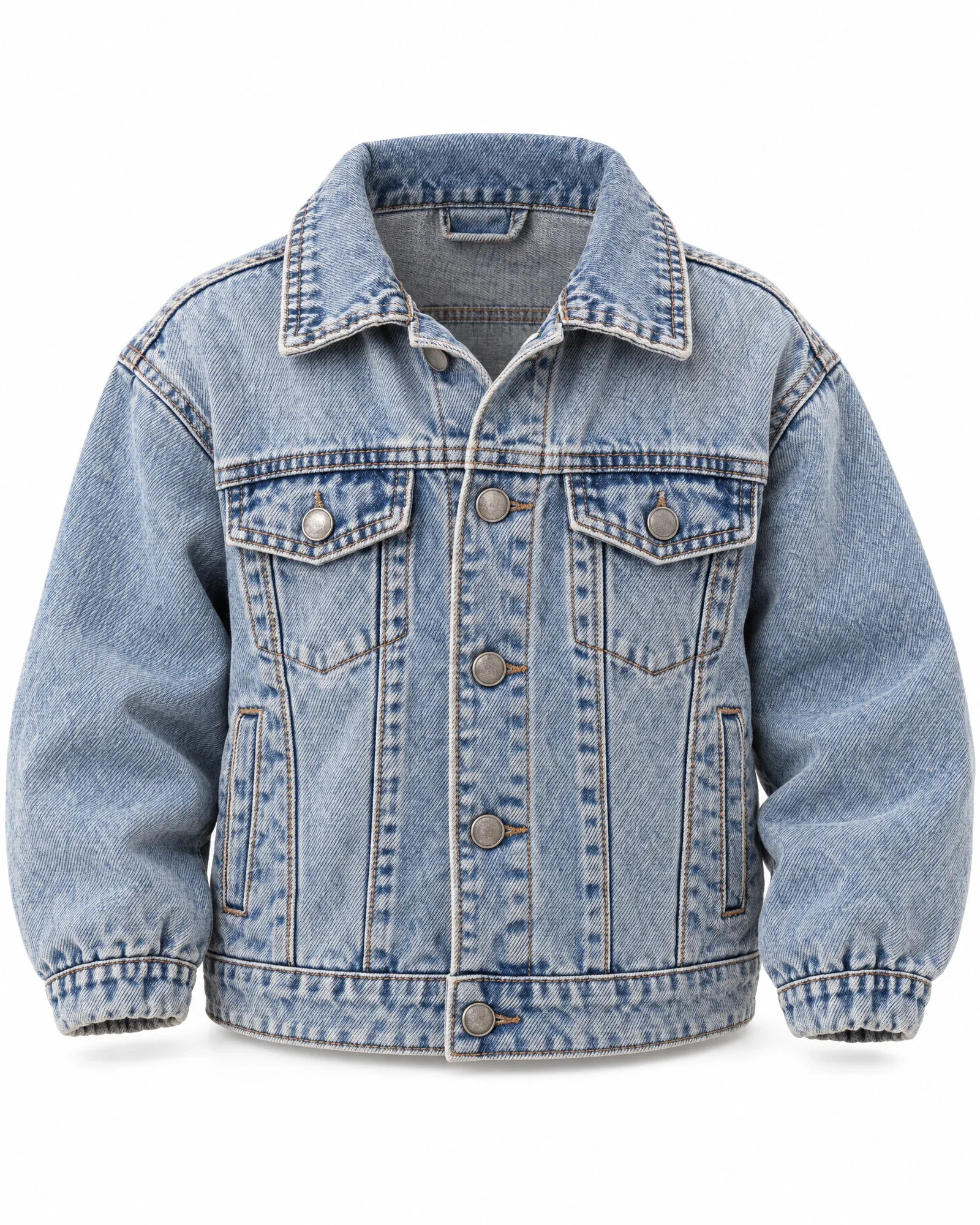
For clothing, shoes, and accessories, Zalando requires at least three images. The first image in the catalog, the catalogue view, is a front model shot or the primary packshot. In packshots, the item should fill about 80 percent of the frame and be centered. A visible mannequin is not allowed; if you use an invisible mannequin or flat lay, you must also include an image of the inside of the back.
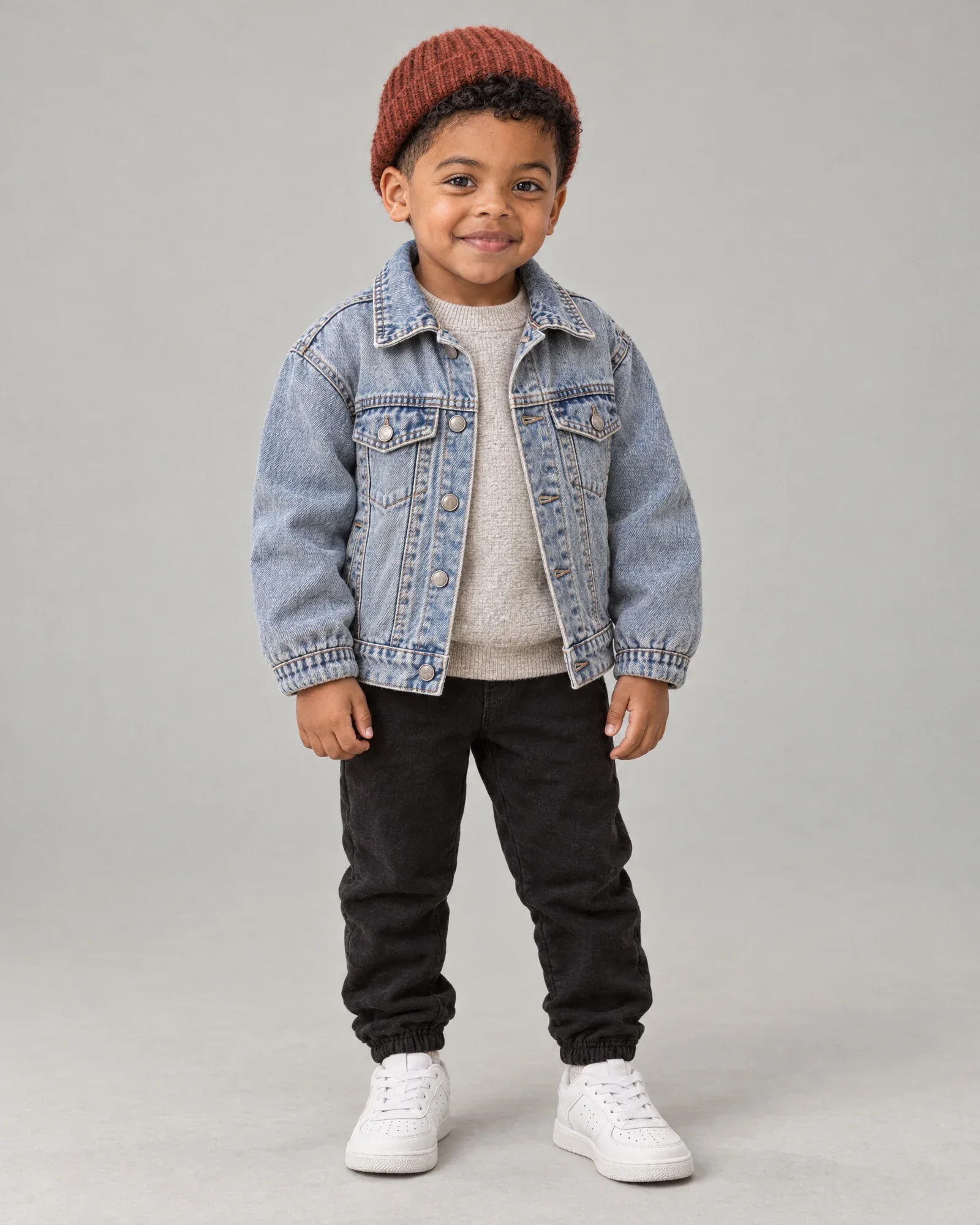
For model images, use the same styling and the same model for all views of an item. Children in nightwear, underwear, or swimwear may only be shown as a packshot. Zalando is tightening the rules for AI images: unnatural, low-quality AI images will be rejected, visible AI labels on the image are not allowed, and an invisible marker in the metadata will be required. Review those rules before you submit AI model photos.
Amazon: pure white, 85 percent fill, and strict clothing rules
Amazon is the strictest about the main image. The background must be pure white, RGB 255, 255, 255, and the product should fill about 85 percent of the image. There must be no text, logos, borders, watermarks, or props, and only what the customer is buying may be shown. For zoom, you need at least 1000 pixels on the longest side; 1600 to 2000 pixels gives you more room.
Clothing is subject to additional rules by category. Adult clothing must appear in the main image on a model, or depending on the category, photographed flat or as a ghost mannequin. Children’s and baby clothing and multipacks are photographed flat, and a visible mannequin is not allowed. Amazon publishes the full style guide for each category in Seller Central, behind your login. Check the guide for your category and marketplace, because the requirements for Amazon.nl and Amazon.de can differ by category.
Marketplaces change their image requirements regularly. Always check the current requirements in your seller environment before resubmitting a collection.
From one source photo to a variant for each channel
You do not need to shoot new photos for every marketplace. It works best if you create one good source photo with enough space and resolution, then derive a separate version for each channel. Shoot with plenty of space, in high resolution, and against an even background so you can create both a square and a portrait crop without cutting off the product.
Only the rules differ by channel: the aspect ratio, the margin around the product, the background color, the file format, and the file name. For bol and Amazon, it becomes a square image on white; for Zalando, a portrait image of 1801 × 2600 pixels; and for your own webshop, the layout that fits your theme. The product itself keeps the same pixels everywhere.
Define those rules instead of choosing them for each image. As soon as someone crops manually, you get differences between items and between channels, and that immediately shows on a category page or in a marketplace search result.
- One high-resolution source photo, shot with enough space around the product on a plain background
- A fixed aspect ratio, margin, and background color for each channel
- Choose the main image separately for each channel: packshot for bol and Amazon, model or packshot for Zalando
- Filename and order based on what the channel or your feed tool expects
- Check color in sRGB and sharpness before the image is sent
When Photopilot is not the right fit
If you sell a handful of items on a single marketplace, a free editing tool or your photo studio’s bulk feature is usually enough. Set up one square export preset and one portrait export preset, and you’re done. A monthly plan starting at €500 per month only pays off if you regularly add new collections, receive images from suppliers, or publish to multiple channels at once.
Also important: Photopilot does not have its own direct integration with bol, Zalando, or Amazon. The variants for each channel are sent via FTP or SFTP, the Webshop Excel, or the API to your feed tool or marketplace integrator, which then submits them to the marketplace. If you work without such a tool, you handle the upload to the marketplace yourself.
How Photopilot manages templates and cropping per channel
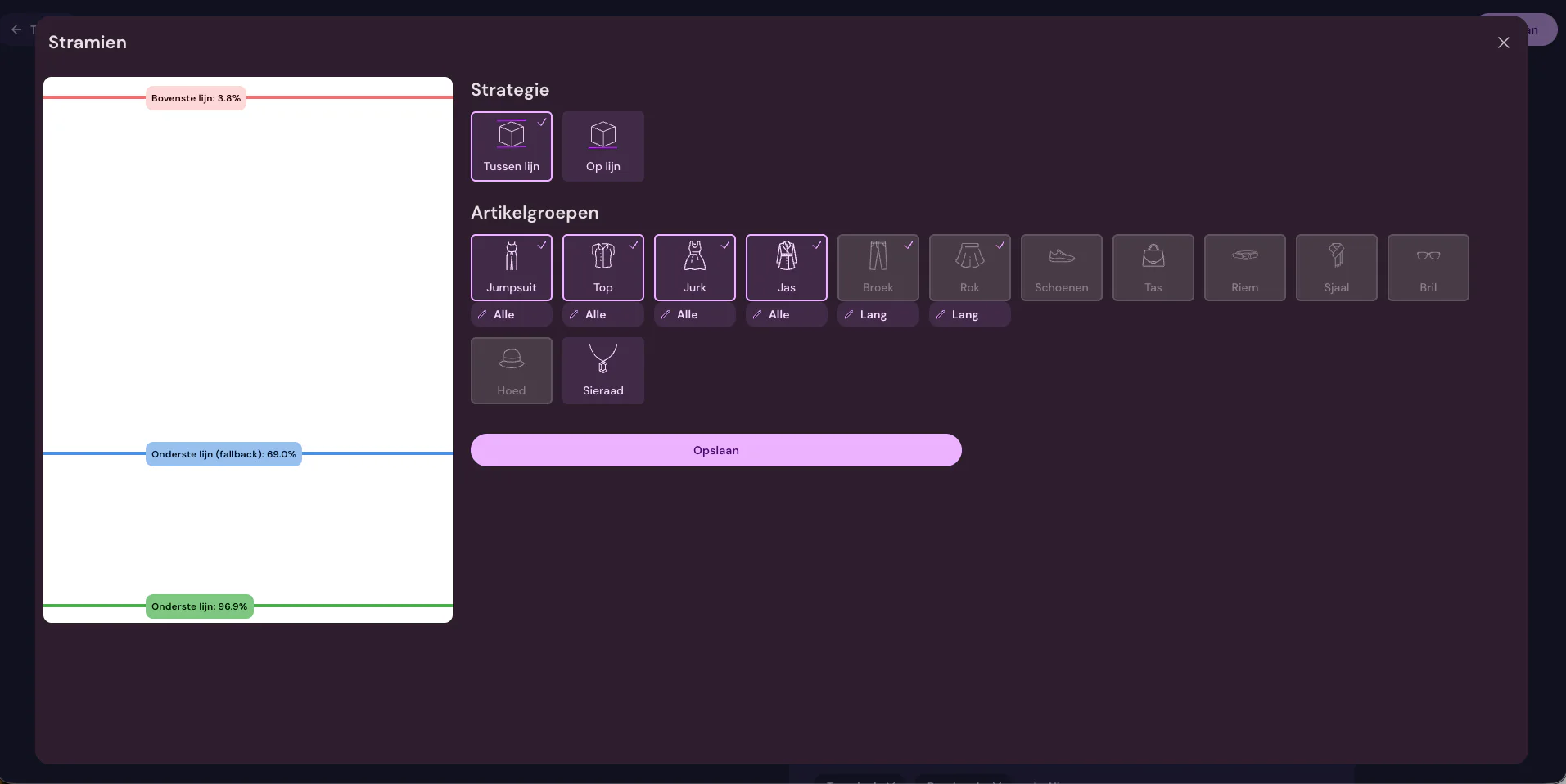
In Photopilot, you define a template for each product group: where the top edge and baseline of the product sit, how much margin there is, and which background color to use. This gives a jacket a different crop than pants or a bag, without anyone having to choose settings for each image. Together, we define the rules for each destination, such as a square white image for one buyer and a portrait format for another.
Every photo, from your own studio, from a supplier, or via upload, is automatically cut out, placed on the right background, cropped, and color-matched. These standard edits and publishing are included in the monthly plan. Removing a visible mannequin, as Zalando and Amazon require, costs no more than €0.05 – €0.21 per image, the same as an AI model photo from your packshot.
Approved images go straight to your webshop and to other destinations via FTP or SFTP, in the folders and with the file names expected there. A second server can receive the images for each product group. This gives your feed tool the right version for every channel, without your team having to crop anything twice.