

Image types: packshot, flat lay, and on-model
A product page rarely consists of just one type of image. The sequence usually starts with a clean product image, followed by a model image, details, and sometimes a lifestyle image. Each image type has its own purpose: recognizing the product, showing the fit, or conveying the mood.
The terms below are often used in English in the Netherlands. We list the common name and what it means.
| Term | Meaning |
|---|---|
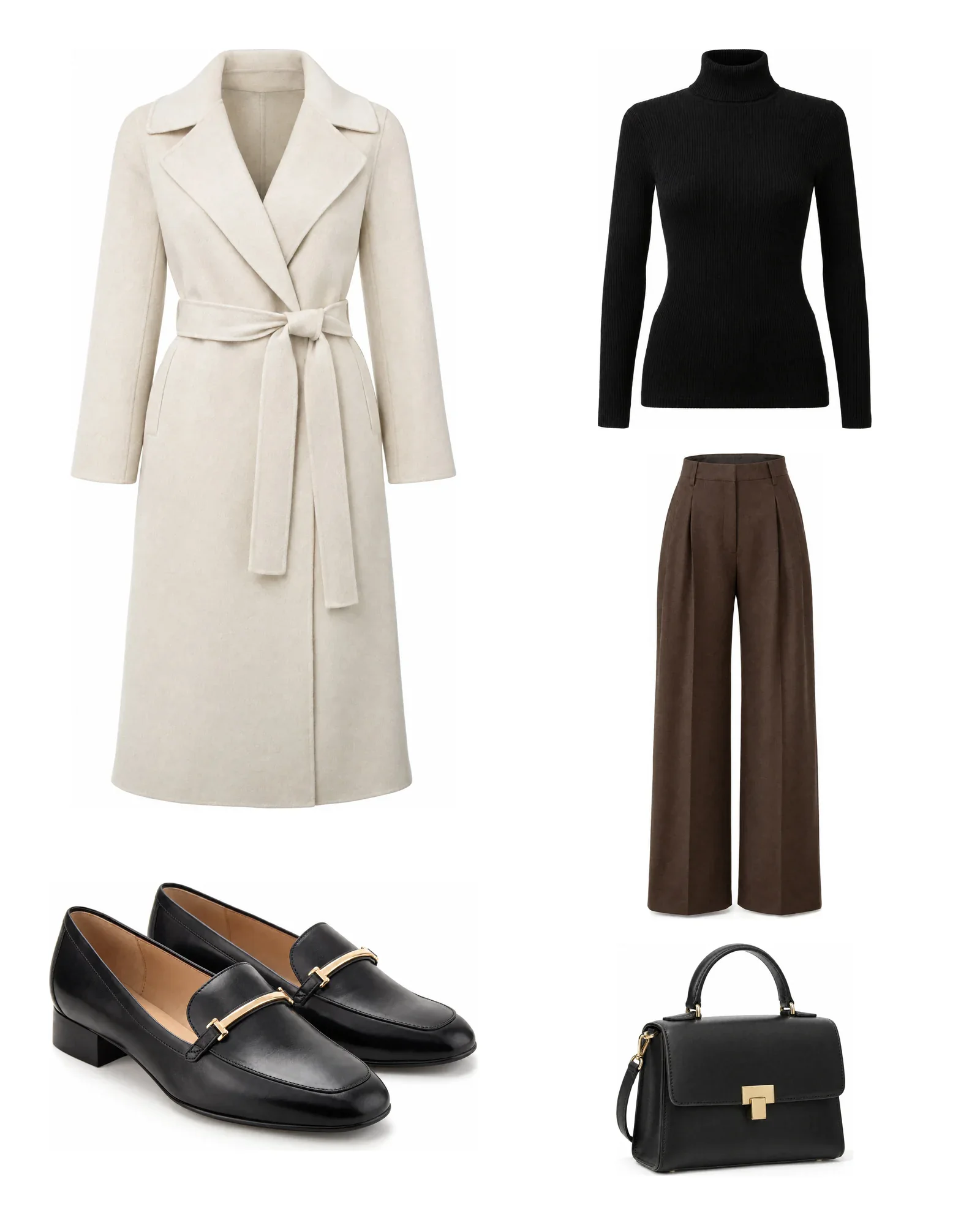
| Packshot | A product photo on a solid, usually white or light gray background, without a model or set. The standard image used on product pages and marketplaces. |
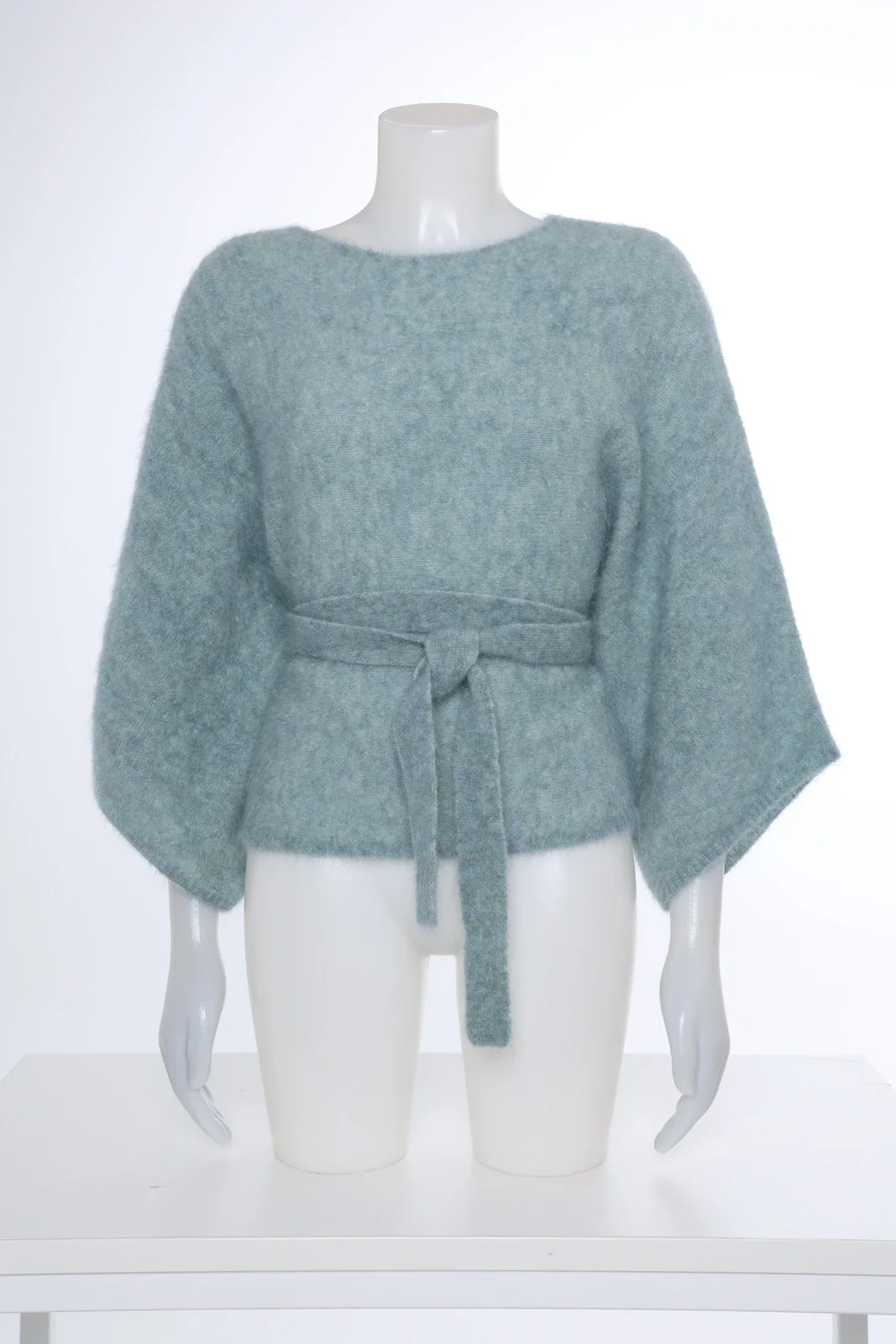
| Ghost mannequin | Packshot of clothing on a mannequin that is then removed, making the garment look like it is floating in 3D. Also called ghost mannequin or invisible mannequin. |
| Flat lay | Clothing or a complete outfit laid flat and photographed from above. Fast and inexpensive, but shows little fit. |
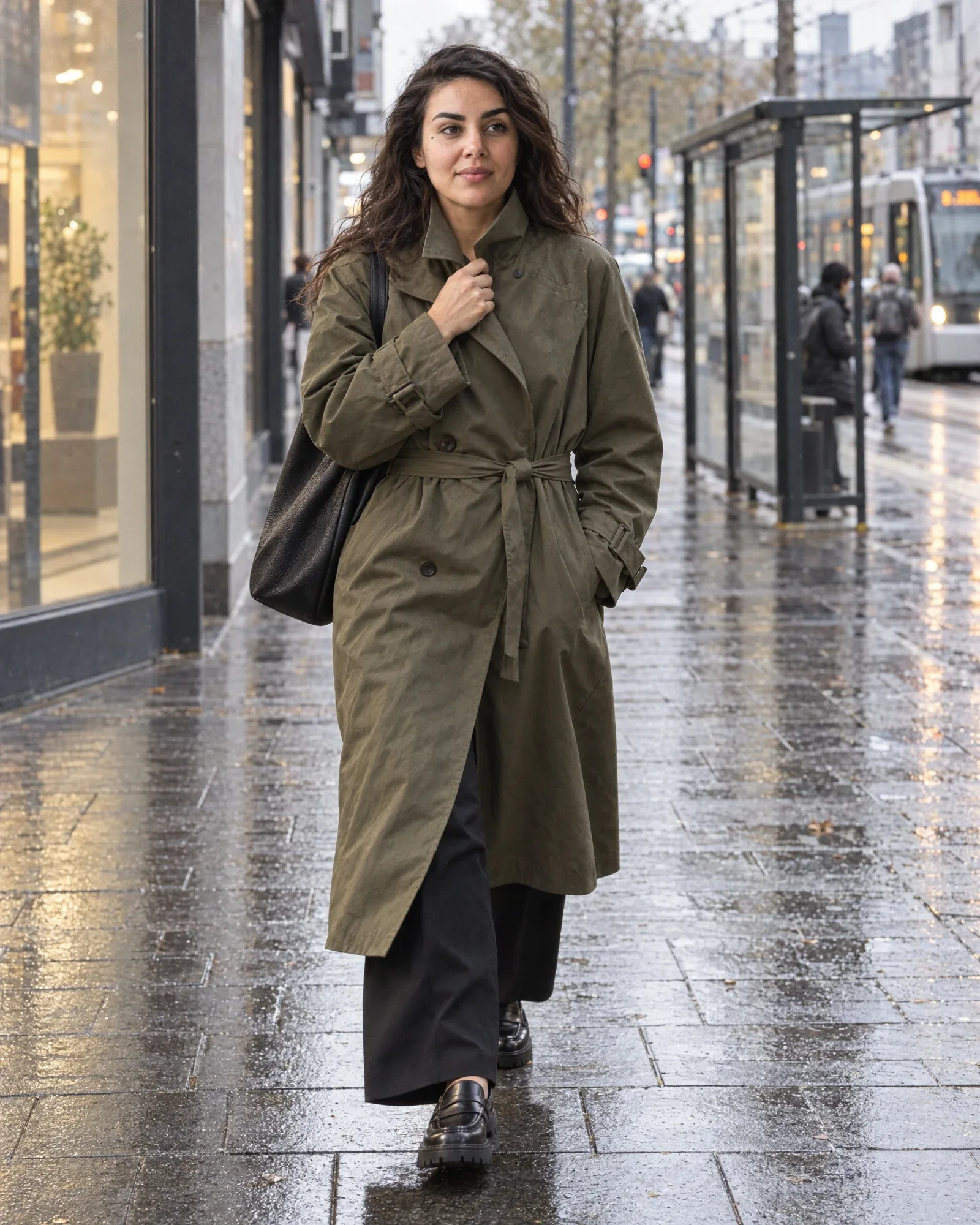
| On-model | Image of the product worn by a model, in the studio or on location. Shows fit, length, and fabric drape best. |
| Lookbook | A series of styled images that shows a collection or theme, often with complete outfits. Intended to inspire, less to sell a single item. |
| Campaign image | Atmospheric image for a season or campaign, shot on location or on a set. Used on the homepage, in banners, newsletters, and social media. |
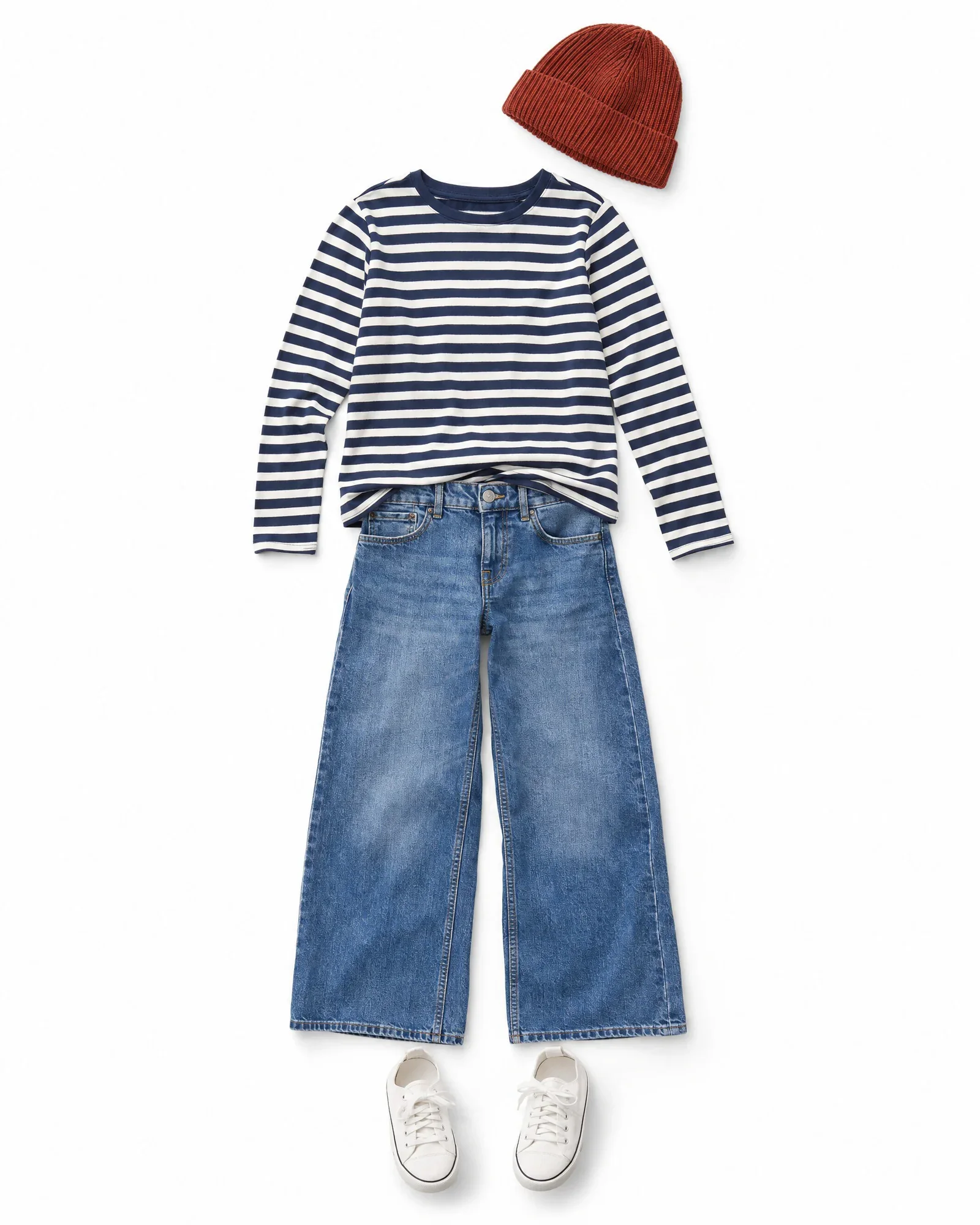
Image editing: from template to retouching
Between the raw photo and the image in your online store, there are a few standard steps. The more consistently you apply them, the calmer your category page will look. Many of these steps are now automated, but the terms remain the same.
In Photopilot, background, template-based crop, shadow, and color correction are standard edits in the plan starting at €500 per month; removing a mannequin costs no more than €0.05 – €0.21 per image.
| Term | Meaning |
|---|---|
| Grid | Fixed rules for how an image is cropped: format, margins, and where elements such as the shoulders or shoe sole are positioned. This keeps all items the same size and at the same height in the image. |
| Smart crop | Automatic cropping where software recognizes the product or body and crops the image to the template, instead of using a fixed margin. |
| Cut out | A product separated from its background, so it can be placed on white, a color, or transparency. In English: cutout. |
| Clipping path | A drawn path around the product used to cut it out. Originally done manually in photo editing software, now often automated. |
| Shadow | A natural or added shadow under the product, so a cutout image does not look like it is floating. Usually a soft drop shadow or a reflection. |
| Color correction | Adjust color and white balance so the product on screen matches the real-life color. Important for reducing color-related returns. |
| Retouching | Clean up an image manually or automatically: remove lint, creases, dust, labels, or a mannequin. |
| Upscaling | Increasing an image to a higher resolution. Good upscaling makes it sharper without inventing details; in Photopilot, you can upscale to 4K through 9K, enough for an A2 poster at 300 dpi. |
Webshop and SEO: PDP, PLP, and alt text
In the online store itself, images and copy come together. The product page needs to sell, the category page needs to provide an overview, and search engines need to understand what is on the page. That involves a few standard fields and concepts.
Language models that answer shoppers' questions read these fields too. A good title, description, and alt text therefore help beyond Google.
| Term | Meaning |
|---|---|
| PDP | Product Detail Page: the product page for a single item, with images, title, price, sizes, description, and attributes. |
| PLP | Product Listing Page: the category or search results page with a grid of items. This is where an inconsistent layout stands out first. |
| Alt text | A short description of an image for screen readers and search engines, for example black wool coat with lapel collar on model. |
| SEO title | The title that search engines show in the results, usually up to about 60 characters, with the most important keyword first. |
| Meta description | A short summary under the SEO title in search results, about 140 to 160 characters. Helps determine whether someone clicks through. |
| Shop the Look | A block or page showing a complete outfit, where the individual items can be clicked or added directly to the cart. |
| Cross-sell | Recommending additional items for a product, such as a belt with a pair of pants. Often based on looks or combinations. |
AI in product content: generative AI, editing AI, and house models
AI is used in product content in two ways: to edit existing images and to create new images or text. That difference matters for quality and price. Editing AI stays close to the photo; generative AI creates something new.
A few terms in this list are Photopilot names. We include them because you will see them on this site, and we indicate when they are product names.
| Term | Meaning |
|---|---|
| Generative AI | AI that creates new images or text, such as a model photo from a packshot or a product description from item data. In Photopilot, an AI photo costs €0.05 – €0.21. |
| Editing AI | AI that edits an existing photo without generating anything new, such as removing the background, cropping, or correcting color. |
| AI model | A photo model that was created entirely by AI and does not exist. Also used for the AI system itself, so pay attention to the context. |
| AI house model | A fixed AI model that an online store uses again and again, so all model images clearly belong together. In Photopilot, you can create your own model with front, side, and back views for €1.37. |
| Virtual try-on | Technology that lets a shopper virtually try on a garment using their own photo or avatar. This is different from AI model images created by the online store itself. |
| Fit guarantee | Photopilot feature that places your own garment, with its real fit, on a house model, either from your own shot or fully with AI from a packshot. |
| Iris | The AI creative director in Photopilot, who chooses the scenes and poses for an AI shoot. |
Product data: EAN, SKU, and variants
Images and texts are only useful when they are linked to the right item. That requires codes and fixed fields. This is where things often go wrong, especially in apparel, with colors and sizes for each model.
It helps to agree within your team what you mean by item, variant, and color item. Suppliers, ERP systems, and webshops do not always use those terms in the same way.
| Term | Meaning |
|---|---|
| EAN / GTIN | A globally unique product barcode, usually 13 digits. In fashion, every color and size combination has its own EAN. GTIN is the international umbrella term. |
| SKU | Stock Keeping Unit: the internal code a store uses to track an inventory item, often by color and size. |
| Variant | A version of the same product, such as a different size or color. Variants usually share the same title and description. |
| Color variant | One style in one color, with all sizes underneath it. Images belong to the color item, because the size does not change the image. |
| Material composition | The fibers a garment is made of, in percentages, such as 80% wool and 20% polyamide. Legally required on the label in the EU. |
| Care symbols | The icons on the wash label, or care label, for washing, bleaching, drying, ironing, and dry cleaning. |
Systems: PIM, DAM, ERP, and feeds
Product content passes through multiple systems before it goes online. Which system is the source of truth for each field determines how smoothly that process runs. In our guide to PIM, DAM, and content workflows, you can read when you need which system.
Below is a brief summary of the systems you’ll most often come across.
| Term | Meaning |
|---|---|
| ERP | Enterprise Resource Planning: the administrative hub for item numbers, EANs, inventory, prices, and orders. In retail, it is often combined with the POS system. |
| PIM | Product Information Management: a system where product information is enriched, translated, and prepared for each sales channel. |
| DAM | Digital Asset Management: a system for managing image and video files, with versions, rights, and metadata. |
| PLM | Product Lifecycle Management: a system for design and production, from tech pack to sample. Used mainly by brands with their own collection. |
| Product feed | A file or connection, often CSV, XML, or JSON, containing item data for marketplaces, price comparison sites, or another system. |
From concept to practice
These terms are especially useful for speaking the same language as photographers, agencies, and software vendors. For example, when requesting a quote, always ask whether it covers packshots or on-model images, whether ghost mannequin retouching is included, and which template the files will be delivered to.
In Photopilot, most concepts come together at item level: source images and packshots, editing based on your template, AI model images, product texts with an SEO title and meta description, and publishing to your online store, feed, or PIM. For each item, you can see what is already available and what is still missing.
If you want to dive deeper into a topic, see the related articles below, such as what a packshot costs or how ghost mannequin photography works.
Missing a term? We regularly update the list with terms we come across in conversations with online stores.